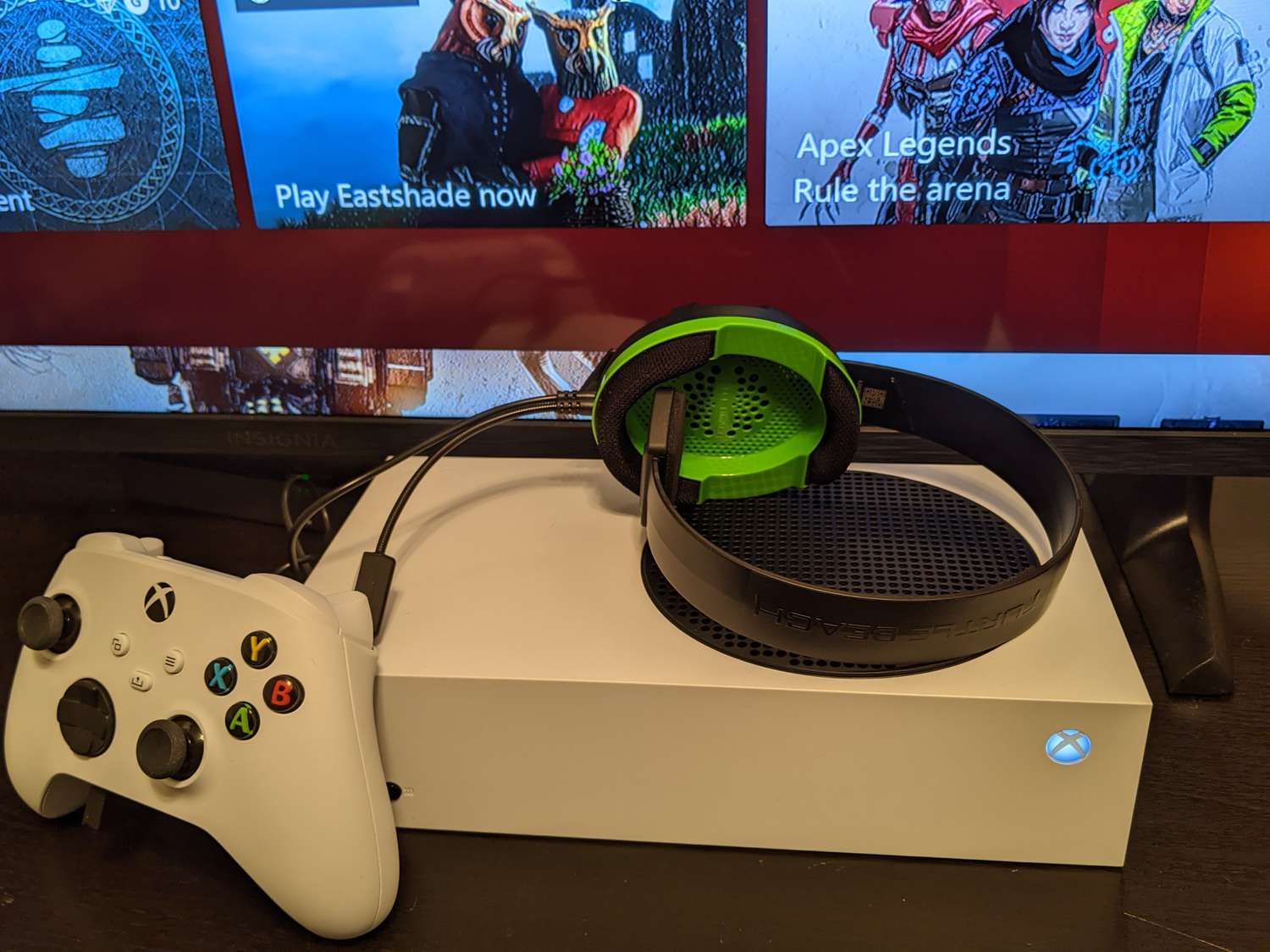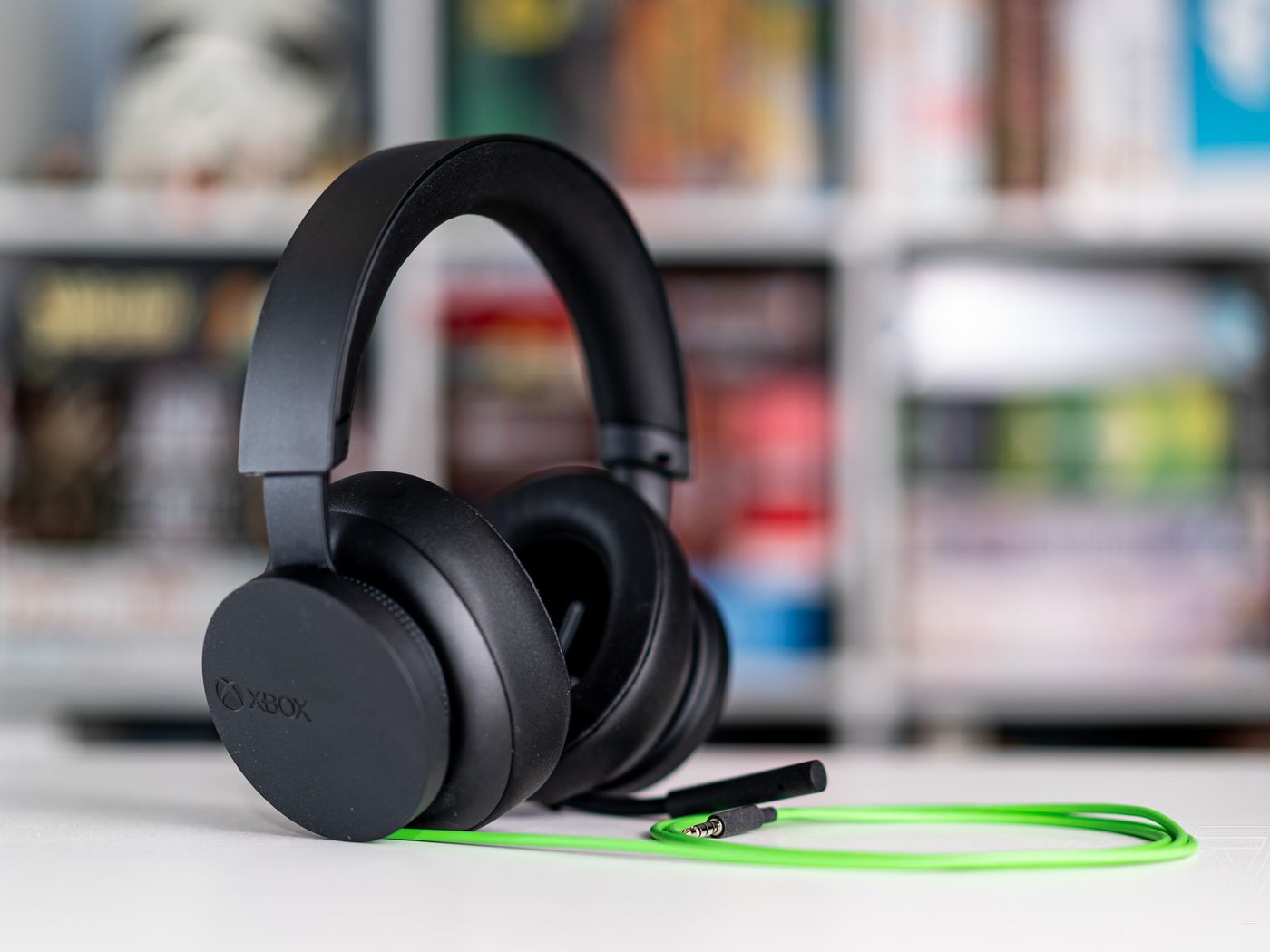
Your Xbox headset keeps cutting out because of wireless interference, distance from the console, pairing problems, a low battery, or a corrupted connection between the headset and the device it's paired to. The first fix is to unpair and re-pair the headset, which clears any corrupted connection and restores stable audio.
Why your Xbox headset keeps cutting out
Official support from Apple and Xbox documents that wireless headphones cut in and out when the connection is unstable. The specific causes for an Xbox headset cutting out are wireless interference from other devices, being too far from the console, a pairing problem, low power in the headset, or a corrupted connection between the headset and the Xbox or phone. Physical damage to cables or internal components from drops or mishandling can cause cutouts or inconsistent audio performance. Understanding these causes helps you target the right fix rather than guessing.
First fix: unpair and re-pair your headset
Unpairing and pairing again is the primary solution from both Apple and Xbox support. This clears a corrupted connection that causes audio dropouts. The steps differ depending on whether you are using the headset with an Xbox console or with an iPhone.
On an Xbox console
- Go to the Xbox settings and find your headset in the connected devices list.
- Select the option to forget or remove the headset.
- Turn the headset off and back on, then put it into pairing mode.
- On the Xbox, search for new devices and pair the headset again.
On an iPhone
- Open Settings and tap Bluetooth.
- Find your headset in the list, tap the More Info button (the "i" icon), then tap Forget This Device.
- Restart the iPhone.
- After the restart, put the headset into pairing mode and pair it again from the Bluetooth menu.
Restart your console or phone
A full restart of the Xbox console or the paired phone resolves temporary software glitches that cause audio dropouts. On the Xbox, hold the power button on the console for several seconds until it turns off, then unplug the power cord for a minute before plugging it back in and turning it on. On an iPhone, press and hold the power and volume buttons until the slider appears, then slide to power off, wait a moment, and turn it back on. This clears minor software conflicts that can make the headset cut out.
Check for wireless interference and distance
Wireless interference is a documented cause of Xbox headset cutouts. Routers, microwaves, cordless phones, and other Bluetooth or Wi-Fi devices can disrupt the signal between the headset and the console. Staying within range of the console, typically about 30 feet for most wireless headsets, matters for a stable connection. Move closer to the console and turn off or move away from other wireless devices to see if the cutouts stop. Clean the audio jack on the Xbox controller with compressed air or a toothpick to remove dust or debris causing connection issues.
Update firmware and charge your headset
Low power is a documented cause of cutouts. Ensure the headset battery is sufficiently charged to prevent power-related disconnections. Also check that both the headset and the Xbox console have the latest firmware updates installed, as updates often fix known audio stability issues. On the Xbox, go to Settings and check for system updates. For the headset, use the manufacturer's app or the Xbox accessories app to check for firmware updates.
When to use the official Xbox headset troubleshooter
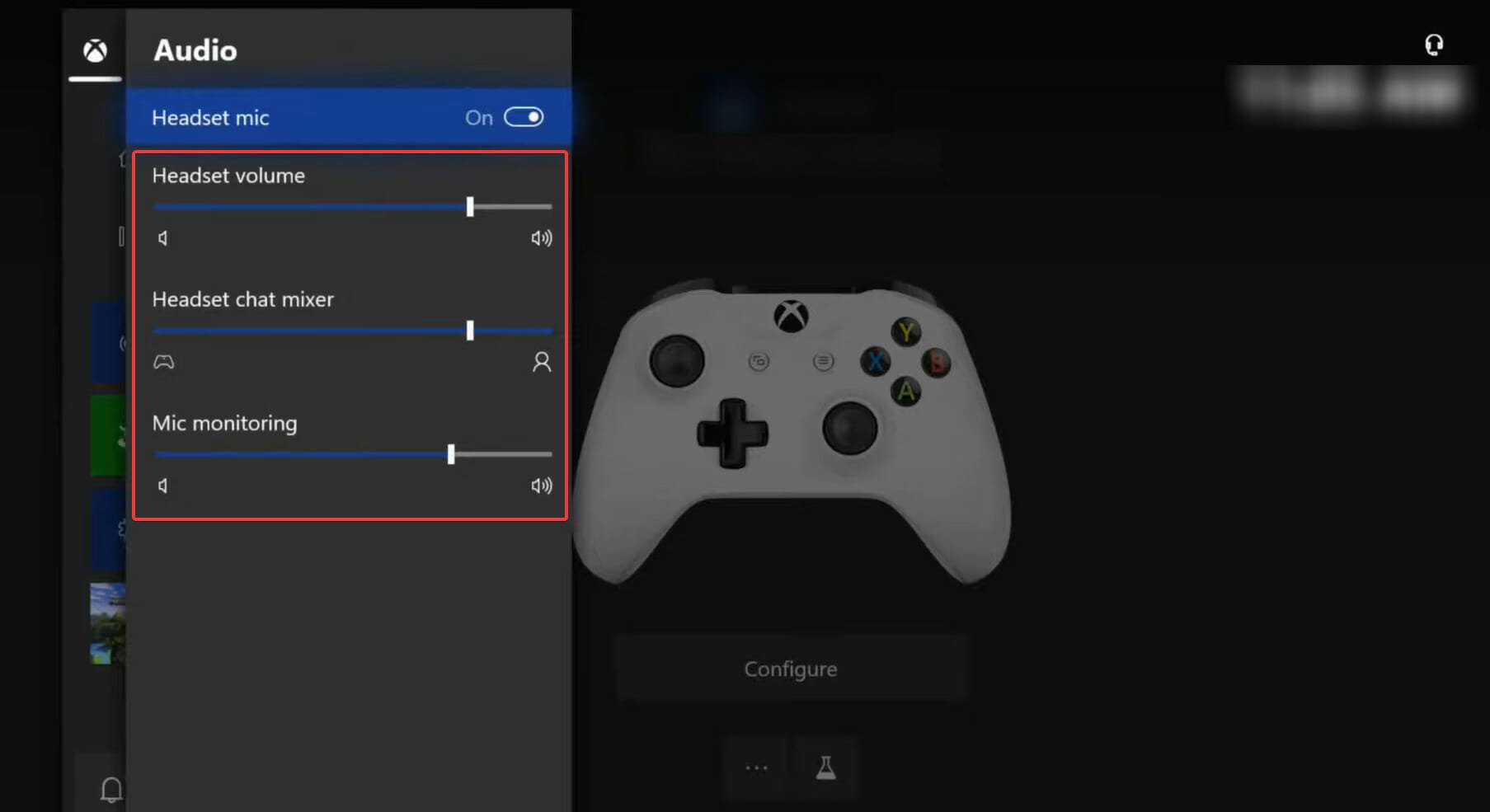
If the basic fixes do not stop the cutouts, use the official Xbox support page titled "Troubleshoot your Xbox Wireless Headset." This page provides model-specific reset steps and audio connection help that go beyond general troubleshooting. Adjust Xbox audio settings such as surround sound or equalizers, which may be causing the issue. Replace the headset cable if it is faulty. It is the dedicated resource for persistent connection or audio problems that basic pairing and restarts do not solve. This is the most reliable path for troubleshooting gaming headsets when standard steps fail.
Frequently Asked Questions
Can a low battery cause my Xbox headset to cut out even when it still has some charge?
Yes. Low battery is a documented cause of intermittent cutouts. The headset may disconnect or stutter even before the battery is completely dead. Charging the headset fully often resolves the issue.
Does the Xbox controller affect headset cutouts?
If you are using a wired headset plugged into the controller, a loose connection at the controller's audio jack can cause cutouts. Try plugging the headset into a different controller to rule out a faulty controller port.
Why does my Xbox headset cut out only during certain games?
This is usually not a game-specific issue. The cutouts are more likely caused by interference or connection problems that happen to occur during that gaming session. Try the unpair and re-pair fix and check for wireless interference to see if the problem stops across all games.
Can I use any Bluetooth headset with my Xbox without cutouts?
Not all Bluetooth headsets are optimized for Xbox. Headsets designed specifically for Xbox use a different wireless protocol that provides a more stable connection. Using a non-Xbox Bluetooth headset may result in more frequent cutouts due to compatibility differences.
How can I fix audio lag on my Xbox headset?
To fix audio lag, ensure your headset and console have the latest firmware updates, reduce distance to the console, and minimize wireless interference from other devices.
Why is the audio quality poor on my Xbox headset?
Poor audio quality can result from a low battery, wireless interference, incorrect audio settings on the Xbox, or a damaged headset cable or internal components.
How do I set up a new Xbox headset?
Put the headset into pairing mode, then go to your Xbox settings, select Devices & connections, choose Accessories, and follow the on-screen prompts to pair the new headset.
Can I use any headset with my Xbox?
Not all headsets are compatible. Wired headsets with a 3.5mm jack work with Xbox controllers, while wireless headsets must use Xbox Wireless or be specifically certified for Xbox to connect directly.
Related reading: Why Does My PS5 Headset Keep Cutting Out and How To Connect Xbox Headset To Xbox Series X.