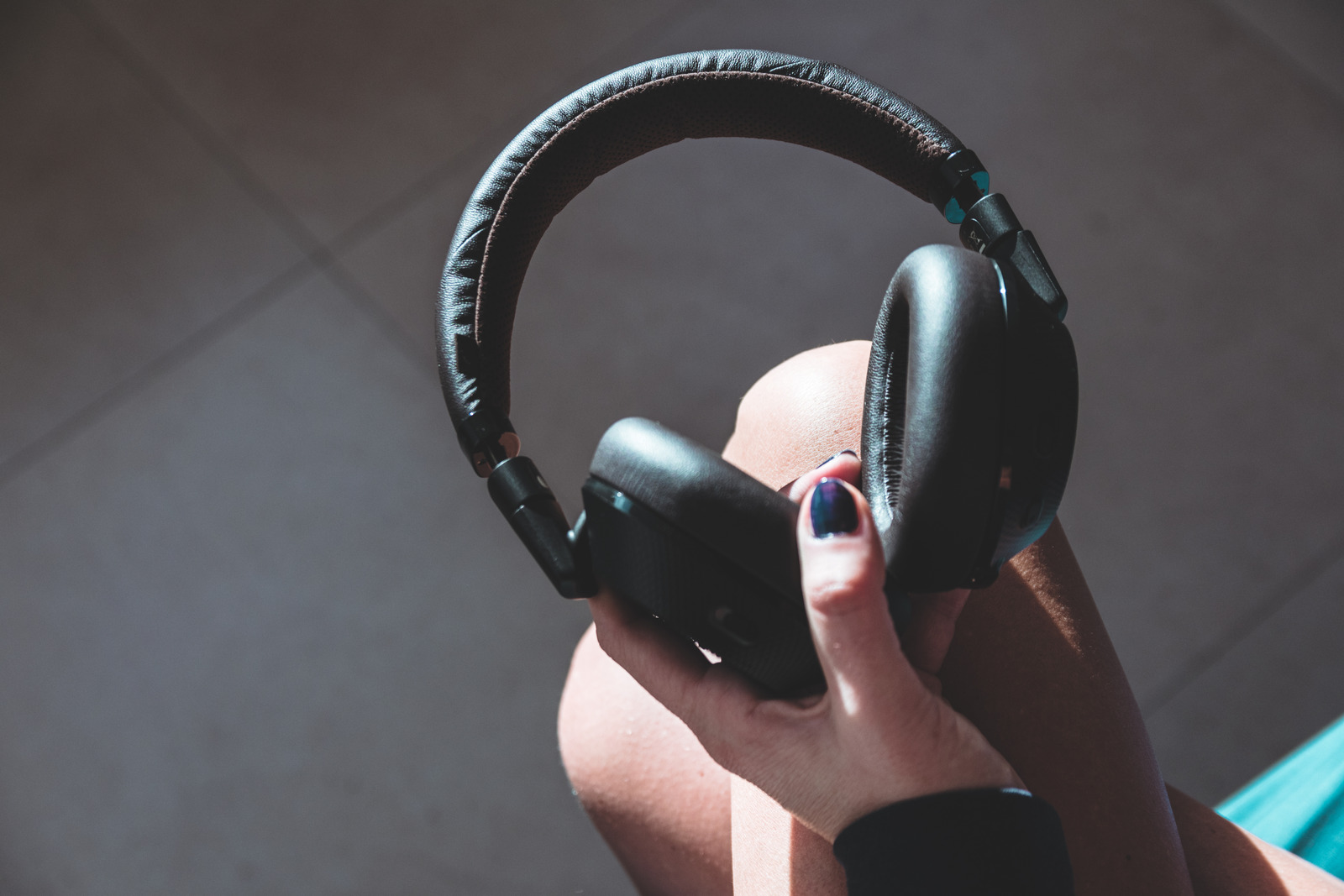
If your headset keeps disconnecting, the problem is almost always a bad connection state with your primary device or the headset being actively connected to another device, causing it to switch away. The fix is straightforward: forget the headset from your phone, restart the phone, and re-pair the headset.
Why your headset keeps disconnecting
A wireless headset drops its Bluetooth connection for two main reasons. First, the connection state between the headset and your phone or computer has become unstable, often after a software update, a temporary glitch, or a failed pairing attempt. Second, the headset is still linked to another device, such as a laptop or tablet, and switches to that device when it comes within range, interrupting your call or media playback.
The most reliable fix: forget, restart, and re-pair
Apple’s documented solution for a headset that repeatedly disconnects is to remove it from your iPhone’s Bluetooth list, restart the phone, and pair the headset again from scratch. This clears any bad connection data and forces a clean link.
- Open Settings and tap Bluetooth.
- Tap the info button (the “i” in a circle) next to your headset’s name.
- Tap Forget This Device.
- Restart your iPhone after forgetting the headset.
- Put your headset back into pairing or discovery mode (refer to the headset’s manual for the exact button sequence).
- When the headset appears in the Bluetooth list, tap it to pair.
This single sequence resolves the vast majority of persistent disconnect issues. If the headset still drops after re-pairing, move on to the next checks.
Check for other connected devices
A headset often disconnects from your phone because it is still paired to another device, a laptop, tablet, or second phone, and automatically connects to that device when it is nearby. Before you re-pair the headset to your iPhone, go to the Bluetooth settings on every other device the headset has ever been paired with and unpair or forget it. This ensures the headset has no competing connection and stays locked to your phone.
Ensure the companion app has Bluetooth permission
If your headset uses a companion app (for example, to adjust EQ or update firmware), the app needs Bluetooth permission to maintain a stable connection. On an iPhone, go to Settings > Privacy & Security > Bluetooth and make sure the toggle is enabled for the headset’s app. Without this permission, the app can interfere with the Bluetooth link, causing the headset to drop.
Other quick checks that can help
- Charge the headset. A low battery can make the Bluetooth radio unstable. Make sure the headset is fully charged before testing.
- Minimize distance and obstacles. Keep the headset within a clear line of sight of the phone and no more than 30 feet apart. Walls, furniture, and other electronics can weaken the signal.
- Disconnect all accessories temporarily. Open Control Center on your iPhone and tap the Bluetooth icon. This disconnects all Bluetooth accessories without turning Bluetooth off. Apple says if you need to disconnect all Bluetooth accessories quickly, the disconnect lasts until the next day, which can help you determine if a specific accessory was causing interference.
What to do if the problem continues
If you have forgotten the headset, restarted the phone, re-paired it, unpaired it from other devices, and confirmed the companion app has Bluetooth permission, and the headset still disconnects, the issue is likely hardware- or firmware-specific. Contact the headset manufacturer for support. For help with specific models, see our guide on troubleshooting gaming headsets, which includes steps to reset my Astro A50 headset and reset wireless Turtle Beach headset. If the manufacturer’s reset procedure does not work, the headset may need repair or replacement.
Frequently Asked Questions
Should I forget the headset or just disconnect it?
For persistent disconnect problems, Apple recommends using Forget This Device rather than simply disconnecting. Forgetting removes the saved Bluetooth profile and forces a clean pairing, which is more effective than a temporary disconnect.
Should I turn Bluetooth off to fix disconnections?
You can disconnect all Bluetooth accessories at once from Control Center without turning Bluetooth off. This is useful as a quick diagnostic, but it only lasts until the next day. For a permanent fix, use the forget-restart-repair sequence.
What if the headset still disconnects after re-pairing?
First, make sure the headset is fully charged. Then, unpair it from any other devices it may be connected to. If the problem persists, contact the headset manufacturer, as the issue may be a compatibility problem or a hardware fault that requires their support.