Practical guides for anyone who wants to take control of their phone’s main interface, whether you use Android or iPhone. These articles are written for everyday users who want to personalize their layout, fix missing icons, or simply understand how their device works. The focus is on real, actionable steps rather than abstract theory.
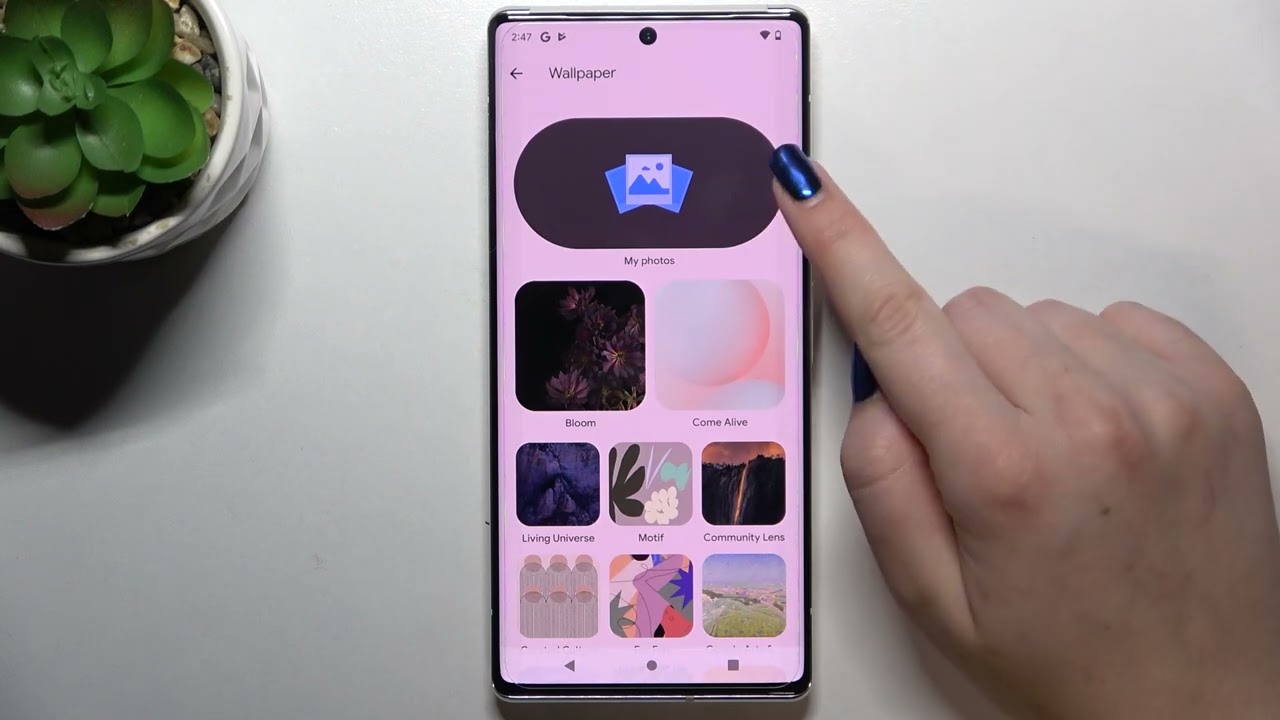
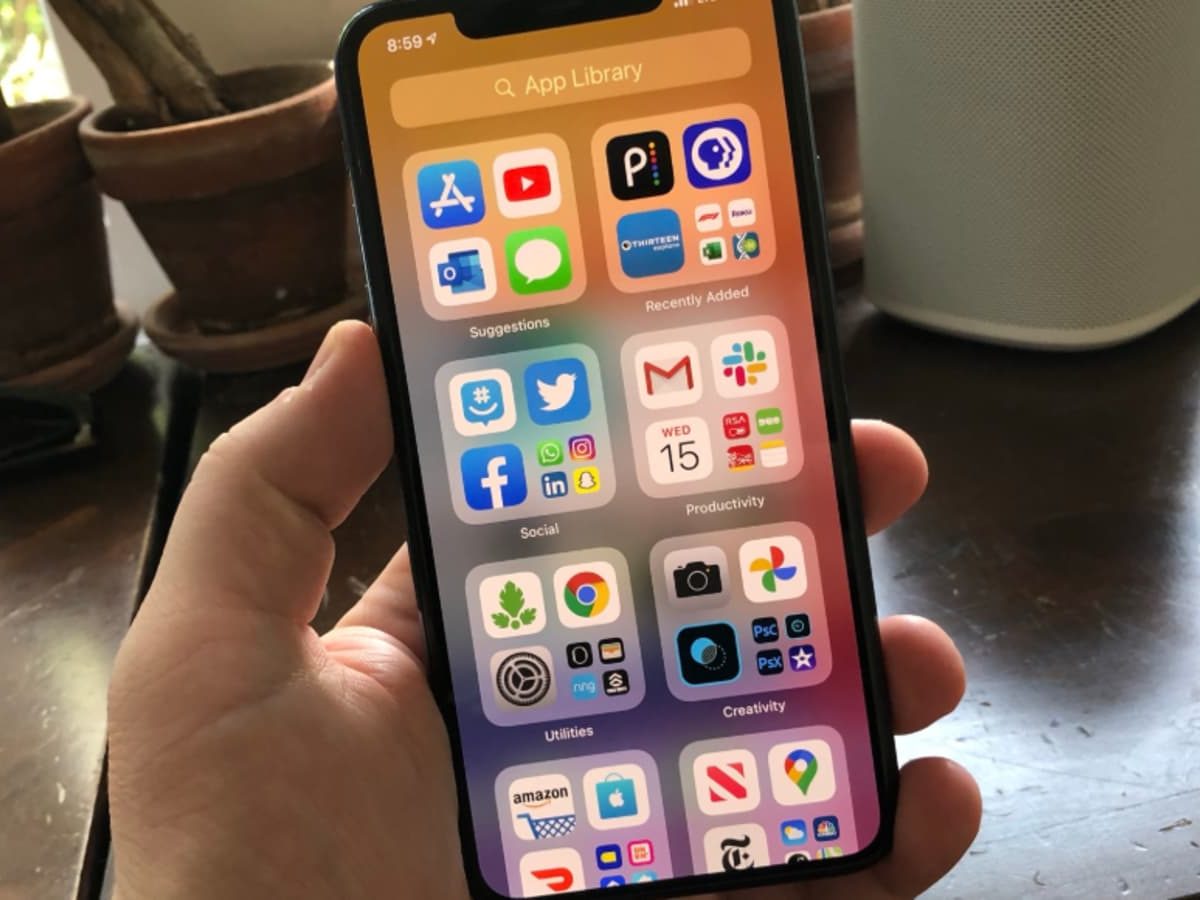
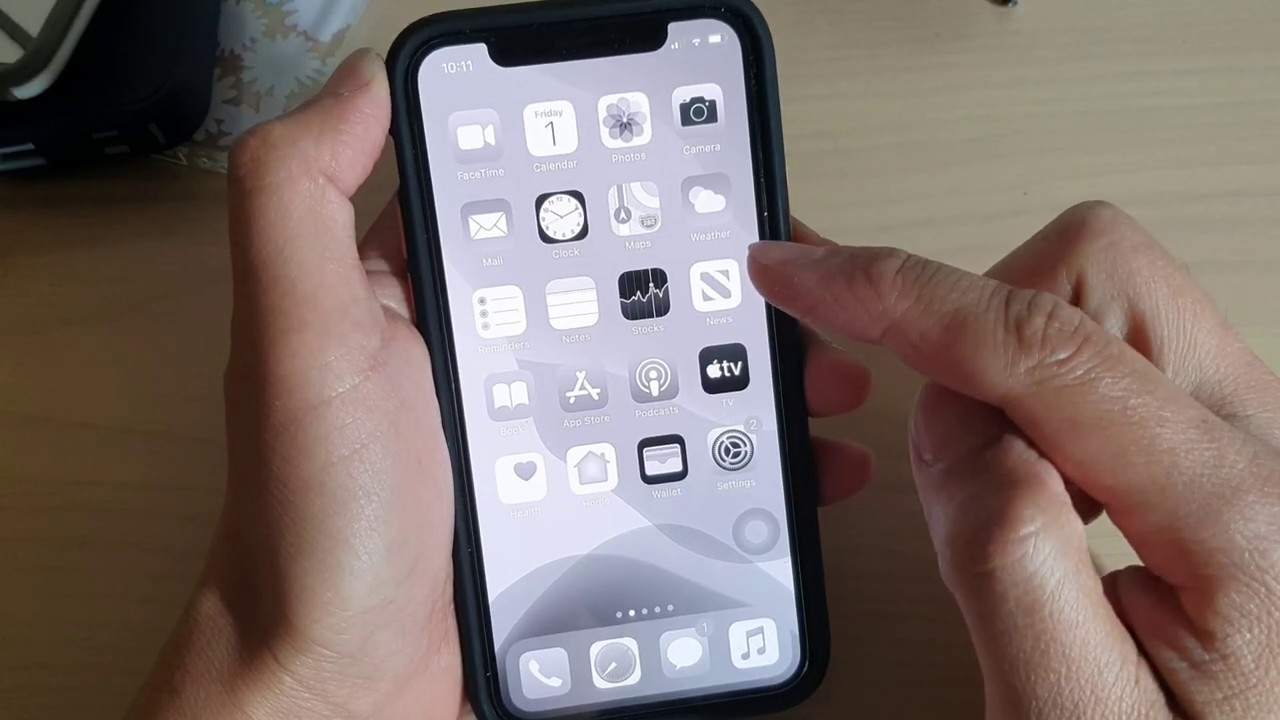
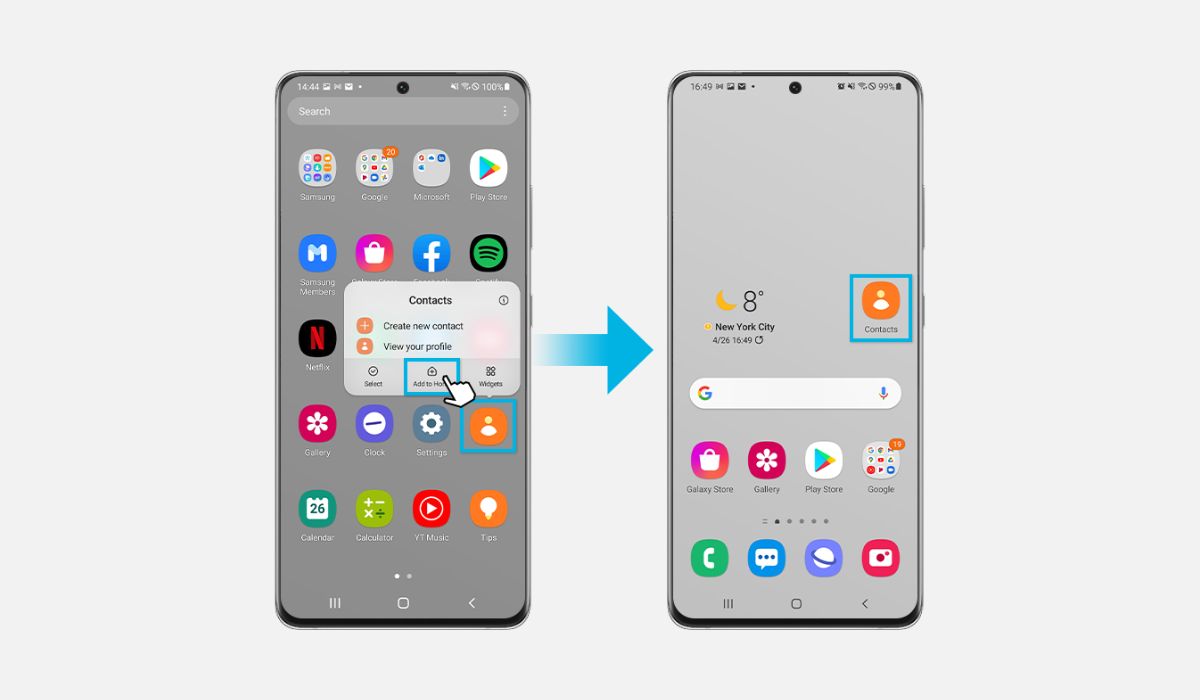
The content here solves two main kinds of problems. First, there are many guides on customization and arrangement: you can learn how to change your wallpaper on Android, how to move icons on an Android phone, or how to enlarge icons on an iPhone. Other articles help you organize apps, such as putting them in alphabetical order on an iPhone 13 Pro Max or adding apps to the home screen on a Samsung S20. Second, a major theme is troubleshooting and recovery, articles like how to get the phone icon back on Android, why the phone icon is dim on an iPhone, or what to do when a downloaded app is not showing on an iPhone. You will also find explanations of phone icon symbols and indicator meanings, plus guidance on navigating the home screen and app library.
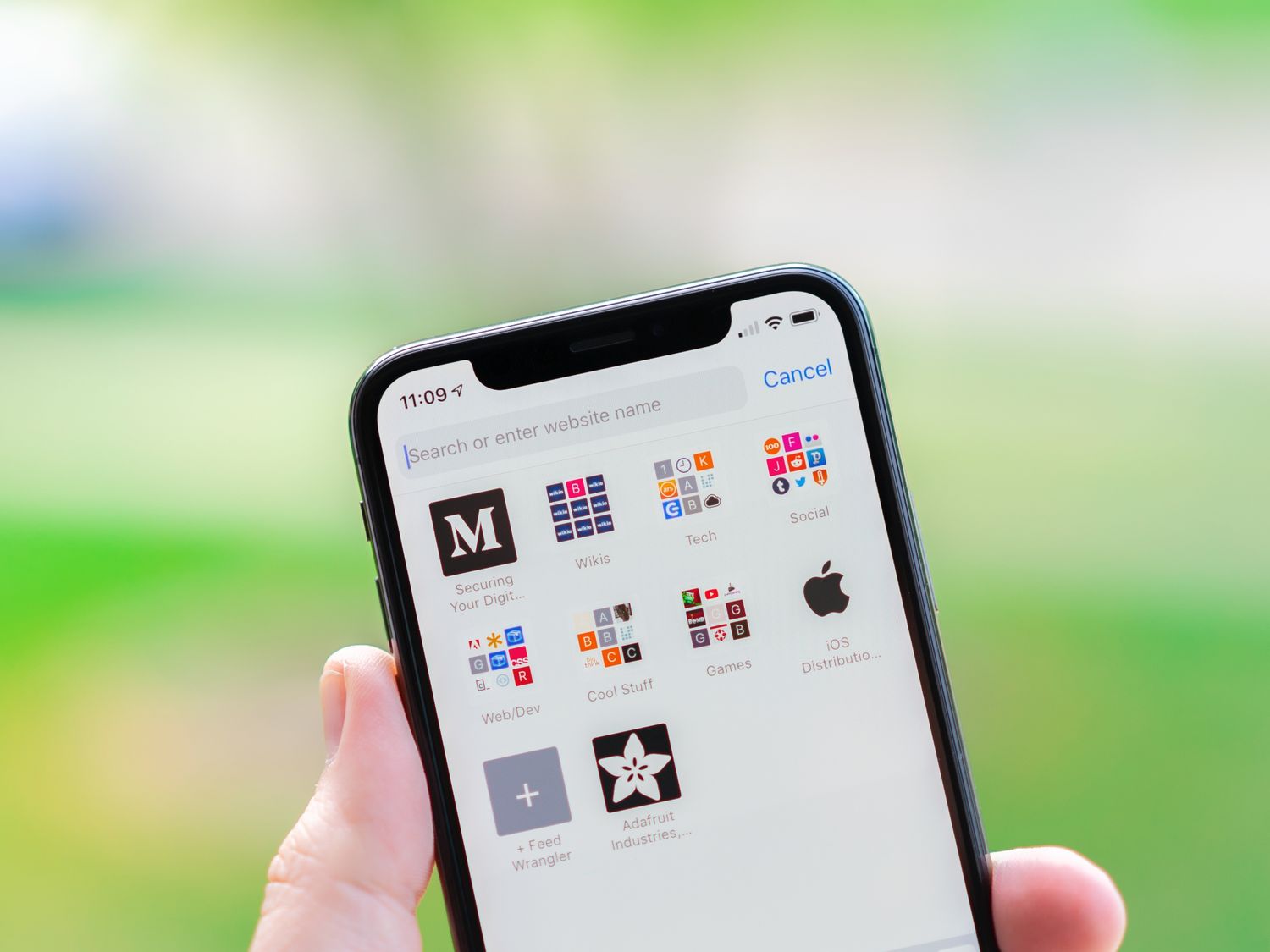
Whether you need to remove widgets from Android, add a website to your home screen, or simply find where the home button is on an iPhone 13, these articles give you clear steps to get the job done. The tag is your go-to resource for making your phone’s home screen work the way you want it to.