Welcome to the iCloud tag on CellularNews. This page collects articles focused on managing Apple’s cloud services, syncing data across your devices, and solving common storage and connectivity issues. It is designed for iPhone, iPad, and Apple Watch users who want to take control of their backups, free up space, and keep their photos, messages, and calendars in order.
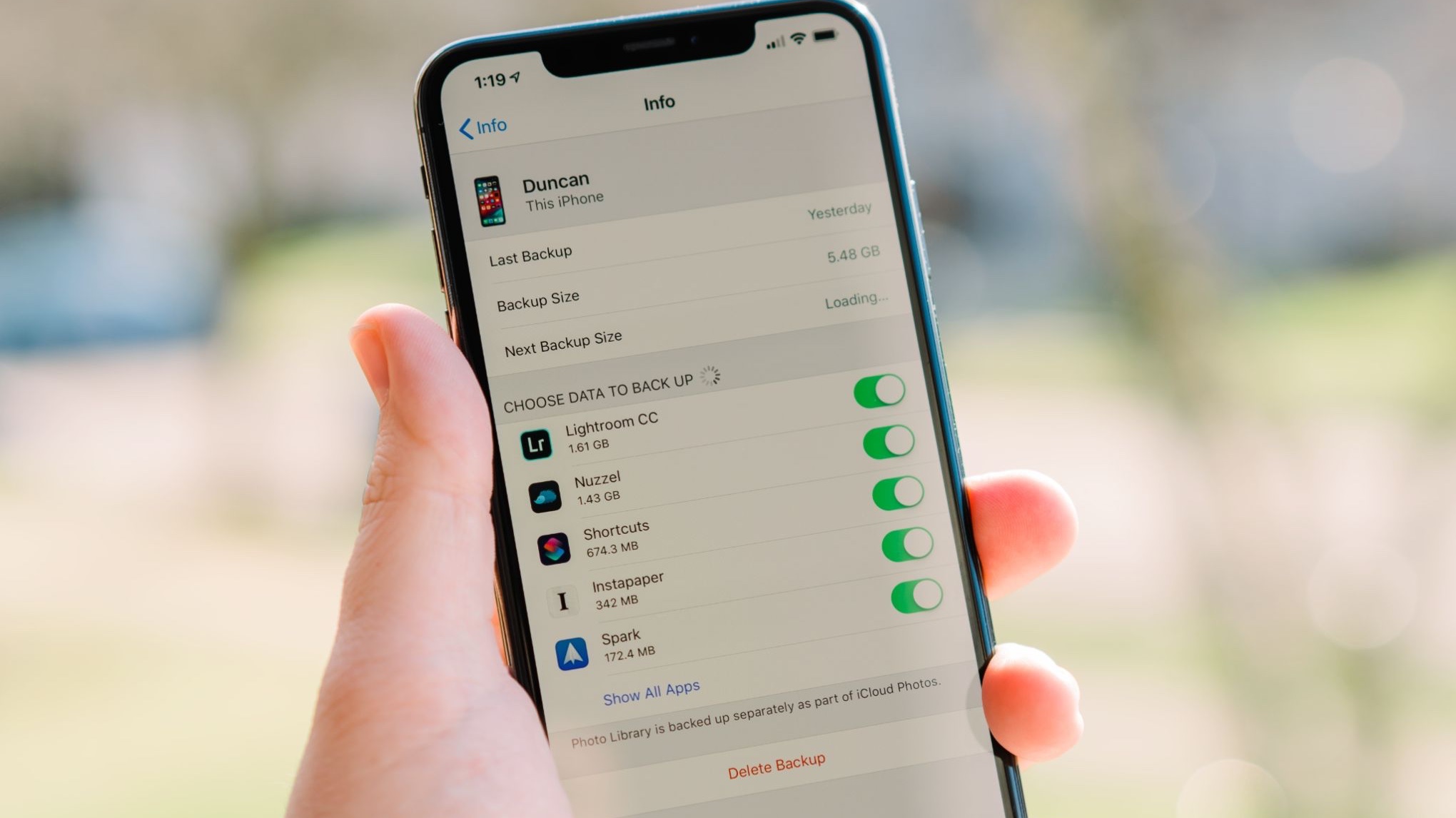
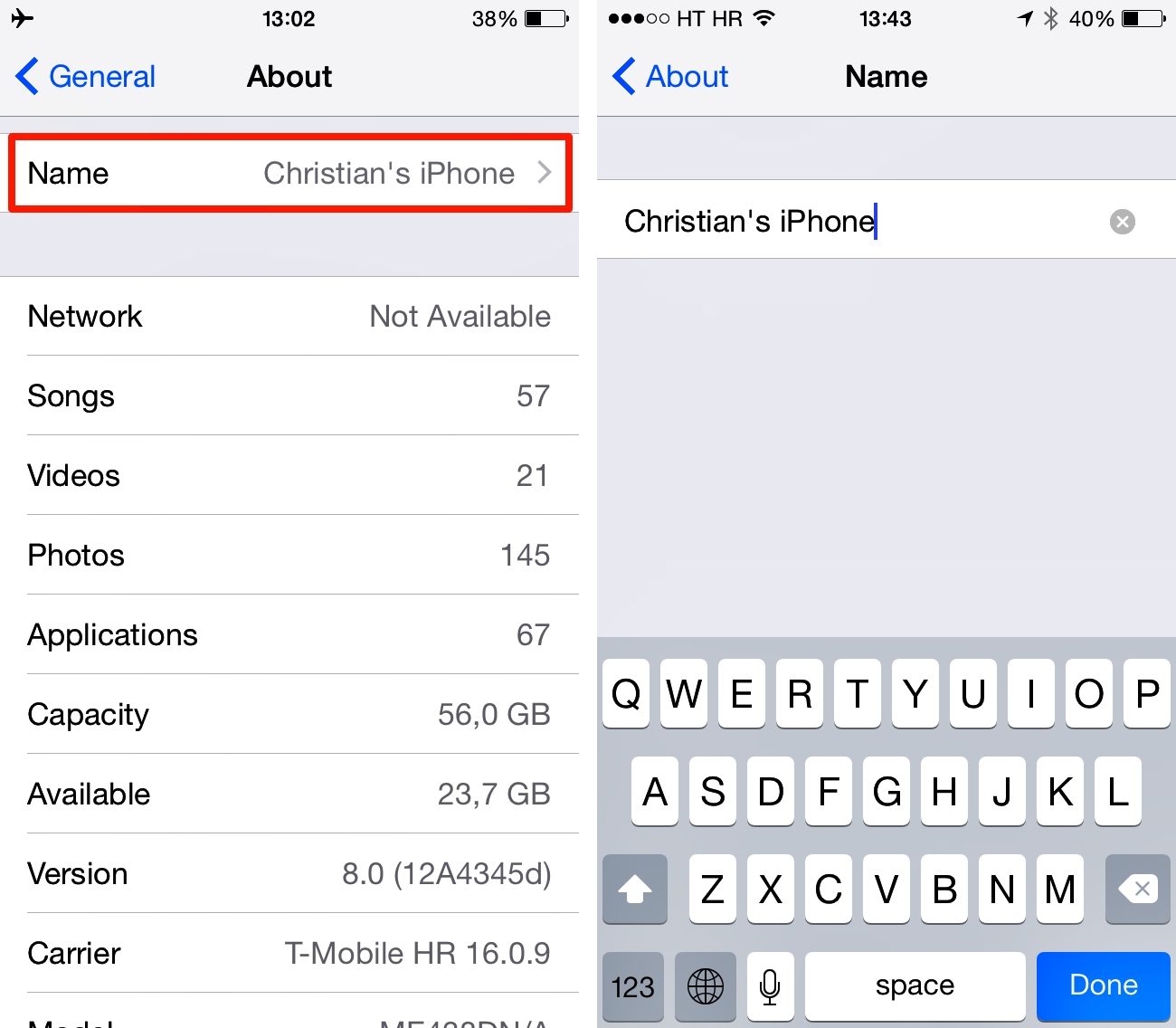
The articles here tackle three main kinds of problems. First, backup and data recovery: you will learn how to back up your phone, check if your device was recently backed up, and recover deleted phone numbers or messages. Second, storage and syncing: guides explain how to free space on an iPhone 11, disconnect Google Photos from your iPhone, and sync your iPhone calendar. Third, device management and fixes: you can find steps to change your iPhone’s name, disconnect your Apple Watch from an old phone, reset end-to-end encrypted data, and even find a dead Apple Watch easily.
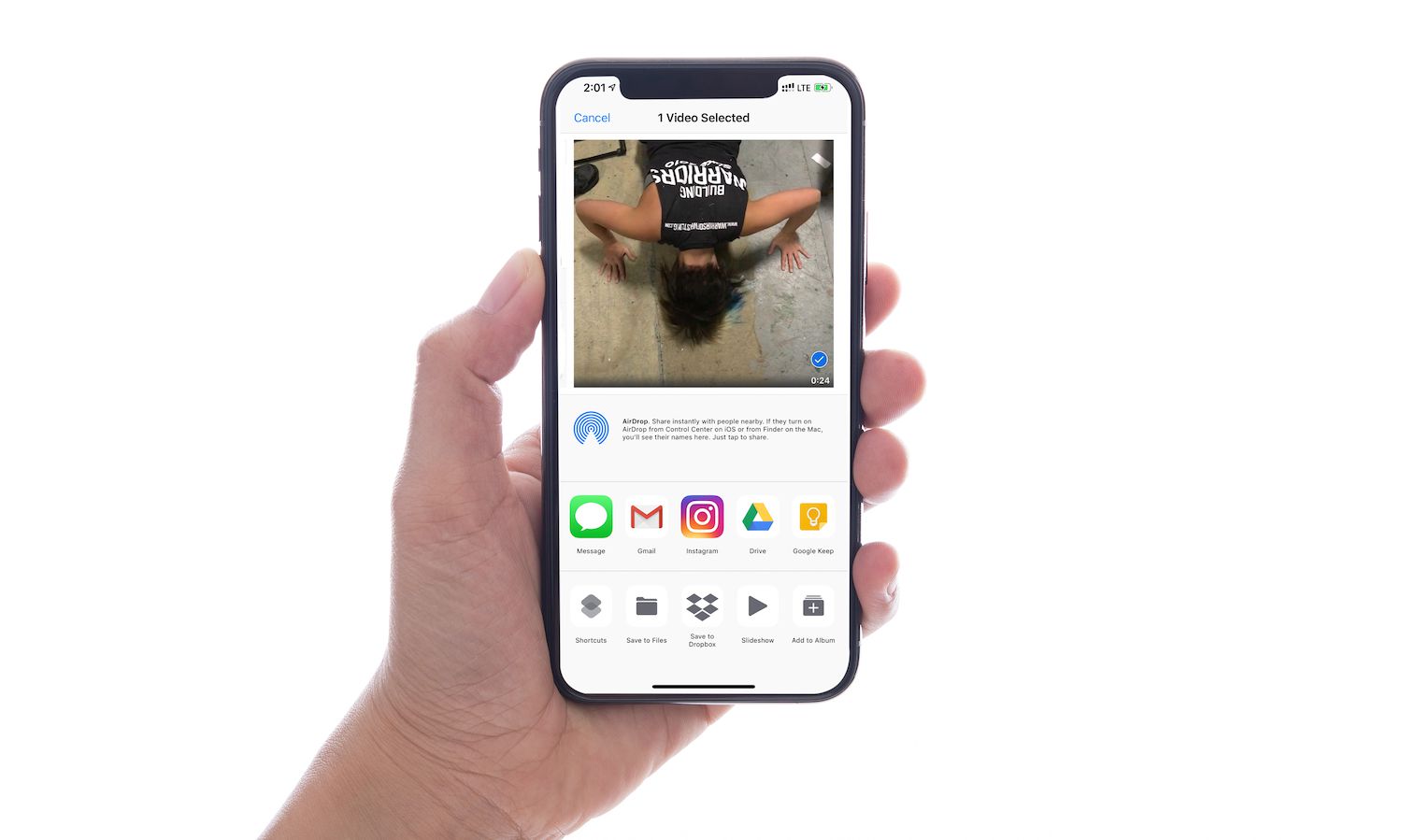
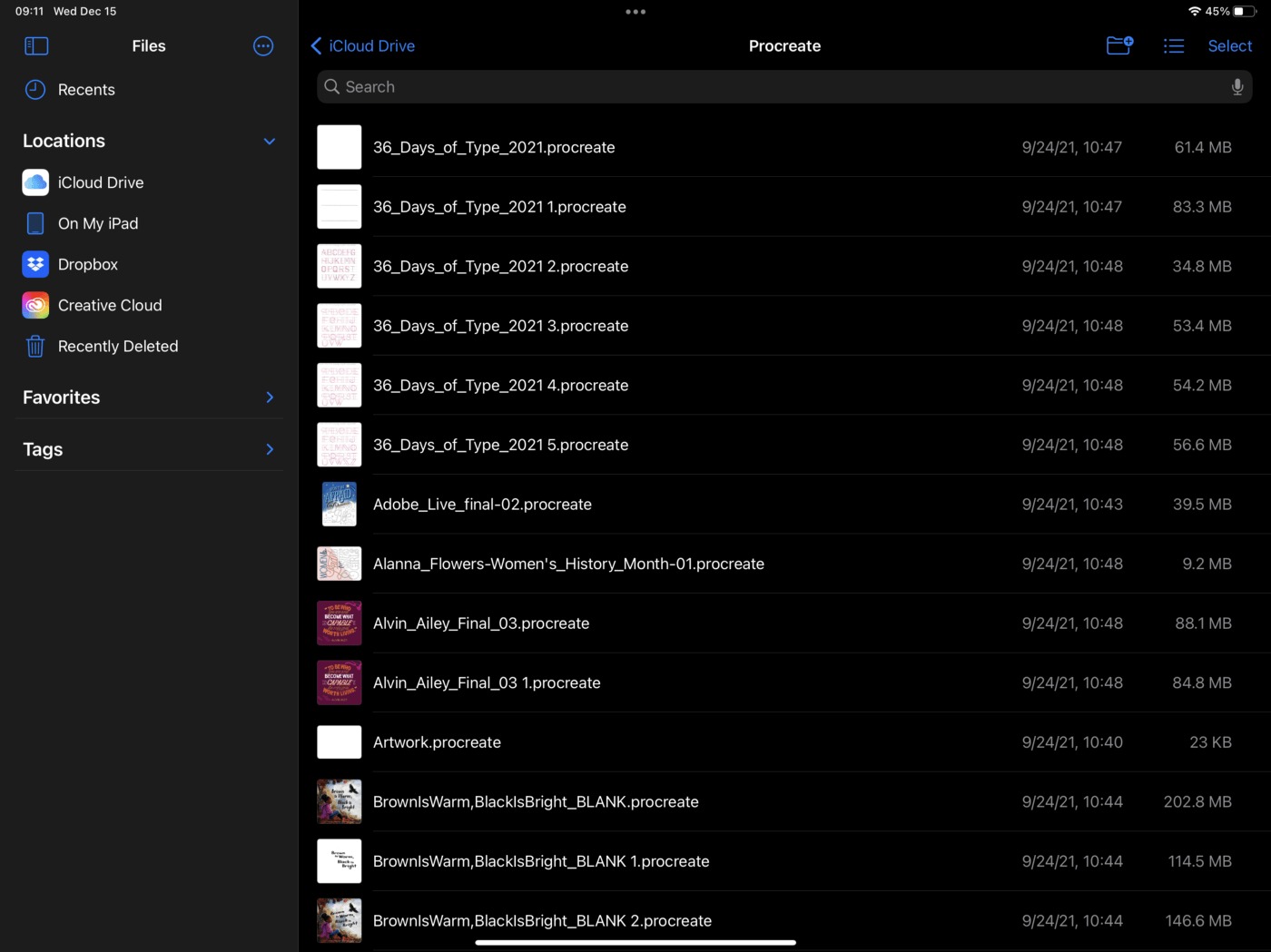
Specific topics include deleting game data from Game Center, restoring Procreate drawings, sending long videos, and reading text messages on another phone. Whether you need to fix a sync error, recover lost content, or simply understand what “online” means in your settings, these articles give you clear, practical steps to get things done.