Start here: iCloud

All topics →

Welcome to the iCloud tag on CellularNews. This page collects articles focused on managing Apple’s cloud services, syncing data across your devices, and solving common storage and connectivity issues. It is designed for iPhone, iPad, and Apple Watch users who want to take control of their backups, free up space, and keep their photos, messages, and calendars in order.

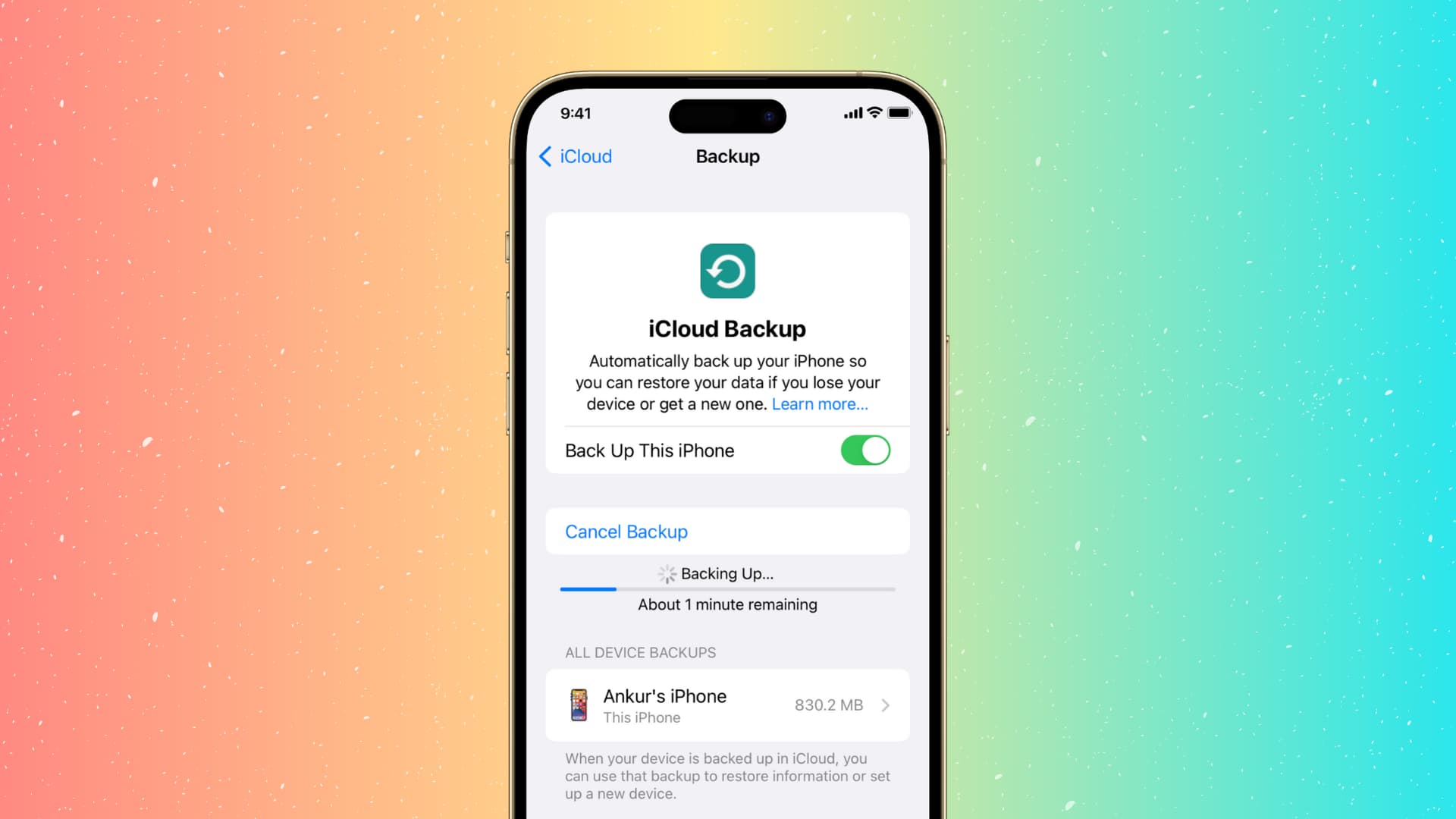
The articles here tackle three main kinds of problems. First, backup and data recovery: you will learn how to back up your phone, check if your device was recently backed up, and recover deleted phone numbers or messages. Second, storage and syncing: guides explain how to free space on an iPhone 11, disconnect Google Photos from your iPhone, and sync your iPhone calendar. Third, device management and fixes: you can find steps to change your iPhone’s name, disconnect your Apple Watch from an old phone, reset end-to-end encrypted data, and even find a dead Apple Watch easily.

Specific topics include deleting game data from Game Center, restoring Procreate drawings, sending long videos, and reading text messages on another phone. Whether you need to fix a sync error, recover lost content, or simply understand what “online” means in your settings, these articles give you clear, practical steps to get things done.

Changing Names, Languages and Labels on Mobile

Rename your iPhone and change system labels When you rename iPhone through Settings, the effect reaches far beyond a simple label change, impacting your identity across iCloud, AirDrop, Bluetooth, and...

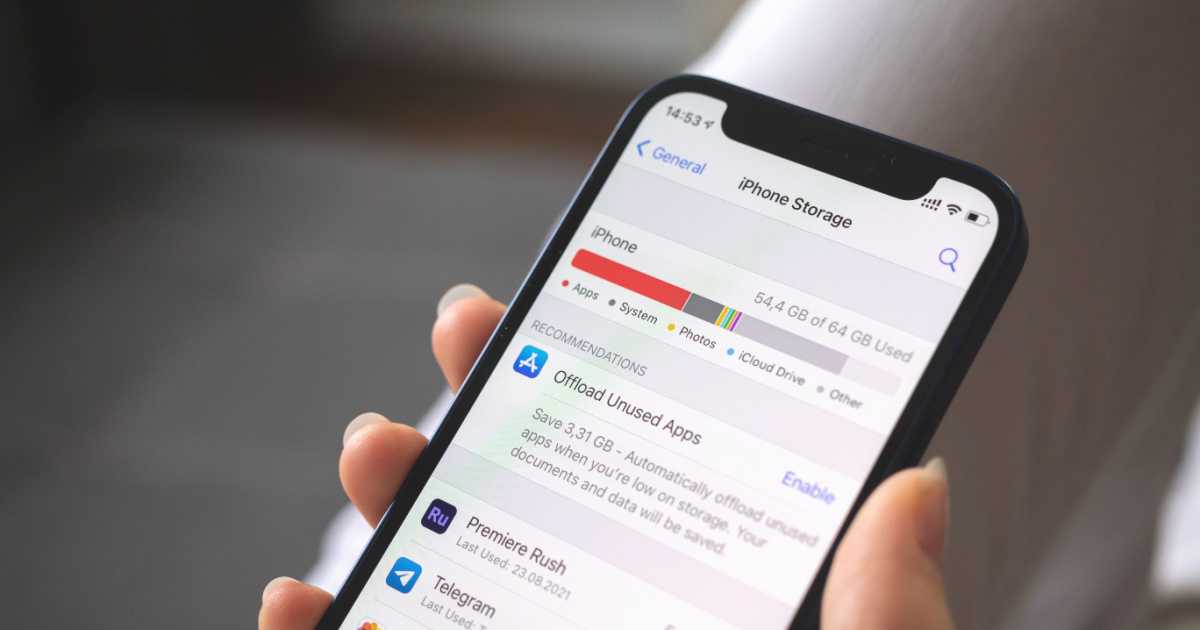
How To Free Space On IPhone 11

To free up space on your iPhone 11, start by going to Settings > General > iPhone Storage. This screen shows your available storage, Apple's personalized recommendations, and a list...

The Best Apps For Couples

The best apps for couples are the ones that solve real problems without adding friction: Apple Shared Albums for sharing photos, Google Calendar for coordinating schedules, and Regain for professional...

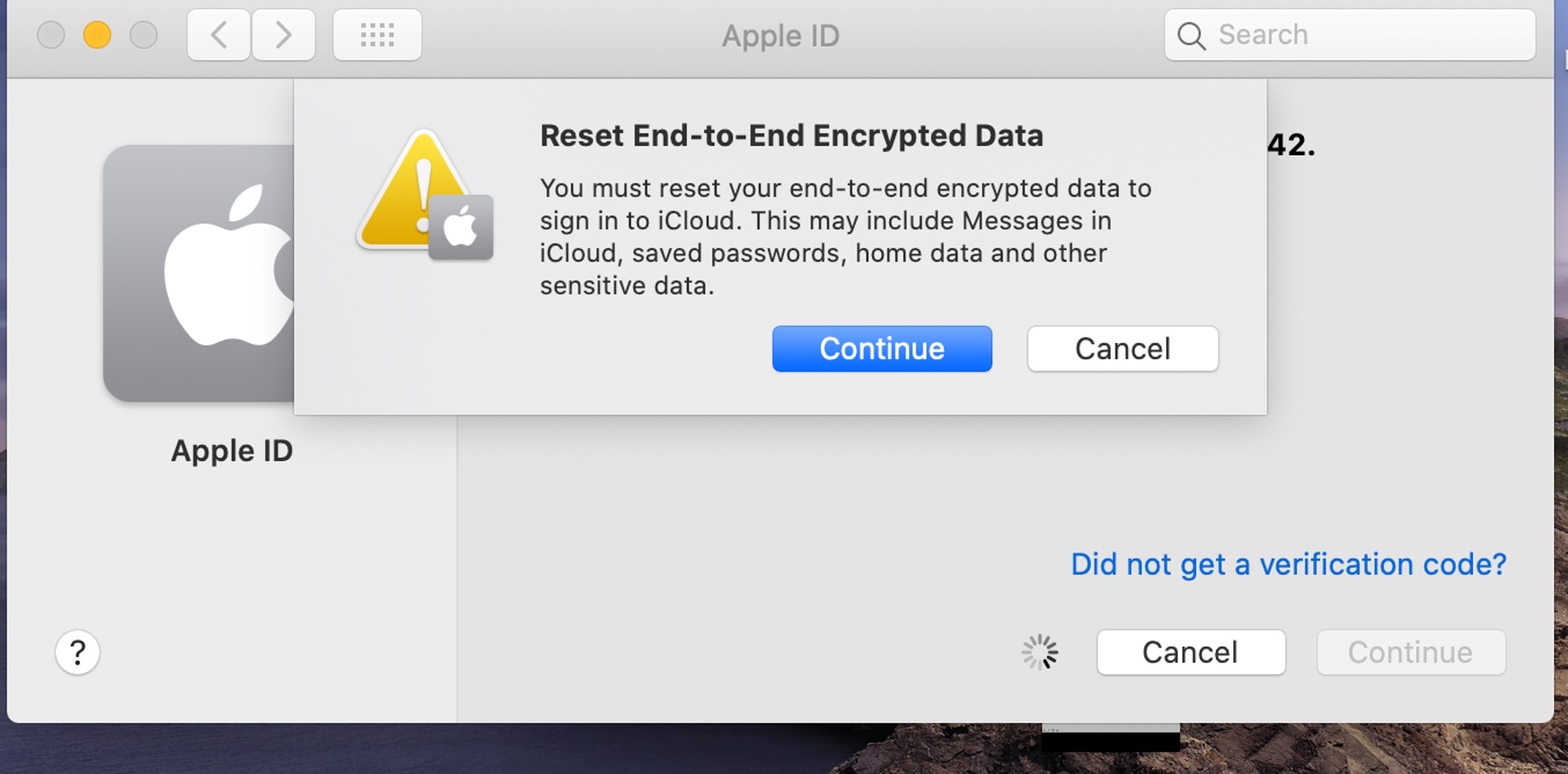
How To Reset End To End Encrypted Data

To reset end-to-end encrypted data means to clear the encryption keys that protect your synced iCloud information, typically to fix a persistent “Some iCloud data isn’t syncing” error or to...

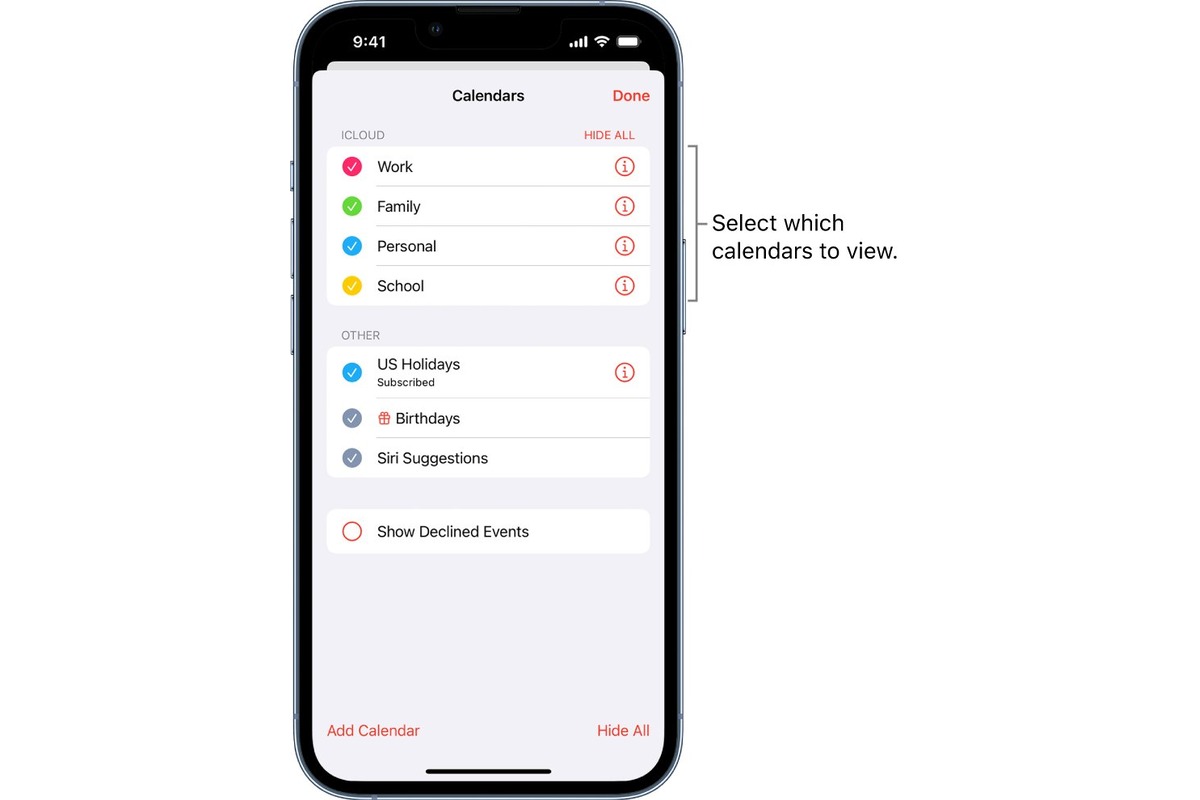
How To Sync IPhone Calendar

To sync iPhone calendar, go to Settings > Apps > Calendar > Calendar Accounts, then tap Add Account and choose a provider. This process connects your existing accounts, iCloud, Google,...

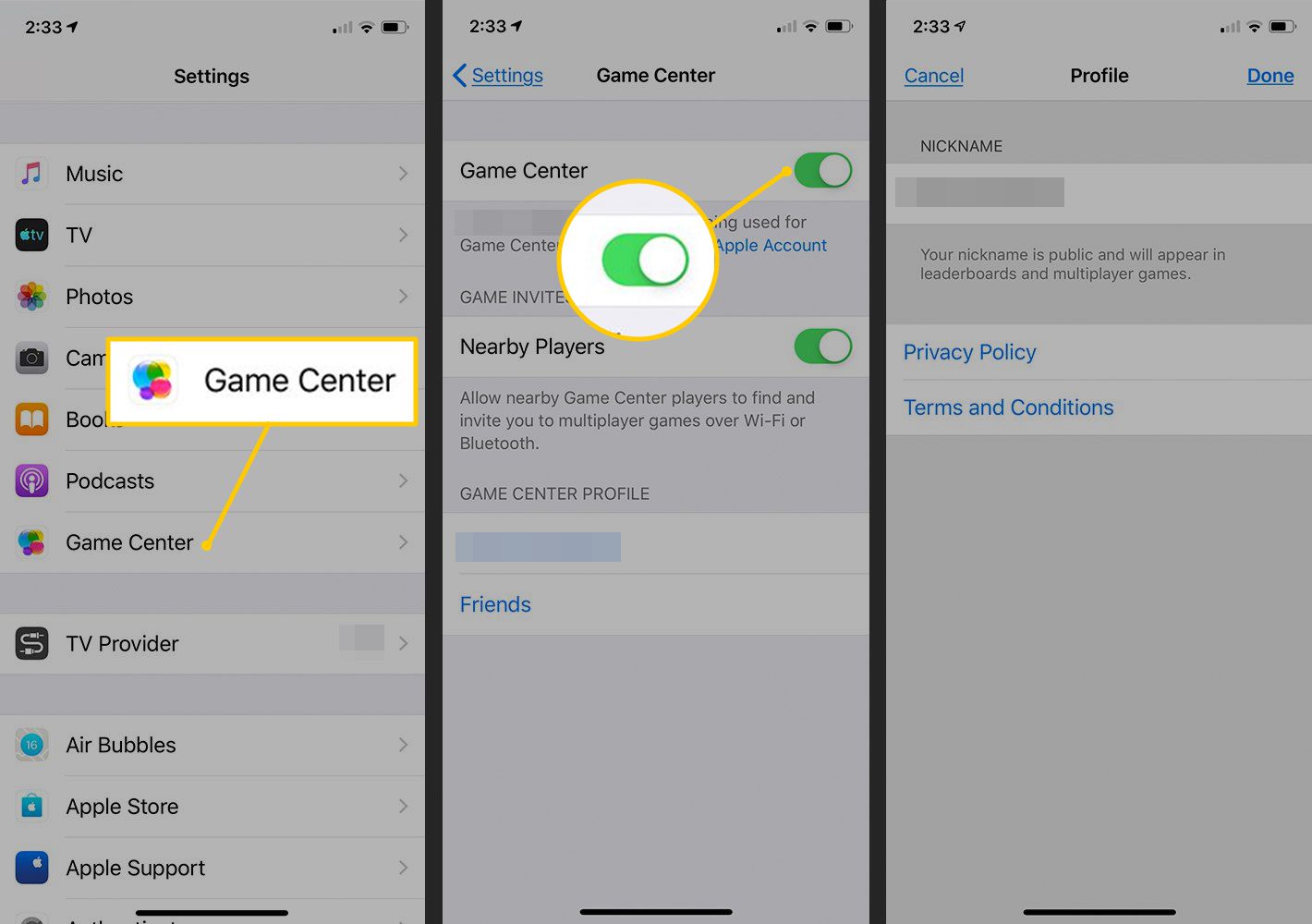
How To Delete Game Data From Game Center

To delete game data from Game Center, you must delete the game's iCloud-backed data through your iPhone or iPad settings, as Game Center itself does not provide a direct control...