Guides and walkthroughs for anyone who spends money inside mobile games or subscription apps and wants to understand how those systems work. Whether you are a parent monitoring a child’s game spending, a Roblox player managing your virtual currency, or a FIFA Mobile grinder trying to optimize your team, these articles focus on the practical steps behind buying, refunding, sending, and redeeming digital items.
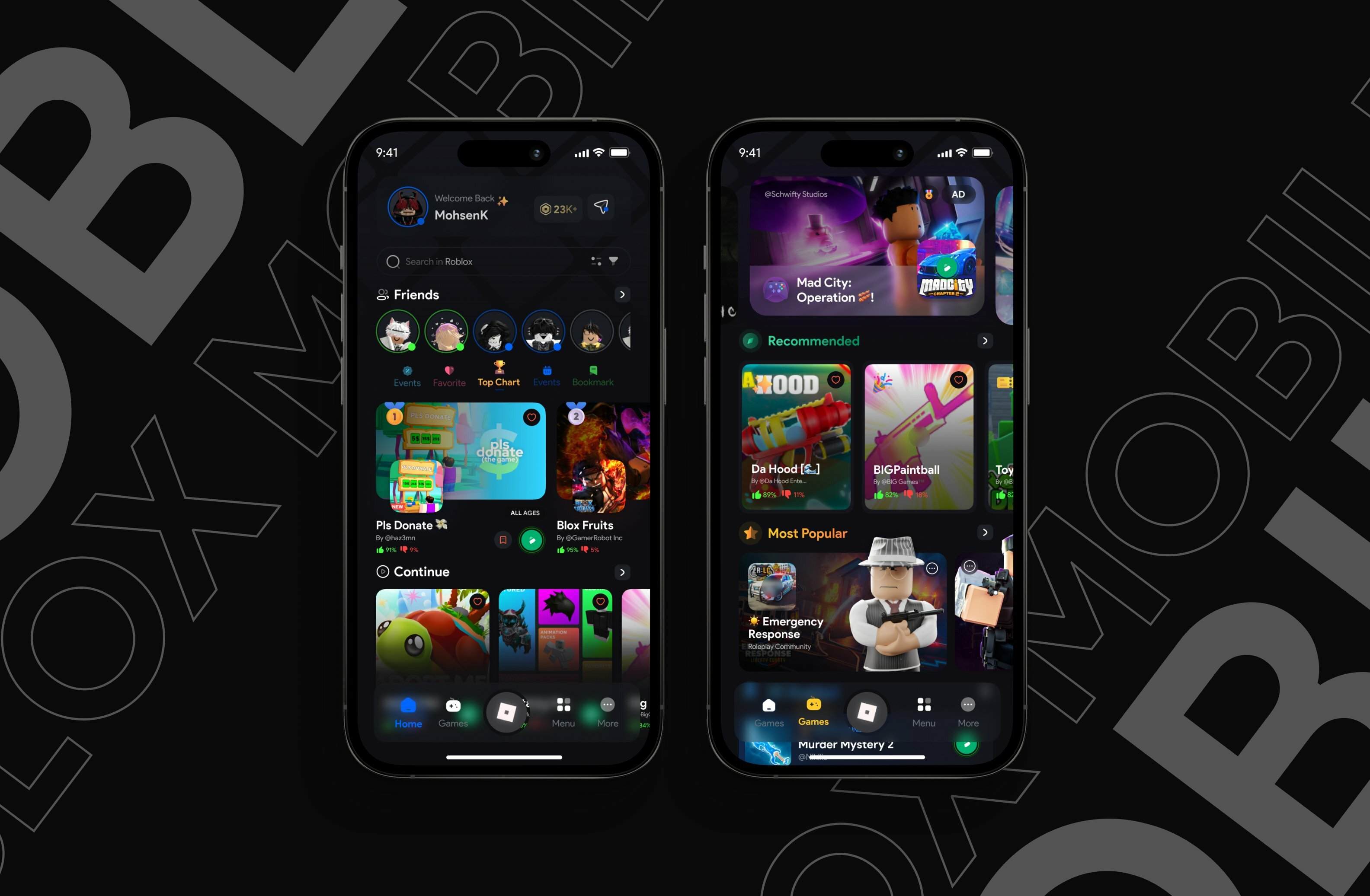
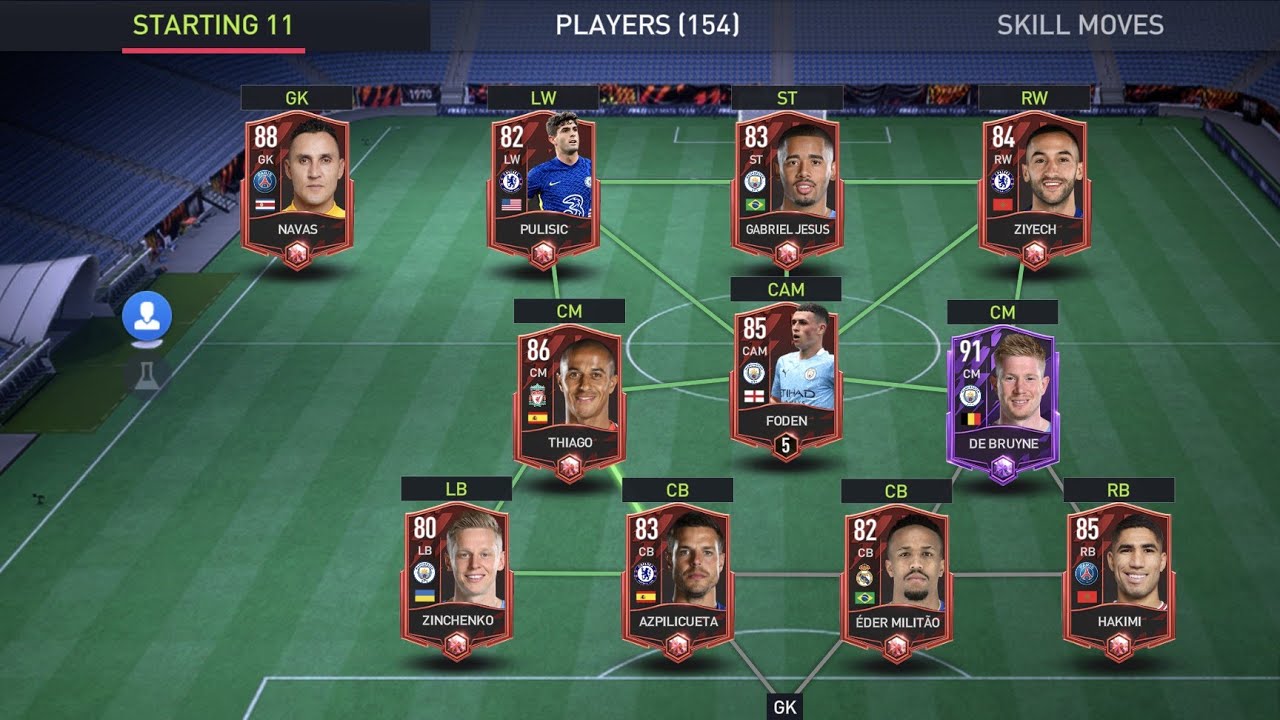
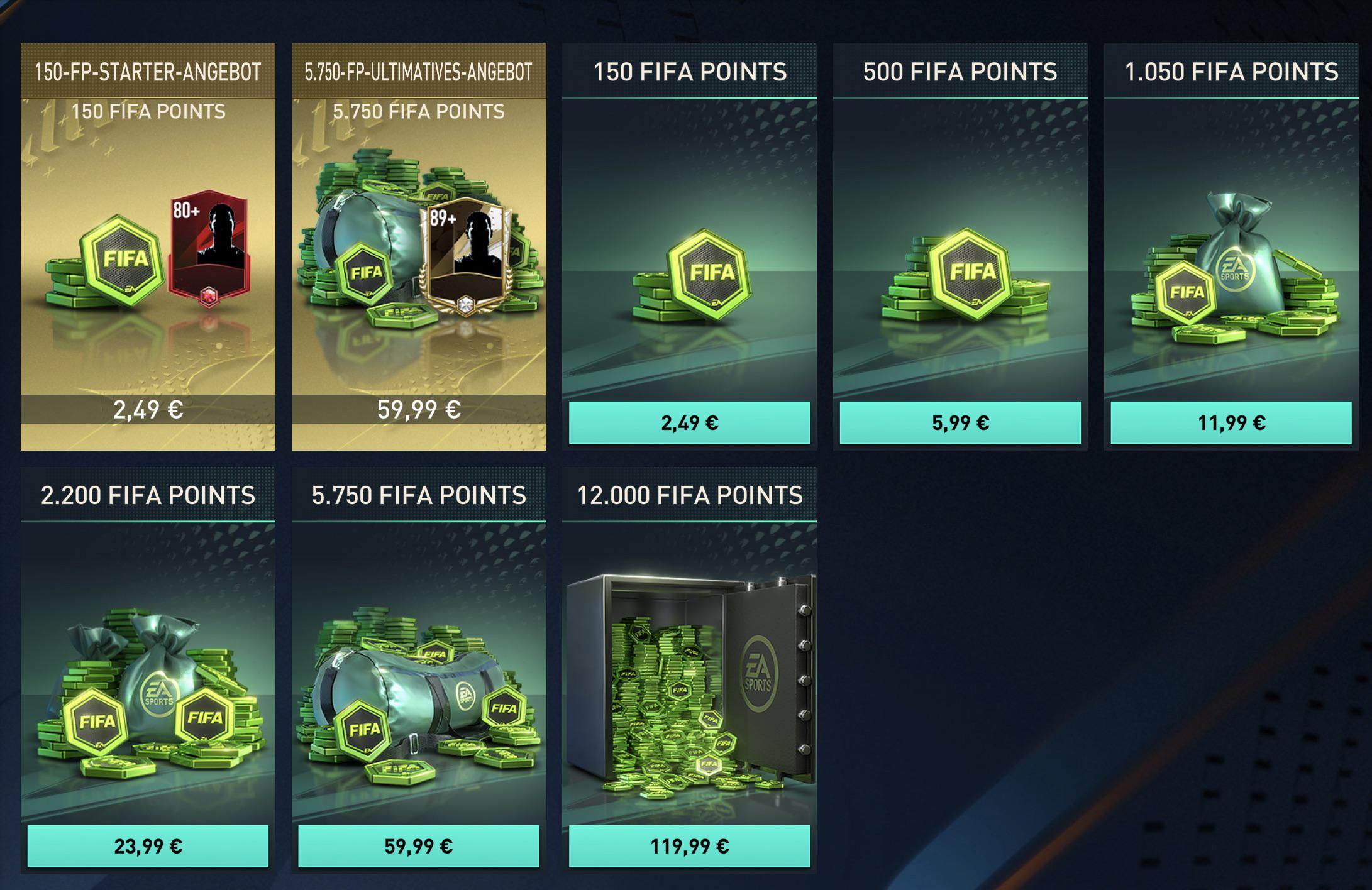
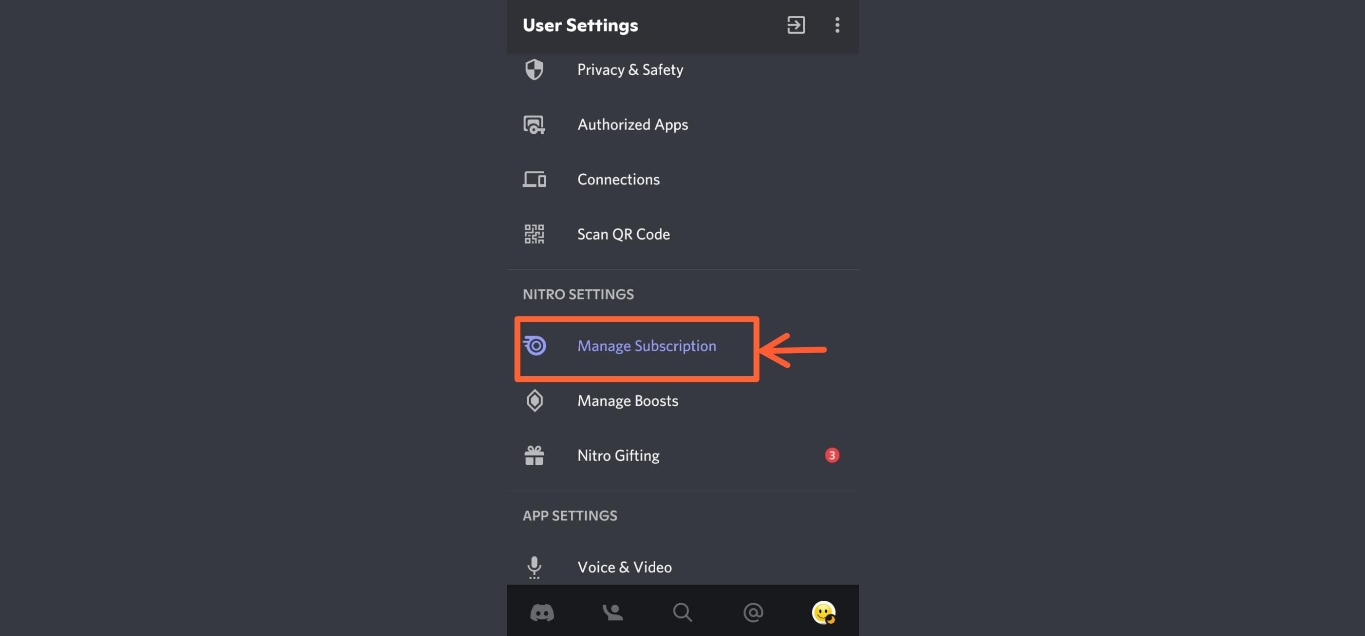
The articles here solve three clear kinds of problems. First, they help you move currency and items between accounts or devices, with guides like How to Send Robux to a Friend and How to Create a Roblox Gamepass On Mobile. Second, they explain how to manage or reverse purchases you have already made, covering topics such as How To Refund A Gamepass On Roblox Mobile and How To Cancel Nitro Subscription On Mobile. Third, they teach you how to earn or spend in-game resources more effectively, with tips on How To Get Cp In Call Of Duty Mobile, How To Get FIFA Points In FIFA Mobile, and How To Rank Up Players In FIFA Mobile.
Beyond these core themes, the tag also addresses broader questions about app costs and gacha mechanics, such as Are iOS Apps Free? and Is Disney Heroes: Battle Mode A Must-Try Gacha Game? If you are new to games like Raid Shadow Legends or need a refresher on loading packs in Mobile Strike, the step-by-step instructions here are designed to let you take immediate action without guesswork.