Practical guides focused on getting phone accessories and services set up correctly, from screen protectors to data plans. This content is for anyone who has bought a new accessory, encountered a frustrating bubble under a film, or needs to understand a service like Verizon Fiber Optic (FiOS) before signing up. Whether you are a first-time user or someone who has struggled with a perfect application, these articles are designed to help you complete the task yourself.
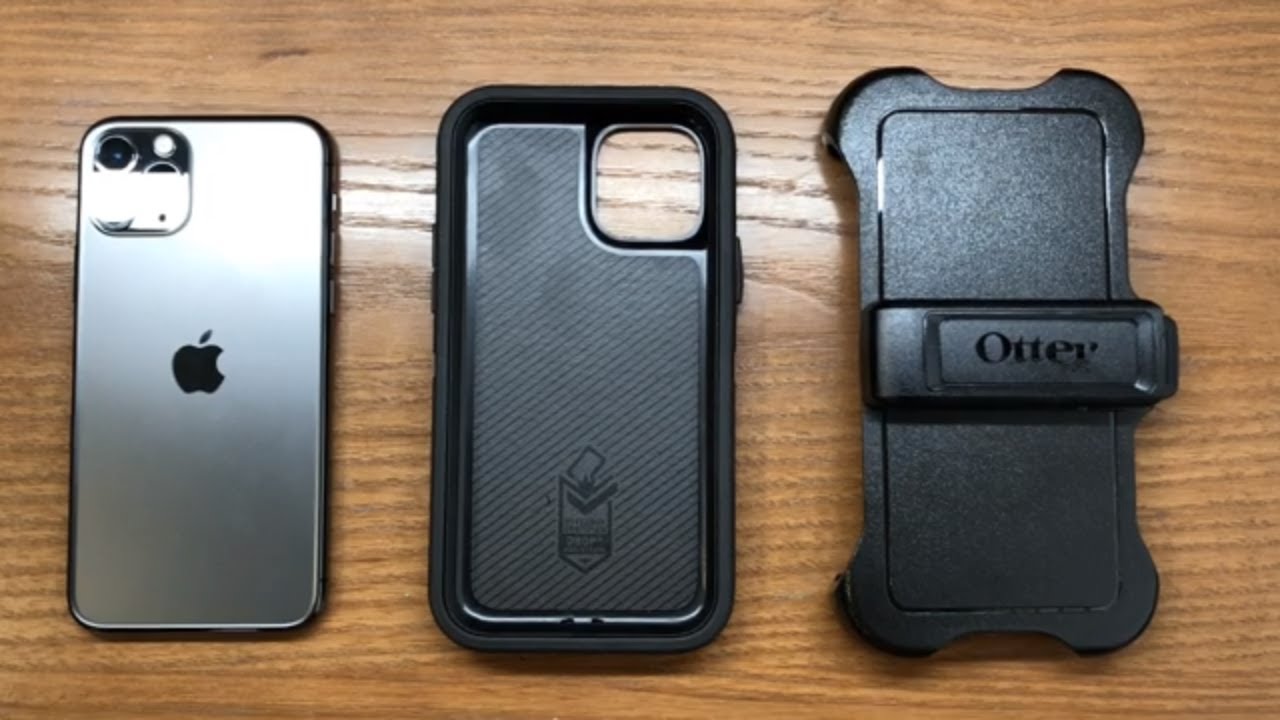
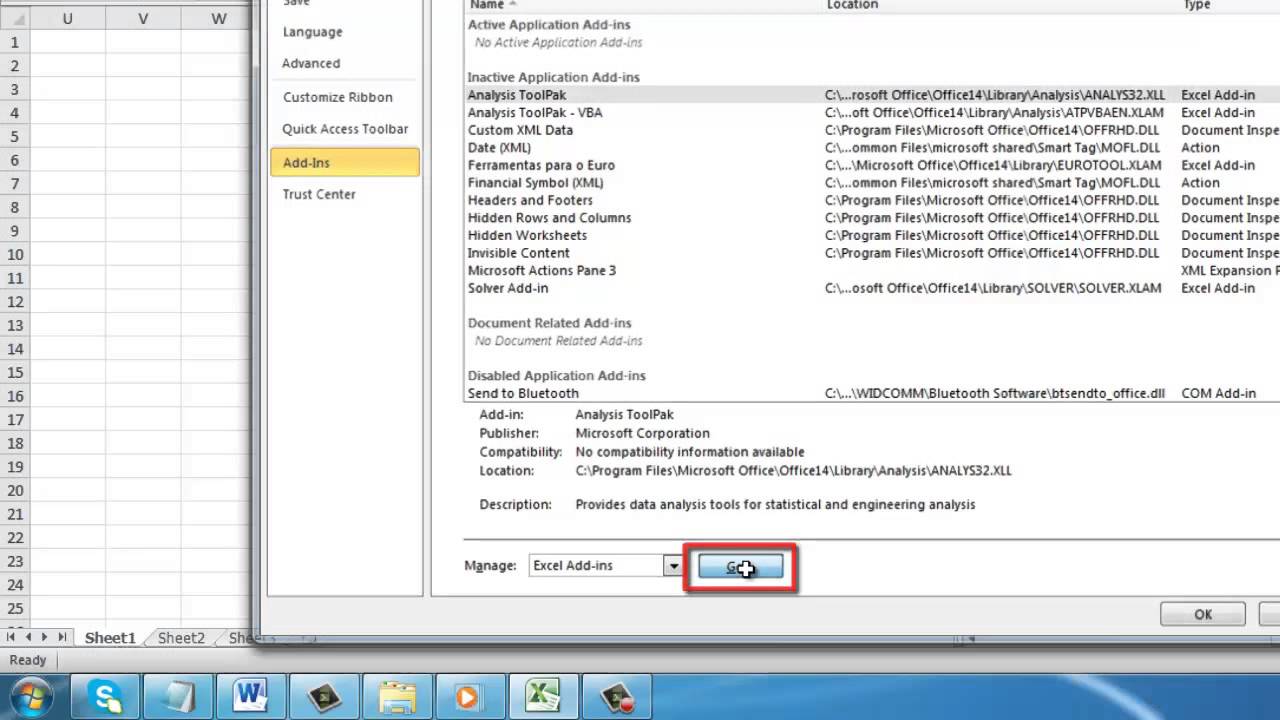
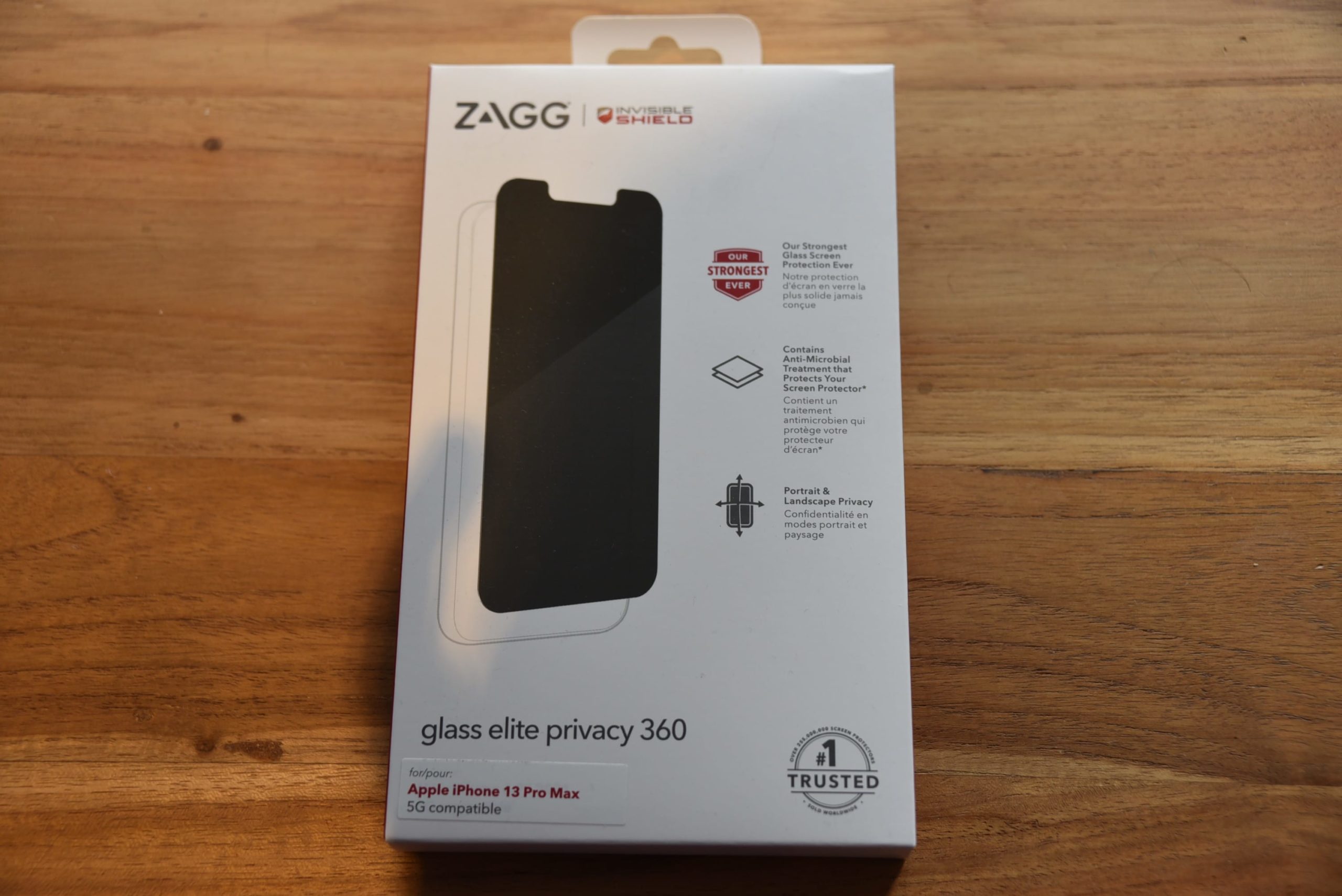
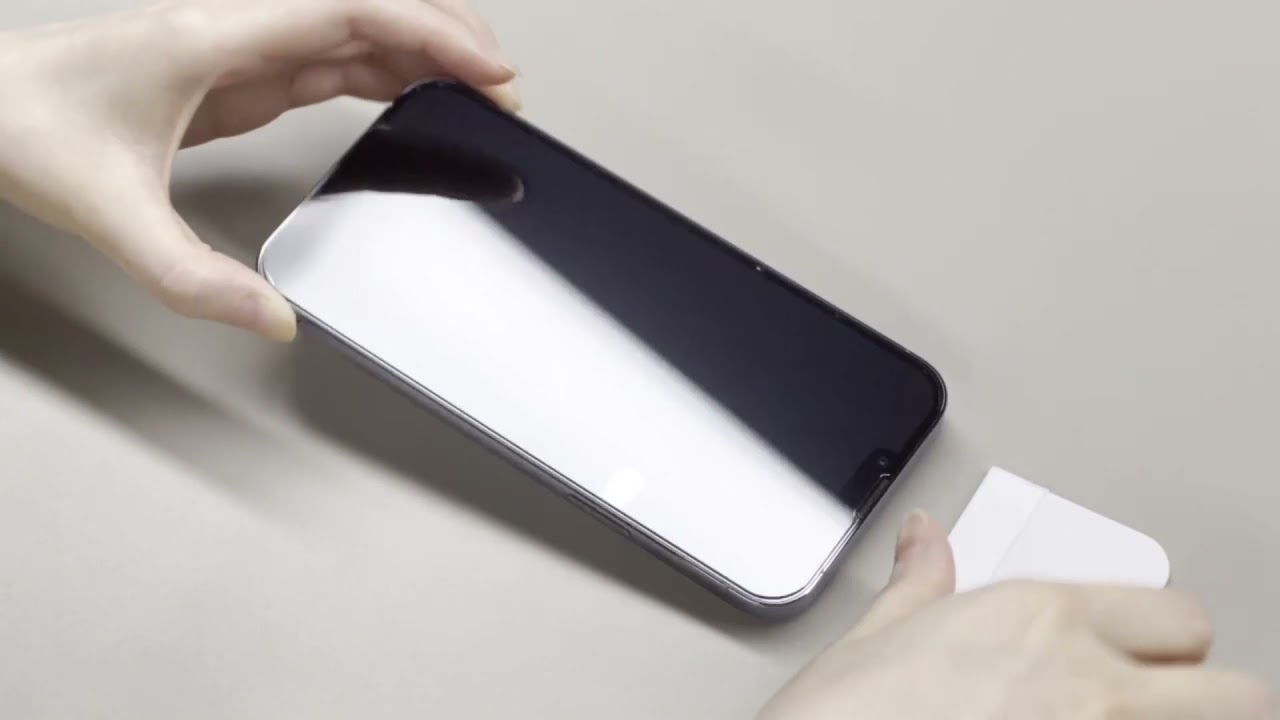
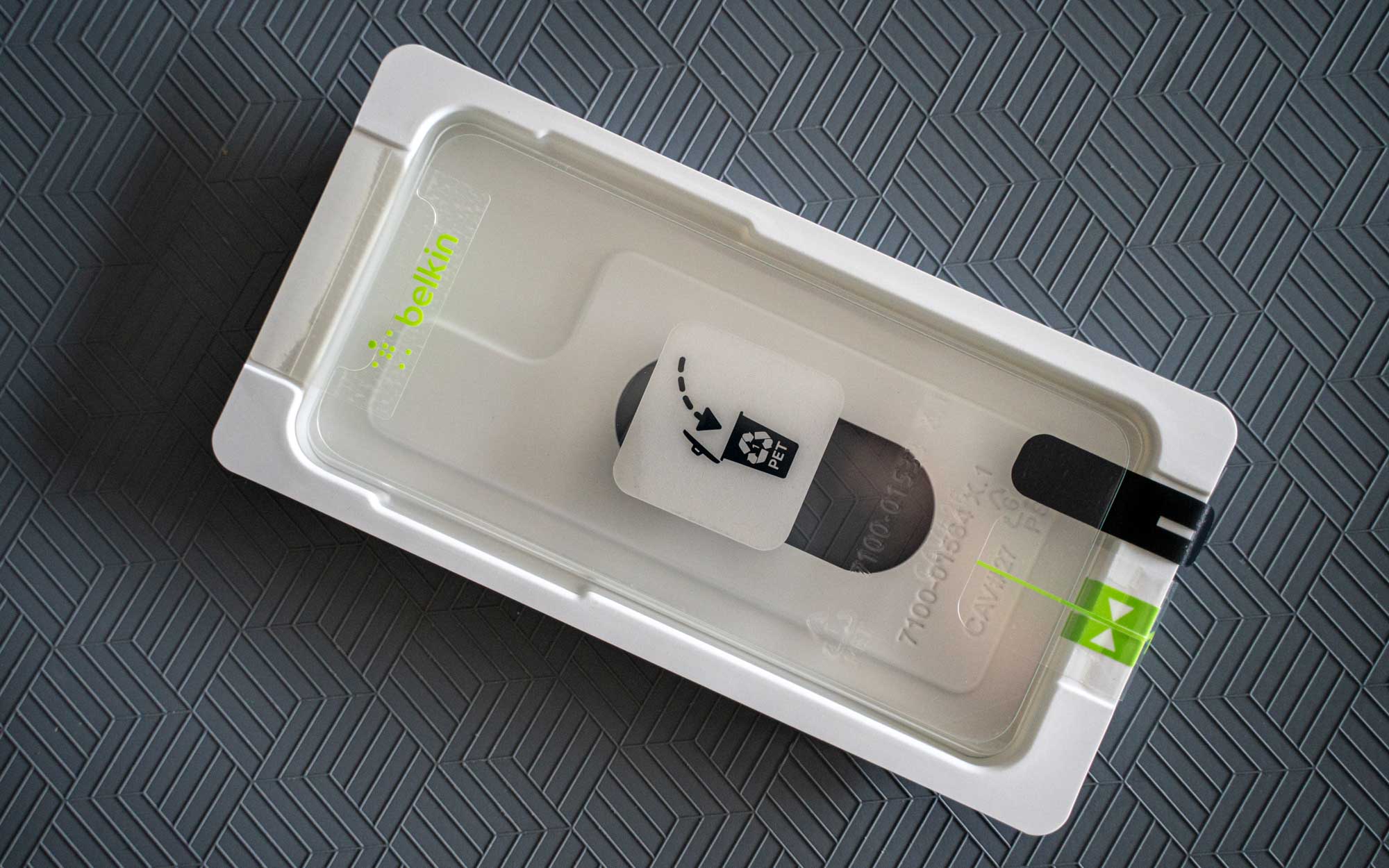
The articles address two main themes. The first is screen protector application and repair, covering how to replace a Zagg protector, fix bubbles on a screen protector, and understand why air bubbles keep appearing. For those using liquid glass protectors, there is specific guidance on fixing issues, and a general guide on screen protector application and repair for common problems. The second theme involves installing physical cases and managing data, with step-by-step instructions for fitting an OtterBox Defender Pro on an iPhone 11 and installing a data pack. A separate article explains what Verizon FiOS is, helping readers understand the service before installation.
These articles help the reader do the work: replace a damaged Zagg screen protector, remove trapped bubbles from an existing protector, and correctly install a Tauri screen protector without flaws. They also guide users through fitting a rugged OtterBox case and setting up a new data pack for their phone. Each piece is a straightforward, task-oriented resource for getting the job done.