A practical set of guides for anyone who uses an iPad or iPhone day-to-day. Whether you are a new owner trying to get the device set up or a long-time user troubleshooting a frustrating crash, these articles are written for real people who want clear, step-by-step help. The topics here cover the everyday tasks and common annoyances that come with Apple’s mobile operating system.
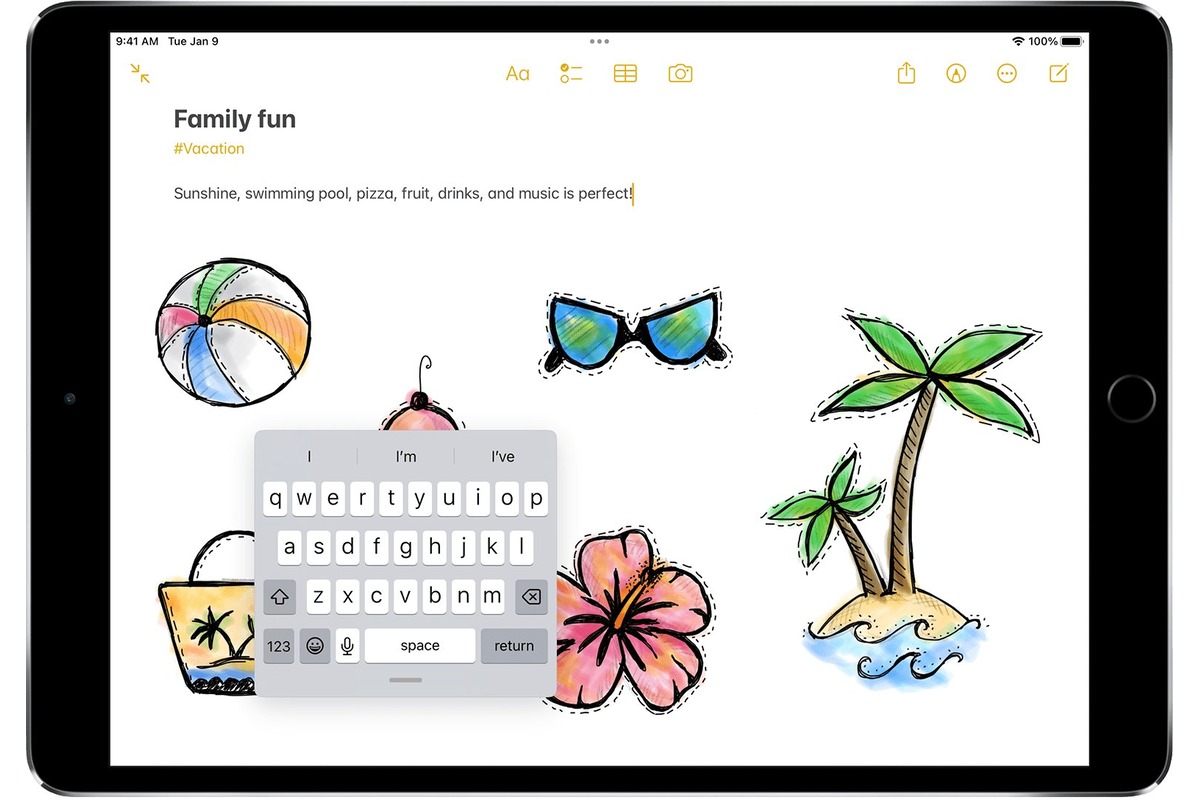
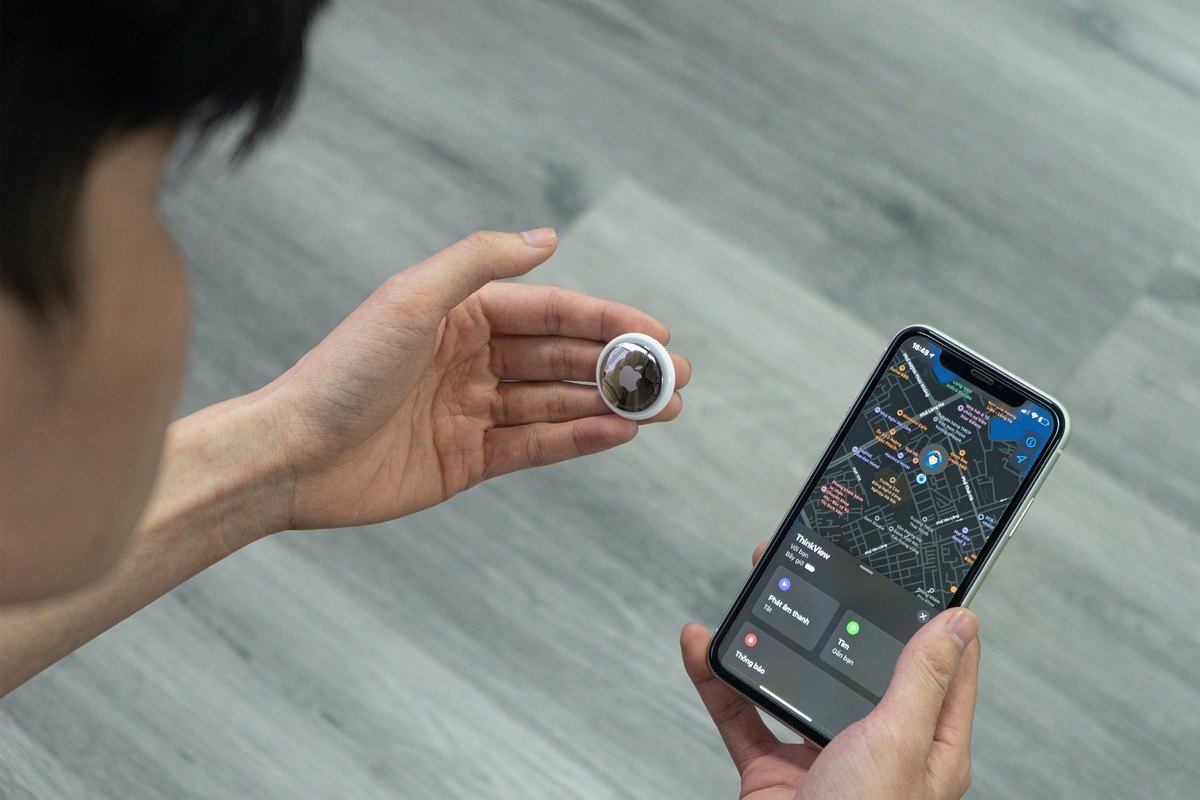
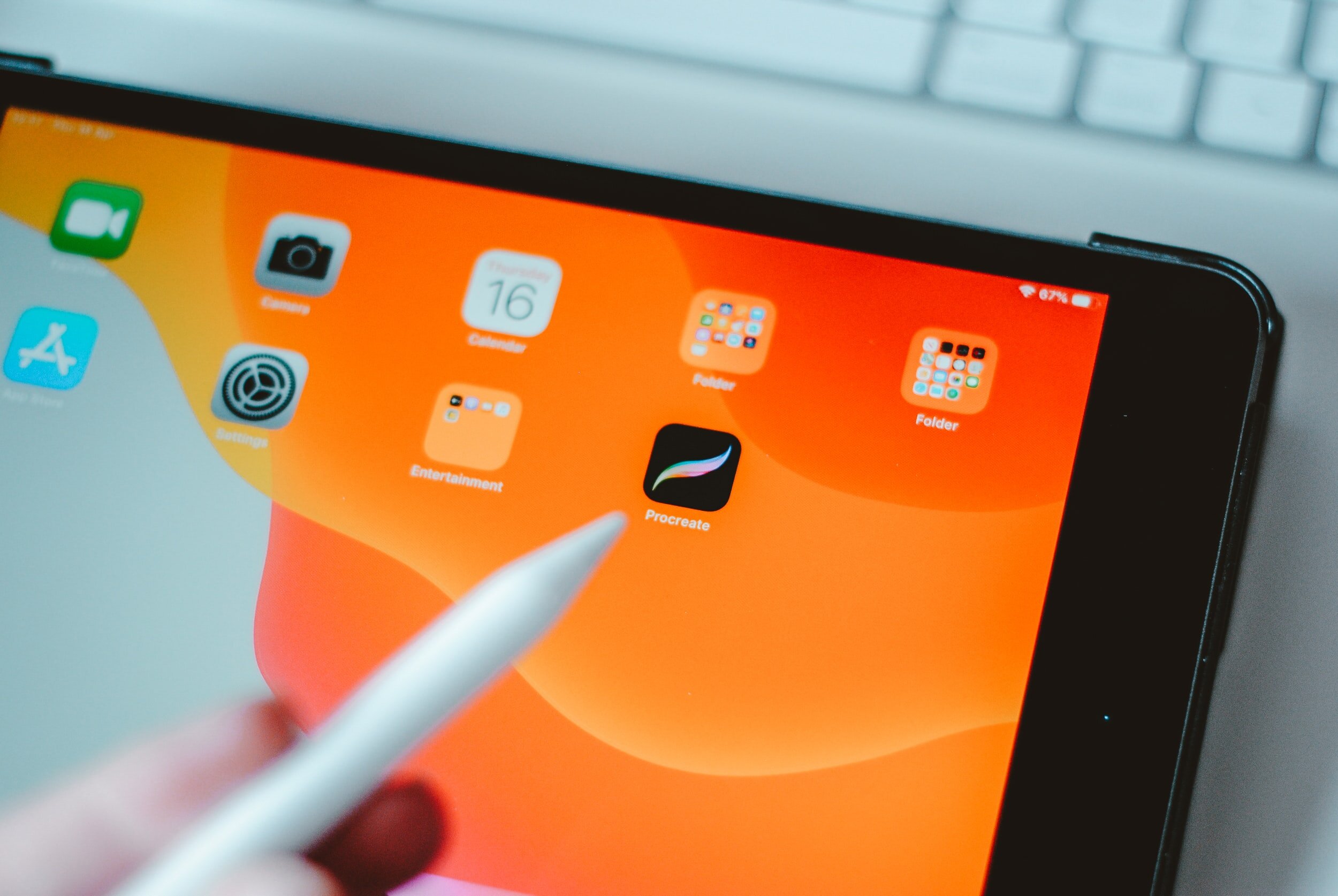
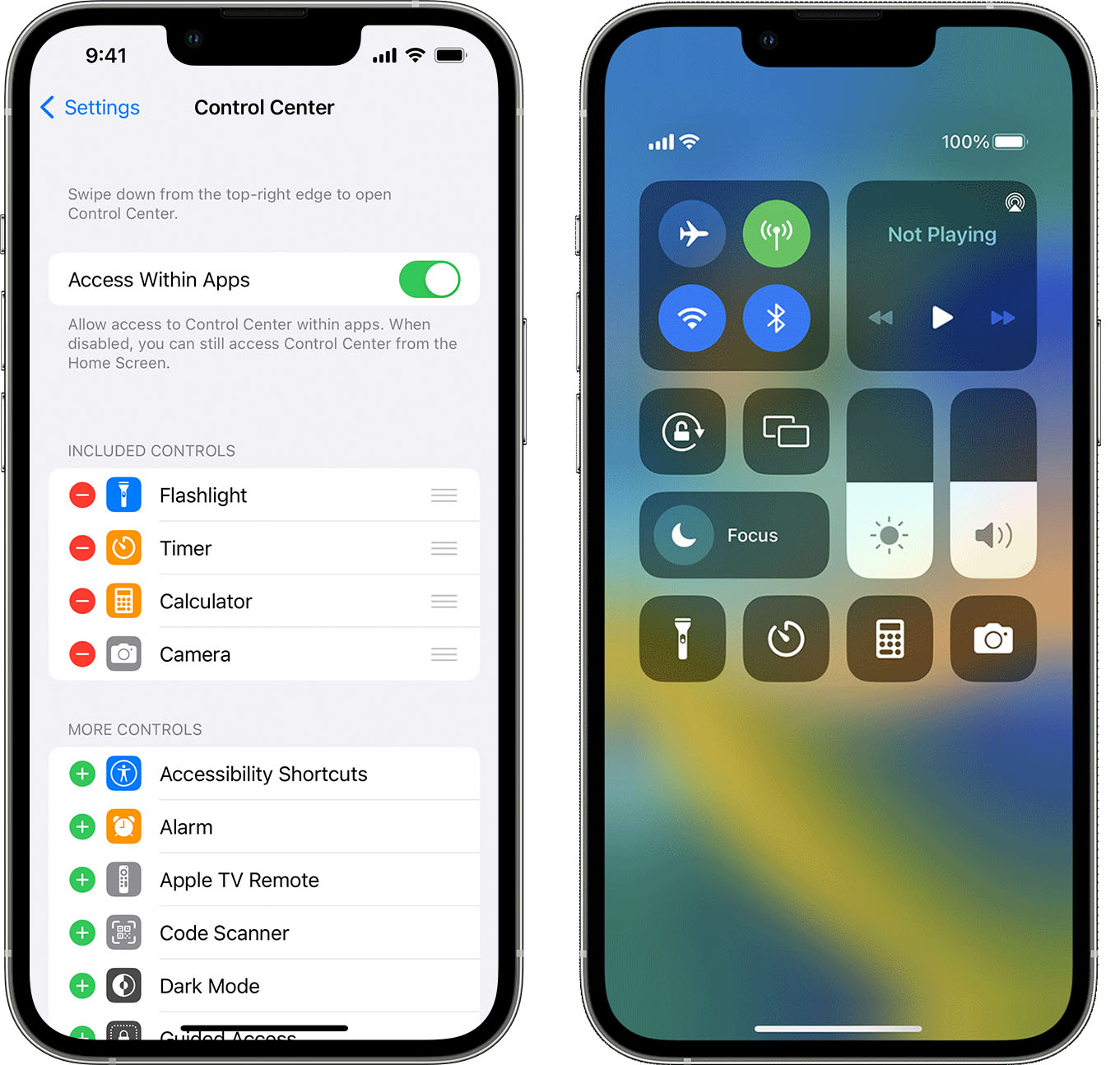
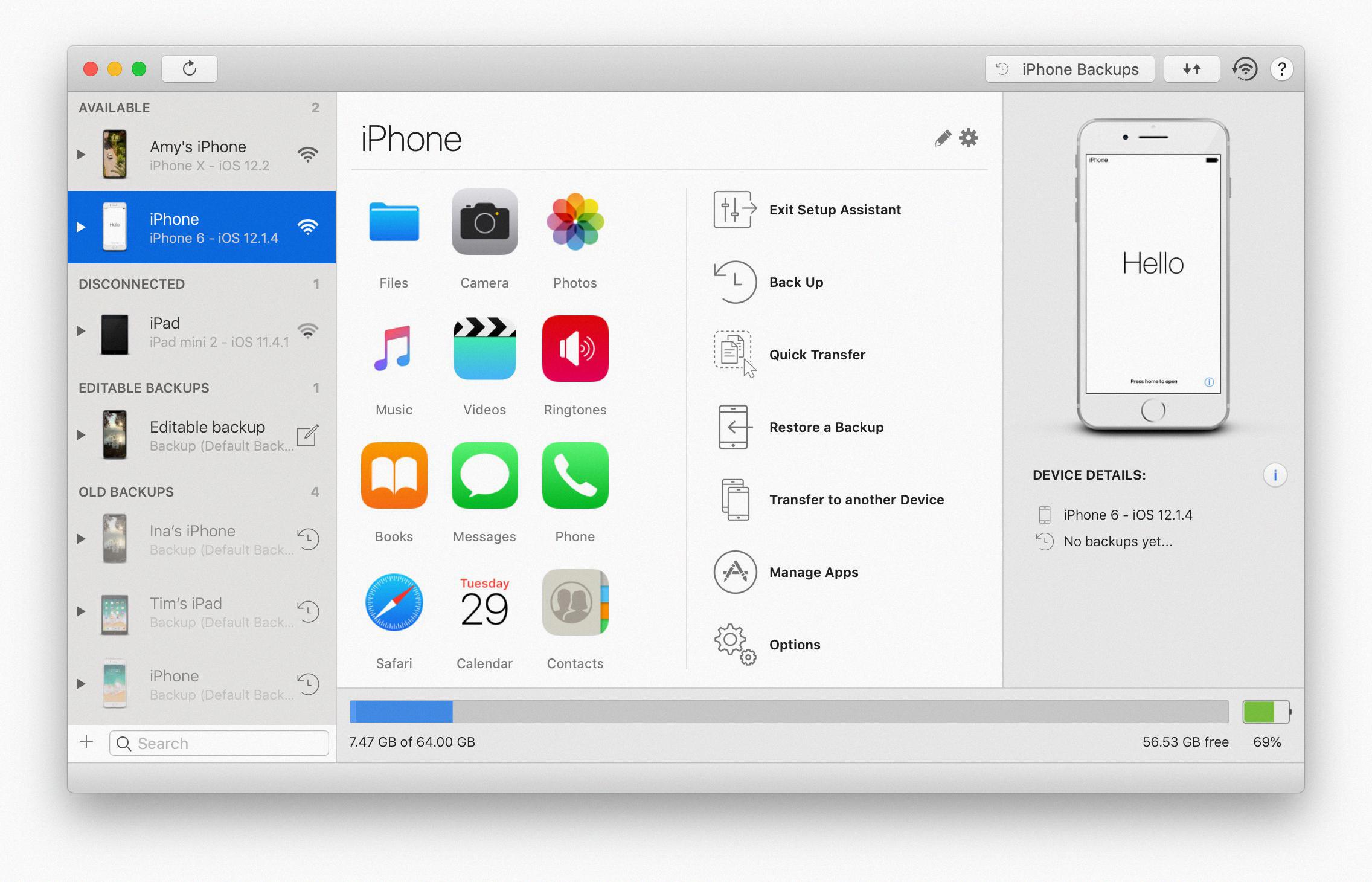
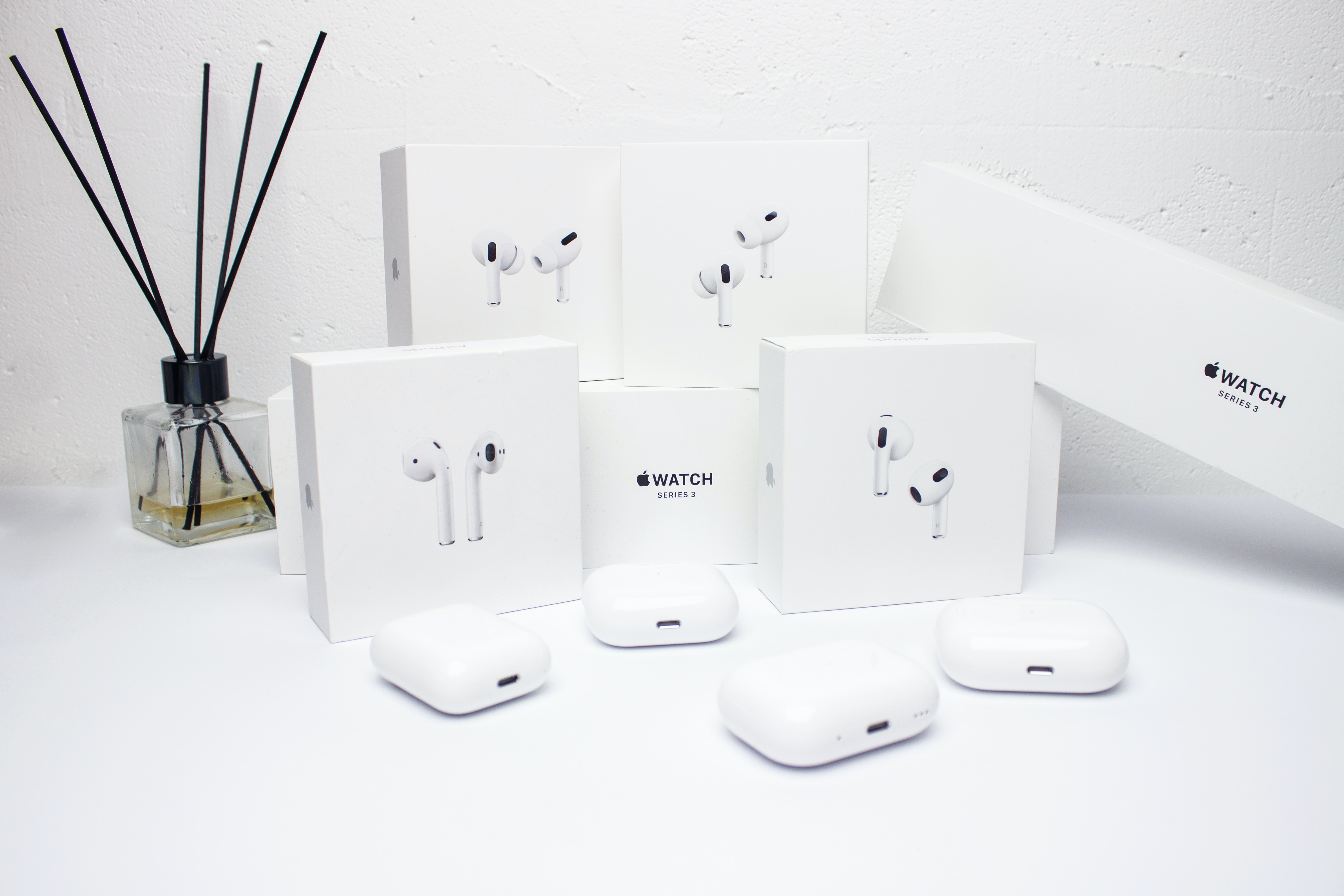
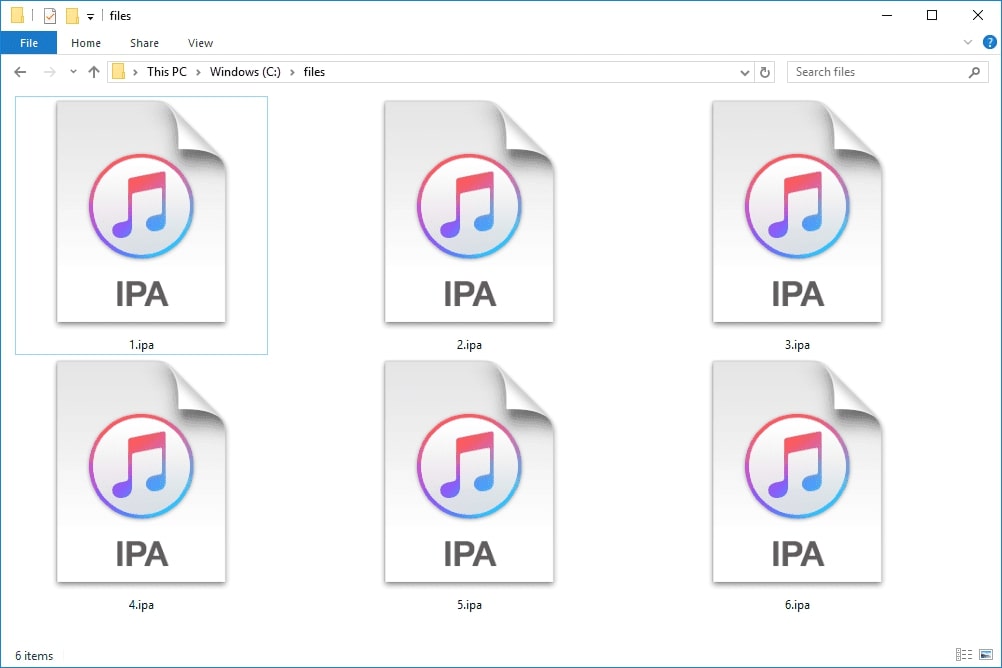
Several of the articles focus on getting the most out of your device’s software features and settings. For example, you can learn where to find the iOS Setup Assistant when setting up a new phone, or how to add accessibility features directly to the Control Center on both iOS 13 and iPadOS. If you are using an iPad with a floating keyboard, there is also a guide on how to slide to type in iPadOS 16. Another group of articles helps you identify and manage your Apple accessories. You can find out how to tell which AirPod generation you own, and get troubleshooting tips if your AirTags are not connecting. Finally, for app-specific problems, the collection includes a beginner’s guide to Stardew Valley on mobile and explains what an IPA file is, plus a fix for when Procreate keeps crashing.
In short, these articles help you do things like set up your device, customize its controls, identify your accessories, fix connection issues, and resolve app crashes. They are straightforward solutions for the real-world questions iPad and iPhone users face every day.