The Keyboard tag on CellularNews brings together practical guides for anyone who types, texts, or taps on a phone, tablet, or computer. Whether you are troubleshooting a glitchy accessory, trying to unlock a hidden symbol, or simply want to express yourself with more than just letters, these articles are written for everyday users who need clear, step-by-step help without the jargon.

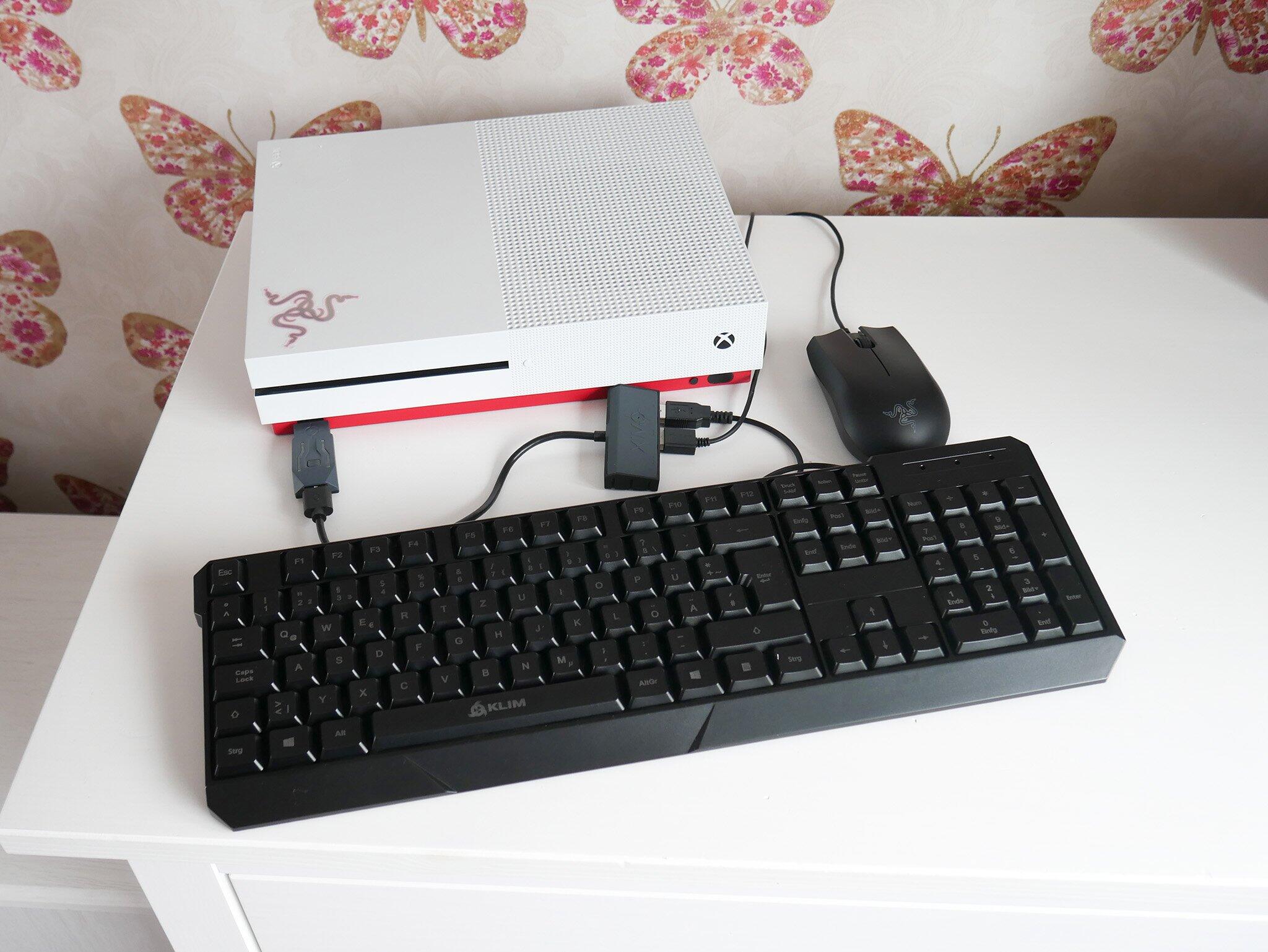
The articles here tackle three main areas. First, there is a strong focus on wireless connectivity and hardware: you can learn how to connect a Logitech wireless keyboard to a Unifying receiver, pair an HP or Dell keyboard, or even link a keyboard and mouse to an Xbox One. Second, the collection dives deep into emojis and custom keyboards, covering everything from how to get emojis on Android to adding custom emojis on an iPhone, setting up a Bitmoji keyboard, and finding out what those mysterious emoji symbols are actually called. Third, you will find fixes for everyday frustrations like resetting a Logitech wireless keyboard, turning off Talk to Text on an iPhone, fixing autocorrect that has stopped working, or getting your phone’s keyboard back to normal after an accidental change.

Specific topics you can explore include the purpose of the Logitech keyboard joystick button, what the Tilde (~) key is used for, how to use the floating iPad keyboard in iPadOS 16, and how to activate voice-to-text on Android. From sliding to type on an iPad to typing an apostrophe from the basic keyboard layout, these articles help you do more with the keys you press every day.
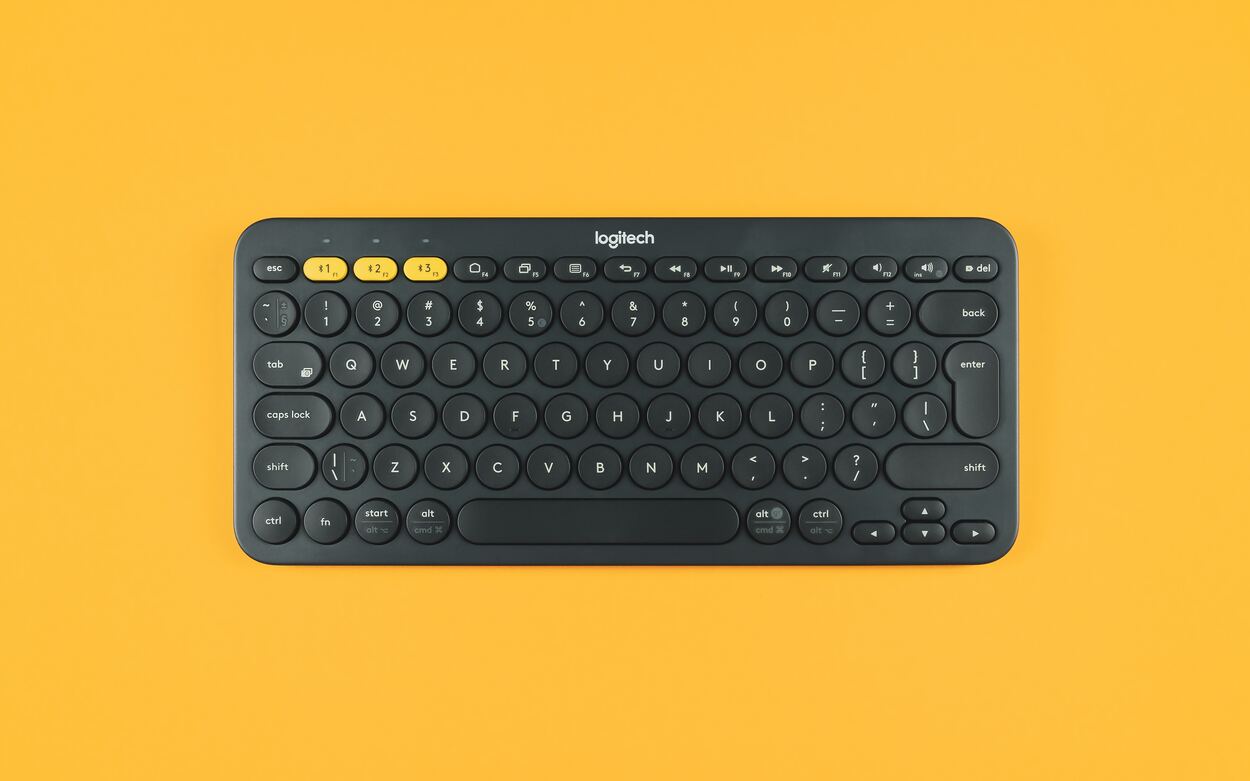
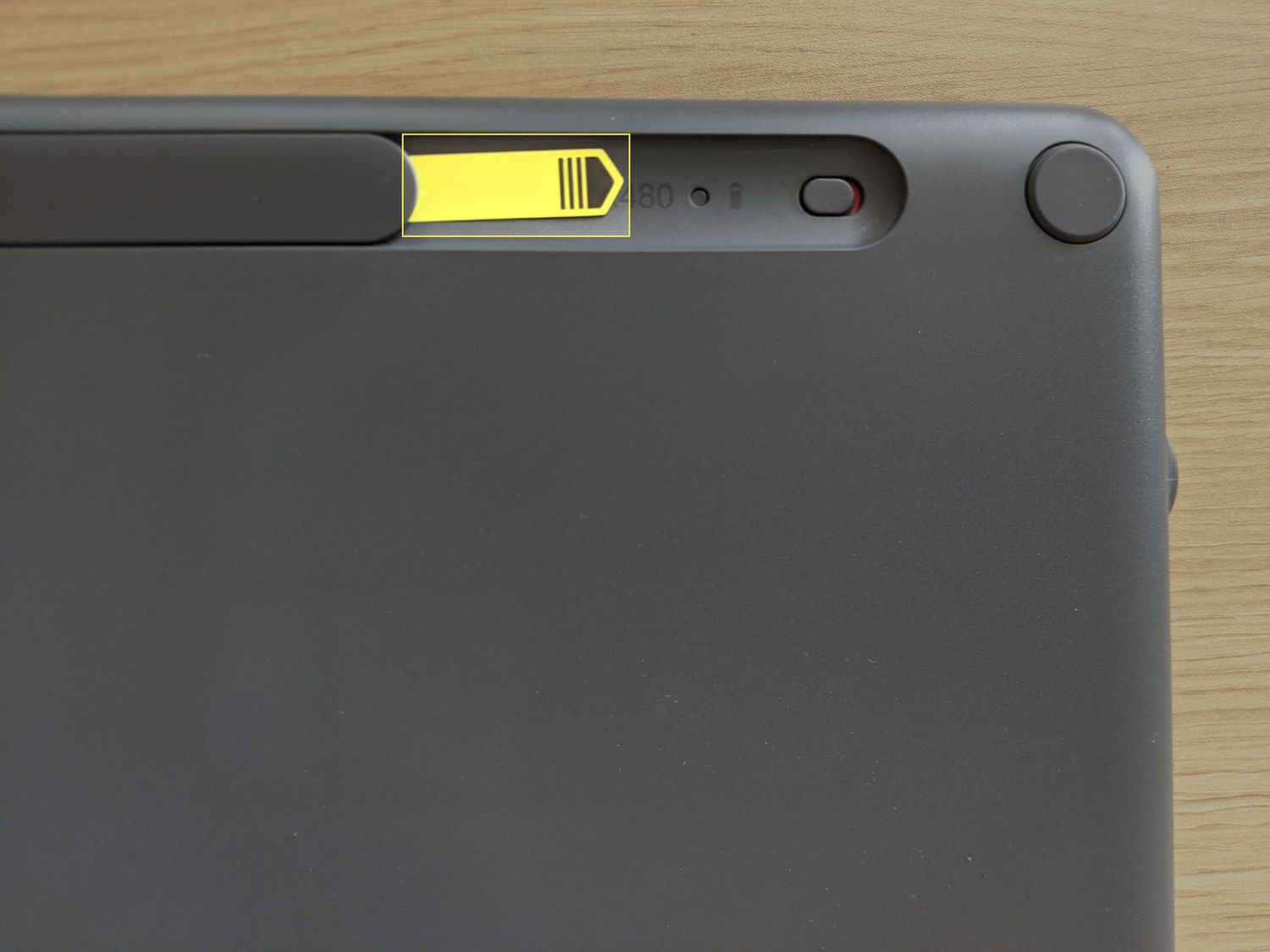
How To Reset A Logitech Wireless Keyboard

How To Reset A Logitech Wireless KeyboardTo reset a Logitech wireless keyboard, you'll typically either re-pair it with your computer to clear a connection glitch or perform a full factory...

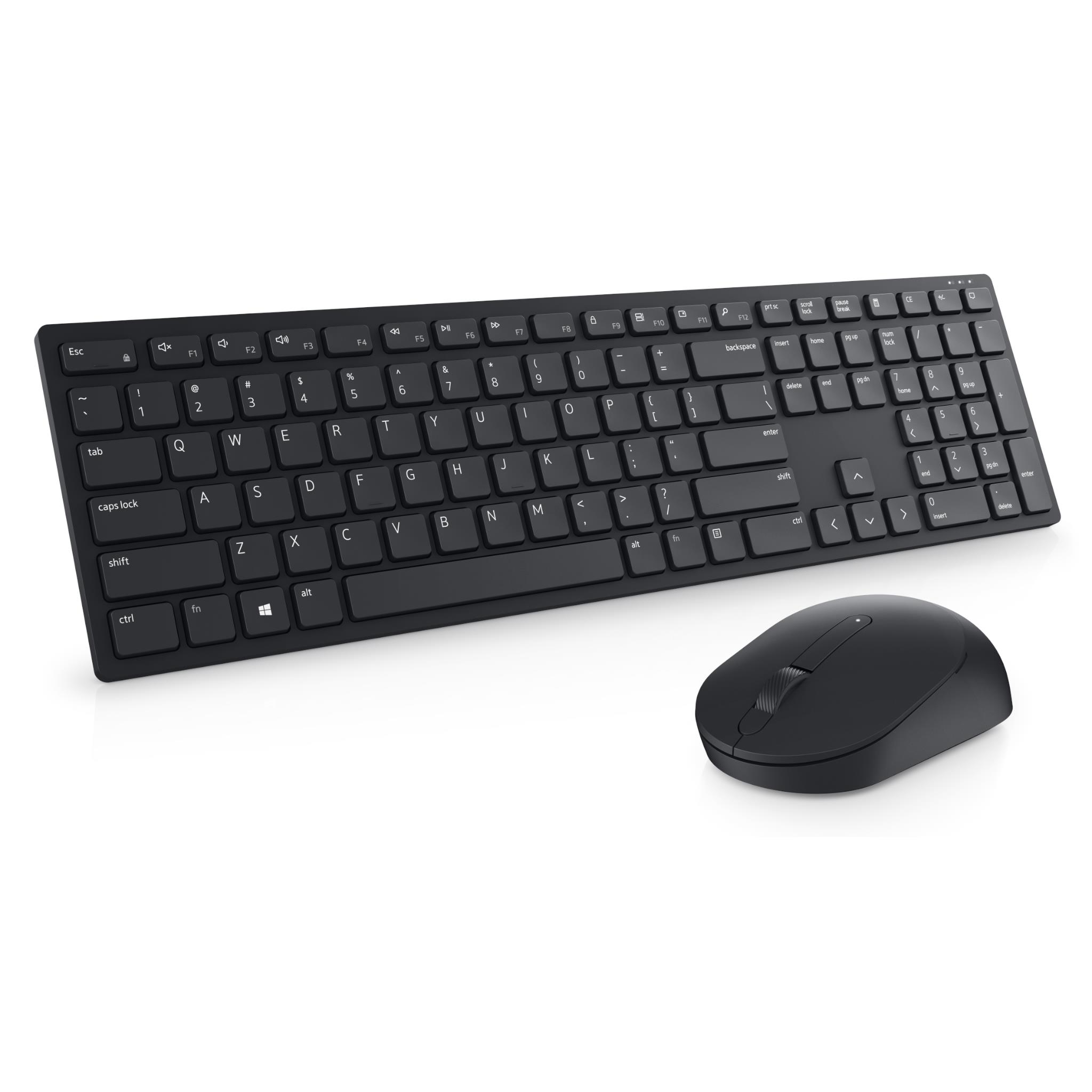
How To Connect Wireless Keyboard Dell

To connect wireless keyboard Dell models, you first need to identify whether your keyboard uses a USB receiver (dongle) or Bluetooth, as the connection method differs for each. Before starting,...

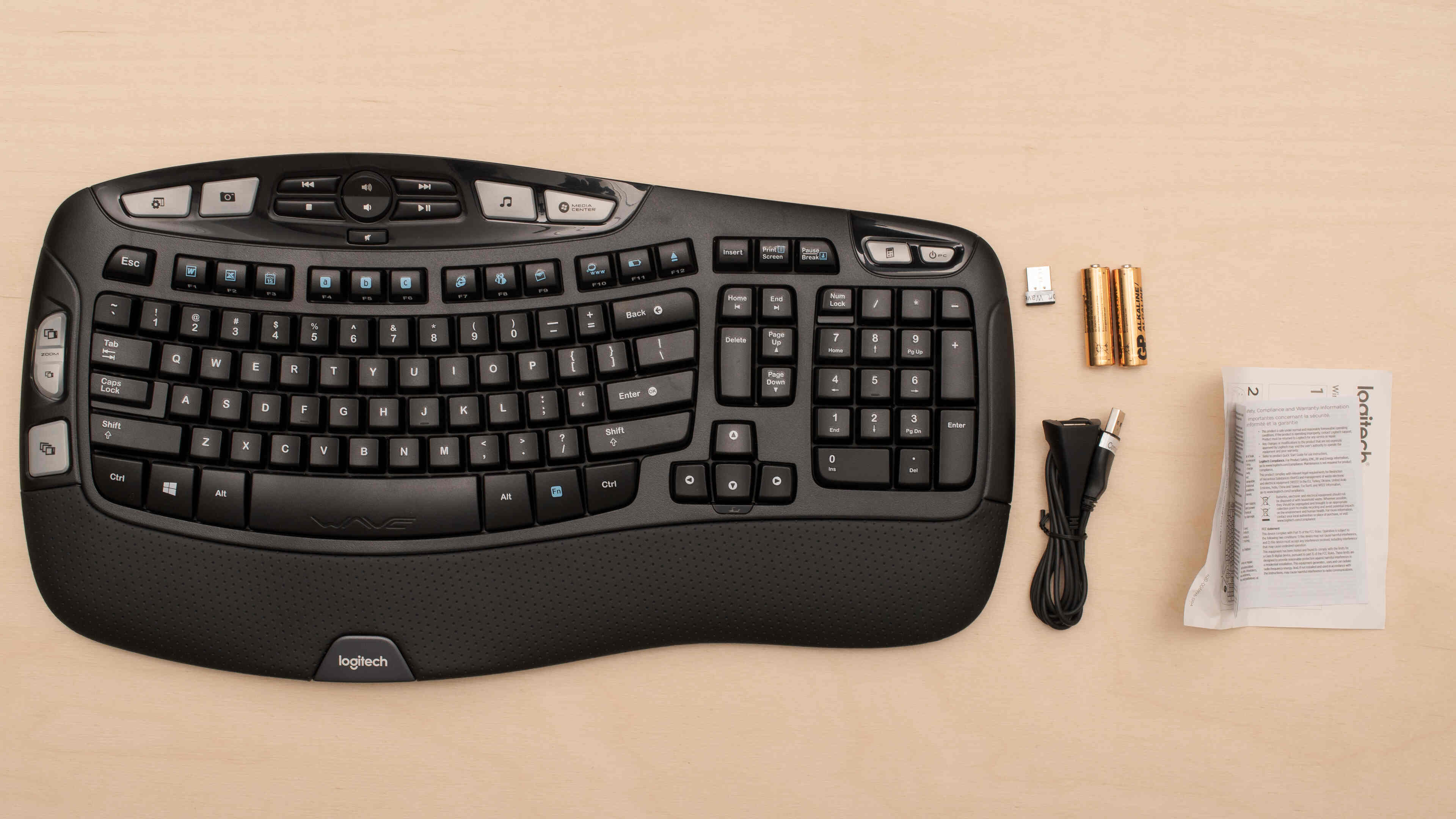
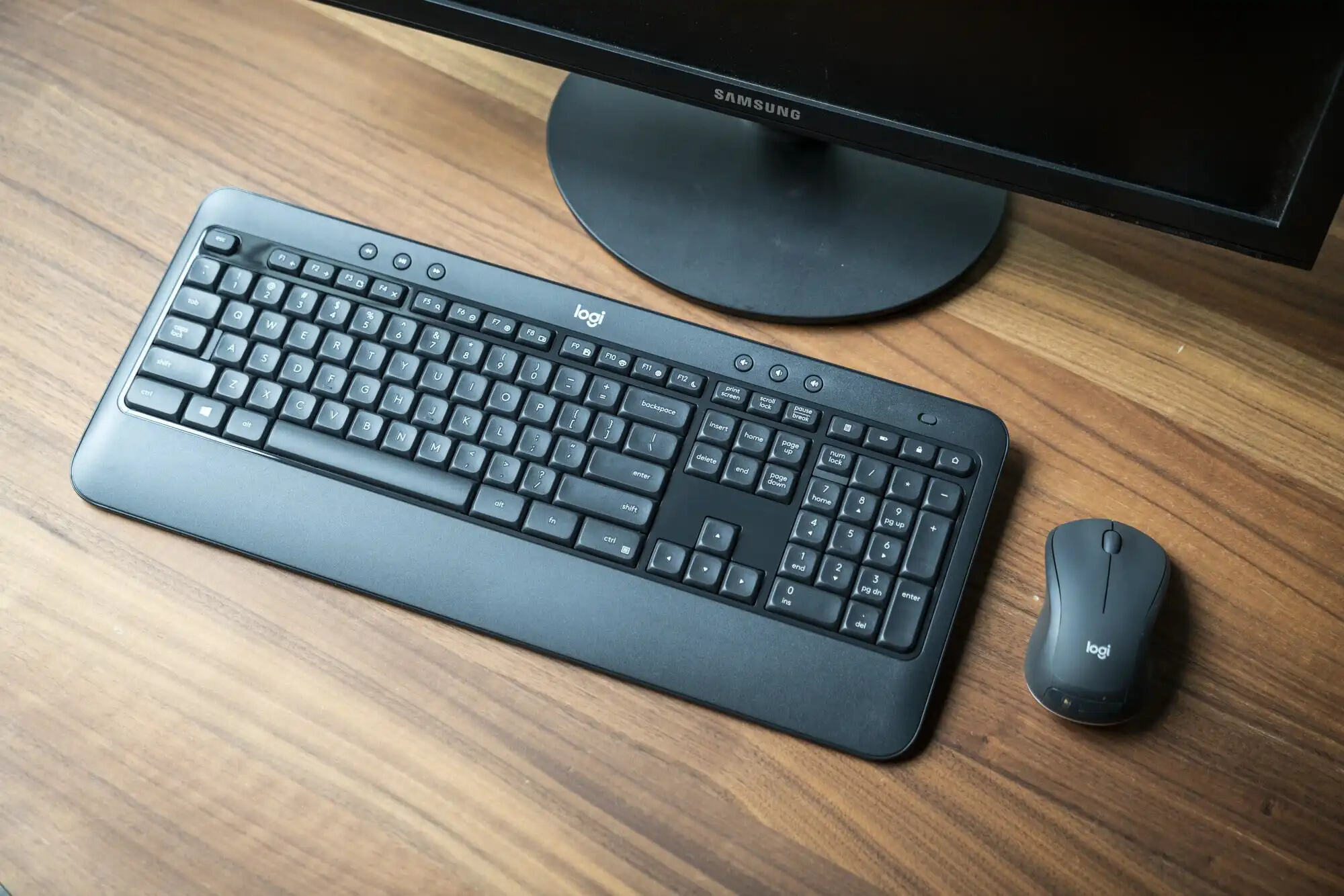
How To Connect A Logitech Wireless Keyboard

To connect a Logitech wireless keyboard, you first need to identify its connection type: a USB receiver (Unifying or Logi Bolt) or Bluetooth-only. The quickest method is to plug the...

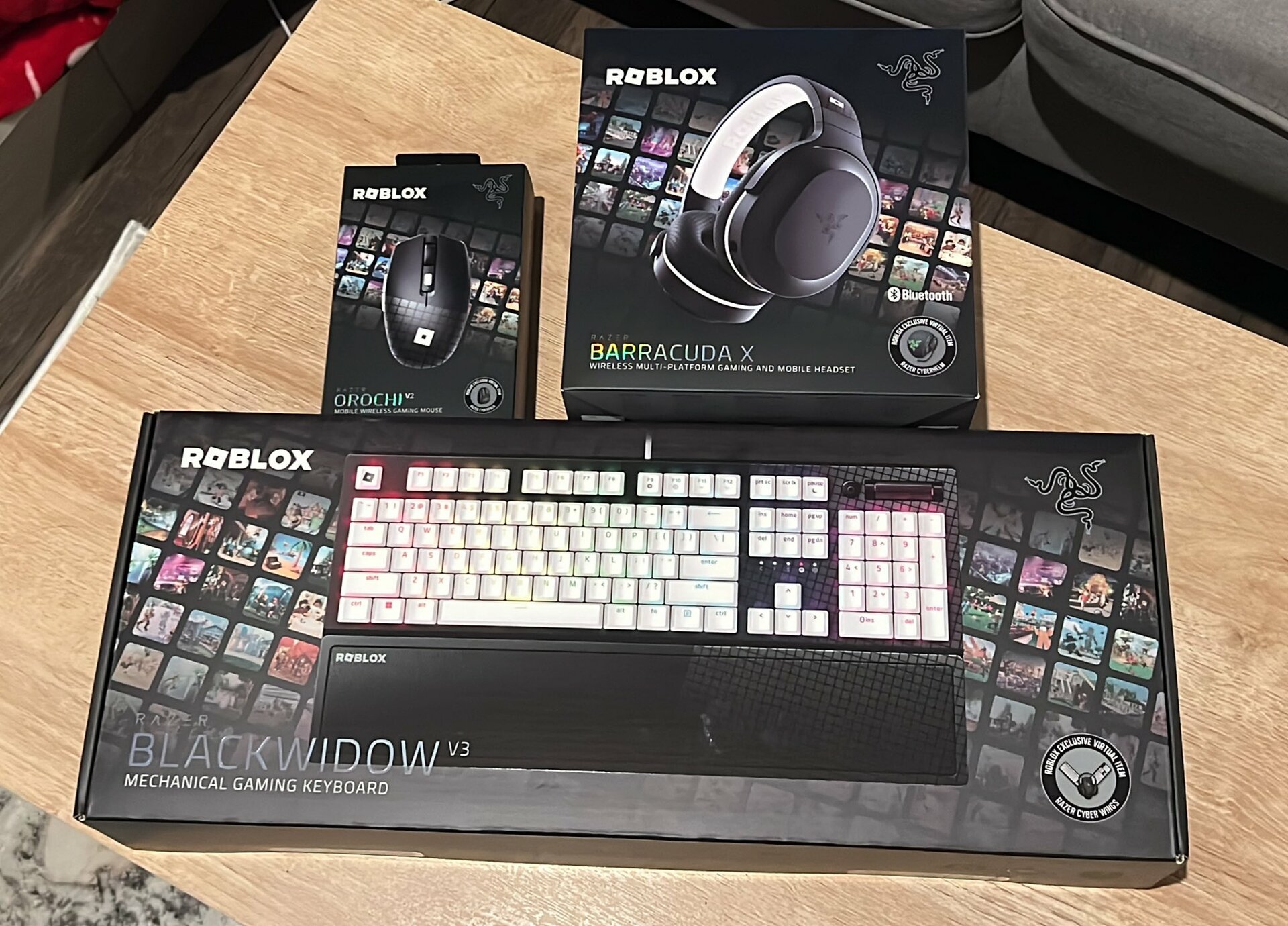
How To Use Keyboard On Roblox Mobile

To use a keyboard on Roblox mobile, connect a Bluetooth keyboard to your Android or iOS device, and standard PC controls like WASD, Space, and Shift will work in most...

What Is Emoji?

An emoji is a small, colorful pictograph used inline in text, officially defined by the Unicode Consortium as a "pictograph, typically presented in a colorful cartoon form and used inline...

What Is A QWERTY Keyboard?

A QWERTY keyboard is the most widely used keyboard layout for English-language typing, named after the first six letters on the top row of keys: Q, W, E, R, T,...

What Is The Tilde (~)?

The tilde (~) is a typographical symbol that resembles a wavy line, commonly used in mathematics to indicate approximation, in file paths to represent a user's home directory, and in...

What Is A Print Screen Key (PRTSC)?

The print screen key prtsc is a physical key on computer keyboards that captures a screenshot of your current screen. On mobile devices, the equivalent function uses hardware button shortcuts...