The tilde (~) is a typographical symbol that resembles a wavy line, commonly used in mathematics to indicate approximation, in file paths to represent a user's home directory, and in URLs to denote a specific user's webpage. On phones, the tilde is typed from the symbol keyboard, not from a settings menu, and the specific steps vary between iPhone and Android.
What is the tilde (~) and how to type it
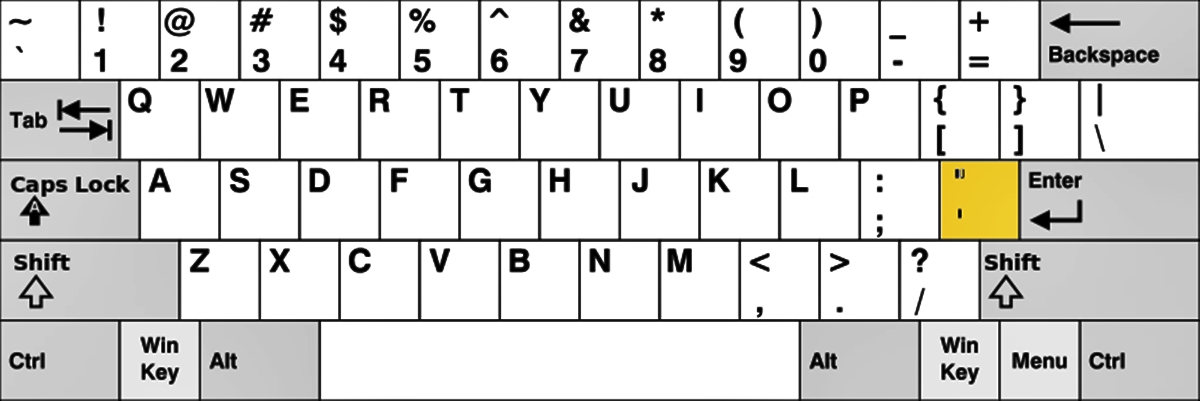
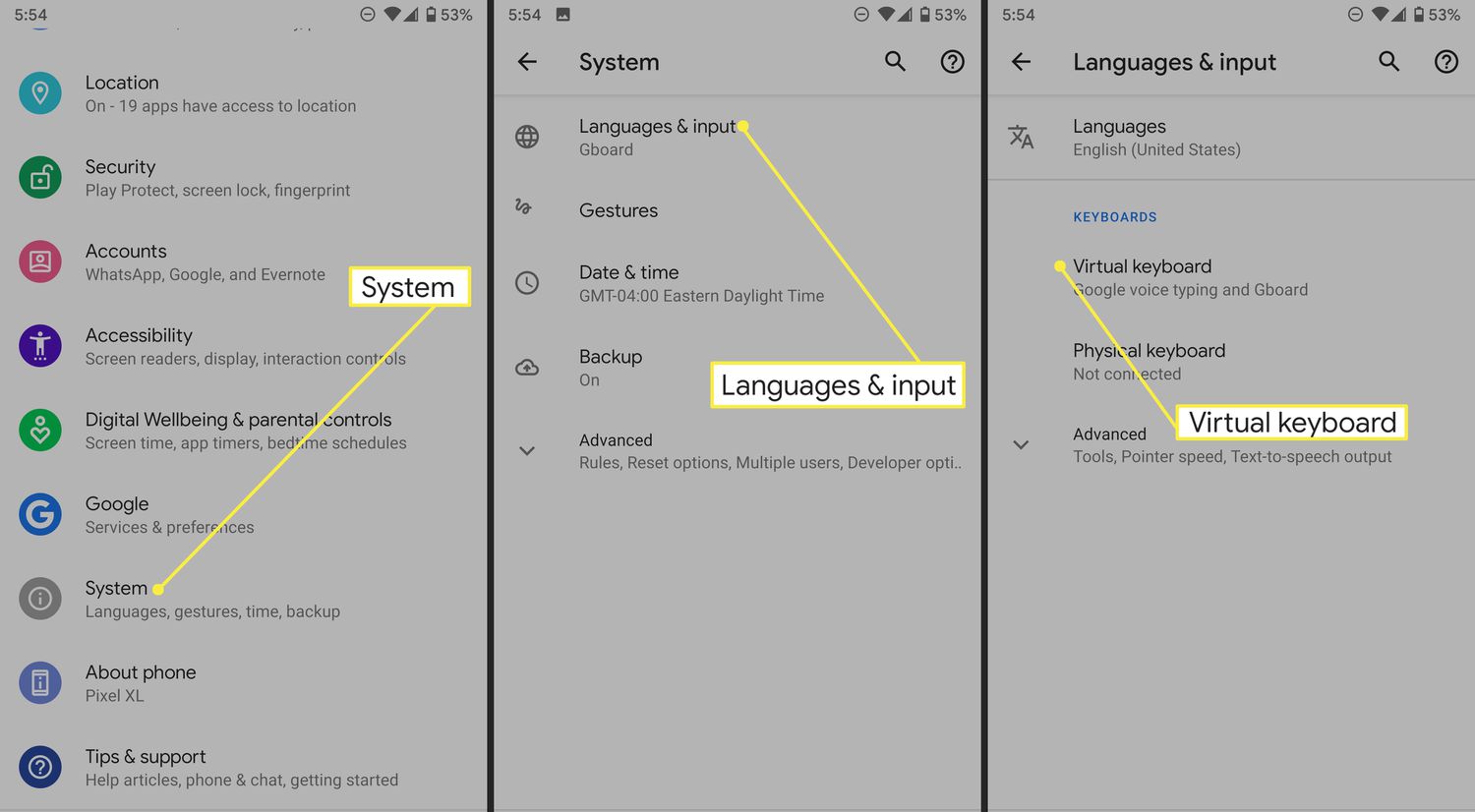
The tilde is the symbol ~, often used in mathematics, ranges, file paths, and accents. In programming languages like Perl and Unix shell, the tilde is used for pattern matching to find and replace text segments. To type it on a phone, you access the symbol keyboard within any app that accepts text input; there is no dedicated system setting for enabling the standalone tilde character.
How to type the tilde on an iPhone
- Open any app where you can type, such as Messages, Notes, or Mail.
- Tap 123 to switch to the numbers and symbols keyboard.
- Tap #+= to open the symbol keyboard.
- Tap ~ if it appears on that page.
How to type the tilde on an Android
- Open any app where you can type.
- Tap ?123 or 123 to switch to numbers and symbols.
- If the tilde is not visible, tap =\< or a similar second-page key such as 1/2 to open more symbols.
- Tap ~ when it appears.
What to know about typing the tilde
There is no documented maximum number of tildes you can type, no model-specific restrictions, and no carrier restrictions. The tilde is entered from the keyboard symbol pages, not from a settings menu. If you use emojis and custom keyboards, note that the tilde is a standard symbol available on the built-in keyboard, it is not affected by emojis and custom keyboards setup, which only changes emoji or third-party input methods.
Frequently Asked Questions
Can I type the tilde on an iPhone without switching to the symbol keyboard?
No. The tilde is not available on the default letter keyboard on iPhone; you must tap 123 and then #+= to access it.
Why doesn't the tilde appear on my Android keyboard after tapping ?123?
Some Android keyboards require an extra tap on a key like =\< or 1/2 to show the second page of symbols, where the tilde is often located.
Is the tilde used for accents on phones?
Yes. On both iPhone and Android, long-pressing a letter like N or A on the letter keyboard can reveal accented versions that include a tilde, such as ñ or ã, but this is different from typing the standalone ~ symbol.
Does the tilde have a special meaning in file paths on phones?
On phones, the tilde is not typically used as a home directory shortcut like on desktop operating systems, but it can still be typed and used in file names or text.
Related reading: What Is Texting? and What Is Emoji?.