Start here: Keyboard

All topics →

The Keyboard tag on CellularNews brings together practical guides for anyone who types, texts, or taps on a phone, tablet, or computer. Whether you are troubleshooting a glitchy accessory, trying to unlock a hidden symbol, or simply want to express yourself with more than just letters, these articles are written for everyday users who need clear, step-by-step help without the jargon.

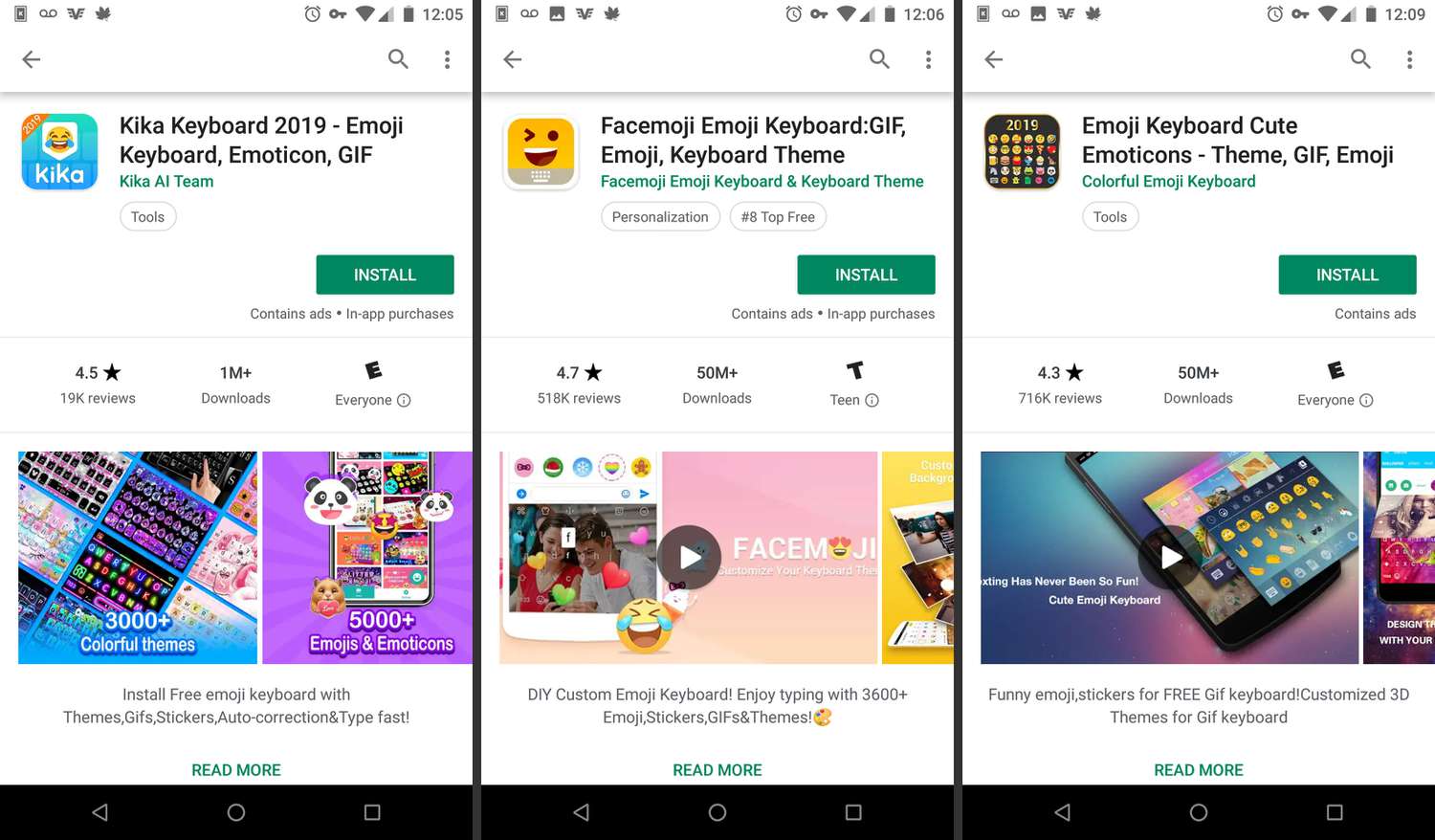
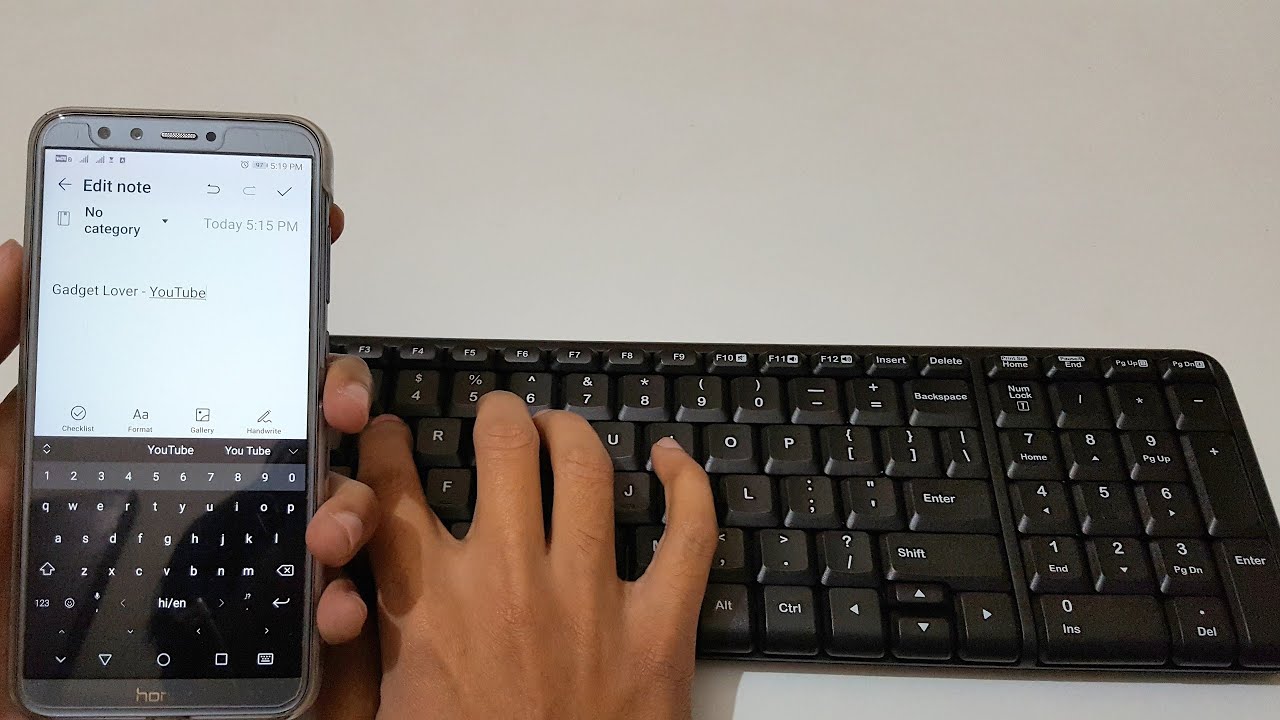
The articles here tackle three main areas. First, there is a strong focus on wireless connectivity and hardware: you can learn how to connect a Logitech wireless keyboard to a Unifying receiver, pair an HP or Dell keyboard, or even link a keyboard and mouse to an Xbox One. Second, the collection dives deep into emojis and custom keyboards, covering everything from how to get emojis on Android to adding custom emojis on an iPhone, setting up a Bitmoji keyboard, and finding out what those mysterious emoji symbols are actually called. Third, you will find fixes for everyday frustrations like resetting a Logitech wireless keyboard, turning off Talk to Text on an iPhone, fixing autocorrect that has stopped working, or getting your phone’s keyboard back to normal after an accidental change.

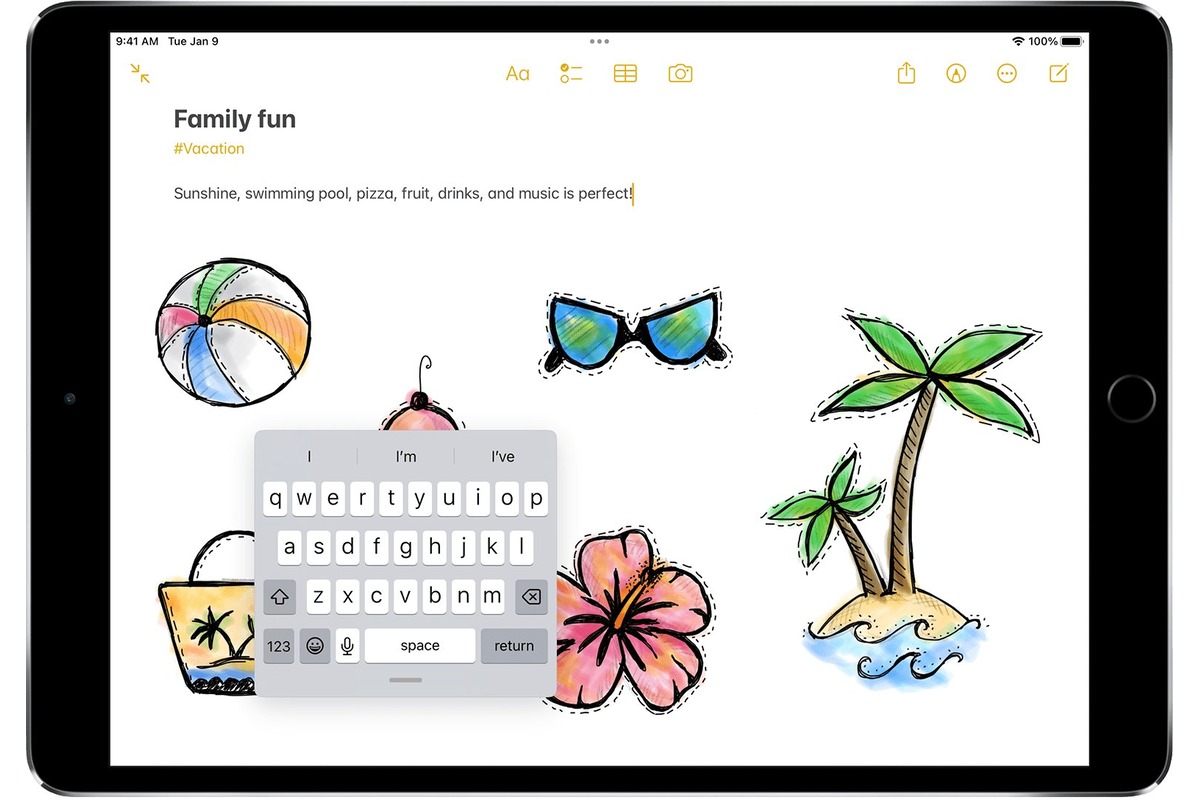
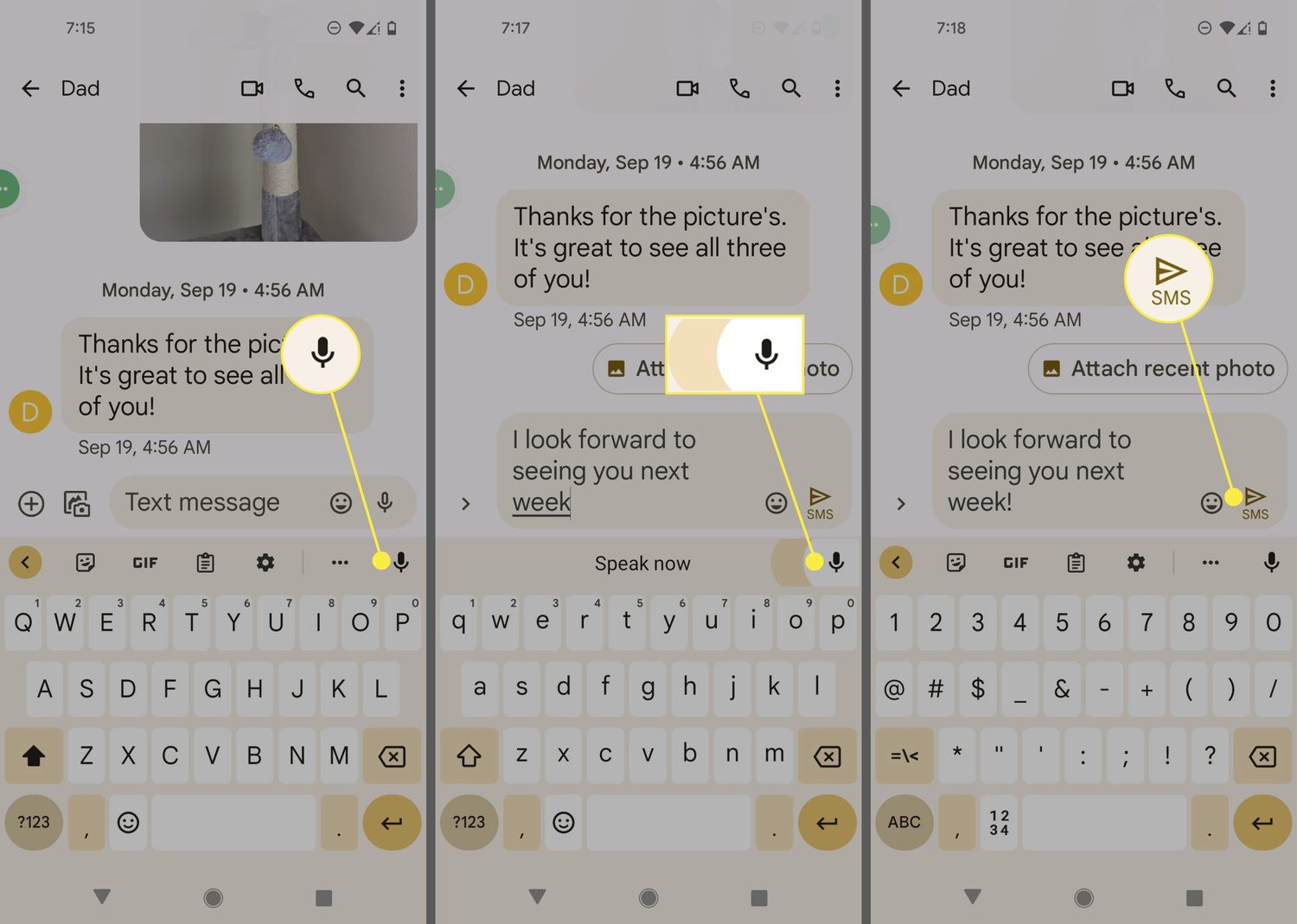
Specific topics you can explore include the purpose of the Logitech keyboard joystick button, what the Tilde (~) key is used for, how to use the floating iPad keyboard in iPadOS 16, and how to activate voice-to-text on Android. From sliding to type on an iPad to typing an apostrophe from the basic keyboard layout, these articles help you do more with the keys you press every day.
Emojis and Custom Keyboard Setup

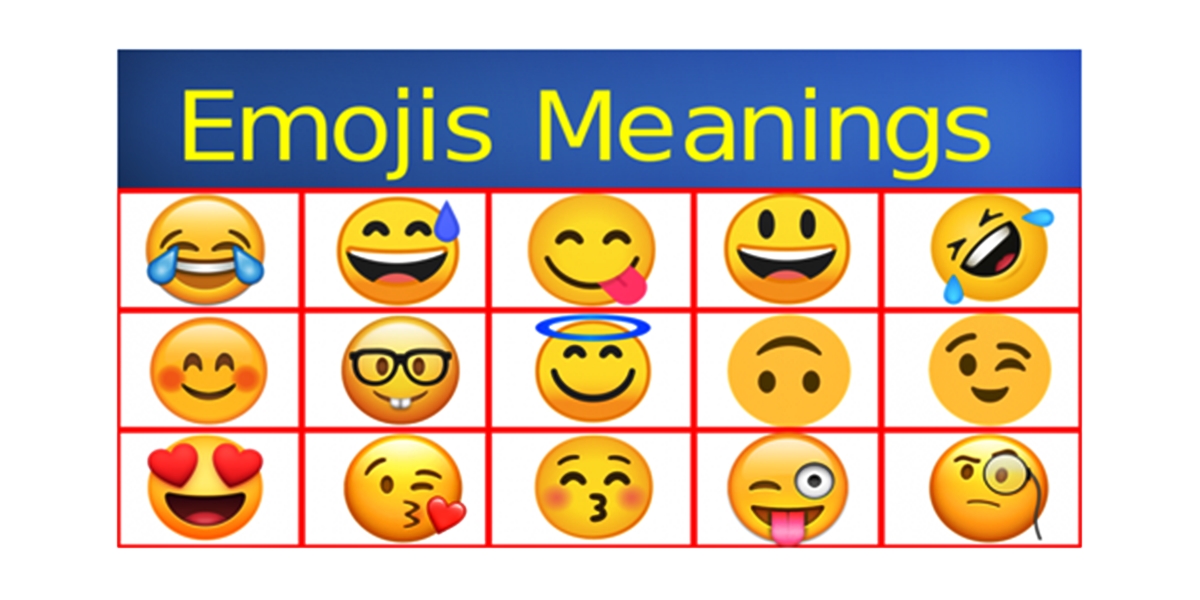
Understand emoji keyboard basics A proper emoji keyboard setup starts with understanding the definition of emoji, which are standardized pictographs built into the system keyboard, not standalone images you can...

How To Create Emoji In Android

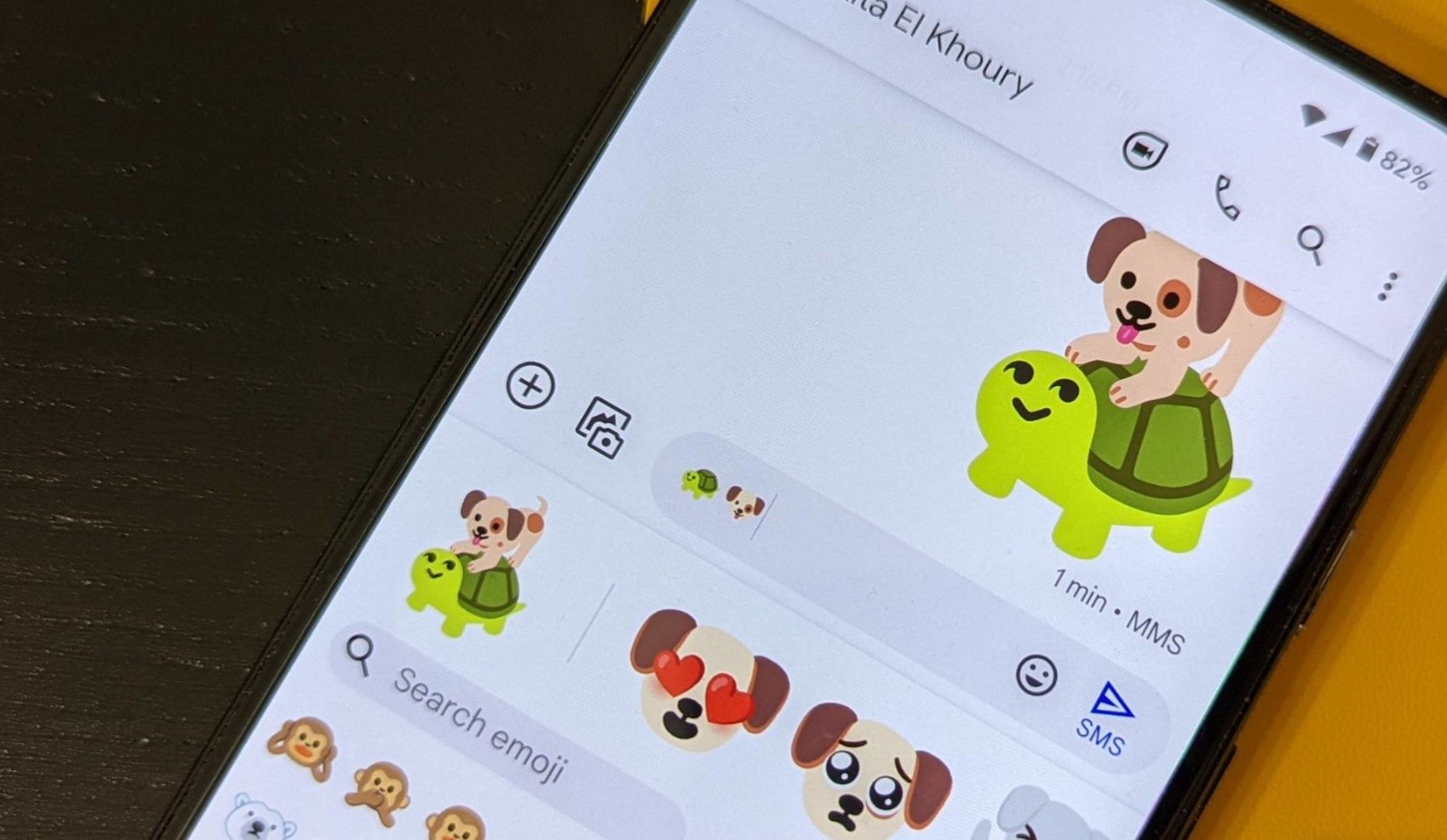
To create emoji in Android, the most powerful and direct method is using Gboard's Emoji Kitchen, which lets you combine two existing emojis into a unique sticker mashup. This built-in...

How To Turn Off Talk To Text On IPhone

To turn off dictation on iPhone, open Settings > General > Keyboard and switch off Enable Dictation. This is the official, Apple-documented control for the feature Apple calls Dictation, which...

How To Add Custom Emojis To IPhone

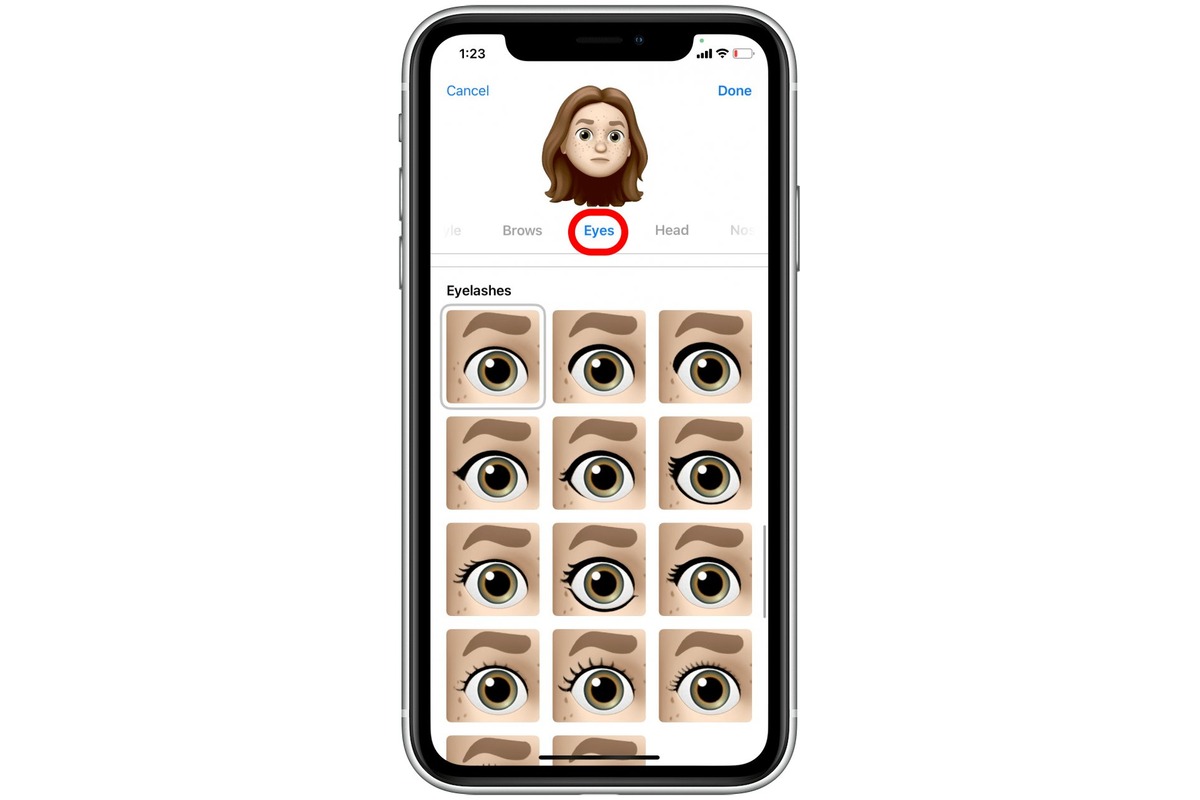
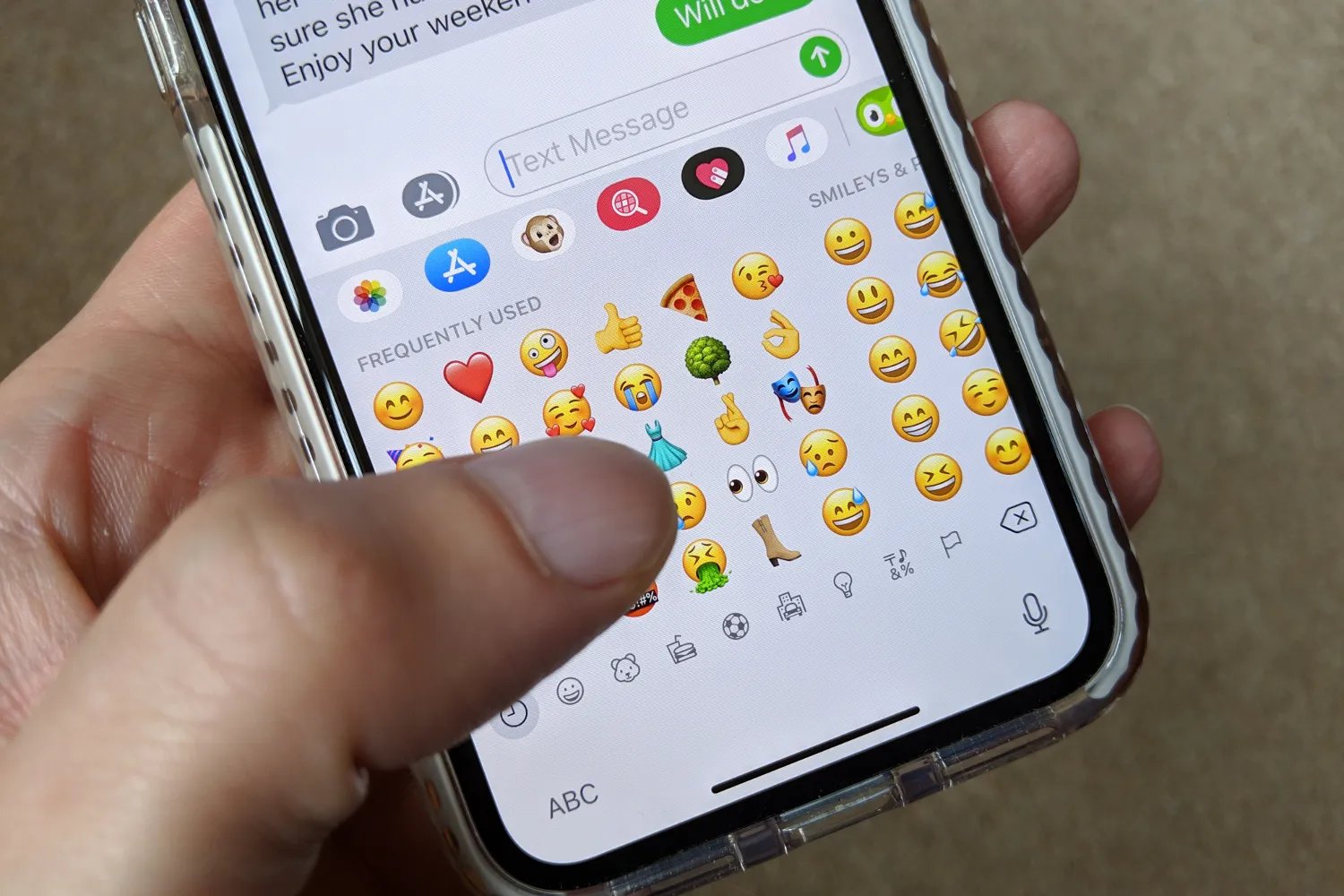
You can add custom emojis to iPhone using Apple’s built-in Genmoji feature, which lets you create unique emojis from text descriptions or photos without needing third-party apps. This is the...

How To Connect Keyboard To Phone

To connect a keyboard to your phone, pair a Bluetooth keyboard with your iPhone by turning on the keyboard, enabling Bluetooth in Settings, and selecting it from the Other Devices...

How To Get Gifs On Android

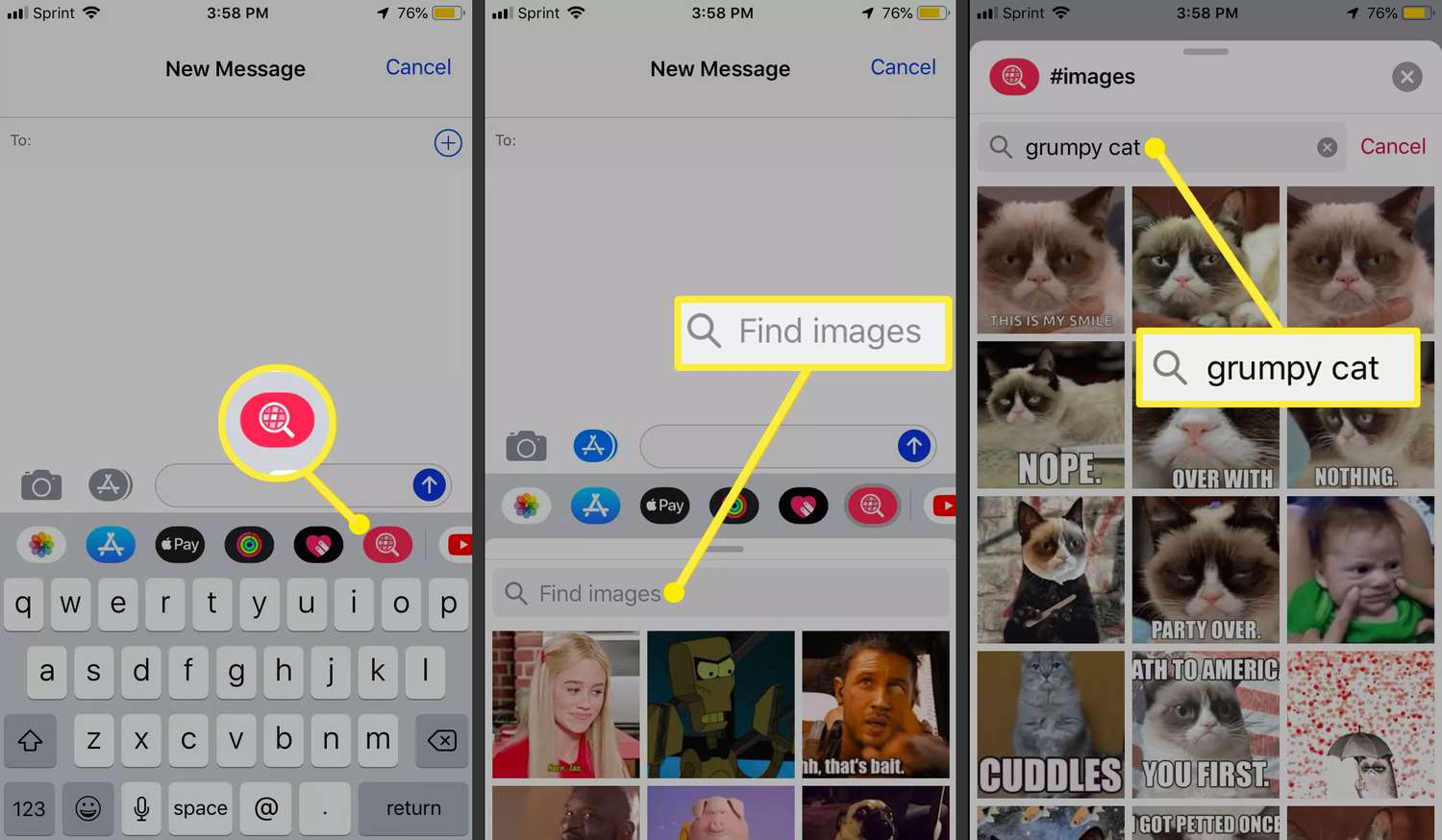
The fastest way to get GIFs on Android is to use the built-in GIF search in your keyboard. Gboard and Samsung Keyboard both let you search and send animated GIFs...

How To Connect An HP Wireless Keyboard

To connect an HP wireless keyboard, press and hold Bluetooth button 1 or 2 on the keyboard for three seconds until the white pairing light blinks, then select the matching...