Practical guides and troubleshooting articles specifically for readers who use a laptop alongside their mobile devices and peripherals. While the site focuses on phones, this section addresses the common reality that many users need to connect, configure, and fix their laptops for work, entertainment, and everyday tasks.
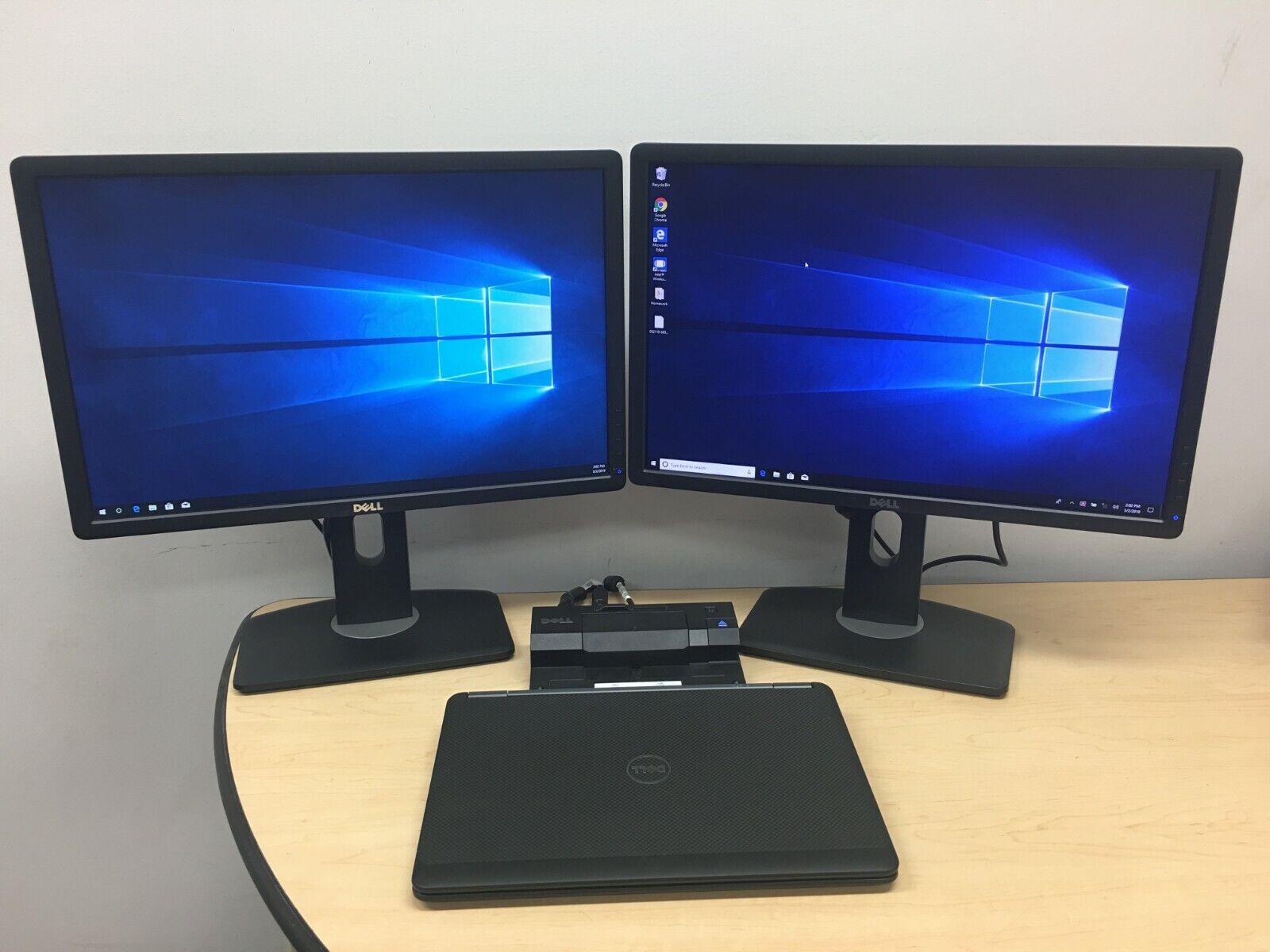
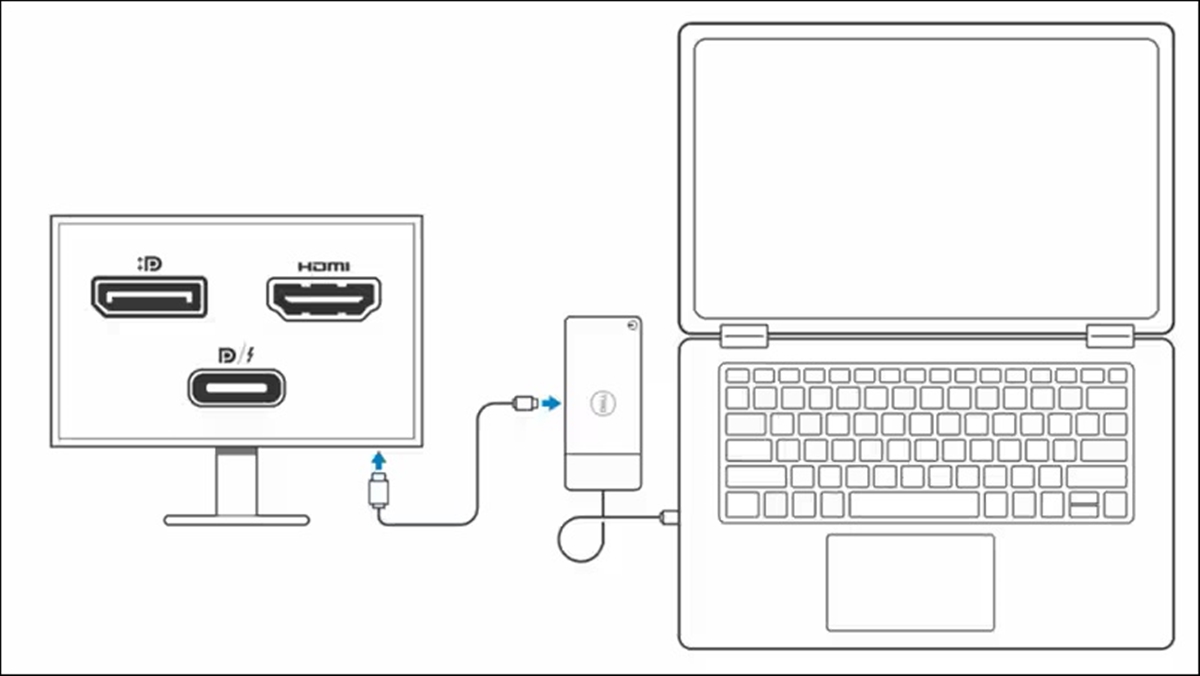
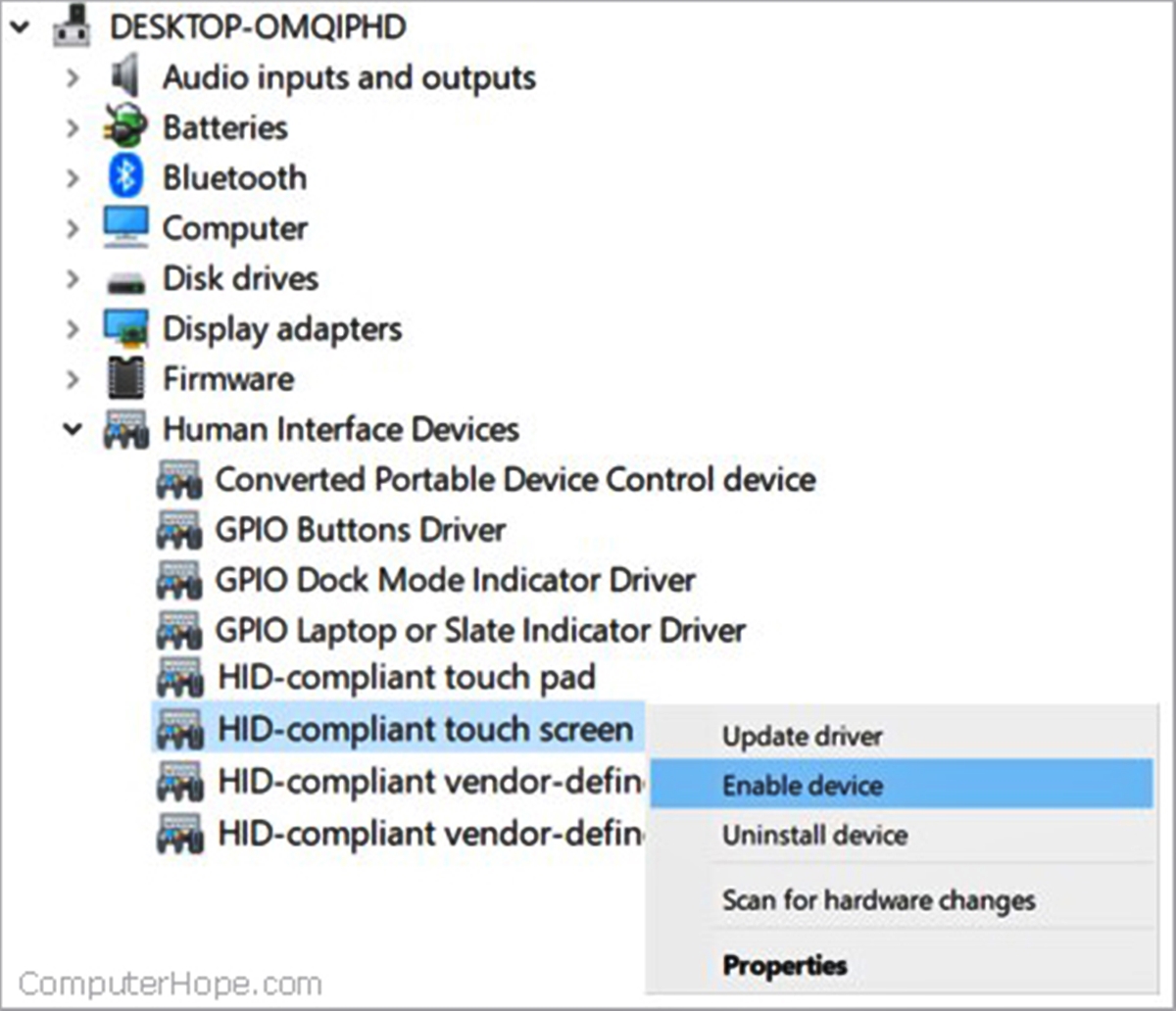
The articles solve problems grouped into two main themes. First, there are many guides about connecting laptops to other hardware, such as docking stations, monitors, projectors, and TVs. You will find clear steps for tasks like connecting an HP laptop to a Dell docking station, setting up a j5create docking station, or streaming from a laptop to a TV wirelessly. Second, a large group of articles focuses on networking and mobile data, including how to connect a Toshiba laptop to wireless internet, how to use cellular data on a laptop, and how to connect a Dell laptop to a hotspot. A few articles also cover specific laptop settings and hardware, like turning off the touchscreen on a Lenovo or Asus laptop, or explaining what NFC on a laptop is for.
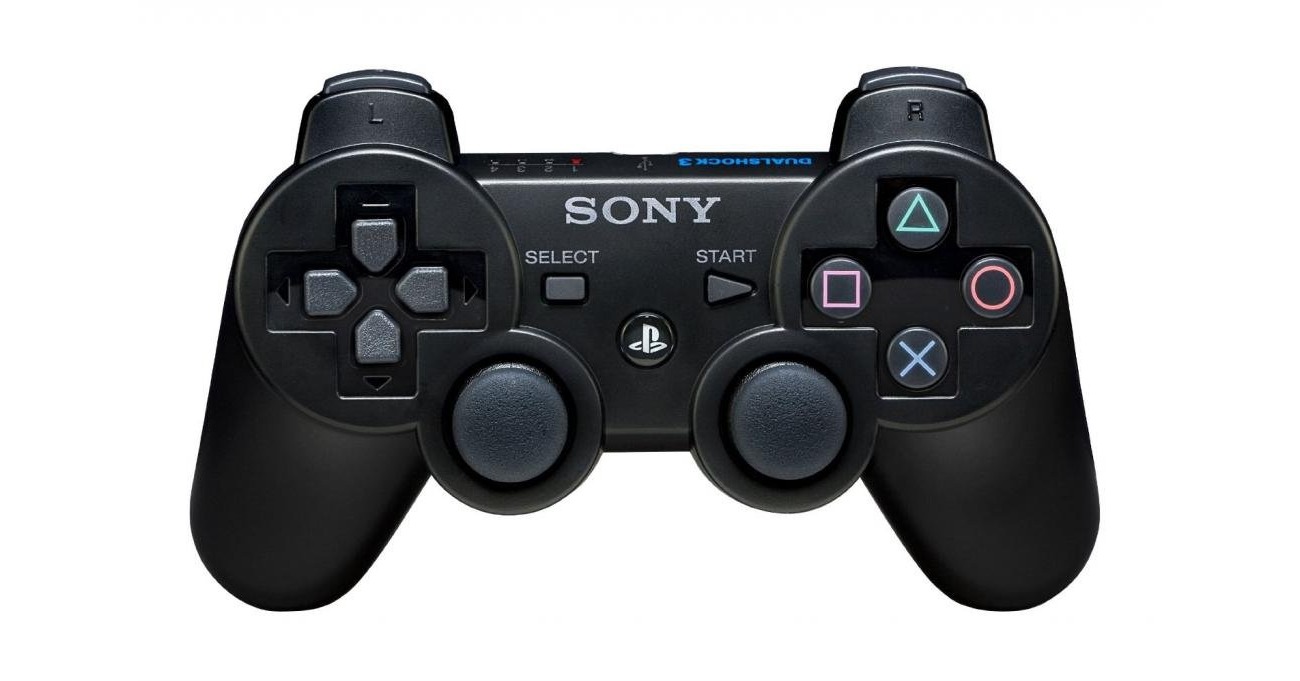
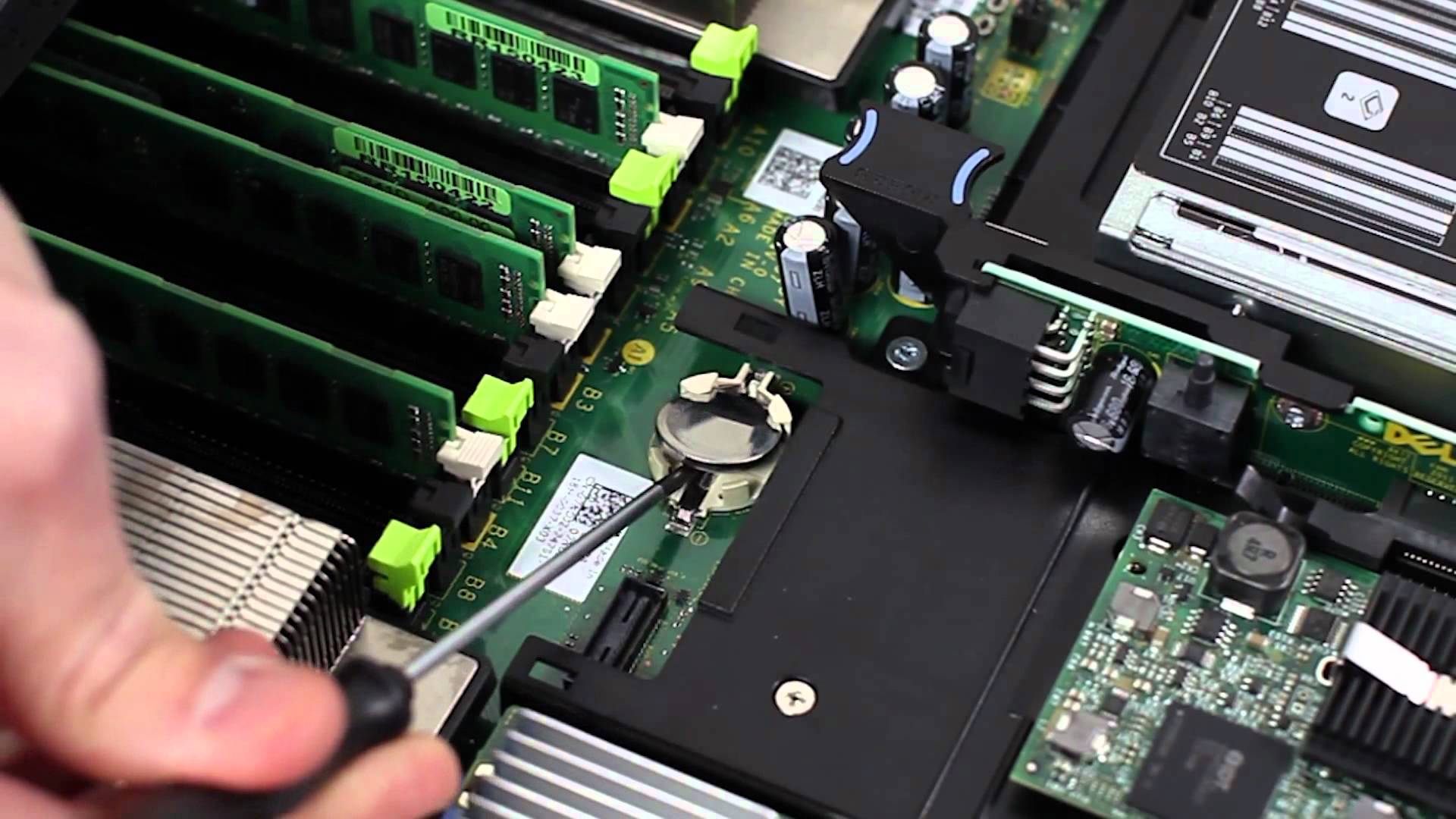
These articles help the reader perform specific actions, from taking out a CMOS battery to connecting a PS3 joystick to a laptop. They are designed for the user who needs a straightforward, no-nonsense answer to a particular laptop-related question.