Welcome to the Messenger tag page on CellularNews. This collection is for anyone who uses Facebook Messenger on their phone and needs practical, straightforward help. Whether you are a long-time user or just getting started, the articles here focus on solving real, everyday problems with the app, from managing your account and privacy settings to fixing annoying glitches that stop your messages or calls from working properly.
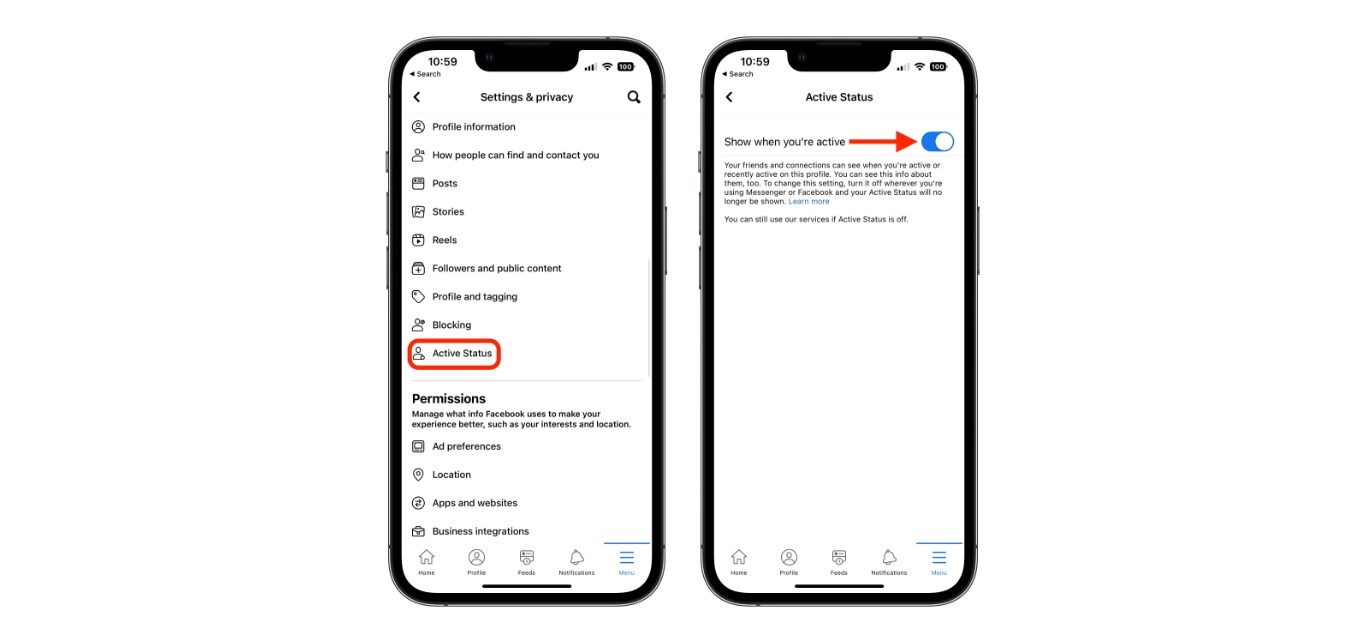
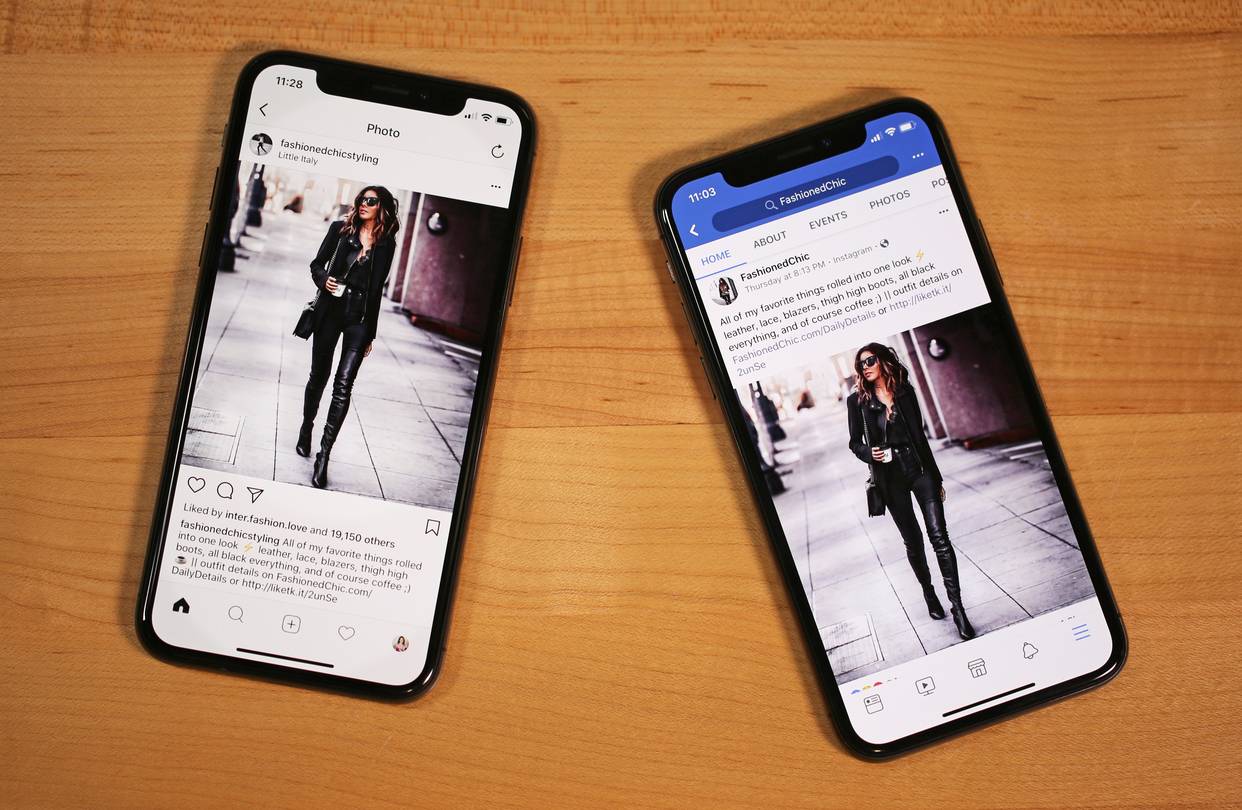
The articles fall into a few clear themes. One theme is account and privacy management: you can learn how to log out of Messenger on every device, how to change your mobile number in the app, and what the green dot on the Messenger phone icon actually means, plus how to turn that green dot off. Another theme is connectivity and notification fixes: if your phone doesn’t ring for Messenger calls, the site explains why and how to fix it. A third theme covers cross-platform and marketplace features, such as how to invite a Facebook friend to join Instagram and how to see a hidden phone number on Facebook Marketplace.
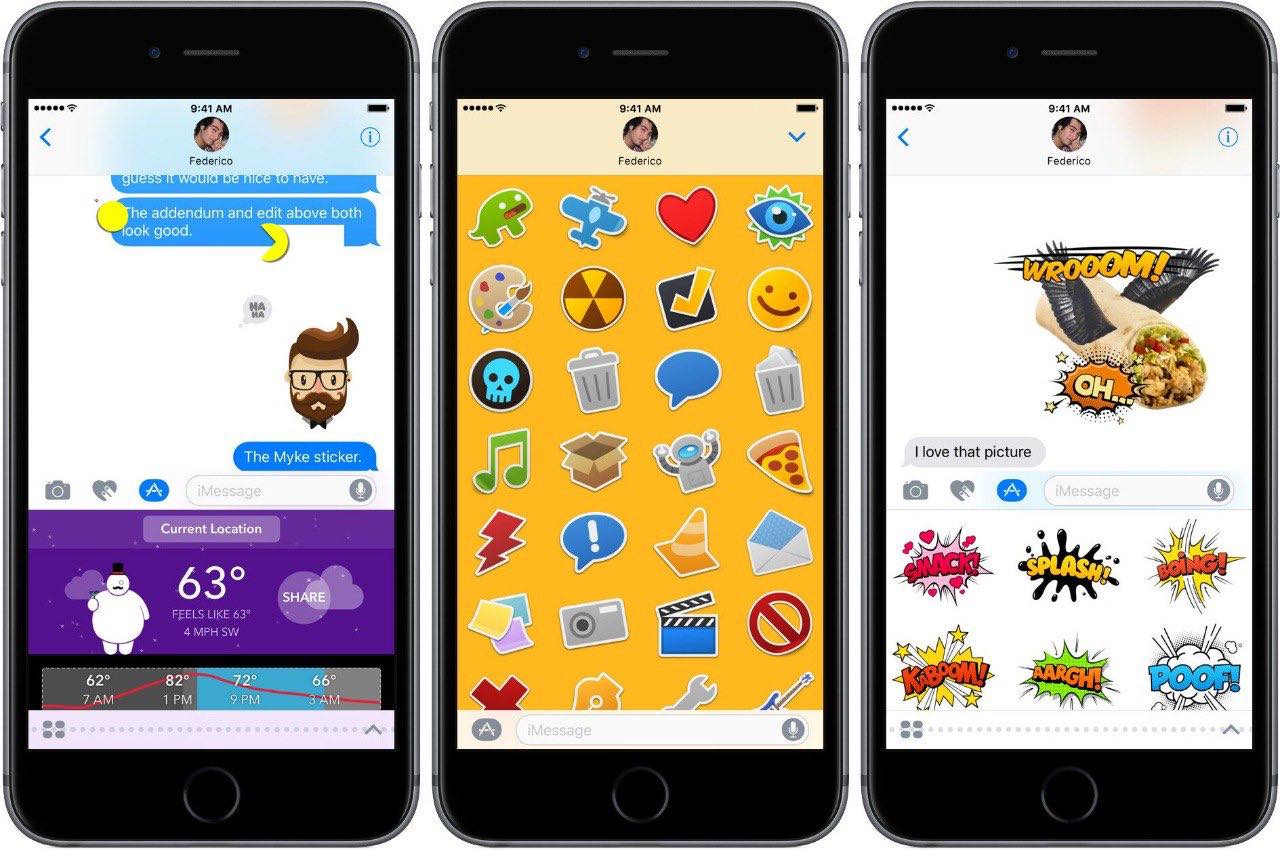
These guides help you take direct action. You can secure your account by logging out remotely, customize your experience by downloading stickers for iPhone, and solve call-related issues that might be causing you to miss important messages. Each article is a clear, no-nonsense fix for a specific problem you might be facing right now.