This tag page collects all of CellularNews's articles about Metro by T-Mobile (formerly MetroPCS). It is written for current and prospective Metro customers who need practical, step-by-step help managing their service, devices, and accounts. Whether you are troubleshooting a feature, planning a switch, or simply trying to understand how Metro differs from its parent network, these guides are built to give you clear, actionable answers.
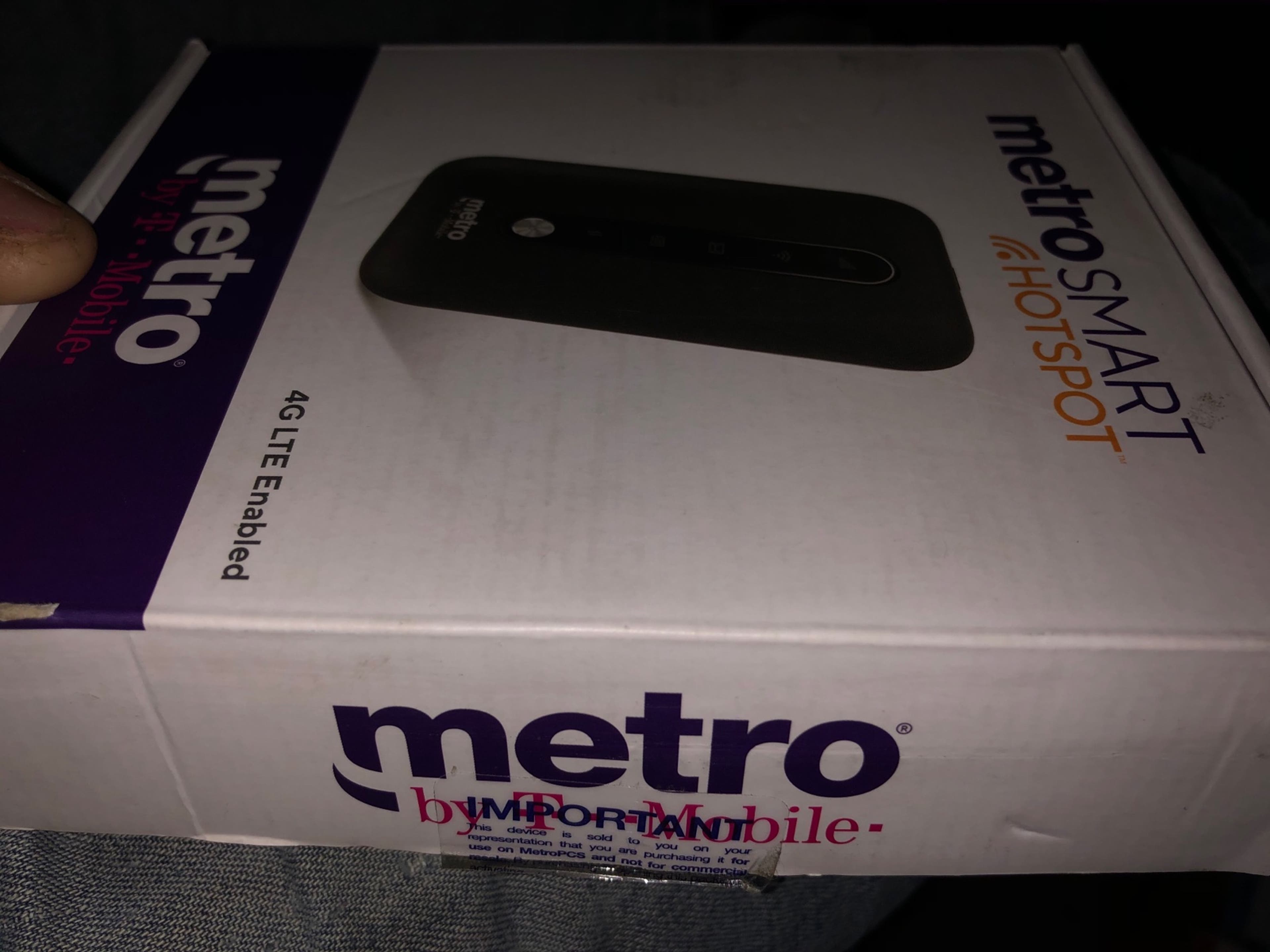
The articles here solve three main kinds of problems. First, connectivity and hotspot issues: you will find direct fixes for when your Metro hotspot stops working, plus setup instructions for the mobile hotspot feature and details on how to get unlimited hotspot data. Second, device and account changes: the guides walk you through unlocking a Metro phone, switching your service to a different Metro device, changing your phone number, and activating a new phone. Third, carrier transitions and confusion: several articles explain how to switch from Metro to T-Mobile, why your phone might display "T-Mobile" instead of "Metro," and what the actual differences are between the two brands.
Specific topics you can read about include how much it costs to upgrade your phone at MetroPCS, the reality behind "free phone" switch offers, and the step-by-step process to unlock both older MetroPCS and newer Metro by T-Mobile phones. Each article is designed to help you take action, fix a broken feature, complete a transfer, or make an informed decision about your service.