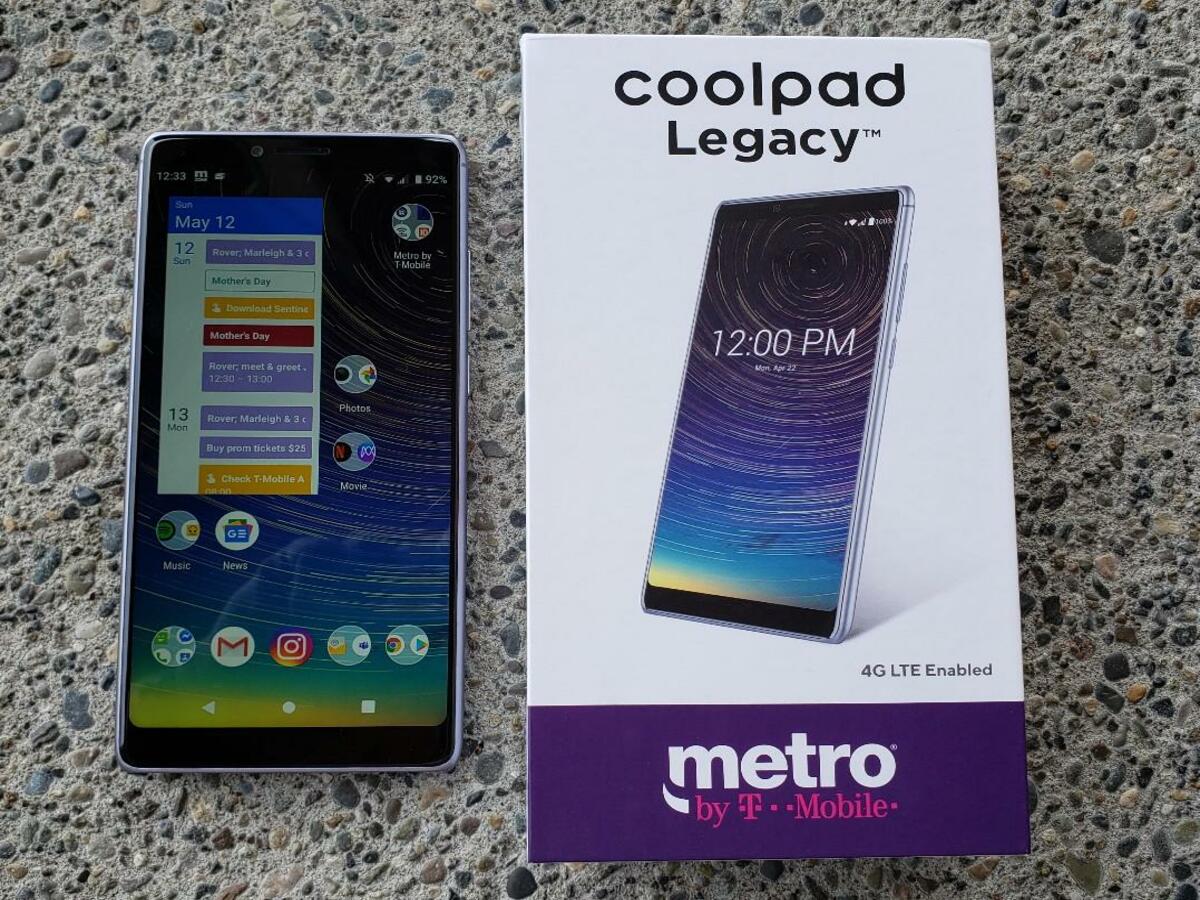
To unlock a Metro by T-Mobile phone, you simply wait for the device to become eligible under the carrier’s official policy, after which it is automatically unlocked remotely within two business days with no manual steps required for most phones. This automatic process is the only way to unlock a Metro by T-Mobile phone through the carrier, and it removes the network restriction so you can use the device on another compatible carrier.
How to unlock a Metro by T-Mobile phone: The core automatic unlock process
For the vast majority of eligible Metro by T-Mobile phones, there is no manual unlock process. Once your device meets the carrier’s unlock eligibility rules, Metro by T-Mobile says it will be remotely unlocked within two business days. You do not need to contact customer support, download an app, or enter an unlock code. Simply keep the phone active on the Metro network until it qualifies, and the unlock happens automatically in the background. You can find your device's IMEI number by dialing *#06#.
Metro by T-Mobile unlock eligibility rules
Your device must meet all three of the following verified criteria to be eligible for unlocking:
- The device must be purchased from Metro by T-Mobile.
- The device must not be reported as lost, stolen, or blocked.
- 365 days must have passed since the device’s activation date on the Metro network.
Once these conditions are satisfied, the automatic unlock process begins. If you are considering unlocking carrier phones from Verizon, AT&T and T-Mobile, note that Metro by T-Mobile’s policy is specific to devices bought directly from Metro and requires a full year of active service before eligibility. The original FAQ mentions a 180-day active service requirement, while the verified policy states 365 days.
What if my phone doesn’t unlock automatically?
Some devices cannot be unlocked remotely. In those cases, Metro says it will send a notification to the device within two business days of the phone becoming eligible, providing instructions for completing the unlock. For deployed military personnel who are customers in good standing, Metro says devices are eligible for unlocking upon provision of deployment papers. If you need further help, contact Metro by T-Mobile customer service at 888-863-8768.
Frequently asked questions about unlocking your Metro phone
Can I unlock my Metro by T-Mobile phone?
Yes, if your device meets the eligibility requirements, it can be unlocked.
How do I know if my Metro by T-Mobile device is eligible for unlocking?
Check your device’s eligibility on the Metro by T-Mobile website or contact customer service.
How can I start the unlocking process for my Metro by T-Mobile phone?
Contact Metro by T-Mobile customer service to initiate the unlocking process.
Is there a fee to unlock my Metro by T-Mobile phone?
No. Metro says eligible devices are unlocked free of charge. There is no cost for the automatic unlock or for the notification process for devices that cannot be remotely unlocked.
How long does unlocking take?
Metro says eligible devices are remotely unlocked within two business days after they meet the unlock rules. For devices that cannot be remotely unlocked, the notification is also sent within two business days of eligibility.
What does an unlocked phone mean for my Metro device?
An unlocked phone means the network restriction has been removed, allowing the device to accept SIM cards from other compatible carriers. Once your Metro phone is unlocked, you can use it with a different carrier’s service, though the phone must still be technically compatible with that carrier’s network.
What if my phone was lost or stolen?
Devices reported as lost, stolen, or blocked are not eligible for unlocking under Metro’s policy. You cannot unlock a phone that has been flagged in these categories.
Does Metro list supported models or OS versions for unlocking?
The automatic unlock process applies to eligible devices regardless of model, as long as the three eligibility criteria are met.
Can I use a third-party service to unlock my Metro phone faster?
No official step-by-step process, supported models, or guarantees are provided for that method, and using such services may void warranties or agreements with Metro.
Related reading: How To Unlock A Metropcs Phone.