Guides and troubleshooting articles focused on phone microphones, headsets, and related audio accessories. This page is for anyone using a smartphone, whether iPhone or Android, who needs to manage their device's microphone settings or fix common audio problems with headsets and apps.
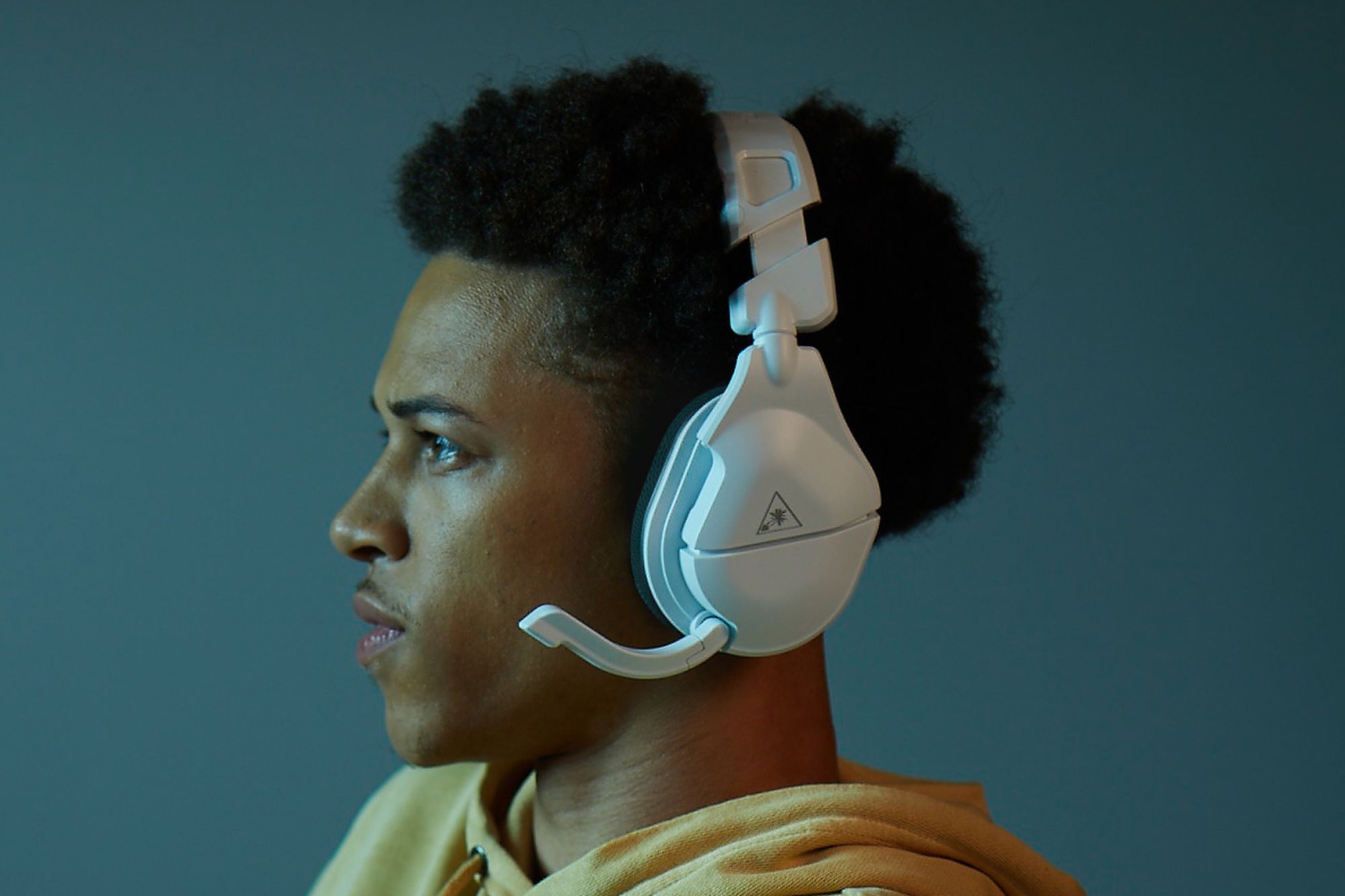
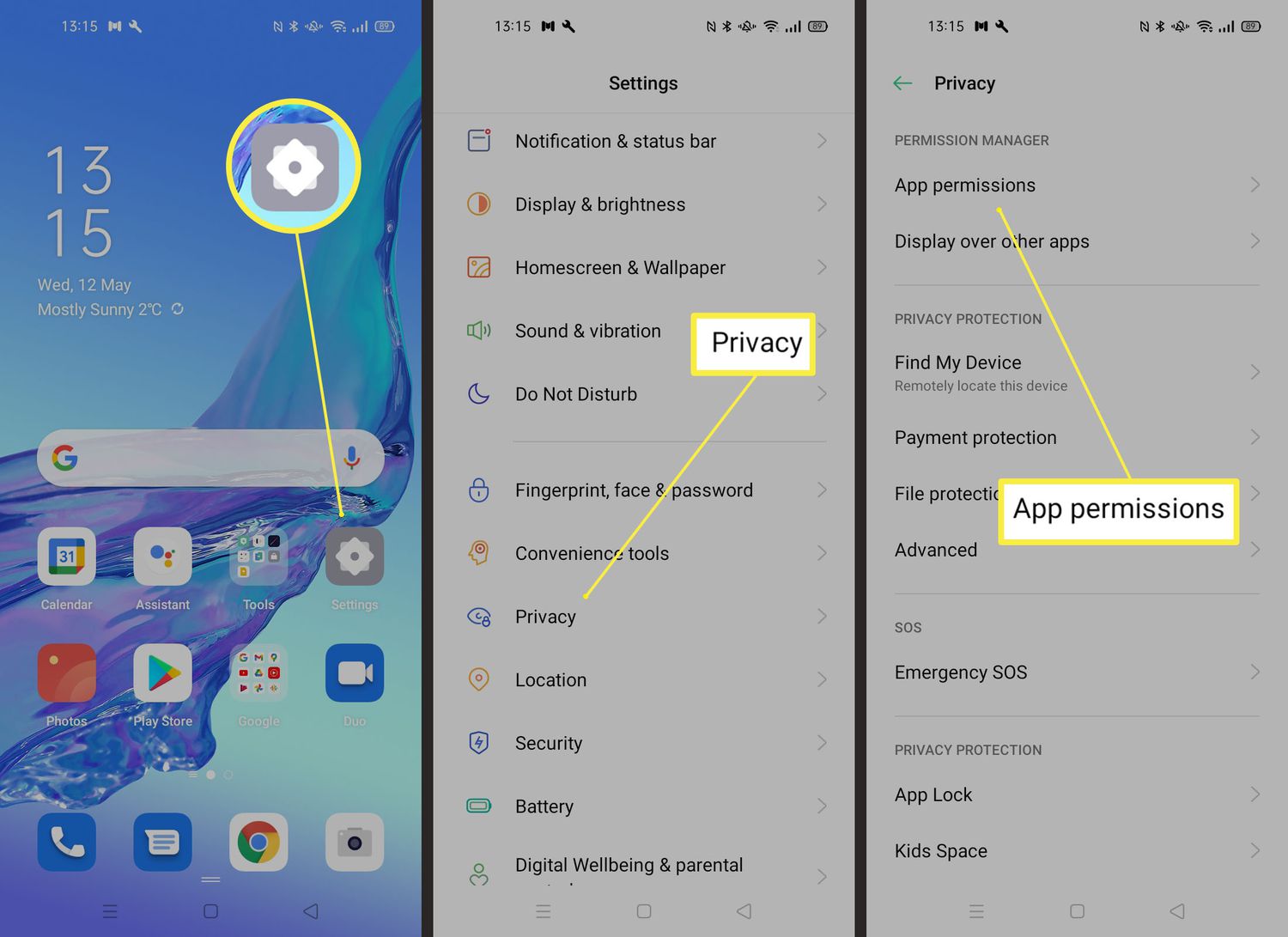
The articles here solve two main kinds of problems. First, there are many guides for controlling microphone access on phones themselves, like how to turn off the microphone on an iPhone or Android, what the orange dot means on an iPhone, and how to get water out of an iPhone 11 microphone. Second, a large group of articles tackles headset and gaming audio issues, including how to fix echo on an Android phone, why your headset mic isn't working on Discord, and how to stop echo on a Turtle Beach headset. There are also setup guides for connecting headsets with a mic to a PC using one jack, using a headset mic on Streamlabs, and wiring an XLR connector.
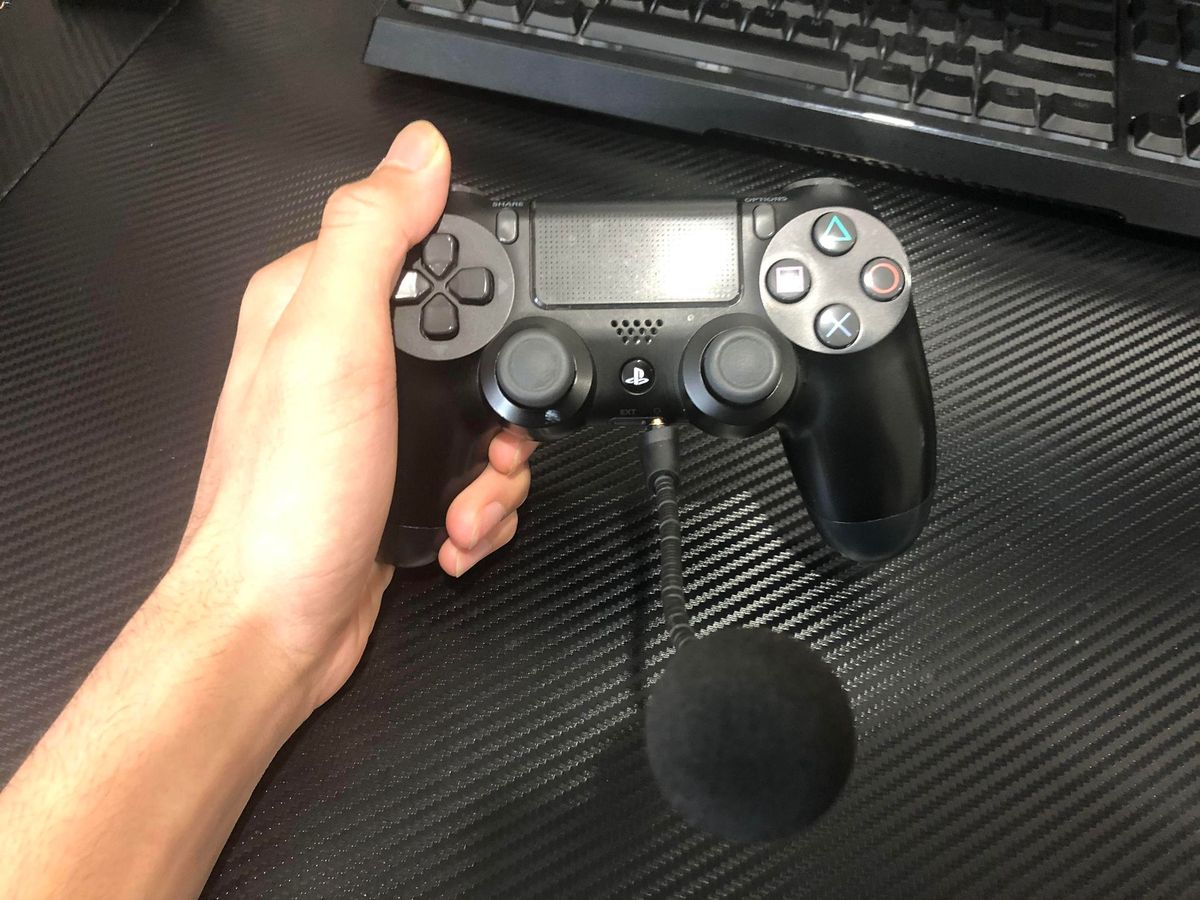
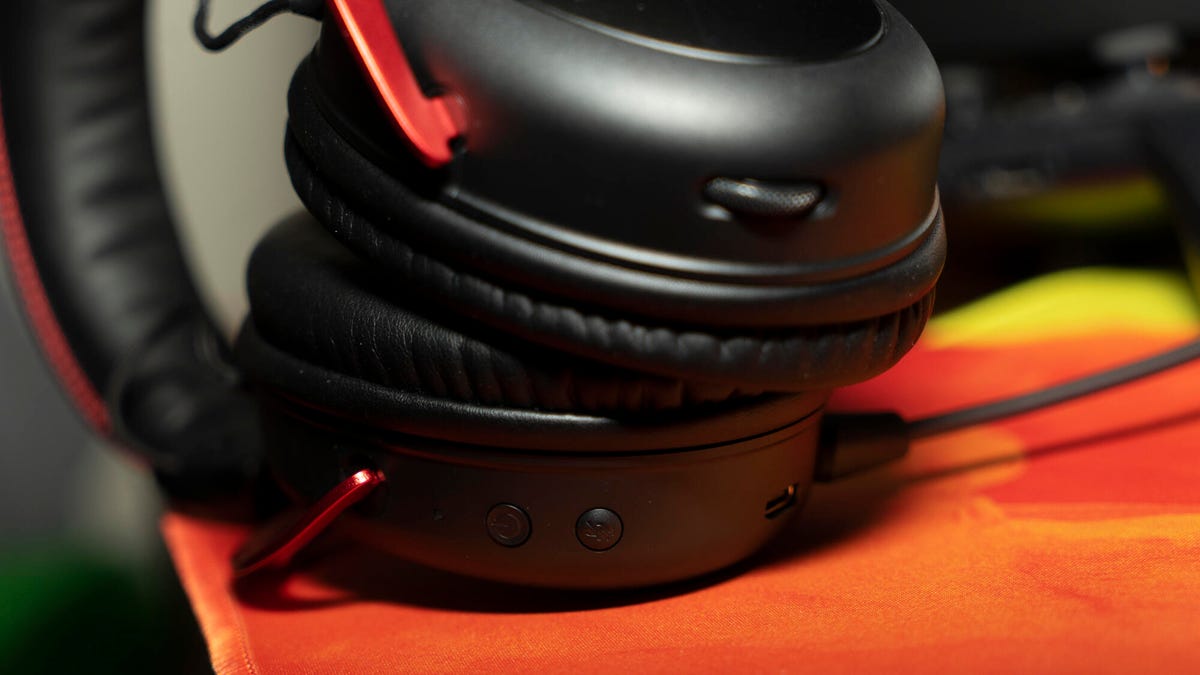
Whether you need to unmute on a phone Zoom call, change audio input on Discord mobile, or record songs on your phone, these articles help you take direct action. They also cover specific accessories like the Sharper Image wireless headphones, Rode Wireless Go 2, HyperX Cloud headset, and which Fitbit allows you to answer calls. From muting a headset to fixing a PS4 controller mic, this tag gives you the steps to get your audio working.