The My Verizon app tag page on CellularNews collects practical guides for anyone managing a Verizon Wireless account, whether you are a new customer, a long-time subscriber, or someone setting up home internet equipment. These articles are written for users who need straightforward, step-by-step help with common account tasks and device settings without searching through complex menus or contacting support.
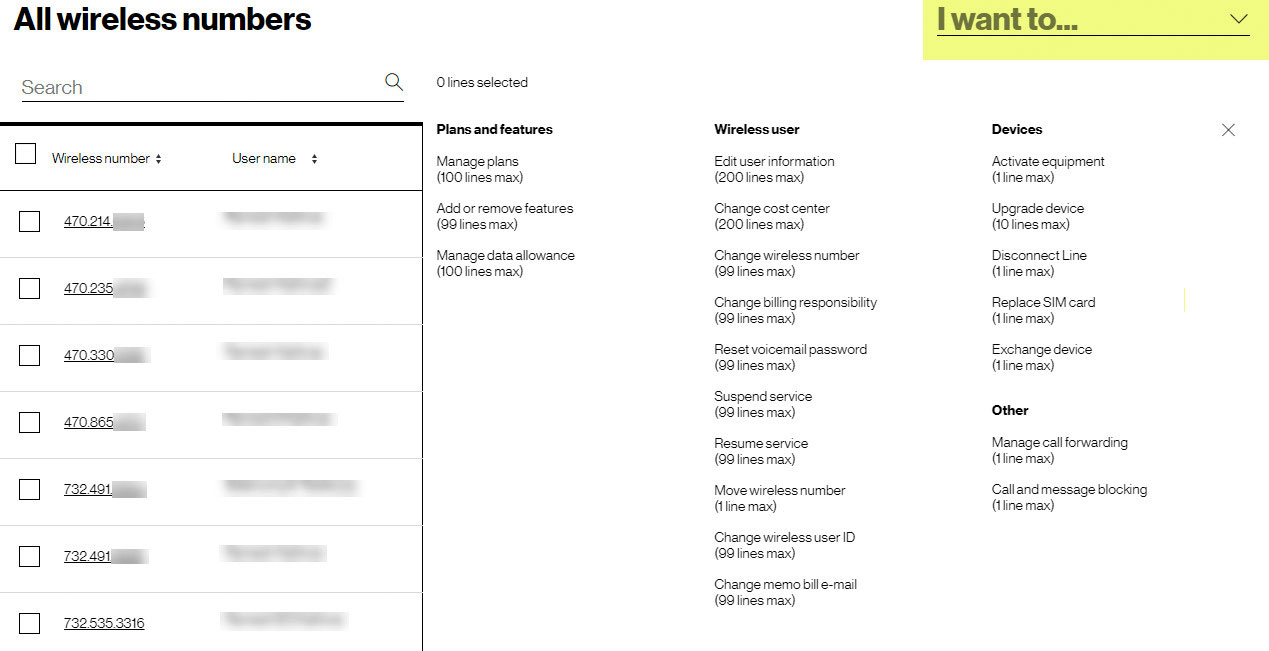
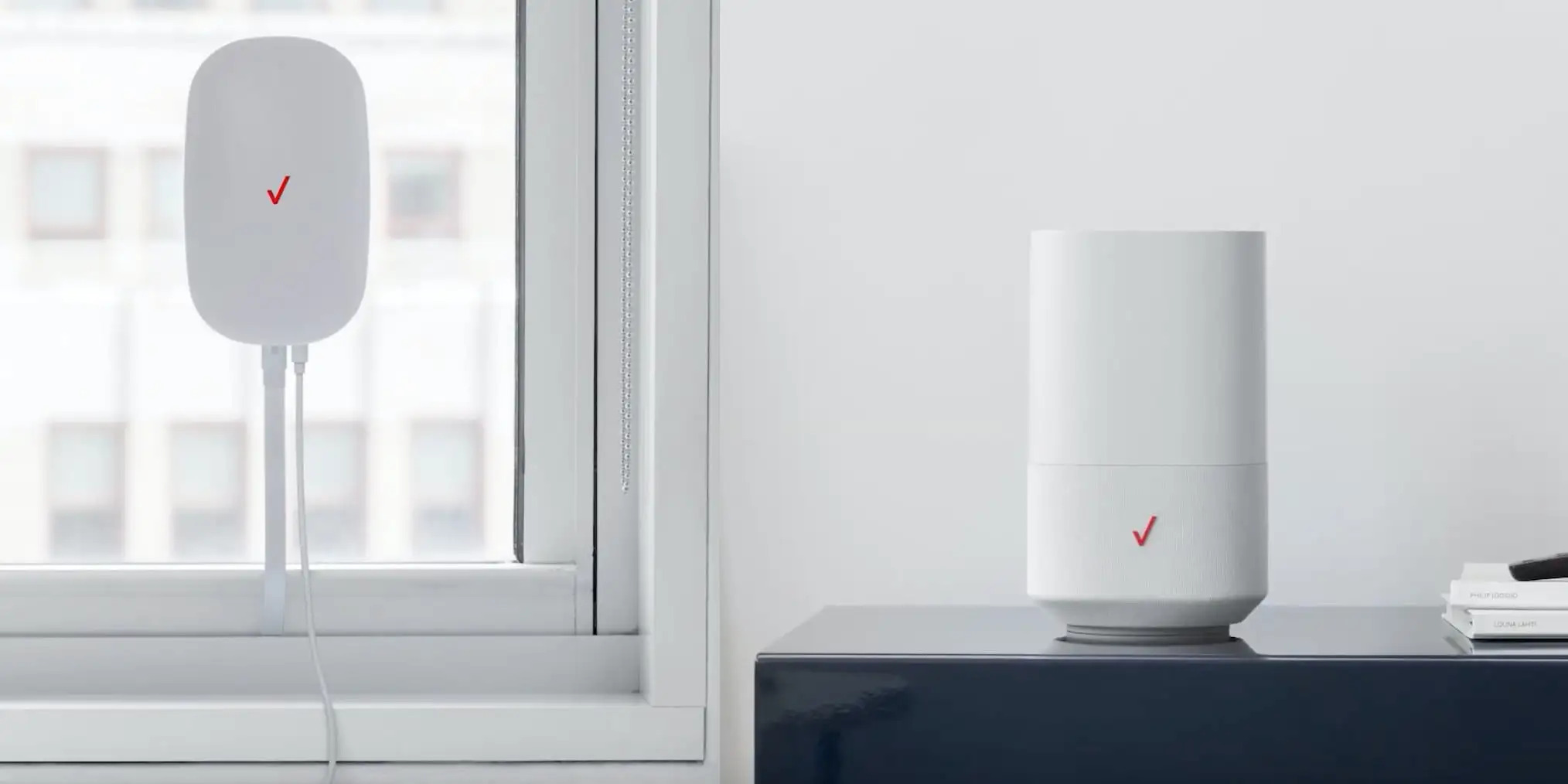
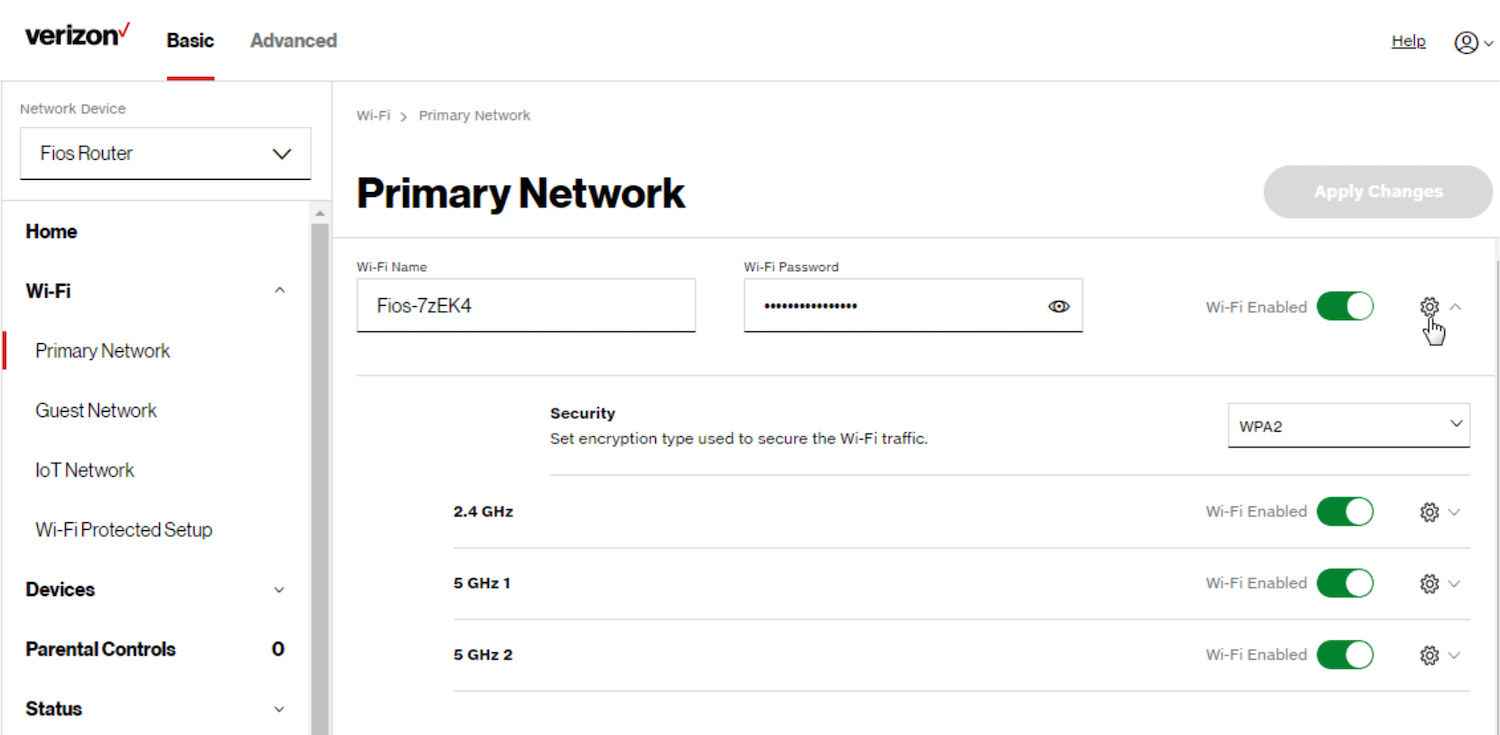
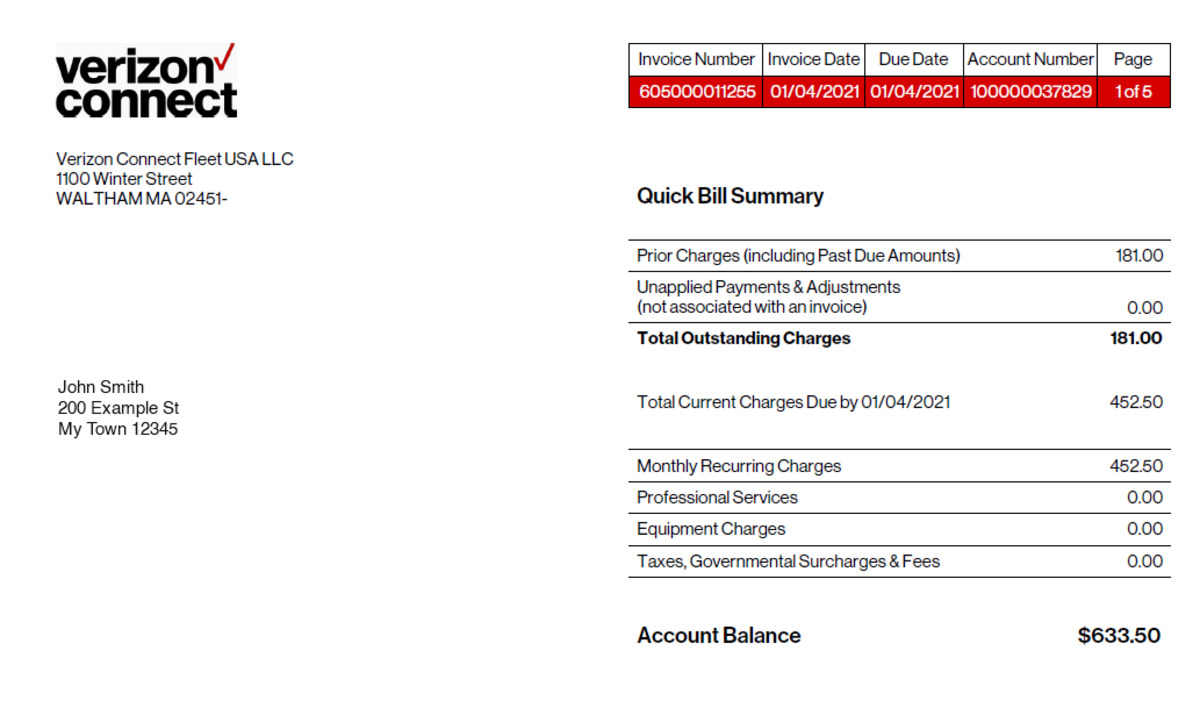
The articles here solve two main kinds of problems: account and billing management, and router or device configuration. For billing and account tasks, you can learn how to pay your Verizon Wireless bill, check your phone balance, pay off a Verizon phone, and review your data usage. Other guides help with personal account changes, such as how to change your phone number on Verizon, update your last name on your account, or retrieve your Verizon Wireless account number. For equipment setup and security, the tag includes instructions for changing the password on a Verizon Wireless router and setting up that router from scratch, as well as finding out the cost to activate a Verizon phone.
Each article focuses on a single, clear action, like paying a bill, resetting a router password, or checking your data, so you can complete the task quickly. Whether you are troubleshooting a forgotten password, preparing a new phone for activation, or simply keeping your account details current, these guides provide the direct steps needed to get it done.