This tag collects CellularNews articles focused on the phone app, the core dialer and call management system on your device. It is intended for anyone who wants to master their phone’s calling features, from basic voicemail setup to advanced call blocking and recording.
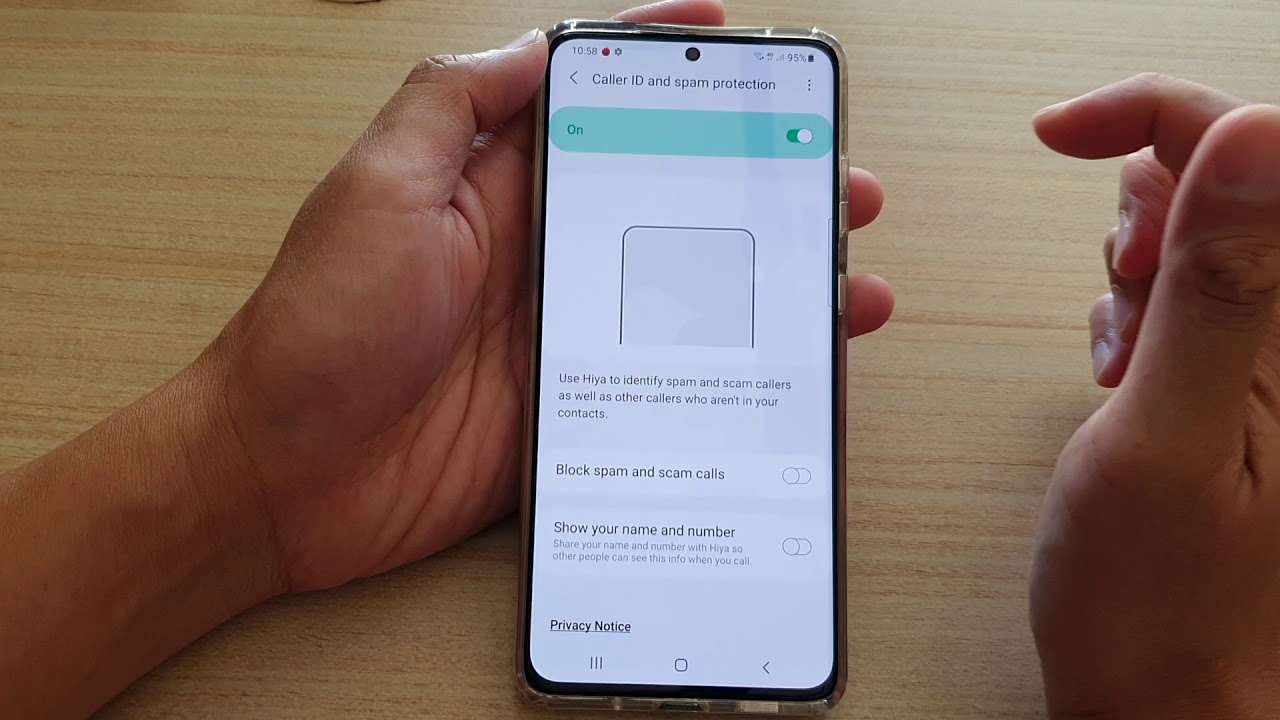
The articles here solve two main groups of problems: managing your incoming and outgoing calls, and controlling your voicemail. For call management, you will find guides on how to block calls on a Jitterbug Smartphone, how to block private numbers on a Samsung S20, and how to unblock someone on an Android phone. There are also step-by-step instructions for specific actions like making a three-way call on Android, merging calls on an iPhone to create a group call, and even how to call 311 from a cell phone. For voicemail, the collection covers setting it up on various devices, including a Samsung Galaxy S21 and a Motorola Razr, as well as how to empty your voicemail on a Samsung phone or an Android phone.
Beyond these core themes, the articles help you customize your calling experience. You can learn how to change the number of rings on an iPhone, how to change caller ID on Android, and how to remove RTT from an Android phone. For those using an iPhone 13, specific topics include how to enable speaker mode, how to pin contacts, and where to find your favorites. Whether you need to record a conversation on an iPhone 13 or set up voicemail on a Motorola Razr, this tag provides the direct, practical steps to get it done.