Practical guides focused on managing, editing, and organizing images directly on your mobile device. This page is for anyone who uses their phone as their primary camera and photo library, whether you own an iPhone or an Android device, and wants to get more control over their pictures without needing a computer.
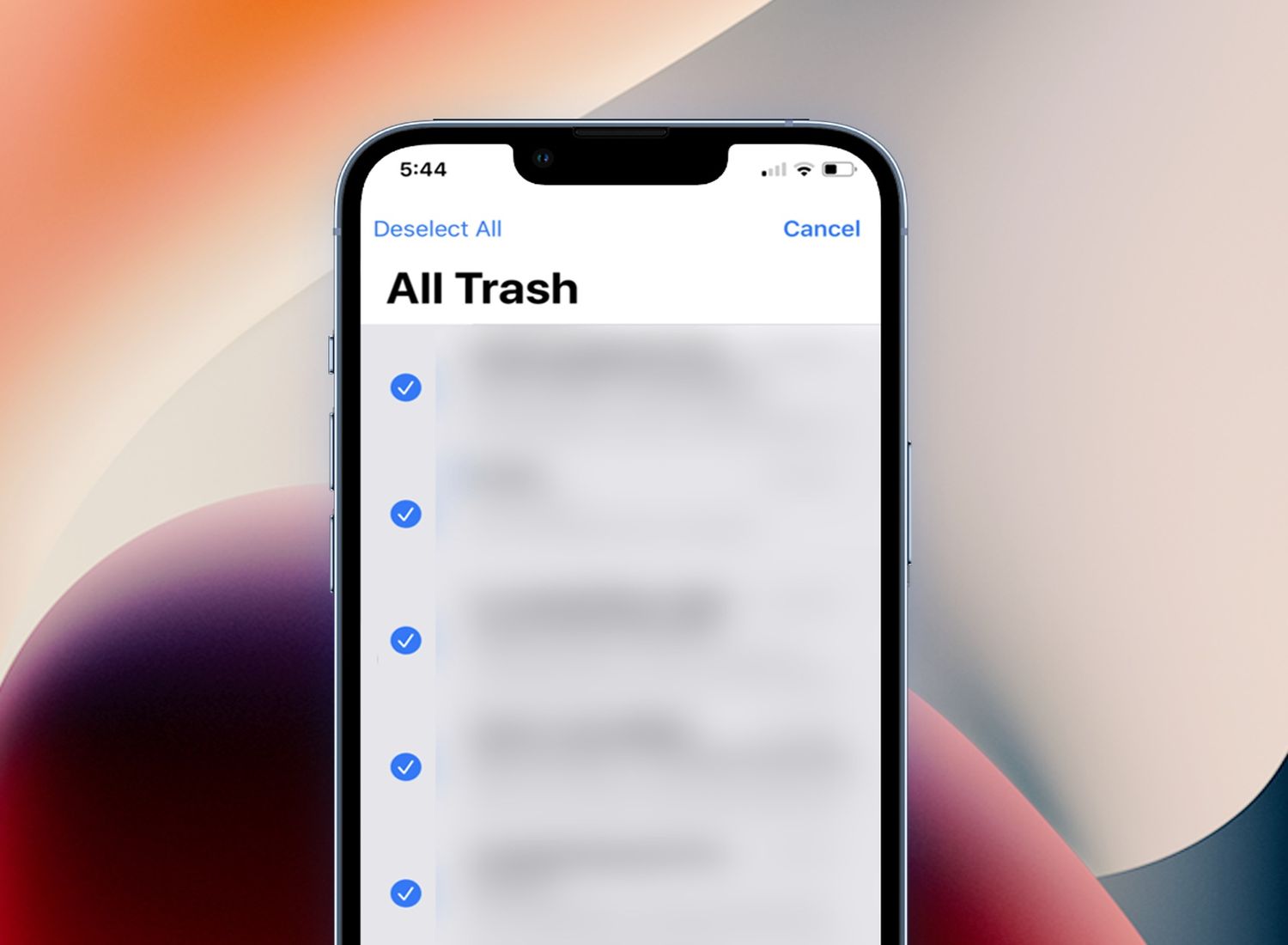
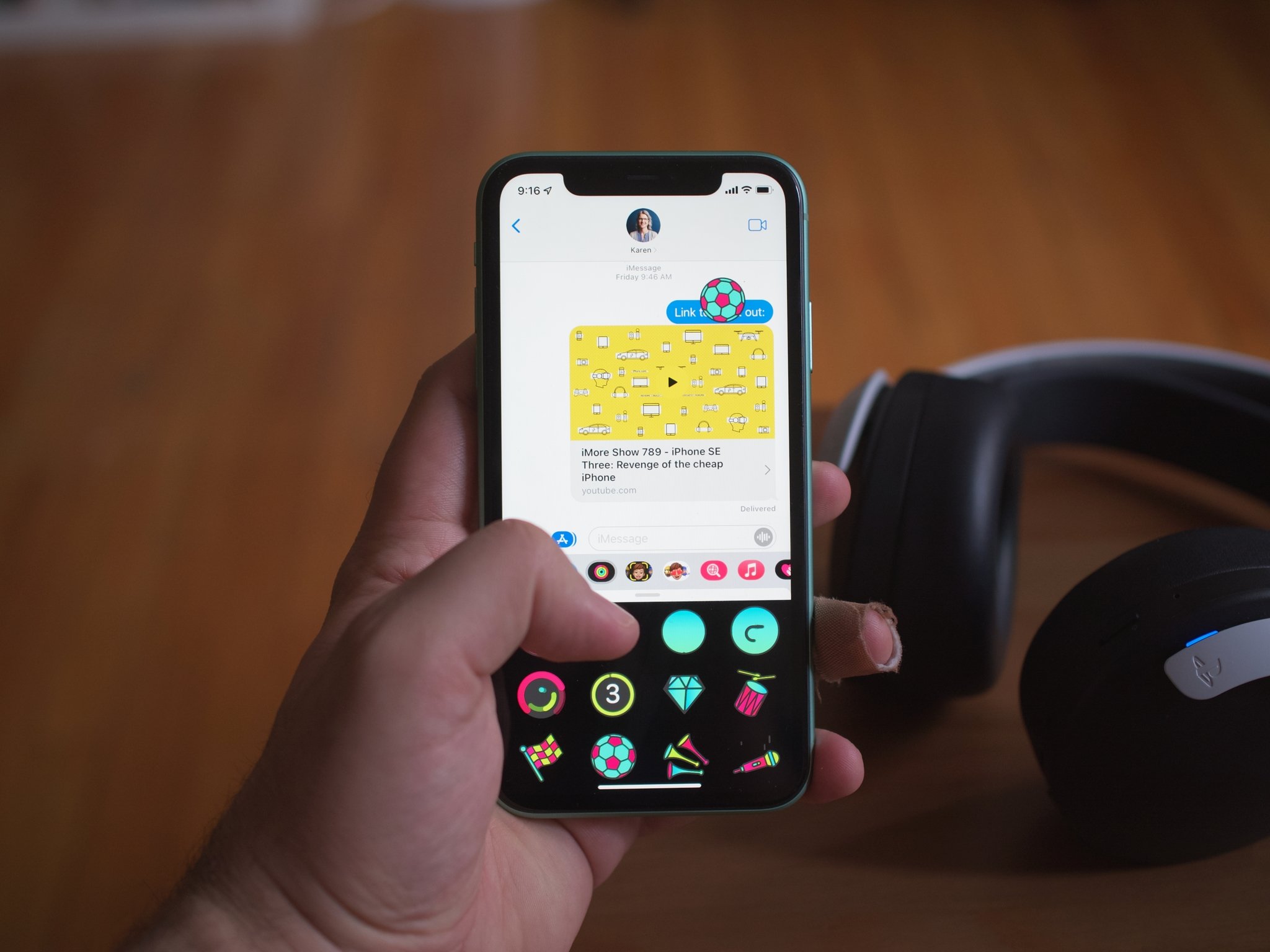
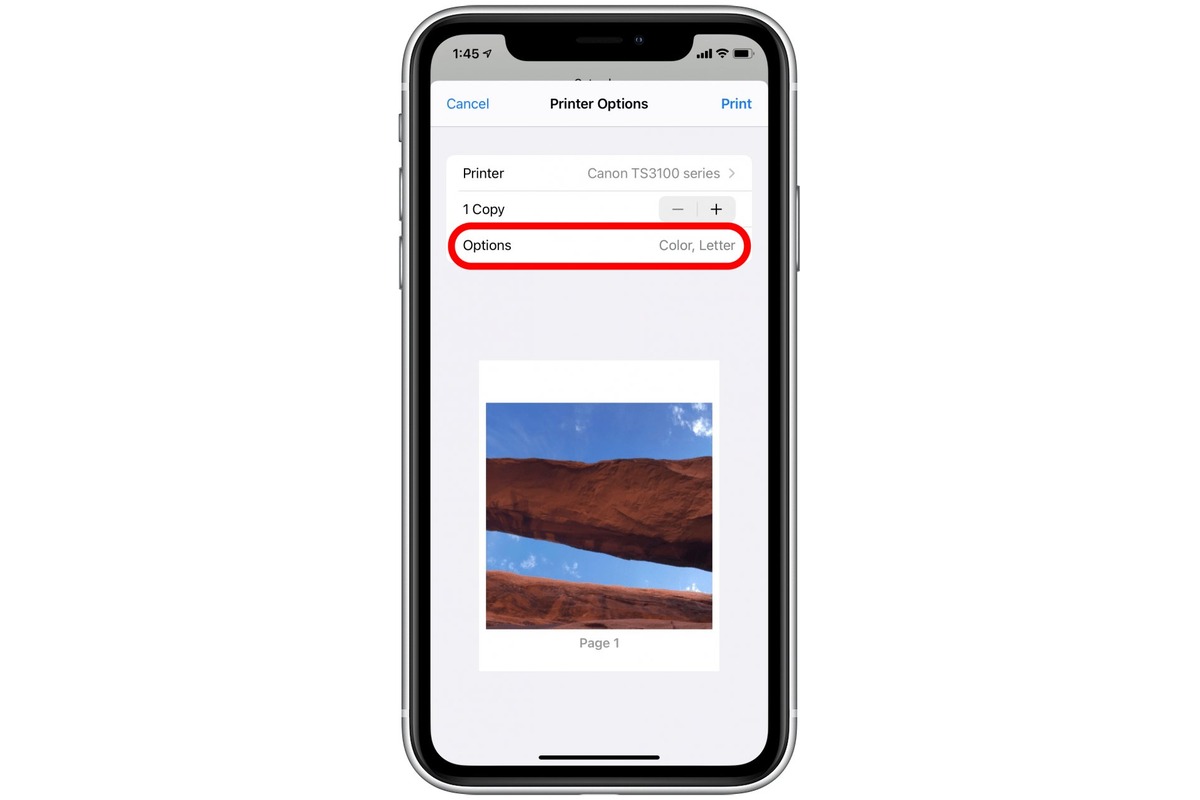
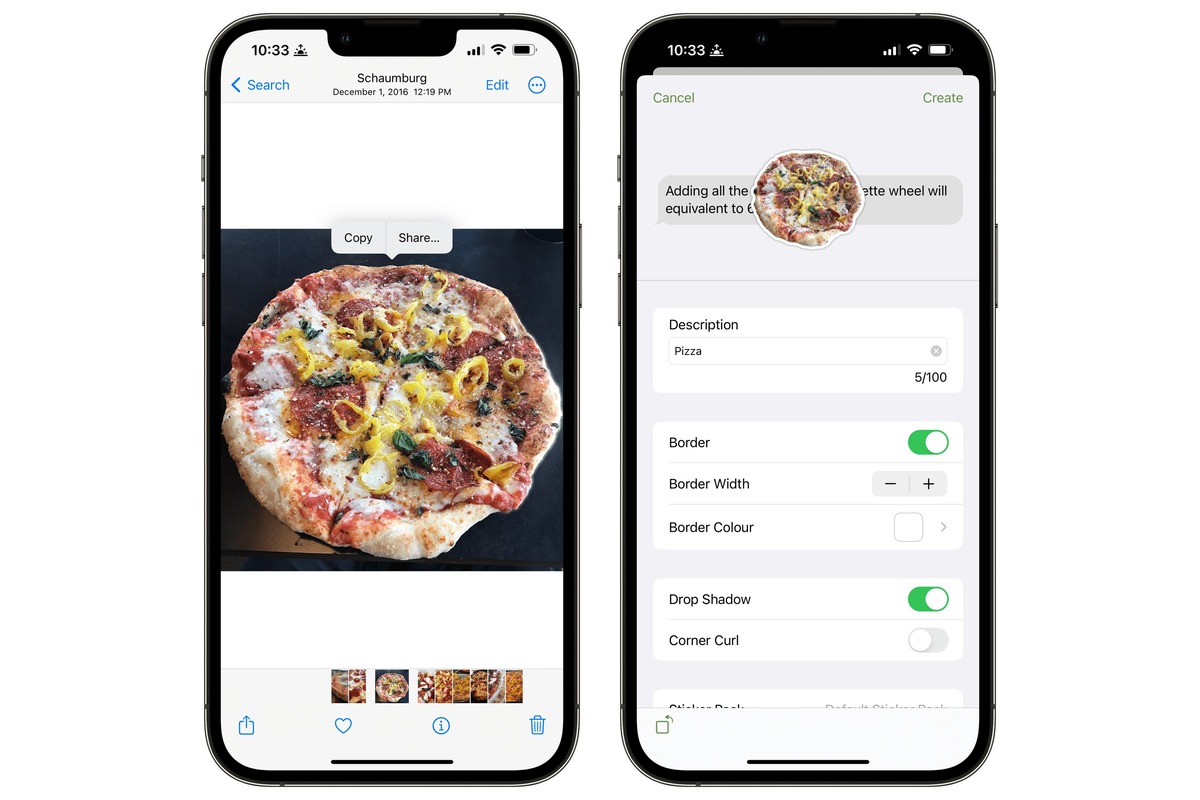
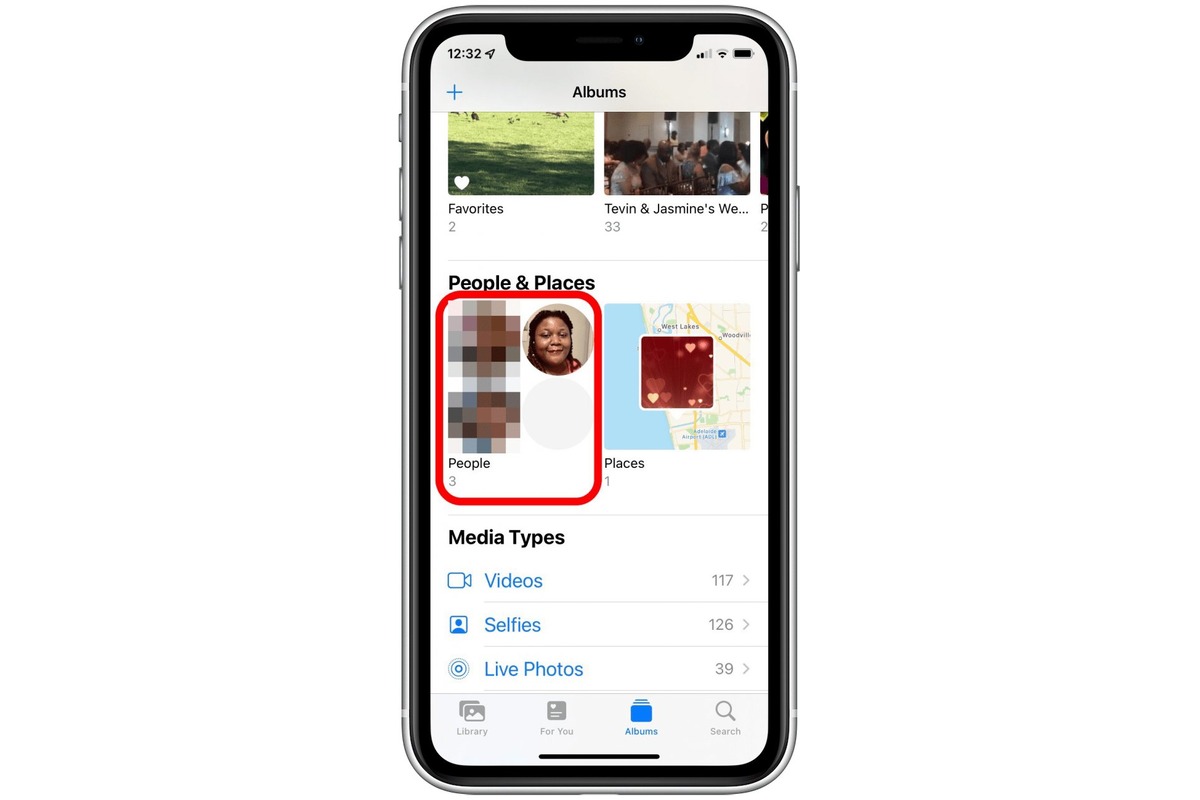
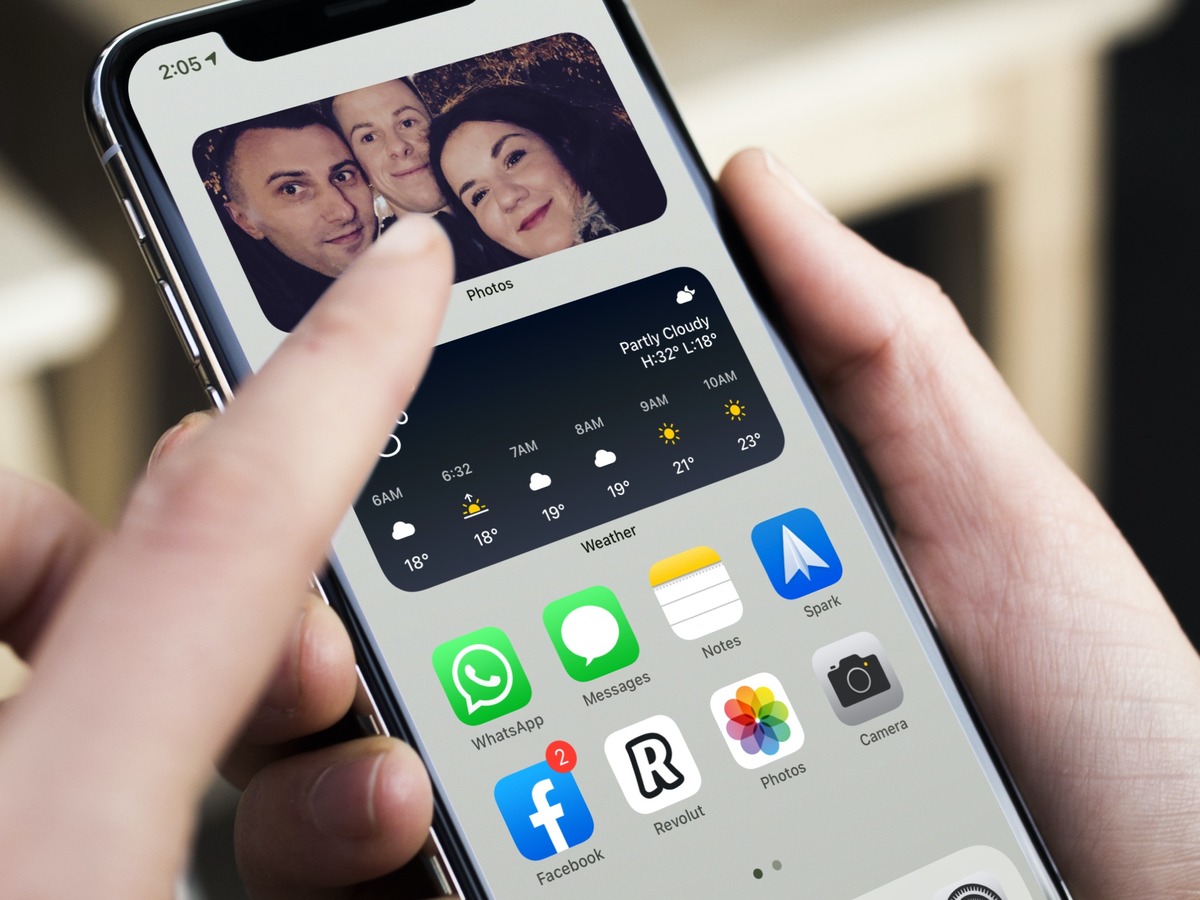
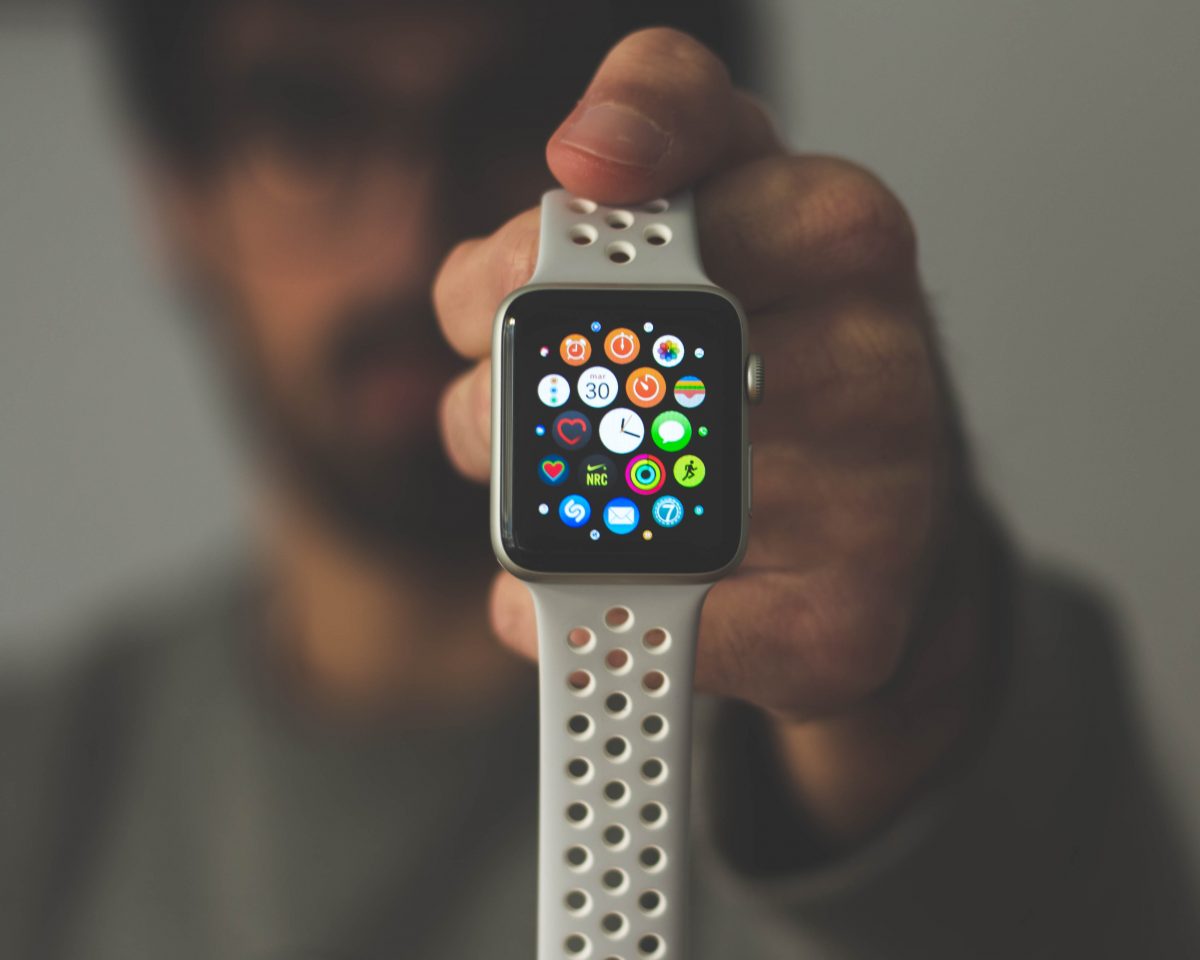
The articles here solve everyday photo problems grouped into two main themes. The first is customization and personalization: you can learn how to change your Apple Watch wallpaper, add featured photos on your iPhone, or make a sticker from a picture. The second theme is cleanup and organization, guides like how to erase people from pictures, delete GIFs and stickers, or clear out the trash on an iPhone 13 help you keep your gallery tidy. A third, smaller theme covers practical output tasks, such as how to print a 5x7 photo from your iPhone or make a thumbnail on mobile.
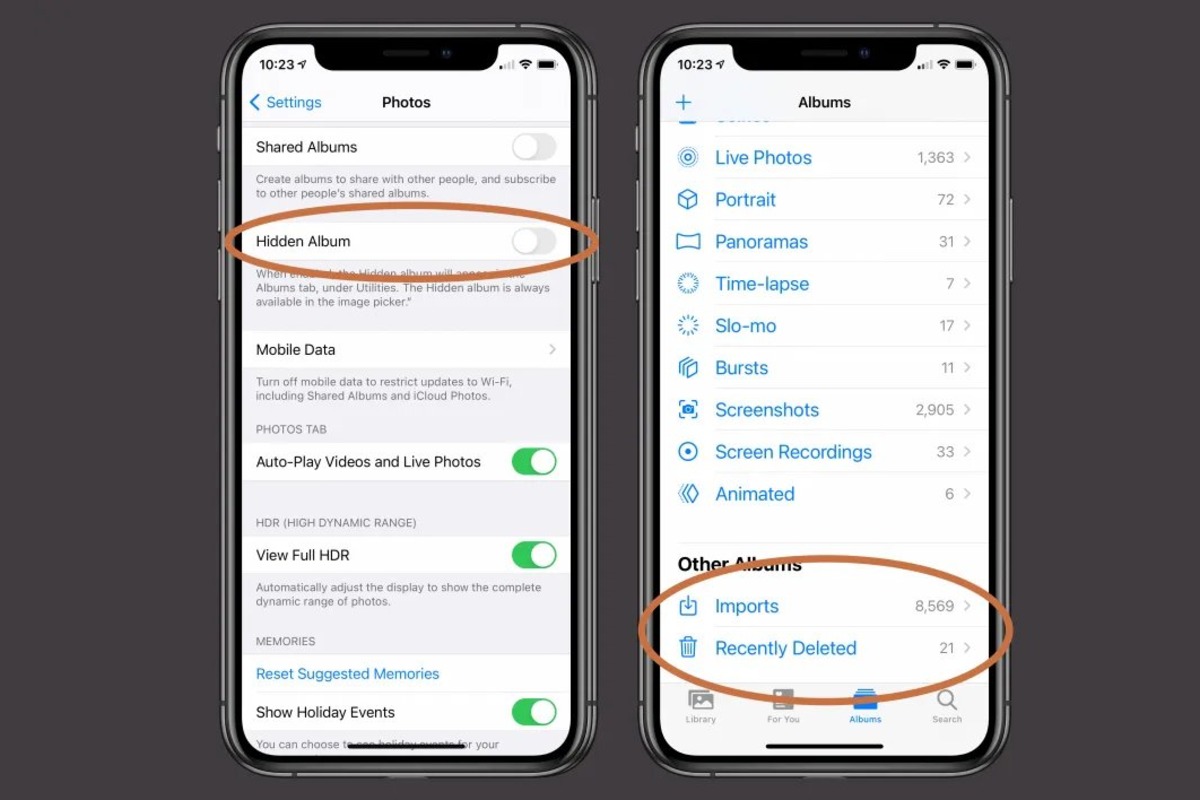
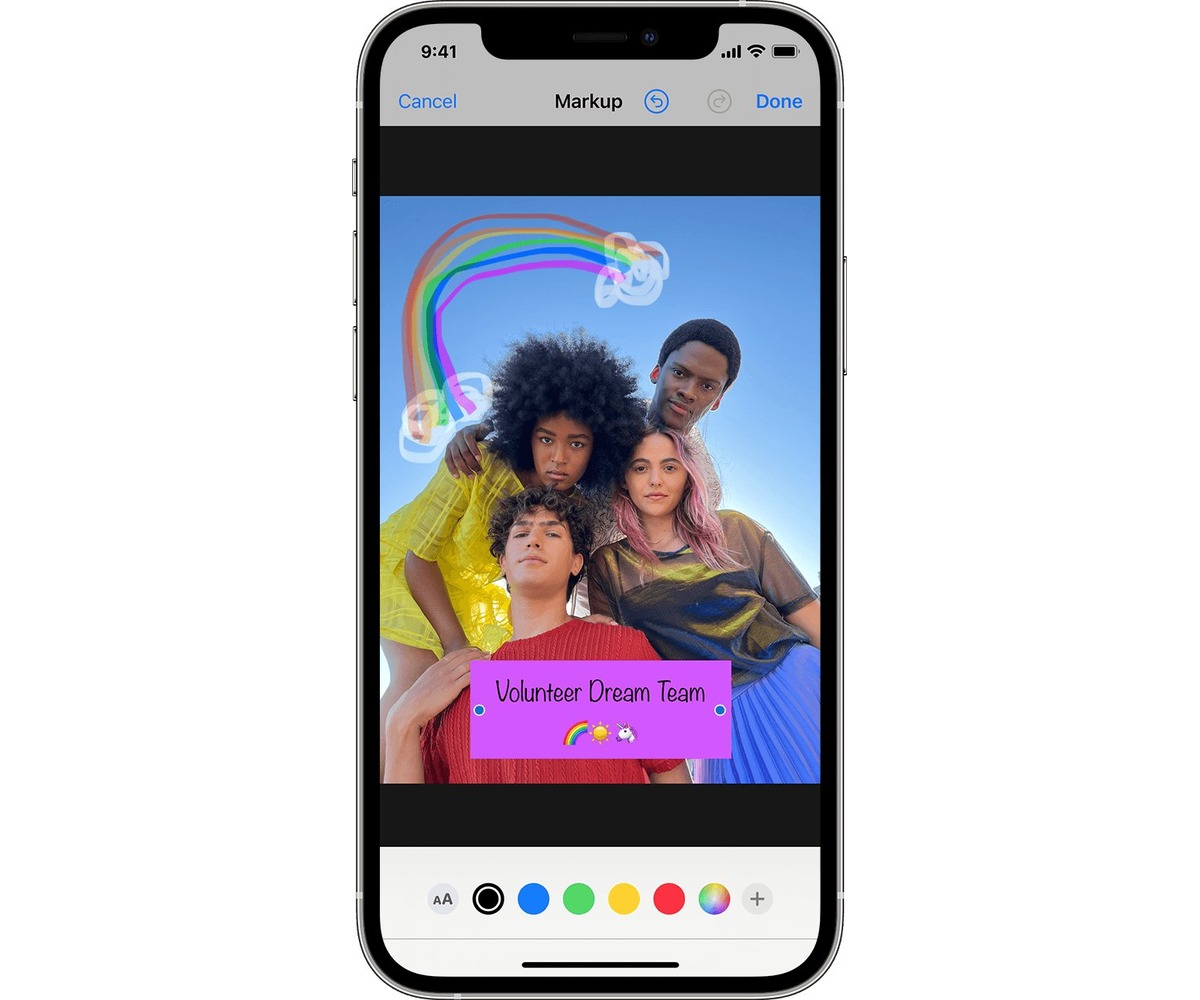
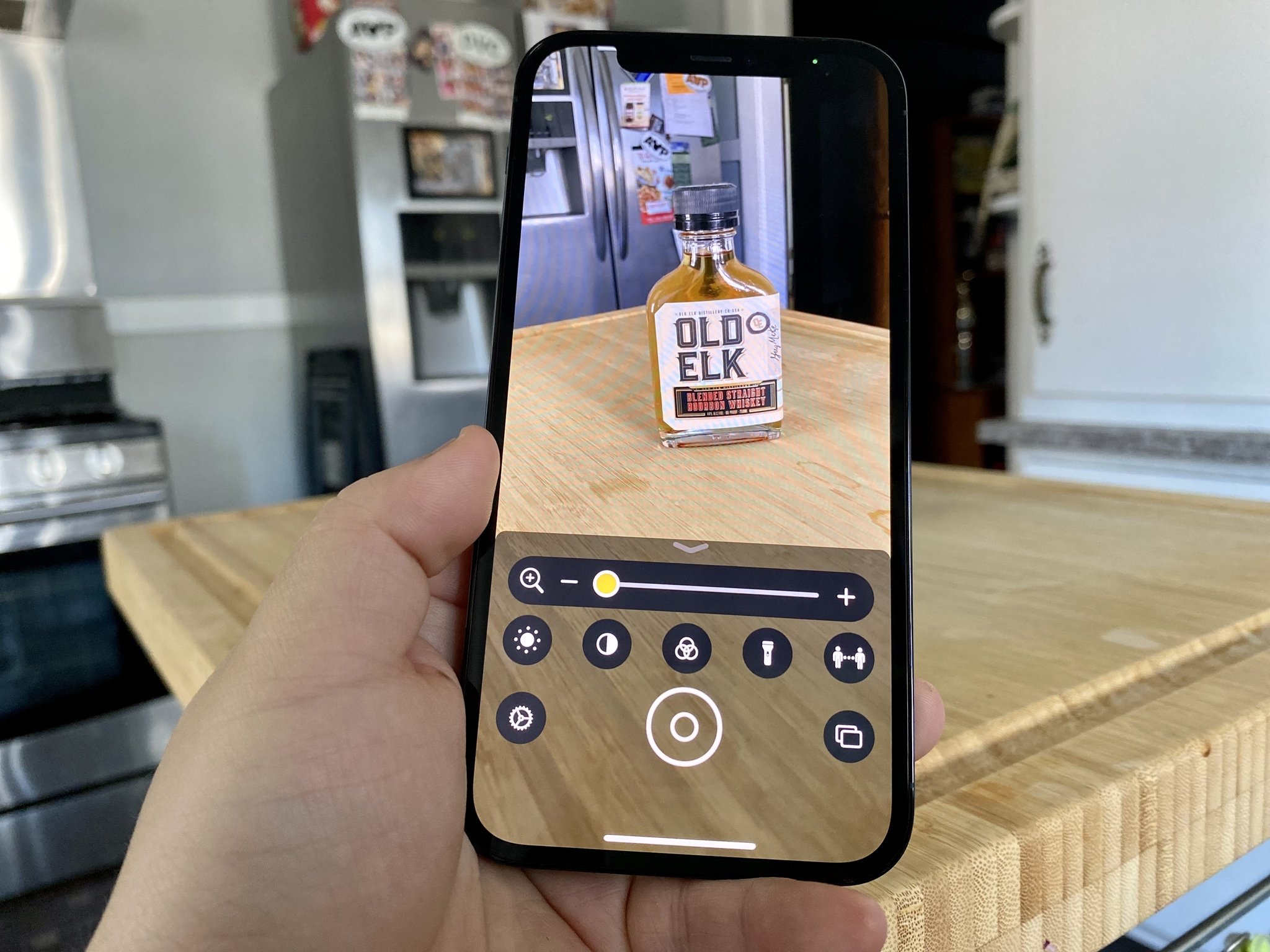
Specific topics you’ll find here include marking up a photo, creating a locked album, and finding where photos are stored when using the Magnifier app. Each article walks you through the steps to accomplish a real task, from getting an image ID on mobile to managing your saved stickers. These are straightforward, how-to solutions for the photo-related challenges that come up in daily phone use.