The "power button" tag on CellularNews collects straightforward guides for anyone who needs to manage the basic on/off functions of their phones, earbuds, and related devices. This page is for everyday users troubleshooting a frozen screen, learning how to start a new phone, or simply trying to turn off a device properly. The articles here solve real, common problems that can be grouped into a few clear themes.

One major theme is simply getting a device started or shut down. You will find specific instructions for turning on a wide range of flip phones, from the Jitterbug and AT&T models to the Alcatel, Kyocera, and TCL versions. The tag also covers how to power on modern smartphones like the Galaxy and LG phones, as well as wireless audio gear such as Beats Flex earbuds and Beats wireless headphones. When things go wrong, another theme is recovery: articles explain how to unfreeze an Android phone or a Motorola phone, how to reboot an Android device, and how to disable an emergency call on Android. Finally, a few practical extras show you how to take a screenshot on a Motorola phone or a Kindle Fire, and even how to turn off a Promethean board with your phone.
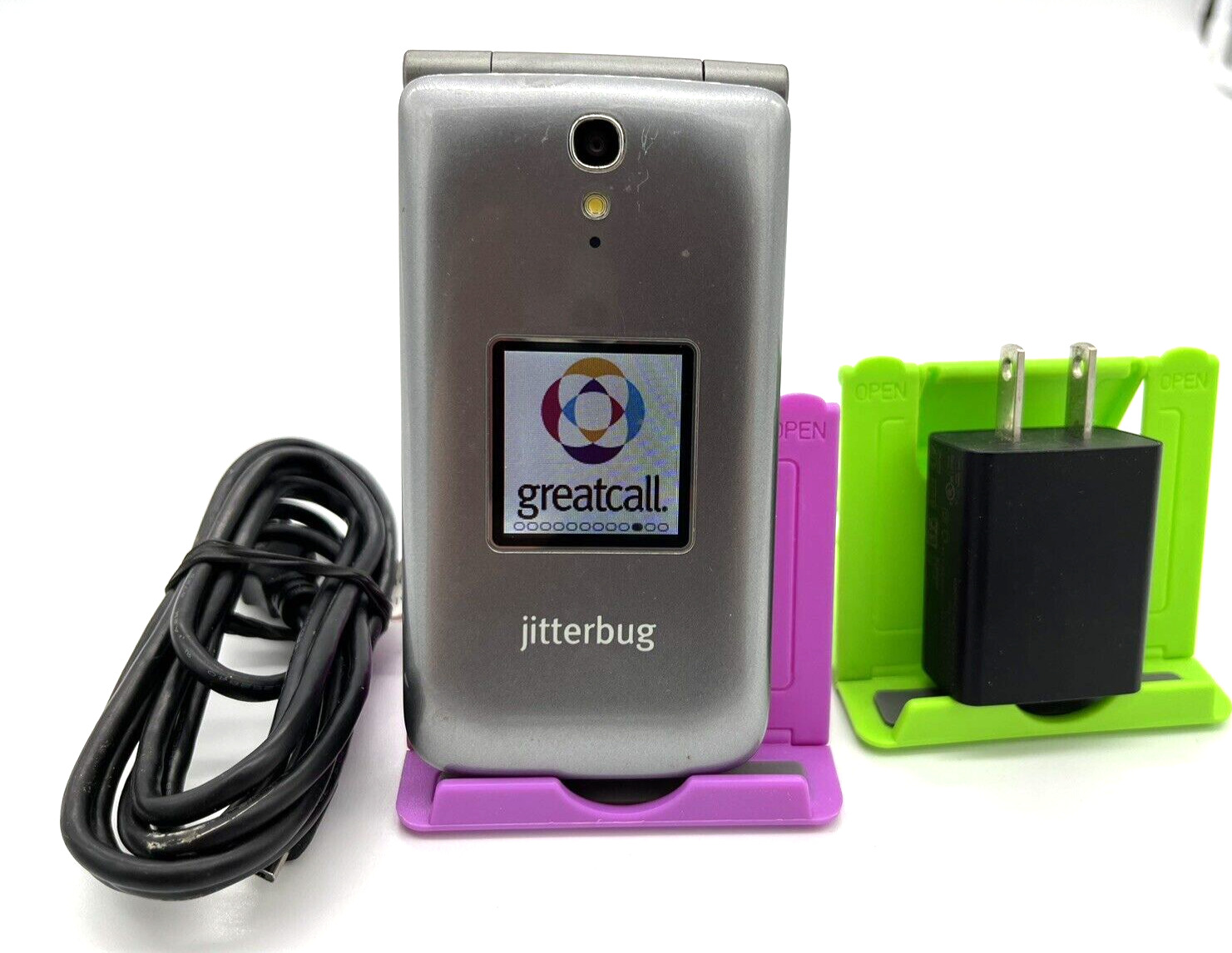
How To Turn On Jitterbug Flip Phone

To turn on your Jitterbug Flip phone, open the flip phone to reveal the keypad. Then press and hold the On/Off button in the upper right corner of the keypad...

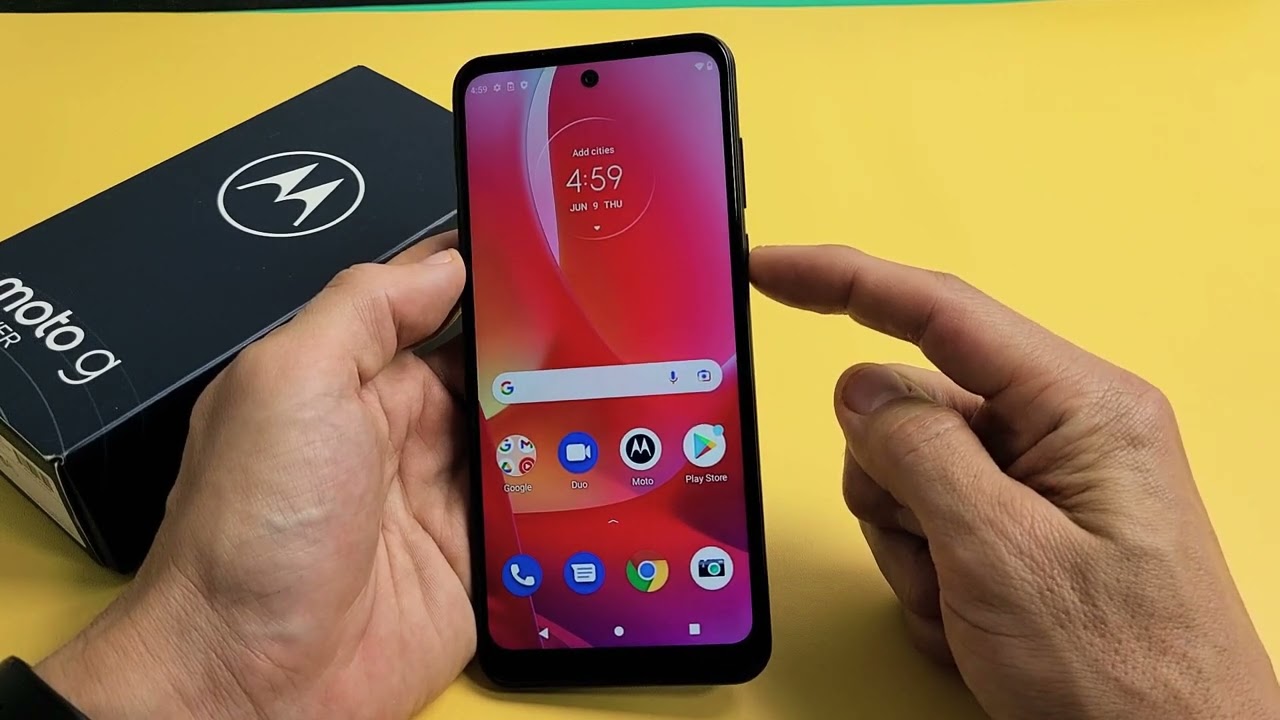
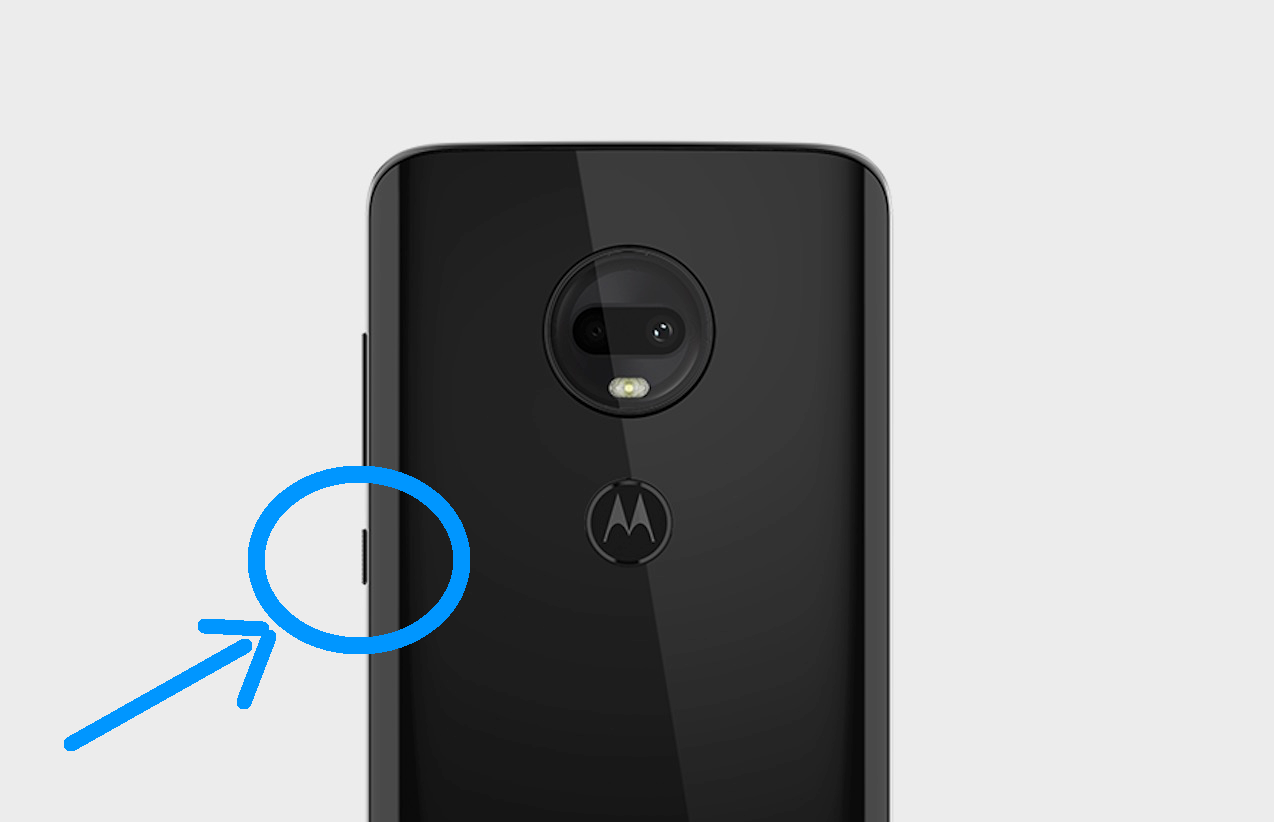
How To Turn On Motorola Phone

To turn on a Motorola phone, press and hold the Power button located on the side or top of the device for 5-7 seconds until the Motorola logo appears and...

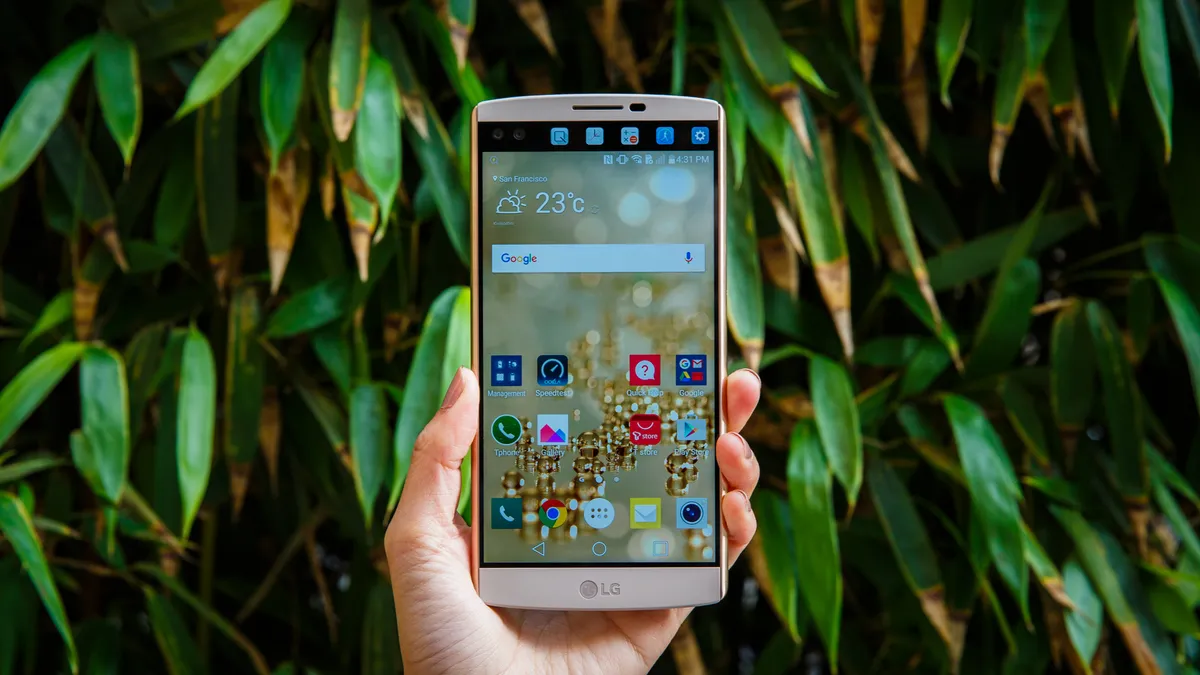
How To Turn On LG Phone

To turn on an LG phone, press and hold the Power/Lock key for a couple of seconds until the screen lights up. This is the primary method documented by LG...

How To Unfreeze An Android Phone

To unfreeze an Android phone, start by holding the power button for about 30 seconds if the screen is on but unresponsive. This is the standard method for Google Android...

How To Unfreeze A Motorola Phone

To unfreeze a Motorola phone, perform a force restart by pressing and holding the Power button for approximately 10 to 30 seconds. This is the quickest and most reliable method...

What Is Power Off?

Power off means completely shutting down a smartphone so it stops running until you turn it back on, unlike sleep mode which keeps the device partially active. What is power...

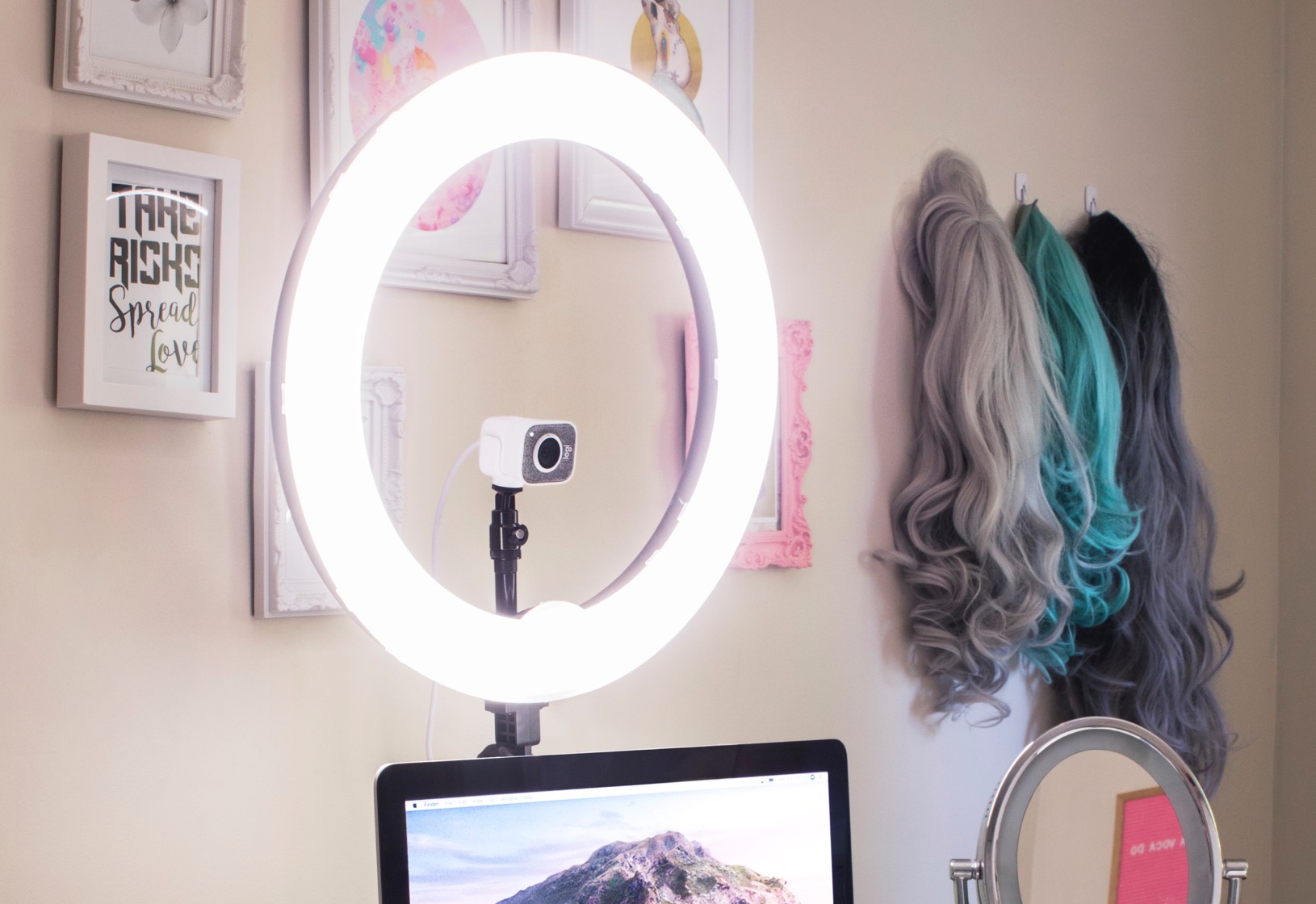
How To Turn On Ring Light

To turn on a ring light, locate the power button or switch on the light's housing or control panel and press or flip it. This is the universal first step...