The "power button" tag on CellularNews collects straightforward guides for anyone who needs to manage the basic on/off functions of their phones, earbuds, and related devices. This page is for everyday users troubleshooting a frozen screen, learning how to start a new phone, or simply trying to turn off a device properly. The articles here solve real, common problems that can be grouped into a few clear themes.

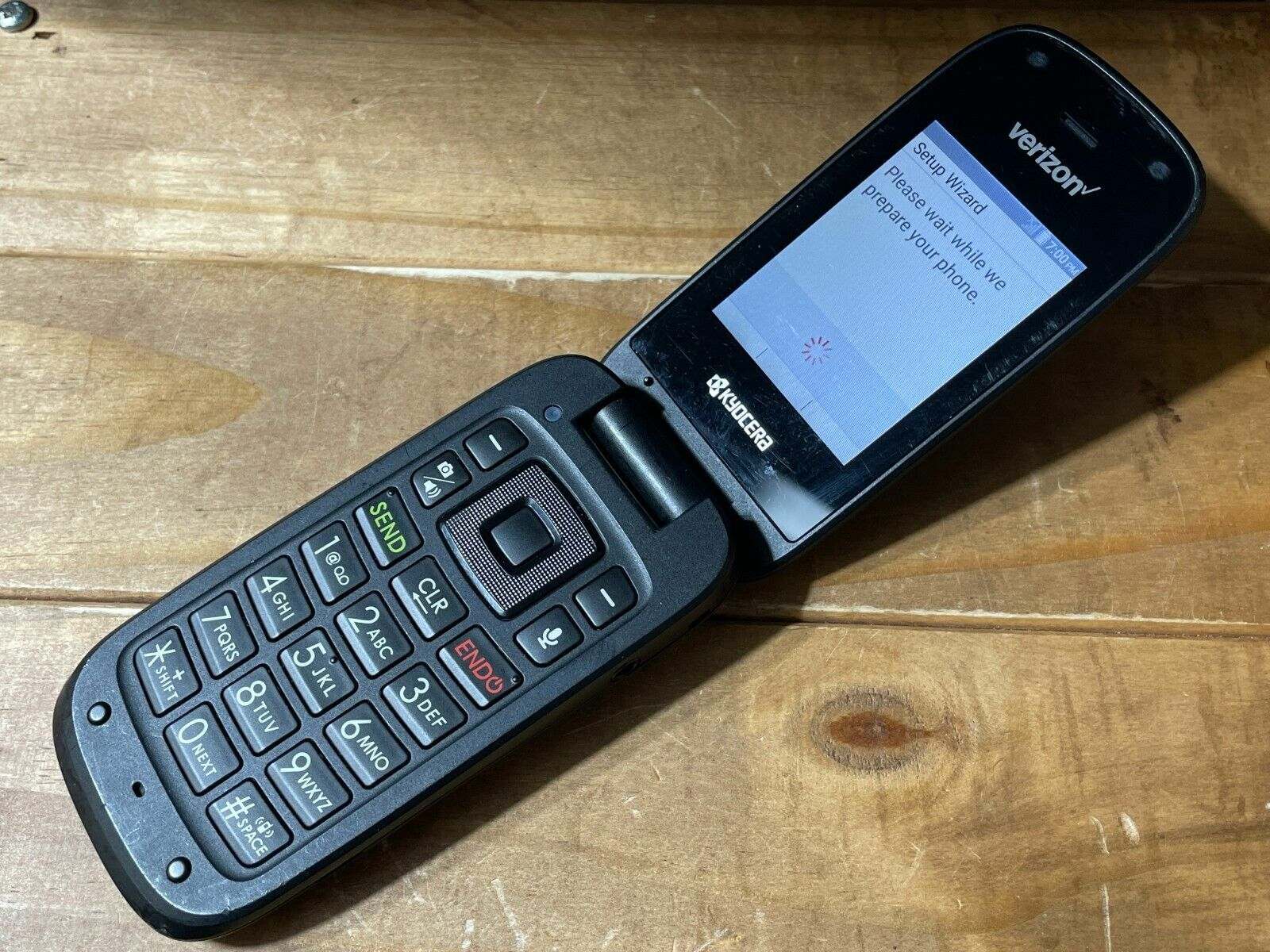
One major theme is simply getting a device started or shut down. You will find specific instructions for turning on a wide range of flip phones, from the Jitterbug and AT&T models to the Alcatel, Kyocera, and TCL versions. The tag also covers how to power on modern smartphones like the Galaxy and LG phones, as well as wireless audio gear such as Beats Flex earbuds and Beats wireless headphones. When things go wrong, another theme is recovery: articles explain how to unfreeze an Android phone or a Motorola phone, how to reboot an Android device, and how to disable an emergency call on Android. Finally, a few practical extras show you how to take a screenshot on a Motorola phone or a Kindle Fire, and even how to turn off a Promethean board with your phone.
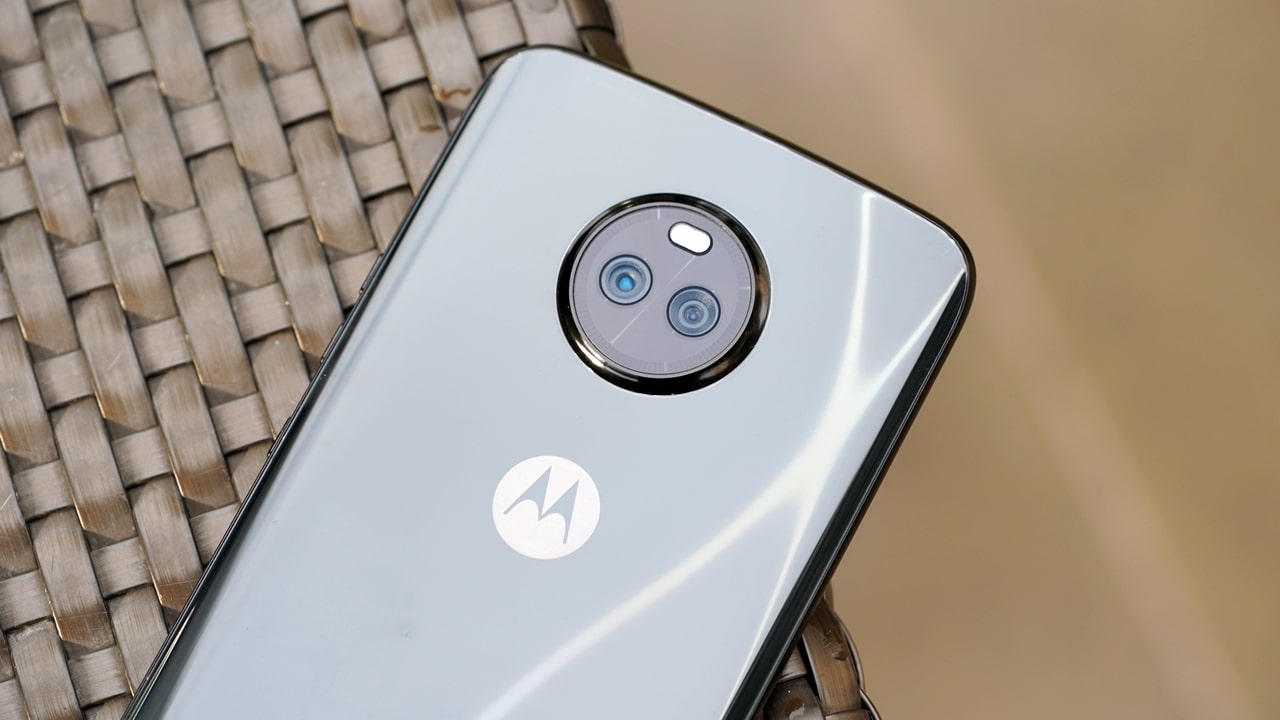
How To Open A Motorola Phone

When you search for "how to open a Motorola phone," the answer depends on what you actually need to do. Most people are looking to physically disassemble the device to...

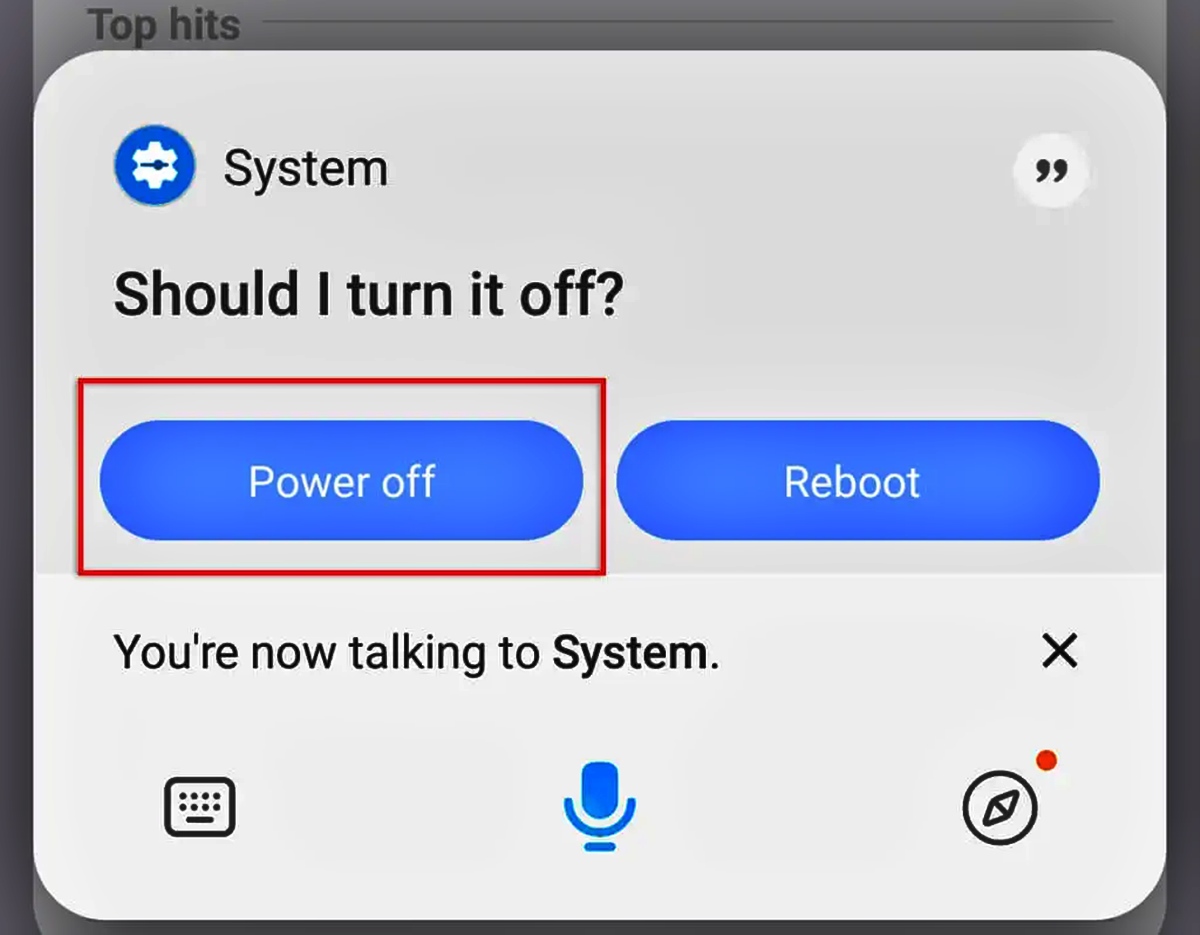
How To Power Off My Android Phone

A long press of the power button alone often launches a digital assistant instead of the power menu to power off my Android phone on newer devices like Google Pixel...

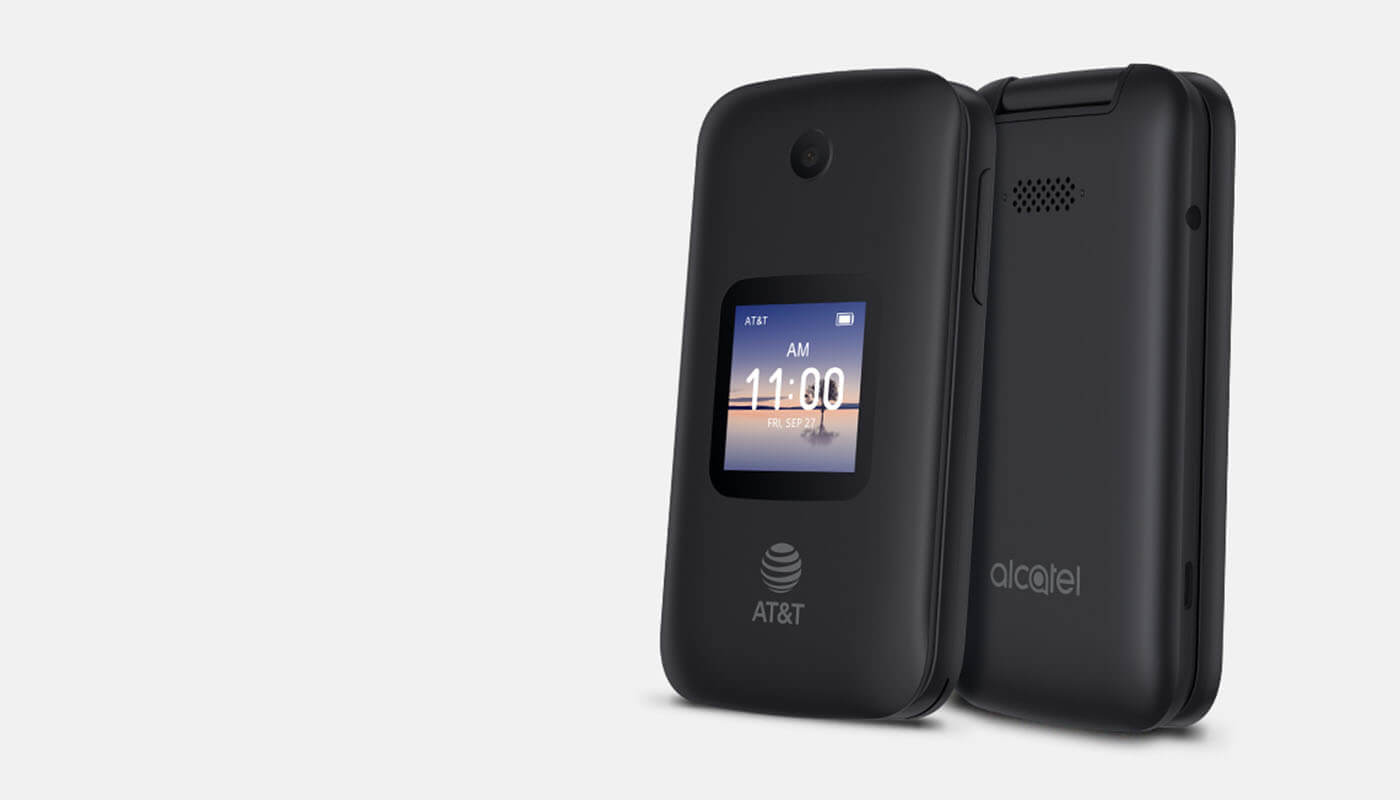
How To Turn On Alcatel Flip Phone

To turn on an Alcatel flip phone, press and hold the End/Power key (or the Power/Back/Hang up button on the AT&T SmartFlip) until the screen lights up or the phone...

How To Turn Off Flip Phone

To turn off a flip phone, press and hold the power button for 3-5 seconds until the screen prompts you to confirm the shutdown. This is the standard method for...

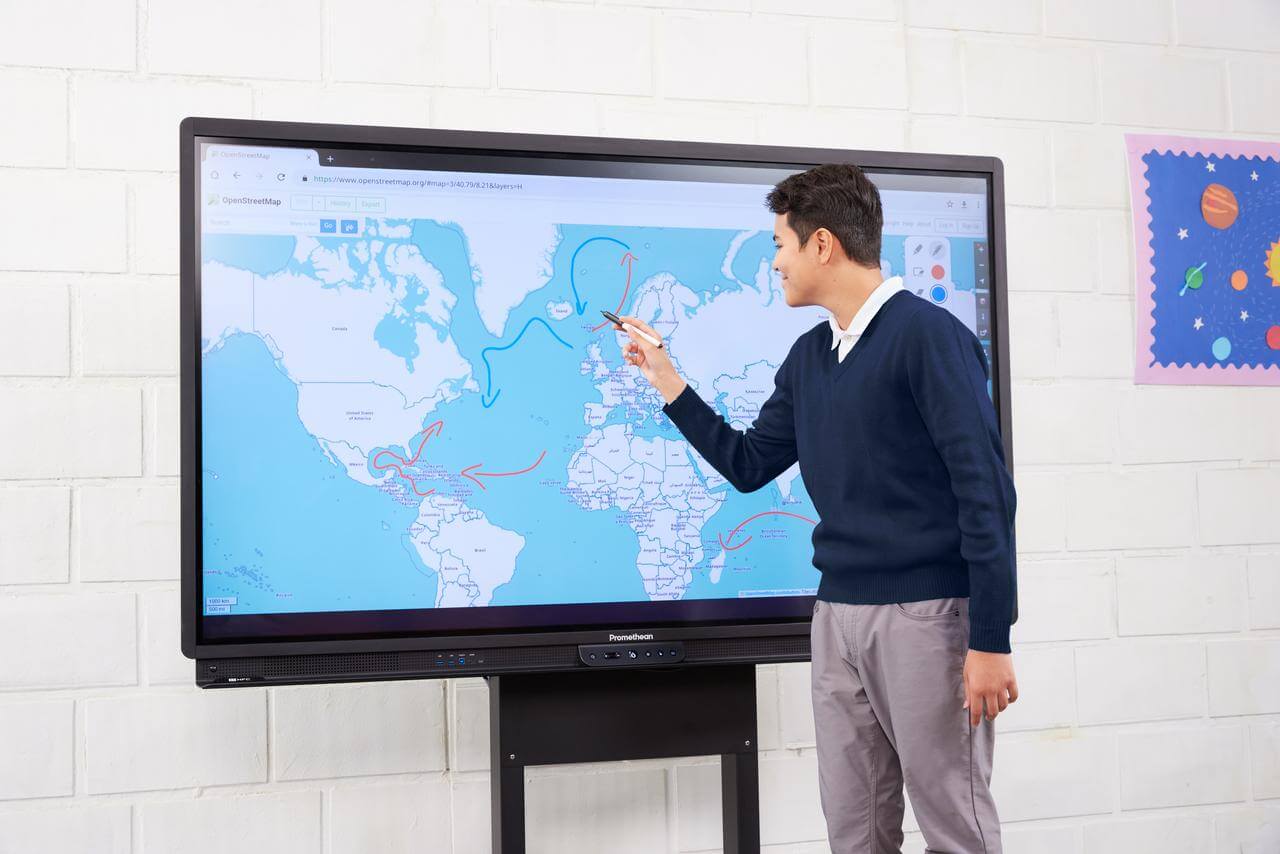
How To Turn Off Promethean Board With Phone

You cannot turn off a Promethean board with your phone using any official Promethean mobile app, as no documented power-off feature exists for remote control. Instead, the verified methods to...

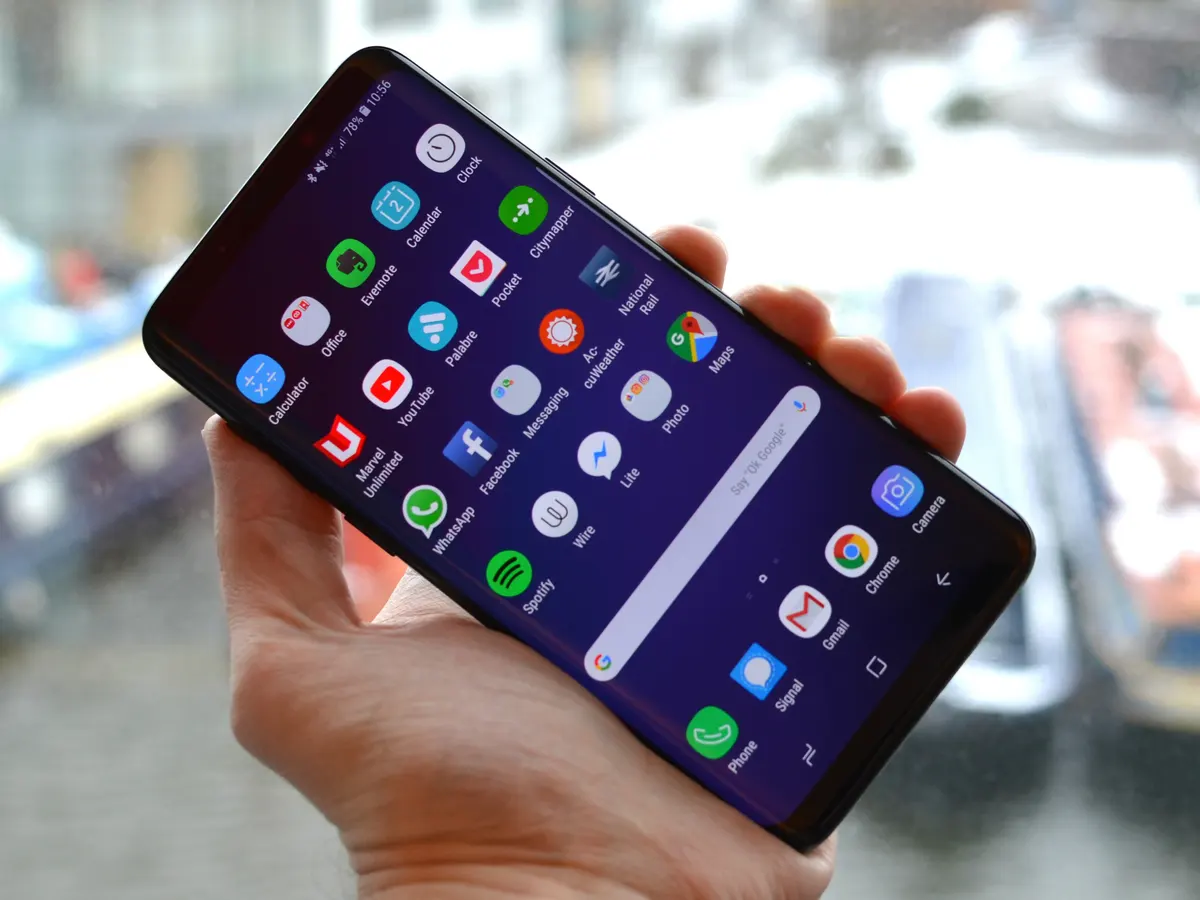
How To Turn On A Galaxy Phone

To turn on a Galaxy phone, press and hold the Side button until the Samsung logo appears; for models with a dedicated Power button, press and hold that button instead....

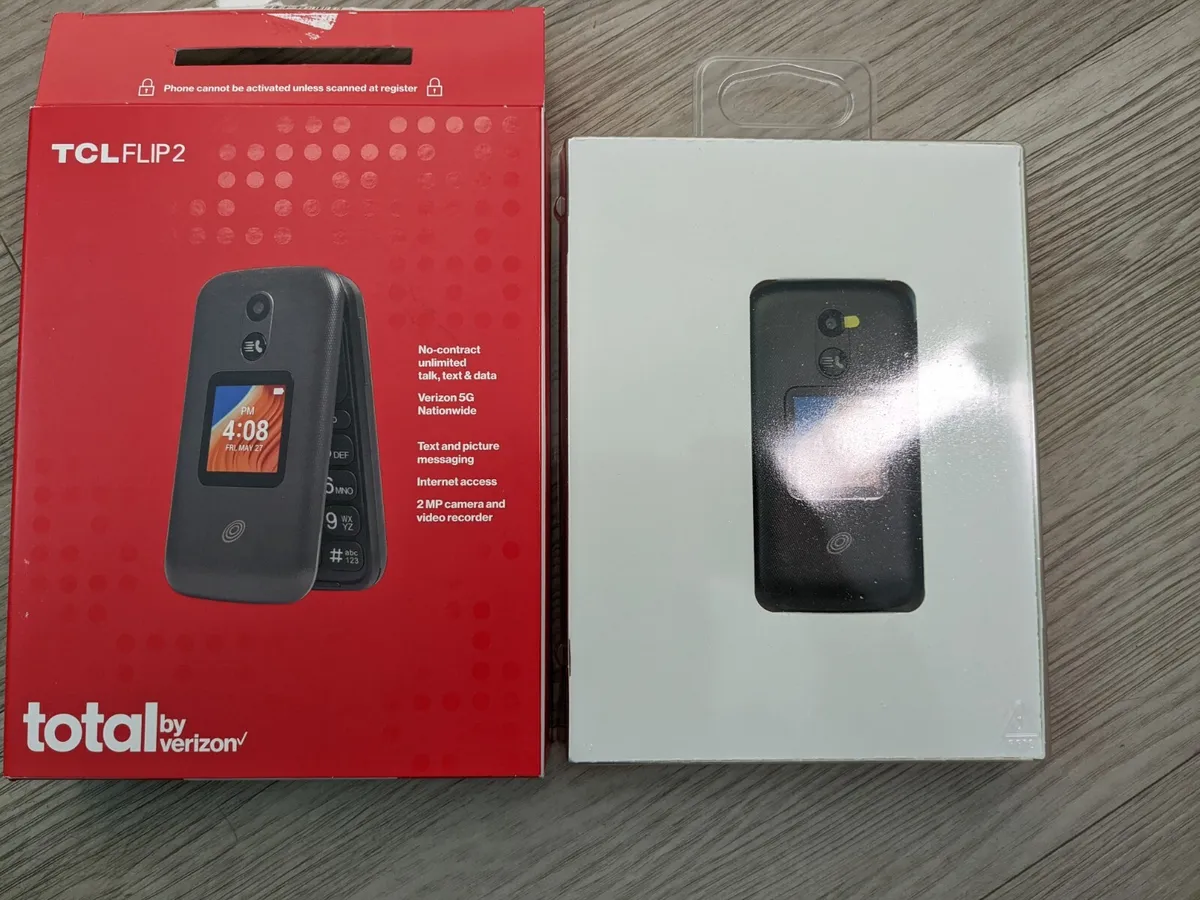
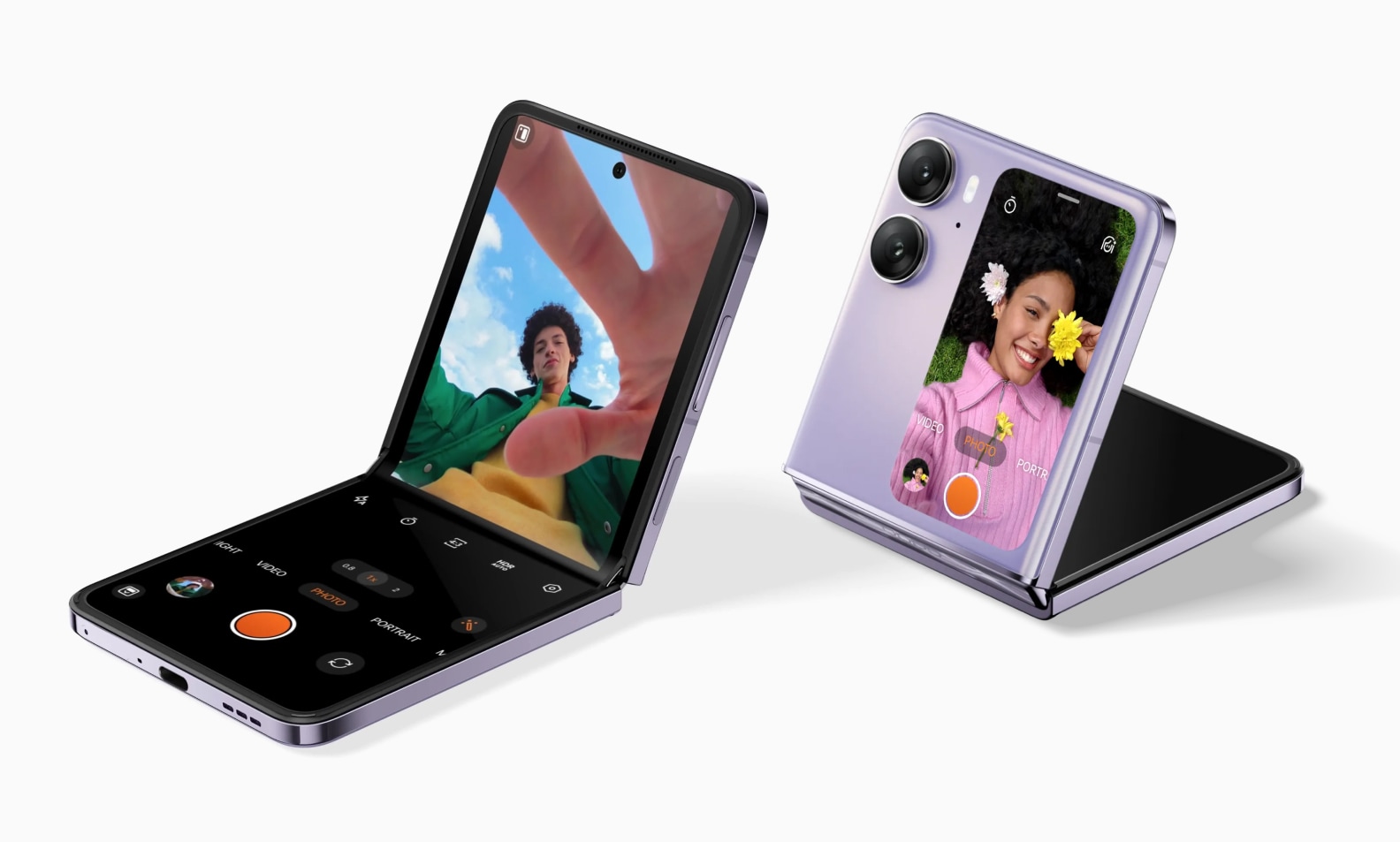
How To Turn On A TCL Flip Phone

To turn on a TCL flip phone, press and hold the Power button until the device begins to power on. The Power button is typically located on the top or...

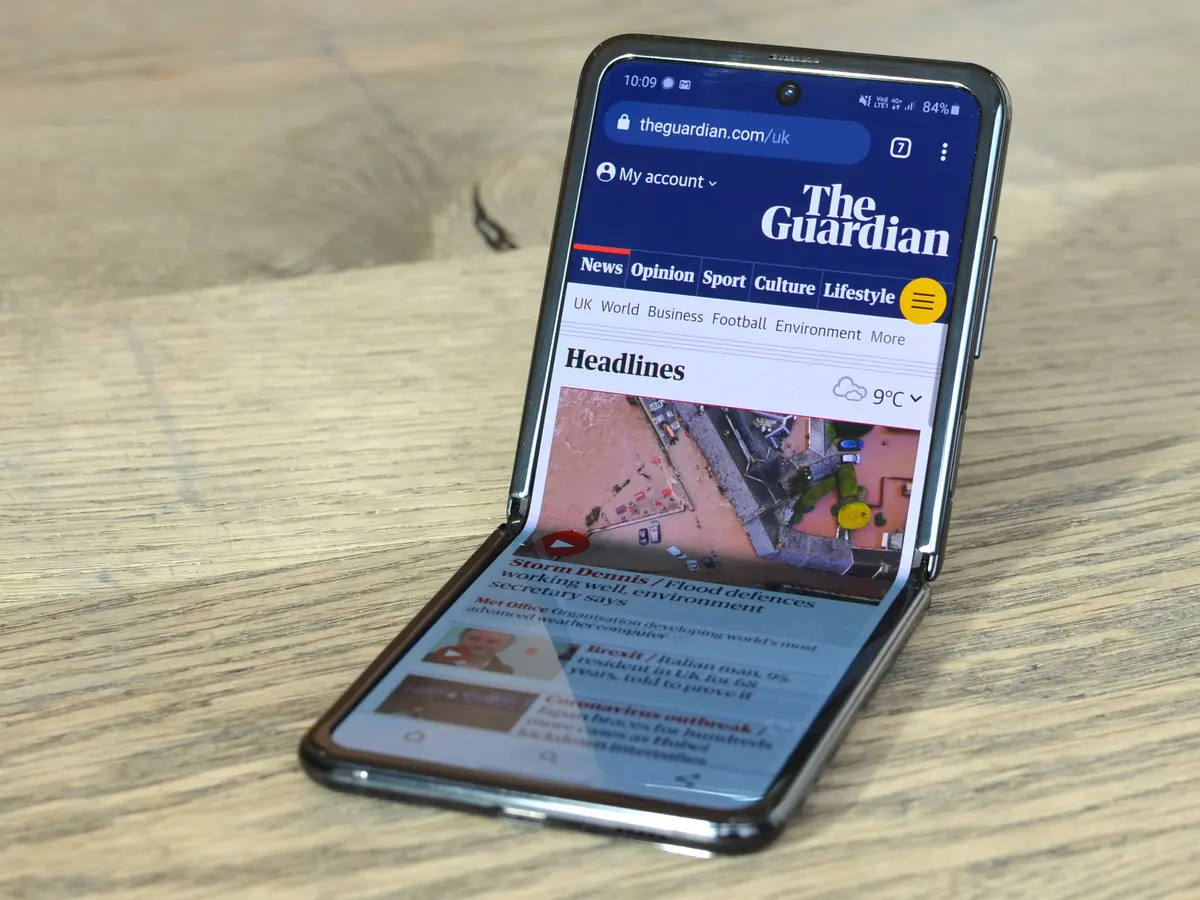
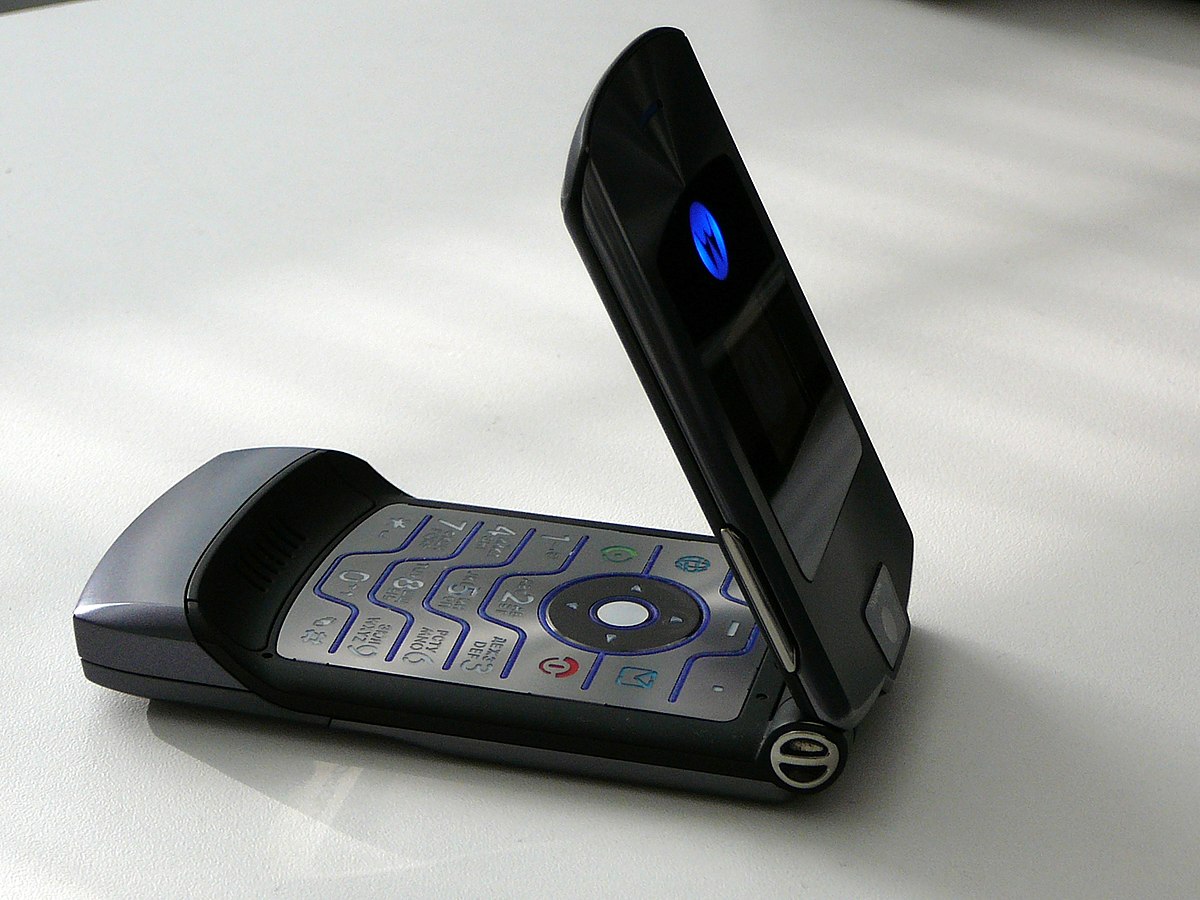
How To Turn On A Motorola Flip Phone

To turn on a Motorola flip phone, press and hold the Power button until the screen lights up. This universal method works for modern Motorola Razr models, including the Razr...

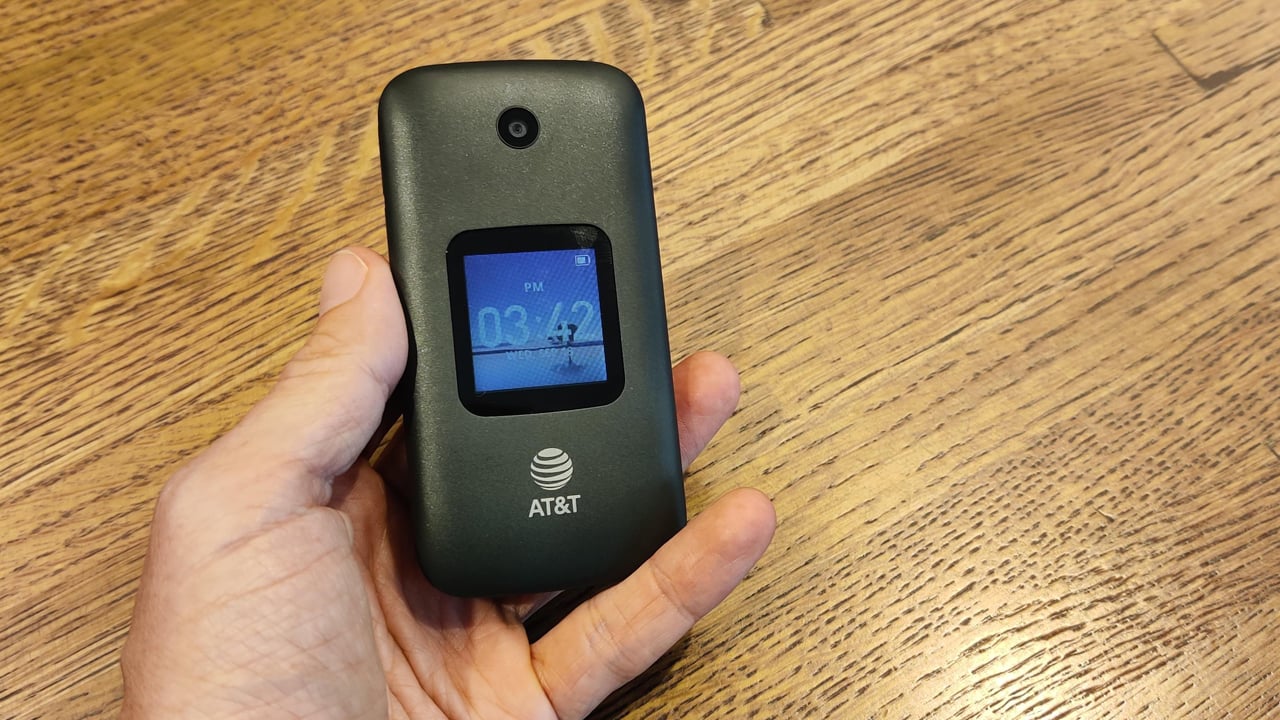
How To Turn On AT&T Flip Phone

To turn on an AT&T flip phone, press and hold the phone’s power key until the screen lights up. The exact button name and location vary by model, but the...

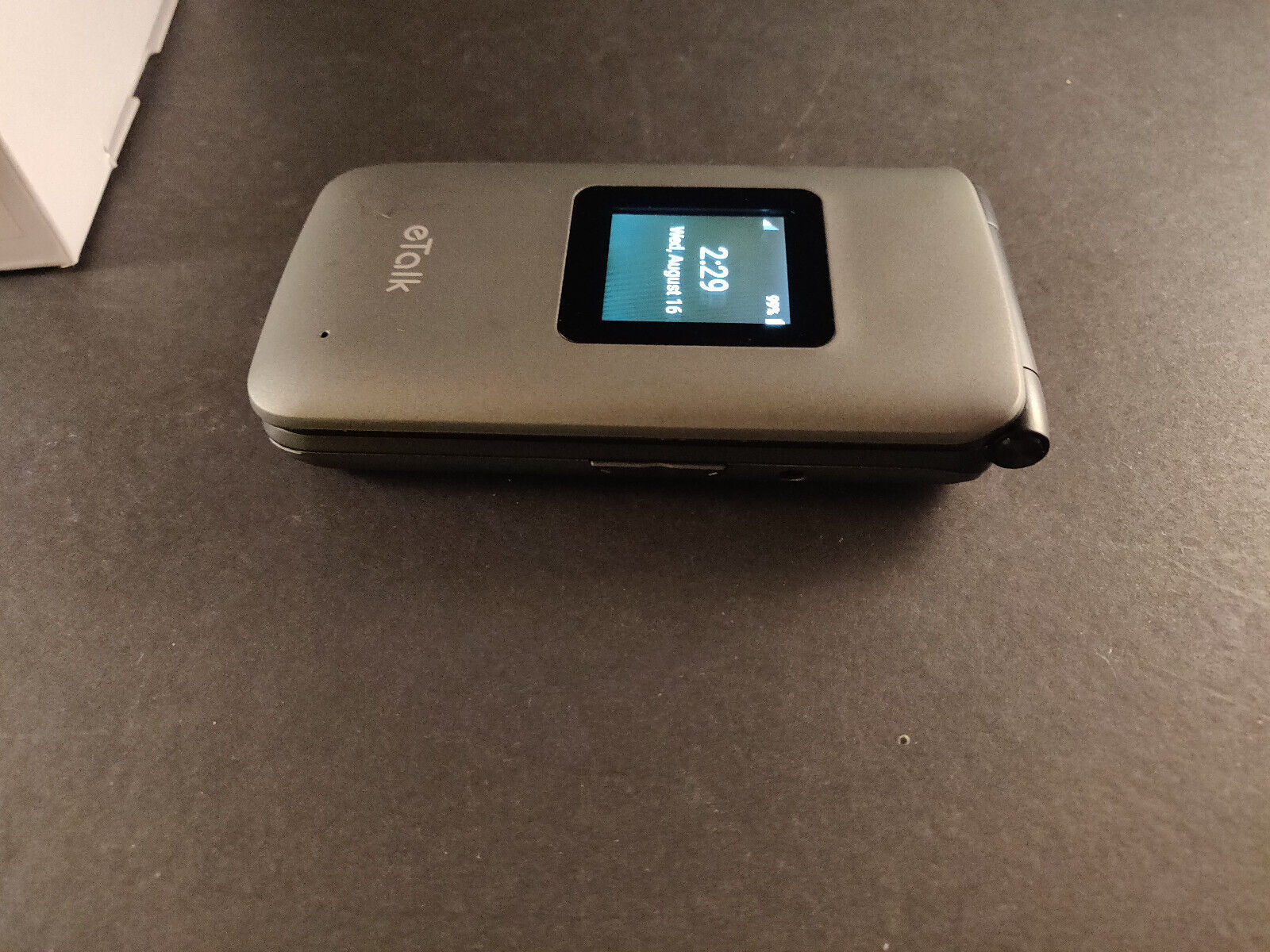
How To Turn On ETalk Flip Phone

To turn on an eTalk flip phone, press and hold the End/Power key until the screen lights up. Before the first use, charge the phone fully using the USB/charger port...

How To Turn On Flip Phone

To turn on a flip phone, first ensure the battery is charged and properly inserted, then press and hold the power button until the screen lights up. How to turn...