Guides for anyone who uses a smartphone and wants more control over their personal information and digital footprint. Whether you are concerned about who can see your online activity, how your data is shared, or simply want to manage your account boundaries, these articles are written for everyday mobile users navigating apps and social platforms.
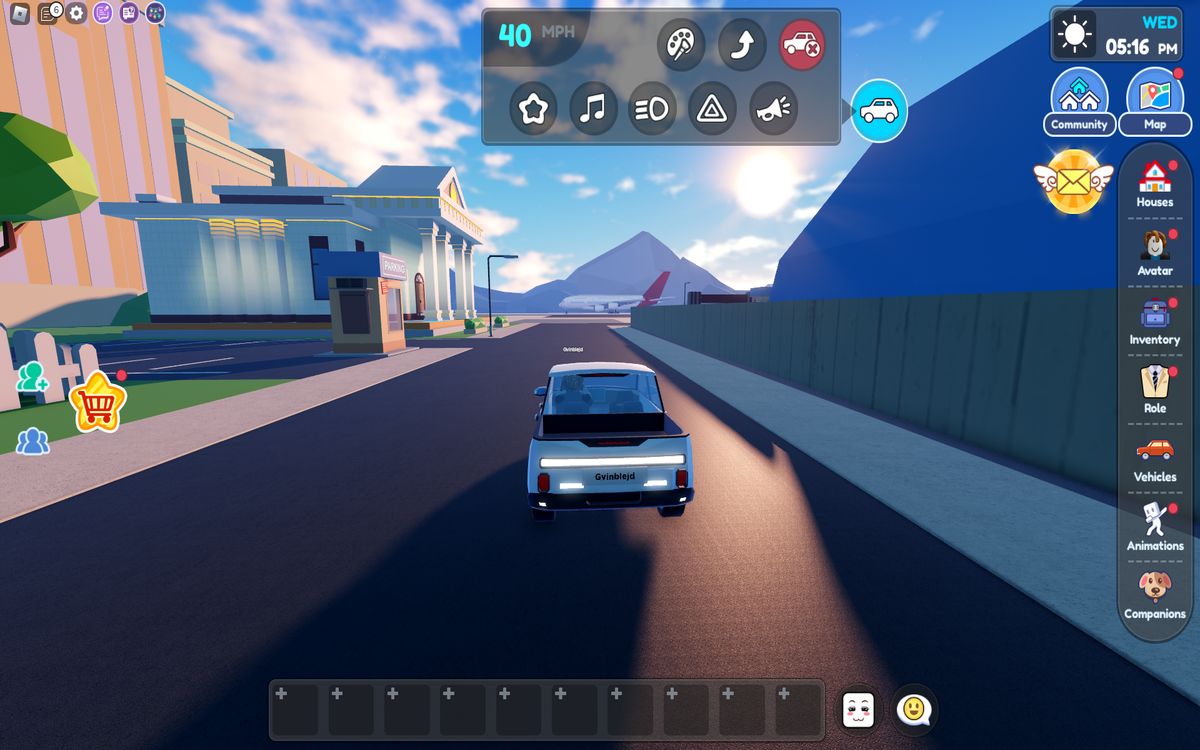
The articles here solve two main kinds of problems. First, they help you manage your visibility and communications, showing you how to appear offline on Roblox while playing, turn off read receipts on Android, or block a phone number on Hinge. Second, they address account and data control, with steps for deleting a COD Mobile account, removing a phone number from an Amazon account, or disconnecting Google Photos from an iPhone.
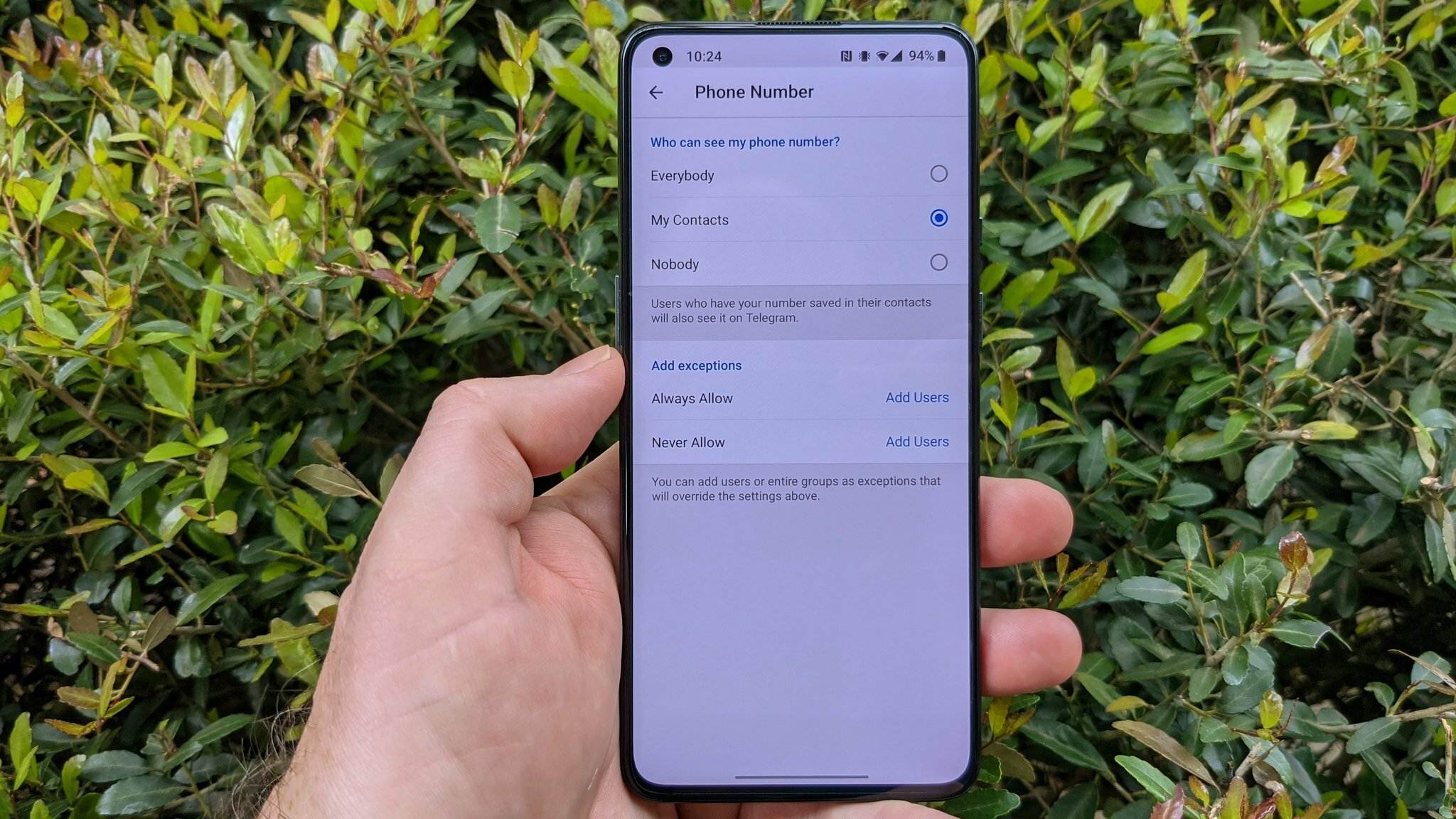
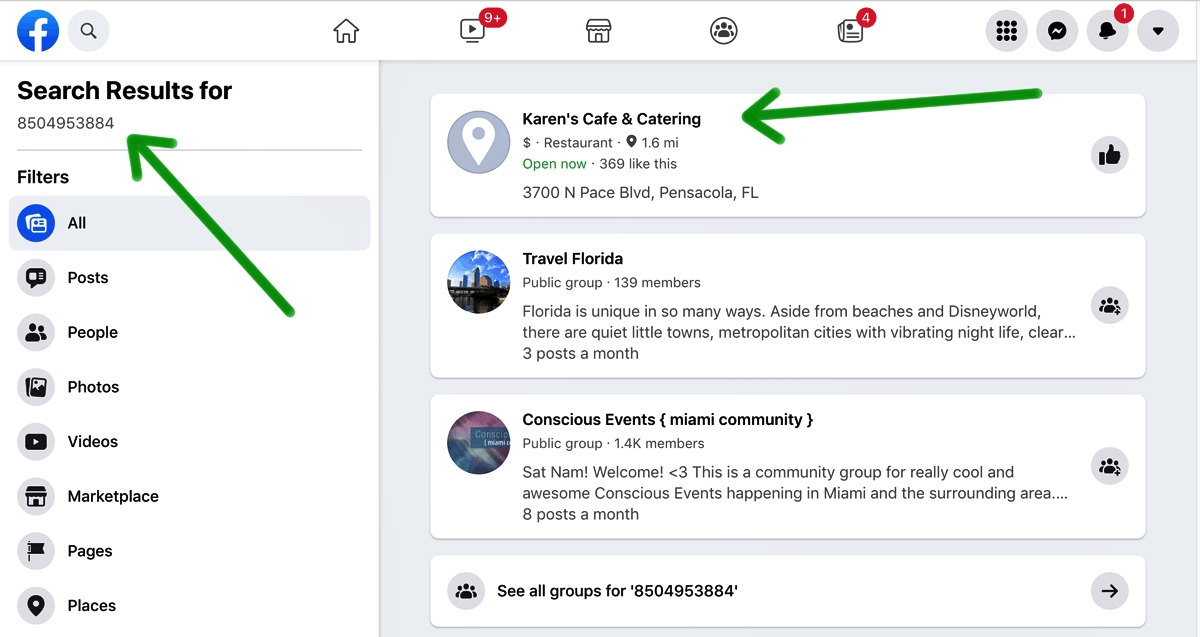
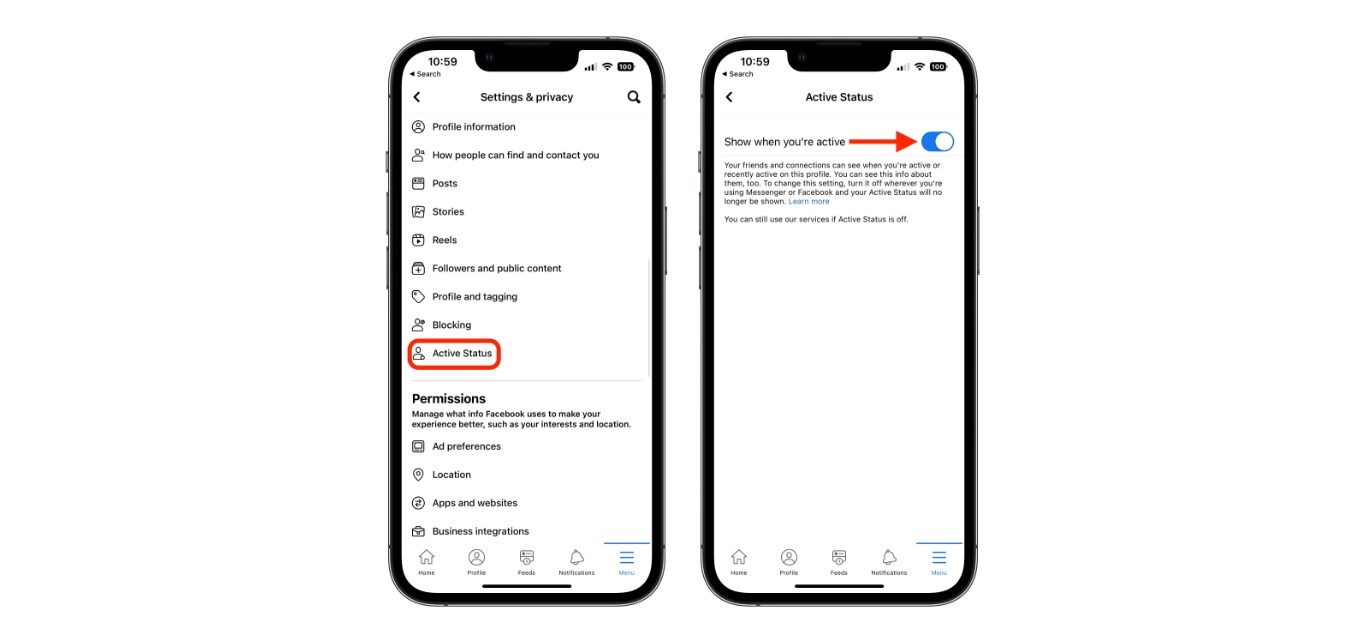
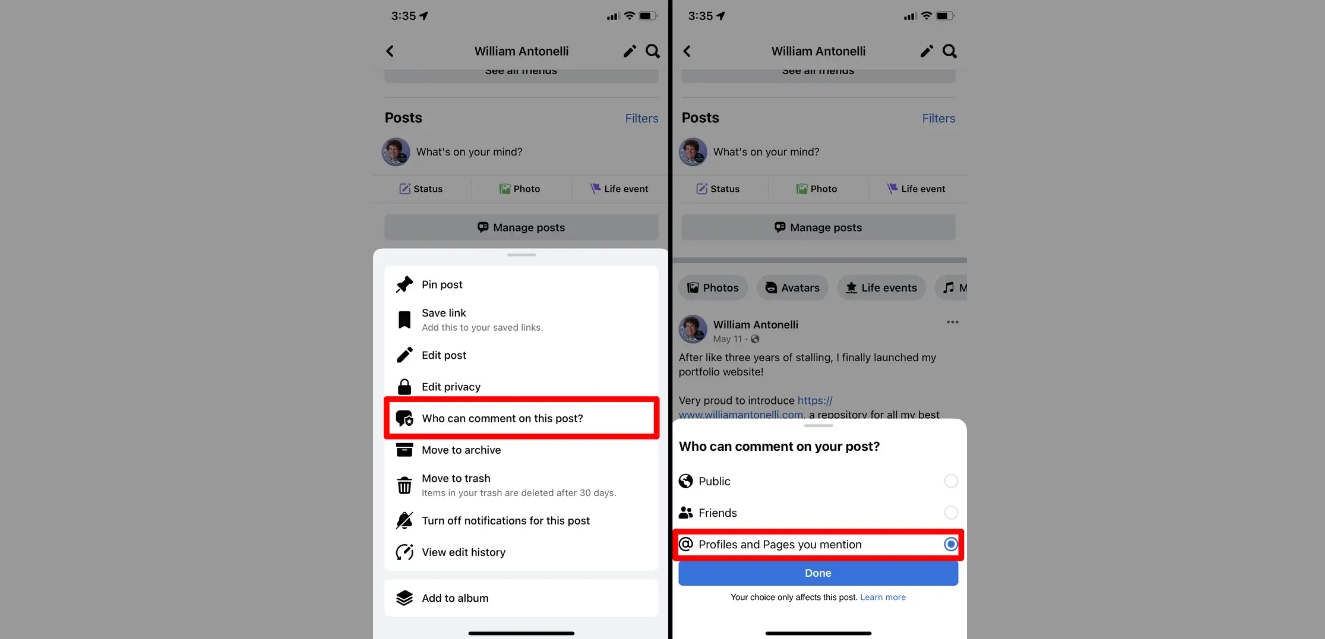
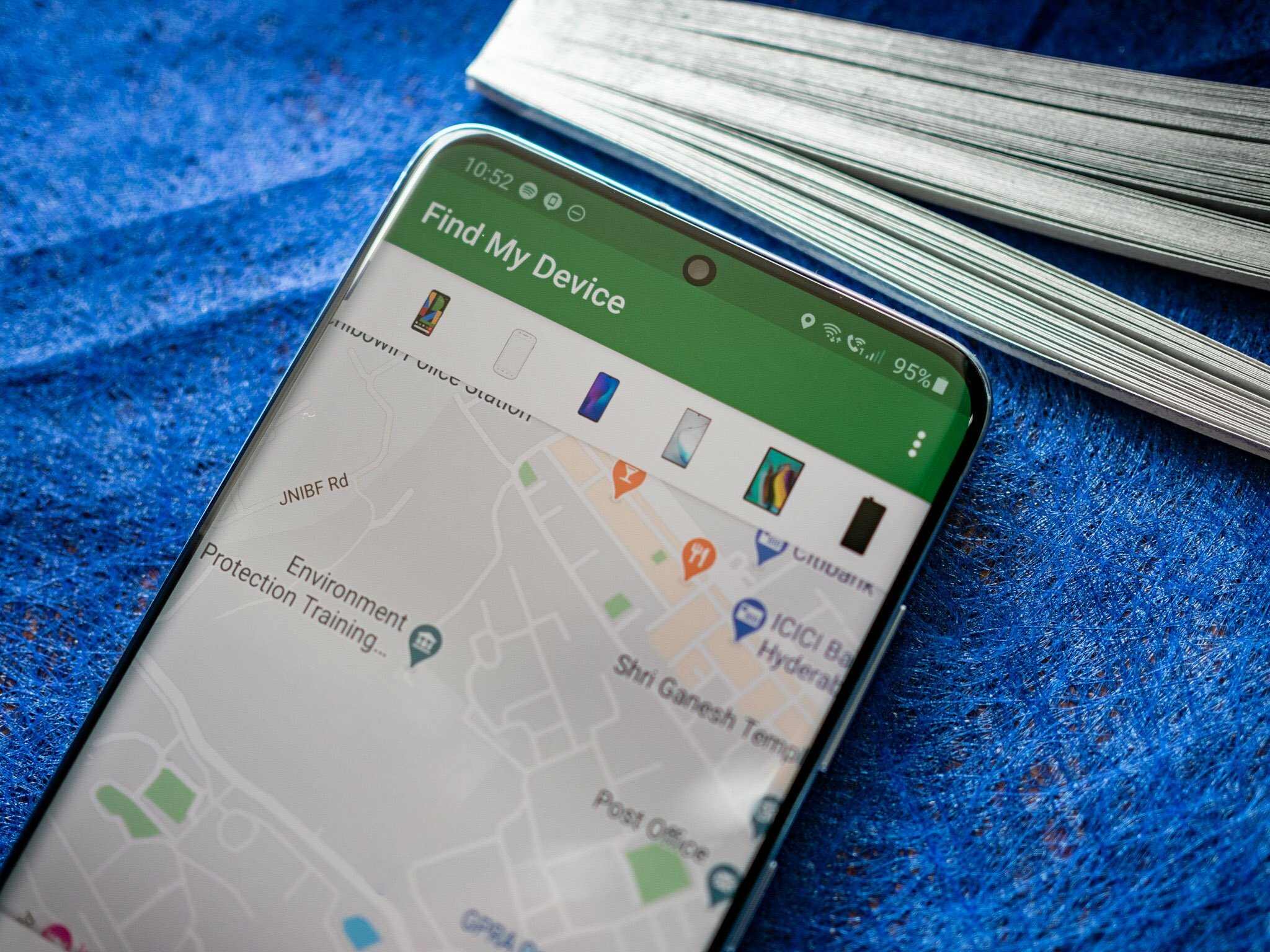
You will find specific solutions for blocking or unblocking someone on TikTok and Discord, hiding your phone number in Telegram, and even how to tell if someone is faking their location on Find My Phone. Other topics cover how to unfollow Facebook friends, turn off the green dot on Facebook Mobile, and search by phone number on Snapchat. Each guide focuses on a single, actionable task to help you lock down your privacy or clean up your connections.