Practical, how-to guides focused on connecting your PlayStation 4 with your phone and other devices. This page is for gamers who want to use their smartphone as a tool for their console, whether that means transferring clips, changing settings, or troubleshooting common hardware issues.
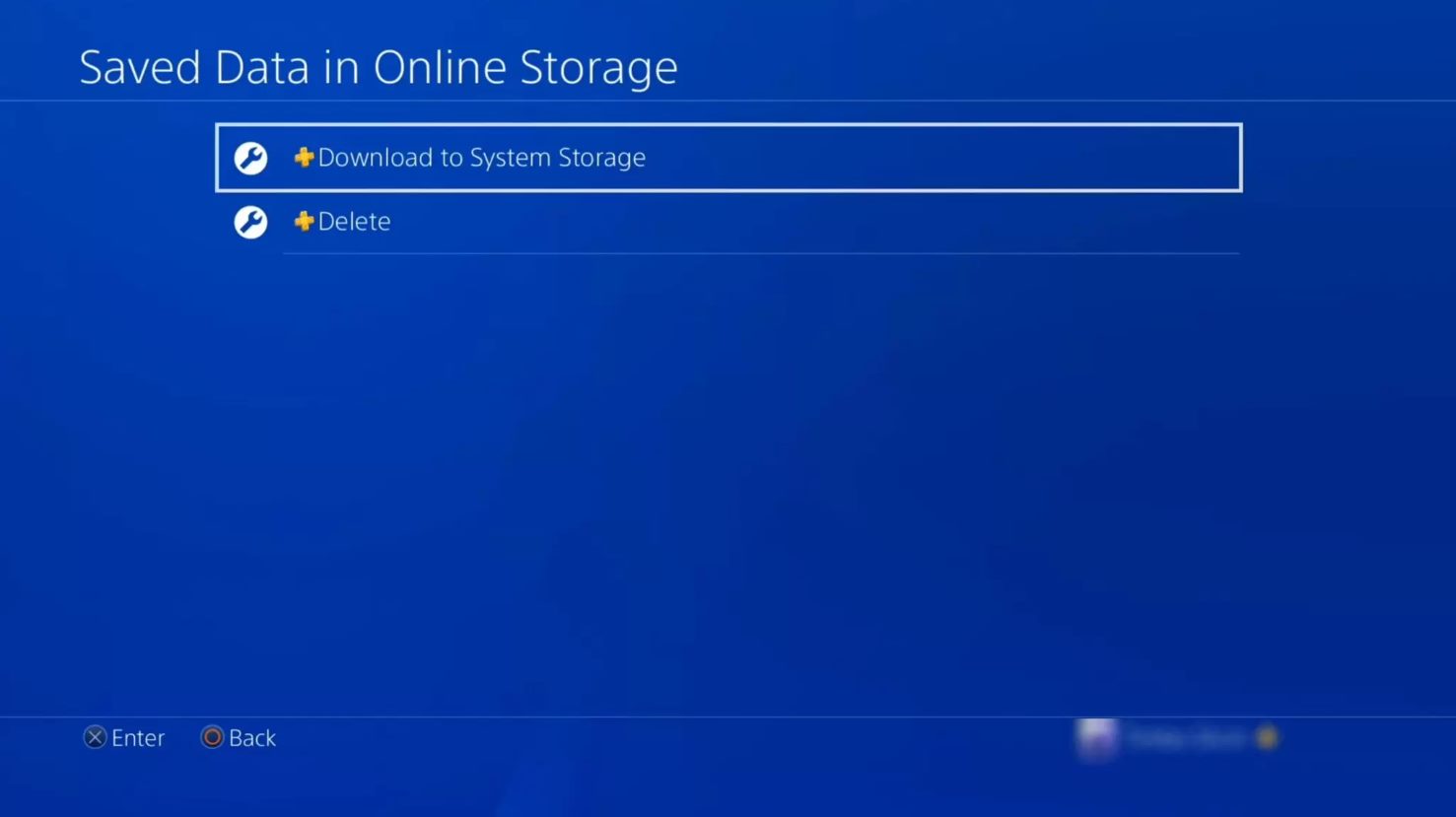
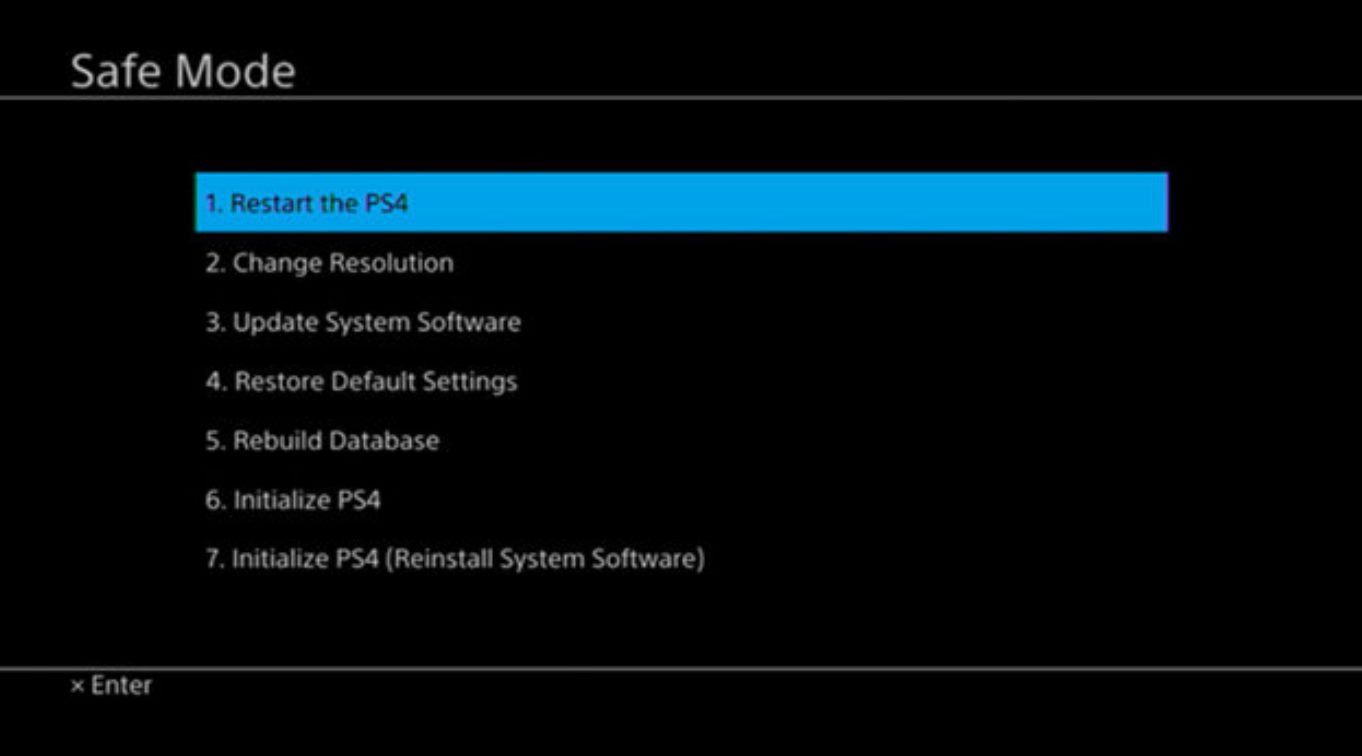
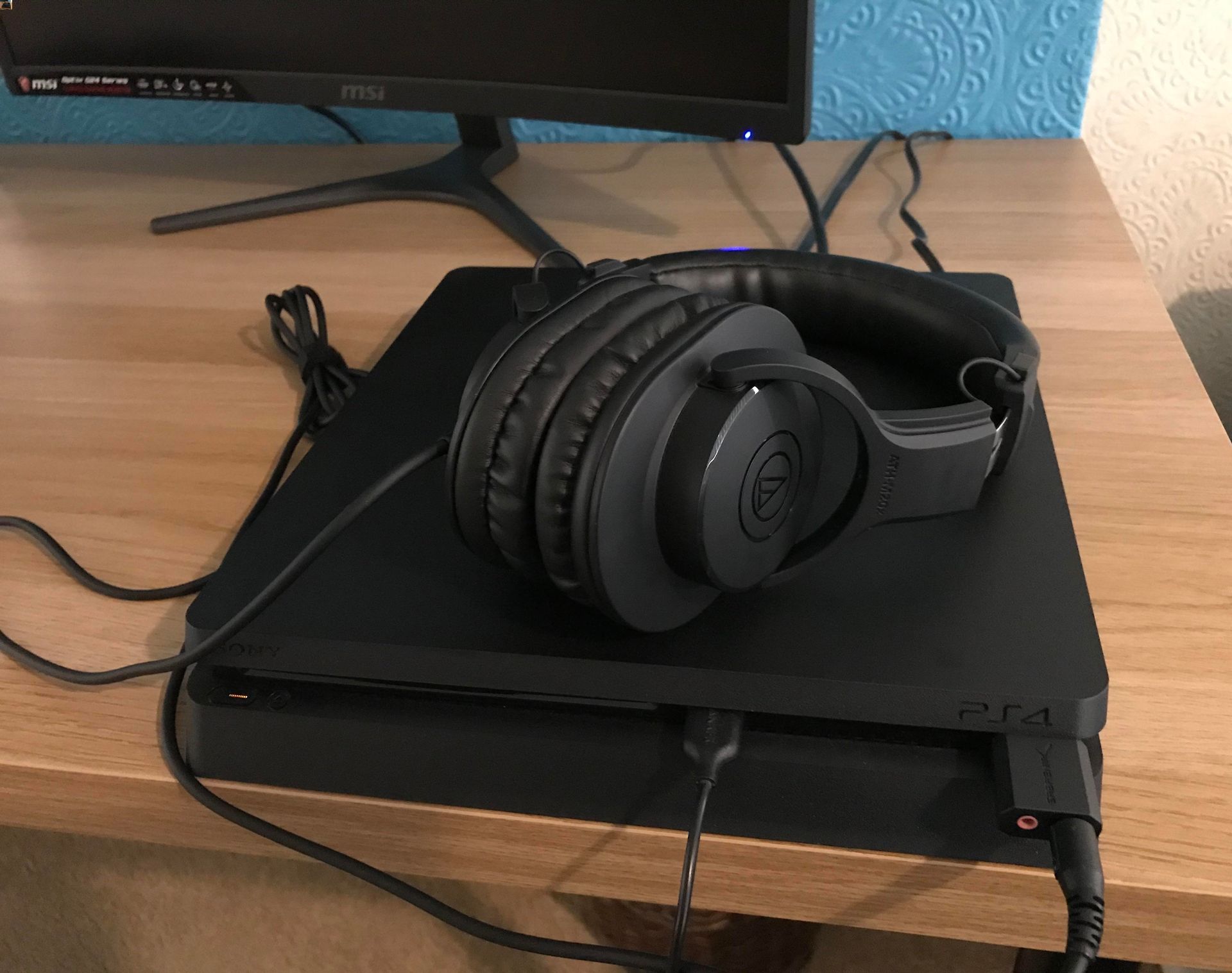
The articles here solve real-world problems grouped around two main themes. First, there is a strong focus on phone-to-PS4 integration. You can learn how to connect your PS4 to your phone to unlock more features, use your phone as a facecam for streaming, or screen share on Discord Mobile. Several guides also walk you through getting your PlayStation clips onto your phone, including how to look at clips on the PS4 app and change your cover image from your phone. Second, the tag covers hardware setup and fixes for the console itself. This includes connecting a wireless keyboard, mouse, or headset, as well as fixing a corrupted data error or getting your PS4 out of Safe Mode without losing data.
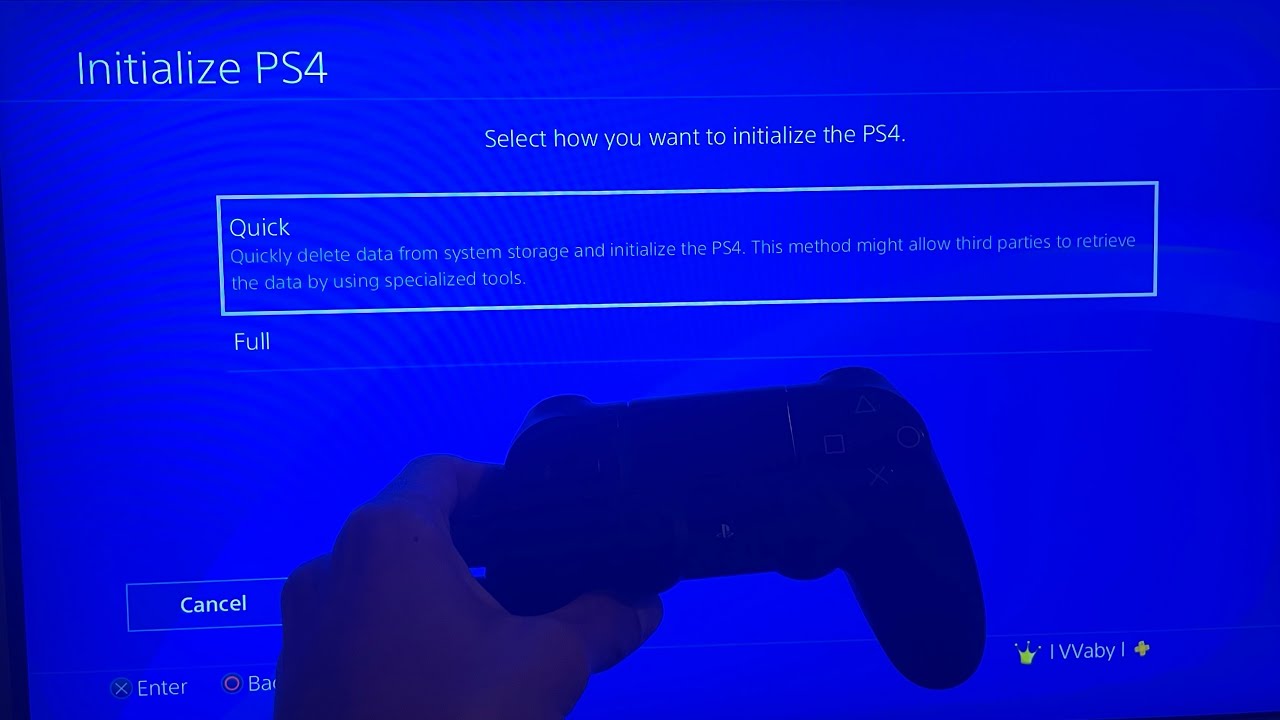
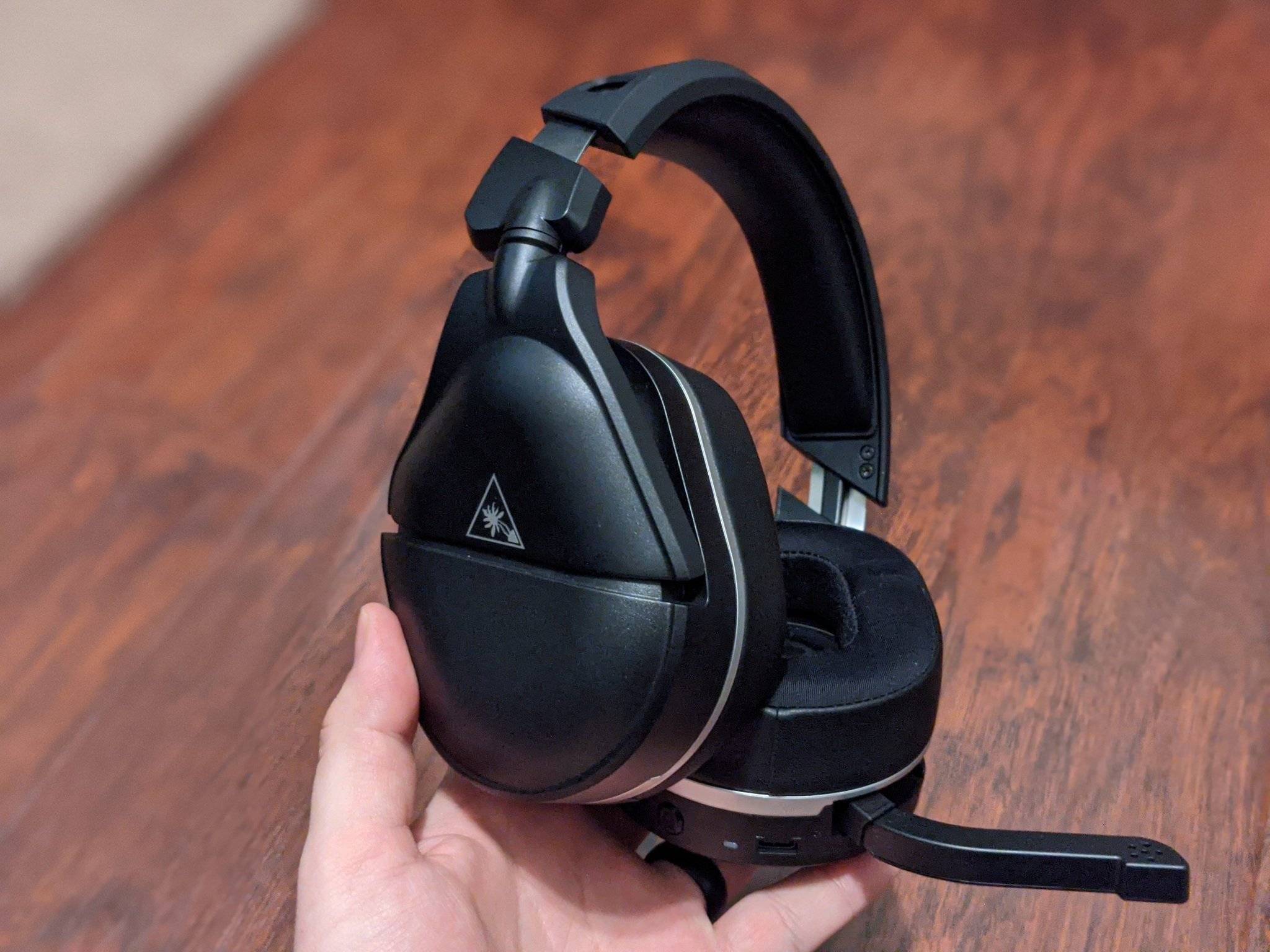
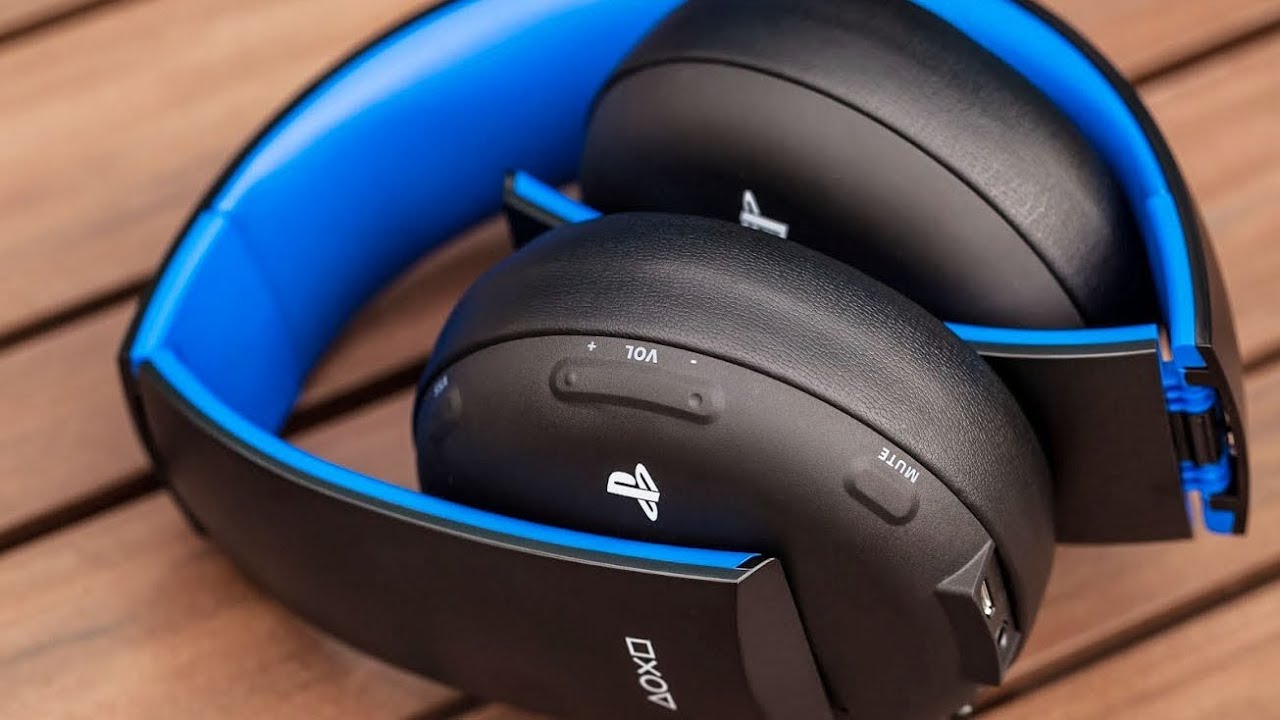
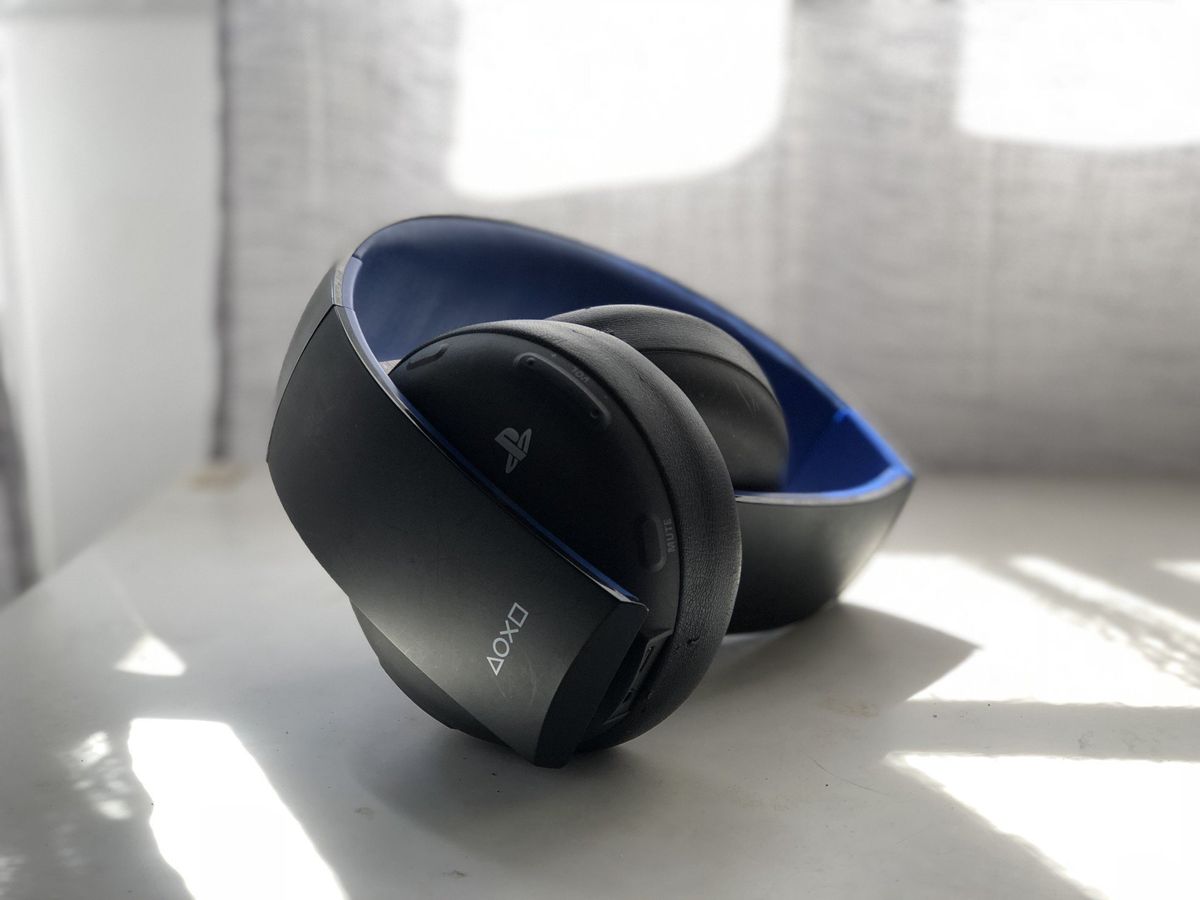
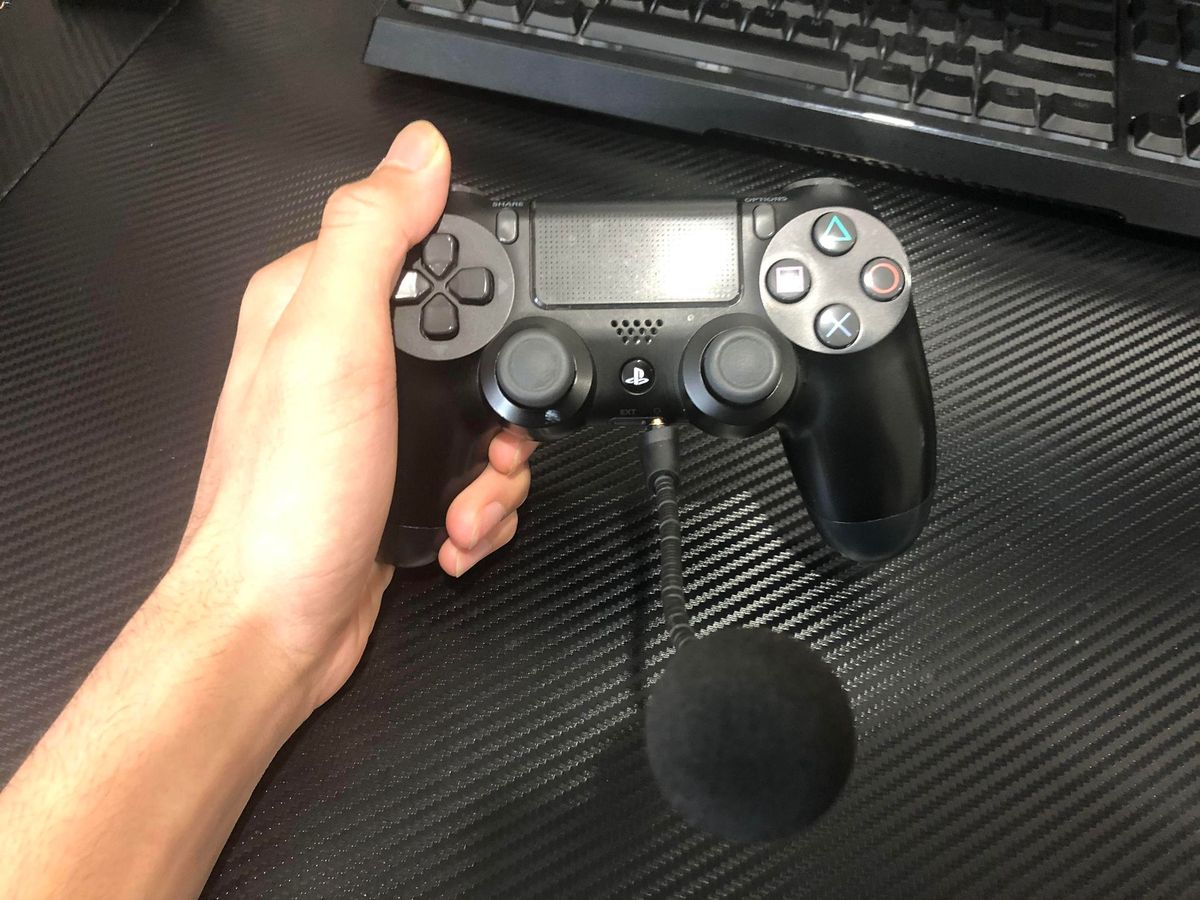
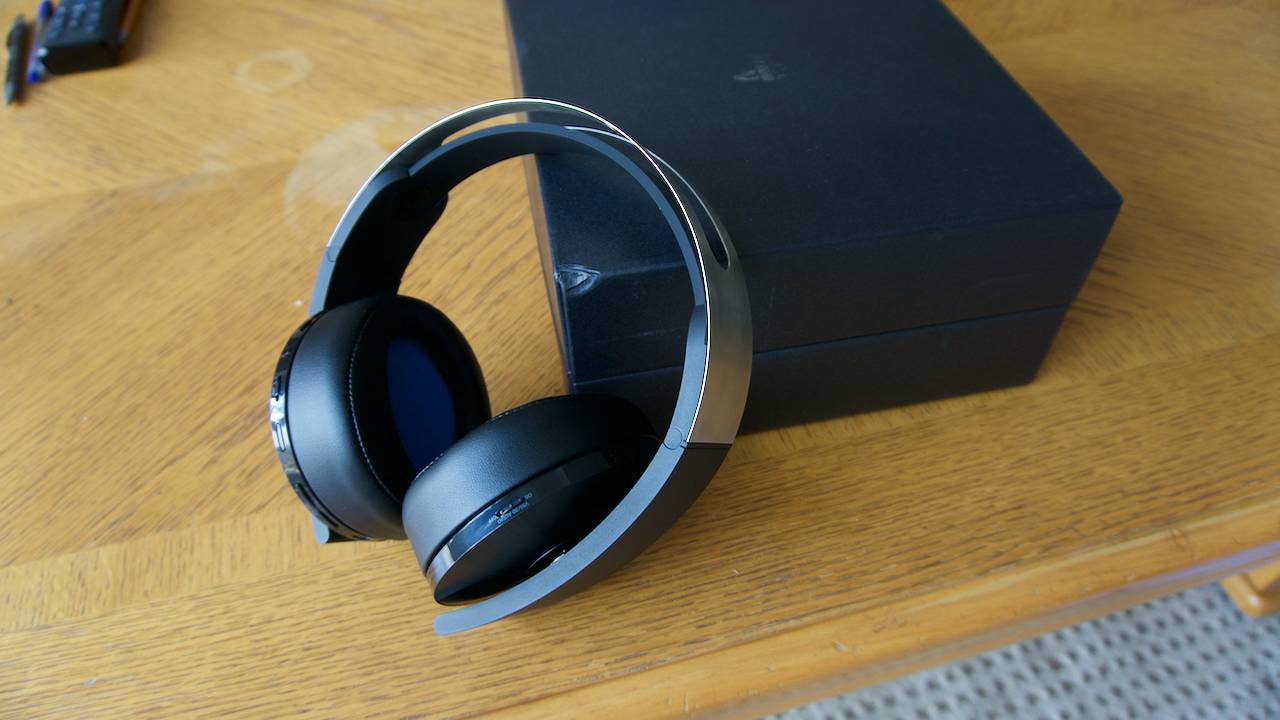
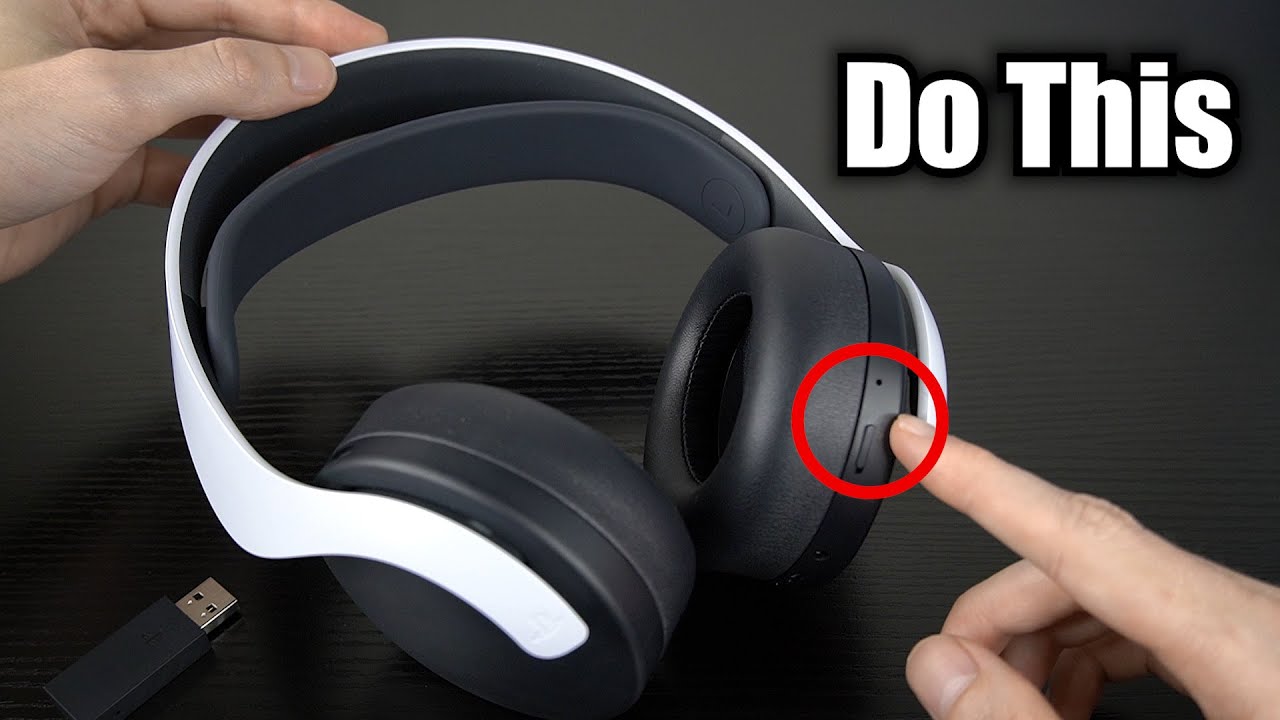
Specific topics you will find include how to check your PS4 controller battery, why your hotspot won't connect to your PS4, and how to increase your PS4 headset volume. Whether you need to reset your PS4 without losing data or simply want to know when your Pulse 3D headset is fully charged, these articles provide straightforward steps to get your setup working the way you want.