Practical guides focused on using your phone's camera to connect to services, accounts, and devices. This page is for anyone who needs straightforward, step-by-step help with the specific QR-related tasks that come up in daily phone use, from setting up a new cellular plan to joining a chat app.
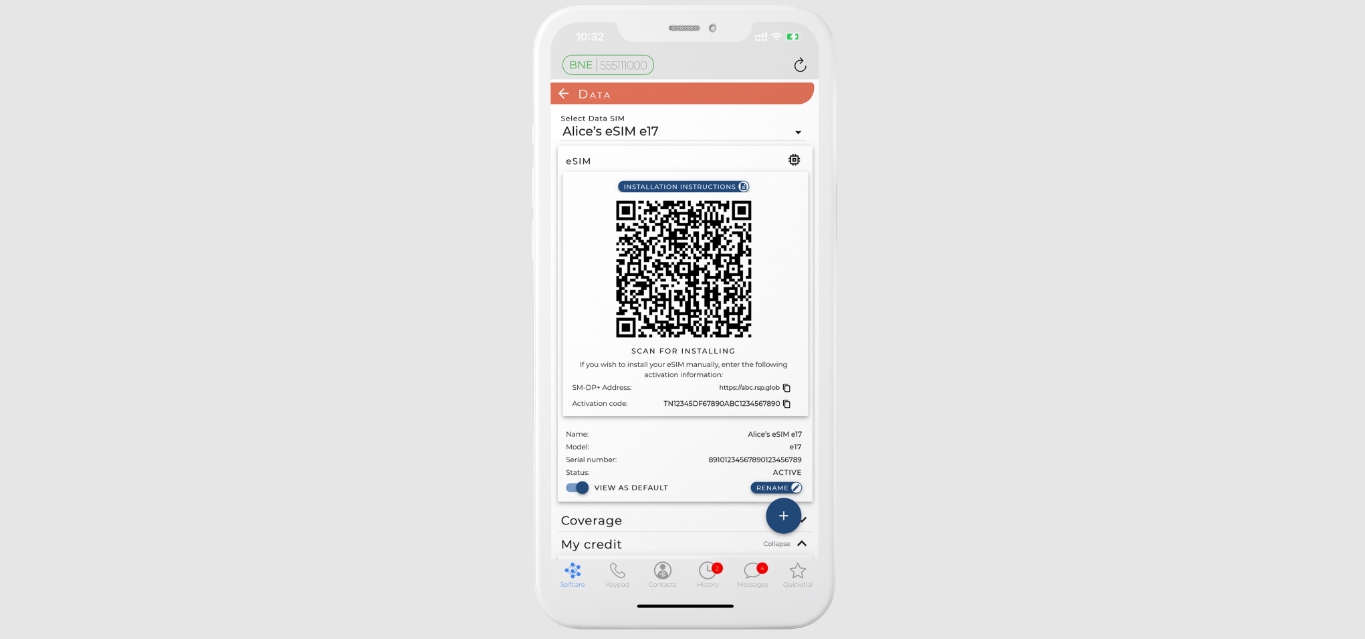
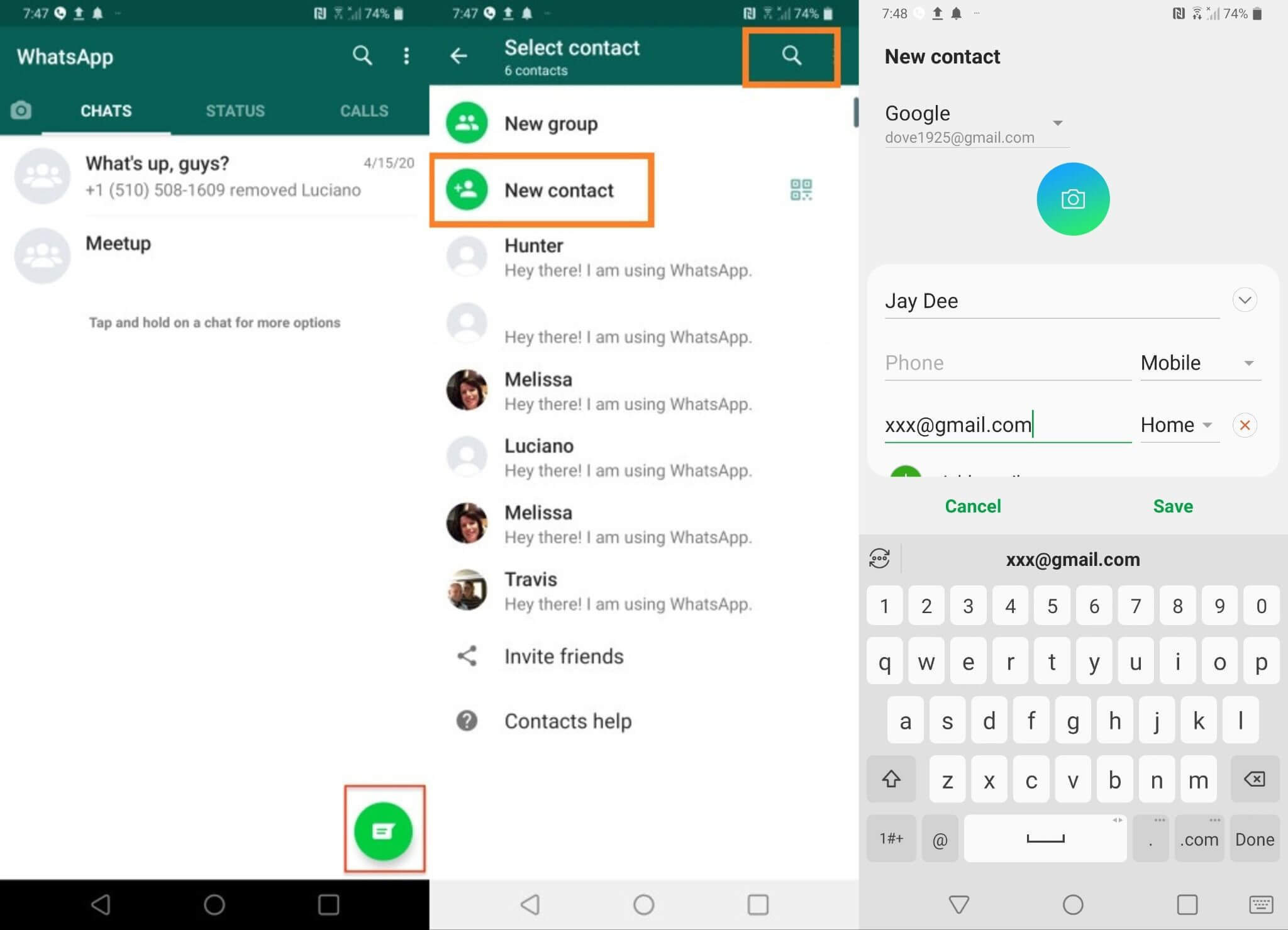
The articles here solve two main kinds of problems. First, they help you activate and manage your mobile service by scanning a code. You can learn how to get an eSIM QR code from T-Mobile, find the cellular plan QR code on your phone, and switch to an eSIM with Mint Mobile. Second, these guides cover connecting to social and security apps. You will see how to add someone on WhatsApp, invite someone to a Discord server on mobile, and scan QR codes within Discord Mobile. Several articles also tackle the simple act of scanning a code on different devices, including the Realme 8 and iPhone 12.
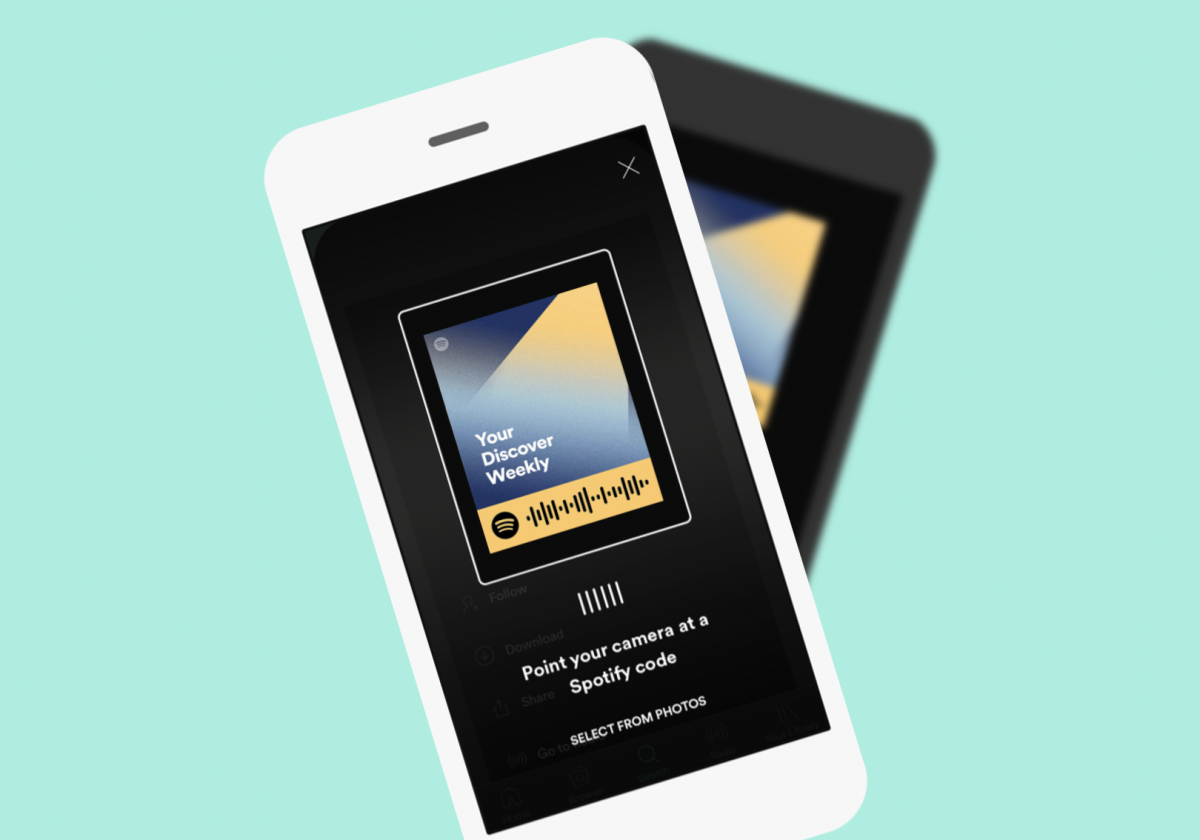
Beyond these themes, the collection helps you perform other everyday tasks. You can find out how to scan a Spotify code to play songs instantly, set up a Duo Mobile account, and even connect Swann security cameras to your phone. Whether you are sending pictures from a Switch to your phone or setting up a cellular trail camera, these articles provide the direct instructions needed to get each job done.