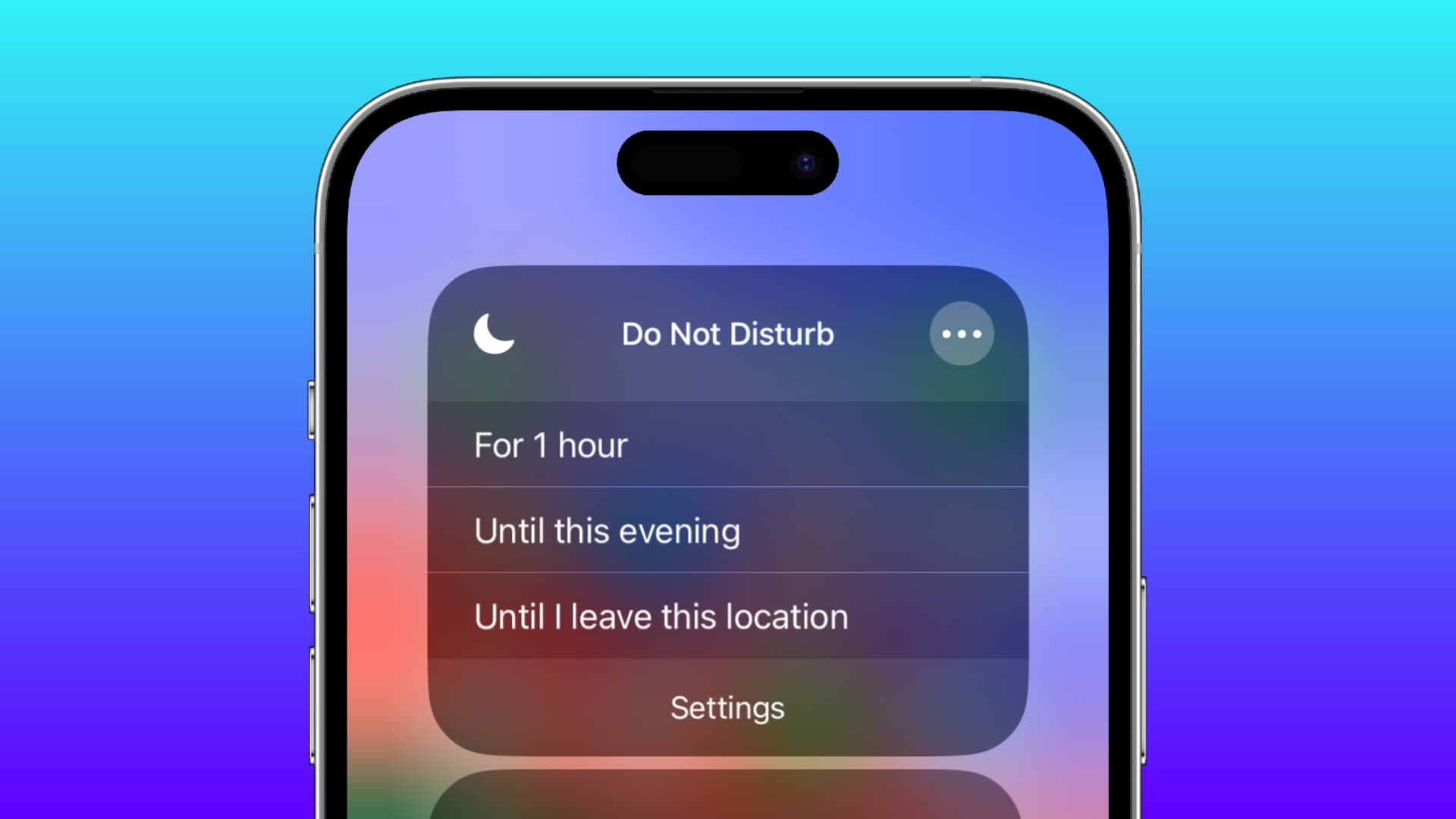
The Quick Settings tag on CellularNews collects straightforward, practical guides focused on the everyday controls and toggles found on your phone. This section is for anyone who needs a fast, no-nonsense answer to a common phone operation, whether you're a new smartphone user or just trying to figure out a setting you’ve accidentally changed.

The articles here solve two main kinds of problems. First, they help you locate and use basic hardware features, like finding the flashlight on your phone, brightening the screen, or turning the microphone on. Second, they tackle common software toggles and modes, such as silencing an Android phone, turning off Do Not Disturb, stopping the screen from rotating, or enabling NFC on a Moto G Play. Several guides also focus specifically on Samsung and Galaxy devices, covering how to turn on the ringer, power off the phone, or shut down a Galaxy Z Flip.

In short, these articles help you quickly do what you need to do, check a Bluetooth speaker’s battery level, access the internet on a Motorola Razr, or screen record a mobile game, without digging through menus or guessing. They are direct, task-oriented instructions for the settings you use every day.
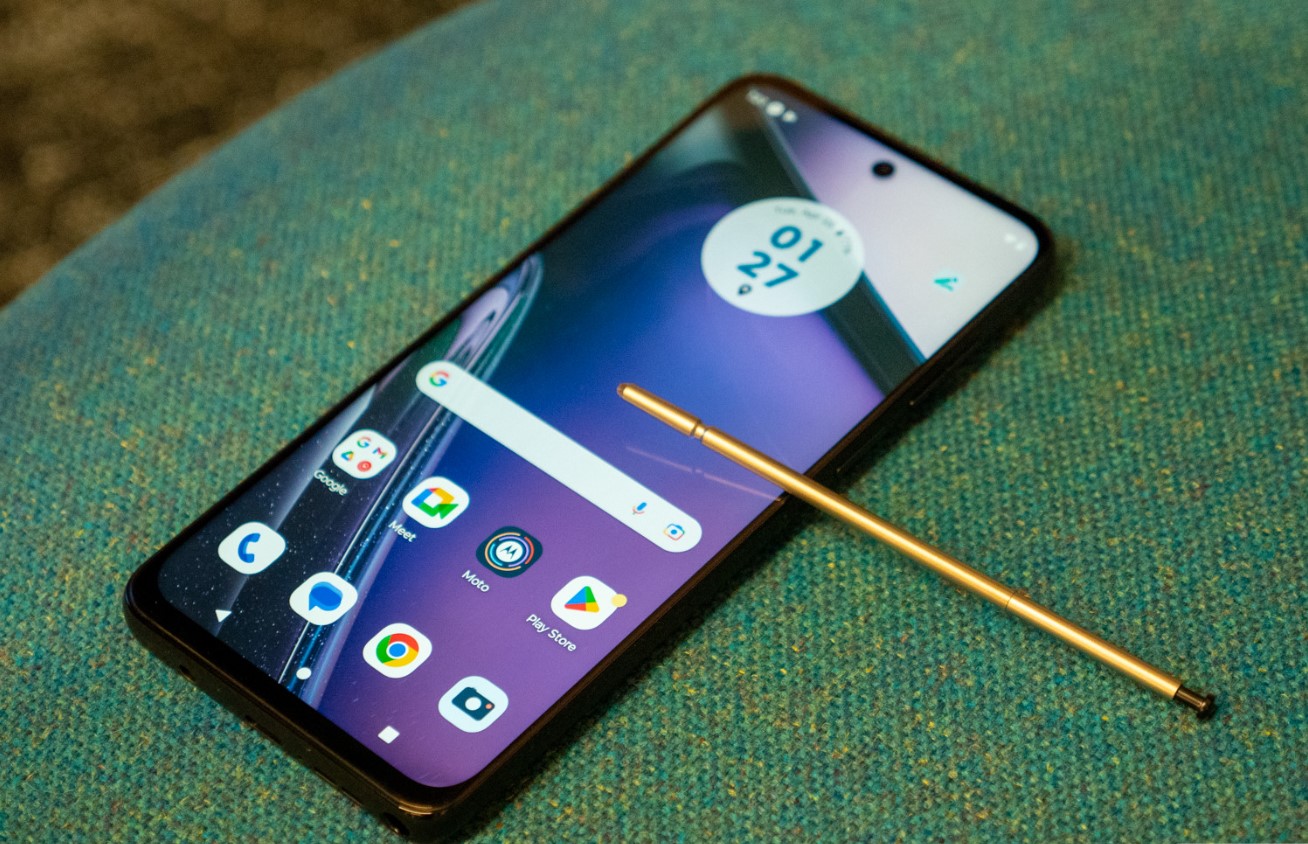
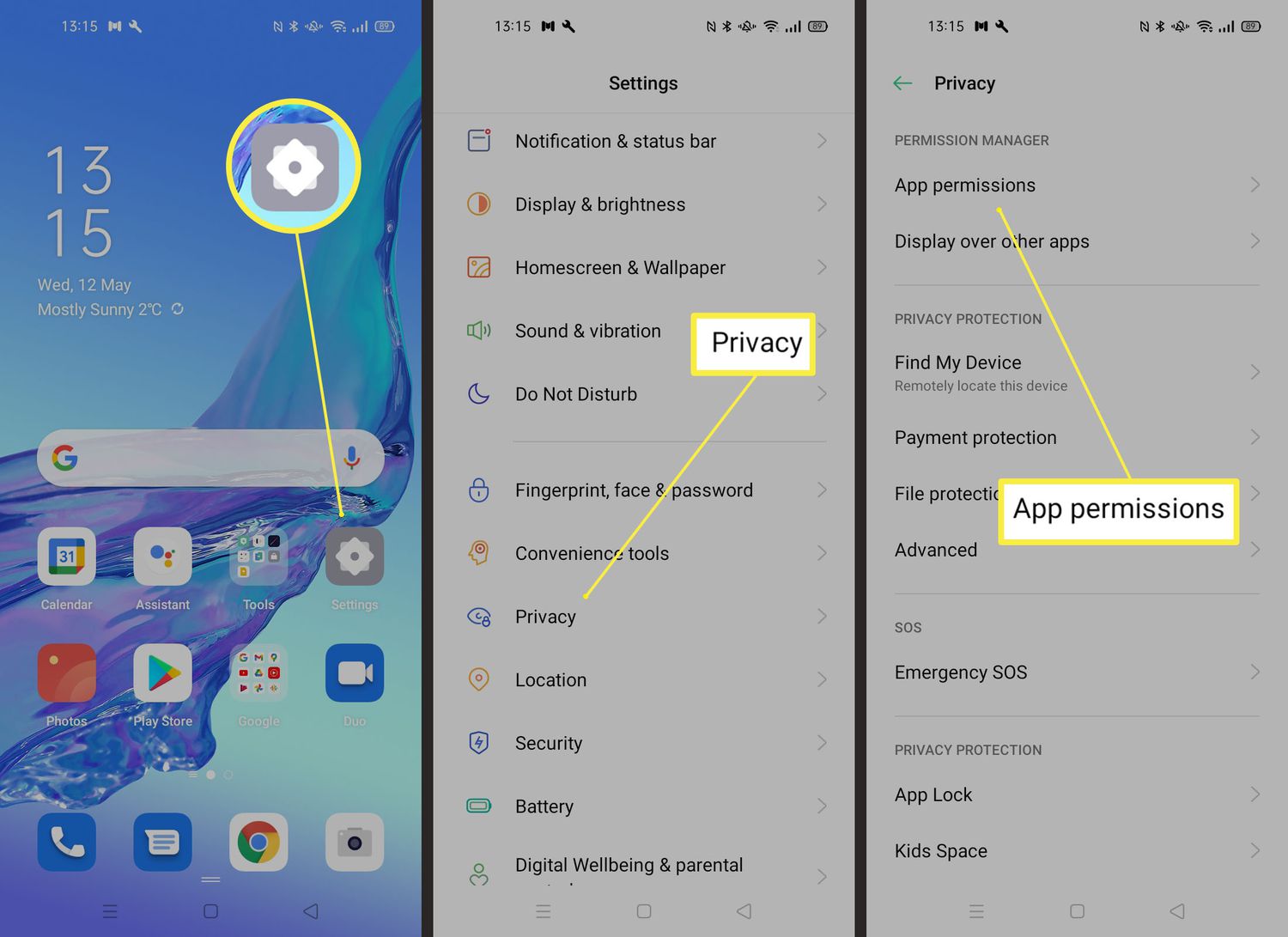
How To Enable NFC On Moto G Play

To enable NFC on Moto G Play, open Quick settings and tap the NFC tile, or go to Settings > Connected devices > Connection preferences > NFC and turn it...

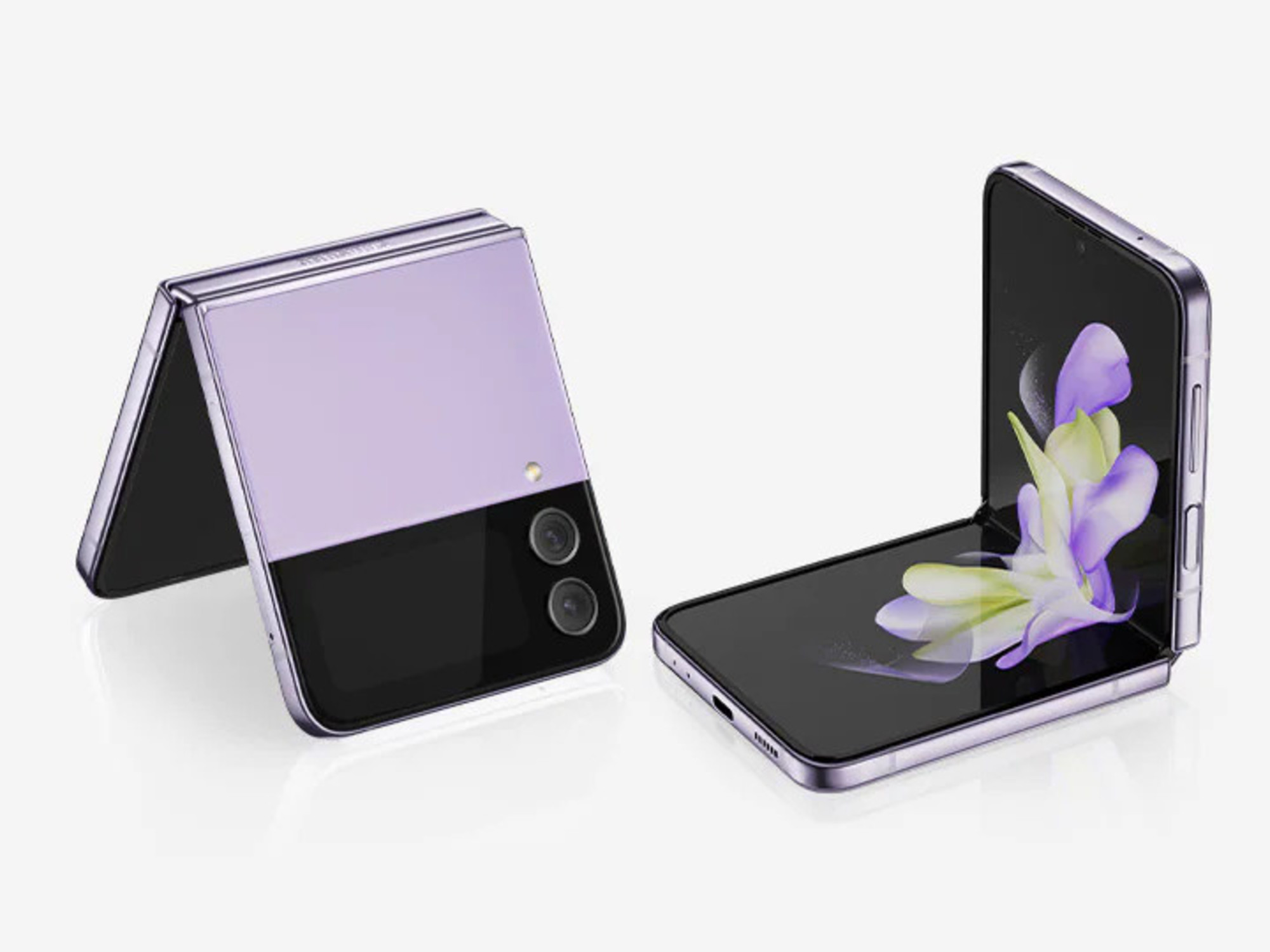
How To Turn Off Galaxy Z Flip Phone

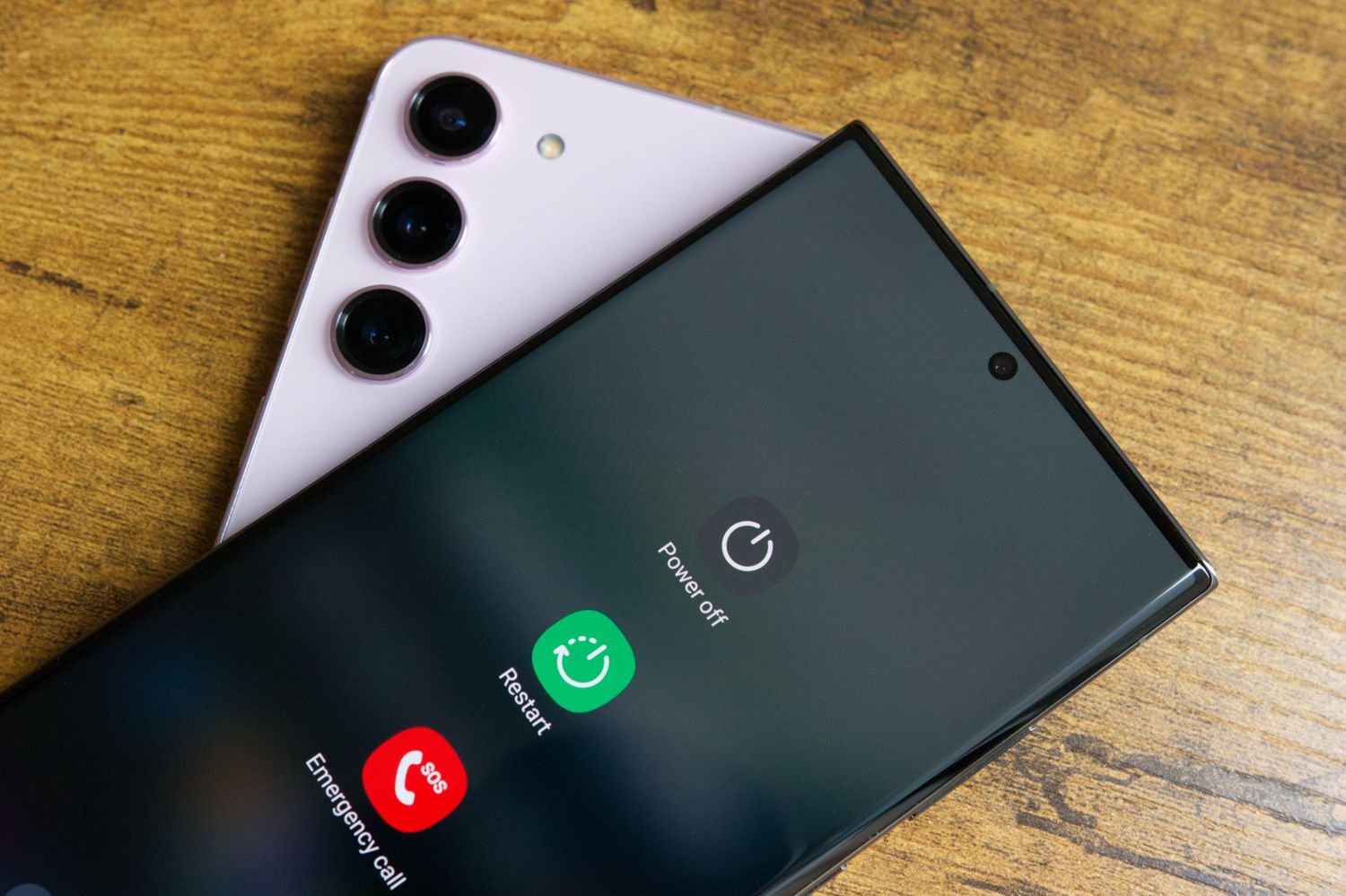
To turn off a Galaxy Z Flip, press and hold the Side and Volume down buttons together, then tap Power off on the screen and confirm by tapping Power off...

How To Turn Off Samsung Cellphone

To turn off a Samsung phone, press and hold the Side button and the Volume down button at the same time for a few seconds until the Power menu appears....

How To Turn Microphone On Android

To turn microphone on Android, you enable system-wide access by swiping down twice from the top of the screen and tapping the "Microphone access" tile in Quick Settings. This directly...

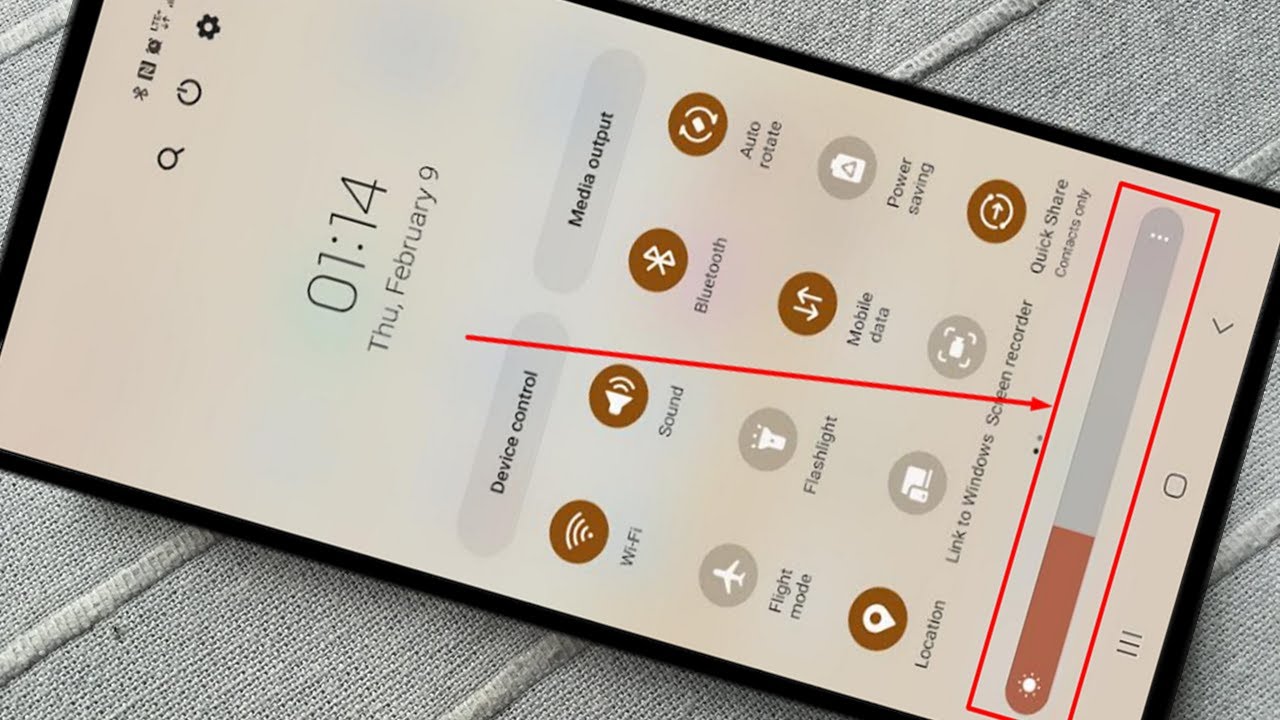
How To Brighten Screen On Android Phone

To brighten an Android screen, the fastest method is to use the Quick Settings panel. Swipe down from the top of the screen once or twice to reveal the brightness...

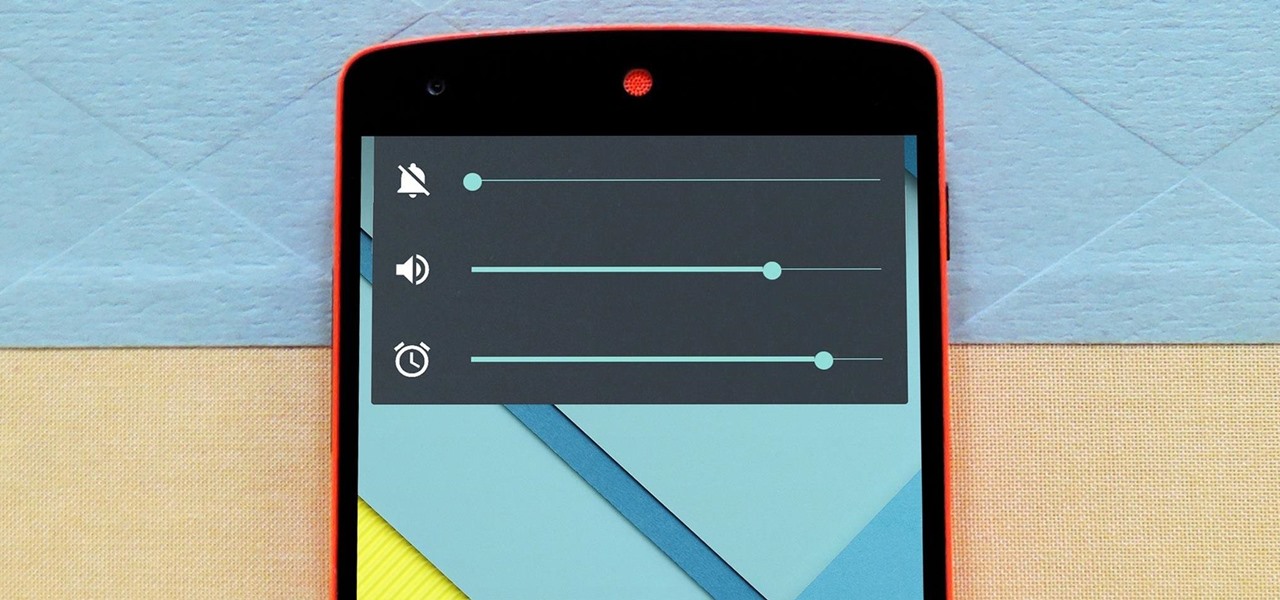
How To Silence Android Phone

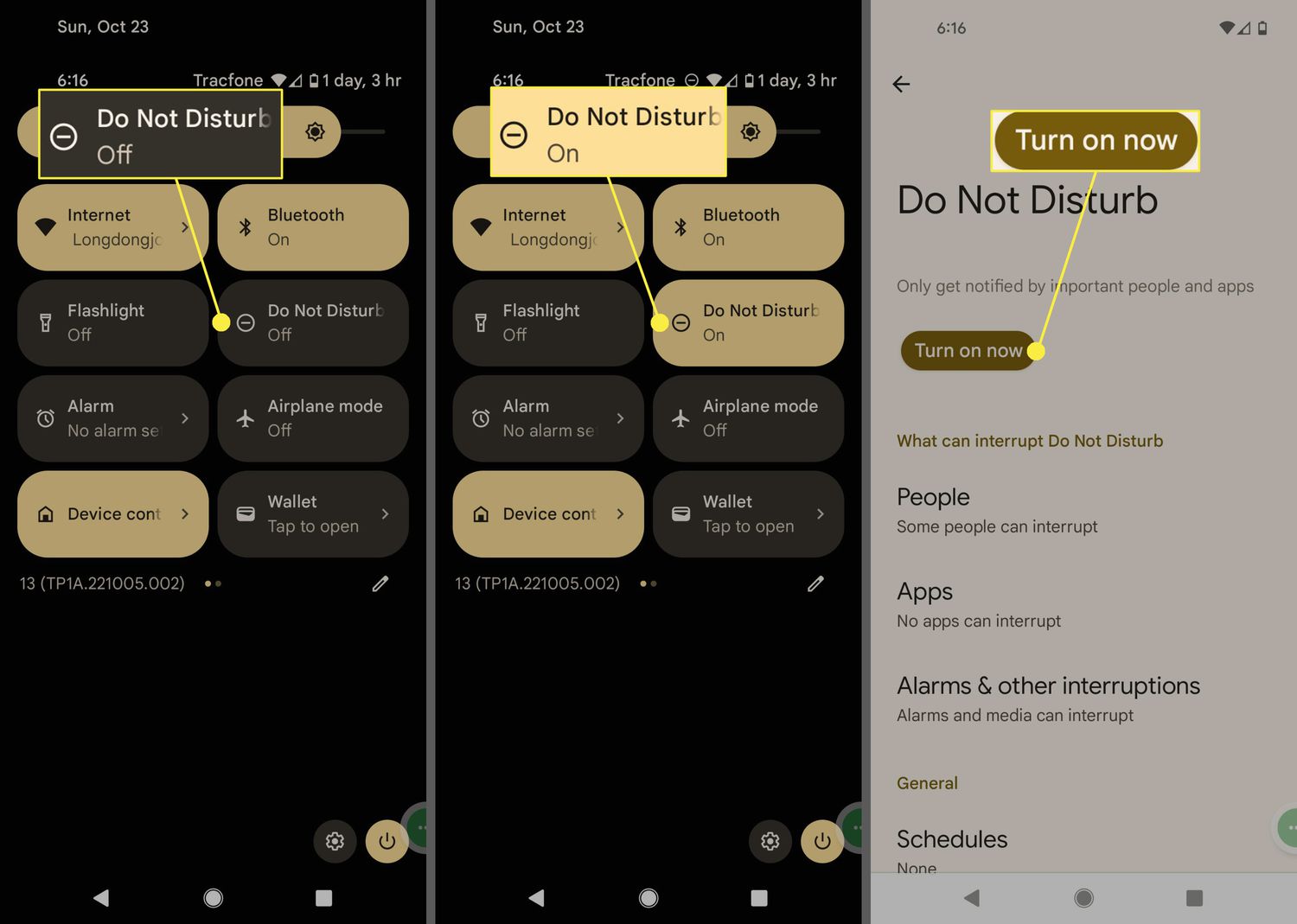
To silence an Android phone quickly, use the Quick Settings panel to activate Do Not Disturb or press a physical volume button and tap the on-screen sound icon to cycle...

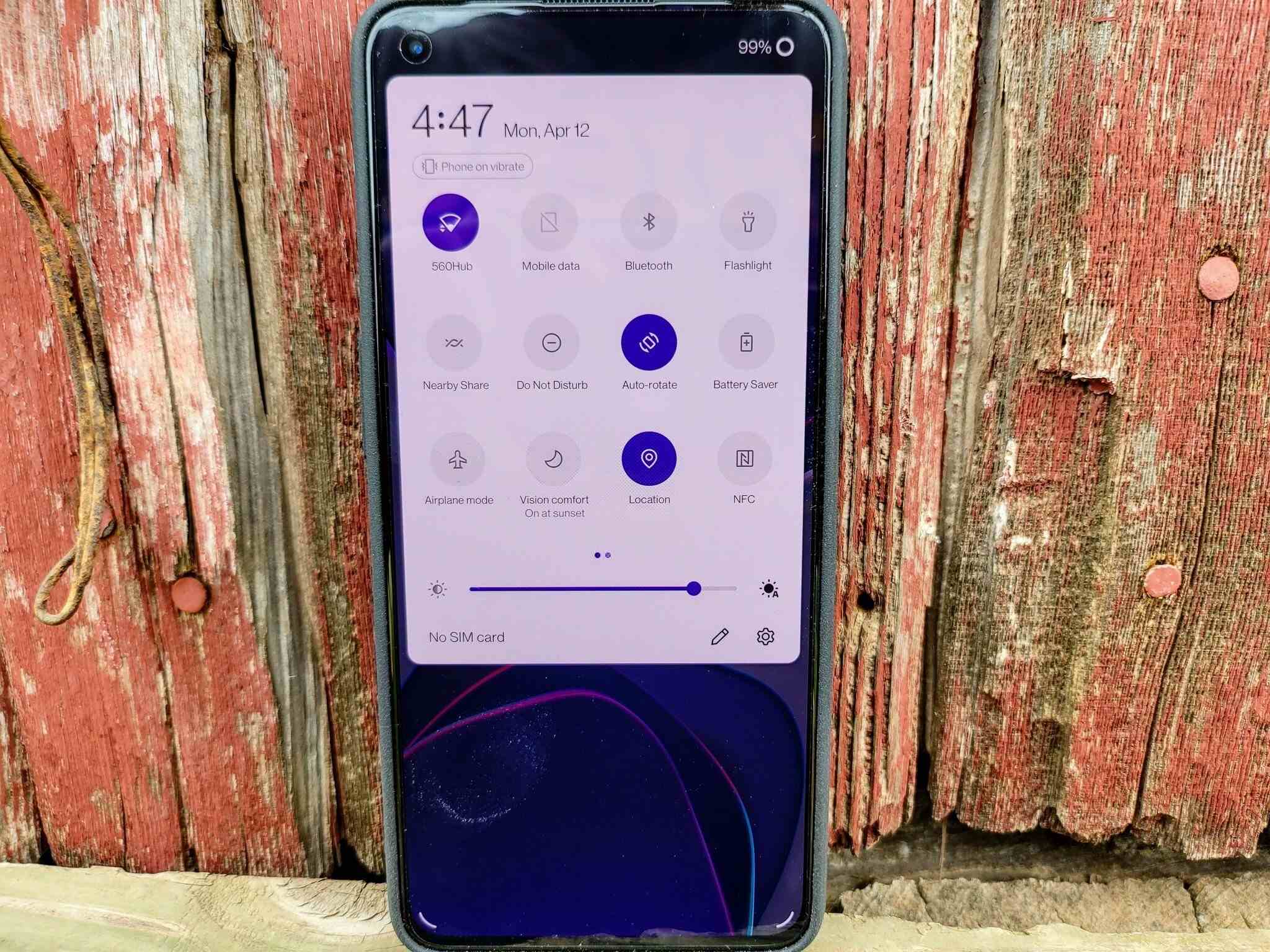
How To Take Phone Off Dnd

To take phone off DND, swipe down from the top-right corner of an iPhone screen to open Control Center, or swipe down from the top of an Android screen to...

How To Turn Off My Galaxy Phone

To turn off your Galaxy phone, press and hold the Side button and Volume down together until the power menu appears, then tap Power off and confirm by tapping Power...