Start here: RCS

All topics →

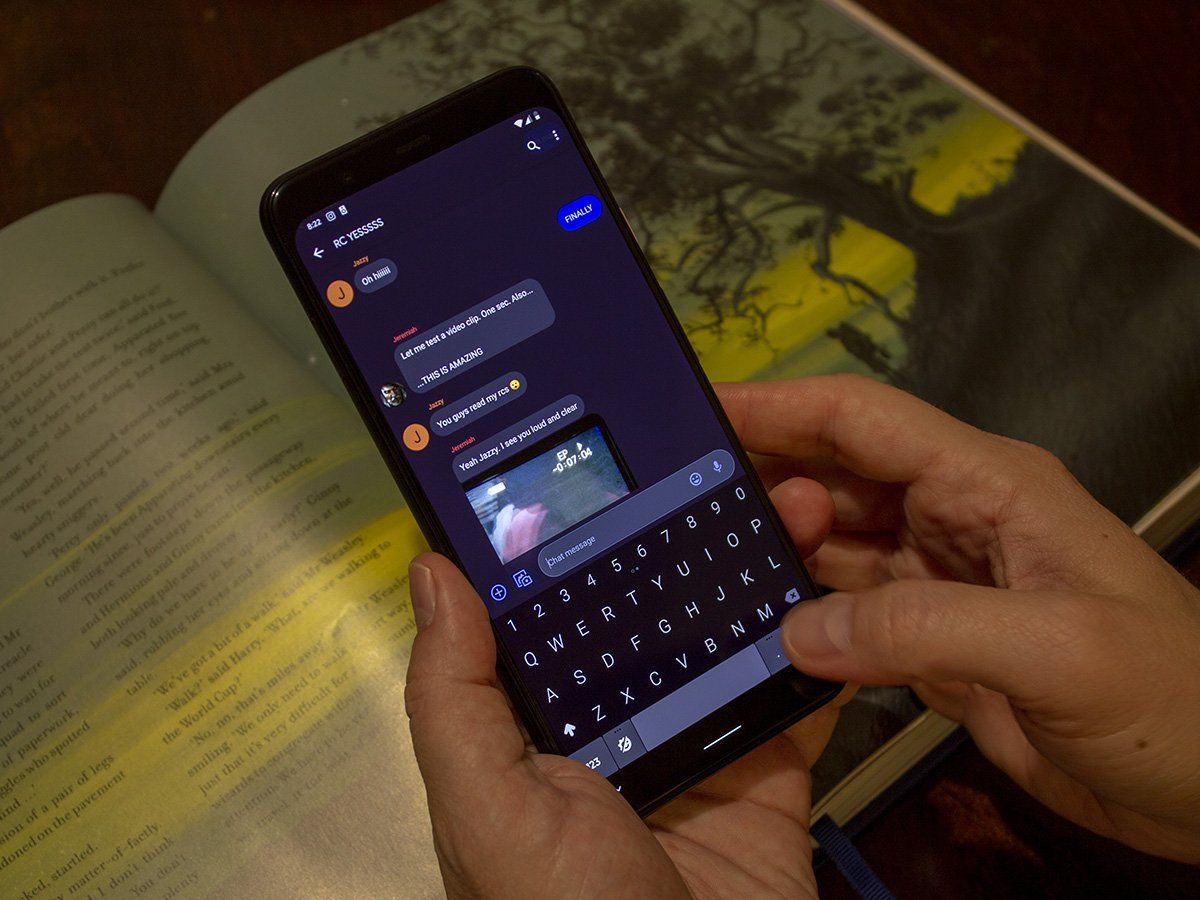
The RCS tag on CellularNews brings together a focused collection of guides and explainers about modern text messaging on Android phones. This page is for anyone who wants to understand, enable, or troubleshoot Rich Communication Services (RCS) and related texting features on their device, whether you are using a Samsung Galaxy, a Google Pixel, or another Android model.

The articles here solve practical problems grouped around two main themes: understanding and controlling your messaging interface, and managing delivery and read receipts. For example, you can learn what the blue dot next to the phone icon actually means, how to change text bubble colors on an iPhone, or how to react to texts on Android. Other pieces walk you through how to disable RCS on Android, how to turn off read receipts on a Galaxy S21, and how to unsend a text you regret sending. A few articles also step back to explain the basics, like what texting is in the first place, or to analyze Google's broader RCS strategy.

Overall, these articles help the reader take direct action: enable RCS messaging on any carrier, send a picture from an Android phone, delete phone messages, or even read text messages from another phone. Whether you are trying to turn off read receipts or figure out how to use iMessage on an Android device, this tag collects the specific, actionable fixes and settings you need.
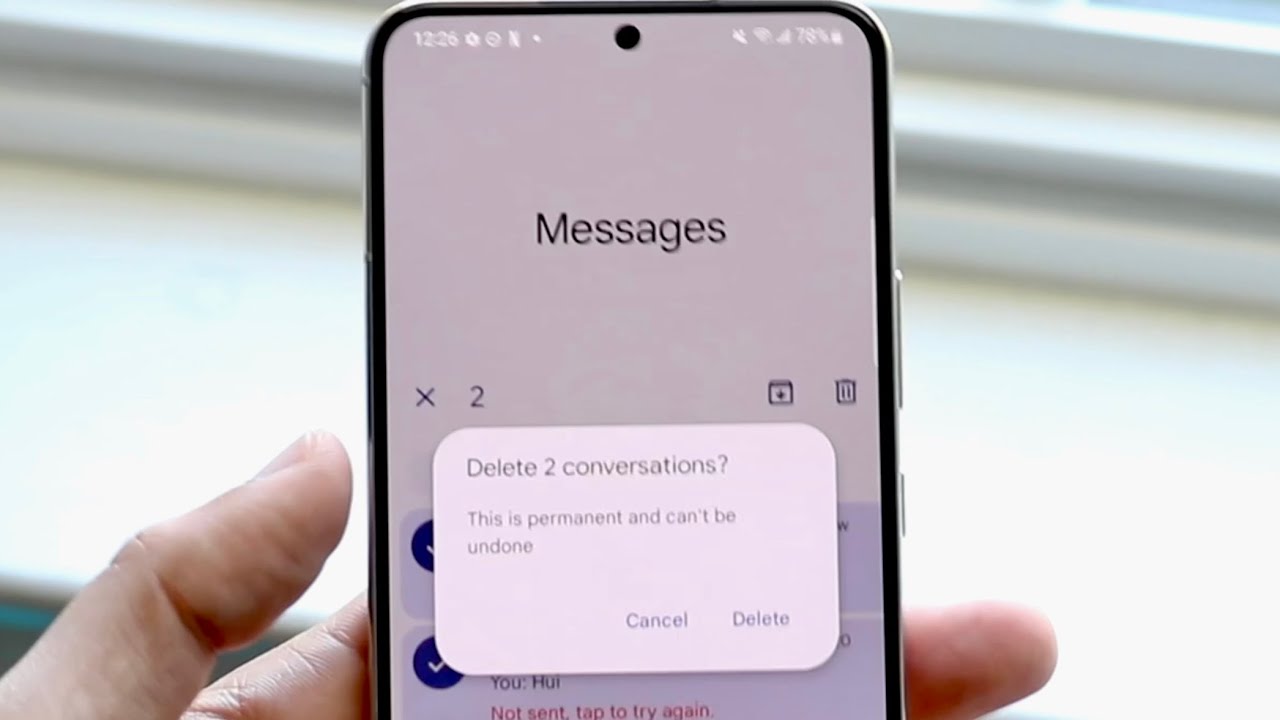
How To Delete Phone Messages On Android

To delete phone messages on Android, open the Google Messages app and delete entire conversations or individual messages. You can also use the Trash folder to recover deleted messages within...

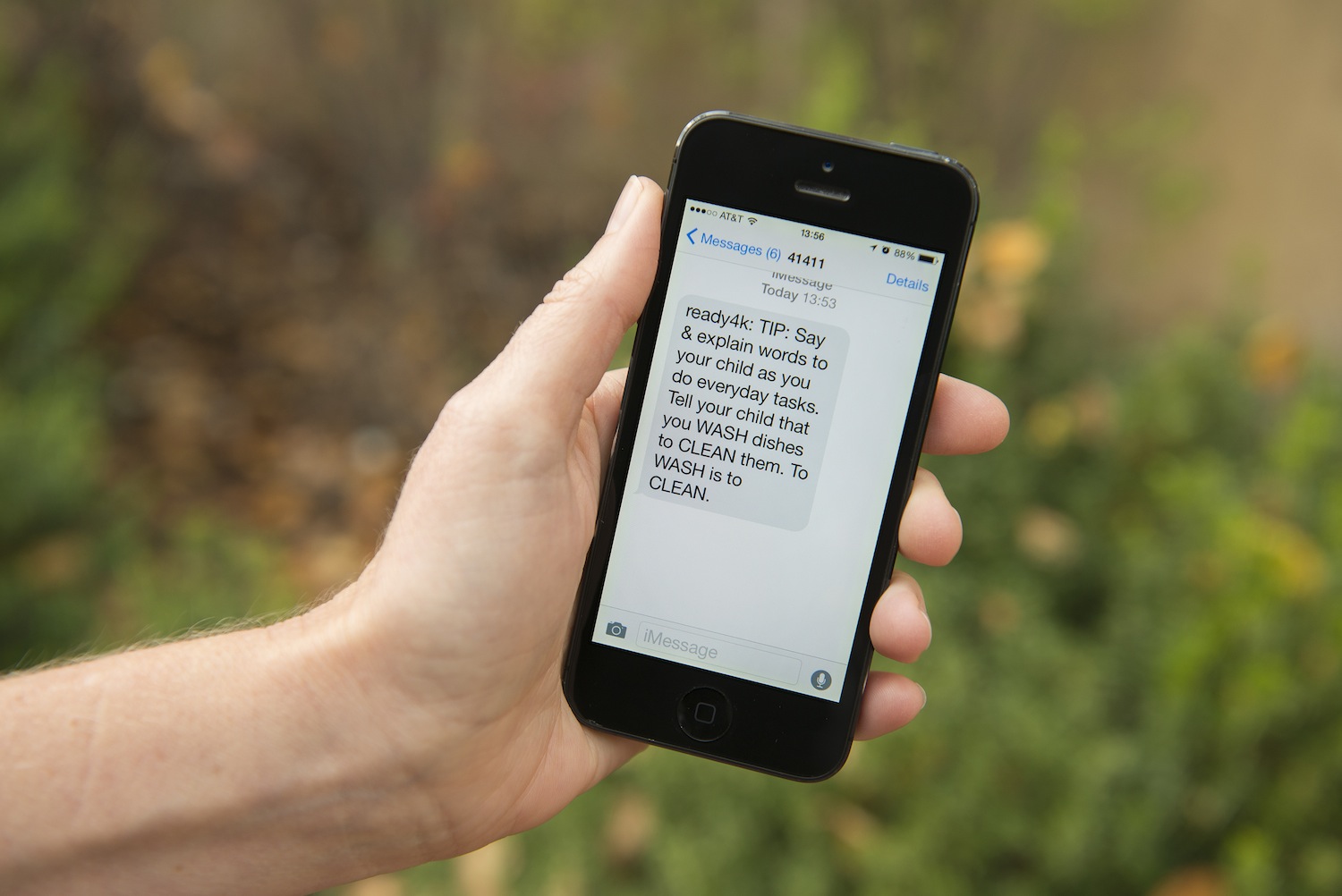
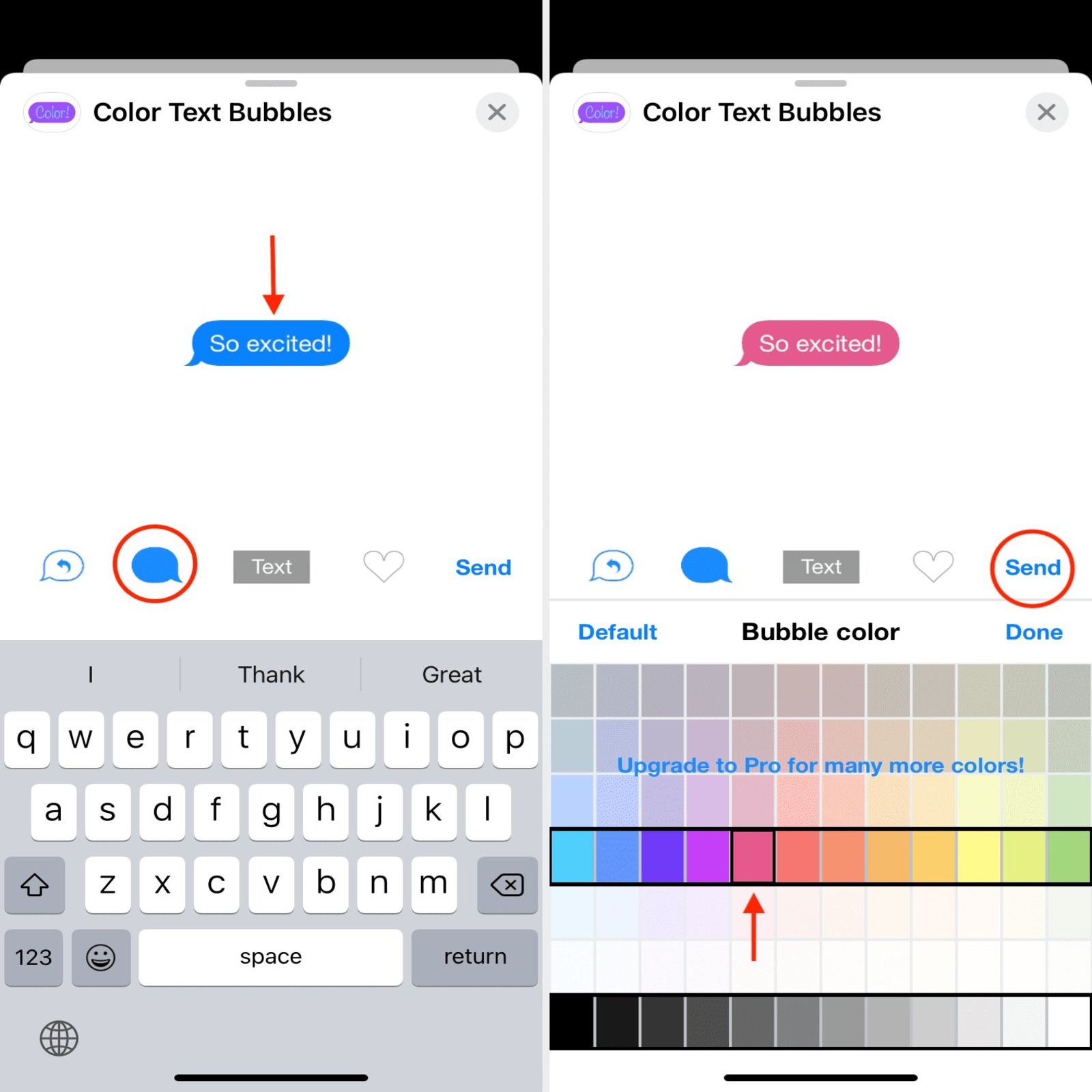
How To Change Text Bubble Color On IPhone

You cannot change text bubble color on iPhone using any built-in setting in Apple's Messages app. Apple does not provide a supported way to recolor the chat bubbles, and the...

How To Unsend A Text On Android

You can unsend a text on Android, but only if you and the recipient are both using Google Messages with RCS chats enabled. The built-in "Delete for everyone" feature in...

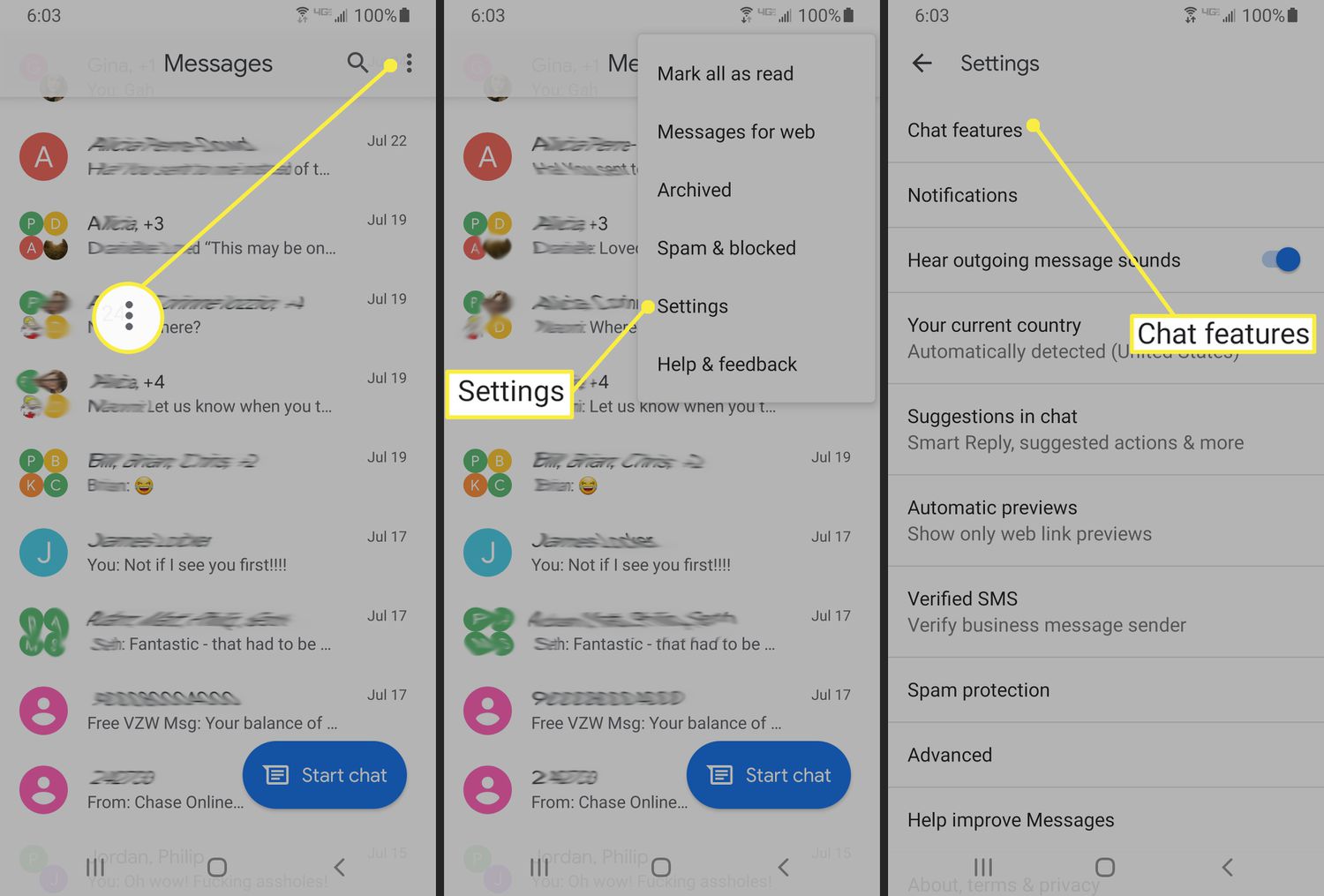
How To Turn Off Read Receipts On Android

To turn off read receipts on Android, open the Google Messages app, tap your profile picture, go to Messages settings, then RCS chats, and toggle off "Send read receipts." This...

How To Disable Rcs On Android

To disable RCS on Android, open the Google Messages app, tap your profile picture in the top-right corner, and select "Messages settings." Then tap "RCS chats" and toggle the "Turn...

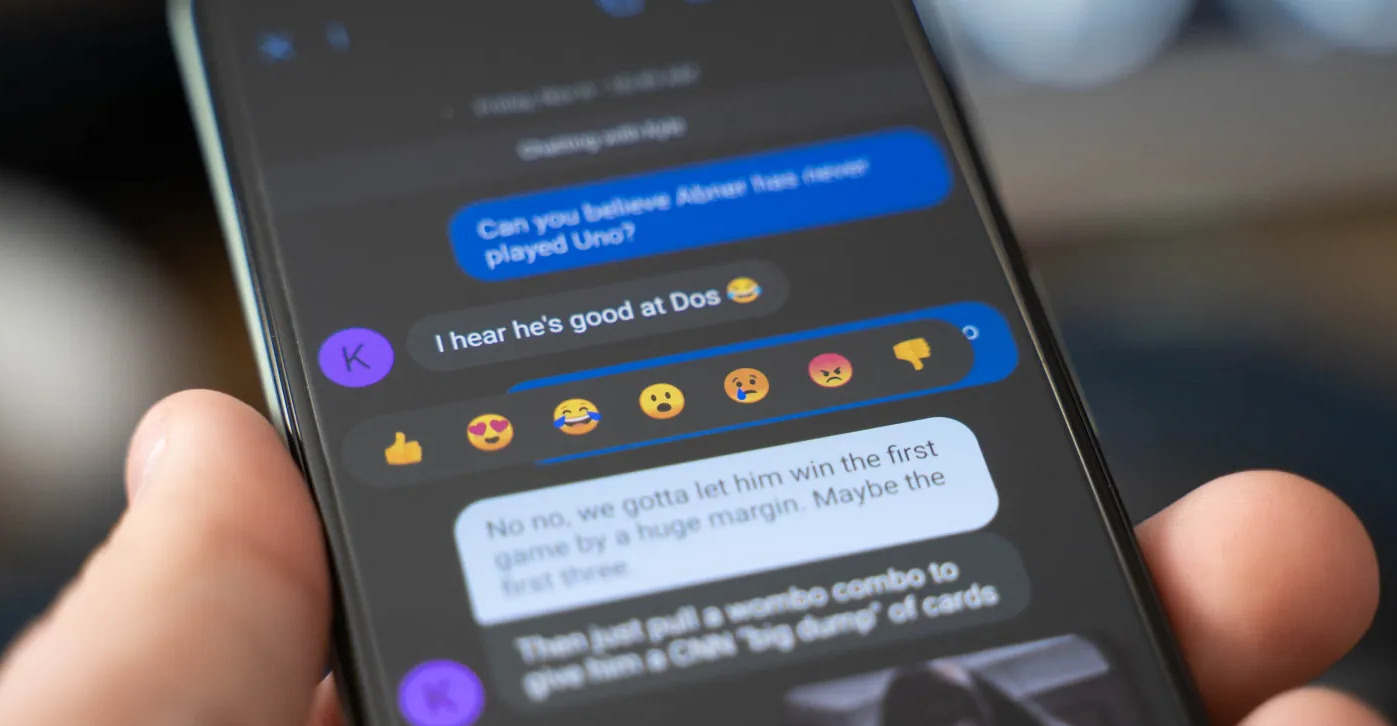
How To React To Texts On Android

To react to texts on Android, open the Google Messages app and long-press any text message you have received. This action opens an emoji reaction menu from which you can...