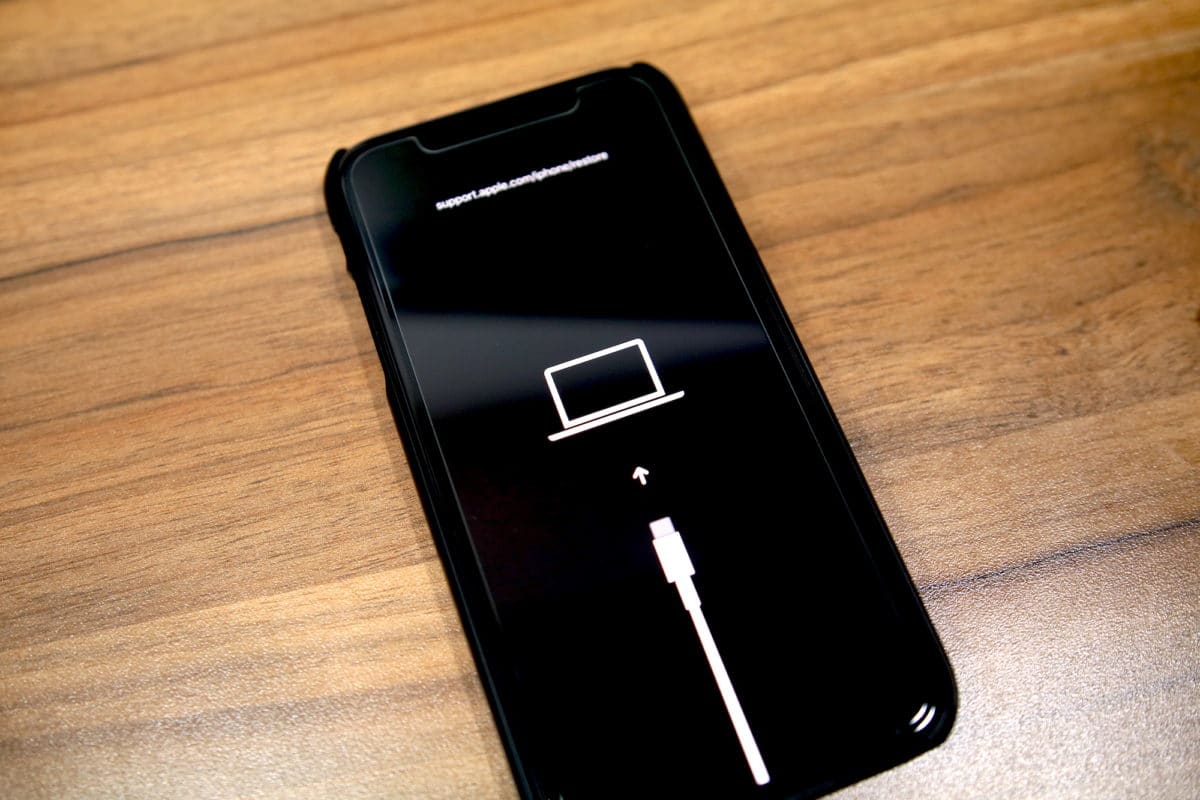
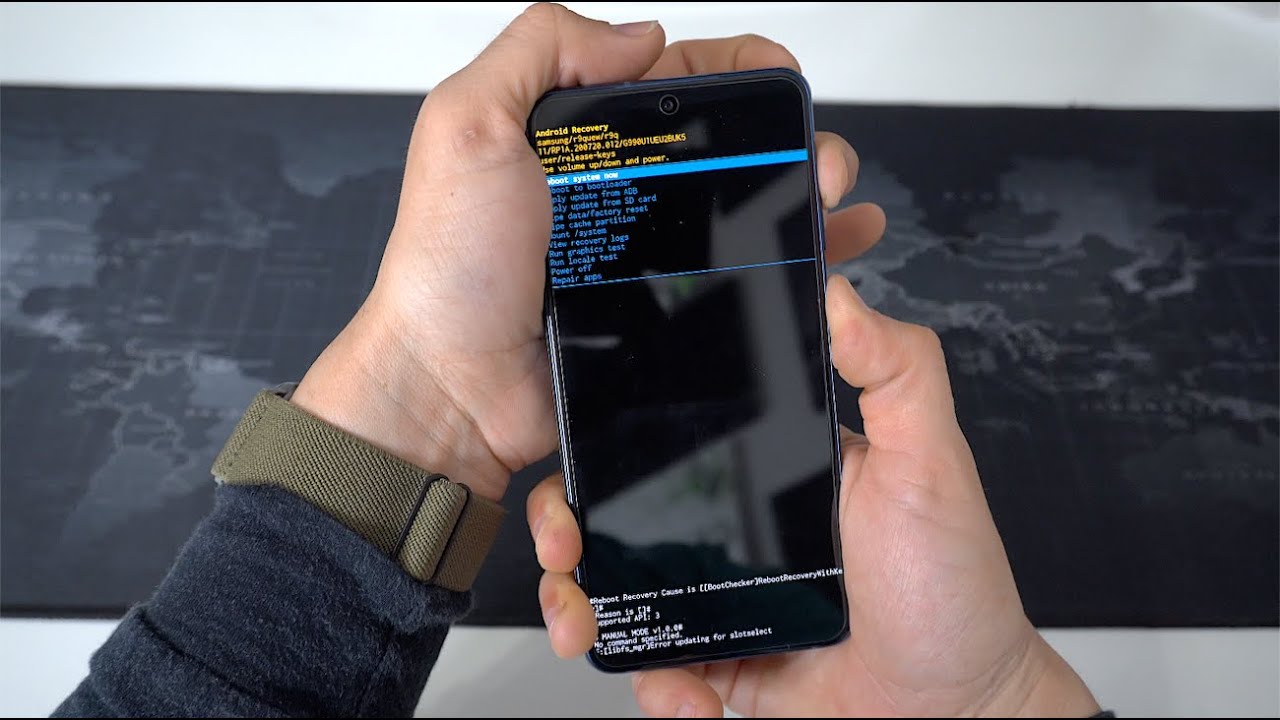
Articles specifically designed for users whose phones are stuck in a boot loop, frozen on a logo screen, or locked out due to a forgotten password. This section is for anyone, from casual owners to tech-savvy fixers, who needs to force their device into a usable state when standard troubleshooting fails. The guides here focus on practical, step-by-step solutions for getting past software failures that prevent normal operation.
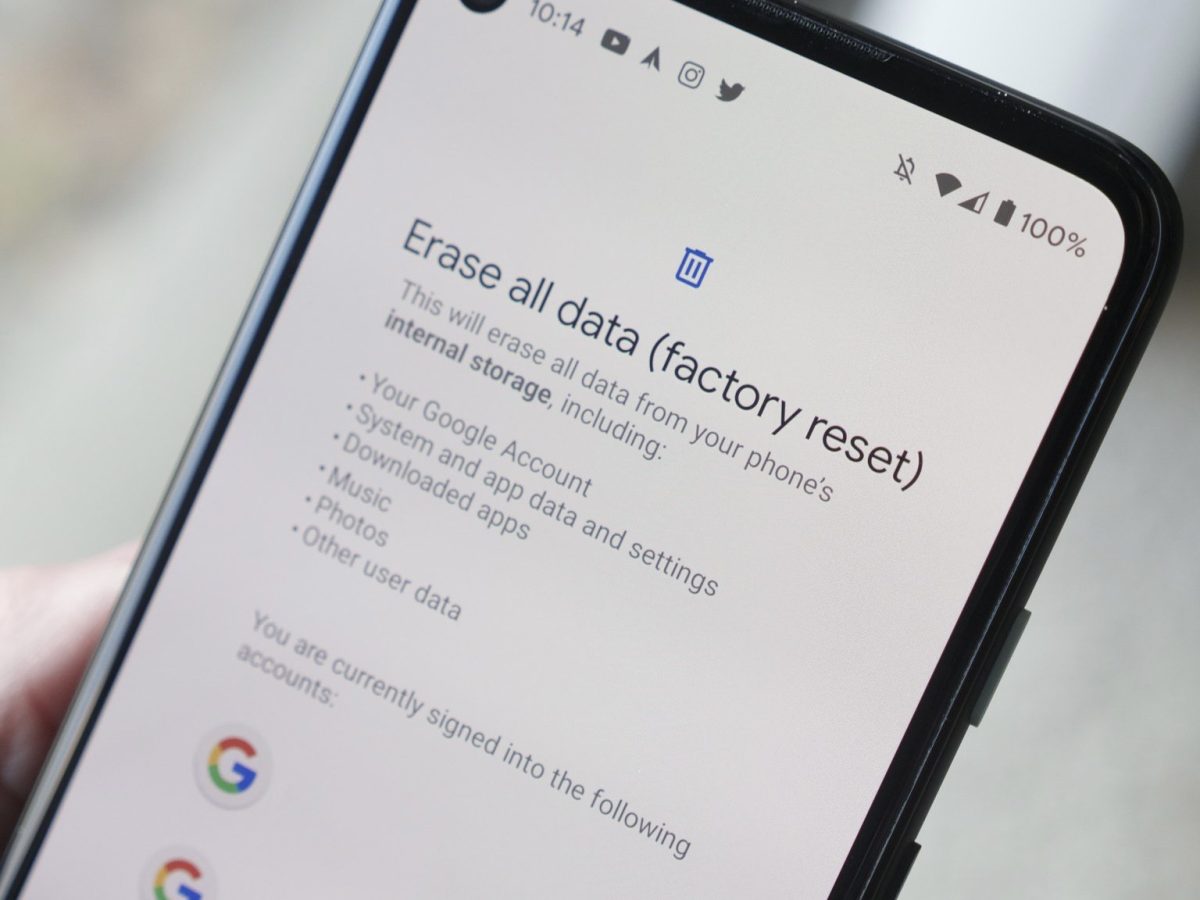
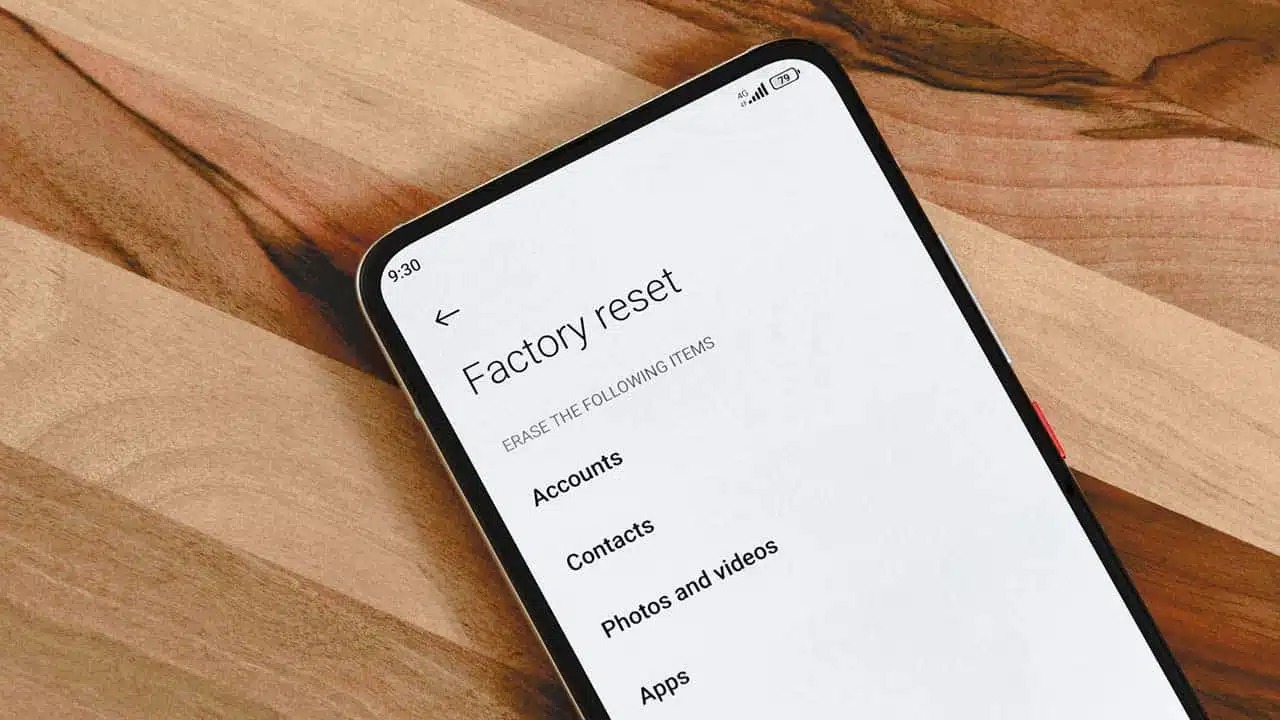
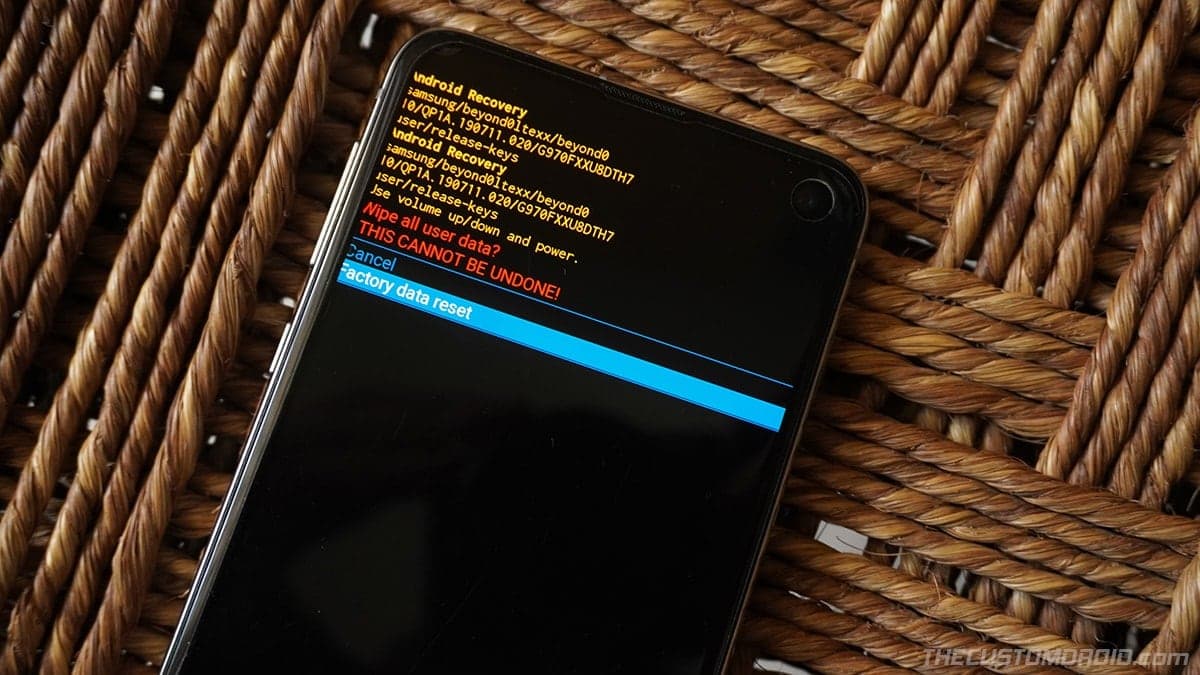
The articles address two main problem groups. The first covers devices that are stuck in a software crash, such as the guide on what to do if your device gets stuck in recovery mode, which helps you break the cycle without losing data. The second group focuses on locked phones, where you cannot access the settings menu to perform a reset. For example, the guides on how to factory reset a locked Samsung phone, a locked Huawei phone, and a locked ZTE phone provide methods to bypass the lock screen using hardware key combinations or recovery menus.
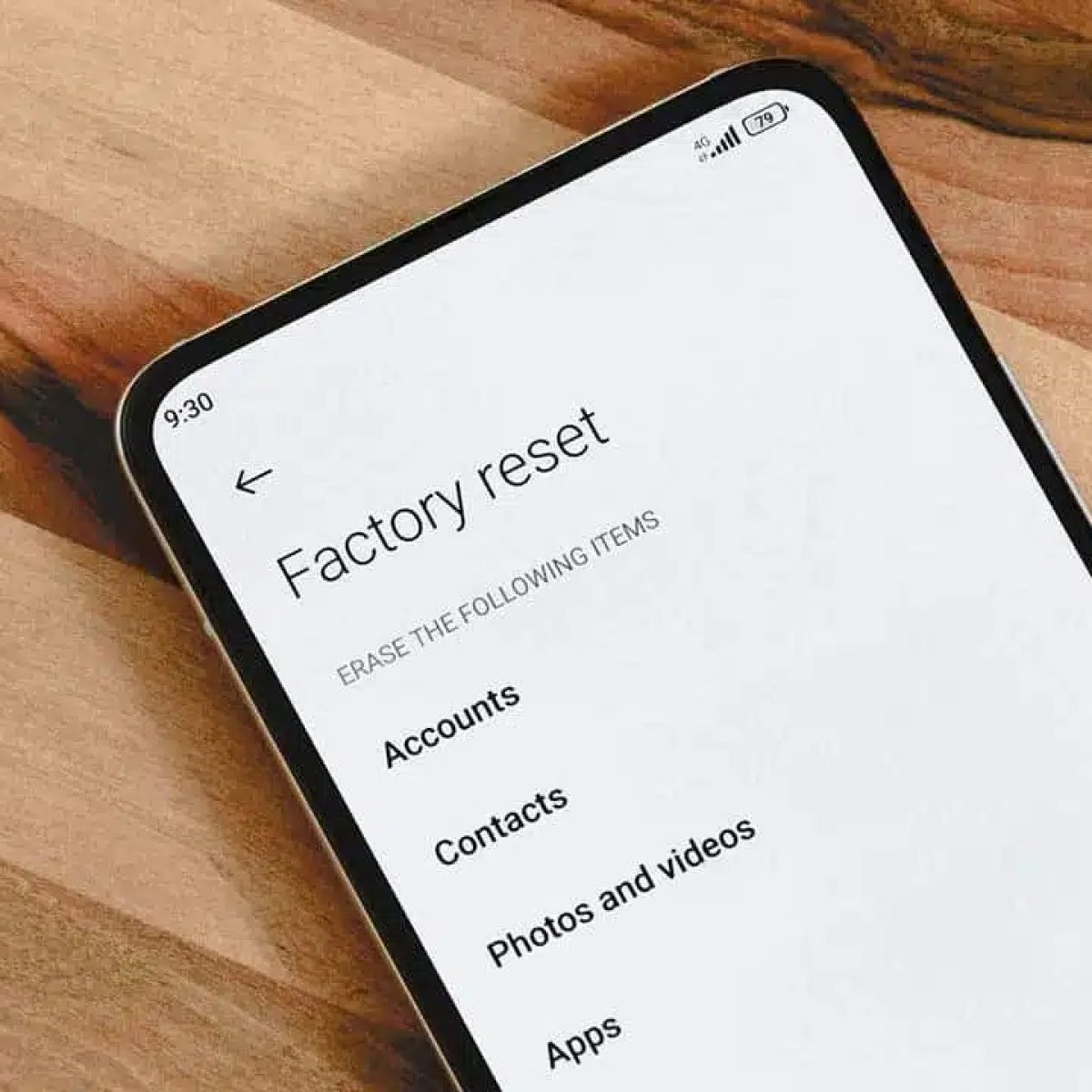
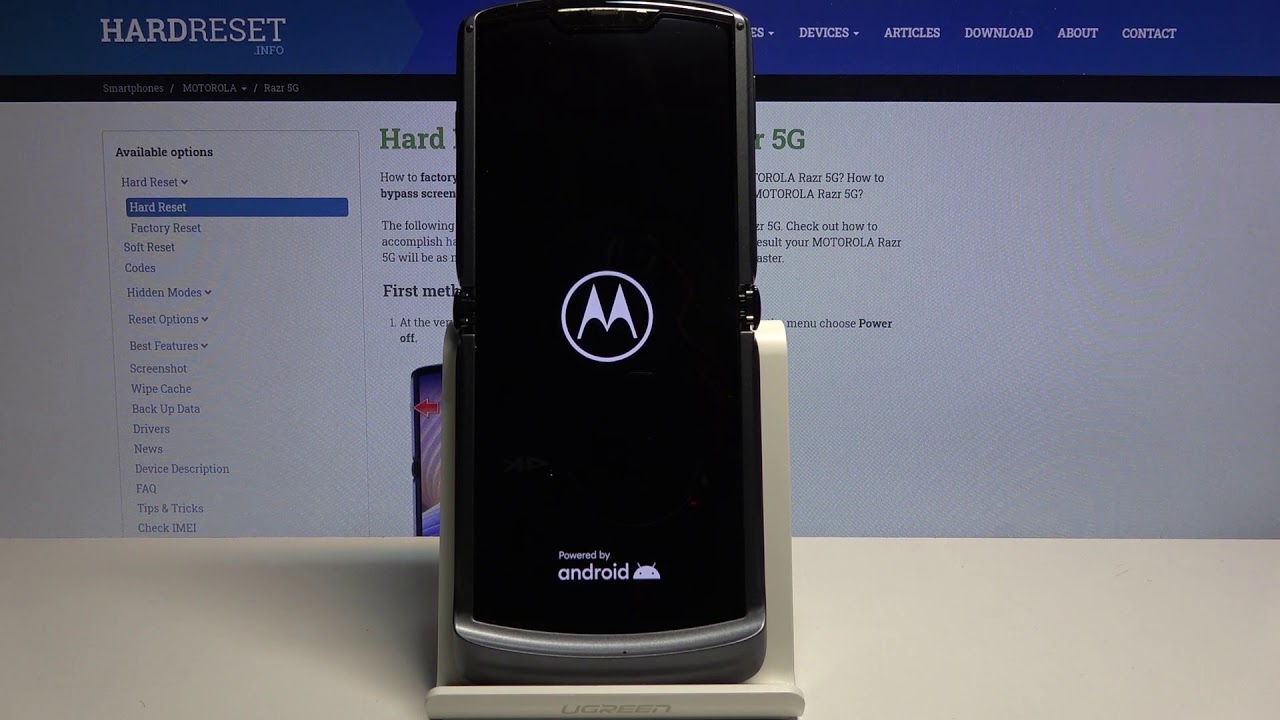
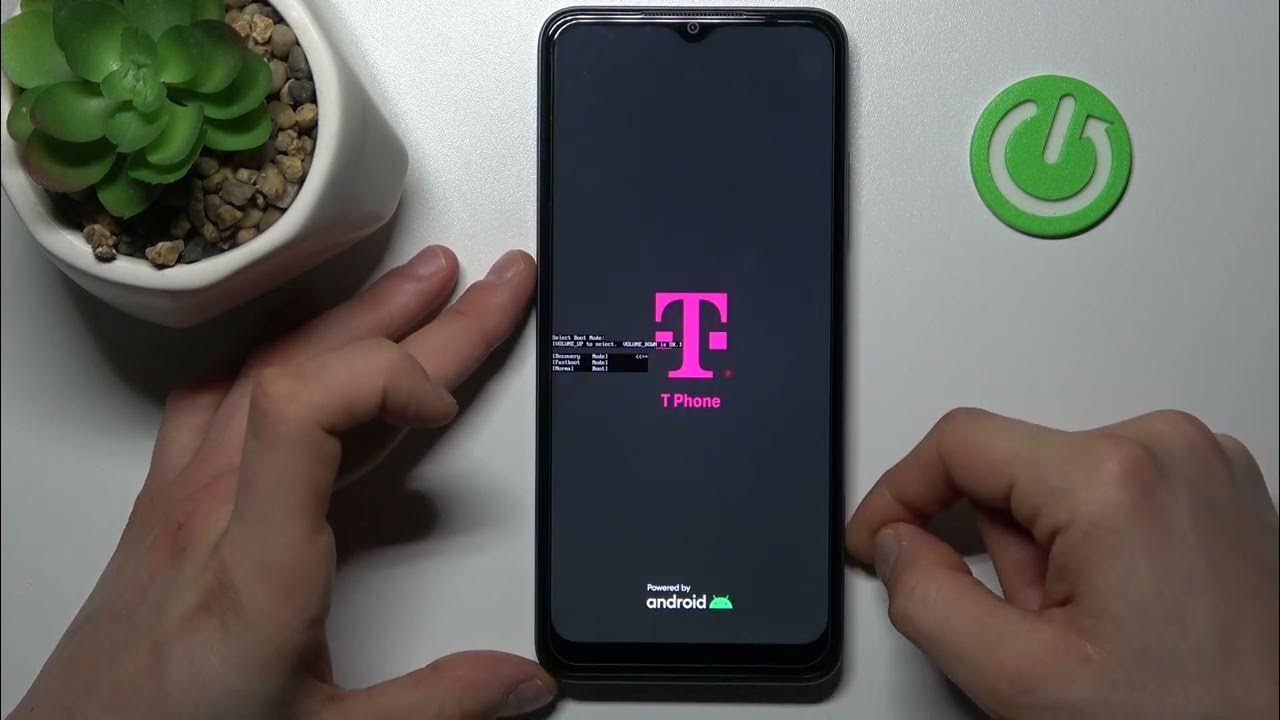
Specific topics include resetting carrier-specific models like the T-Mobile Android phone, as well as popular brands like Motorola, OnePlus, and TCL. For Apple users, the article on how to put an iPhone 11 into DFU mode offers a deeper-level fix for unresponsive devices. Whether you need to wipe a Moto G Power 2022, a Moto G Pure, or a Motorola Razr flip phone, these articles walk you through the exact button presses and menu paths to restore your phone to working order.