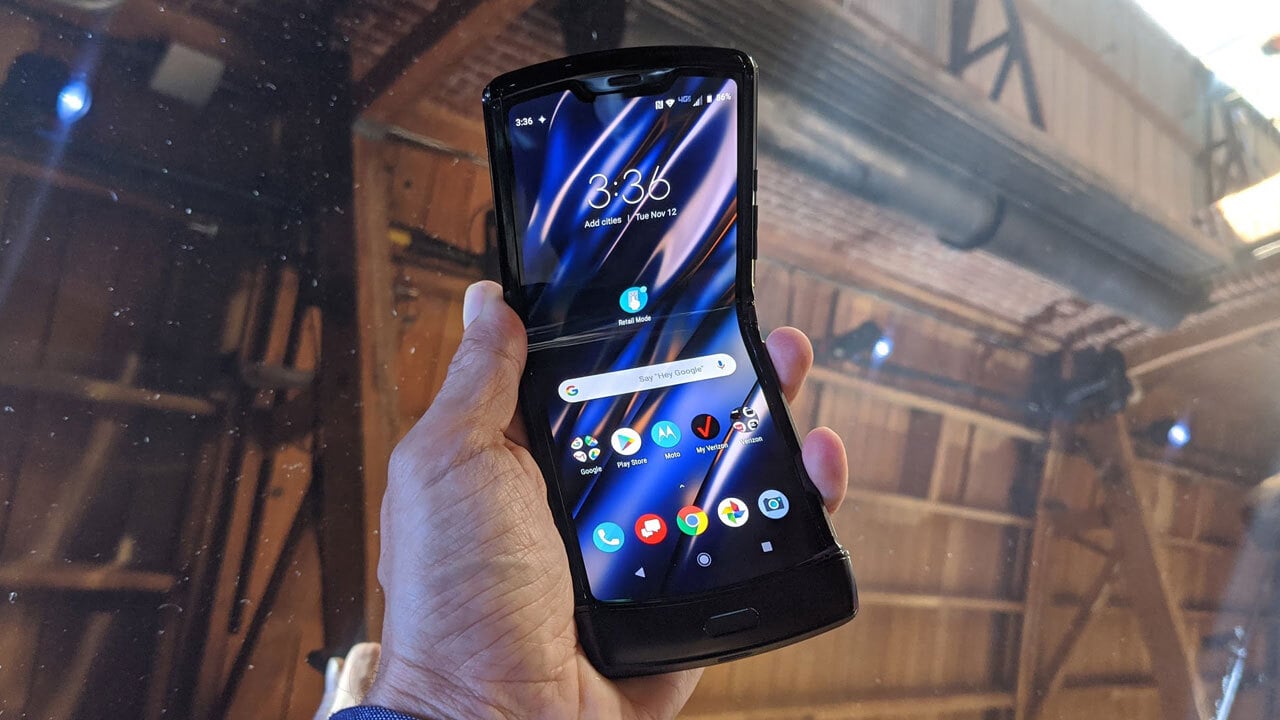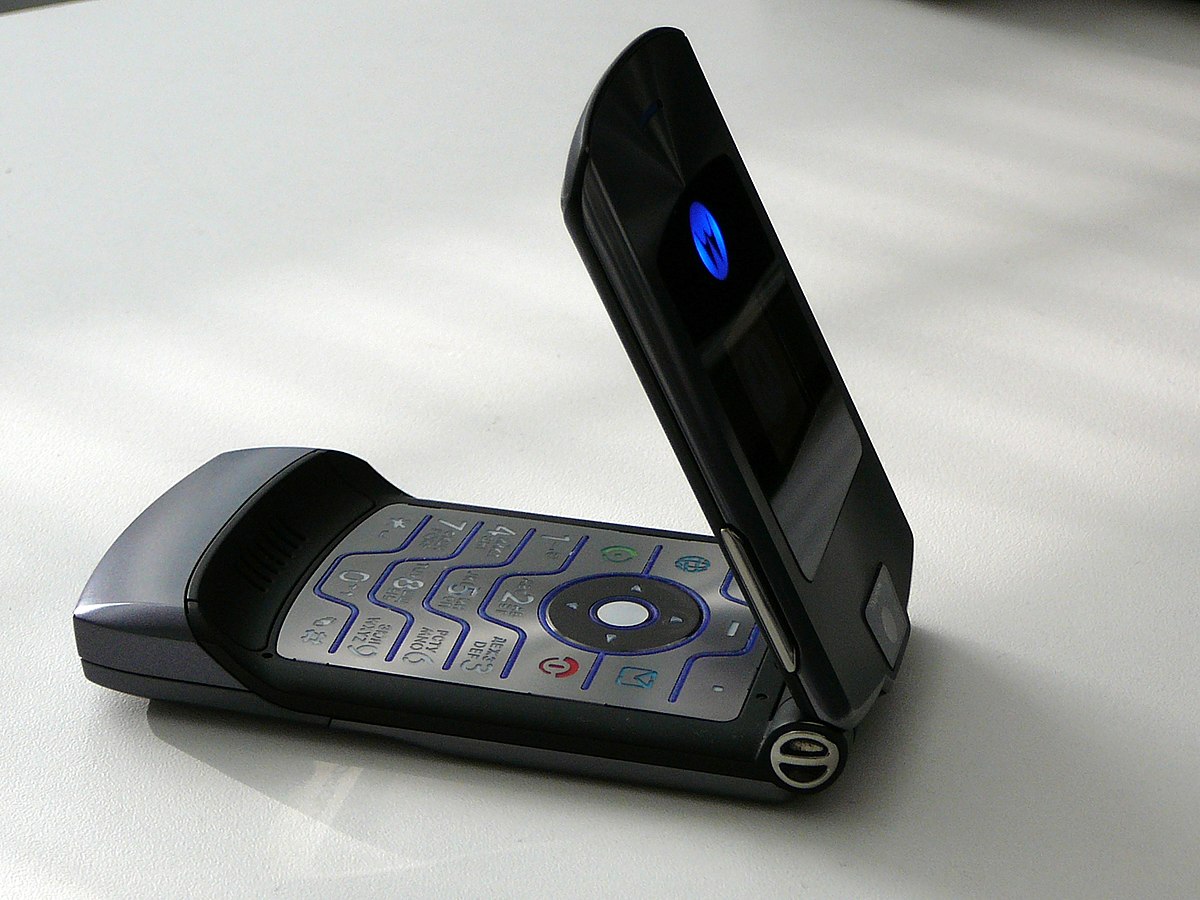
To turn on a Motorola flip phone, press and hold the Power button until the screen lights up. This universal method works for modern Motorola Razr models, including the Razr 2024, Razr 2025, and Razr 2026.
How to turn on a Motorola flip phone
The only way to turn on a Motorola flip phone is to press and hold the physical Power button. This is a hardware action, not an on-screen setting. There is no menu or app that can power on the device.
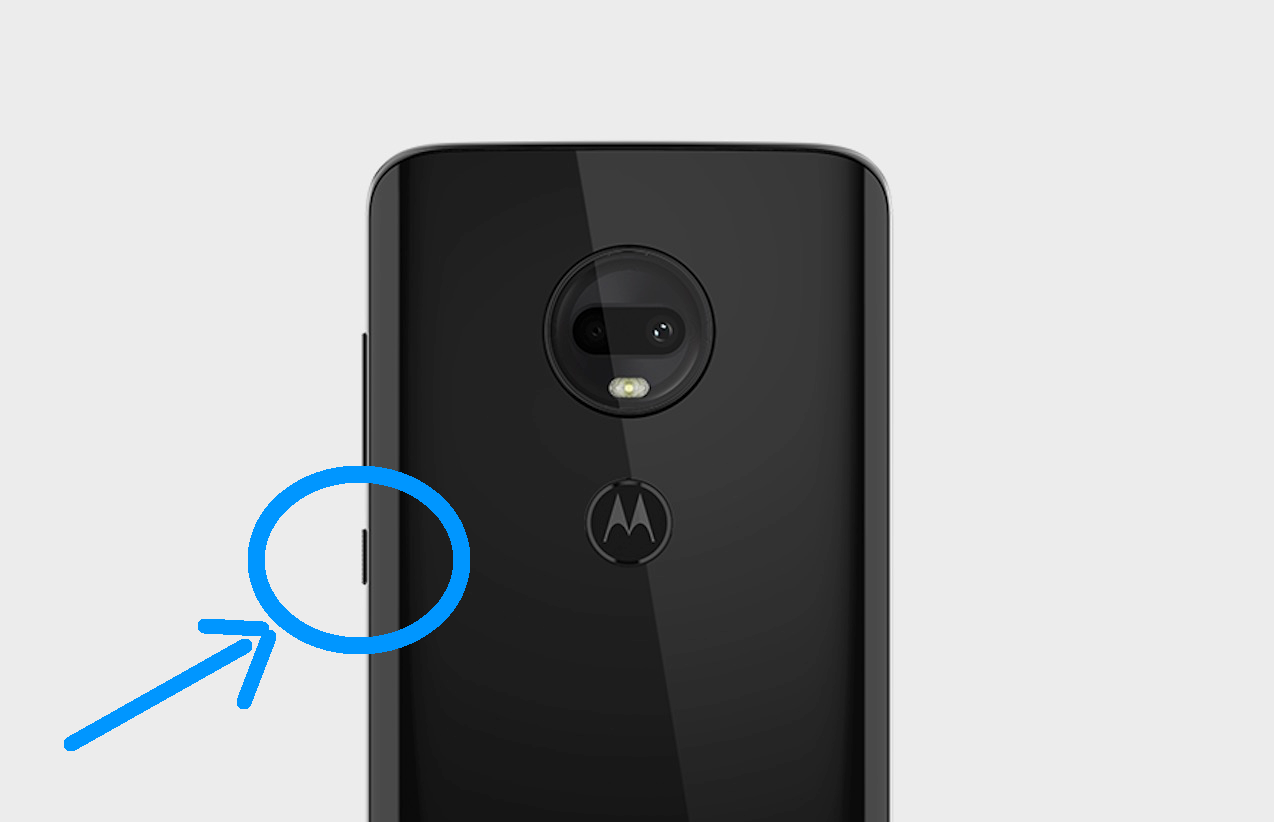
Locate the Power button
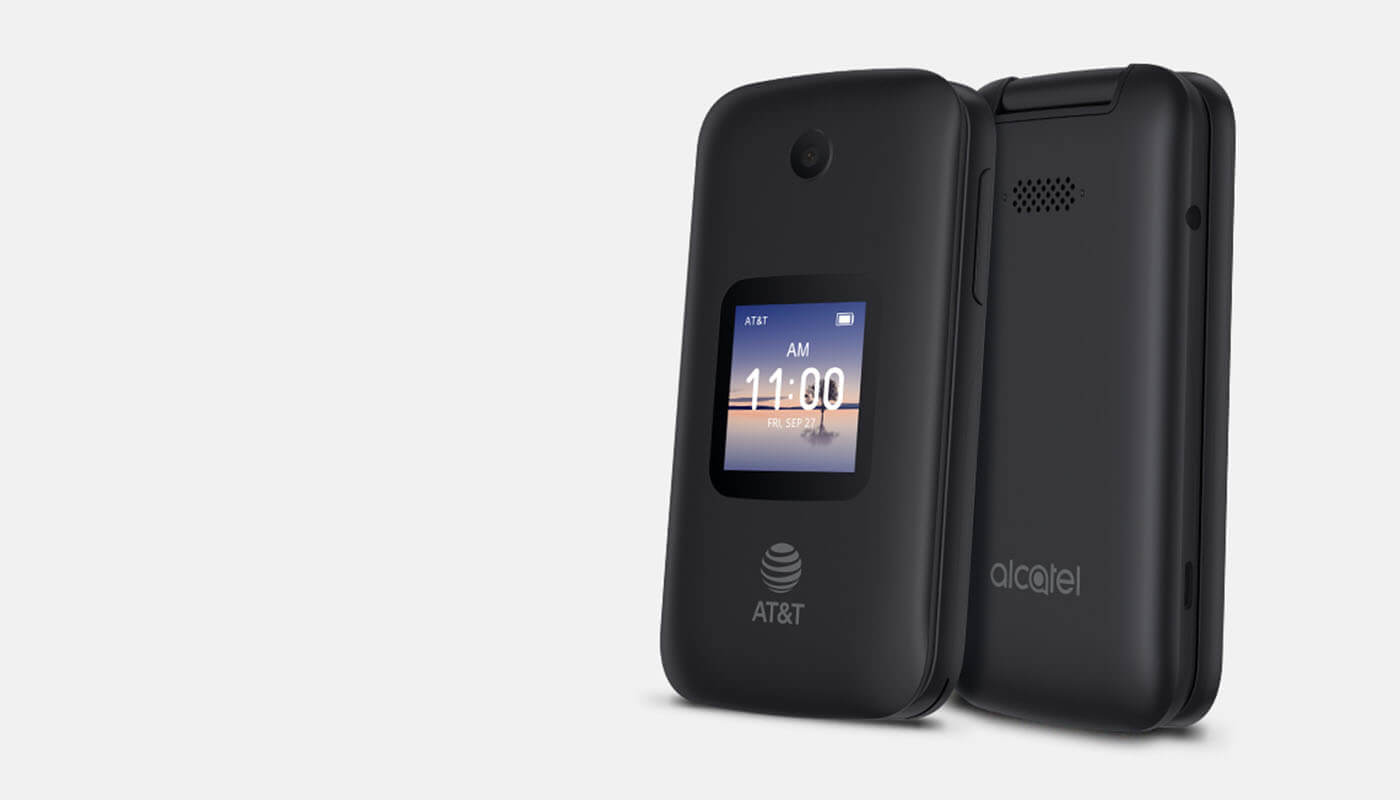
On current Motorola Razr models, the Power button is the single button used to turn the phone on. It is located on the side of the device and may be labeled with a small power icon (a circle with a vertical line). On older flip phones, the power key may sit on the top edge or the side. If you cannot find it, check the user manual that came with your specific model.
Press and hold the Power button
- Open the flip phone fully, or ensure it is in its normal closed position if the model supports external display power-on.
- Press and hold the Power button.
- Continue holding until the screen turns on or you see the Motorola logo.
Most current models require a hold of only a few seconds. On older Motorola flip phones, you must open the flip before pressing the power key. This is a hardware action; you cannot turn on a Motorola phone through any software menu or setting.
Wait for the screen to light up
After you release the Power button, the phone may take a few seconds to complete its startup sequence. The display will illuminate when the device is powering on. If prompted, enter the phone's unlock code after startup on older models that use one. Once the home screen or lock screen appears, the phone is ready to use.
Troubleshooting: Phone won't turn on
If the phone does not start, press and hold the Power button for 5-7 seconds, or up to 30 seconds, to force a restart. On some models, including the Razr 2024 and Razr 2025, pressing Power + Volume Up simultaneously opens the power options menu, where you can tap Restart. Some models require Power + Volume Up simultaneously for certain power actions. On older flip models, holding the power key for more than 5 seconds can activate Airplane mode instead of a normal power-on, so release the button as soon as the screen responds. On older flip models, holding the power key too long can turn on Airplane mode instead of simply powering on.
Important note for older Motorola flip phones
On older Motorola flip phones, pressing and holding the power key for more than 5 seconds can trigger Airplane mode rather than a standard startup. If your phone appears to turn on but shows an airplane icon or no signal, release the button immediately and try a shorter press. Always open the flip before pressing the power key on these legacy models. Older Motorola flip-phone manuals also say to open the flip and press the power key.
Frequently Asked Questions
Which Motorola flip phones do these instructions cover?
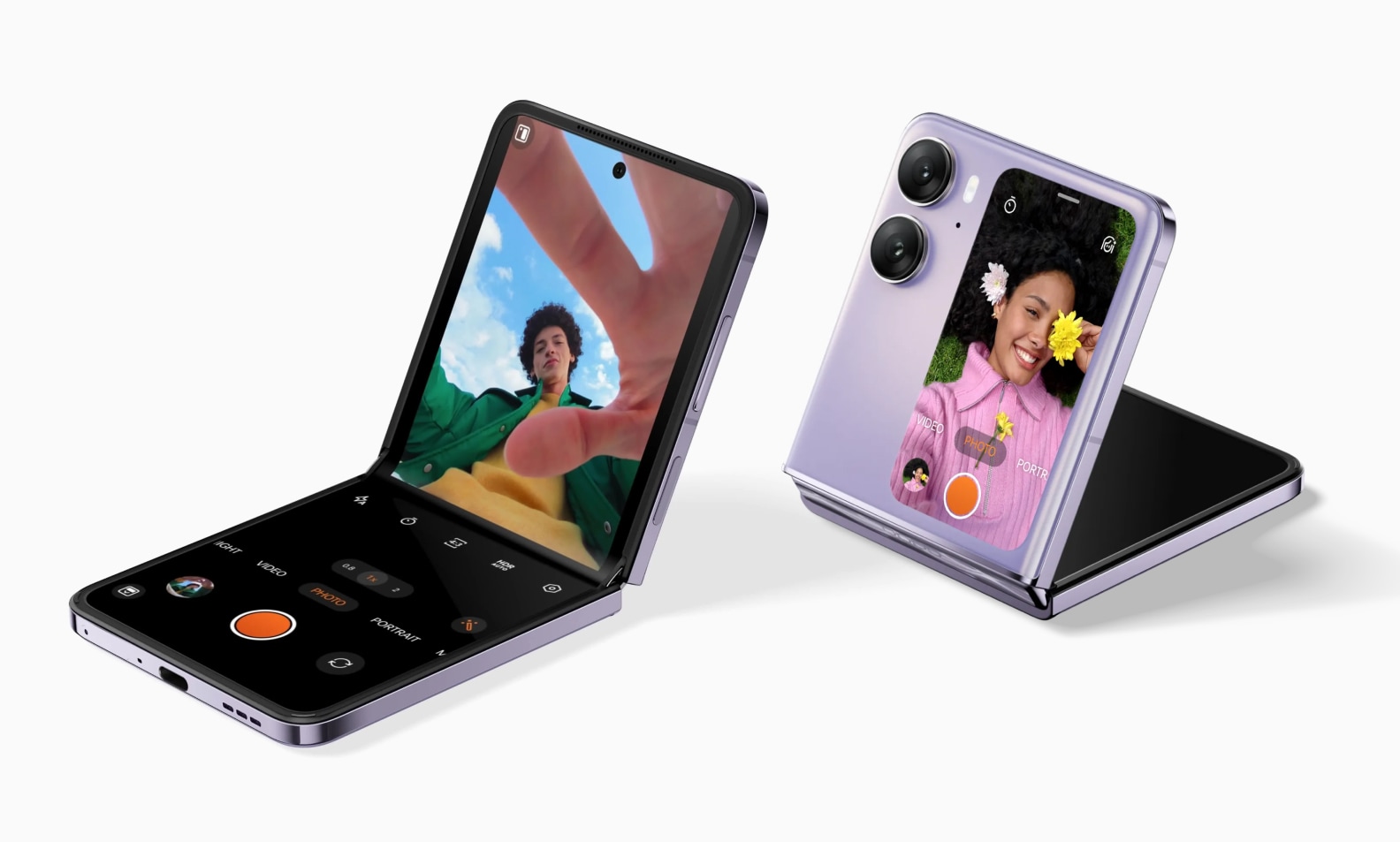
The current instructions apply to the Motorola razr 2024, Motorola razr 2025, and Motorola razr 2026. Older flip models may require opening the flip first or have different button placement.
How do I turn on a Motorola Razr flip phone if the screen is black?
Press and hold the Power button for 5-7 seconds. If the battery is completely drained, connect the phone to a charger for 15-30 minutes first, then try again. A black screen does not always mean the phone is off; it may be in a deep sleep state.
Can I turn on Motorola phone without the Power button?
No. There is no documented iPhone or Android setting to power on a Motorola flip phone without the Power button. The Power button is the only hardware method to start the device.
How do I unfreeze a Motorola phone that won't respond?
If that does not work, press Power + Volume Up simultaneously to access the power options menu and select Restart.
Why does my Motorola flip phone go into Airplane mode when I try to turn it on?
On older Motorola flip models, holding the power key for more than 5 seconds activates Airplane mode instead of powering on. Release the button sooner, after 2-3 seconds, to start the phone normally.