You can get free Robux on your phone by using official Roblox programs like Premium Payouts and the affiliate program, or by earning gift cards through trusted reward platforms like Microsoft Rewards. These methods are safe and legitimate, unlike the countless scams that promise instant free Robux but only steal your account.
How to get free Robux on phone safely
Getting free Robux on your phone is possible, but only through official Roblox channels or reputable third-party reward programs. Scammers aggressively target mobile users with fake "Robux generators" and "human verification" traps. The only safe ways to earn Robux without spending real money involve creating content, referring new users, completing tasks on trusted platforms, or redeeming gift cards. Every method described here has been verified as legitimate, and none require you to share your password or download unknown apps.
What is Robux and why it matters
Robux is the virtual currency used across the Roblox platform. You spend it to customize your avatar with clothing and accessories, buy game passes that unlock special abilities, purchase exclusive items from the catalog, and trade with other players. Having Robux lets you fully participate in the Roblox economy and express your creativity. Because Robux costs real money to buy directly, finding free ways to earn it is a top priority for mobile players.
Redeem a Roblox gift card for free Robux
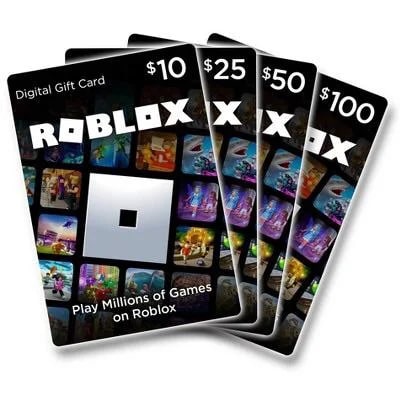
The simplest way to get free Robux on your phone is to redeem a Roblox gift card. You might receive one as a gift, win it in a giveaway, or earn it through a reward program. Once you have a Roblox gift card, you redeem the code on the official Roblox website at Roblox.com/redeem. This adds credit to your account, which you can then use to purchase Robux within the Roblox app on your phone. The process works the same on iOS and Android.
- Log in to your Roblox account.
- Enter the gift card code exactly as printed.
- Click the redeem button. The credit is added to your account immediately.
- Open the Roblox app on your phone and navigate to the Robux purchase screen.
- Select the amount of Robux you want to buy and choose to pay with your account credit.
- Confirm the purchase. The Robux appears in your balance instantly.
Earn Robux with Microsoft Rewards
Microsoft Rewards is a free loyalty program that works on your phone. You earn points by searching with Bing, completing quizzes, and doing other simple tasks. Those points can be redeemed for a Roblox gift card, which you then redeem for Robux using the method above. This is one of the most reliable ways to get free Robux on your phone because it uses a major company's official program.
Create experiences and earn Premium Payouts
If you build games or experiences on Roblox, you can earn Robux through the official Premium Payouts system. This program rewards creators based on how much time Roblox Premium subscribers spend in their experiences. The payout is calculated using factors like Daily Active Premium Users, Engagement Depth, and Market Share. The more engaging your experience is, the more Robux you earn every month. Participate in Developer Exchange (DevEx) to convert earned Robux into real-world currency if you have a valid membership and minimum earned Robux.
Join official Roblox affiliate programs
The official Roblox affiliate program lets you earn free Robux by sharing referral links. When someone clicks your link and signs up for Roblox or purchases an item, you earn a percentage of the Robux they spend. You can share your affiliate link on social media, in messages, or on your own website. This works entirely from your phone and requires no upfront cost. The more people you refer, the more Robux you accumulate.
Complete surveys and offers on trusted platforms
You can then exchange those points for Roblox gift cards. Only use platforms with a proven track record and positive user reviews. Avoid any site that asks for your Roblox password or promises instant Robux. For help with setting up these reward apps on your device, search for "Roblox mobile help" to find official setup guides.
How to use your free Robux on your phone
Once you have Robux in your account, spending it in the Roblox mobile app is straightforward. Open the Roblox app and log in. Navigate to the in-game store or the Avatar Shop by tapping the shopping cart icon. Browse available items, game passes, or avatar accessories. When you find something you want, tap it to see the price in Robux. If you have enough Robux, tap the purchase button and confirm the transaction. The item is added to your inventory immediately and you can use it in any compatible experience. Some games may have their own unique in-game stores or additional features related to Robux usage. You can use Robux to decorate your virtual space with furniture, décor, and building materials. You can use Robux for trading and selling items with other players. Manage your spending by budgeting and prioritizing purchases that provide long-term value.
Avoiding Robux scams on mobile
Scammers aggressively target mobile users with promises of free Robux. The most common scams include "Robux generators" that claim to produce unlimited Robux, human verification traps that trick you into completing surveys or downloading malware, and fake giveaway accounts that ask for your password. No legitimate method ever requires your password, asks you to download a third-party app, or directs you to a website that is not Roblox.com. If an offer sounds too good to be true, it is a scam.
Frequently Asked Questions
Can I get banned for using these free Robux methods?
No, because every method described here is officially sanctioned by Roblox or uses legitimate reward programs. Using unauthorized third-party tools or generators is what gets accounts banned.
How long does it take to earn enough Robux for a good item?
It varies by method. Microsoft Rewards can take a few days of daily searching to earn a small gift card. Premium Payouts and affiliate earnings depend on how popular your content or referrals become.
Can I transfer Robux from one account to another on my phone?
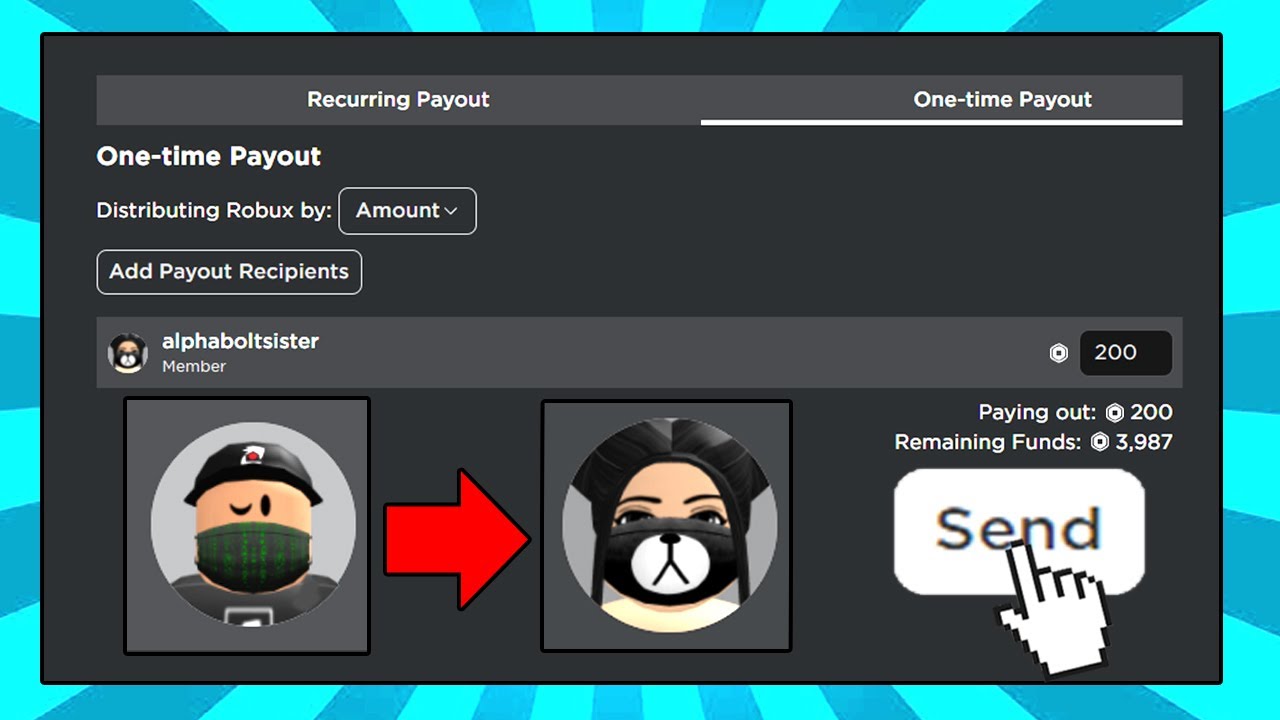
Roblox allows limited trading and gifting between accounts, but you cannot directly transfer Robux. You can trade items or use group funds if you own a group.
Do these methods work the same on iPhone and Android?
Yes. All official Roblox features and third-party reward programs work on both iOS and Android. The steps for redeeming gift cards and spending Robux are identical.
What should I do if I accidentally clicked a scam link?
Immediately change your Roblox password and enable two-factor authentication in your account settings. Do not enter any information on the scam site.