The Samsung tag on CellularNews brings together a focused collection of guides and explainers for anyone who owns or is considering a Samsung phone. Whether you are troubleshooting a specific issue, looking to master a built-in feature, or simply curious about phone accessories and maintenance, these articles are written for the everyday user who wants clear, actionable answers.

The articles here solve two main kinds of problems. First, they tackle practical device management and settings: you can learn how to set an alarm, check your phone’s memory, split the screen, or even decide whether to use or disable the Samsung Game Launcher. Second, they address common frustrations and repairs, from unlocking a Samsung phone and bypassing an FRP lock to recording a conversation or finding a hidden Samsung device. There is also a strong focus on accessories and care, with topics covering Qi charging, wireless power banks, screen protectors, and even how to wash a phone case or remove stains from it.

Beyond Samsung-specific fixes, the tag also includes broader mobile topics that apply to many users, such as how to call back a private number, what refurbished phones are, and how to play music through two Bluetooth speakers. For anyone looking to get more out of their Samsung device or solve a nagging problem, these articles provide straightforward steps and clear explanations.
How To Connect Samsung Phone To Wi-Fi

To connect a Samsung phone to Wi‑Fi, open Settings > Connections > Wi‑Fi and turn on the Wi‑Fi switch, then select your network and enter the password. You can also...

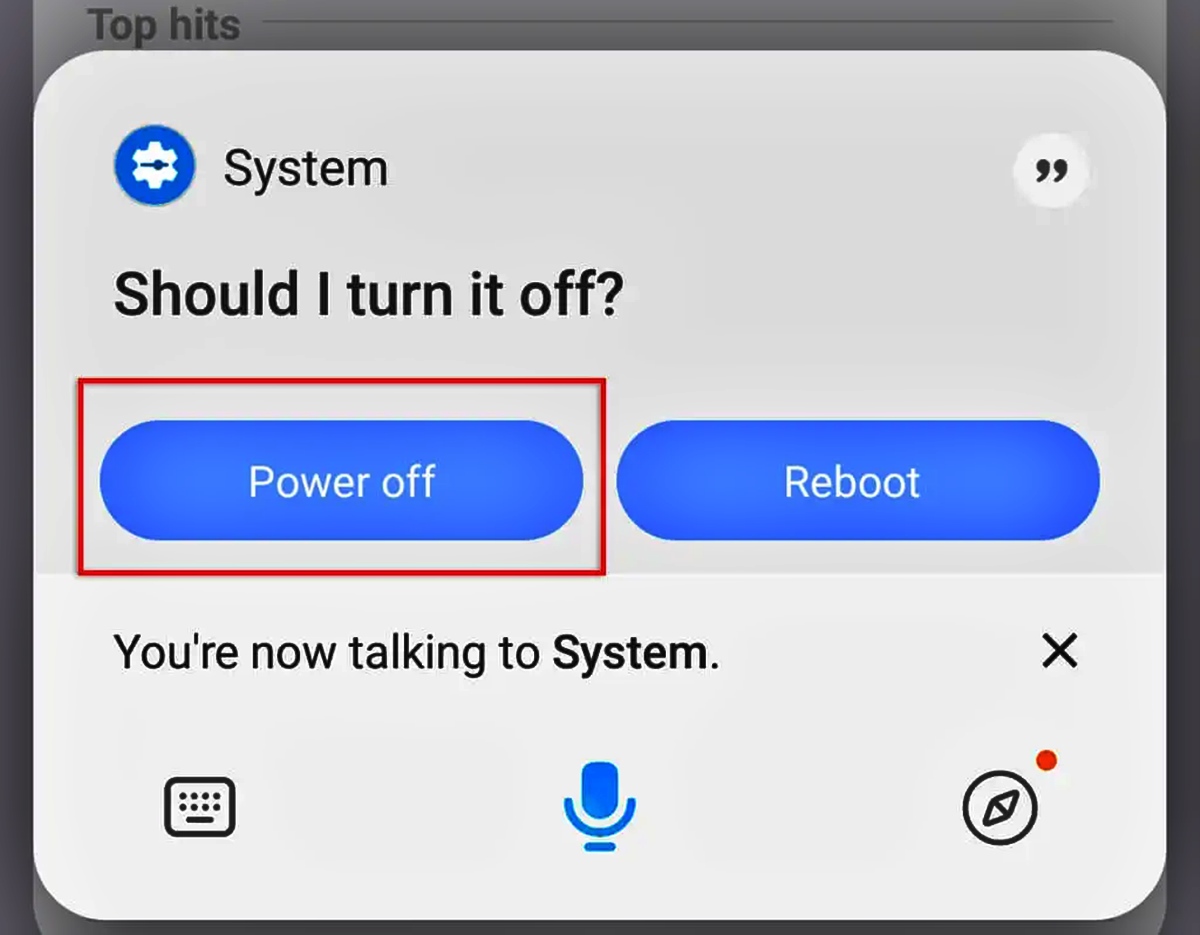
How To Power Off My Android Phone

A long press of the power button alone often launches a digital assistant instead of the power menu to power off my Android phone on newer devices like Google Pixel...

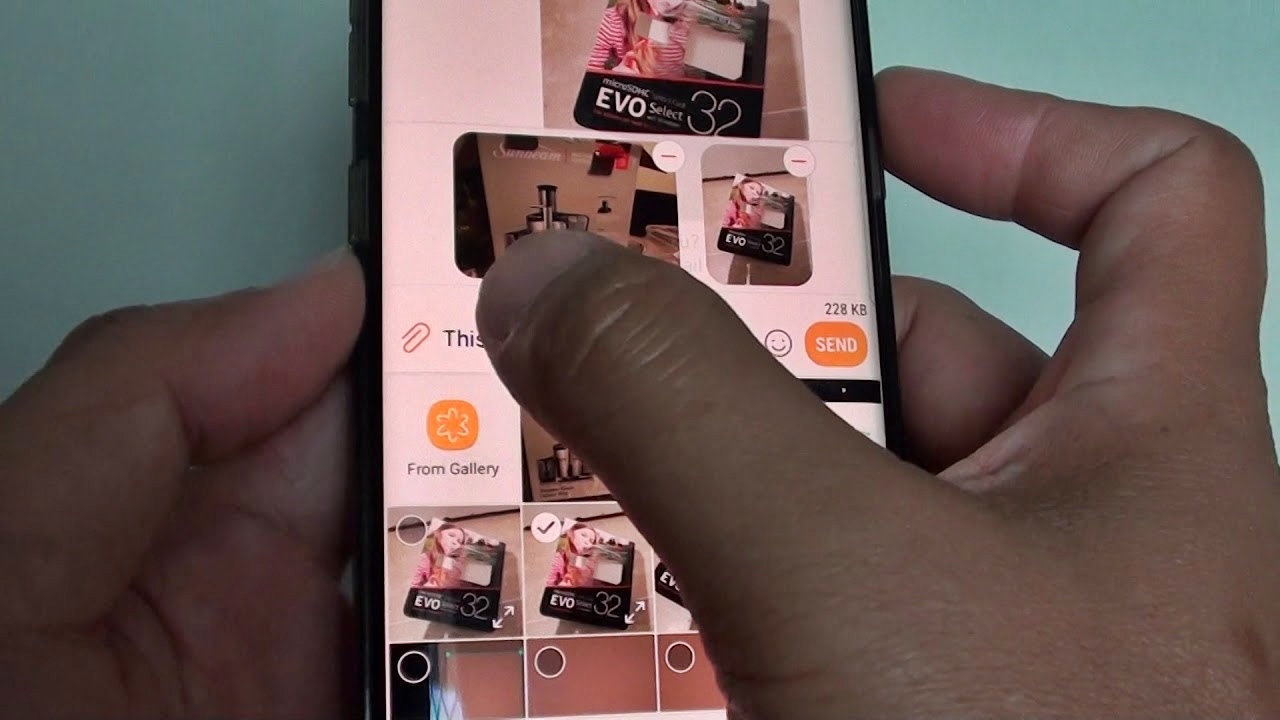
How To Send Pictures From Samsung Phone

To send pictures from a Samsung phone, the fastest built-in method is Bluetooth, which lets you share photos directly to another Samsung or Android device without an internet connection. For...

How To Set Date And Time On Samsung Phone

To set date and time on a Samsung phone, open Settings > General management > Date and time. From there, you can either enable automatic network-based updates or manually adjust...

How To Set Up Email On Samsung Phone

To set up email on your Samsung phone, open Settings > Accounts and backup > Manage accounts > Add account, then choose your email provider and enter your credentials. This...

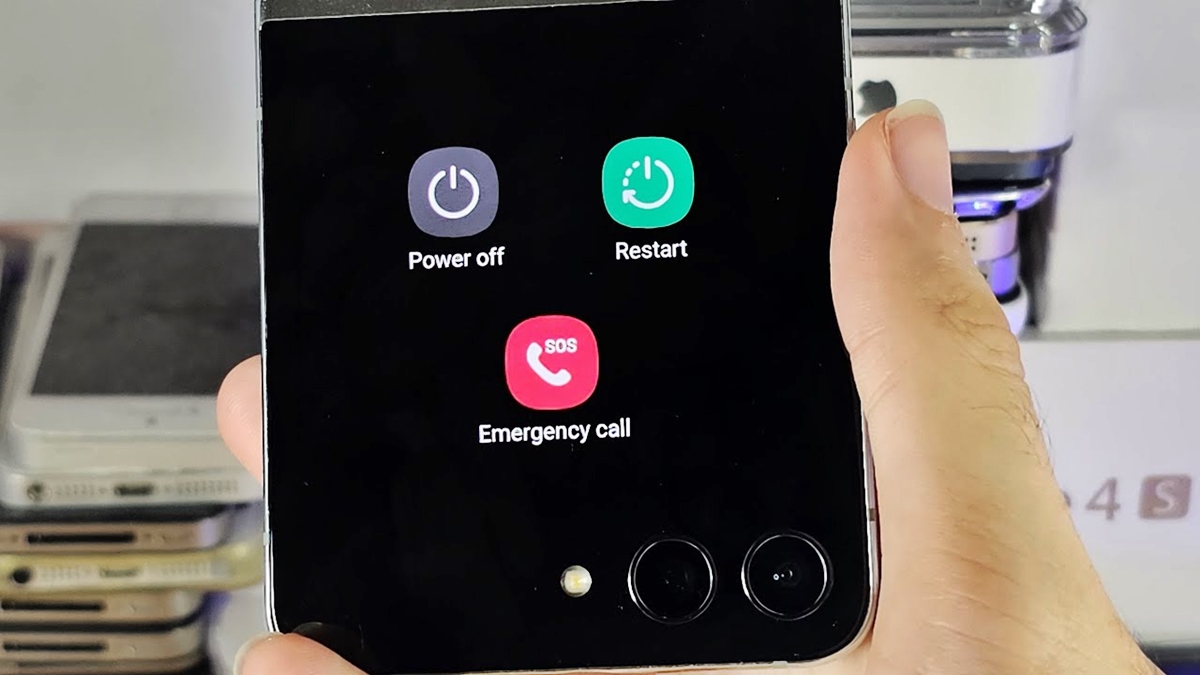
How To Shut Off Samsung Flip Phone

To shut off your Samsung flip phone, press and hold the Side key until the power menu appears on the screen, then tap "Power off" to shut down the device....

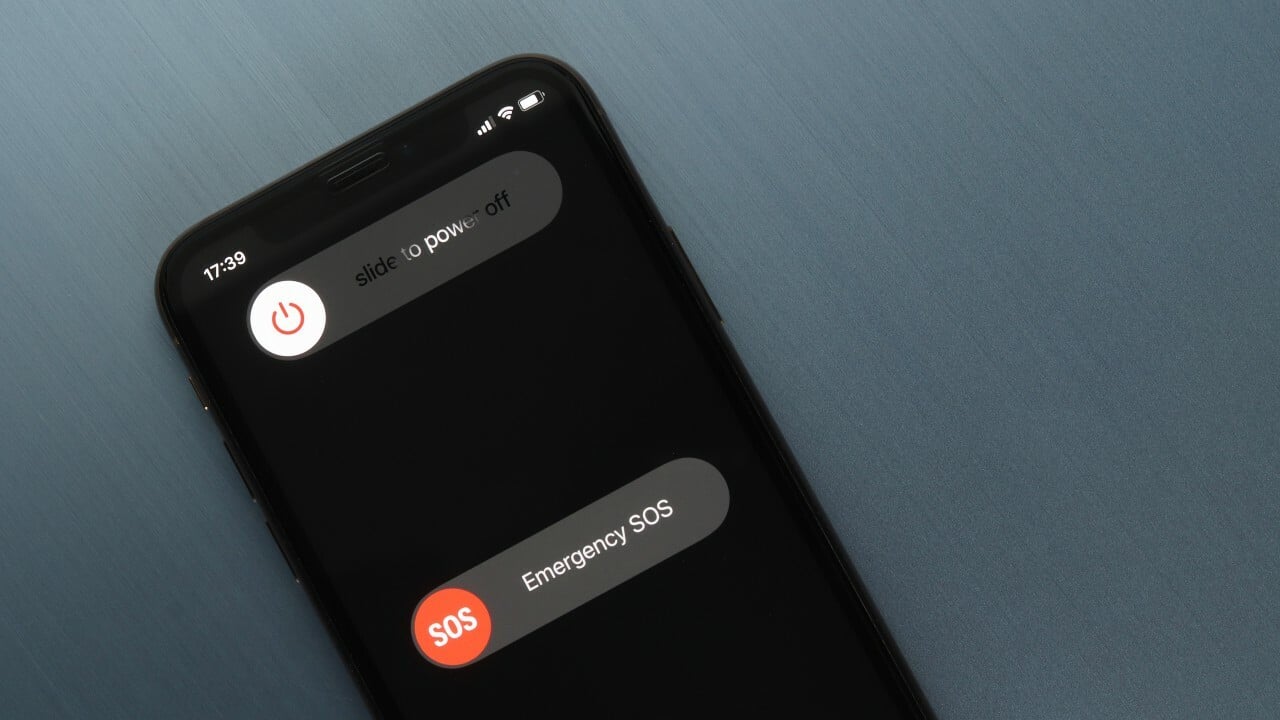
How To Shut This Phone Off

To shut this phone off, press and hold the side button and either volume button on an iPhone with Face ID, or press and hold the side button on iPhone...

How To Silence A Samsung Phone

The fastest way to silence a Samsung phone and stop all ringing, notifications, and media sounds without navigating through menus. How to silence a Samsung phone instantly with the Quick...

How To Stop Echo On Samsung Phone

To stop echo on your Samsung phone during calls, start by lowering the call volume and moving to a location with a stronger signal. These two steps are Samsung’s own...

How To Sync My Samsung Phone To My Car

To sync your Samsung phone to your car, you typically use Bluetooth, a USB cable, or Android Auto, depending on your vehicle’s capabilities. The exact method varies by car model,...