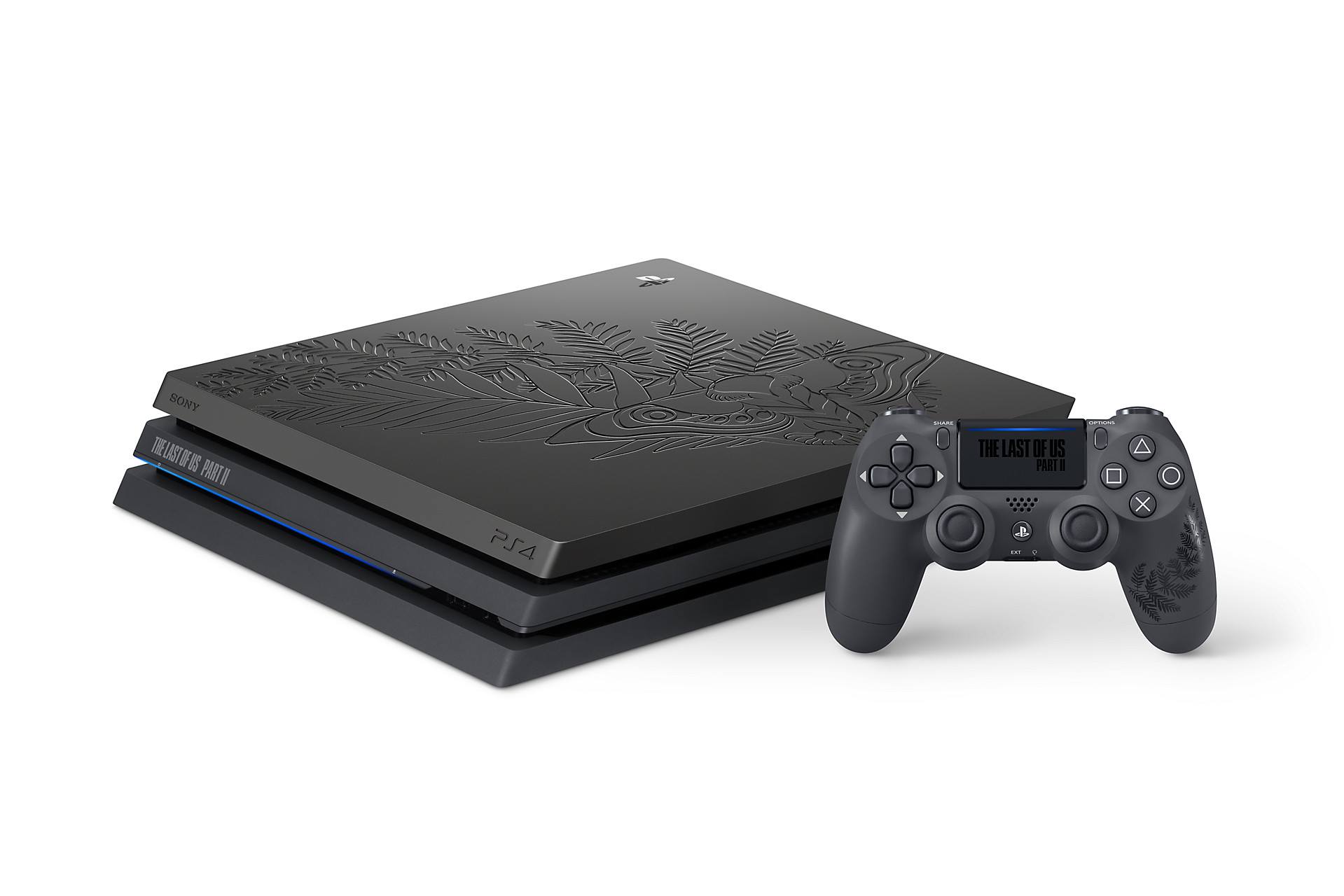
To use your phone as a PS4 controller without a physical controller, install the official PS Remote Play app on your iPhone or Android device, sign in with the same...
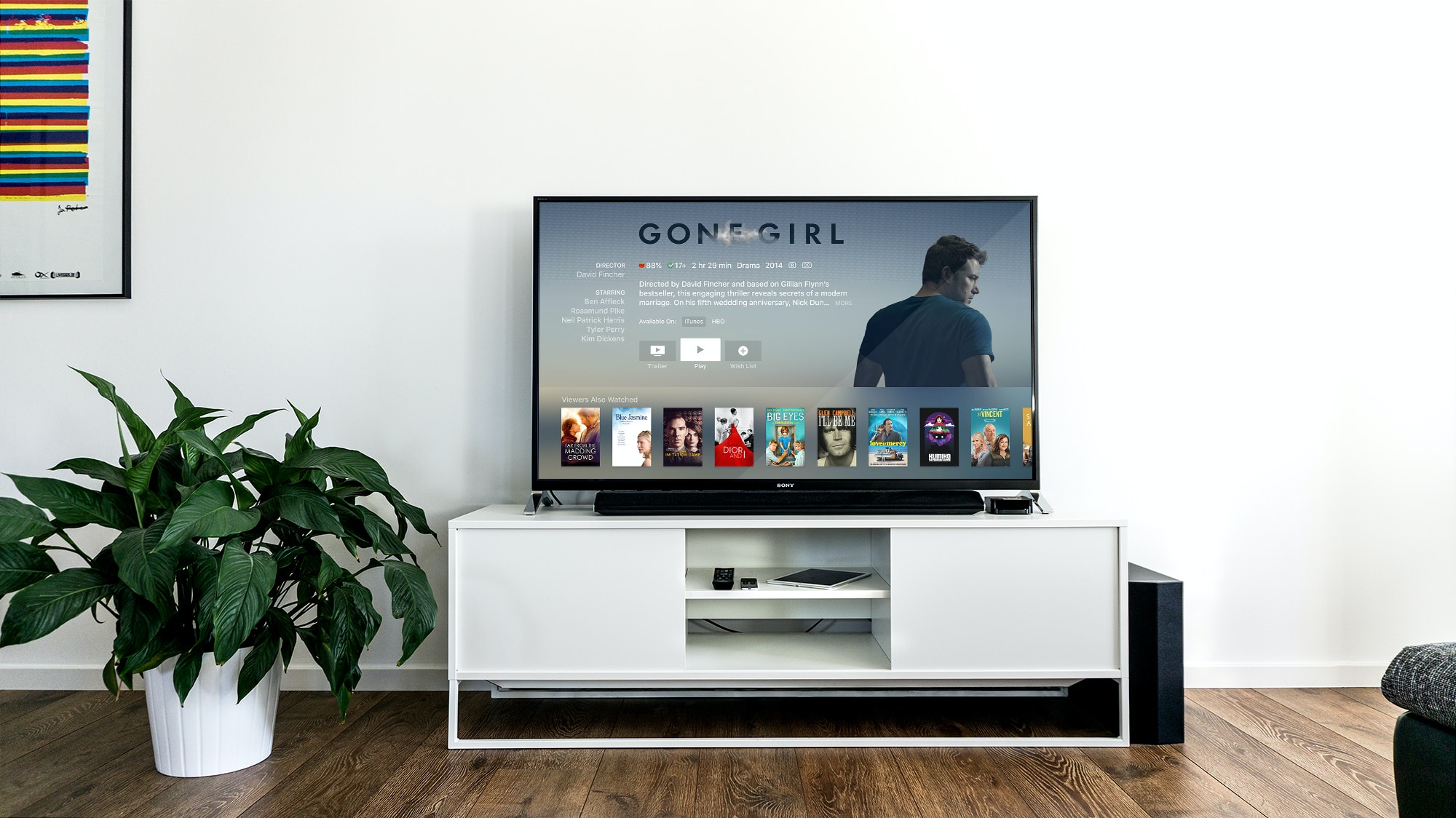
WebOS is LG's operating system for smart TVs, designed to provide content access and built-in features such as Apple AirPlay and Chromecast built-in on supported models. It serves as the...
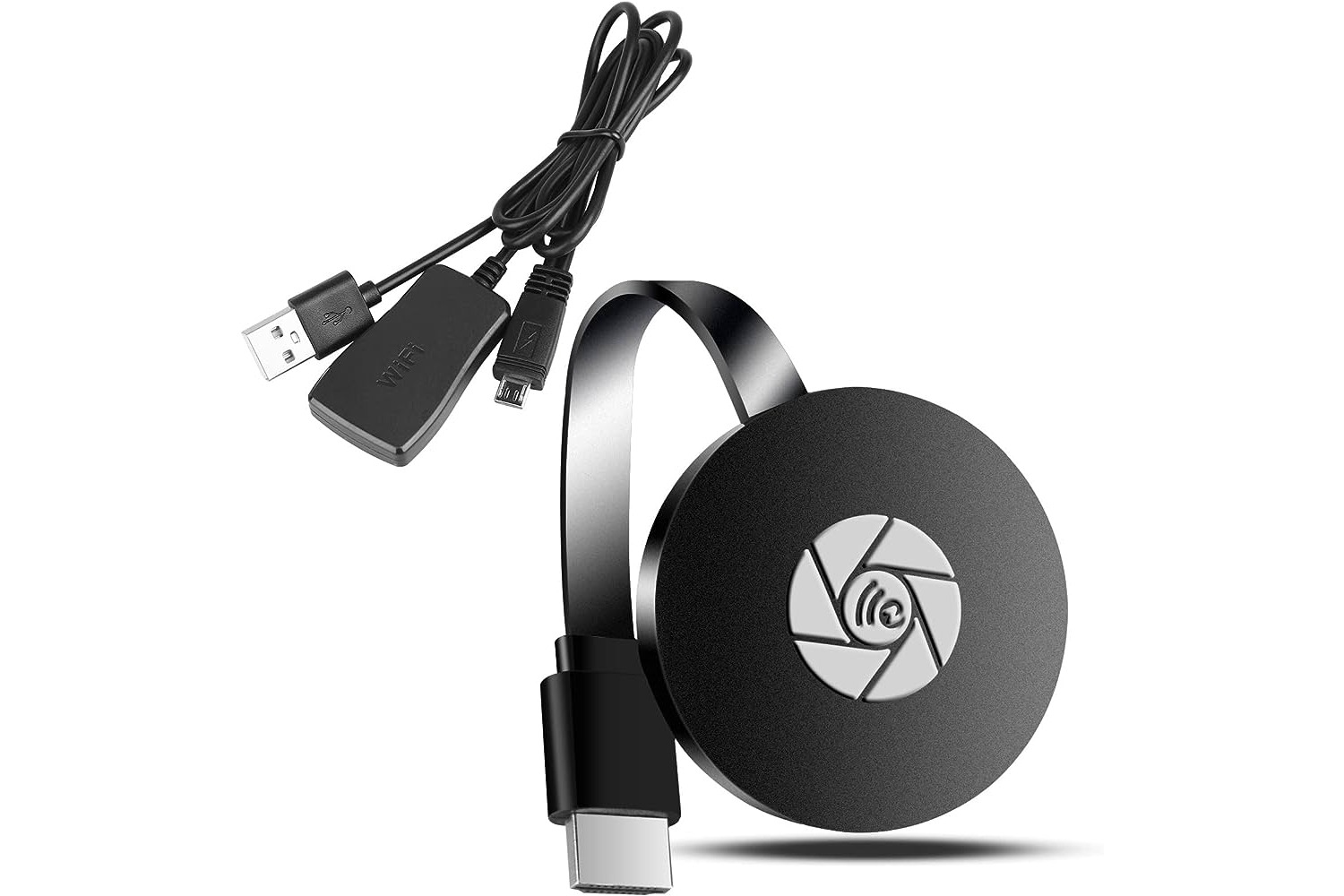
A Miracast dongle is a small device that plugs into your TV's HDMI port and uses Wi-Fi Direct to mirror your Android or Windows screen wirelessly, without needing a shared...
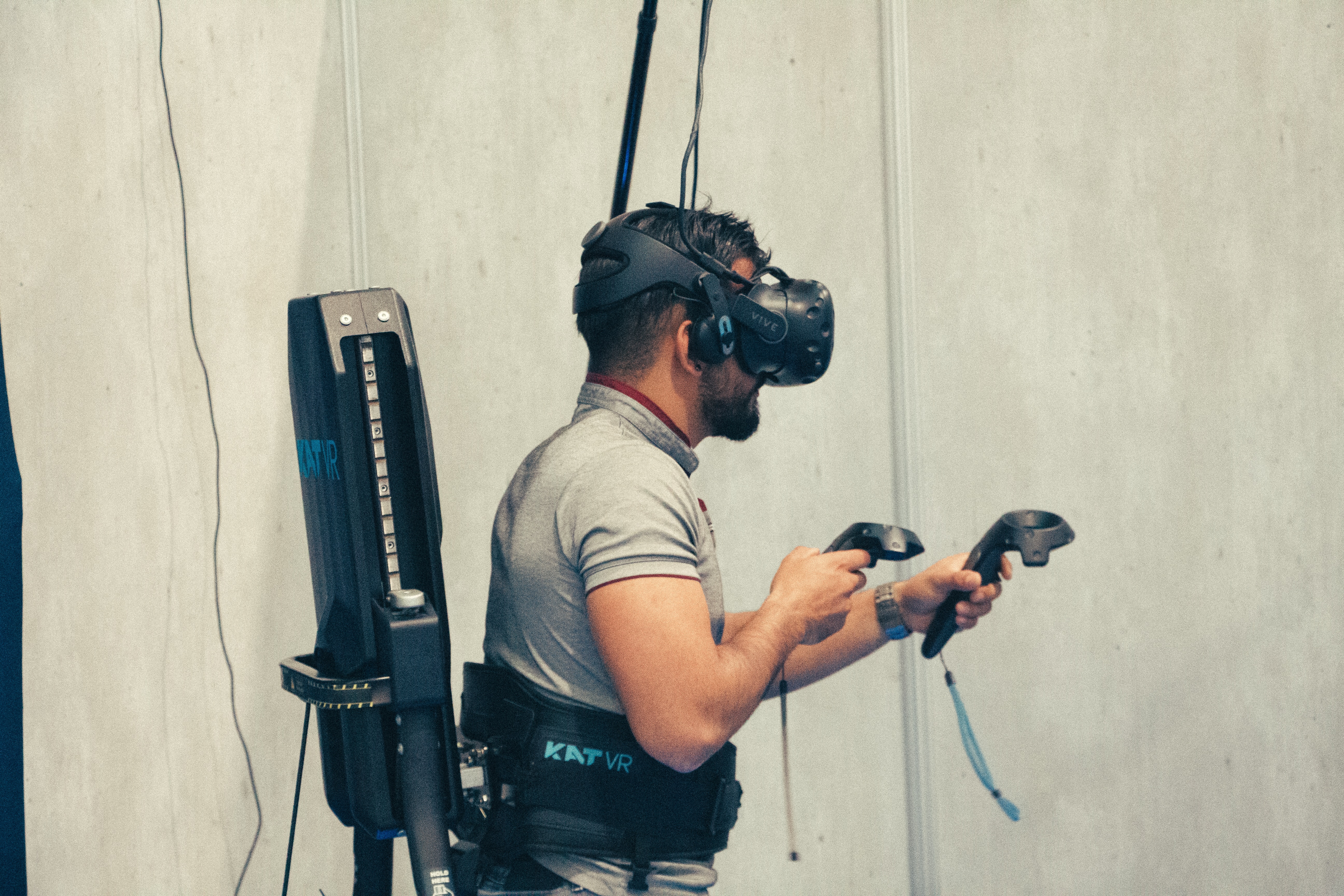
To stream VR on Discord, launch your PC VR game and use Discord's "Go Live" feature to select the game window or your entire screen. This direct method works for...
You cannot cast VR to Roku TV directly, because Roku TVs do not natively support the casting protocol used by Meta Quest headsets. To cast VR to Roku TV, you...
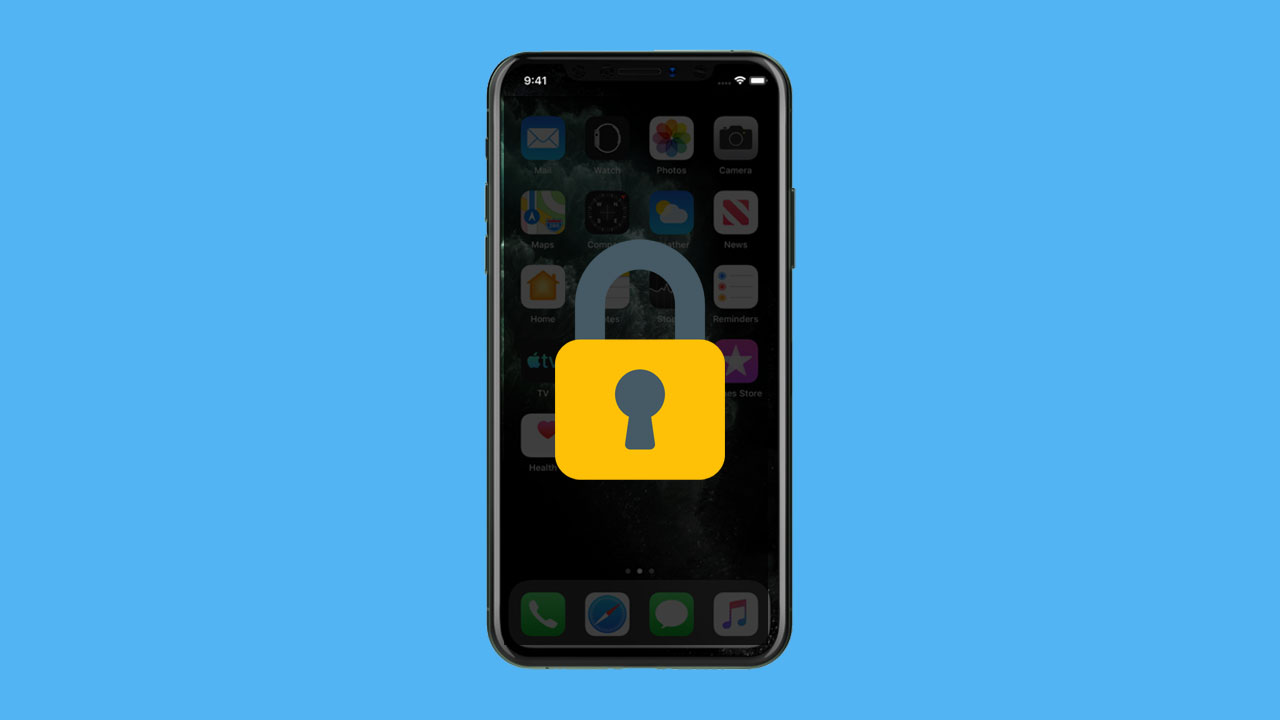
You can achieve similar privacy to an iPhone privacy screen by combining several built-in settings to hide your screen content from people nearby, including hiding notification previews, managing the Always-On...
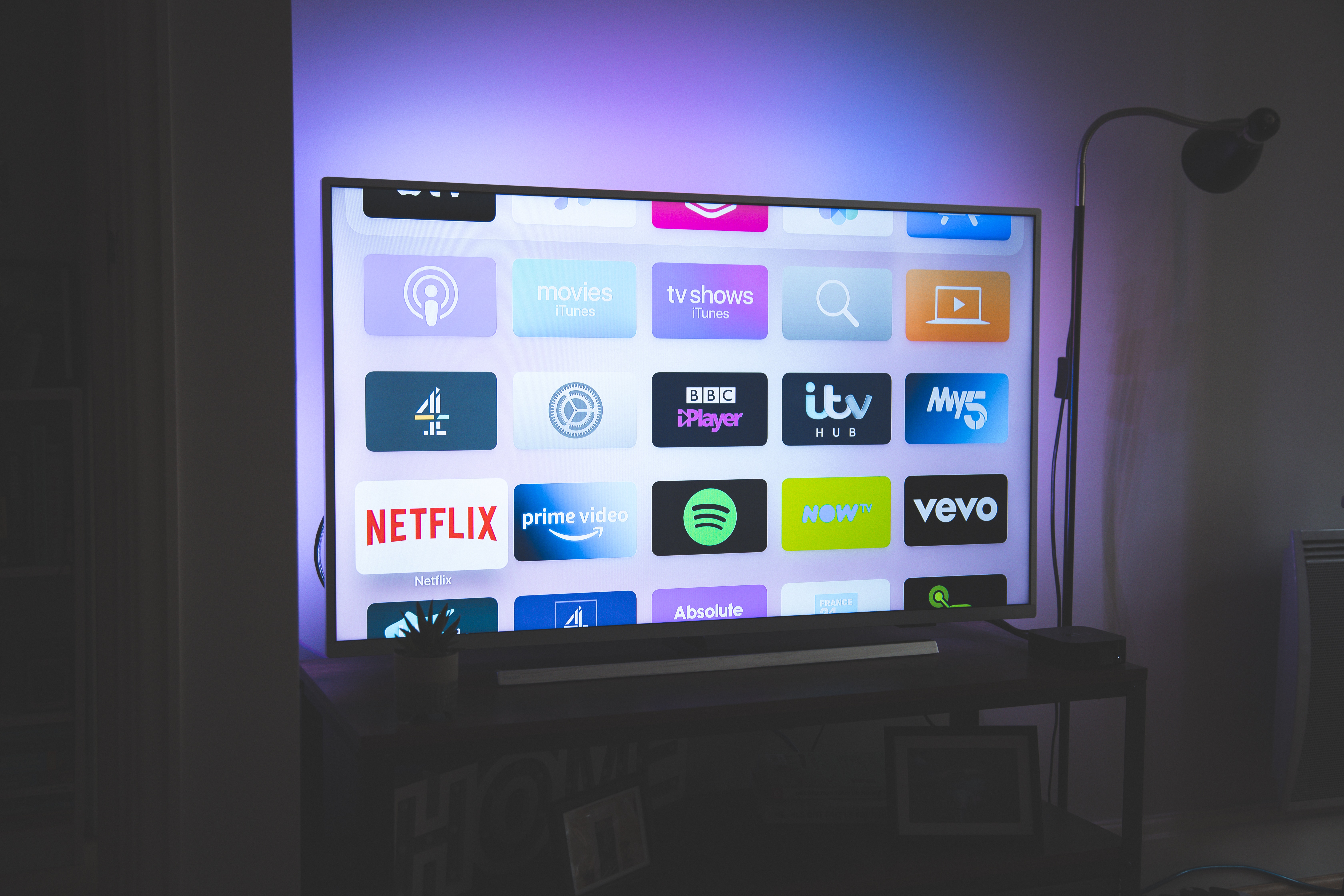
To cast Android to TV, you can use a wireless standard like Chromecast or Miracast, or a wired USB-C to HDMI connection. The right method depends on your TV's features...
No, a mobile phone is not classified as a computer by official sources, but the functional overlap between the two is so significant that the line has blurred. The question...
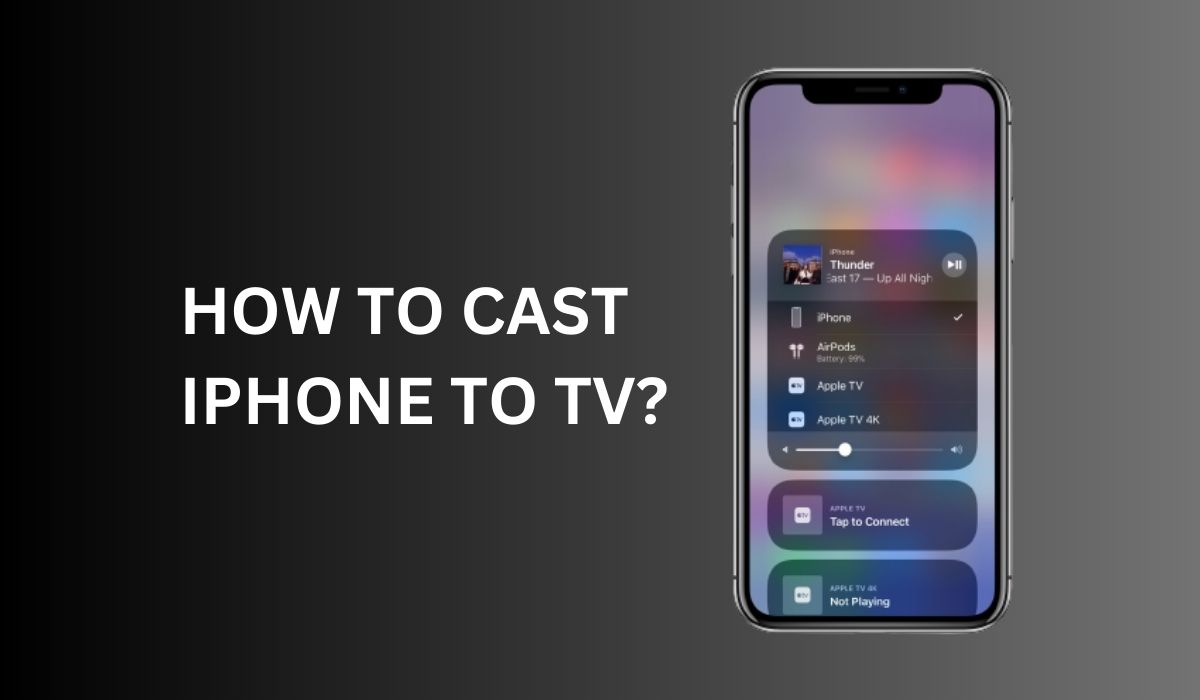
To cast iPhone to TV, the primary wireless method is using Apple's built-in AirPlay technology, which lets you mirror your entire iPhone screen or stream video from compatible apps to...
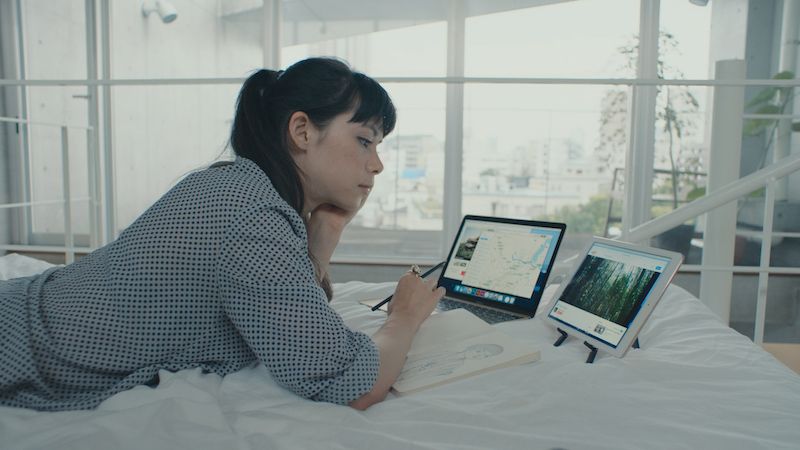
You can use an iPad as a second monitor to extend or mirror your computer’s display, adding valuable screen real estate for multitasking. Can you use an iPad as a...
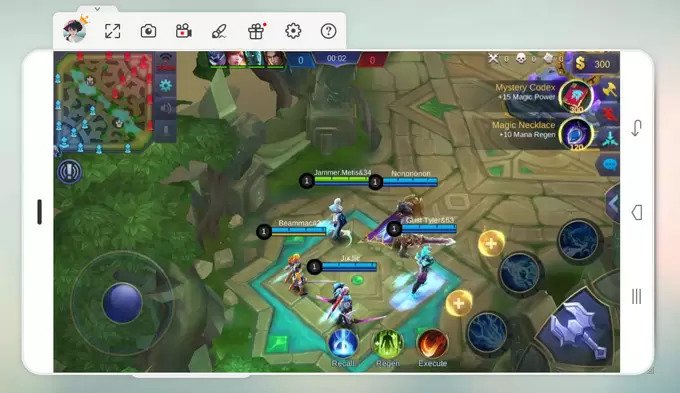
You can play mobile games on PC using three reliable methods: the official Google Play Games app, an Android emulator like BlueStacks or Nox, or by mirroring your phone's screen...