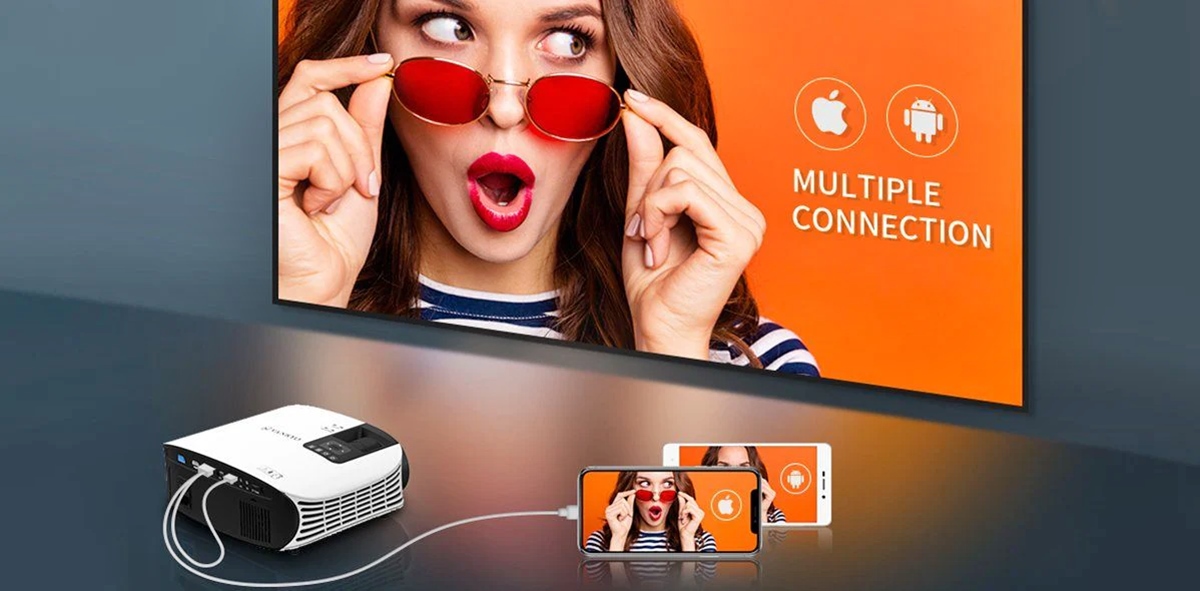
To connect phone to Vankyo projector, you can use either a wireless screen mirroring connection over Wi-Fi or a wired HDMI connection. Before choosing a method, check your specific Vankyo...
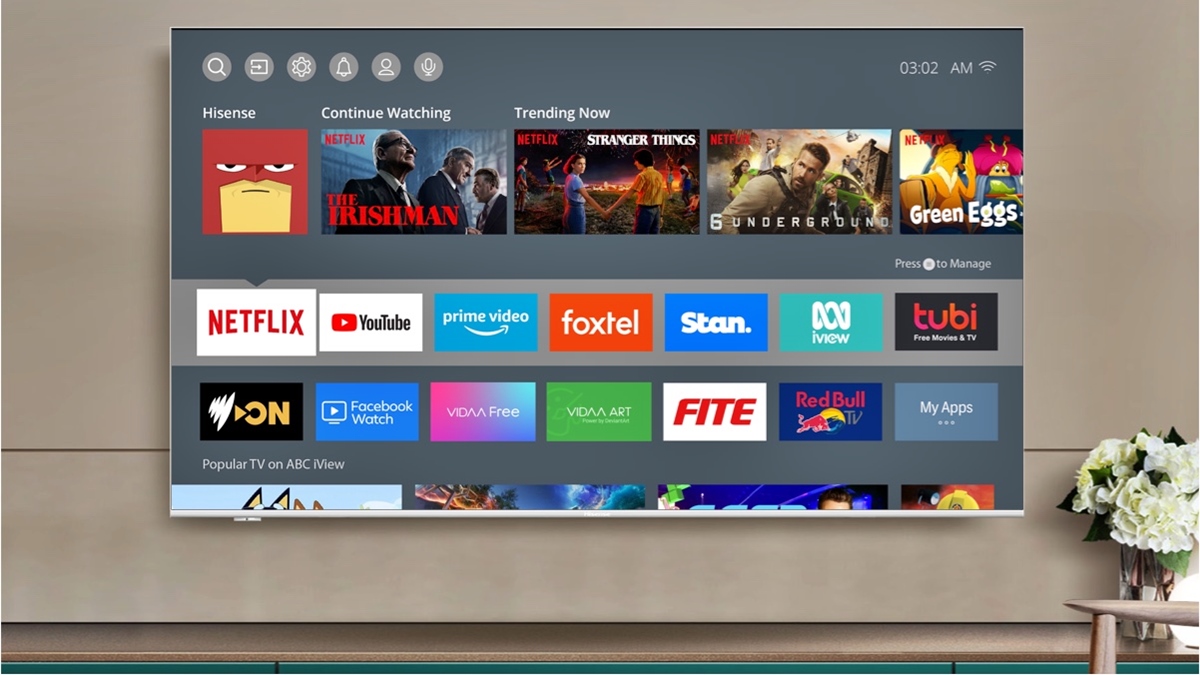
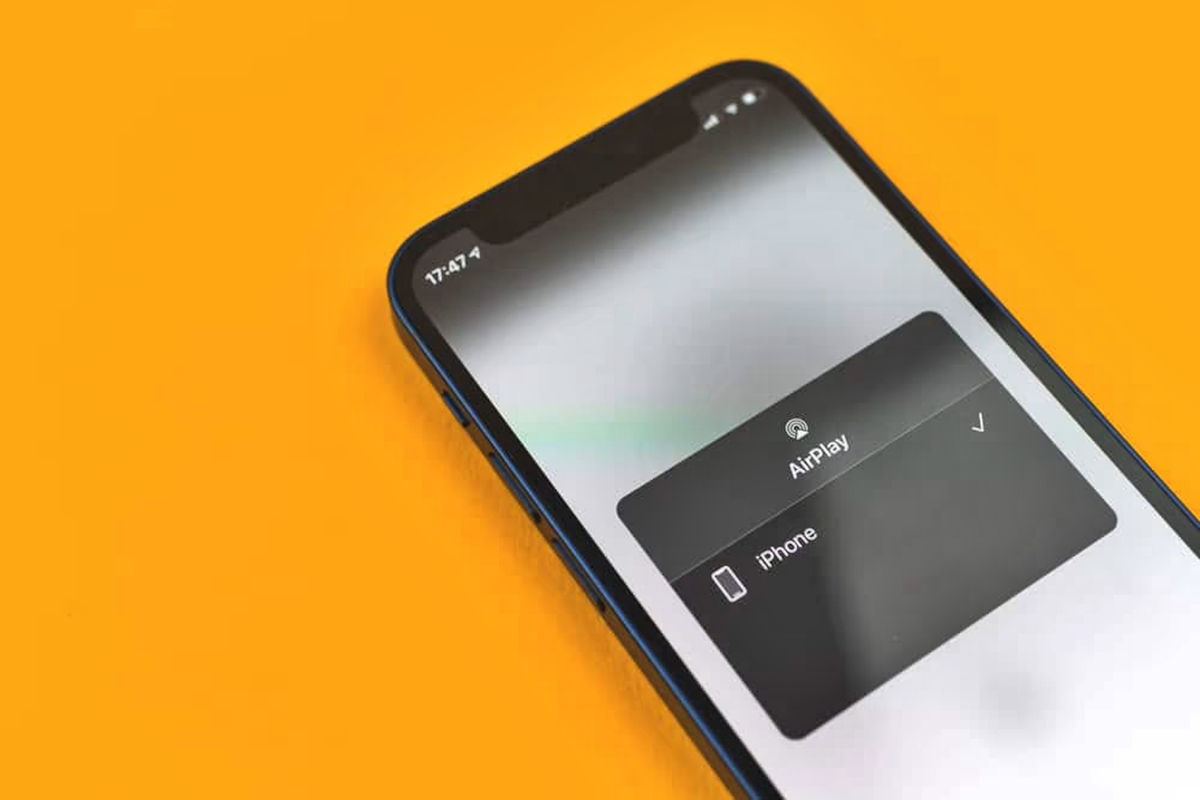
To connect your phone to a Hisense TV, the quickest method is wireless mirroring: use Anyview Cast for most Android phones or AirPlay for iPhones. These built-in features let you...
To connect your phone to a Philips TV, you can use a wired HDMI cable or a wireless Miracast connection, depending on your phone model and TV compatibility. For the...
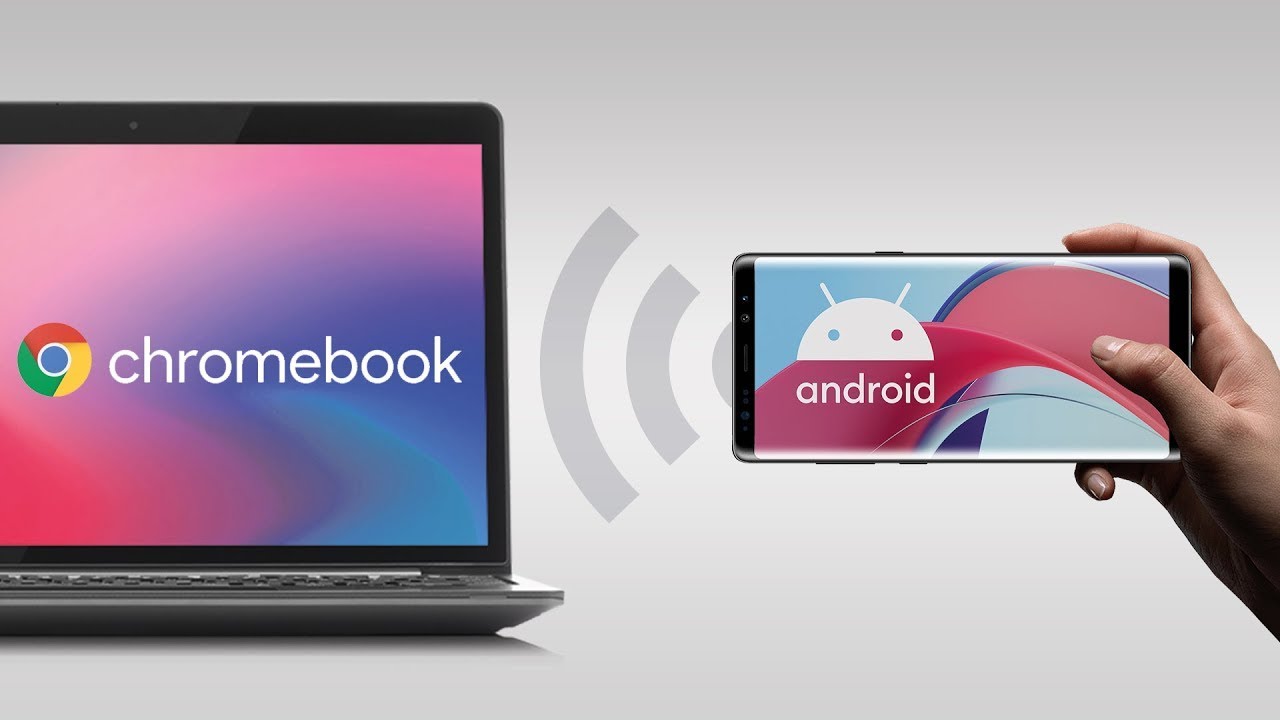
To mirror your phone to your Chromebook, you need to know that Chrome OS does not natively support full-screen mirroring of your entire phone display. Instead, the built-in Phone Hub...
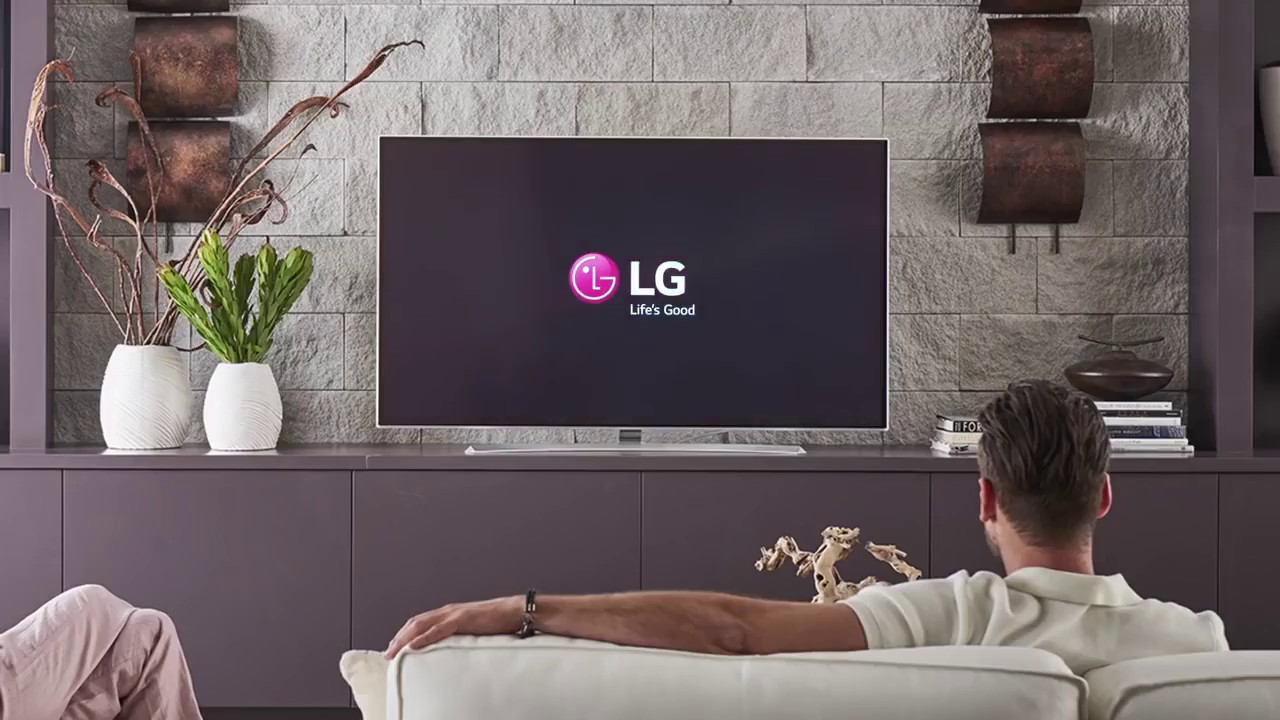
To mirror your phone to an LG TV wirelessly, you use one of two official methods: LG Screen Share (for Android) or Apple AirPlay (for iPhone). Both require your phone...
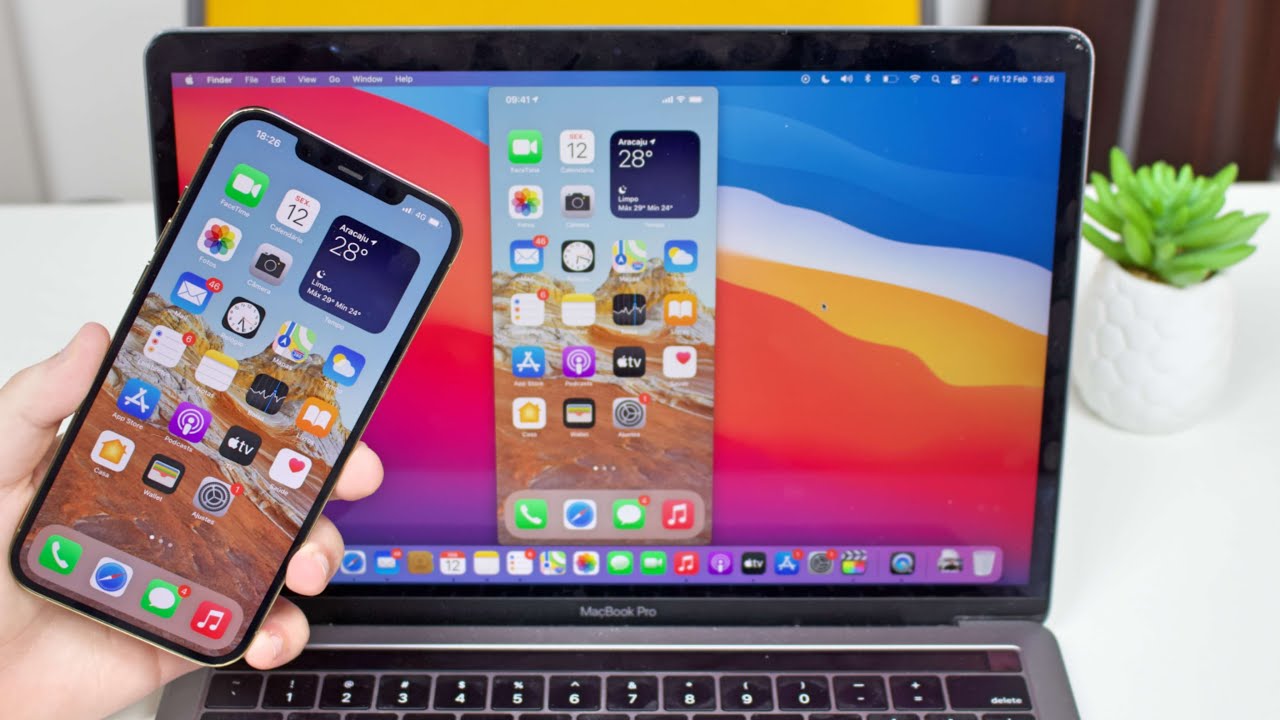
To mirror your phone to a MacBook, you use Apple's built-in AirPlay feature for iPhone or a wired QuickTime Player capture, but only if you have an iPhone, iPad, or...
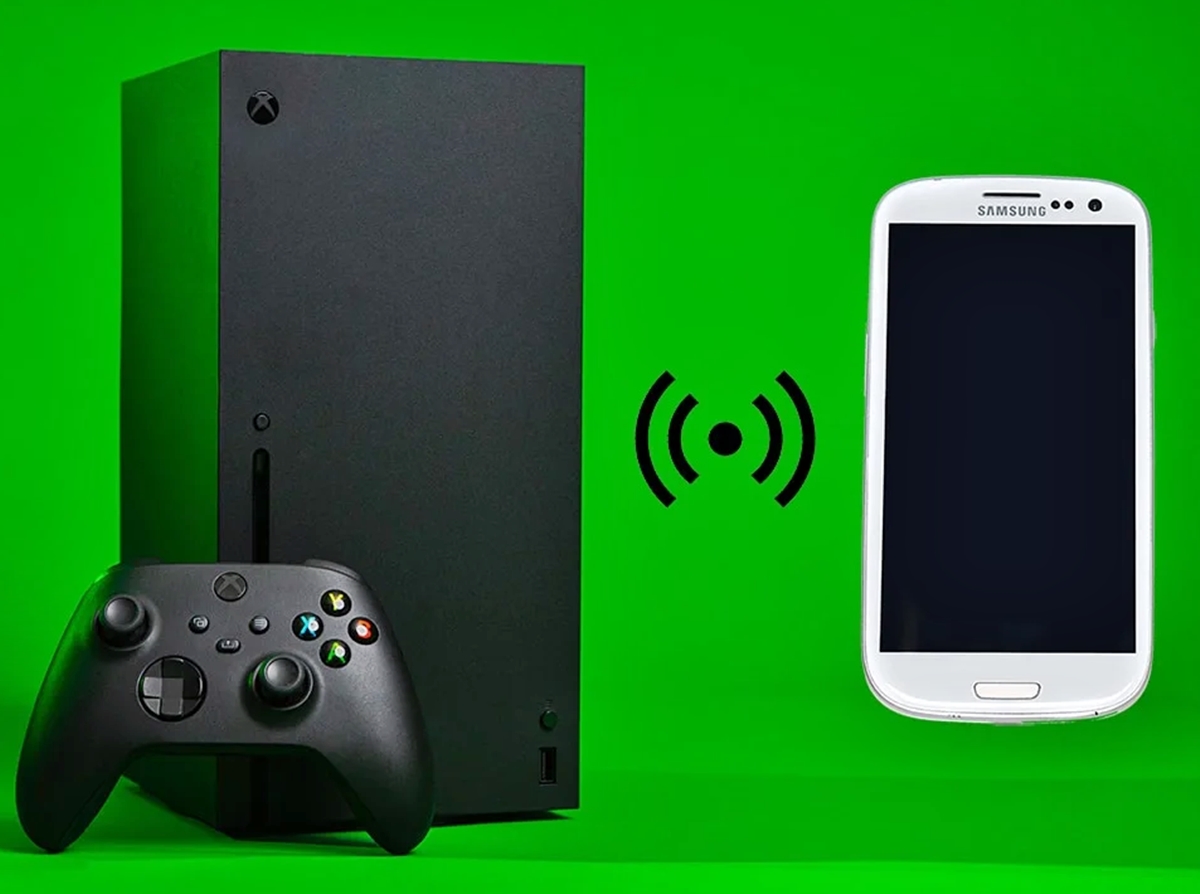
To mirror phone to Xbox One, launch the "Wireless Display" app on your Xbox and keep it open; the screen will indicate it is "ready to connect". Then, from your...
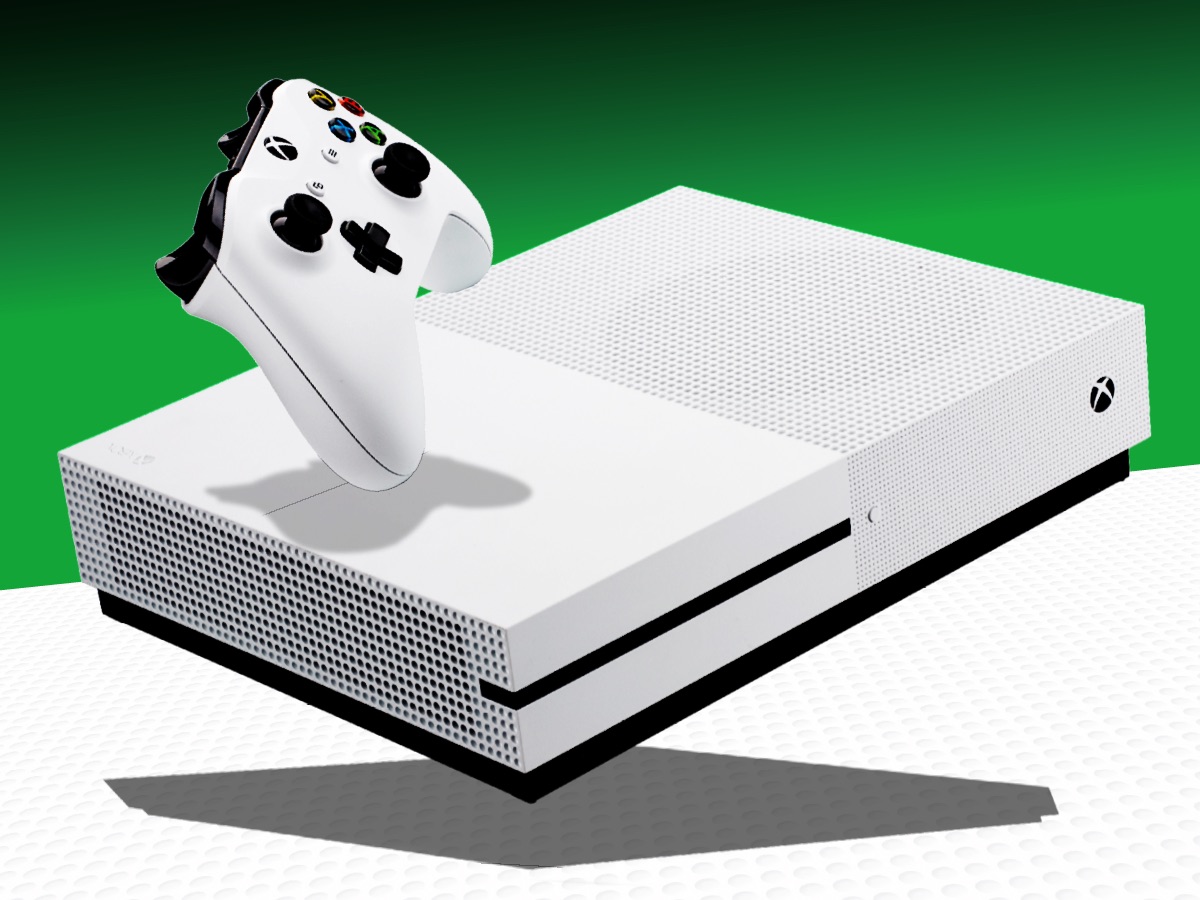
To cast from phone to Xbox One, you can use two verified methods: screen mirroring with the Wireless Display app or media streaming with the Media Player app. These approaches...
To share an Android screen to another phone, you need a third-party app like TeamViewer or AnyDesk, as Android has no built-in phone-to-phone mirroring feature. This method lets you remotely...
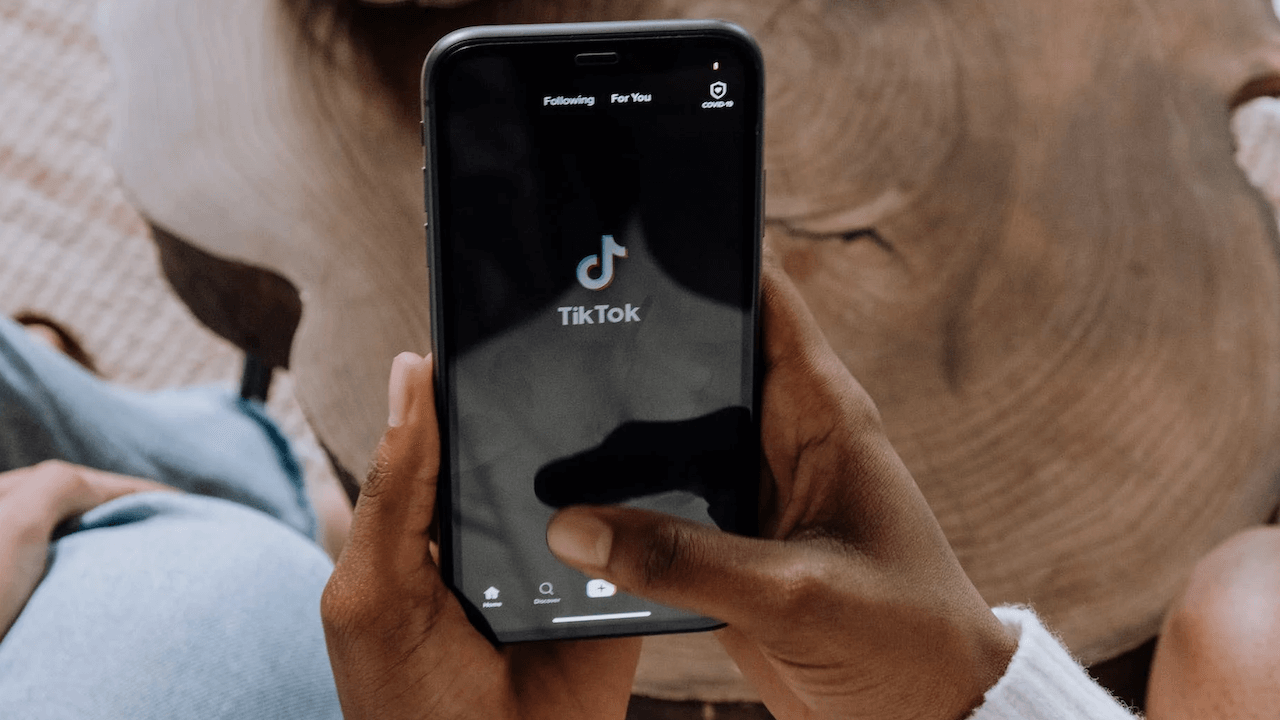
To start mobile gaming on TikTok live, you need to stream your phone's screen while broadcasting through the TikTok app. What you need for mobile gaming on TikTok Live The...
To unmirror your phone, open the Control Center on an iPhone and tap Screen Mirroring, then tap Stop Mirroring. On Android, the process varies by device, but you can typically...
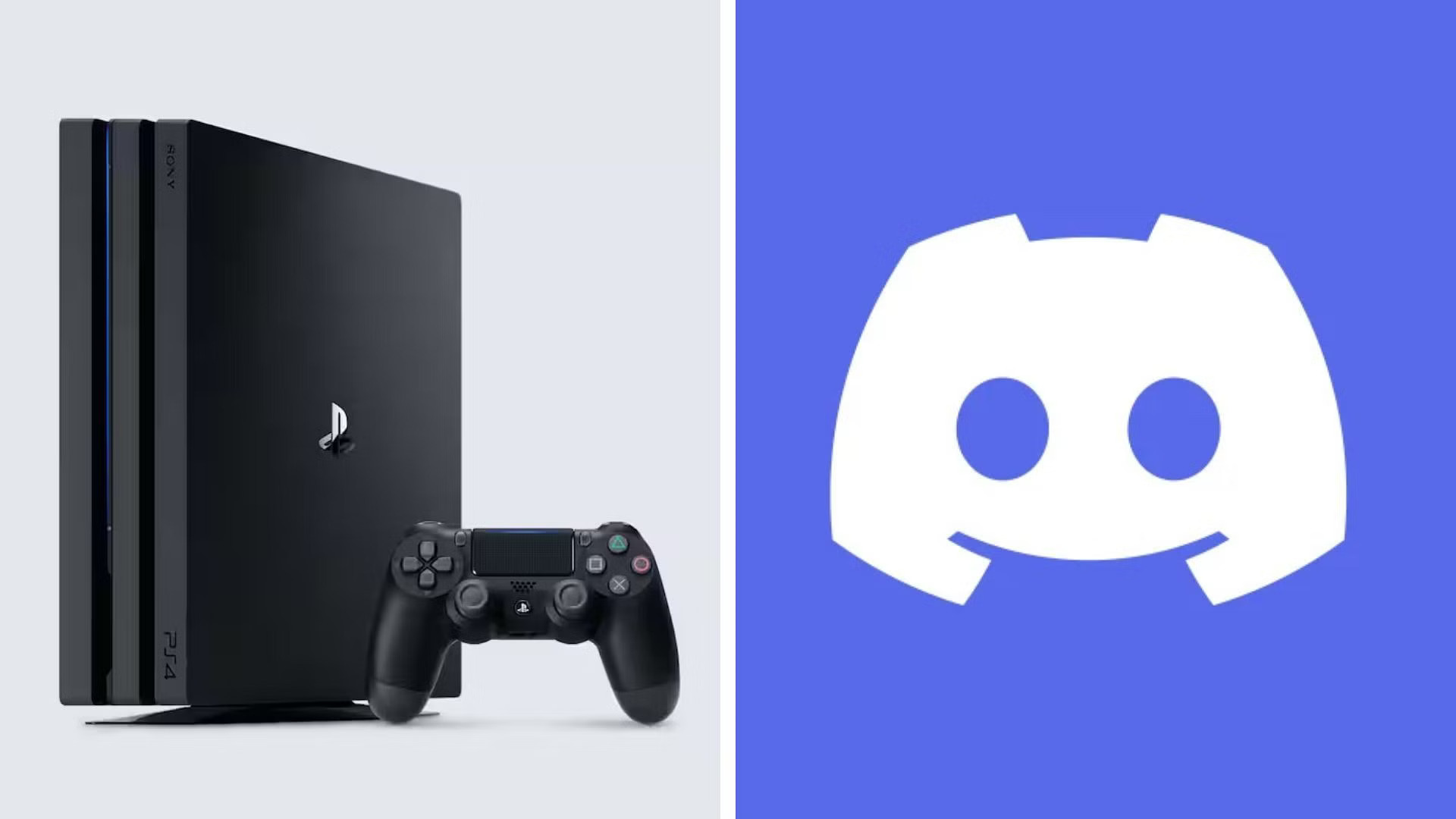
The workaround requires you to first mirror your PS4 gameplay to your phone using a separate app like PS Remote Play, then share that phone screen through Discord’s mobile screen...