The practical use, management, and troubleshooting of removable storage on mobile devices. This content is designed for everyday phone users who need clear, step-by-step guidance for handling SD cards, whether they are setting up a new card, moving data, or diagnosing storage issues.
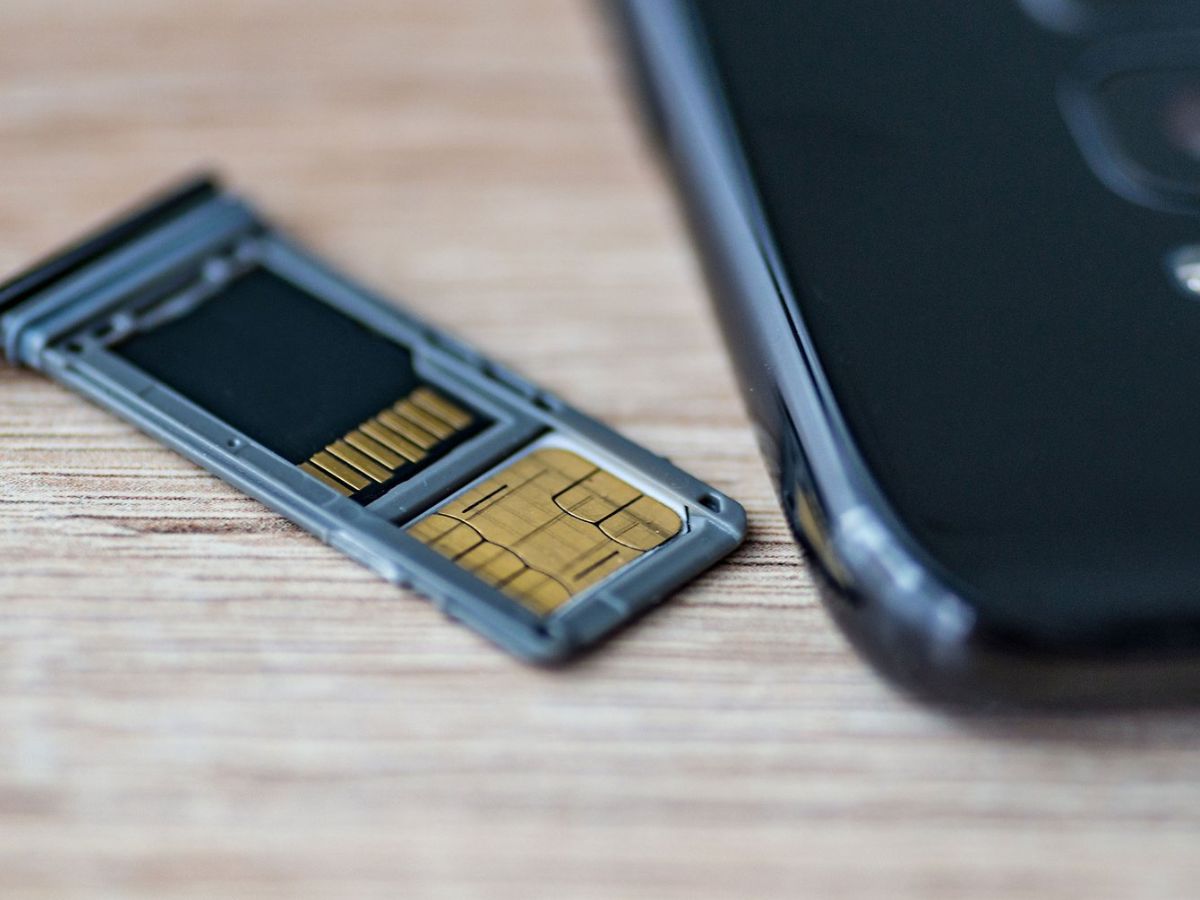
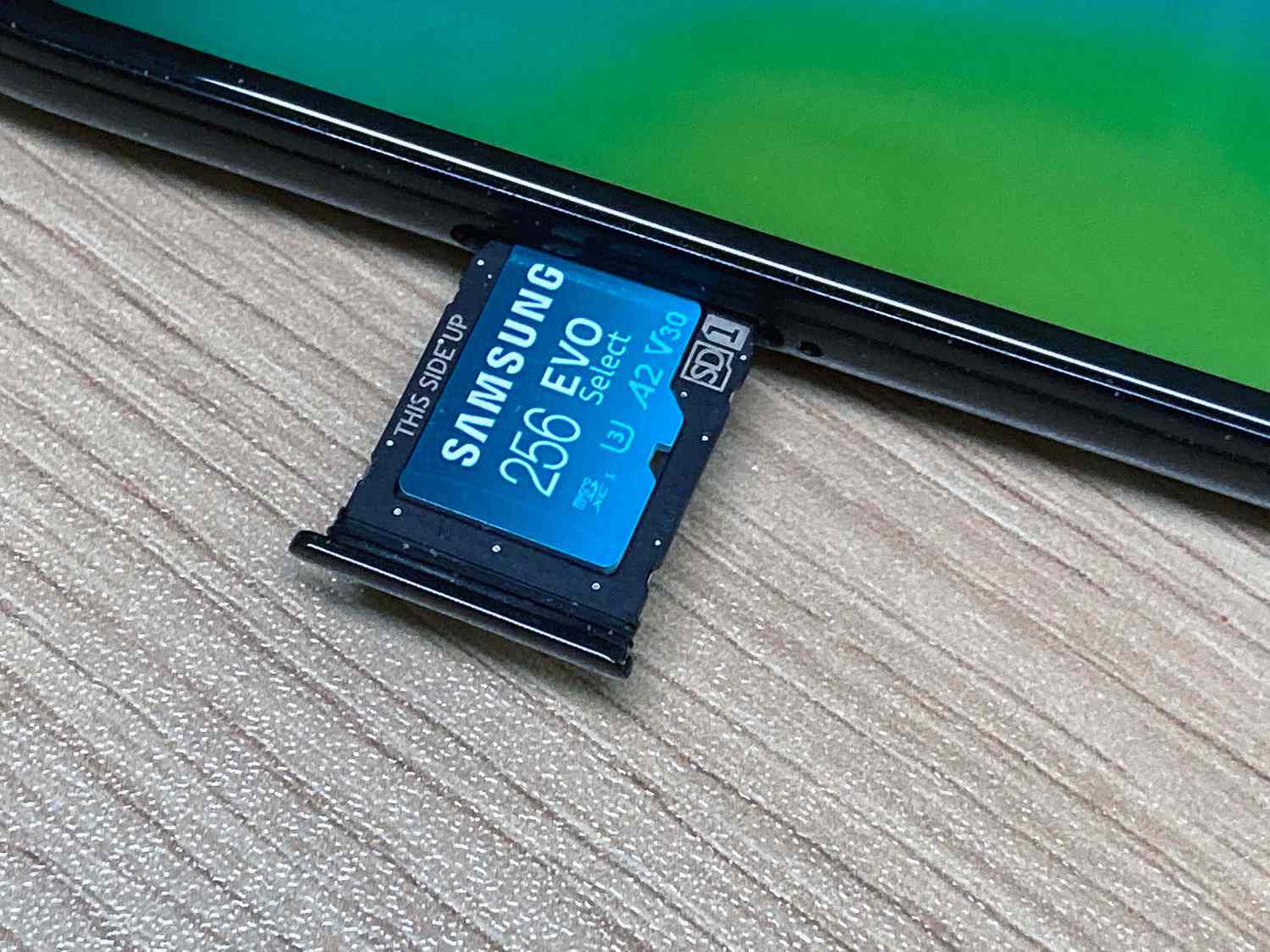
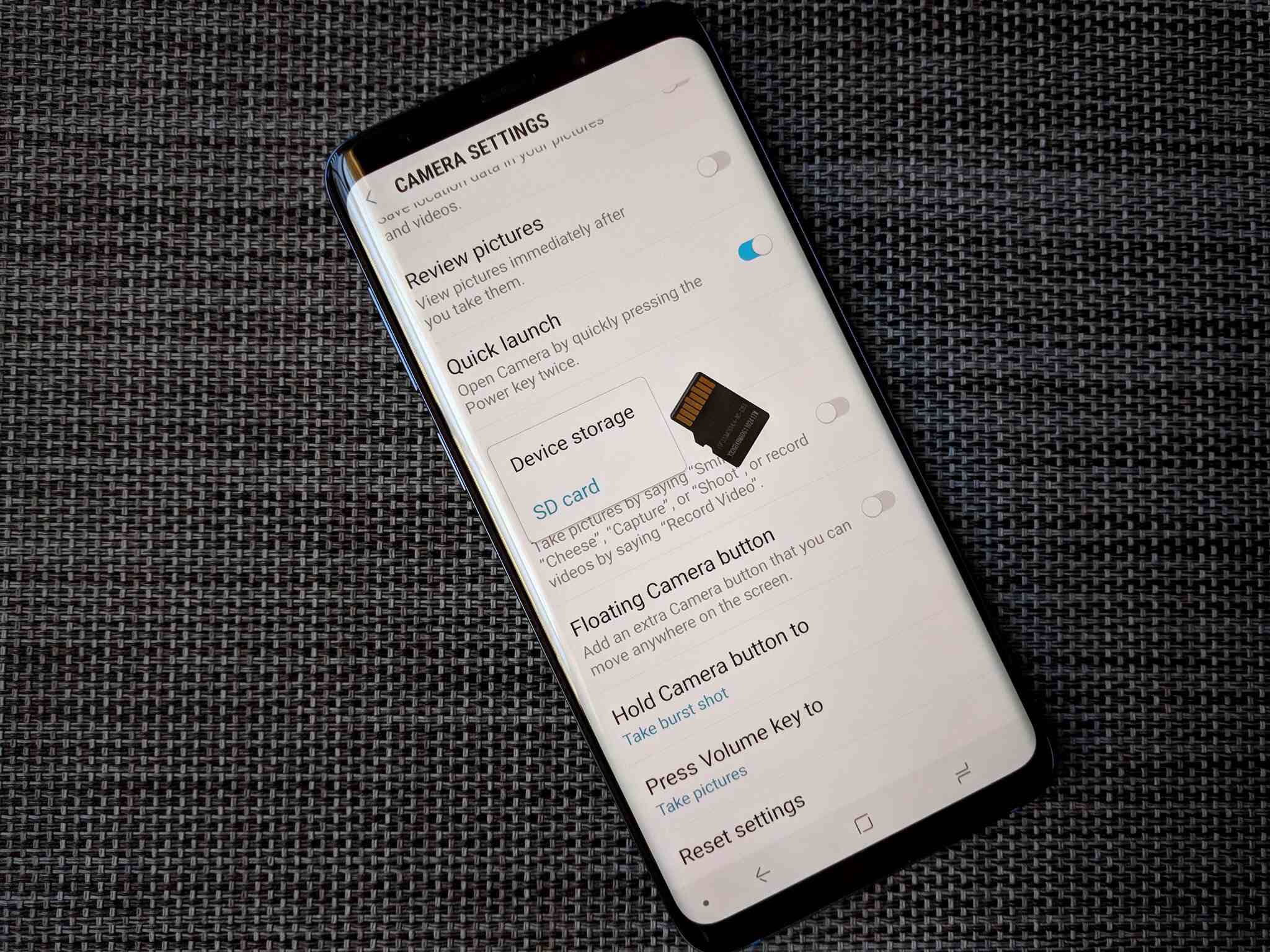
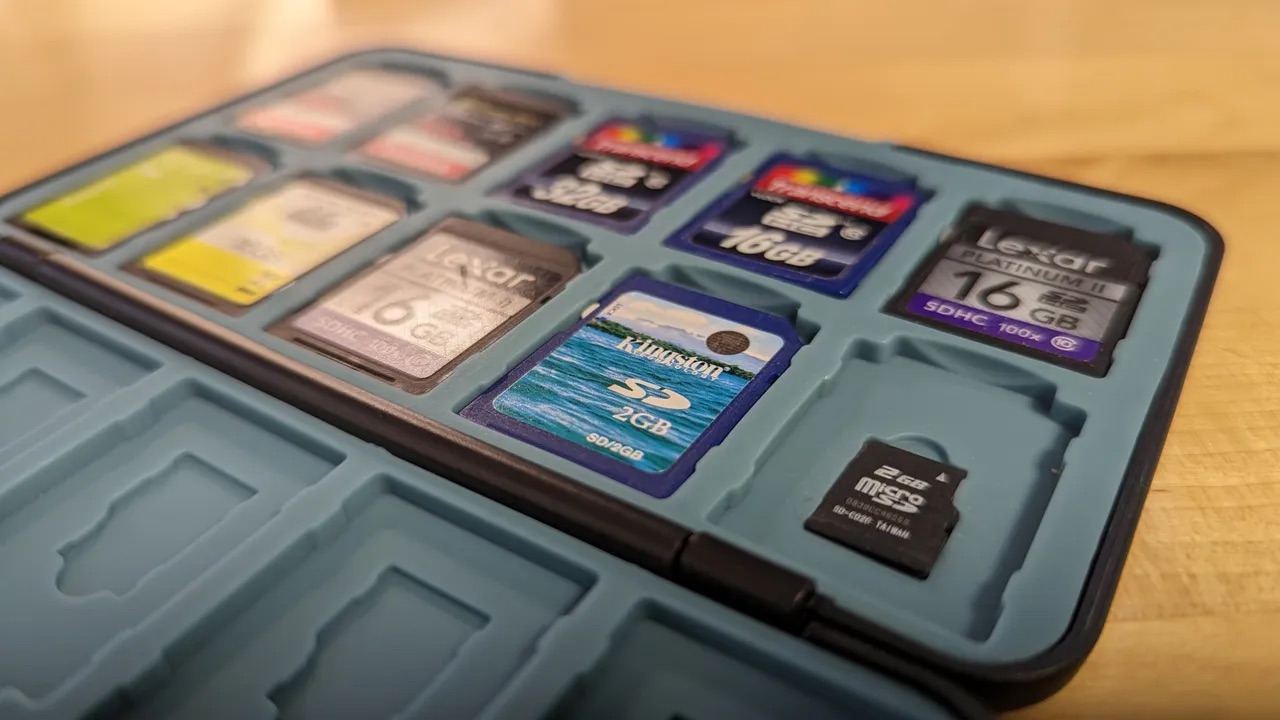
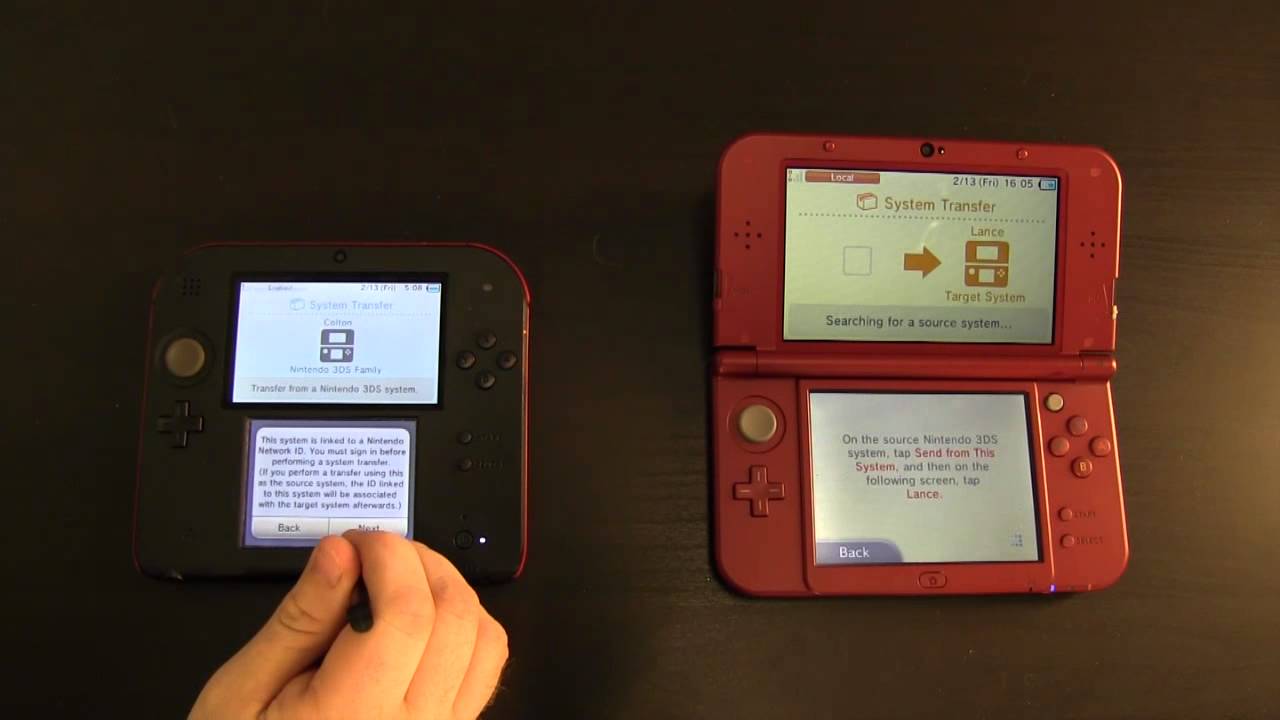
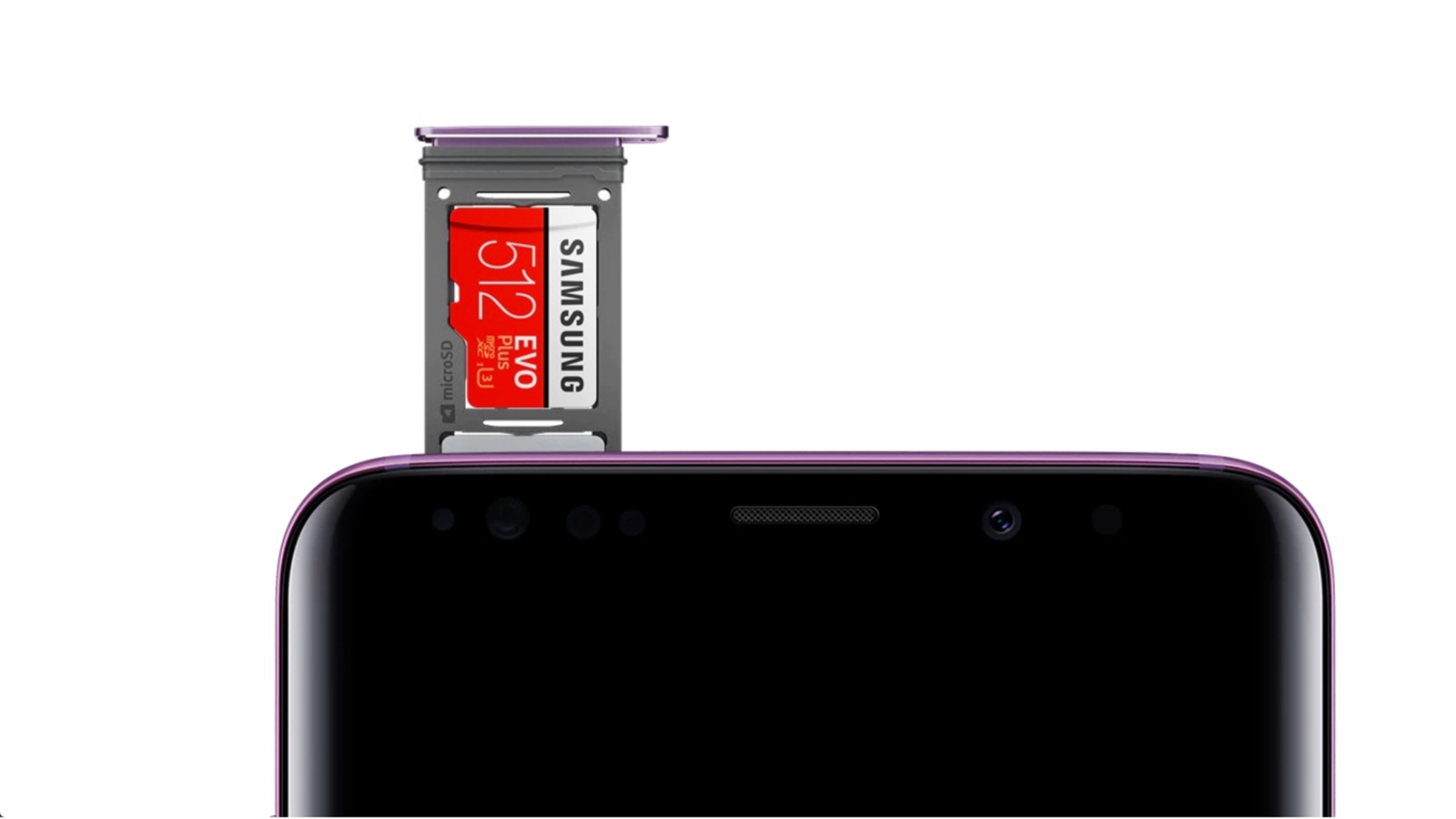
The articles here solve real problems centered around three main themes: transferring data, formatting and setup, and checking storage status. For data movement, you can learn how to transfer Nintendo 3DS SD card data to a new device, move photos to an SD card on Android, or transfer SD card data to another SD card entirely. For preparation and maintenance, guides explain how to format an SD card for an Android phone and how to use an SD card reader on an Android phone. Finally, for diagnostics, articles help you check SD card on phone, check phone GB, and understand the difference between an SD card and a SIM card.
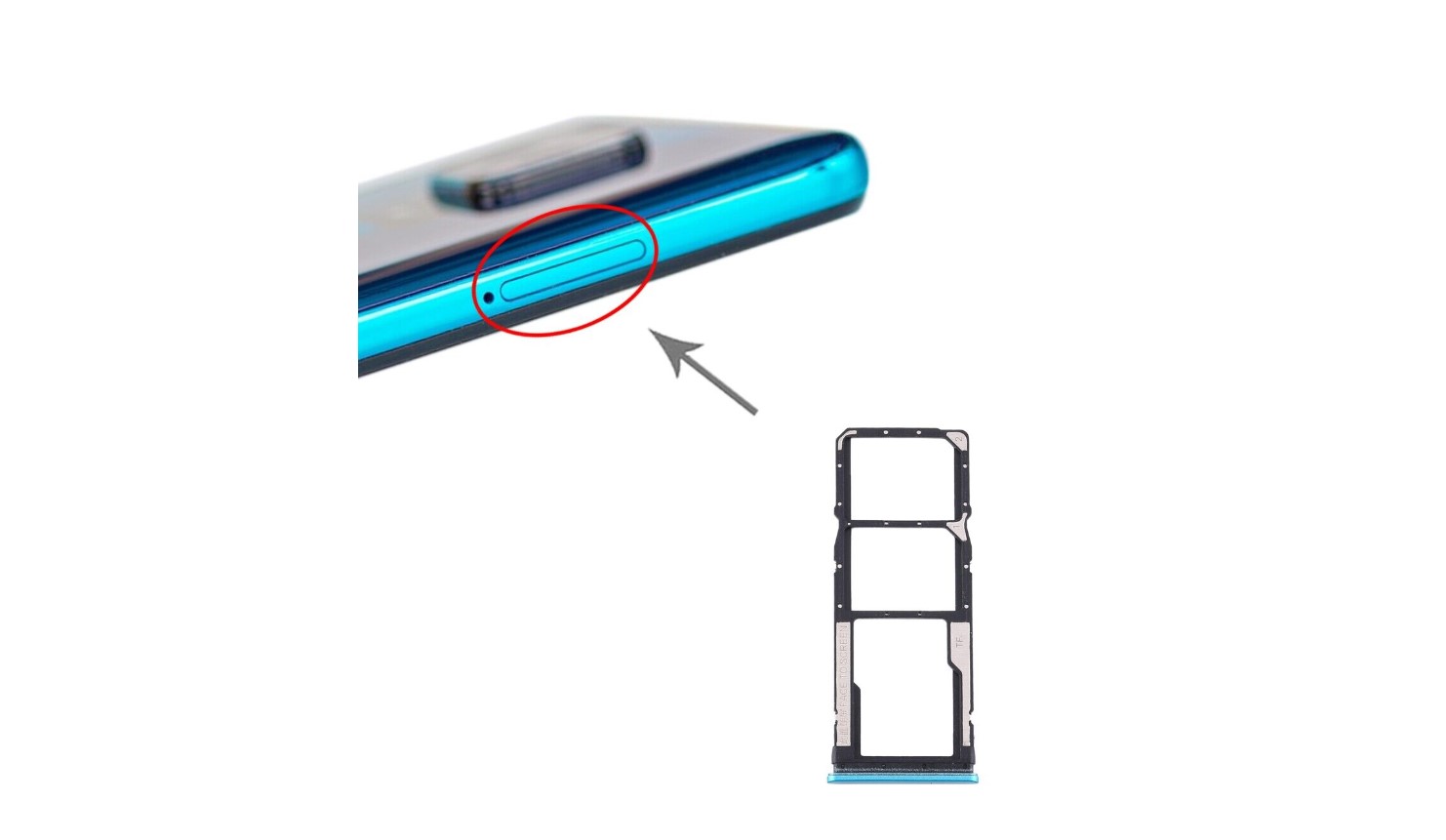
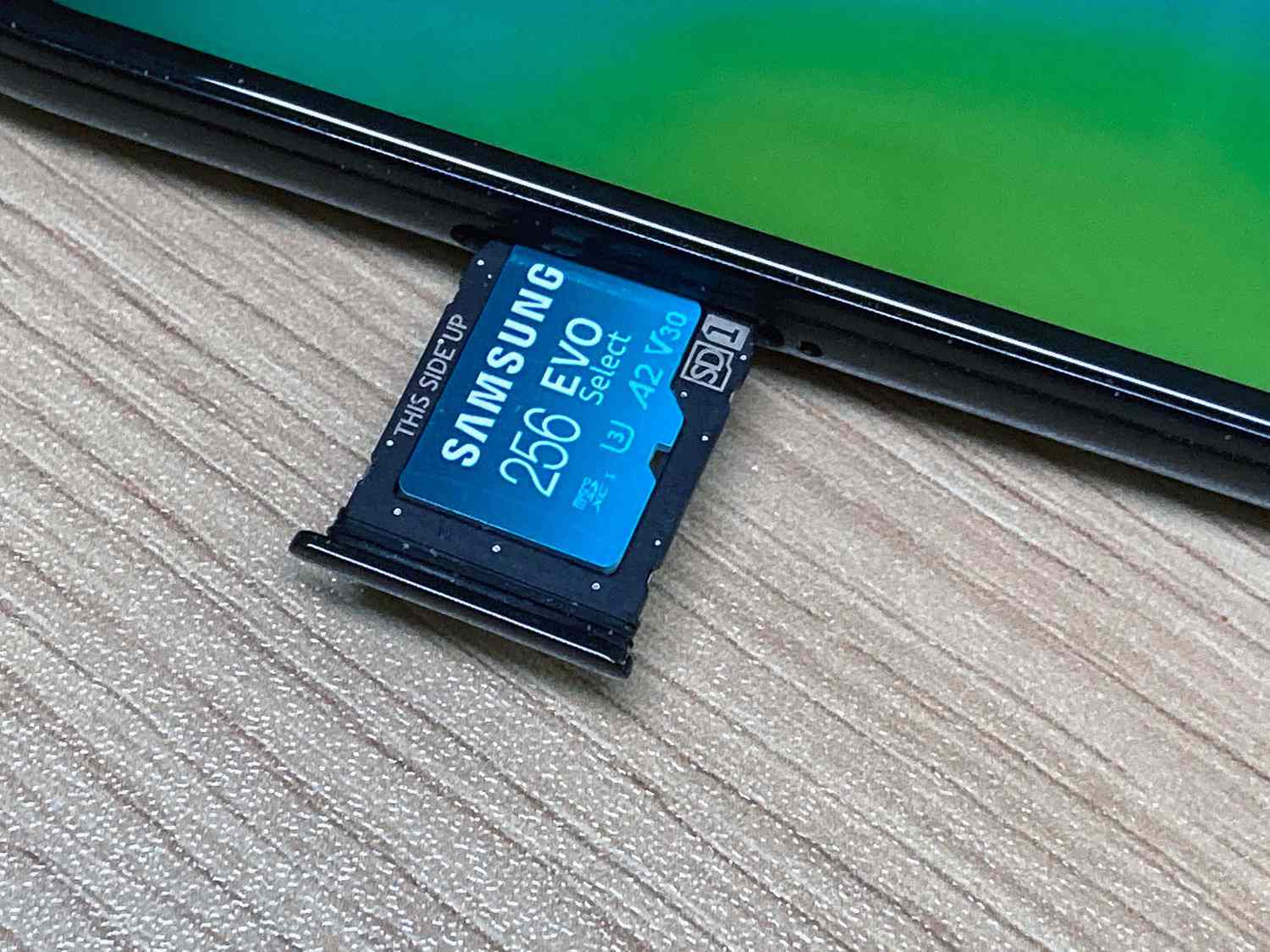
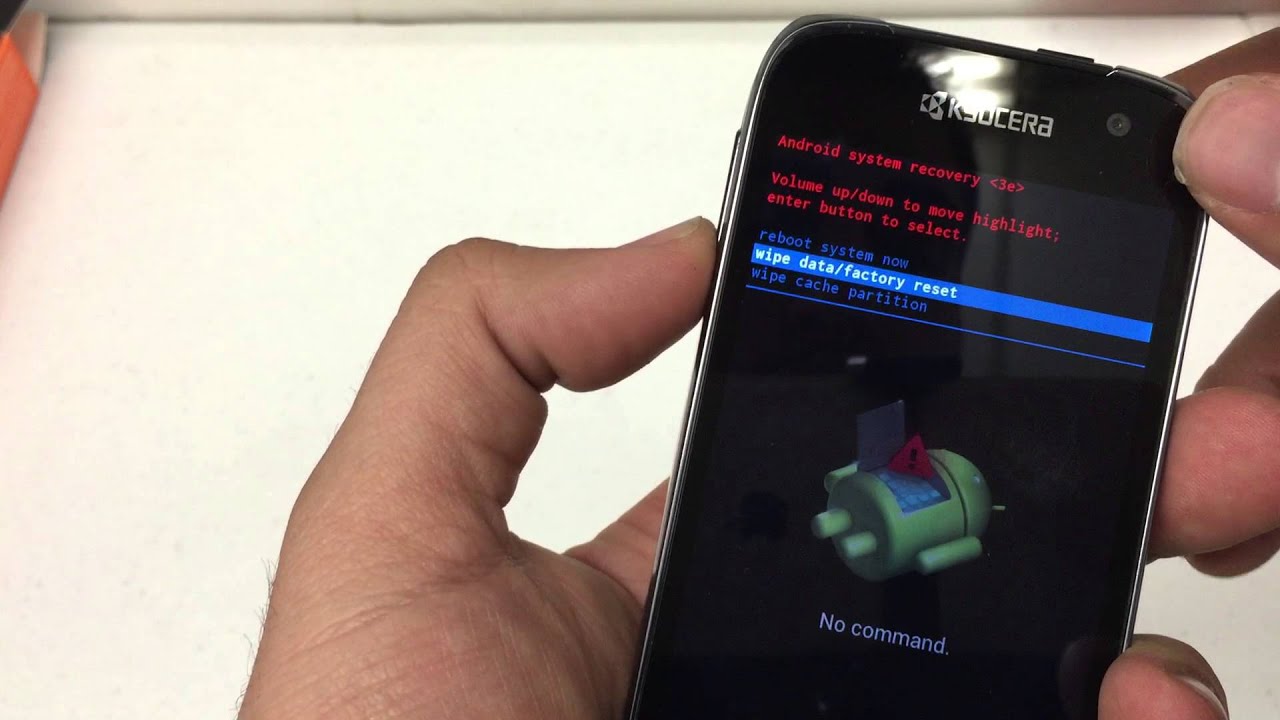
Whether you need to access an SD card in a Redmi Note 9, perform a factory reset on a Kyocera phone, or simply verify your phone’s memory and storage capacity, these articles provide direct instructions to help you complete each task without confusion. The tag is a straightforward resource for anyone looking to get the most out of their phone’s expandable storage.