The fundamental difference between an SD card and a SIM card is that an SD card is removable storage for files, while a SIM card identifies and connects a phone to a carrier network for calling, texting, and mobile data. An SD card expands how many photos, videos, and apps your device can hold; a SIM card does not store files but instead authenticates your phone on a cellular network.
What an SD card does
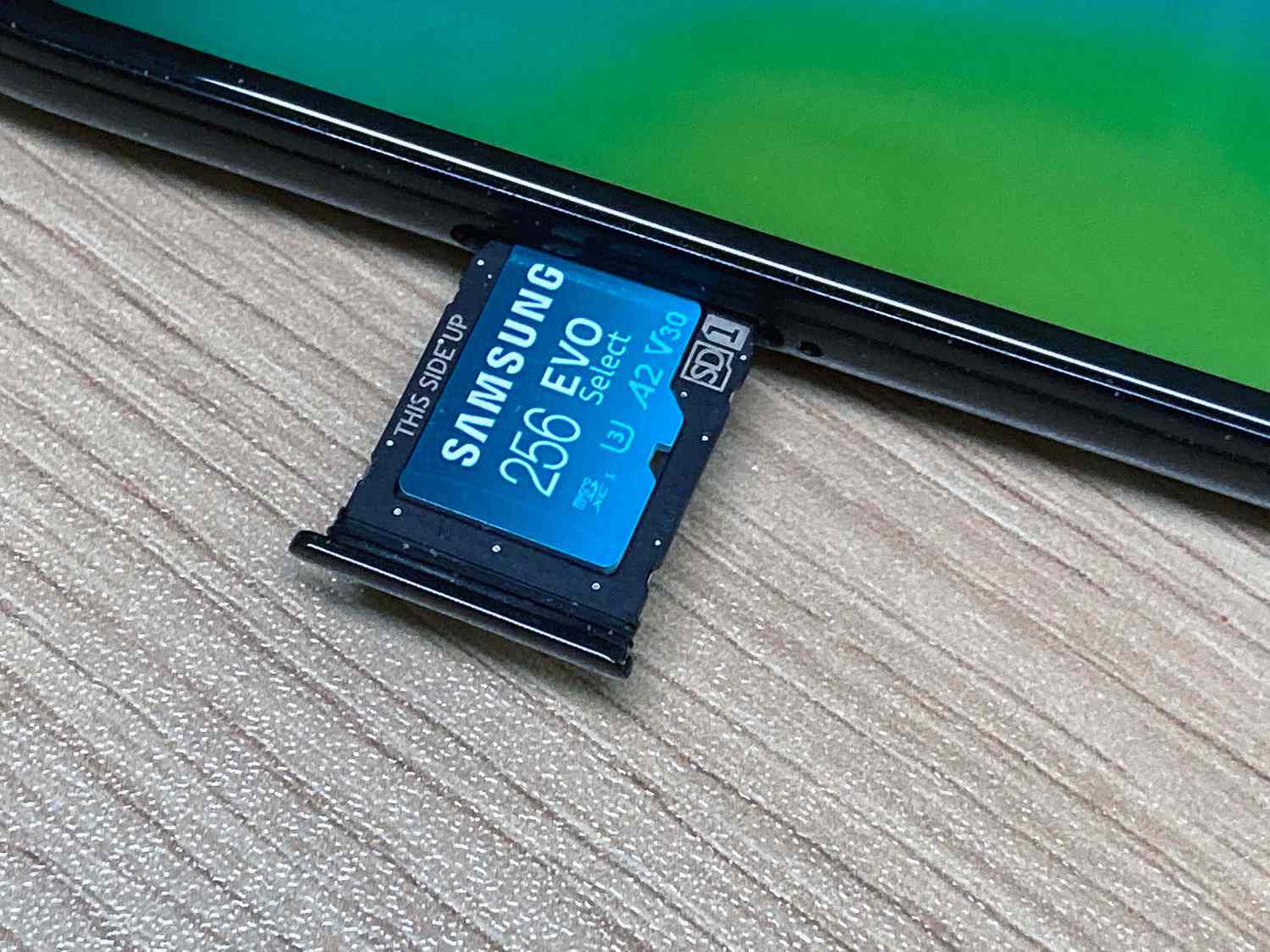
An SD card (or microSD card) is removable memory used for storage expansion on supported devices. It lets you save photos, videos, music, documents, and apps beyond your phone’s built-in storage. Support is device-specific: Android phones commonly include a microSD slot, but iPhones do not offer SD card expansion. Even among Android models, maximum capacity and card type vary, check your phone’s specs to know what it accepts. Samsung’s support pages list each model’s maximum external memory and memory card type, so SD-card support is device-specific.
What a SIM card does
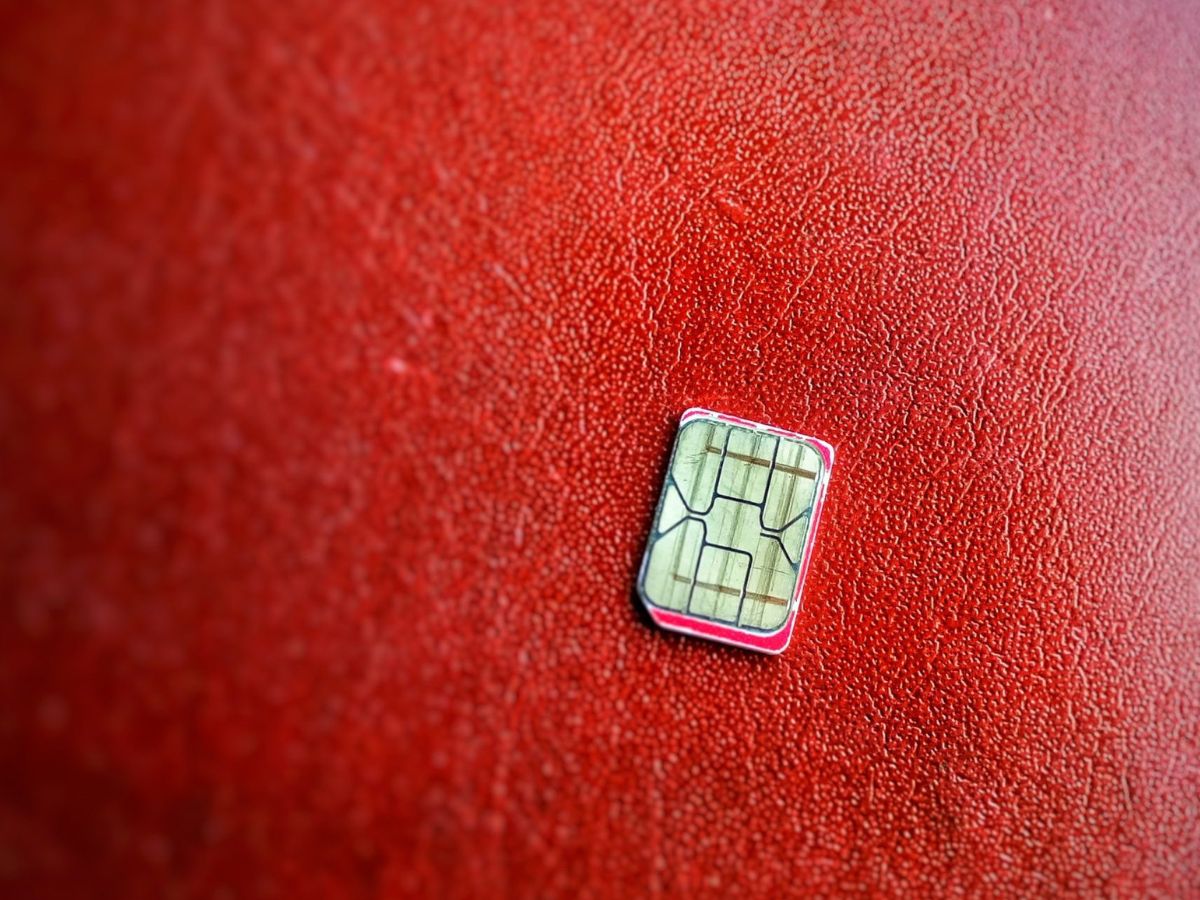
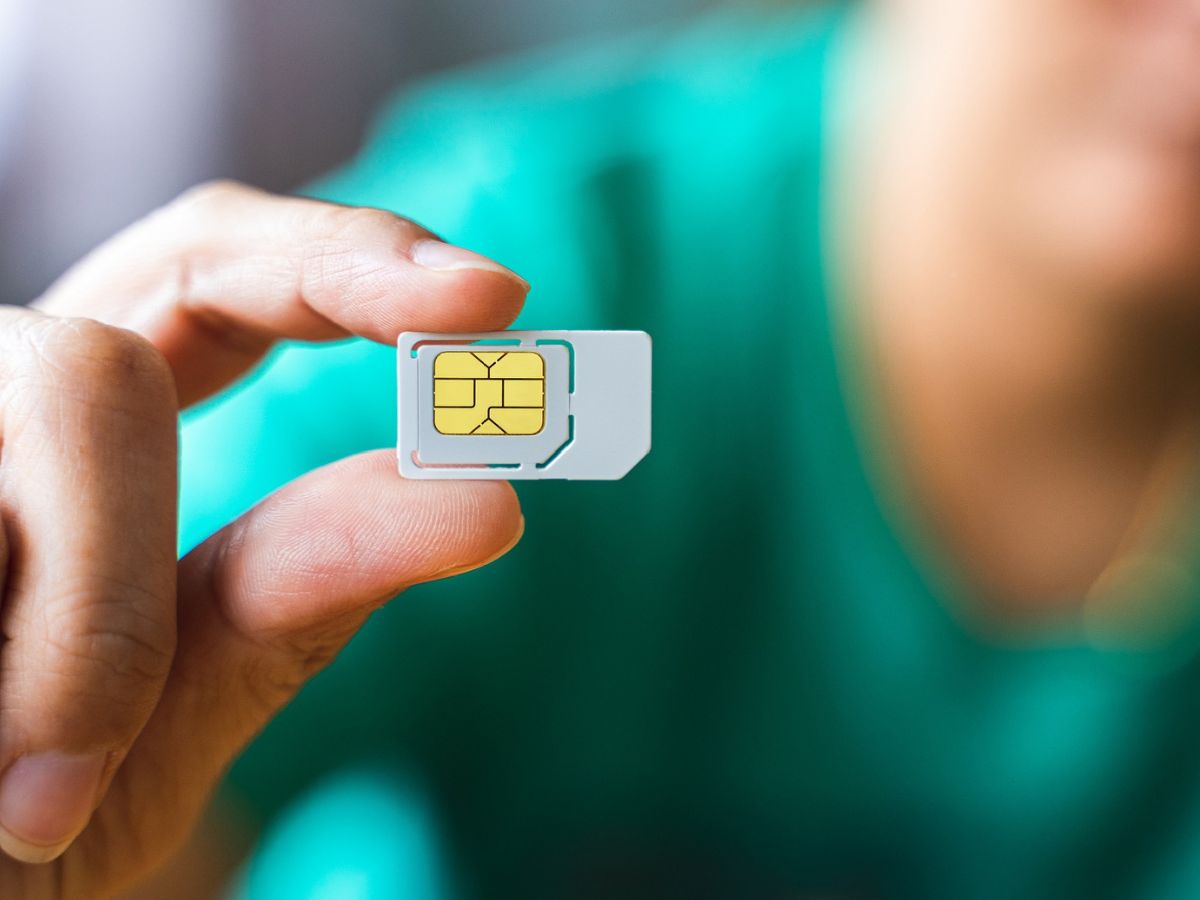
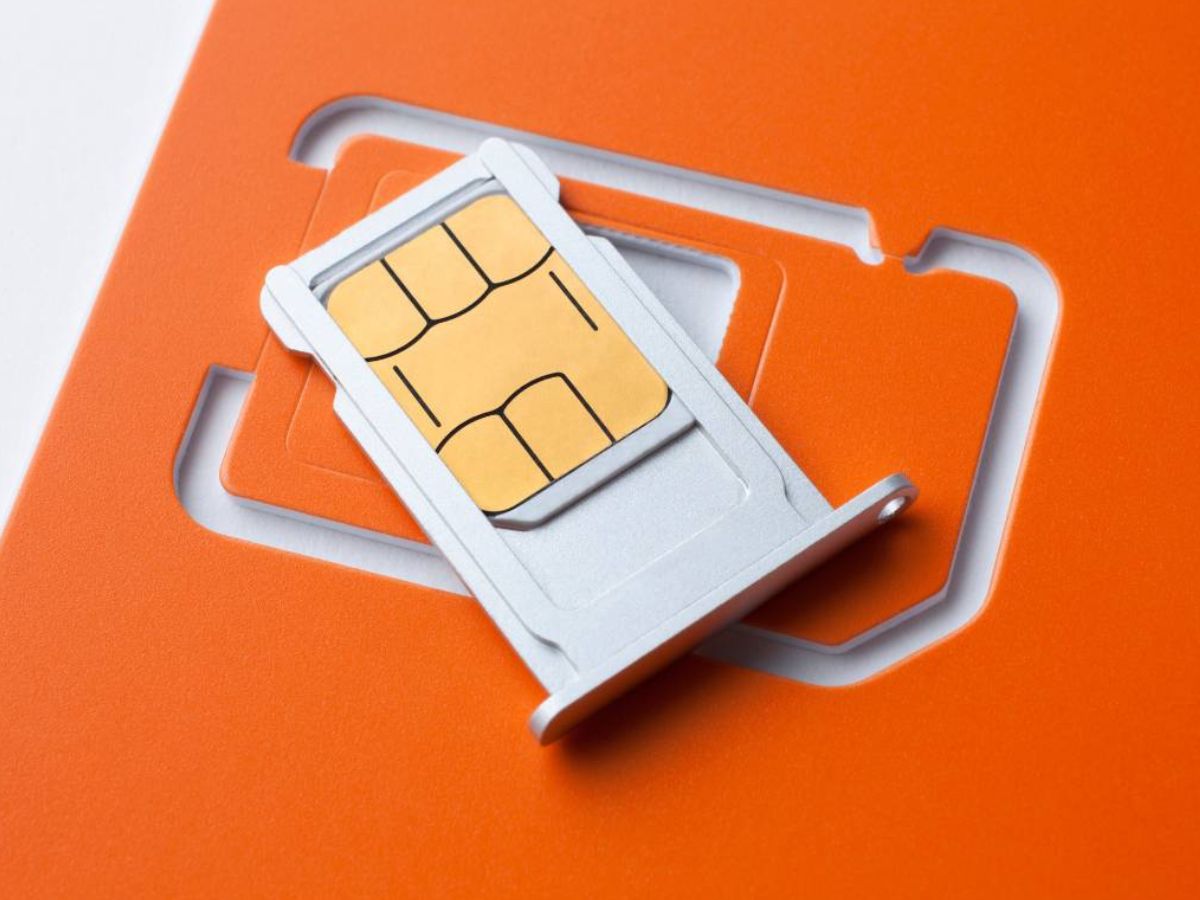
A SIM card (Subscriber Identity Module) is a small chip that stores your phone number, network authentication details, and carrier subscription information. It enables your phone to make calls, send texts, and use mobile data. Newer phones also support eSIM, an industry-standard digital SIM built into the device. For example, iPhone XS, iPhone XR, or later models can use eSIM, and iPhone 14 models or newer purchased in the United States are eSIM-only with no physical SIM tray. iPhone models without a SIM tray support eSIM only. Some iPhone 15 and iPhone 14 models purchased outside the United States still have physical SIM support. In China mainland, only specific newer models support eSIM, and some regions such as Hong Kong and Macao have dual physical nano-SIM configurations on certain iPhone models. You can add a cellular plan by scanning a QR code during setup, and the carrier must support eSIM.
Physical and functional comparison
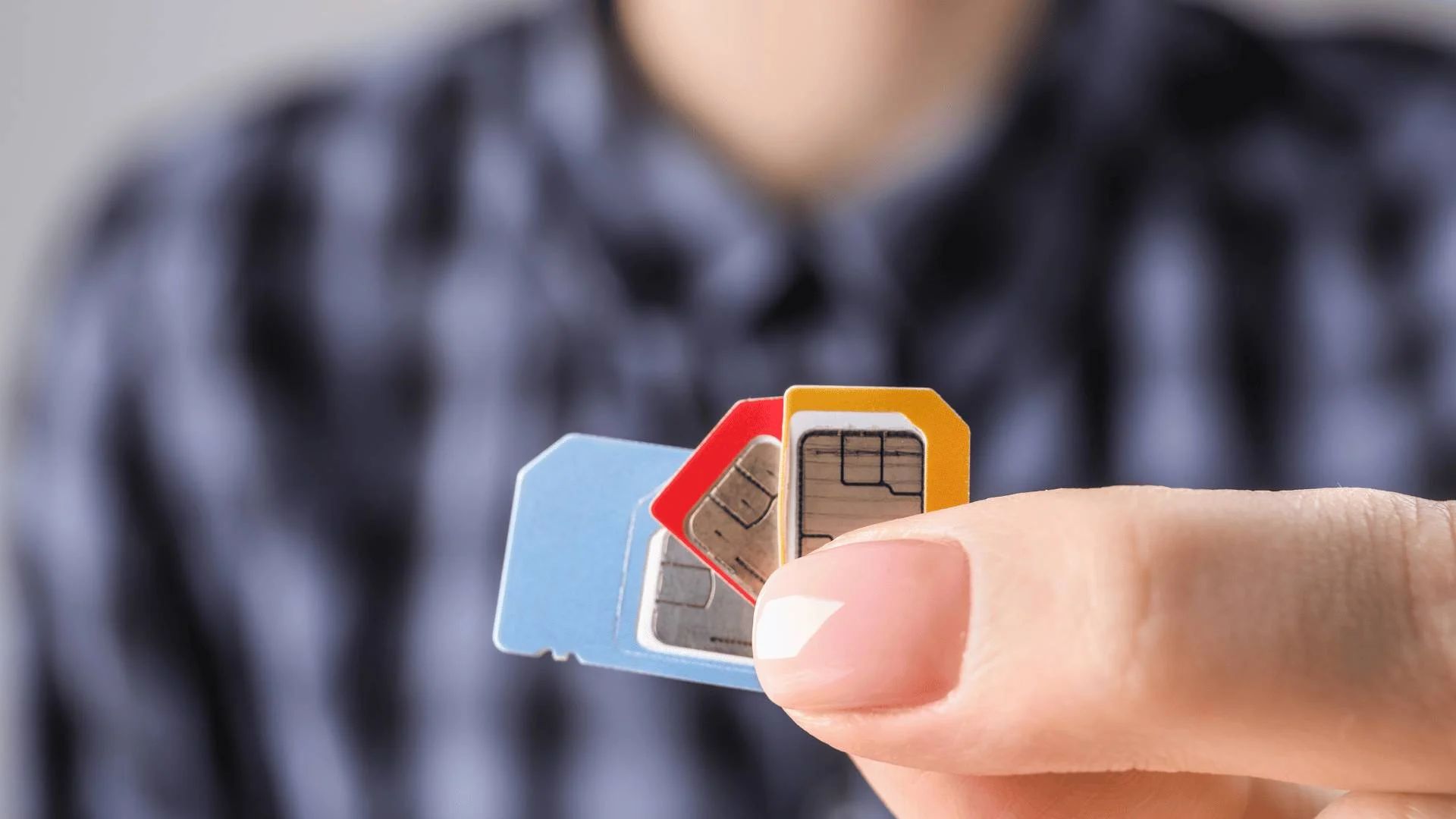
An SD card is a storage card; a SIM card is a subscriber identity card for cellular service. A SIM card cannot add file storage, and an SD card cannot provide cellular connectivity. Physically, they differ in size and shape: SIM cards come in nano-SIM, micro-SIM, or standard sizes, while SD cards range from full-size to microSD. Their slots in a phone are separate, the SIM tray holds the SIM (or eSIM is built in), while the SD slot is often a dedicated microSD tray or a combined slot on some Android devices.
How to check your phone's card support
- For iPhone: Open Settings > Cellular. If you see “Add eSIM,” your iPhone supports digital SIM. To set up eSIM on iPhone: open Settings > Cellular > Add eSIM. There is no SD card slot on any iPhone model. To check physical SIM support, look for a SIM tray on the side; models without a tray are eSIM only. To remove or switch a physical SIM you use the SIM tray on supported iPhone models.
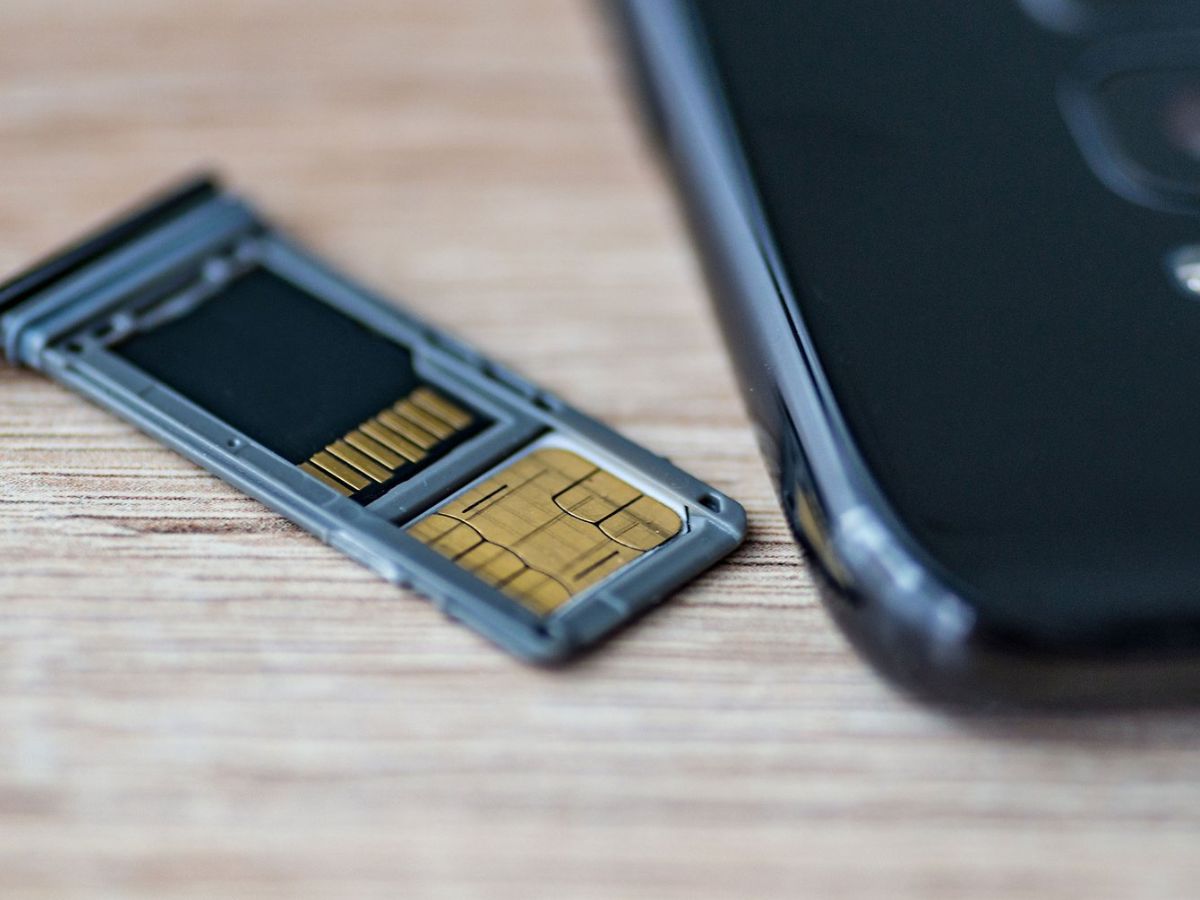
- For Android: Examine the SIM tray (often on the left edge) to see if it holds a physical SIM. Android physical SIM insertion path: place the SIM card in the SIM tray, then put the SIM tray back into the device. Look for a separate microSD slot, some phones use a combined tray that holds both. Check the manufacturer’s specifications for the maximum SD card capacity your model supports, as this varies by device.
When choosing a carrier plan, you will need to compare SIM card information and costs across providers to find the best option for your needs.
Frequently Asked Questions
Can I use an SD card instead of a SIM card?
No. An SD card is designed for file storage and cannot connect to a cellular network. A SIM card is required for voice, text, and mobile data services.
Can I transfer data from an SD card to a SIM card?
No. SIM cards have very limited storage (only a few kilobytes for contacts and messages) and are not designed for file transfer. To move files, use a computer or cloud service.
Do all Android phones support SD cards?
No. SD card support is device-specific. Many Android phones include a microSD slot, but some models omit it. Check your phone’s specifications or manufacturer support page.
What is the difference between a nano-SIM and an eSIM?
A nano-SIM is a physical card you insert into a SIM tray. An eSIM is a digital SIM built into the phone’s hardware; you activate it by scanning a QR code or using a carrier app. Some iPhones support both, while others (like U.S. iPhone 14 models) are eSIM only.
Can I use a SIM card in a device that only has an SD card slot?
No. A device with only an SD card slot cannot read a SIM card because the slot lacks the necessary electrical contacts for cellular network communication.
For the wider topic, see SIM card information and costs.
Related reading: How To Check SD Card On Phone and How To Fix A Broken SIM Card.