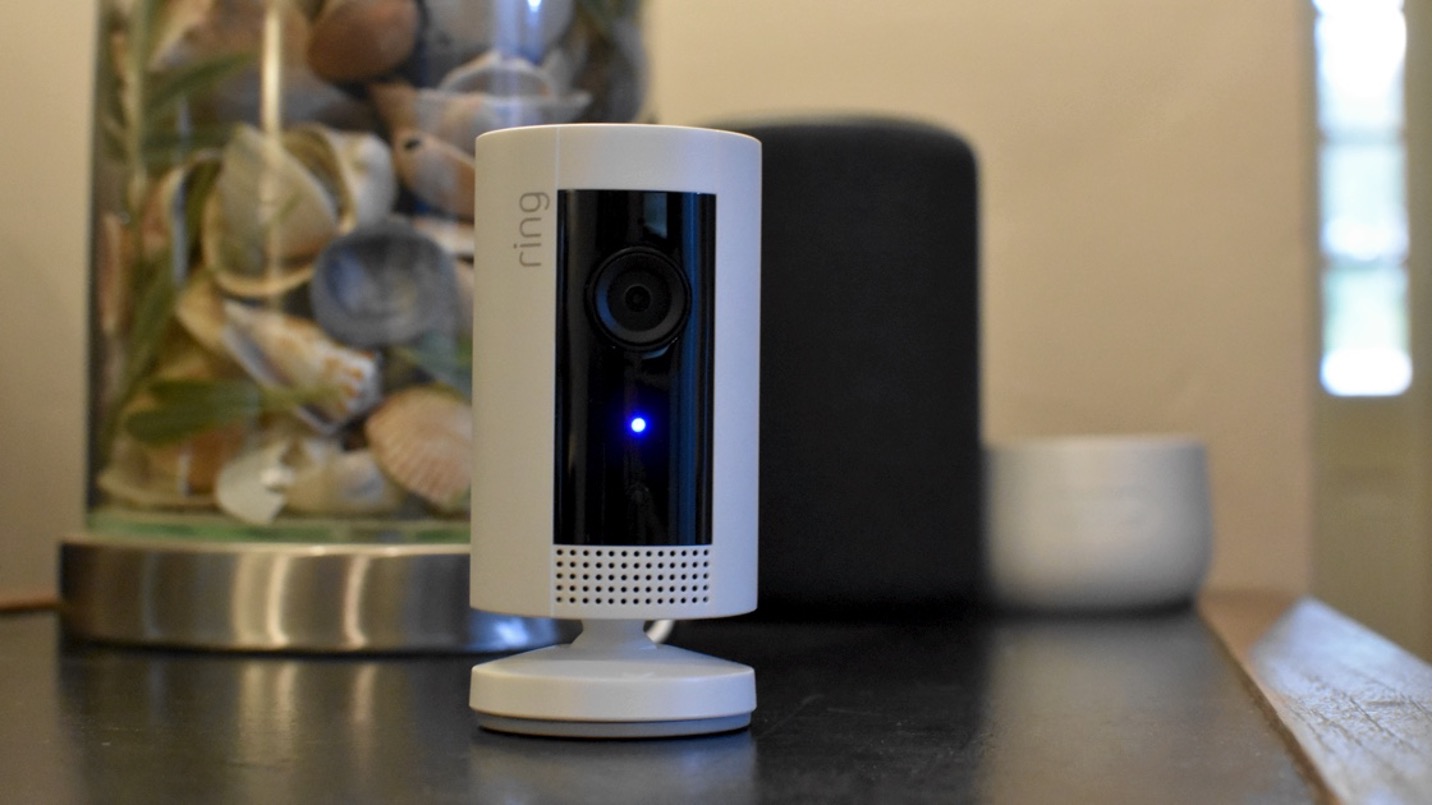
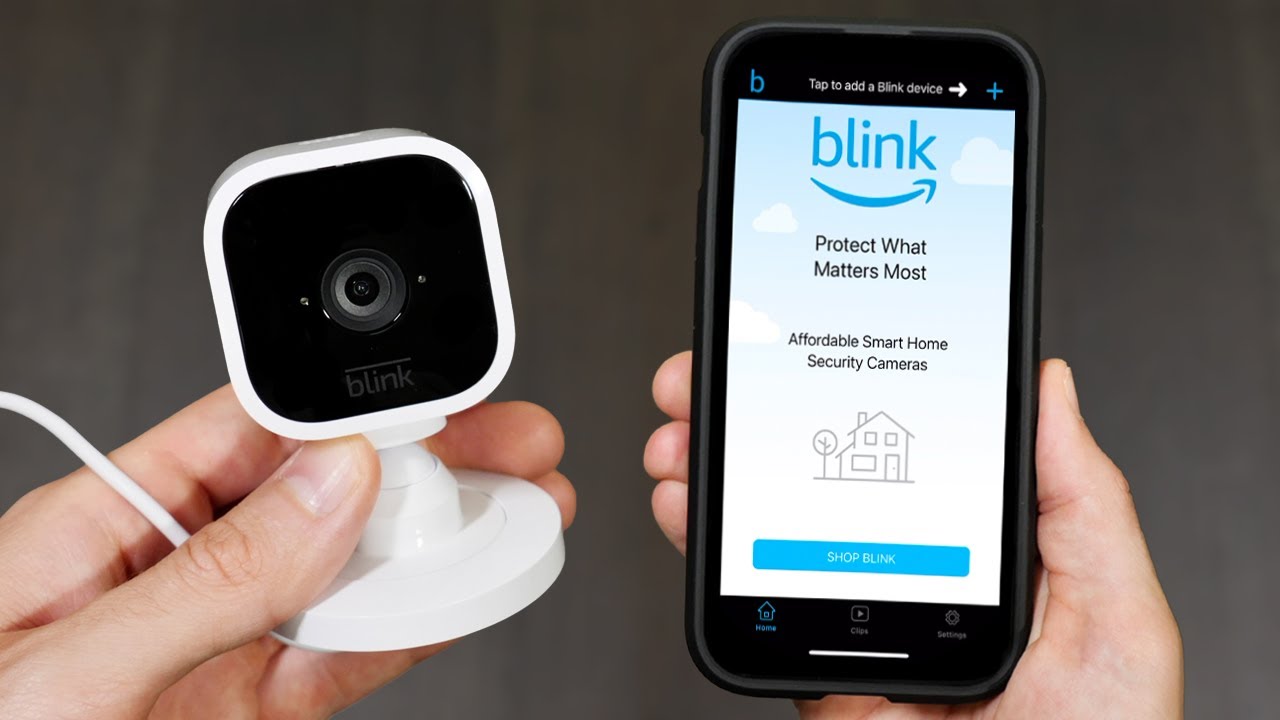
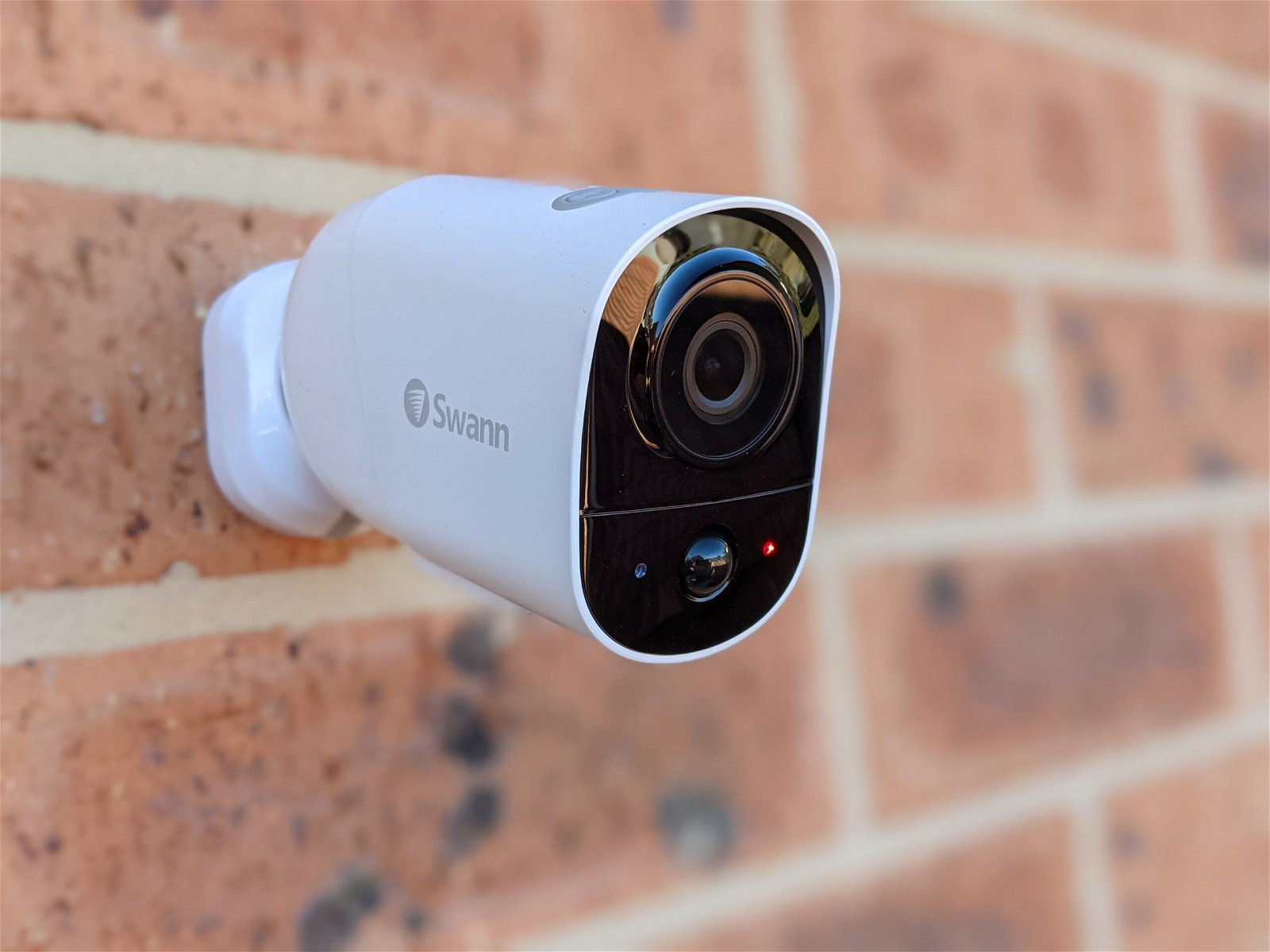
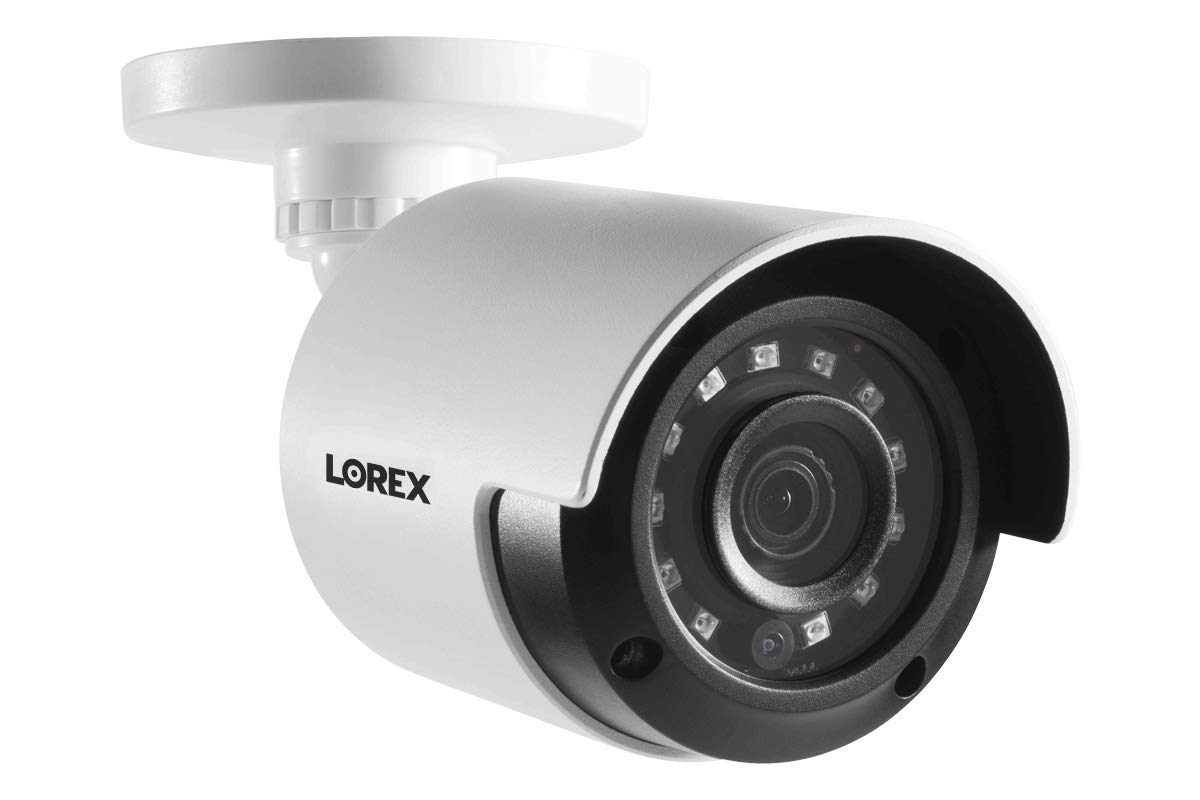
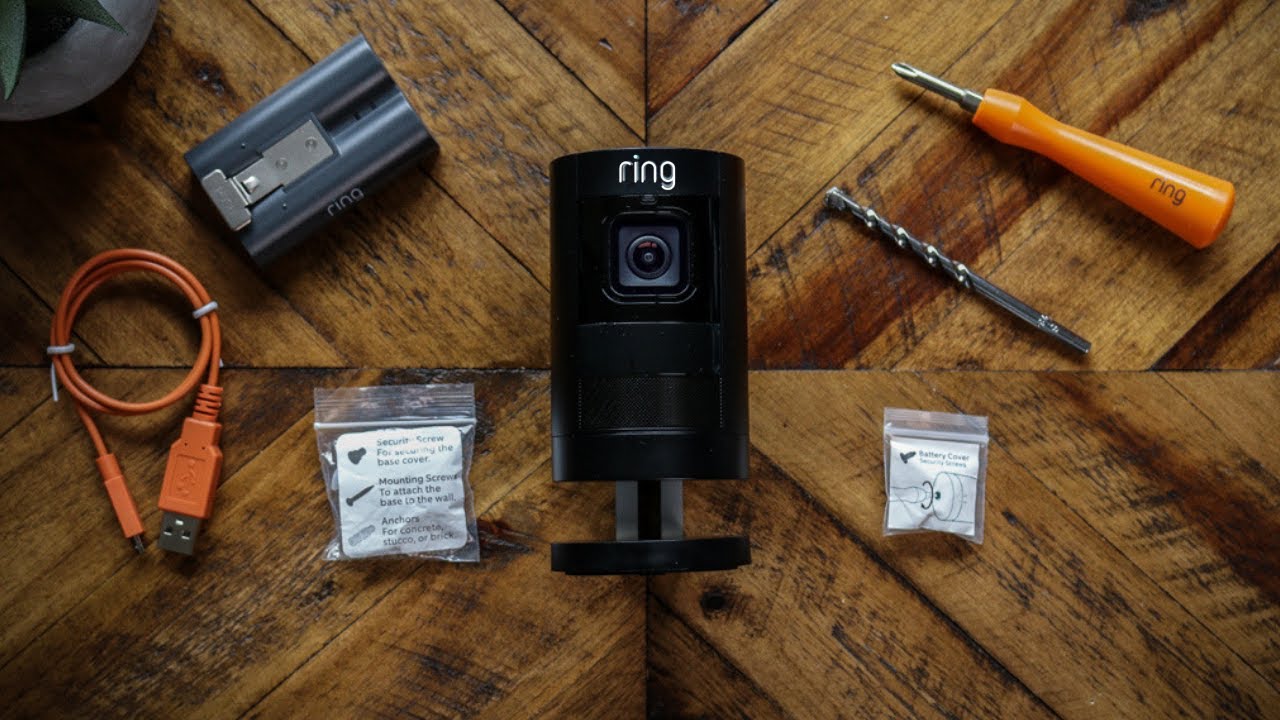
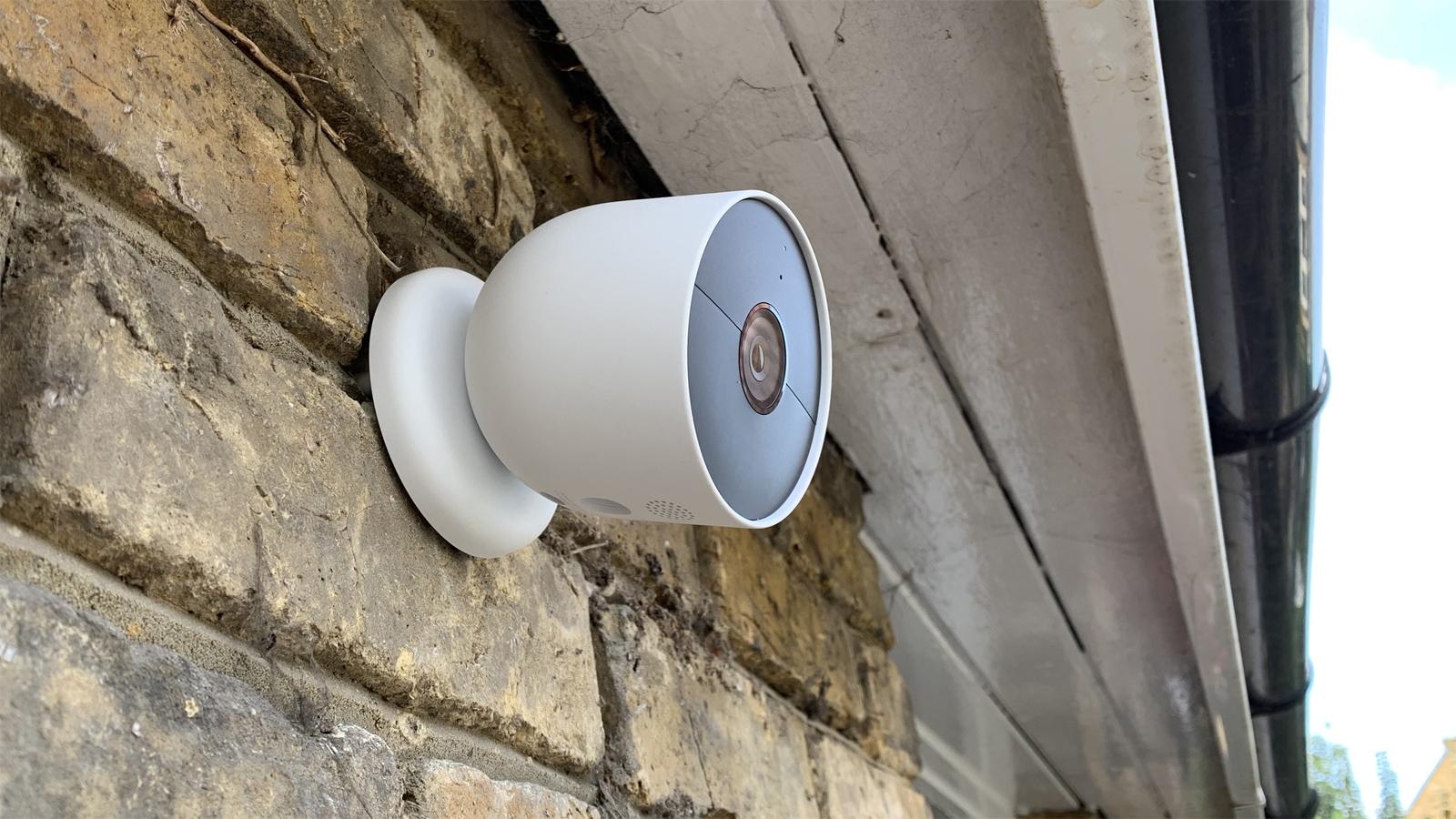
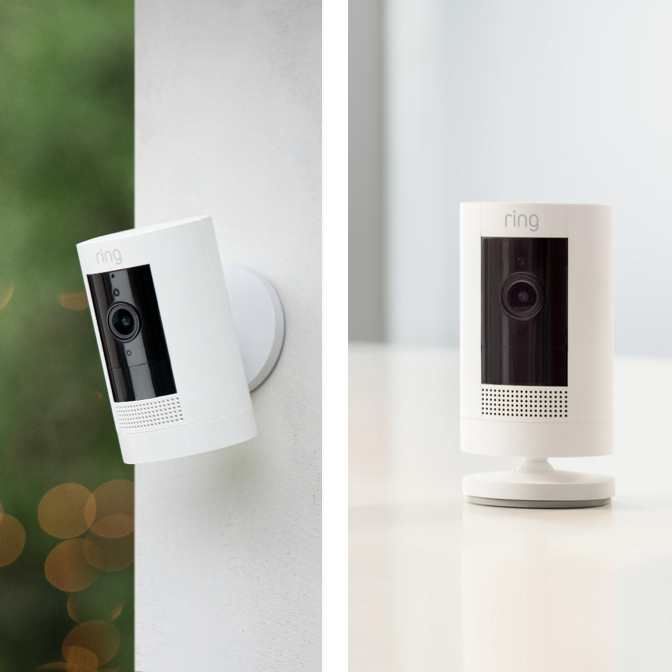
This tag collects articles focused on the practical side of using security cameras with your mobile phone. It is for anyone who owns or is considering a smart camera from major brands like Ring, Nest, Arlo, Blink, Lorex, or Swann, and needs straightforward answers about setup, power, and connectivity.
The articles here solve real-world problems grouped into two main themes. The first theme is battery life and power requirements, helping you understand how long your camera will last before needing a recharge. Articles specifically address the battery duration for the Nest camera, the Ring Stick Up Cam, and the Arlo system. The second theme is the crucial process of connecting your phone to the camera, covering both initial setup and multi-user access. You will find guides on how to connect Swann and Lorex wireless cameras to your phone, as well as step-by-step instructions for adding a phone to a Blink camera and even adding a second phone to the same Blink account.
Beyond these core areas, the collection also tackles common operational questions. One article reveals the truth about whether Ring cameras work without WiFi, while another explains how to turn off the blue light on a Ring camera. Each piece is designed to help you get your camera working reliably and manage its settings directly from your mobile device.