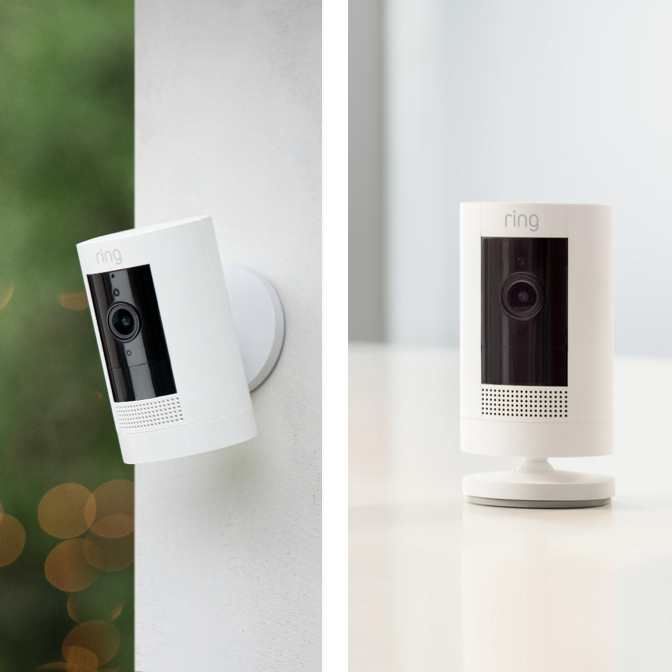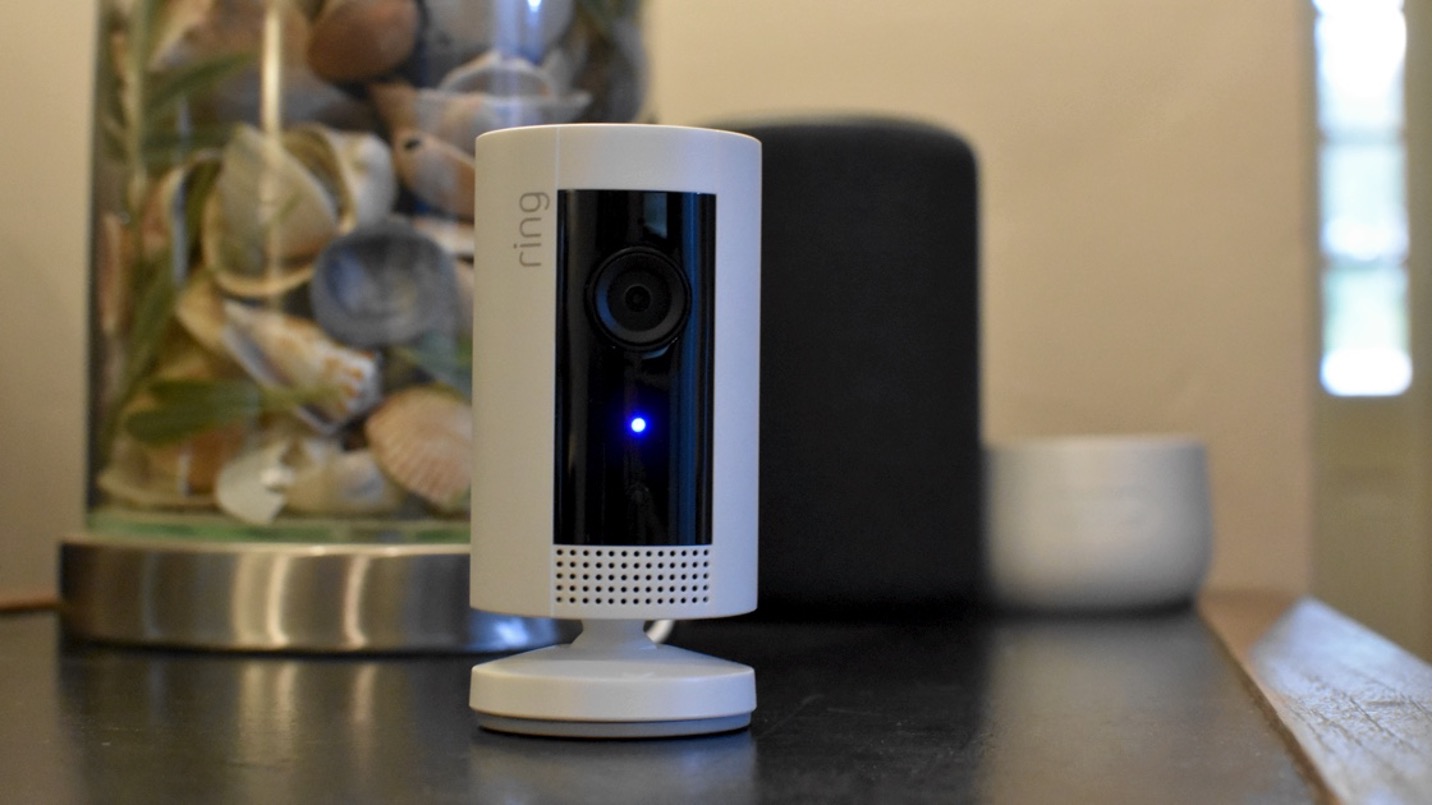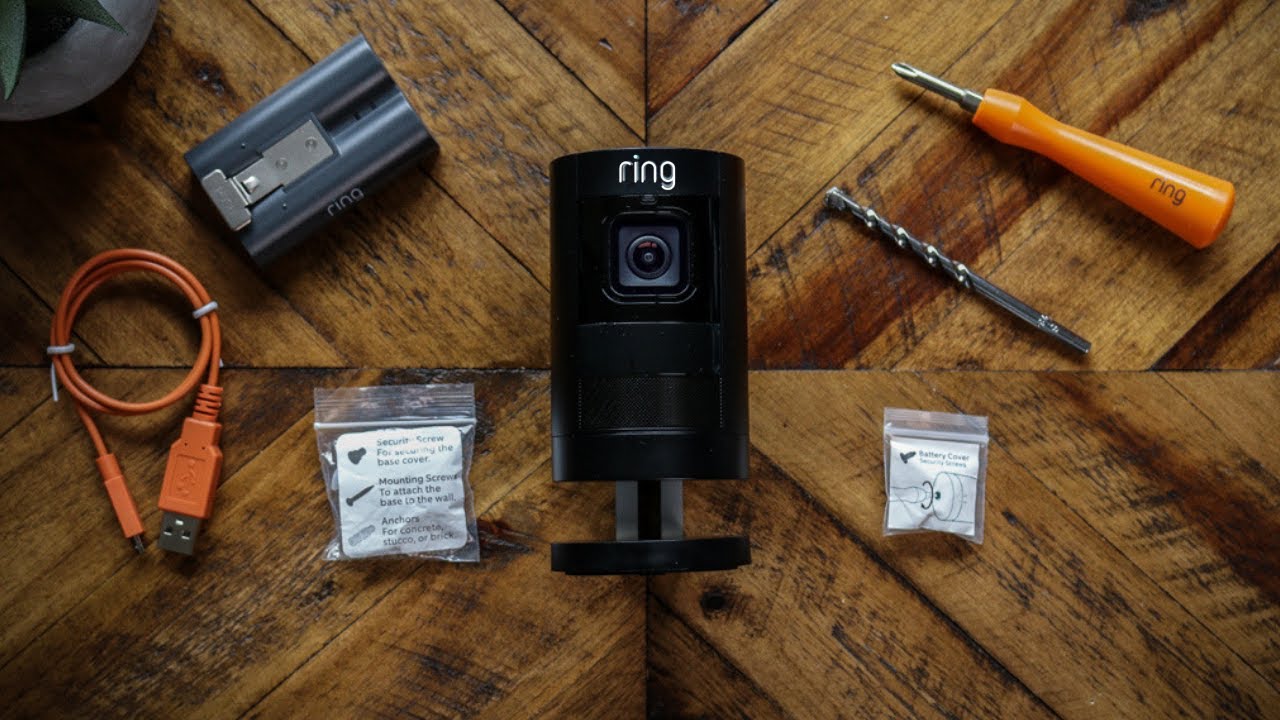
The real-world battery life of your Ring Stick Up Cam Battery depends entirely on how you use it, so there is no single number. The four key factors that determine your ring stick up cam battery life are the number of motion events it records, how often you use Live View, the strength of your Wi-Fi signal, and cold weather conditions.
What to expect from your ring stick up cam battery life
Because every home and environment is different, battery life varies significantly. Frequent motion events, such as a busy street or a high-traffic walkway, will drain the battery faster. Extensive Live View usage, where you stream video directly from the camera, also consumes substantial power. A weak Wi-Fi signal forces the camera to work harder to maintain a connection, which reduces battery life. Finally, cold weather conditions can temporarily lower battery capacity, meaning you may need to charge more often during winter months.
How to check your battery level in the Ring app
Monitoring your battery level is straightforward. Open the Ring app, tap the menu icon (☰), then tap "Devices." Select your Stick Up Cam, and tap "Power Settings." Here you will see the Battery Level percentage and Feature Power Usage, giving you a clear picture of your remaining charge and which features are consuming the most energy.
How to charge your ring stick up cam battery
When it is time to recharge, follow these steps:
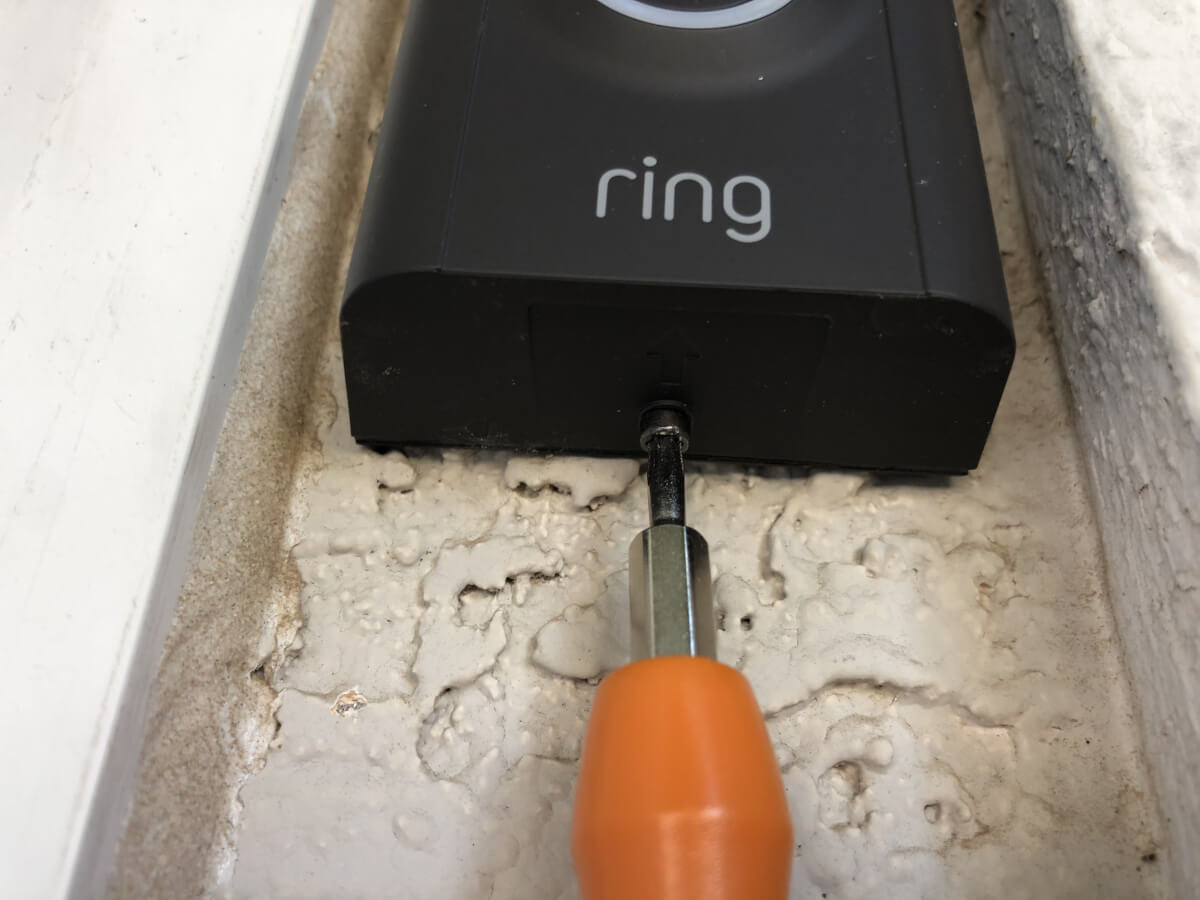
- Locate the quick-release battery compartment on the camera.
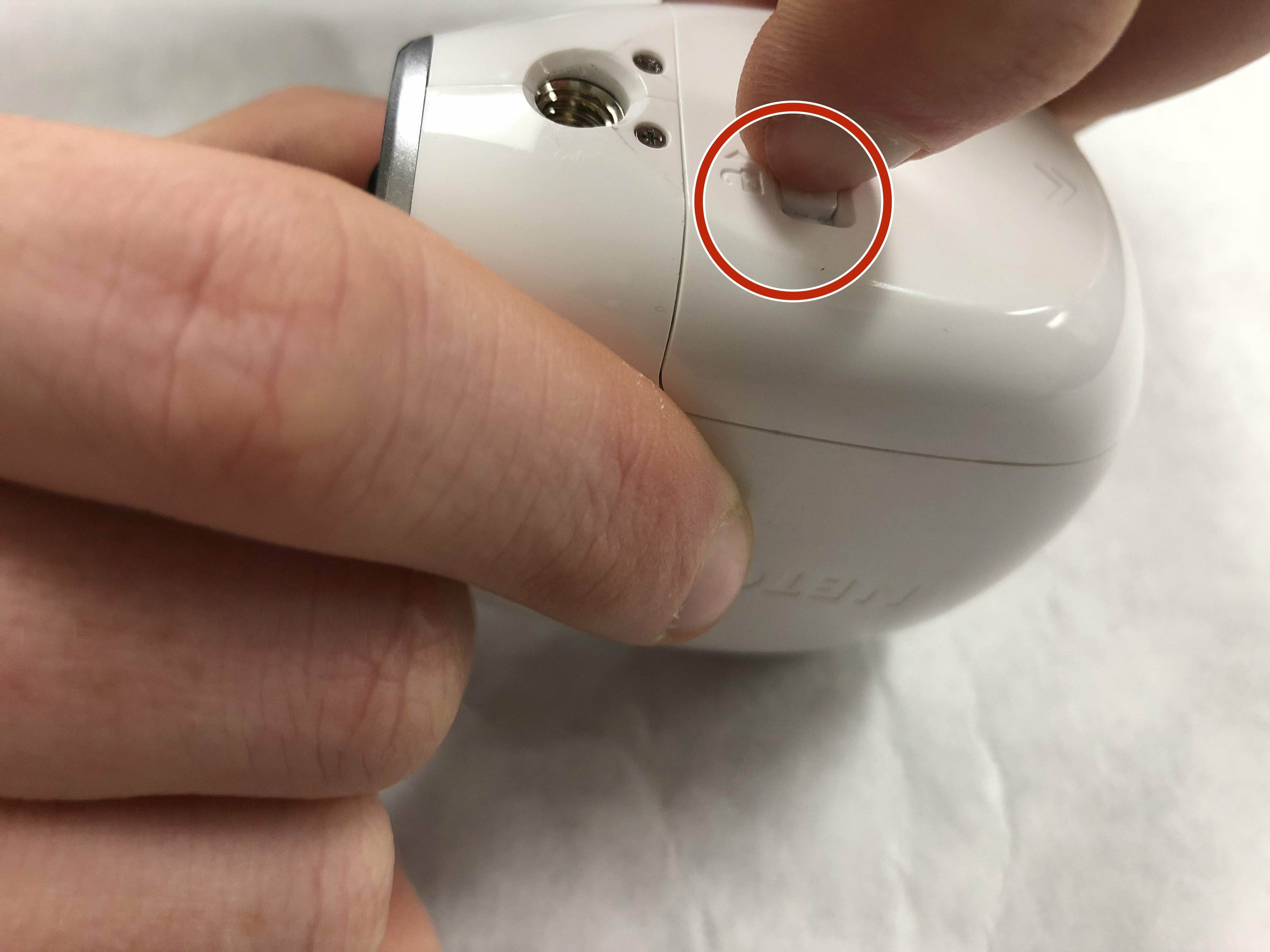
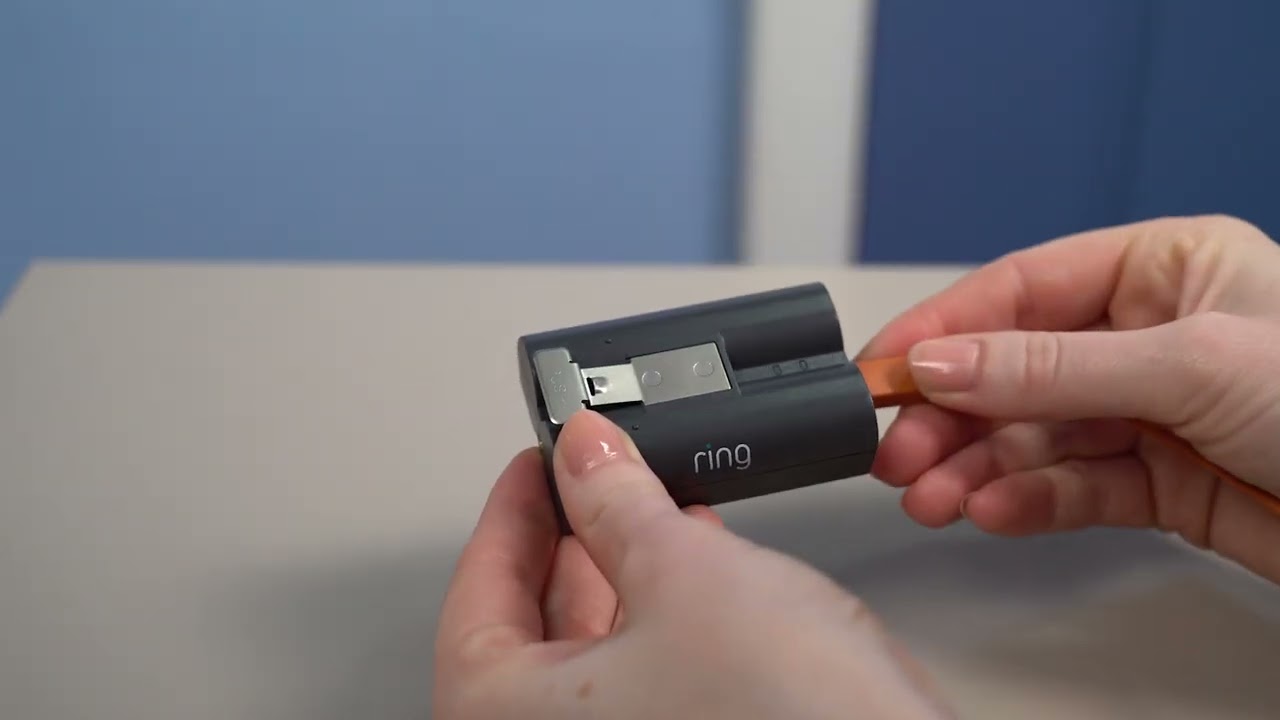
- Press the release tab and slide the battery out.
- Plug the battery into a USB port using the provided orange USB charging cable or any micro USB cable. The battery can be charged using the Ring Solar Panel as an alternative to the USB cable.
- The small light on top of the battery will glow solid green when fully charged.
- To reinsert the battery, push it into the compartment until it clicks into place.
Tips to make your battery last longer
You can extend the time between charges with a few verified adjustments. Lower the motion sensitivity to a less sensitive level so the camera does not trigger on every passing car or rustling leaf. Refine motion zones to exclude busy areas like public sidewalks or streets, focusing only on the parts of your property you want to monitor. Use "Motion Snooze" to temporarily disable motion alerts when you are home or working in the camera's field of view. Ensure a strong Wi-Fi connection by placing the camera within range of your router or using a Wi-Fi extender. Extreme heat can also affect battery performance, potentially causing overheating and reducing its overall lifespan. Adjusting video quality settings (lower resolution or frame rate) can conserve battery power. Customizing the recording length for each motion event to a shorter duration can minimize battery usage. Disabling or adjusting the brightness of the camera's LED status lights can save battery power. Finally, keep the device firmware updated, as Ring regularly releases optimizations that improve battery efficiency. For those interested in the technical details of power specifications, you can compare these settings against AA and AAA battery specs to understand the energy demands of different features.
Frequently Asked Questions
Can I use the Ring Stick Up Cam Battery while it is charging?
Yes, the camera is designed to work while connected to a power source through its micro-USB port. This allows you to keep the camera continuously powered without worrying about battery life.
How do I get low-battery notifications?
When the battery level starts to get low, you will receive a notification through the Ring app. You can also manually check the battery level at any time by accessing the Power Settings in the app.
Why does my Ring Stick Up Cam stop charging before 100%?
Ring solar-powered, plug-in, and wired devices with a Ring Battery Pack automatically stop charging before 100% to protect the battery from premature wear. This is a normal feature designed to extend the overall lifespan of the battery.
How long does it take to fully charge the Ring Stick Up Cam Battery?
Typically 5 to 10 hours, using a power source with a minimum output of 5V/2A for optimal speed.
Related reading: Do Ring Cameras Work Without WiFi? Here's the Truth and How Long Does The Arlo Battery Last.