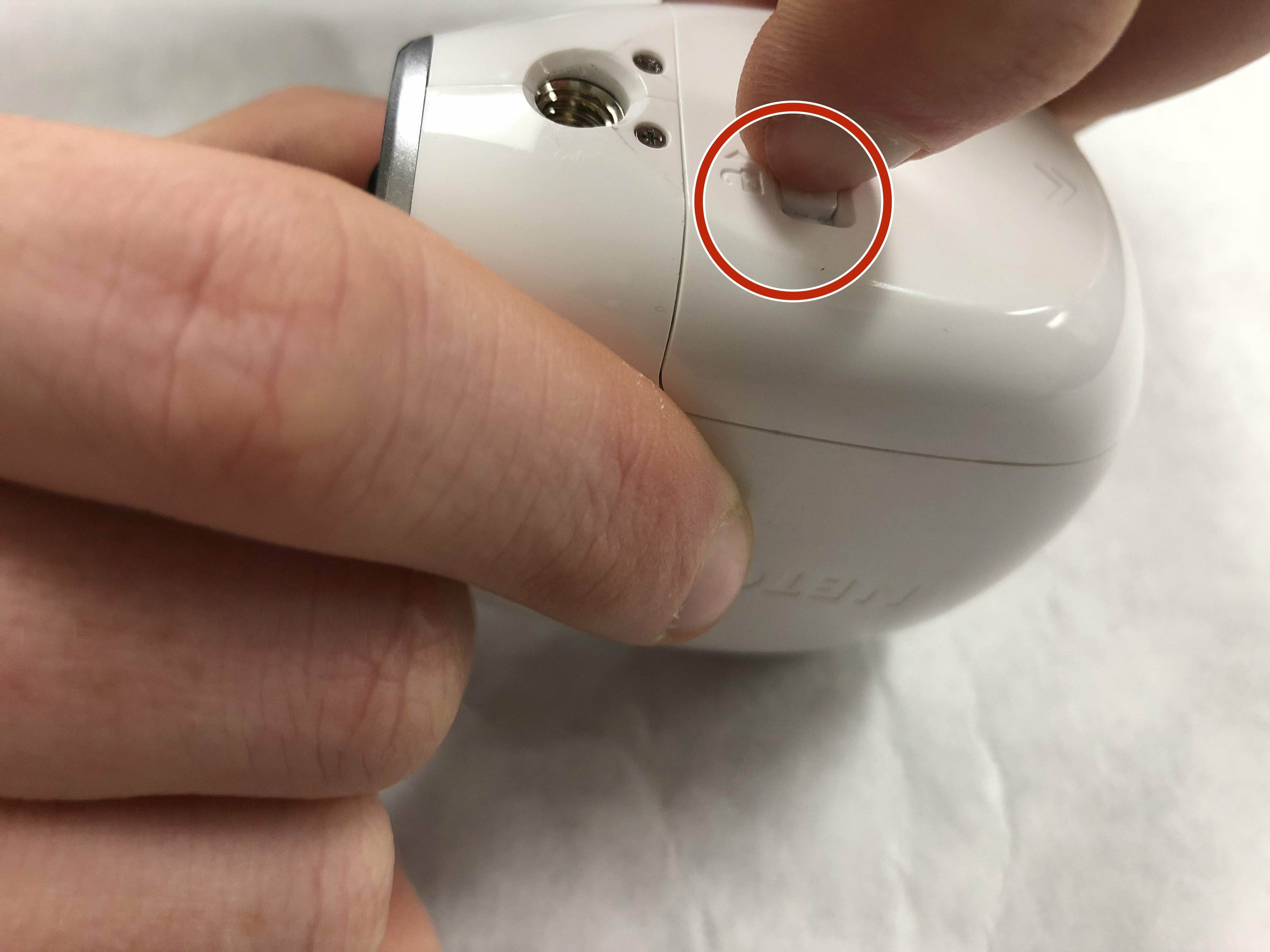
Arlo wire-free camera batteries typically last about 3 to 6 months on a single charge with average use, making arlo battery life a key consideration for planning your maintenance schedule. For the Arlo Go cellular model, expect 2 to 3 months depending on mobile signal strength, while plug-in models like the Arlo Q, Q Plus, and Baby do not use batteries at all.
How long does the Arlo battery life last?
Arlo's official support states that wire-free camera batteries last approximately 3 to 6 months with average use. The Arlo Go cameras last about 2 to 3 months, with battery life heavily dependent on mobile signal strength. For specific models, the Arlo Essential XL Spotlight Camera is rated for one year without charging, while the Arlo Essential Spotlight Camera and Arlo Essential Camera are rated for six months without charging. These Essential estimates are based on 4000 seconds of recording per month, 30 seconds per stream, and a day/night event split of 2:1. The Arlo Q, Q Plus, and Baby cameras do not use batteries and require a constant power connection.
What Arlo means by 'average use'
Arlo defines average use as the camera operating with the Optimized or Best Battery Life power management setting and recording less than three minutes per day. Battery life also varies with video quality settings, usage patterns, temperature, and for Arlo Go models, mobile signal strength. These conditions form the baseline for Arlo's official 3-6 month estimate for wire-free cameras.
Factors that drain your Arlo battery faster
- Longer recording durations and higher video quality settings
- High motion sensitivity causing frequent triggers
- Weak Wi-Fi or LTE signal (for Arlo Go, less than three bars)
- Extreme temperatures outside the camera's operating range
- Camera placement in high-traffic areas with constant motion
- Outdated firmware that lacks power optimization improvements
- Night vision or spotlight usage in poor lighting conditions
- Battery Age and Condition: Over time, rechargeable batteries naturally deteriorate, leading to reduced capacity and shorter battery life. Regularly monitoring and replacing older batteries can help maintain optimal performance.
How to extend your Arlo battery life: official tips
Arlo recommends these specific changes to maximize battery life:
- Record shorter videos by adjusting the recording length in the camera settings.
- Change the power management setting in the Arlo app by tapping Devices, selecting a wire-free camera, then tapping Power Management. Choose Optimized or Best Battery Life to conserve power. Arlo's older manuals also document this path: Settings > [path incomplete in source].
- Set a schedule to turn cameras on and off automatically during times when monitoring is not needed.
- Decrease motion sensitivity to reduce false triggers and unnecessary recordings.
- Adjust light settings for Spotlight cameras and Floodlights to minimize night vision usage.
- Keep firmware up to date through the Arlo app to benefit from battery-saving improvements.
- Use Low Power Mode on supported cameras, which extends battery life by taking snapshots instead of video.
- Aim the camera only at areas of interest to avoid capturing irrelevant motion.
- Keep the camera within range of the Wi-Fi router, SmartHub, or Base Station to maintain a strong signal.
- For Arlo Go or Go 2, ensure the LTE signal is at least three bars to prevent the camera from working harder to maintain a connection.
- Activity Zones can reduce unnecessary triggers and recordings, thus reducing battery consumption.
- Enable Geofencing: Geofencing allows cameras to automatically arm and disarm based on your smartphone's GPS location, preventing unnecessary battery drain when you are present.
- Disable Audio Recording: If you don't need audio recordings, disabling this feature can help extend the overall battery life.
Arlo defines the power management options as follows: Best Video may reduce battery life but provides the best video quality; Optimized balances video quality and battery life; Best Battery Life may reduce video quality but provides the best battery life; and Low Power Mode extends battery life by taking snapshots instead of video (available on some cameras).
Frequently Asked Questions about Arlo batteries
How do I know when the Arlo battery is running low?
The Arlo app shows a battery level indicator for each camera in the Devices section. When the battery is low, you will receive a notification prompting you to recharge or replace it.
Can I use rechargeable batteries for my Arlo camera?
Yes, Arlo cameras are compatible with rechargeable batteries. Using high-quality rechargeable batteries is recommended for optimal performance and maximum battery life. For detailed AA and AAA battery specs, refer to Arlo's support documentation on compatible battery types.
How do I recharge the Arlo battery?
Remove the battery from the camera and connect it to the Arlo charging cable. Plug the cable into a power source and wait for the battery to fully charge. Charging time varies by model and battery capacity. Once fully charged, reinsert the battery into the camera.
Does temperature affect Arlo battery life?
Yes, extreme temperatures can significantly reduce battery performance. Very cold or very hot conditions cause the battery to discharge more quickly, shortening the time between charges.
Will using a power adapter eliminate the need for batteries?
Yes, you can connect supported Arlo cameras to a power adapter for continuous power, which eliminates battery changes entirely. This is useful for cameras in high-traffic areas or locations where battery replacement is difficult.
Related reading: How Long Does The Nest Camera Battery Last.