Understanding, measuring, and improving the cellular and wireless connections on your phones and home internet equipment. This content is for anyone frustrated by dropped calls, slow data, or weak Wi-Fi, whether you're troubleshooting at home or trying to get a better connection on your mobile device.
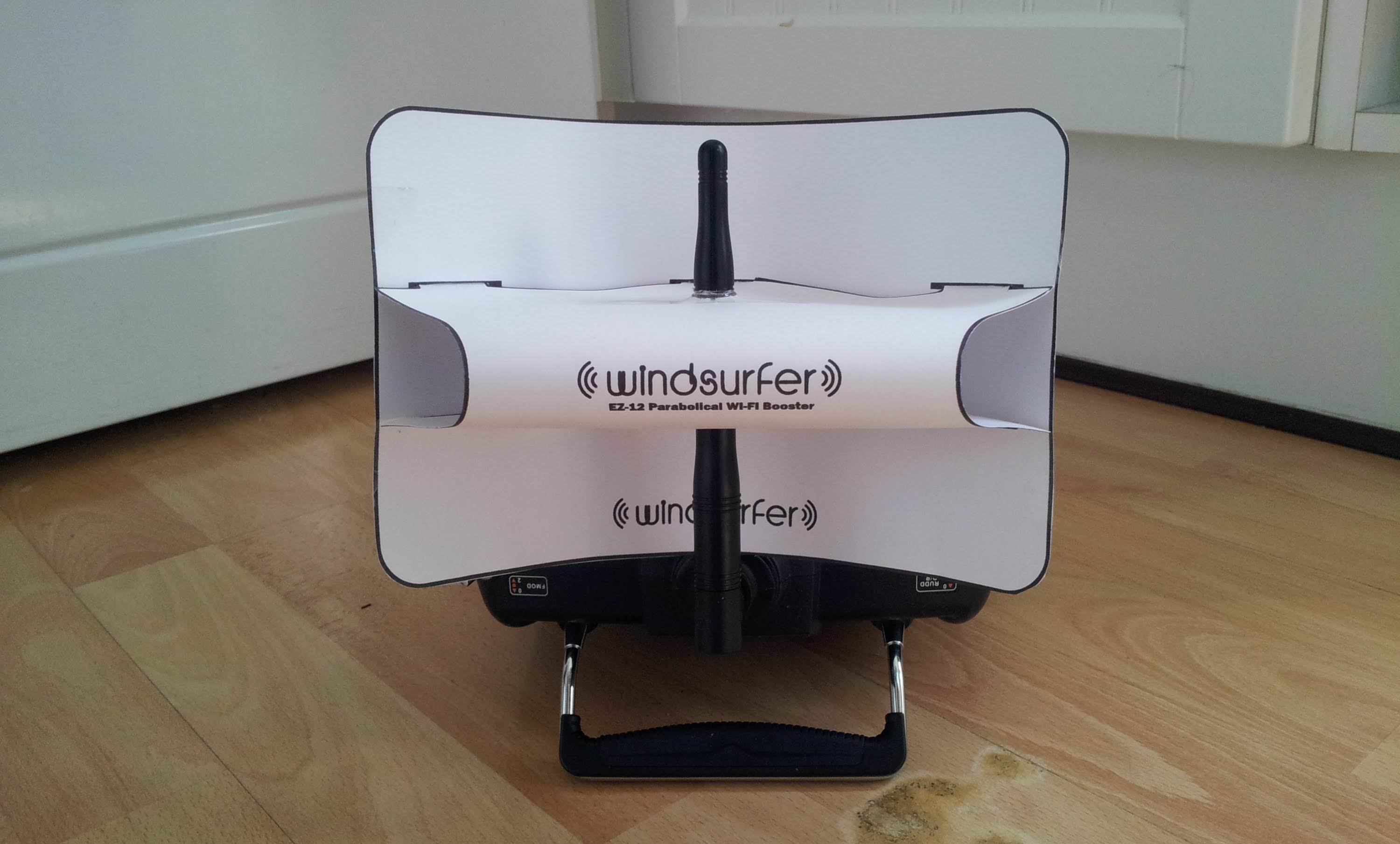
The articles address three main problem areas. First, they help you diagnose the root cause of poor signal, with guides on how to tell what band your phone is using and how to detect cell phone signals. Second, they offer practical fixes for boosting your connection, including how to improve mobile signal strength at home and how to boost mobile signal in general. Third, several articles tackle carrier-specific issues, such as why your T-Mobile signal is bad, how to improve T-Mobile home internet speed, and what to do when your T-Mobile home internet isn't working.
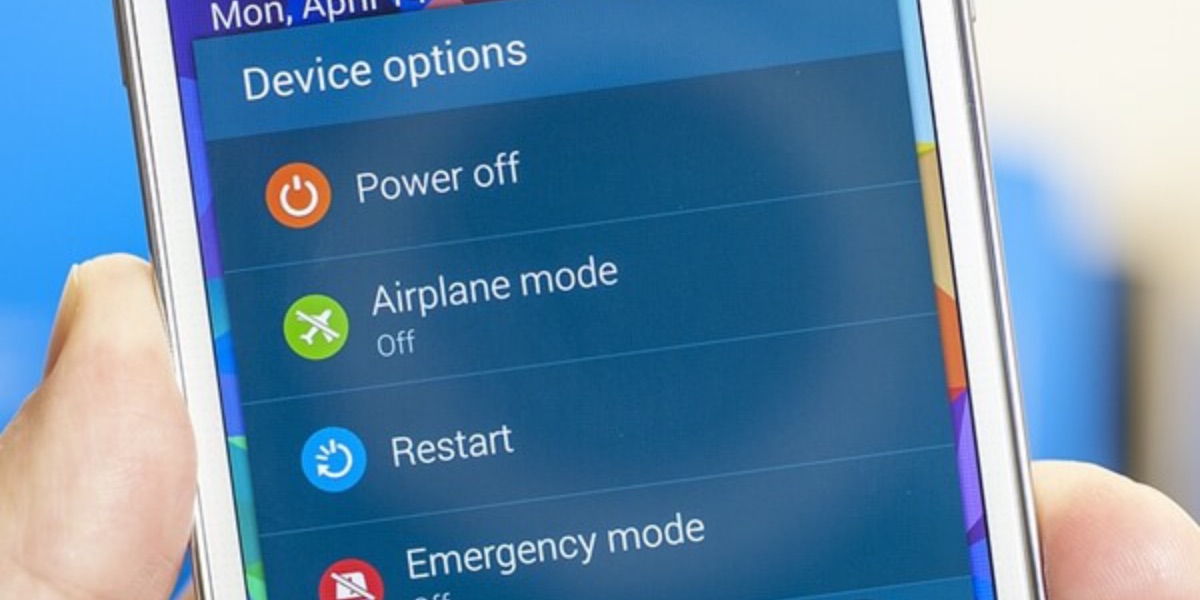
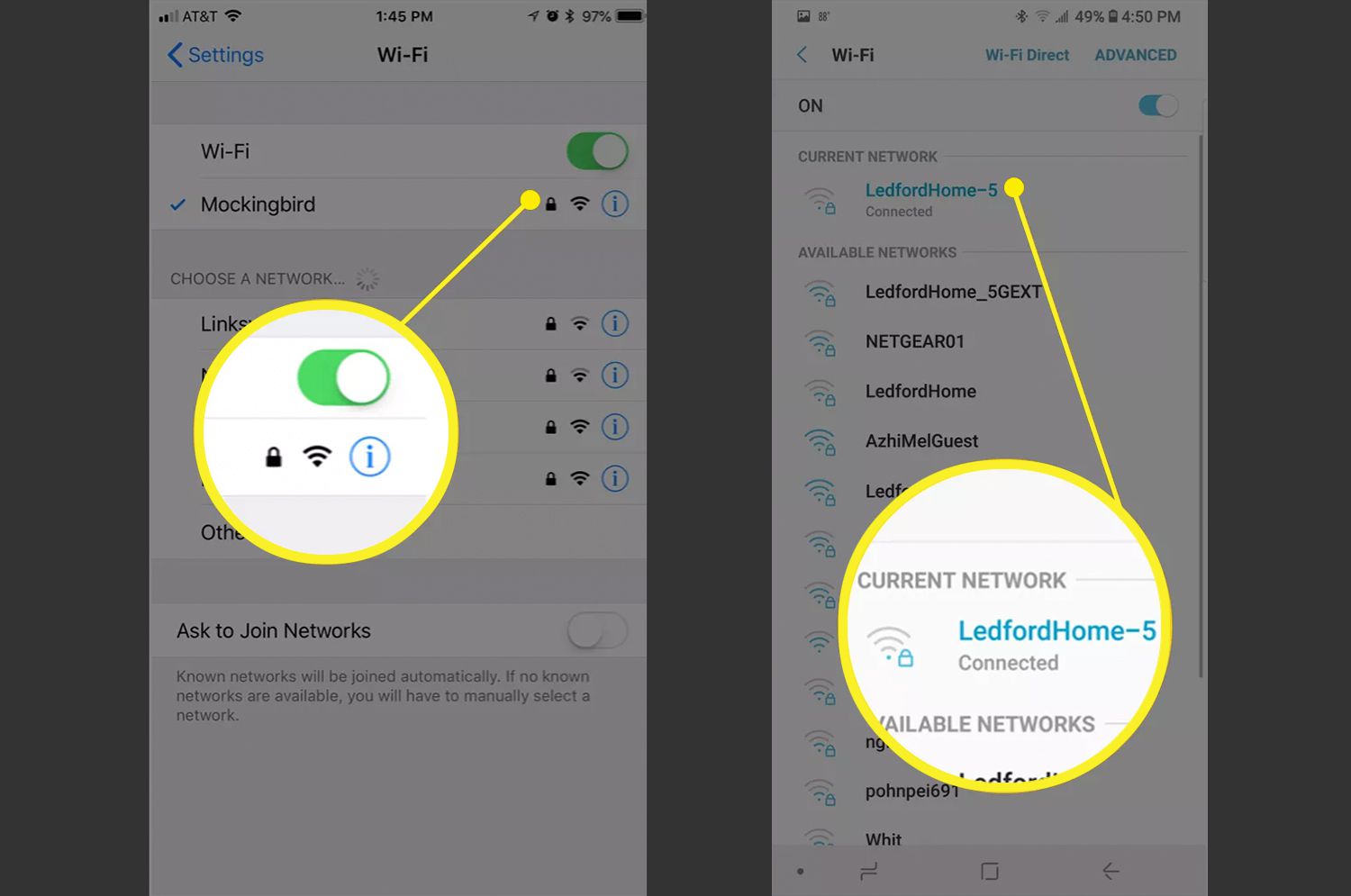
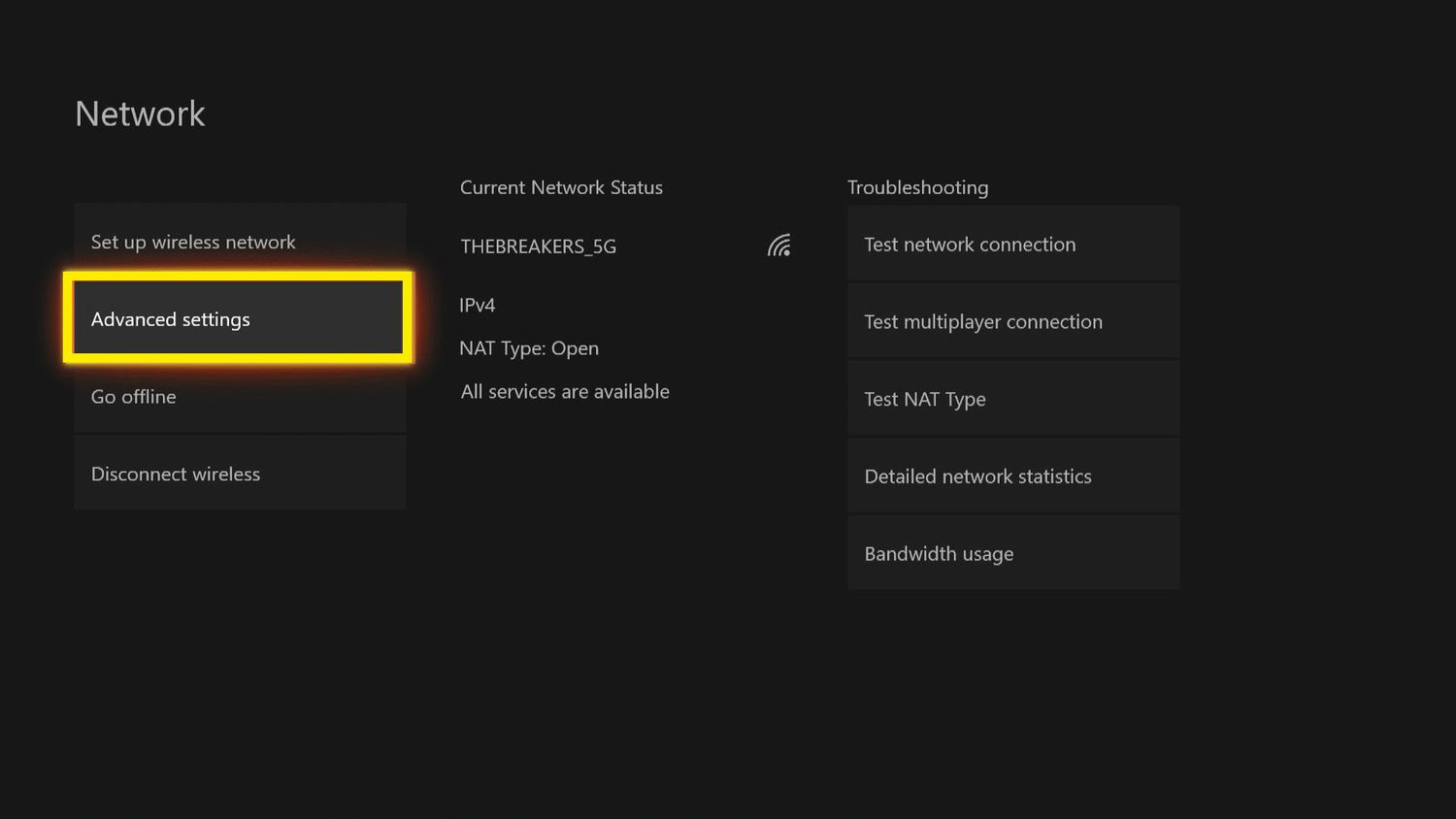
Specific topics covered include locating a cell tower near you, checking wireless signal strength, and understanding why you only have one or two bars on an iPhone 13 or iPhone 11. The articles also explain where the antenna is on an iPhone 11, how to get a Motorola phone out of emergency mode, and how long a mobile hotspot lasts. Whether you need to test your wireless connection or make your wireless internet signal stronger, these guides provide straightforward steps for real-world signal problems.