Understanding, measuring, and improving the cellular and wireless connections on your phones and home internet equipment. This content is for anyone frustrated by dropped calls, slow data, or weak Wi-Fi, whether you're troubleshooting at home or trying to get a better connection on your mobile device.
Specific topics covered include locating a cell tower near you, checking wireless signal strength, and understanding why you only have one or two bars on an iPhone 13 or iPhone 11. The articles also explain where the antenna is on an iPhone 11, how to get a Motorola phone out of emergency mode, and how long a mobile hotspot lasts. Whether you need to test your wireless connection or make your wireless internet signal stronger, these guides provide straightforward steps for real-world signal problems.
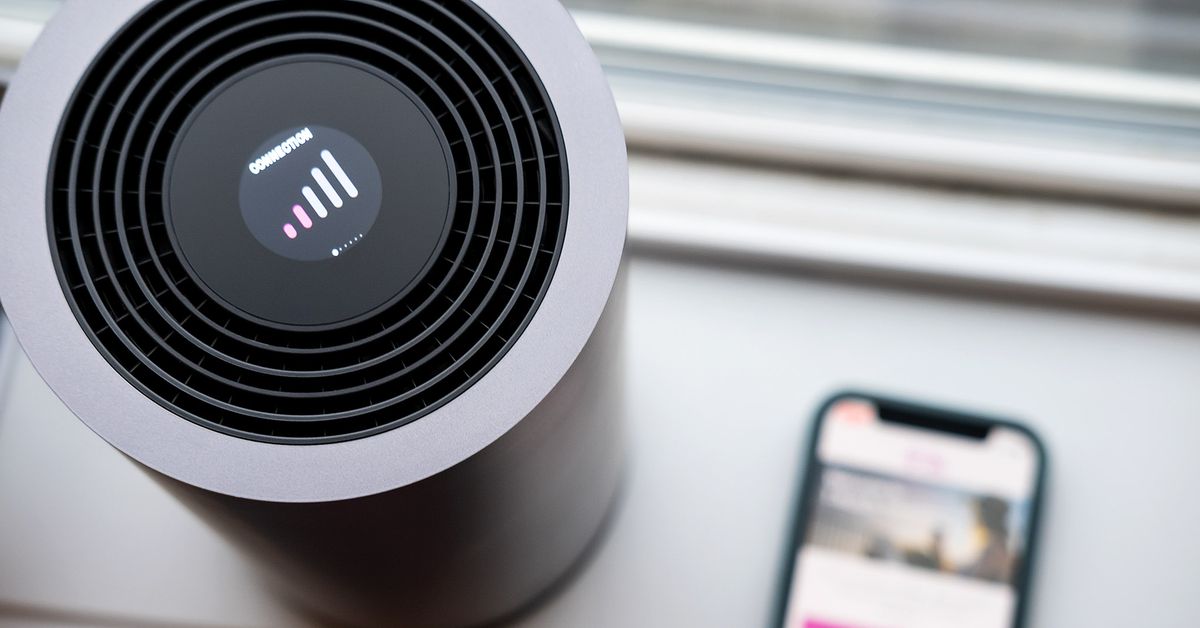
If your T-Mobile Home Internet is not working, start by checking the gateway's physical setup and performing a power cycle. This is the most common fix for a connection that...
To improve T-Mobile Home Internet speed, start by checking your signal strength and using the Gateway placement assistant in the T-Life app to find the best location for your gateway....
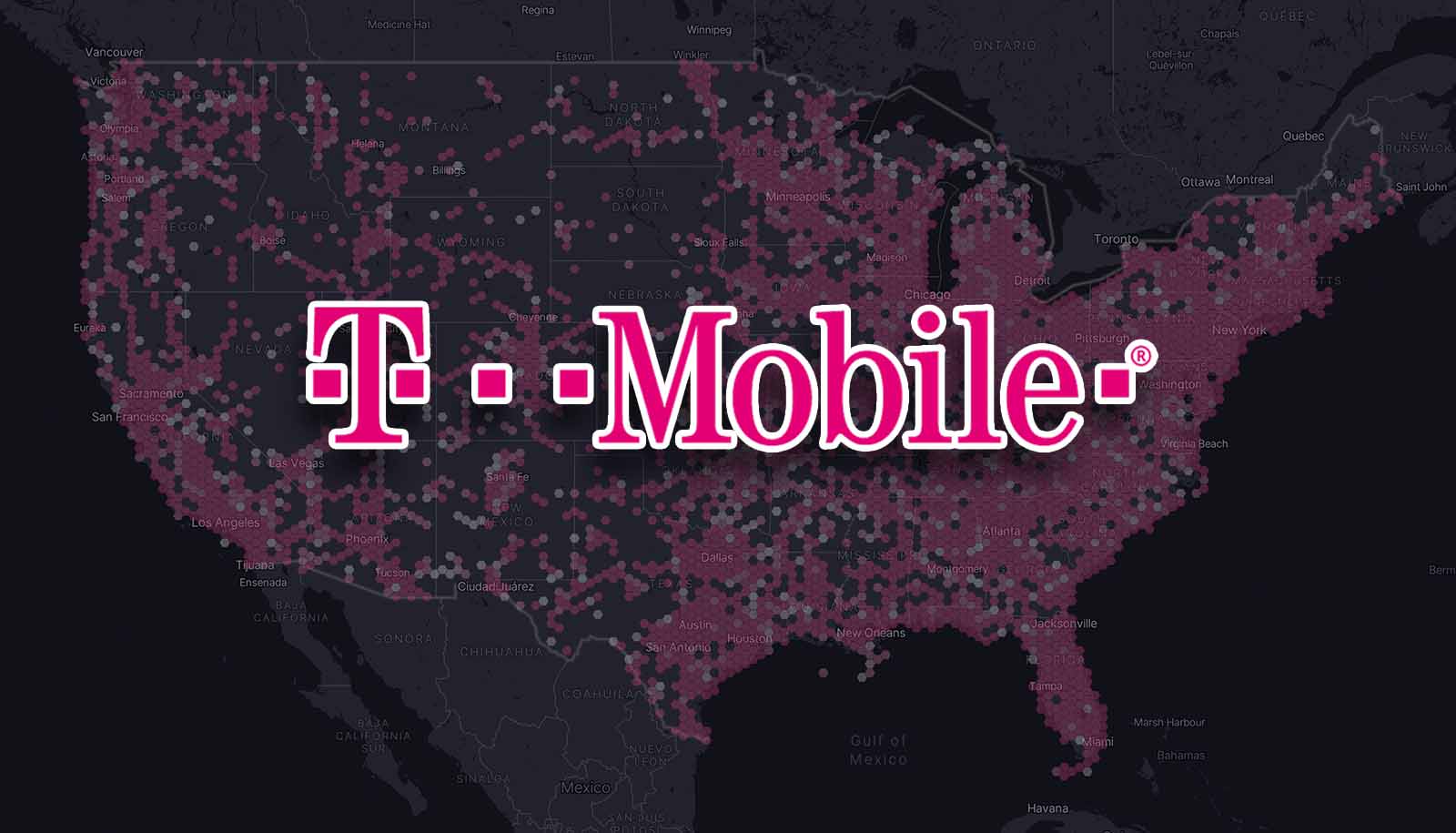
To find T-Mobile towers, the most direct method is to use T-Mobile's official coverage map, as the carrier does not provide a consumer-facing tool that pinpoints exact tower locations. This...
Your T-Mobile internet is slow primarily because of network deprioritization or poor signal strength to your gateway. Deprioritization means your traffic is temporarily slowed when the local cell tower is...
Your T-Mobile signal is bad for one of two real reasons: you are outside T-Mobile's effective coverage area, or something between you and the nearest tower is blocking the signal....
To boost mobile signal, start by changing where you hold your phone, your physical position is the most powerful tool you have. Choose the right location to boost mobile signal...
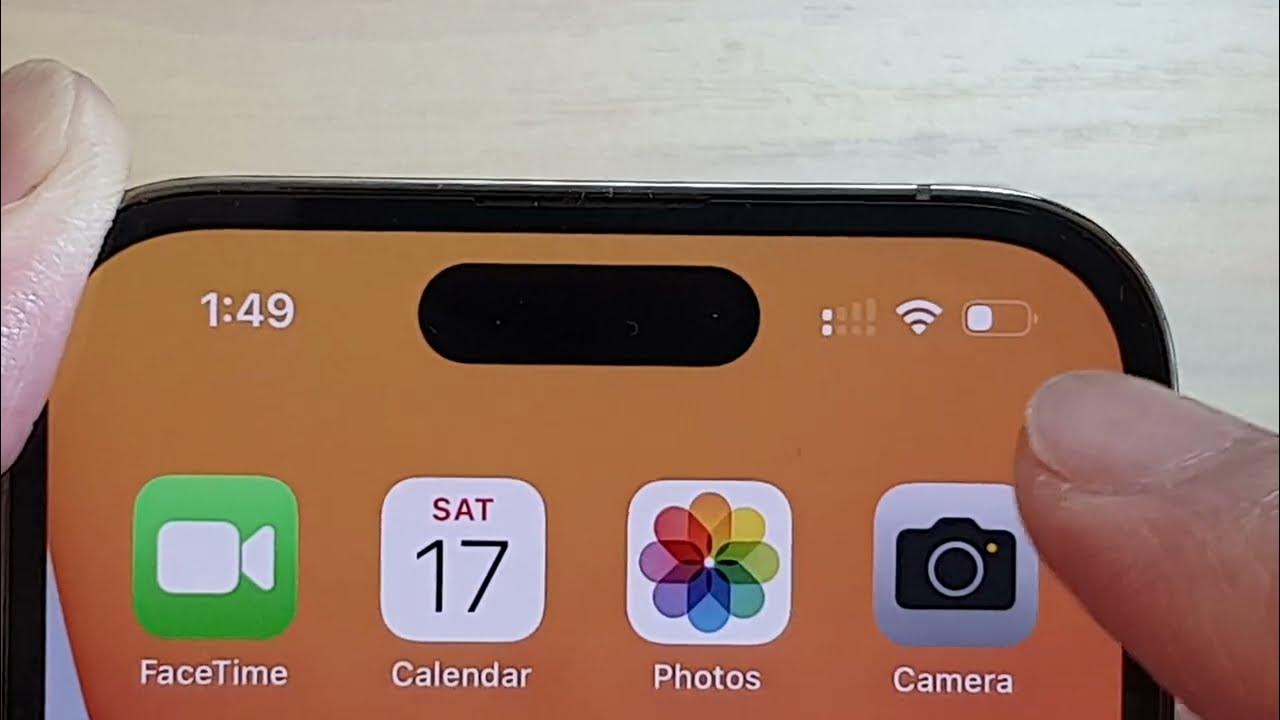
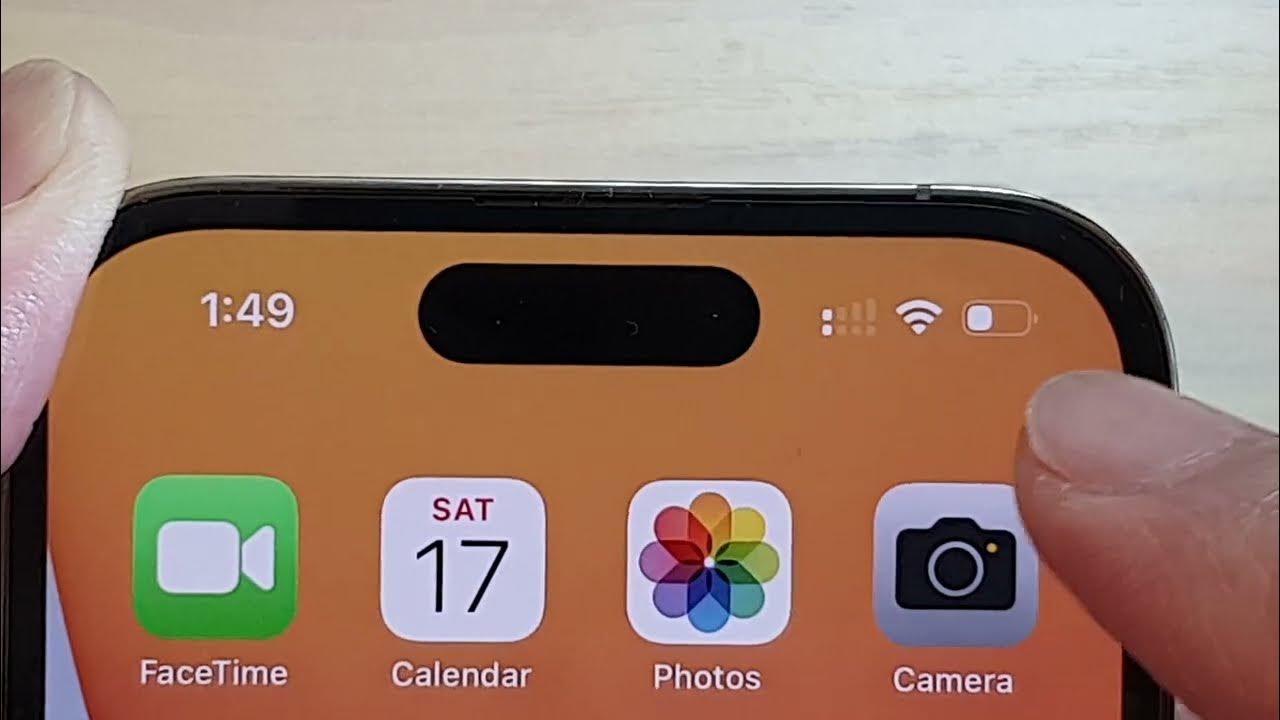
Seeing only 2 bars on my iPhone 12 simply means your phone is receiving a weak-to-moderate cellular signal from the nearest tower. Apple documents that the bars in the status...
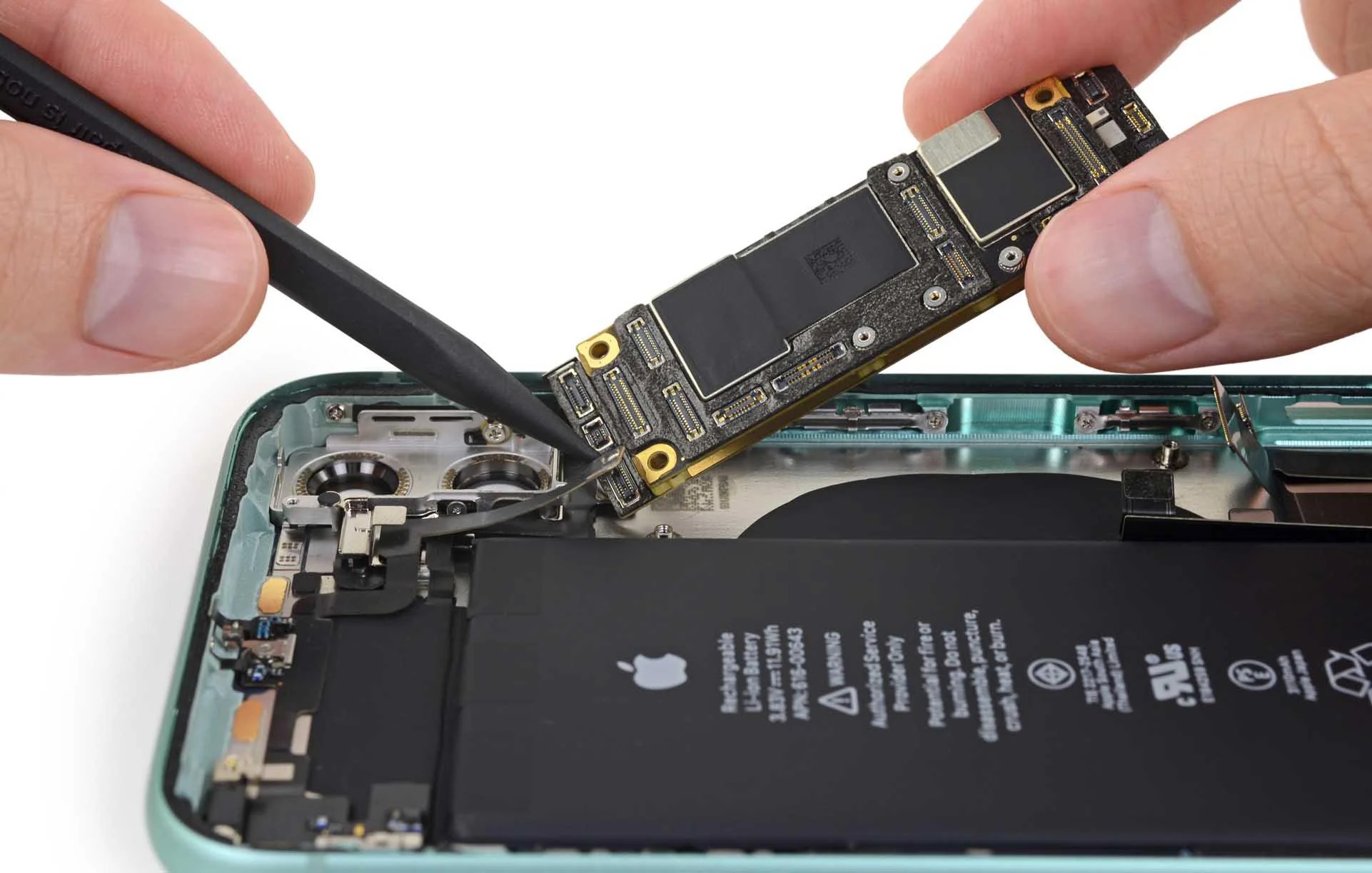
If you are searching for where is the antenna on iPhone 11, the direct answer is that there is no visible or serviceable antenna point for you to locate or...
If your iPhone 11 shows only 2 bars, it means the phone is receiving a weak but still usable cellular signal, as Apple defines the bars as the signal strength...
How long does mobile hotspot last depends entirely on your phone's battery, its cellular connection, and how you use it, there is no universal fixed duration. How long does a...
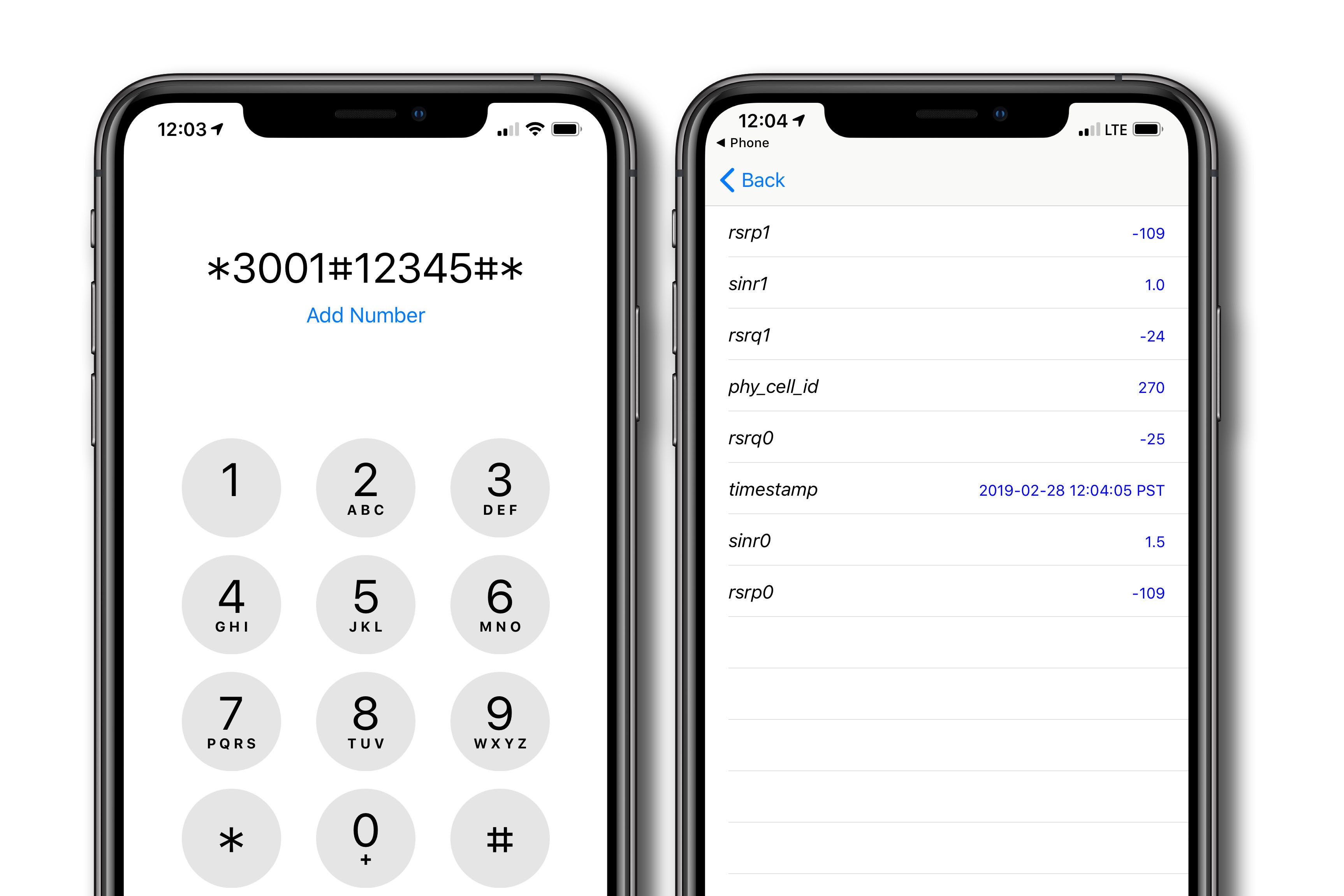
To detect cell phone signals accurately, you must bypass the misleading signal bars on your screen and read the raw numerical data hidden in your phone's diagnostic menus. This method...