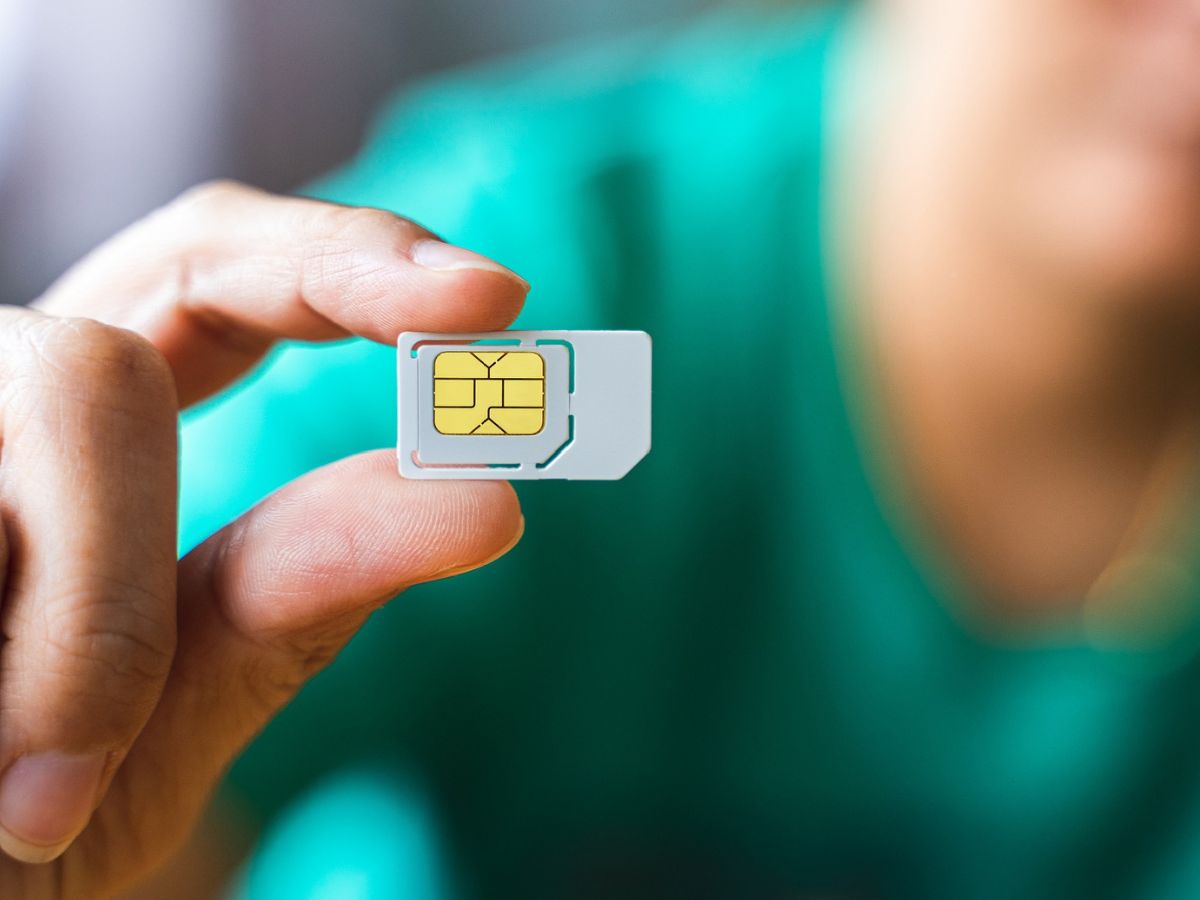
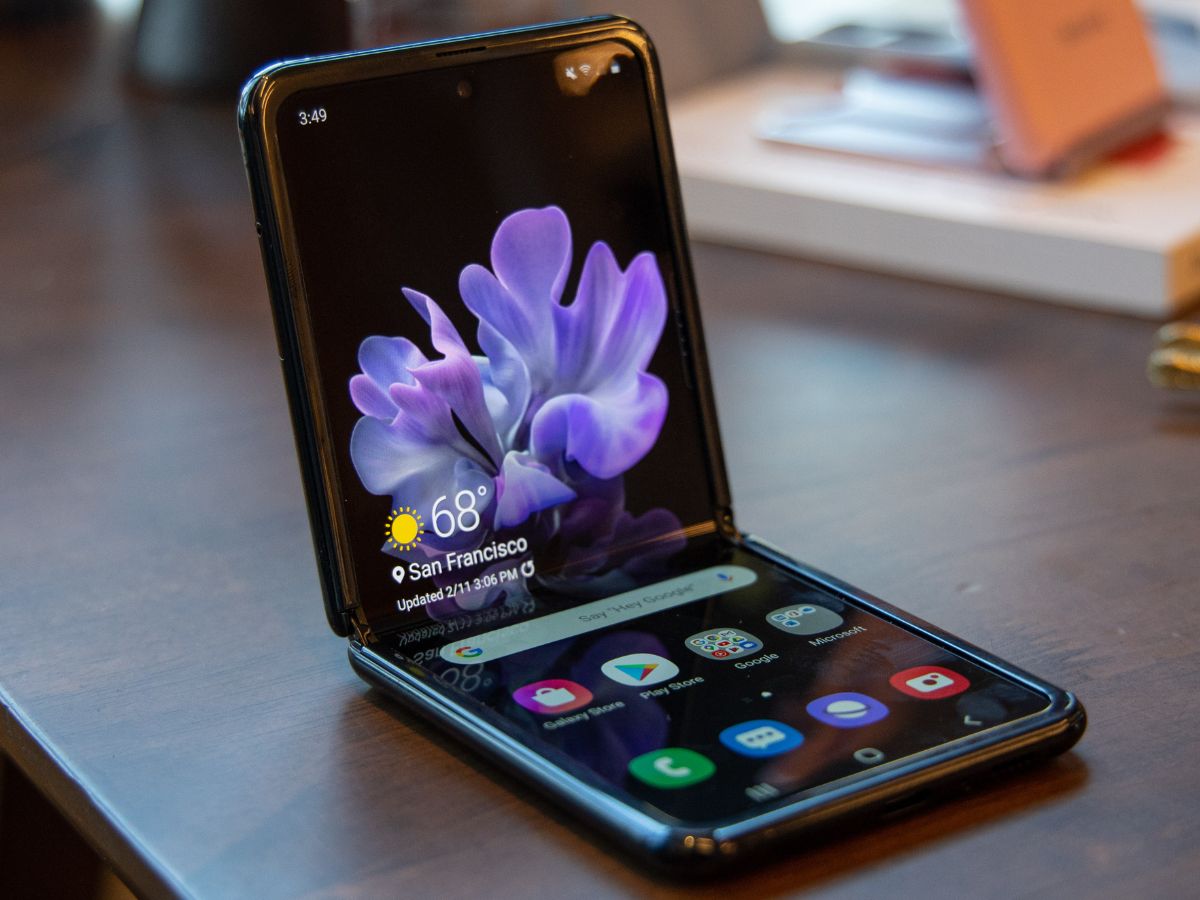
A focused collection of guides for anyone who needs to manage, troubleshoot, or understand their phone’s connection to a mobile network. Whether you are setting up a new device, switching carriers, or dealing with a sudden loss of service, these articles are written for the everyday user who wants clear, actionable steps without technical jargon.
The articles here solve three main kinds of problems. First, they address common connectivity errors and service issues, such as fixing an “Invalid SIM” or “No Service” message on both Android and iOS, and understanding what it means when your phone says it has no signal. Second, they walk you through carrier-specific tasks like activating a new phone on Verizon, porting a number to T-Mobile, converting a physical SIM to an eSIM with T-Mobile, or canceling service with Mint Mobile. Third, they cover unlocking and compatibility questions, including how to unlock a T-Mobile, Samsung, Nokia, or Xfinity phone, what an unlocked phone actually means, and which phones work with Boost Mobile SIM cards.
By following these guides, you can learn how to check your own phone number, factory reset a T-Mobile hotspot, set up a cellular trail camera, or even top up a Vodafone dongle. The tag also includes practical advice for using your phone abroad, such as how to use your device in Italy, and explains key concepts like mobile networks and number portability. Each article is a straightforward, how-to resource designed to help you take control of your phone’s connectivity.