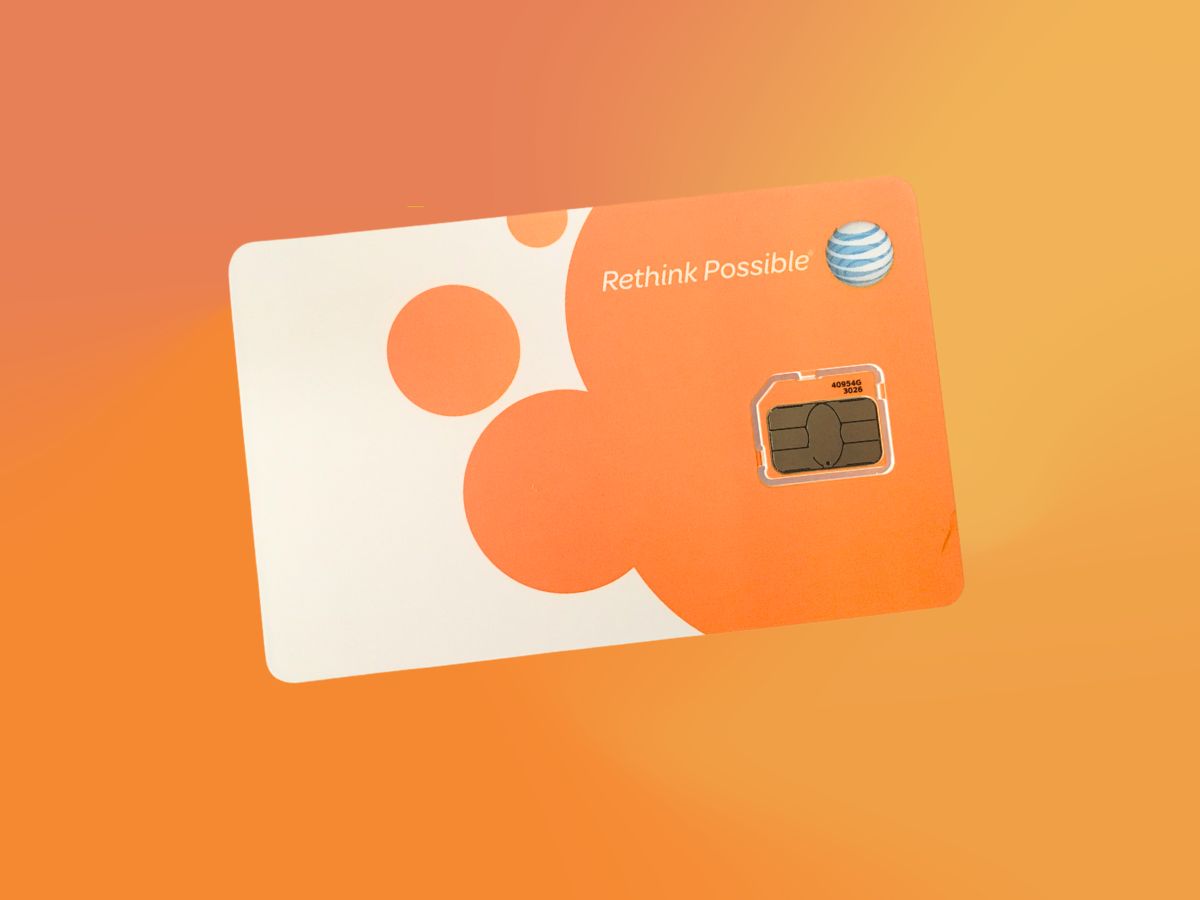
To get a new SIM card from AT&T, you can visit a store, call customer service, or request one online, with the in-store option being the fastest way to get a new SIM card from at&t immediately. For AT&T Prepaid customers, the process requires a separate online purchase flow.
Visit an AT&T store
- Locate your nearest AT&T store using the store locator on the AT&T website.
- Bring a valid form of identification, such as a driver's license or passport, and your AT&T account information.
- Speak with an AT&T representative and explain that you need a replacement SIM card.
- Pay any applicable fees for the new SIM card.
Visiting a store allows you to speak directly with a representative who can provide the SIM card immediately and assist with any additional questions.
Call AT&T customer service
- Dial AT&T customer service at 800.331.0500.
- Follow the automated prompts or speak directly with a representative.
- Verify your identity by providing your account details, such as your phone number and account PIN, and answer any security questions.
- Explain that you need a replacement SIM card and provide your mailing address for delivery.
- Pay any applicable fees, if required.
- Wait for the new SIM card to be sent to your registered mailing address.
This method is useful if you cannot visit a store, though you will need to wait for the SIM card to arrive by mail.
Request a new SIM card online
- Go to the AT&T website and log in to your account.
- Navigate to the Device Support section.
- Look for the option to request a new SIM card, typically under managing your device.
- Follow the online instructions, providing your account details and confirming your shipping address.
- Review any charges associated with the order, then confirm the request.
- Wait for the new SIM card to be delivered to the specified address.
Requesting a new SIM card online is a convenient way to have a replacement sent directly to you without needing to visit a store or make a phone call.
Use AT&T online chat
- Visit the AT&T website and find the Contact Us or Support section.
- Locate and initiate the online chat option with an AT&T representative.
- Explain that you need a new SIM card and provide your account information and address for verification.
- Answer any additional questions the representative asks.
- Review any charges, confirm the request, and provide payment information if required.
- Await delivery of the new SIM card to your specified address.
Using online chat allows you to request a replacement without waiting on hold, while still getting live assistance.
Get a new SIM card for AT&T Prepaid
AT&T Prepaid customers have a specific online flow for obtaining a new SIM card. Go to the AT&T Prepaid bring your own device page, select Shop now, then choose either an eSIM or a physical SIM card. Complete the checkout process with your shipping and payment information.
Activate your new SIM card
Before activating, make sure the SIM card is inserted in your phone. AT&T's wireless activation page says that if you bought a new phone or new SIM card, make sure the SIM card is inserted in the phone before activation. If you are moving service to a replacement device, AT&T says to remove the original SIM from the old device and insert it into the replacement; if you do not have the original SIM, use the new one from the replacement box. For AT&T Prepaid physical SIM activation, insert the SIM card into your unlocked device, turn it on, and wait for a confirmation text. You can also activate online at att.com/activateprepaid or, for some devices, go to att.com/activations and under AT&T PREPAID select Activate your device. On some AT&T Prepaid devices, press and hold Power/Hang Up, select Activate Now, enter your 5-digit ZIP code, select a rate plan, then select Confirm and OK. Note that exact activation steps vary by device model and whether you have a physical SIM or eSIM. AT&T documents that activating phones and SIM cards on any carrier requires following the specific instructions for your device, which can be found by going to Device Support, choosing your device, then Getting started and Hardware & phone details for Insert or remove SIM card instructions.
Frequently Asked Questions
Can I get a new SIM card for AT&T without going to a store?
Yes, you can request a new SIM card by calling 800.331.0500, using AT&T's online chat, or ordering through the AT&T website. For AT&T Prepaid, you must use the dedicated online purchase flow on the bring your own device page.
Will I lose my contacts when I change my SIM card?
No, contacts stored on your phone's internal storage or in the cloud will not be affected by changing your SIM card. Only contacts saved directly to the SIM card may be lost, so check your storage settings before switching.
How do I know which SIM card size I need for my phone?
Newer AT&T SIM card kits typically include a multi-size SIM that works with standard, micro, and nano slots.
Can I activate my new AT&T SIM card myself?
Yes, you can activate it yourself by inserting the SIM into your phone before starting activation, then using att.com/activateprepaid or att.com/activations for Prepaid service. For postpaid, instructions are included with the SIM or provided by the store or customer service representative.
Is there a limit to how often I can get a replacement SIM from AT&T?
Contact customer service if you have concerns about your account's eligibility.
How much does a replacement SIM card cost from AT&T?
Related reading: How Do I Activate My AT&T SIM Card? and How To Unlock Your AT&T SIM Card.