Start here: Siri

All topics →

This tag collects all of CellularNews's articles about Apple's Siri voice assistant, from basic setup and daily use to troubleshooting when things go wrong. It is written for anyone who owns an iPhone, AirPods, or other Apple devices and wants to get more out of their voice assistant, or fix it when it stops responding.

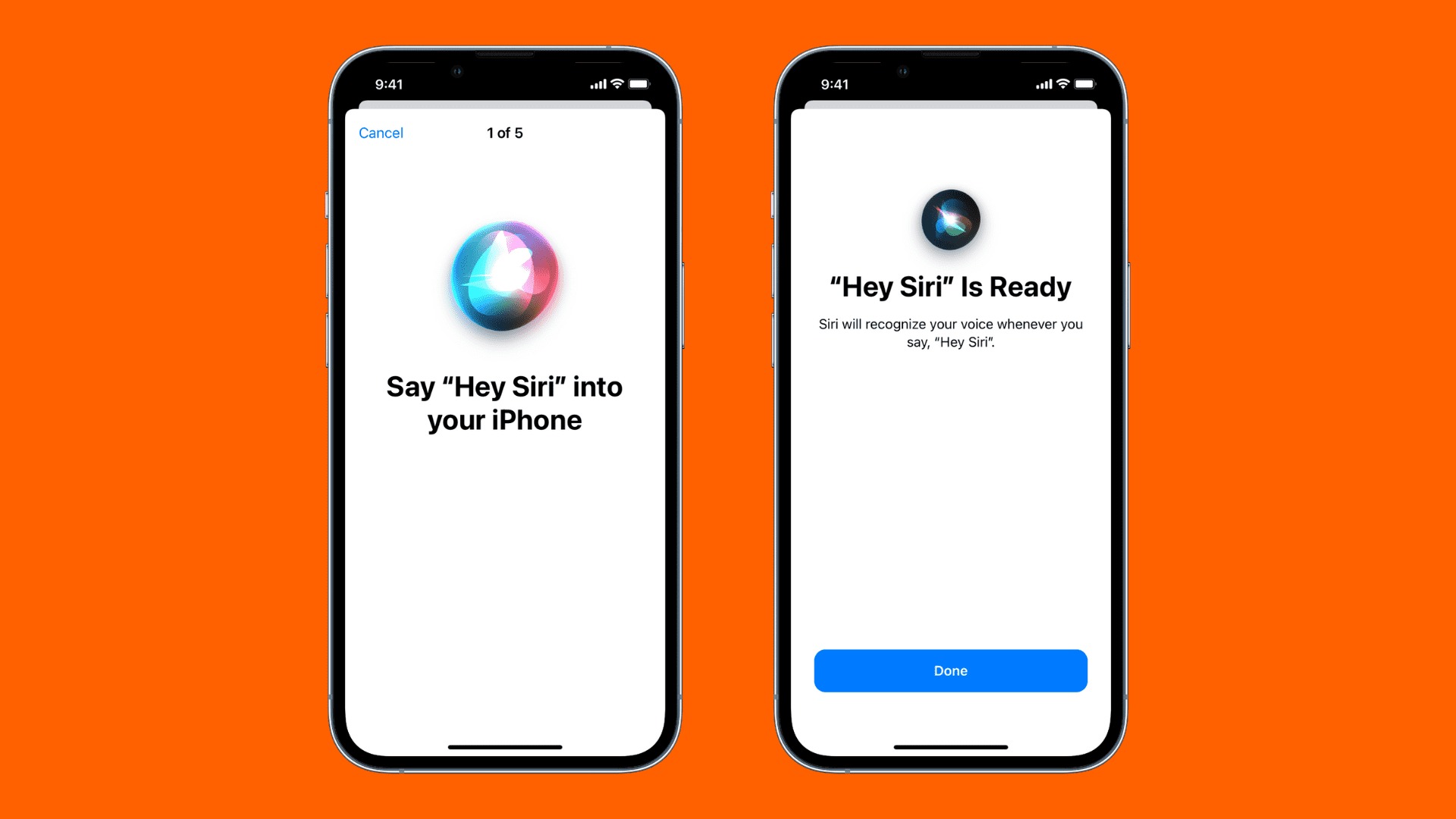
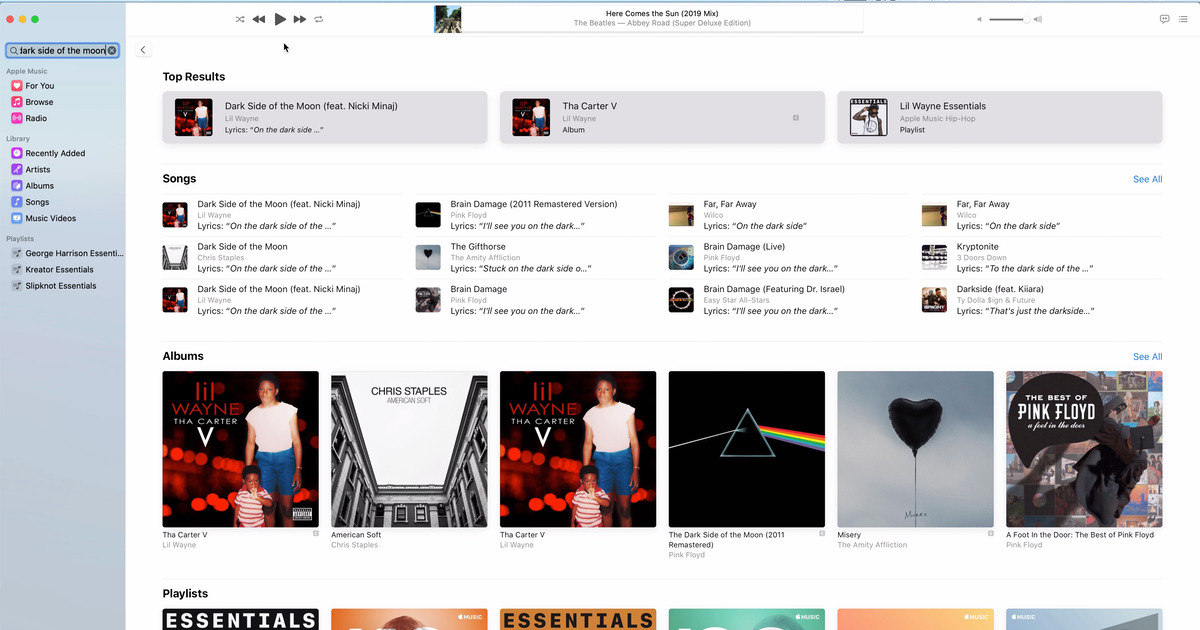
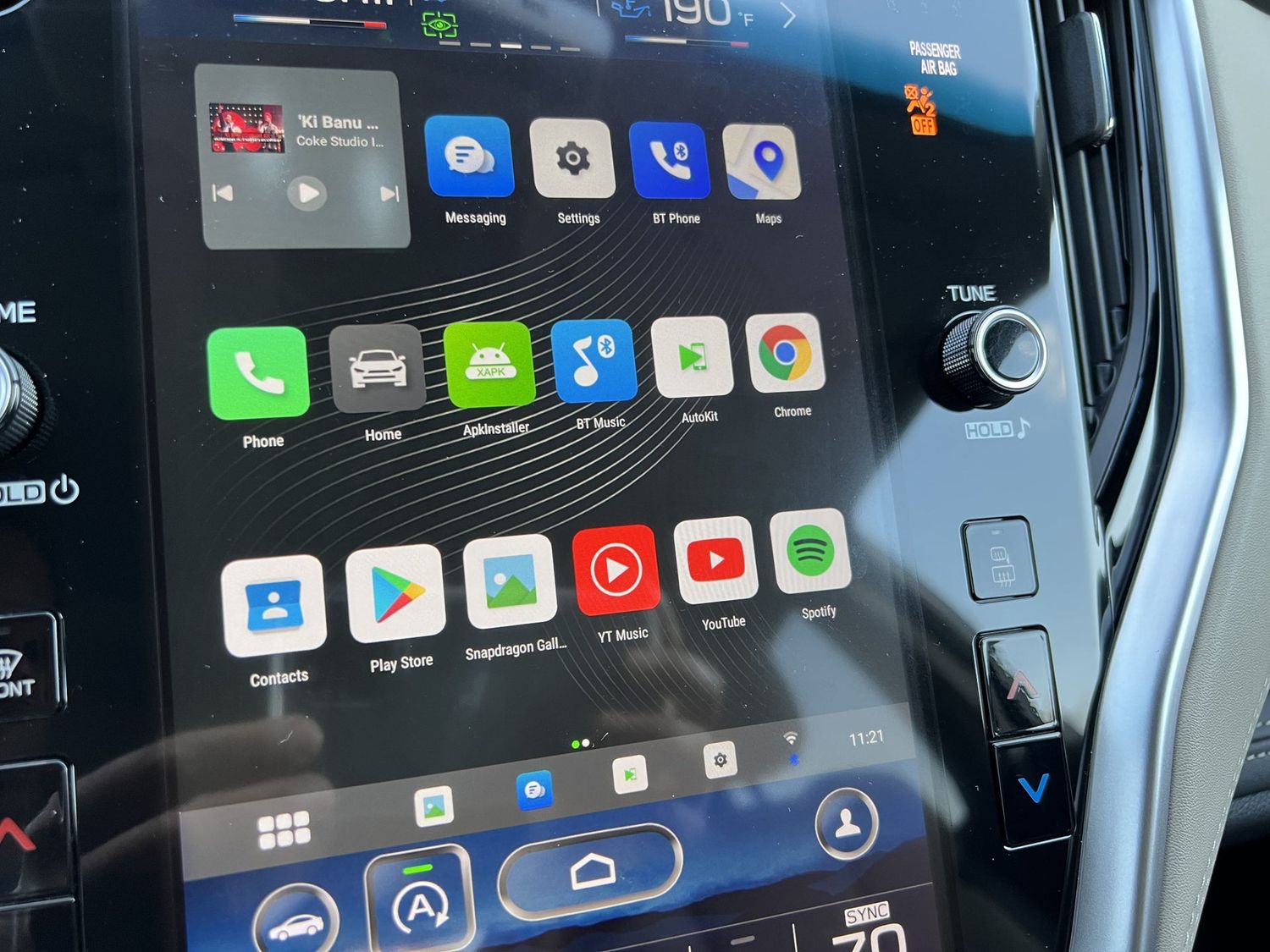
The articles here tackle two main kinds of problems. One group helps you customize and control Siri: you can learn how to change Siri's accent, voice, and language, how to turn off automatic announcements on your AirPods, and how to put your iPhone on Do Not Disturb. Another group focuses on fixing common glitches, like when "Hey Siri" stops working, or when your phone won't unlock with Siri, or when your 2018 Subaru Outback Touring refuses to recognize your iPhone 10 for CarPlay. A few articles also cover related tasks that Siri can help with, such as searching for a song by its lyrics in Apple Music, entering a telephone number with letters, and setting up your smart home with HomeKit devices.

How To Access Siri On IPhone 11

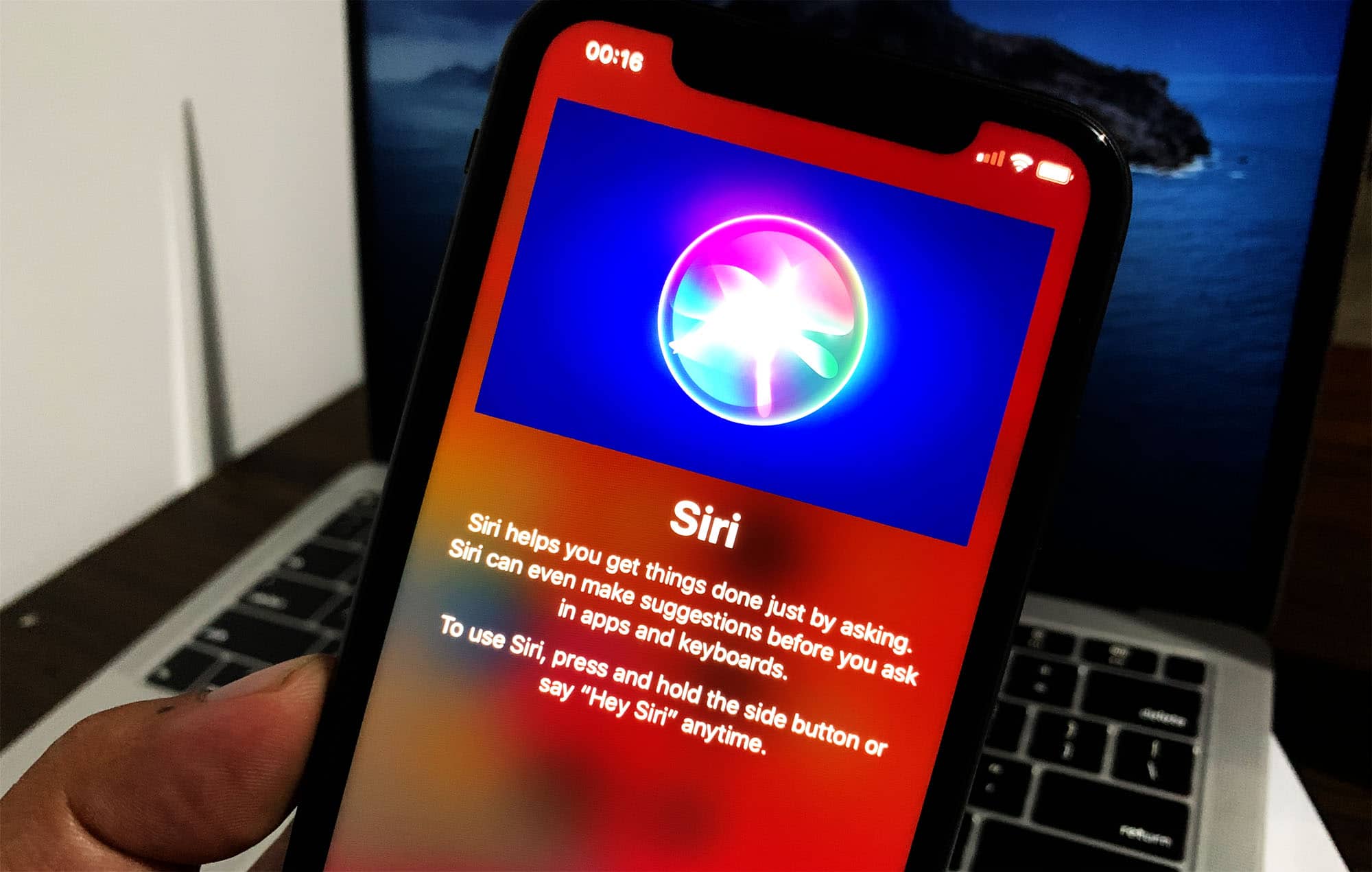
To access Siri on iPhone 11, you have two primary methods: press and hold the side button, or use the voice command "Siri" or "Hey Siri." An internet connection is...

How Do You Access Siri On IPhone 14

To access Siri on iPhone 14, you have two official methods: press and hold the side button, or use your voice by saying "Hey Siri" if that feature is enabled....

How To Put IPhone On Dnd

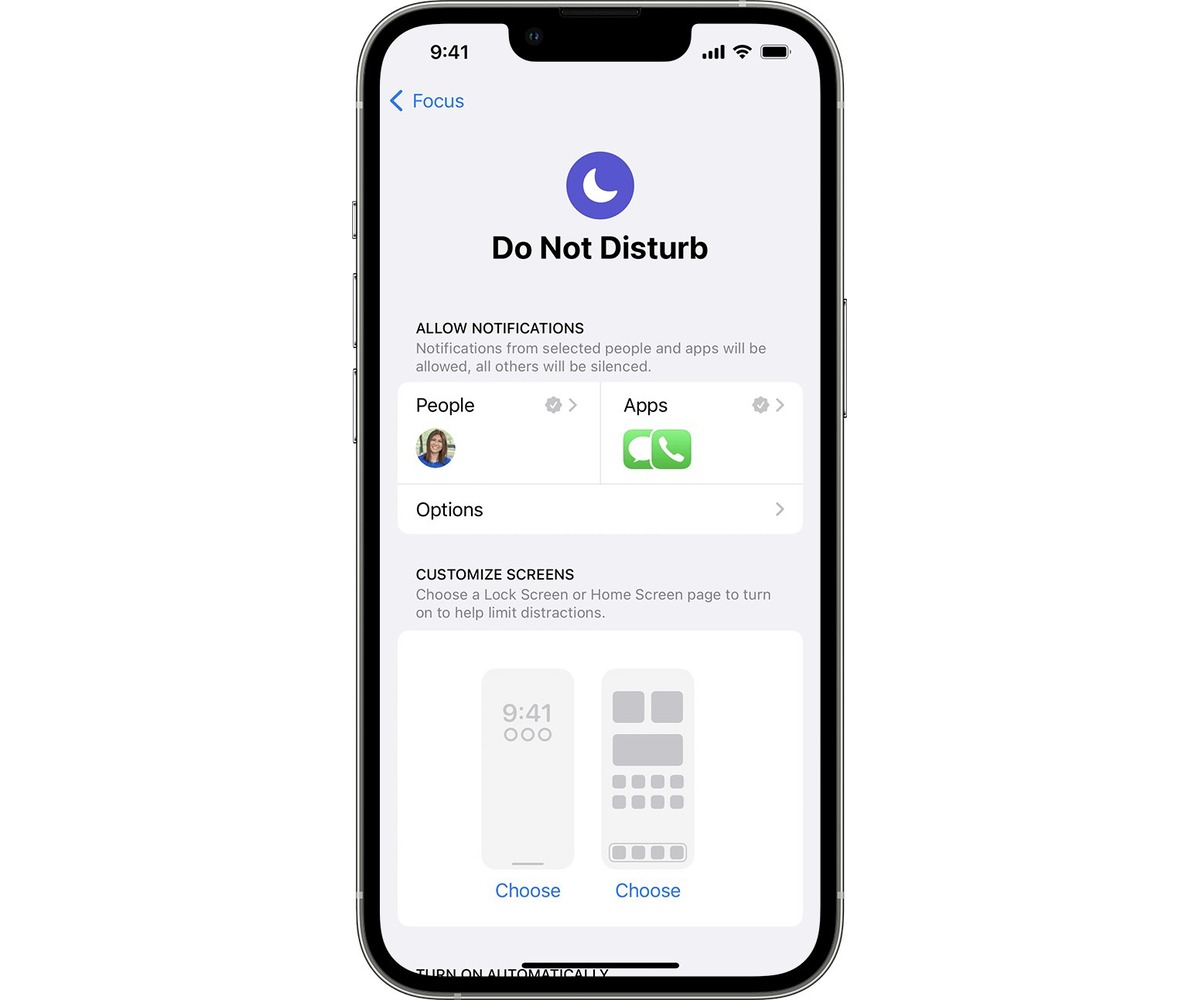
To put your iPhone on DND instantly, open Control Center and tap the crescent moon icon on the Focus button. This silences all calls, alerts, and notifications so your iPhone...

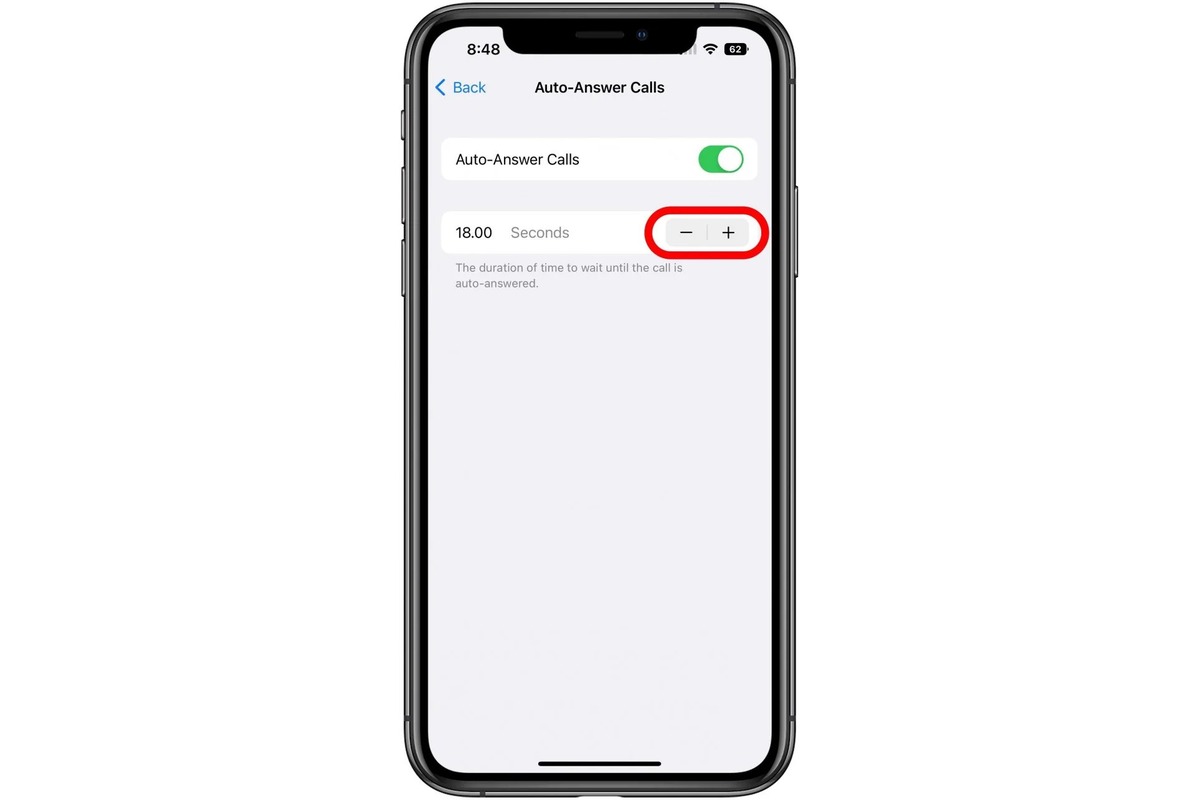
How To Turn Off Automatic Answer On IPhone

To turn off automatic answer on iPhone, open Settings, tap Accessibility, then Touch, then Call Audio Routing, and toggle off Auto-Answer Calls. This stops your iPhone from picking up incoming...

How To Unlock Your Phone With Siri

You can unlock your phone with Siri, but only in a specific way: Siri itself cannot bypass the lock screen or enter your passcode. Instead, Siri can perform tasks, like...

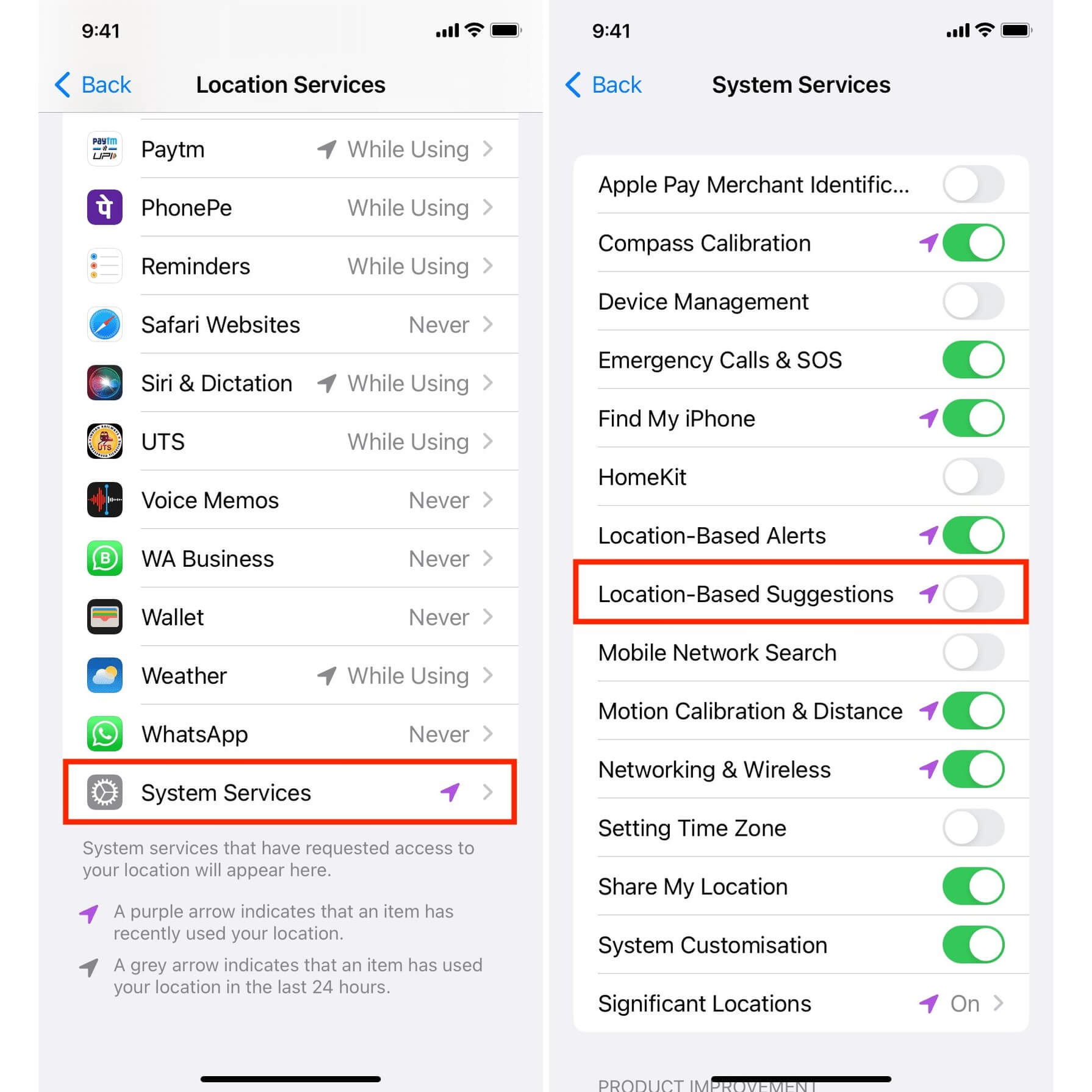
How To Turn Off Apple Maps Suggestions

To turn off Apple Maps suggestions, you need to disable two separate settings: per-app Siri & Search controls for Maps and system-level Location Services for suggestions. How to turn off...