Articles focused entirely on text messaging, covering how to send, manage, and troubleshoot messages across Android, iPhone, and various carriers. This page is built for anyone who uses their phone for texting, whether you are trying to fix a notification problem, understand a new feature, or simply learn the basics of sending a message.
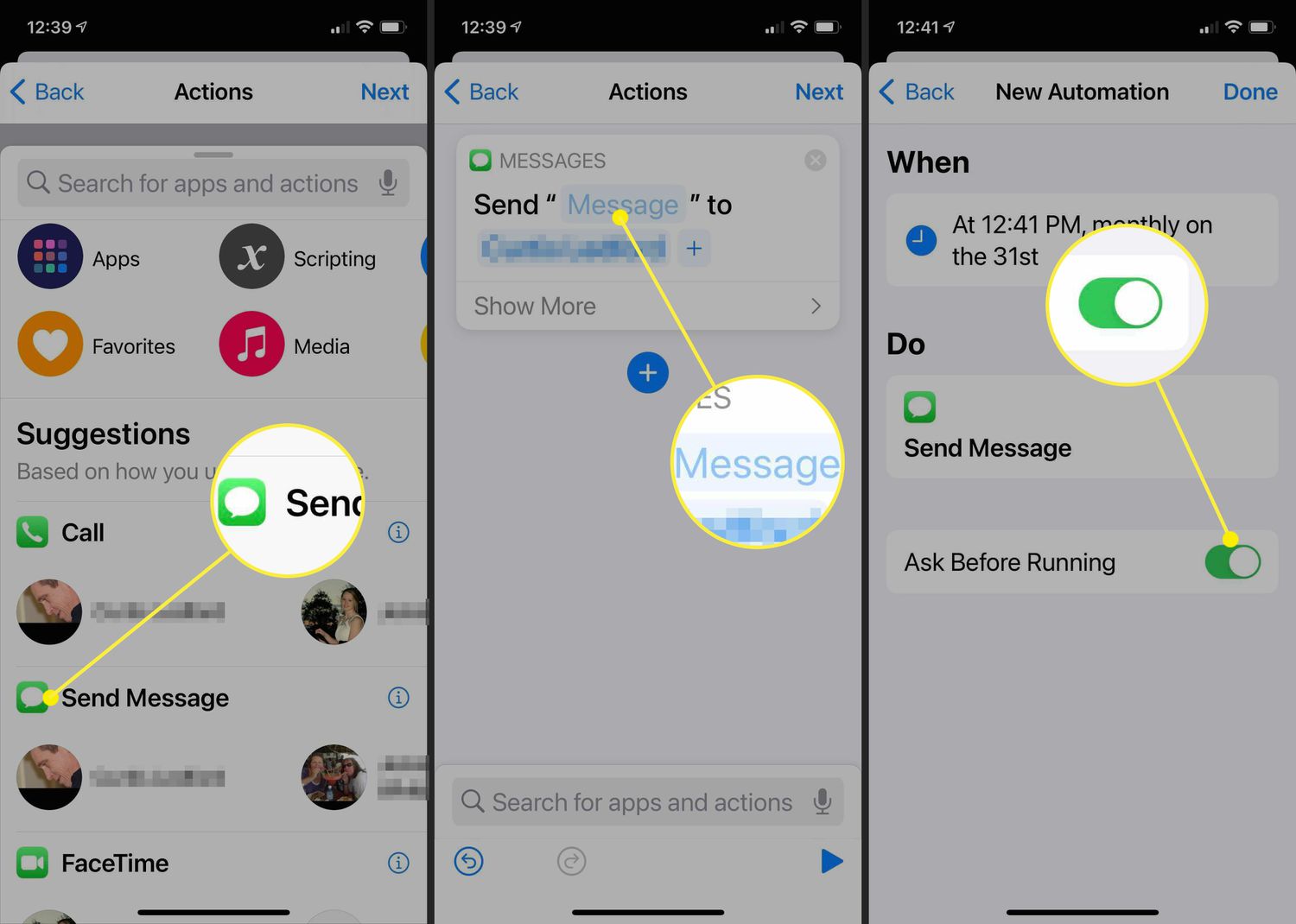
The articles here solve practical, everyday problems grouped into a few clear themes. One major theme is scheduling and sending messages, with guides like How to Schedule a Text Message on Android and iPhone and How To Send Timed Messages On iPhone. Another theme is troubleshooting and account management, including articles such as Not Getting Text Notifications on iPhone? Here's How to Fix, How To Turn Off Message Blocking on T-Mobile, and How To View My Text Messages Online On T-Mobile. A third theme covers cross-platform and carrier-specific messaging, with topics like How To Text Consumer Cellular From Email and How To Send T-Mobile Phones Text From Email.
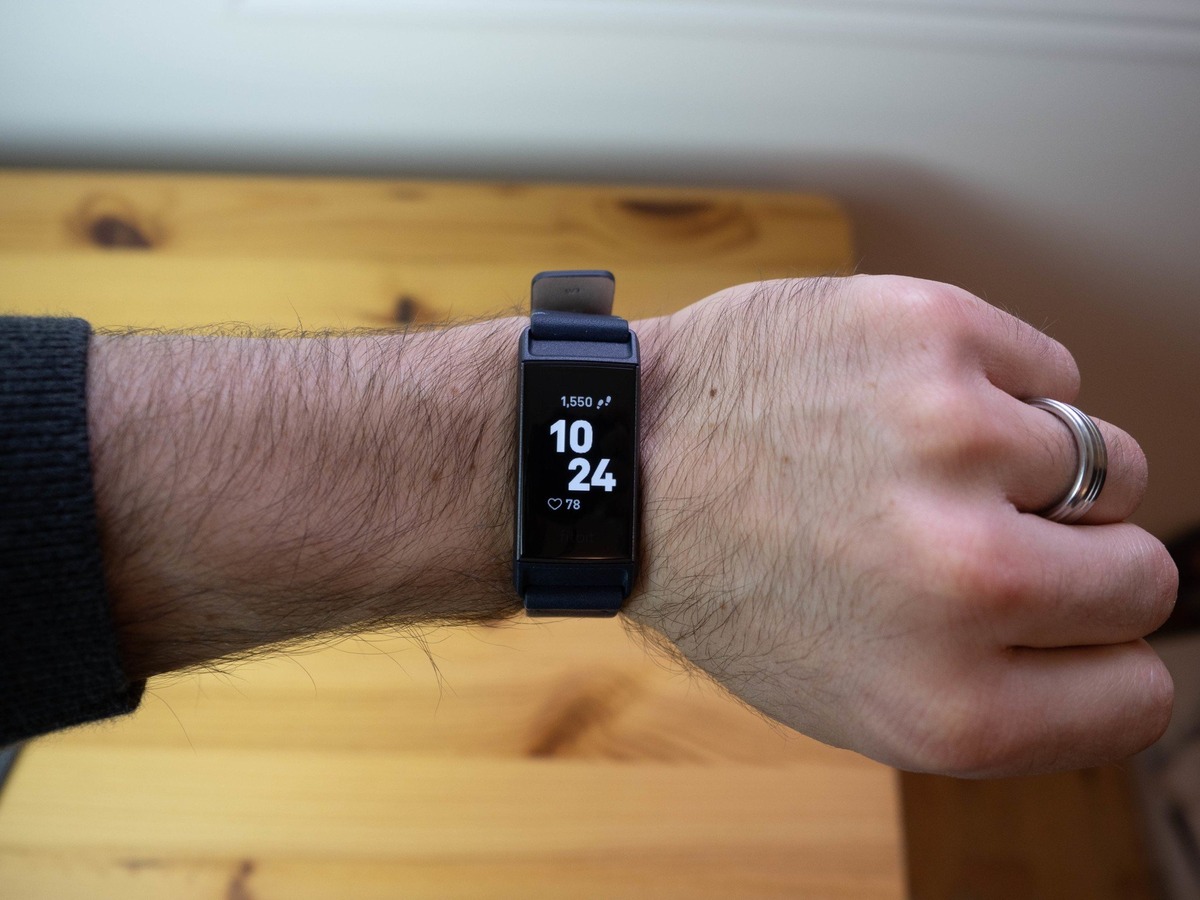
These articles help the reader do specific things: schedule a text to send later, fix missing notifications, block unwanted messages, send texts from email to a phone, or understand what the blue dot means on Android text. They also cover how to enable RCS messaging, how to receive SMS on an iPad without an iPhone, and how to delete text messages on Android for both sides. Whether you need to verify a phone number on Venmo or get text notifications on a Fitbit, the tag offers straightforward steps for each task.