This tag collects articles for anyone tired of unwanted calls interrupting their day. Whether you're a casual phone user or someone who manages a device for work, the guides here are written to help you take back control of your ringtone. The content is designed for readers who want practical, step-by-step instructions rather than general advice, focusing on real-world fixes for common nuisances.
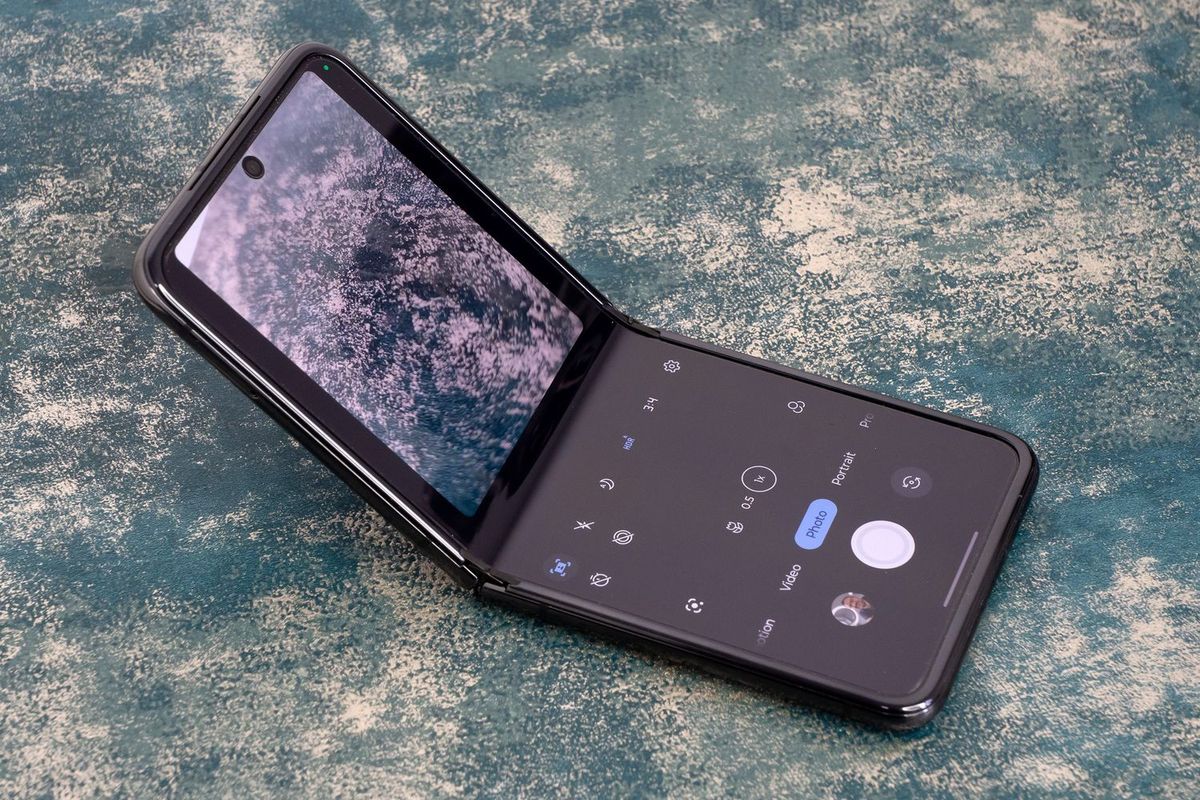
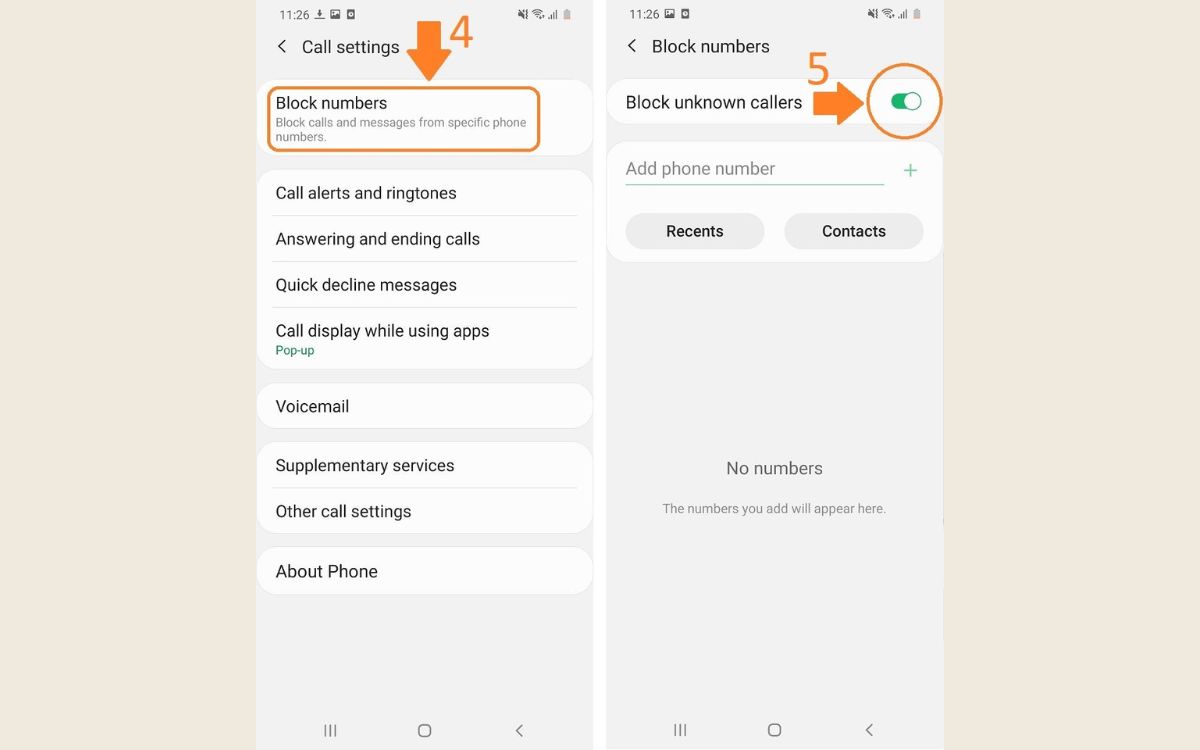
The articles tackle two main areas of frustration. First, they help you identify who is calling and why, with topics like understanding what a "Restricted Call" means, how to find out a name from a phone number, and why your own number might show up as spam. Second, they provide direct solutions for blocking those calls, covering specific carriers such as Verizon Wireless and Consumer Cellular, as well as specific phone models like the Samsung Galaxy S21 and Motorola Razr. You'll also find instructions for blocking private numbers on a Samsung S20 and muting a number entirely.
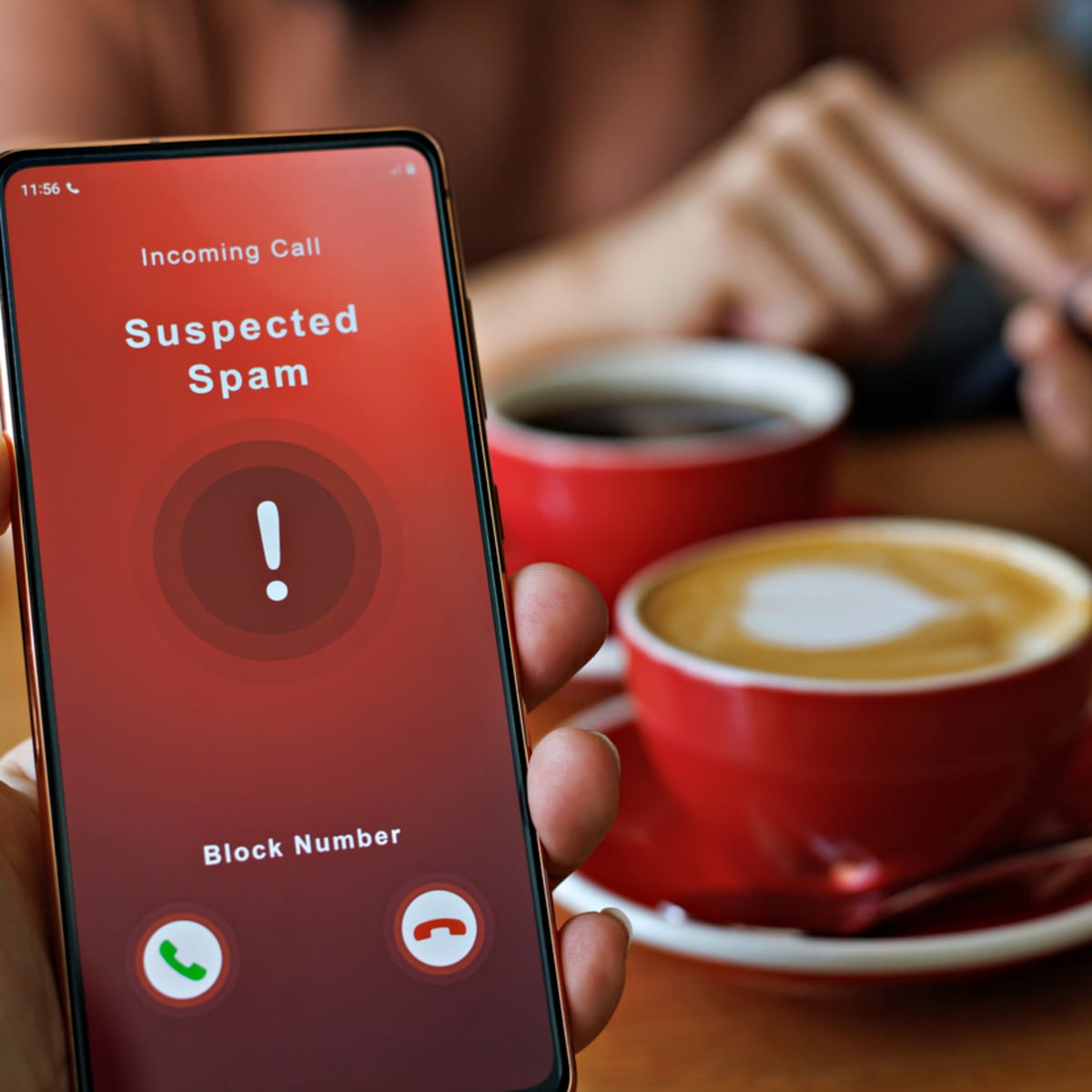
Beyond just blocking, several guides explain how to stop "Scam Likely" calls on Android and how to identify if a phone number is from an app. The collection even includes a practical look at what the prefix 766 means. In short, these articles help you do one thing: stop the spam, whether through identification, blocking, or understanding the technology behind the call.