To mute a phone number means to silence calls and notifications from that specific contact without the caller knowing, typically to stop spam or unwanted contact while keeping your line free for other calls. Because phones lack a universal "mute" button for individual numbers, the closest built-in option is blocking, which rejects calls entirely rather than just silencing them.
What muting a phone number really means
Most smartphones do not offer a dedicated "mute" function for a single number. Instead, the feature you are looking for is usually call blocking. Blocking a number prevents any calls, texts, or FaceTime requests from reaching your device, and the caller receives no notification that they have been blocked. If you want to silence a number without rejecting its calls, for example, to let it ring silently while you ignore it, you can use Do Not Disturb settings to allow calls only from your favorites or contacts, effectively muting all other numbers without blocking them.
How to mute a phone number on iPhone
Apple provides several verified paths to block a phone number, which is the closest way to mute it. Follow these steps:
- Open the Phone app and tap Recents.
- Tap the i icon next to the number you want to mute.
- Scroll down and tap Block Caller.
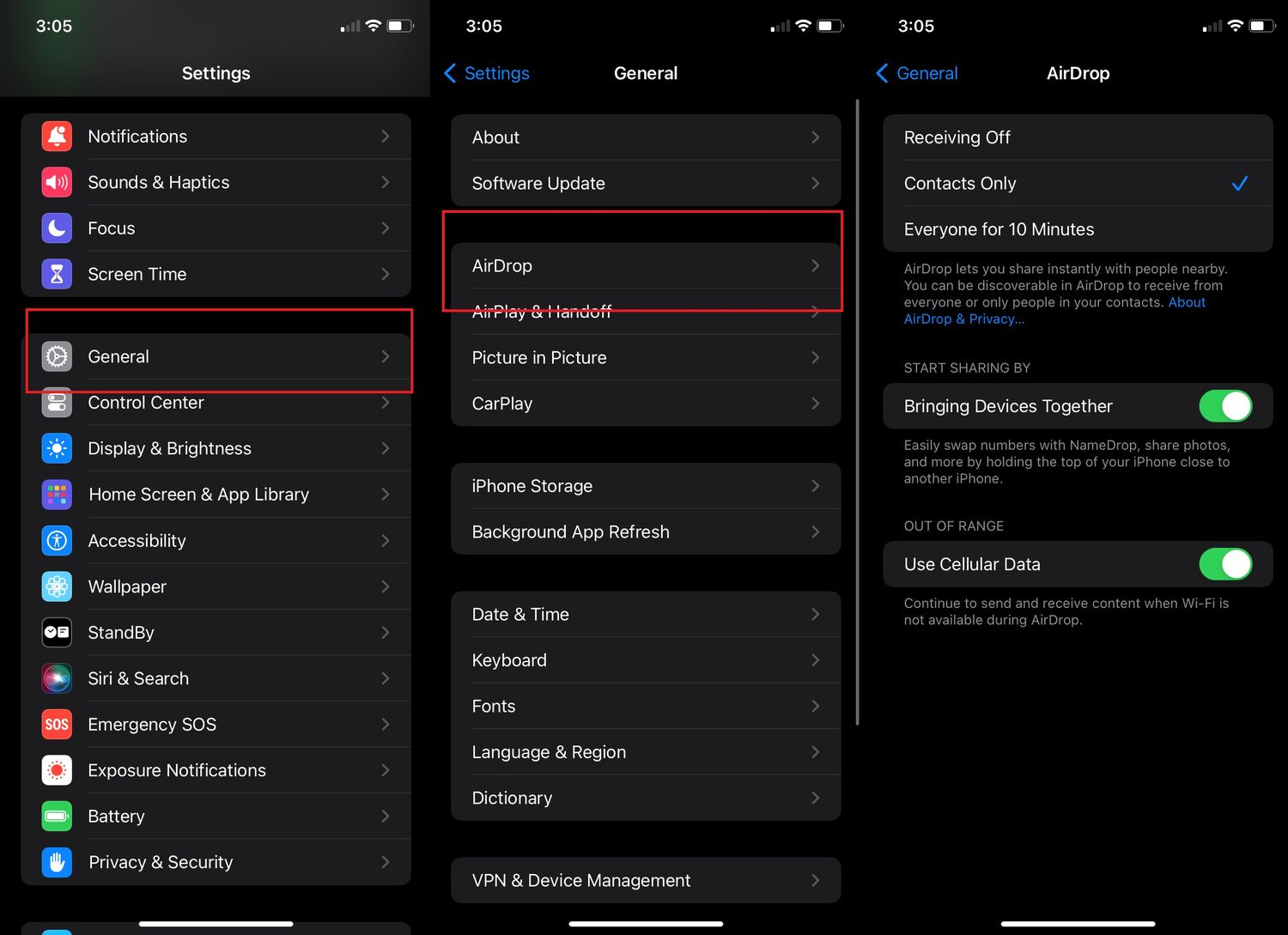
Alternatively, go to Settings > Apps > Phone > Blocked Contacts > Add New and select a contact to block. Note that you must first add the phone number to your Contacts before using this path. Apple also documents blocking from FaceTime: tap the i next to the contact, then tap Block Caller. In Messages, open the conversation, tap the contact at the top, and choose Block Caller. In Mail, open the email, tap the contact at the top, and select Block this Contact.
How to mute a phone number on Android
For Android devices using the Google Phone app, the documented path is:
- Open the Phone app and tap More (three dots).
- Go to Call history and tap the call from the number you want to mute.
- Select Block / report spam.
You can also go to Phone app > More > Settings > Blocked numbers and toggle the Unknown switch to block calls from unknown callers. For Google Fi users, the path is different: open the Google Fi app or website, go to the Account tab > Privacy & security > Spam and contact settings > Block phone numbers > Block, where you can optionally enter a number and description. Some devices offer call blocking based on time schedules, allowing users to mute numbers during specific periods.
Silence a number without blocking using Do Not Disturb
If you want to mute a phone number without blocking it, so calls still come through but do not ring or notify you, use Do Not Disturb (DND). On iPhone, go to Settings > Focus > Do Not Disturb. Under Allowed Notifications, set People to allow calls only from your Favorites or all Contacts. This silences every number not in those groups. On Android, open Settings > Sound & vibration > Do Not Disturb. Under People, choose Allow calls from Starred contacts only or Contacts only. All other numbers will be muted.
When to contact your carrier or use third-party apps
If built-in blocking and DND settings are not enough, for example, if you receive persistent spam from numbers that change frequently, contact your phone service provider. Carriers often offer carrier-level blocking and spam filtering that can stop numbers before they reach your phone. Carriers may offer the ability to block entire categories of calls, such as international numbers or specific telemarketing types. Document the date, time, and nature of unwanted communication for reference when contacting provider or authorities. Search the phone number online to see if others have reported it as spam. Phone service providers can assist with filing complaints to relevant authorities for harassing or fraudulent communication. As an alternative, reputable third-party call-blocking apps can provide extra features like community-sourced spam databases and automatic blocking of known nuisance numbers. These are especially useful when the built-in options fall short of blocking calls and numbers effectively.
Frequently Asked Questions
Can I mute a phone number temporarily?
Yes. Use Do Not Disturb mode and set it to allow calls only from your favorites or contacts. This effectively silences any number you have not whitelisted for the duration you choose, without permanently blocking it.
Will the caller know if I mute or block them?
No. Neither muting (via Do Not Disturb) nor blocking sends any notification to the caller. They will simply hear your phone ring (if muted) or go straight to voicemail (if blocked) without any indication that you have taken action.
Can I unmute a number later?
Yes. To unblock a number on iPhone, go to Settings > Phone > Blocked Contacts and swipe left on the number, then tap Unblock. To stop muting via Do Not Disturb, simply turn off the focus mode or remove the number from your blocked list.
Does muting a number also block text messages?
Blocking a phone number on iPhone or Android also blocks SMS and MMS messages from that number. Muting via Do Not Disturb does not block texts; it only silences notifications for calls and alerts, but messages will still appear in your inbox silently.
For the wider topic, see blocking calls and numbers.