You can often tell if a phone number is from an app by looking for caller ID clues that don't match a normal personal line, such as a business name, a service name, or suspiciously mismatched information. While no built-in iPhone or Android screen can definitively confirm a number is app-based, these caller ID signals are your best indicators.
Can you really tell if a phone number is from an app?
Setting realistic expectations is important: neither iPhone nor Android has a built-in screen that tells you a number came from a calling app or virtual service. However, the caller ID information your phone does display can offer strong clues. A number that looks like it came from an app often shows a business name, a generic service label, or information that conflicts with what you would expect from a standard personal phone line. By learning what your phone can show you and what to look for, you can make a much more informed guess.
What your phone can show you about incoming calls
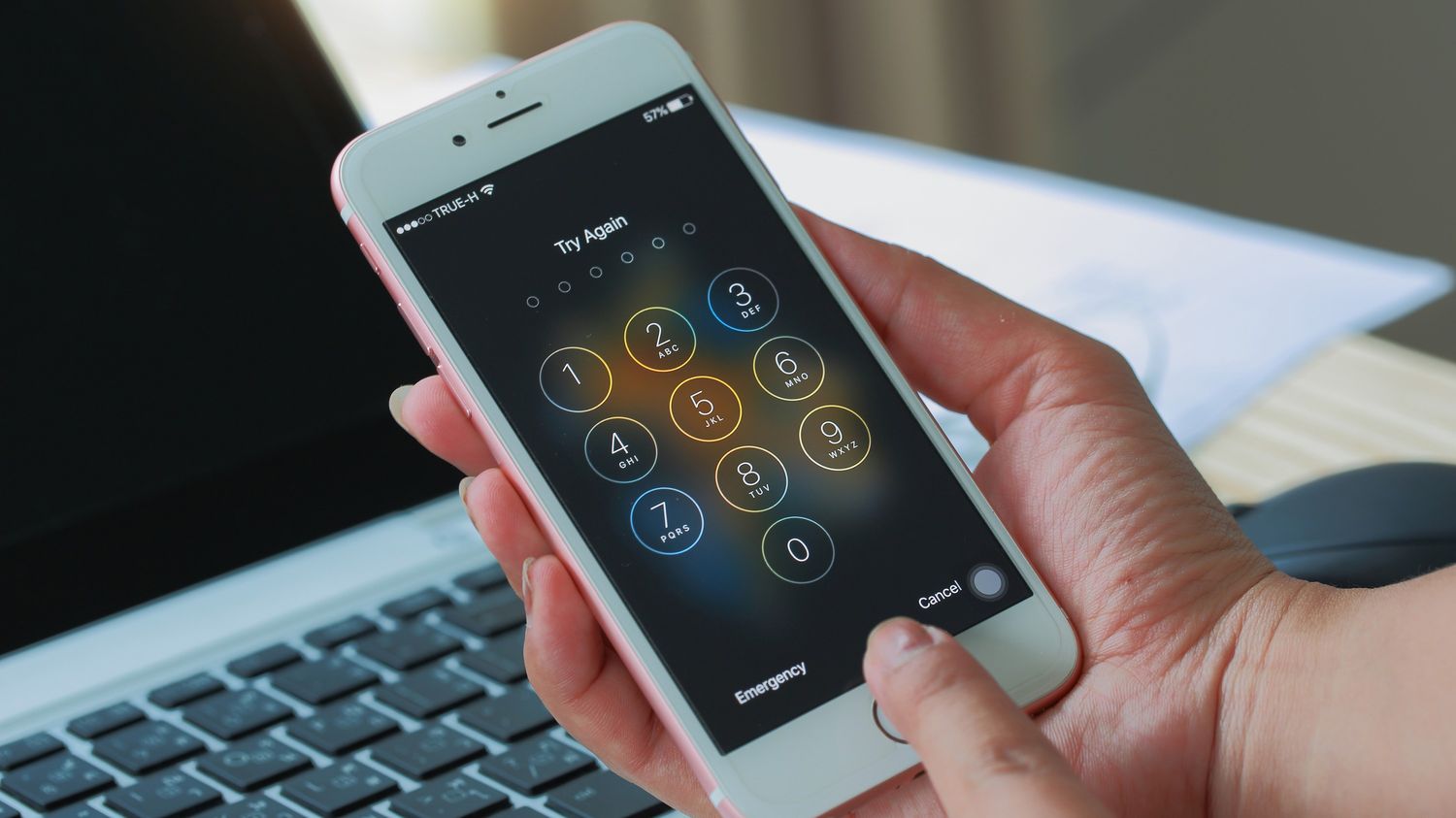
Your phone's caller ID information can come from several sources. On iPhone, Apple says call identification can come from Apple Business Connect, supported carriers, or supported call identification apps. On Android, the Google Phone app can display caller information and spam warnings. The displayed name or number can be misleading if caller ID is spoofed, which is a common tactic used with app-based numbers, so the information you see is not always the full truth.
Enable caller identification on iPhone
- Go to Settings > Apps > Phone > Call Blocking & Identification.
- Turn on Business Call Identification if you want caller information from Apple Business Connect or your carrier.
- Turn on Call Identification apps to allow supported caller ID apps to identify callers.
Apple says this works with supported carriers and supported call identification apps.
Enable caller ID and spam protection on Android
- Open the Google Phone app.
- Tap More options (the three dots) > Settings > Spam and Call Screen.
- Turn on See caller & spam ID to show caller information and spam warnings.
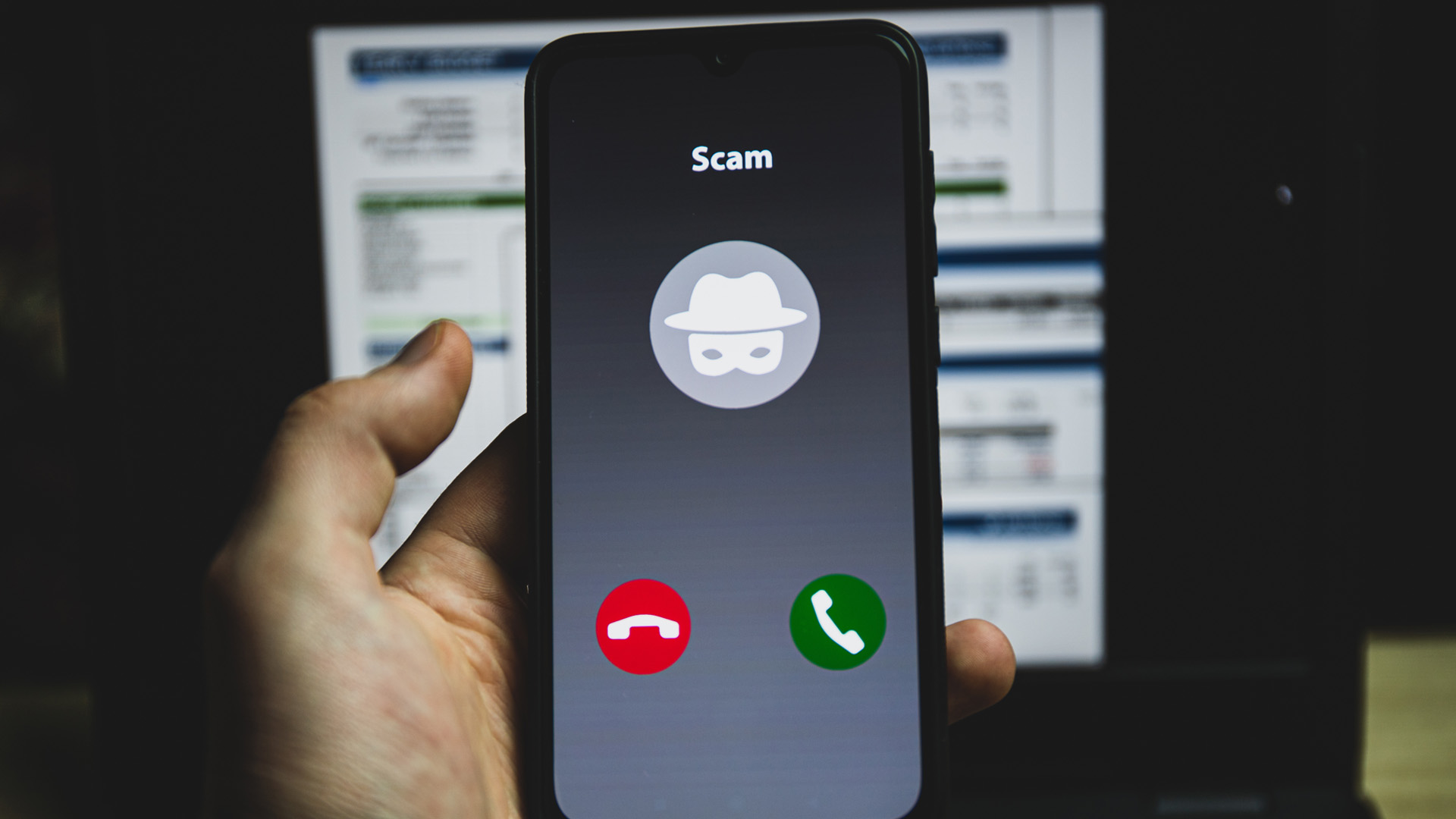
Google says that when it determines a call is likely spam, it highlights the potential spam caller on the incoming call screen.
Clues that a number might be app-based or spoofed
Several clues can suggest a number is from an app or is spoofed. A mismatched area code can be a clue that a number is not local, but area codes alone do not prove an app is involved. Research area code origins using online resources or mobile apps that provide area code databases and associated locations. Short-duration calls that last only a few seconds before disconnecting are often intended to prompt a callback, potentially leading to premium rate charges. Be cautious of suspicious patterns such as repeated short calls, unusual call timing, or high call volume, as these can indicate spam or spoofing. Apple also warns that suspicious calls claiming to be from Apple should be treated cautiously. Because caller ID identification can come from carriers and apps, the displayed name or number can be misleading if caller ID is spoofed, making it easy to encounter spoofed and fake phone numbers. If you are trying to find a spoofed phone number, remember that there is no direct spoofing-detection screen on iPhone or Android that can verify the true origin of a number.
What to do when you suspect an app-based number
If you suspect a call is from an app-based or spoofed number, the safest action is to hang up. Do not engage with the caller. If the call claims to be from a company you do business with, hang up and contact that company directly through official channels, such as their verified website or phone number. Use your phone's built-in blocking tools to block the suspicious number after you hang up. Report suspected caller ID spoofing incidents to relevant authorities and regulatory bodies with details like displayed caller ID, call timing, and associated fraudulent activities.
Frequently Asked Questions
Can a reverse phone lookup tell me if a number is from an app?
Reverse phone lookup services can sometimes reveal that a number is associated with a VoIP provider or a virtual phone service, but they cannot definitively confirm the number was generated by a specific app. The results often depend on the quality of the lookup service's database. Reverse phone lookup services can provide owner name, address, and additional contact information associated with a number. Reverse phone lookup services often incorporate user-generated feedback and ratings about specific phone numbers.
Are all calls from app-based numbers scams?
No. Many legitimate businesses and individuals use app-based numbers for privacy or convenience. However, because these numbers are easy to obtain and spoof, they are also frequently used by scammers, so you should treat any unexpected call from an unfamiliar number with caution.
Will blocking a number from an app stop future calls from that same app?
Blocking a specific number will stop calls from that exact number, but apps can generate new, different numbers. Blocking one number does not block the app itself or prevent it from calling you from a different virtual number.
Does STIR/SHAKEN help identify app-based numbers?
STIR/SHAKEN is a protocol designed to combat caller ID spoofing by verifying that the number displayed on caller ID is the one actually making the call. It can help identify spoofed calls, but it does not specifically flag a number as being from an app or virtual service.