The System Settings tag on CellularNews collects articles focused on managing the internal configurations and stored data of your gaming consoles, phones, and computers. This tag is for anyone who needs to clear out old game files, reset a device without losing important information, or get a new accessory like a headset working properly. Whether you are troubleshooting a problem or just cleaning up storage, these guides walk you through the specific steps for each device.

The articles here address two main types of tasks. First, they help you manage saved game data, showing you exactly how to delete save files on the Nintendo 3DS, as well as for specific titles like Pokemon Scarlet and Pokemon Sword. You will also find clear instructions for deleting Switch save data and for resetting a PS4 without losing your existing data. Second, the tag covers connectivity and accessory setup, such as how to enable wireless communication on your 3DS and how to connect a headset to a MacBook.

Each article is a straightforward, step-by-step guide that tells you exactly which button to press or menu to open. They help you perform these specific system-level actions without guesswork, so you can free up space, start a game fresh, or pair your gear with confidence.
How To Reset PS4 Without Losing Data

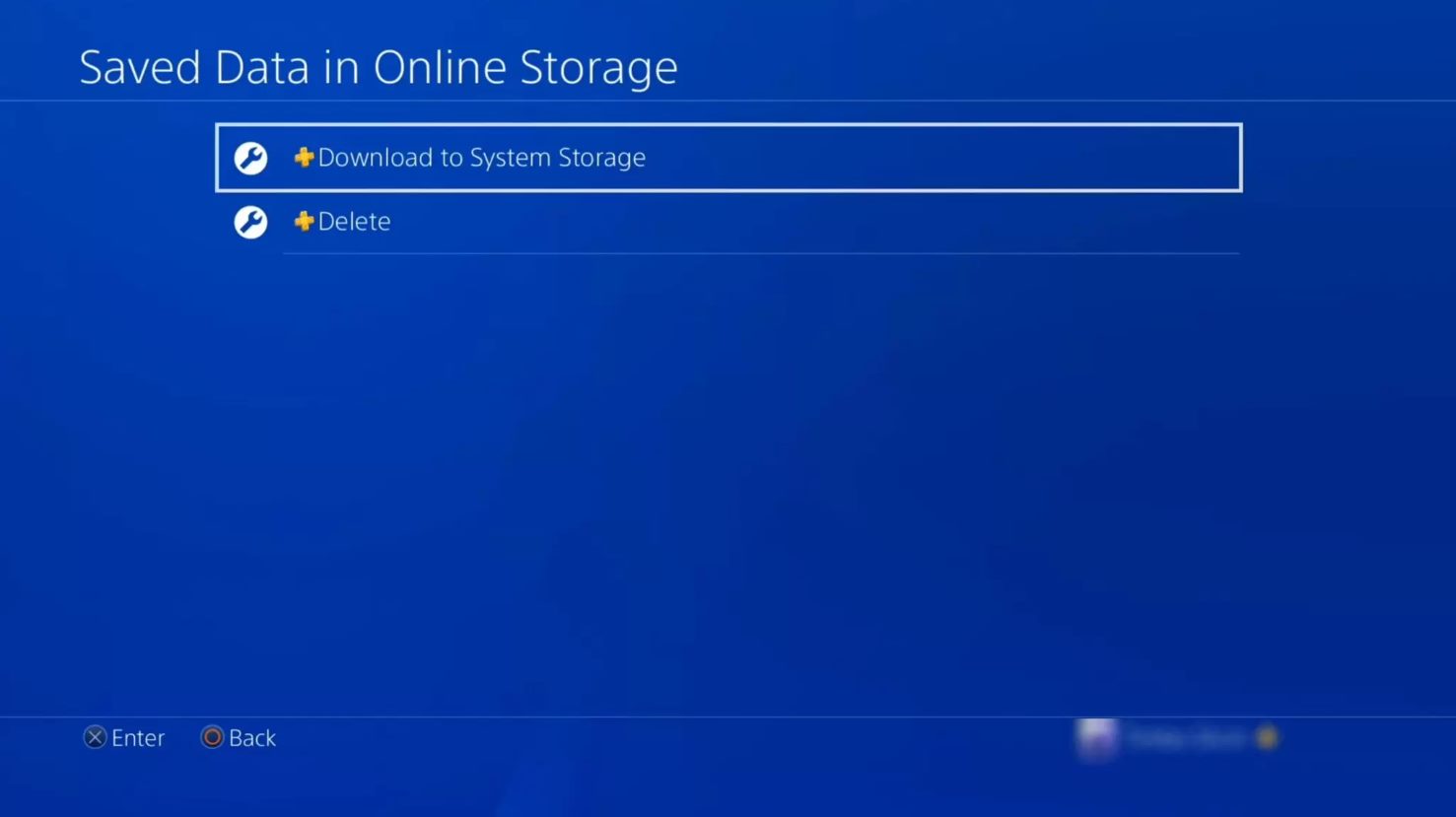
To reset PS4 without losing data, you have two safe options: Restore Default Settings and Rebuild Database. These methods fix performance issues and glitches while keeping your saved games, profiles,...

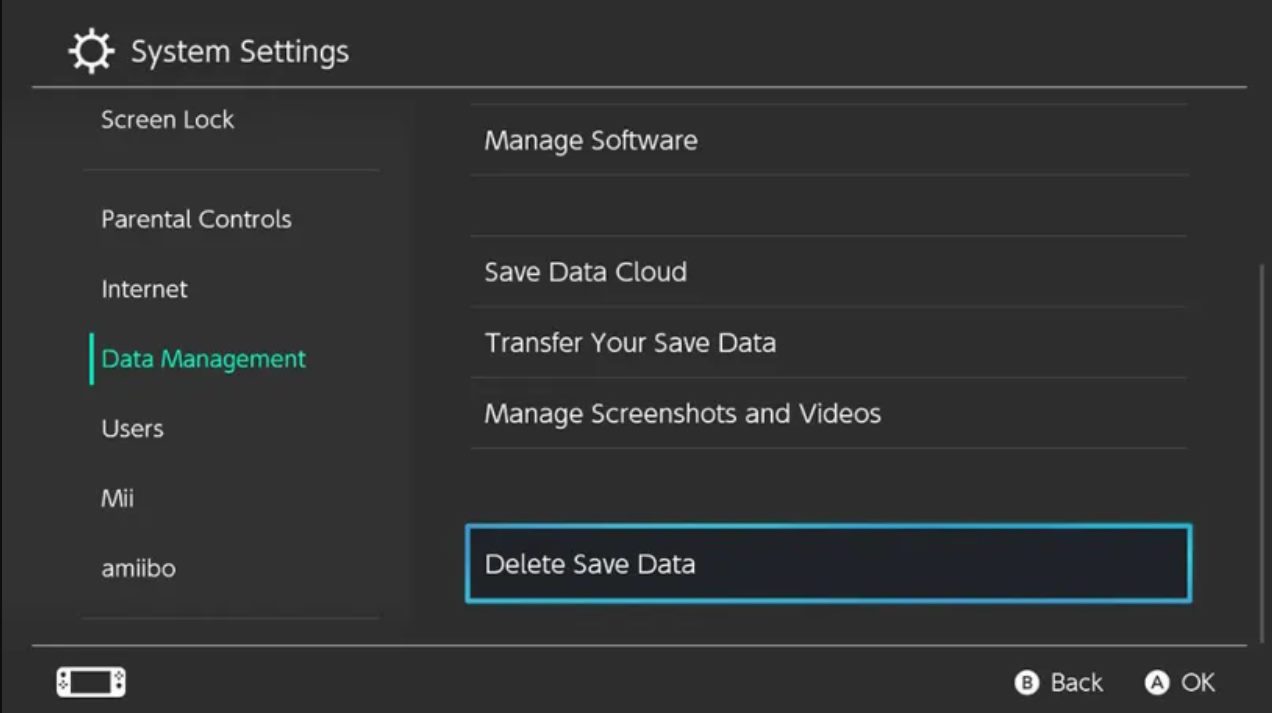
How To Delete Switch Save Data

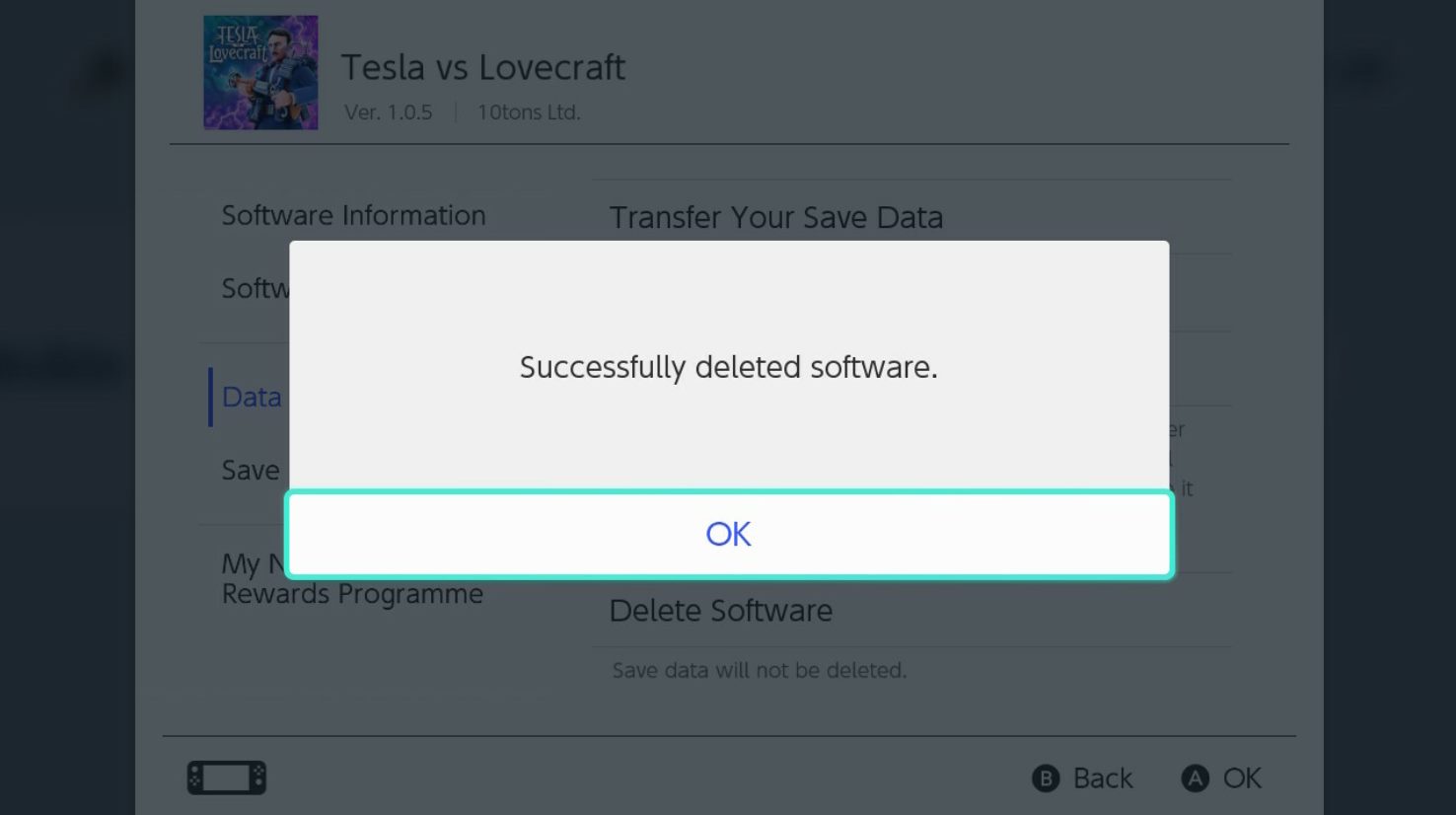
Back up or move your delete switch save data Before you learn how to delete Switch save data, the safest move is to transfer save data from one Switch to...

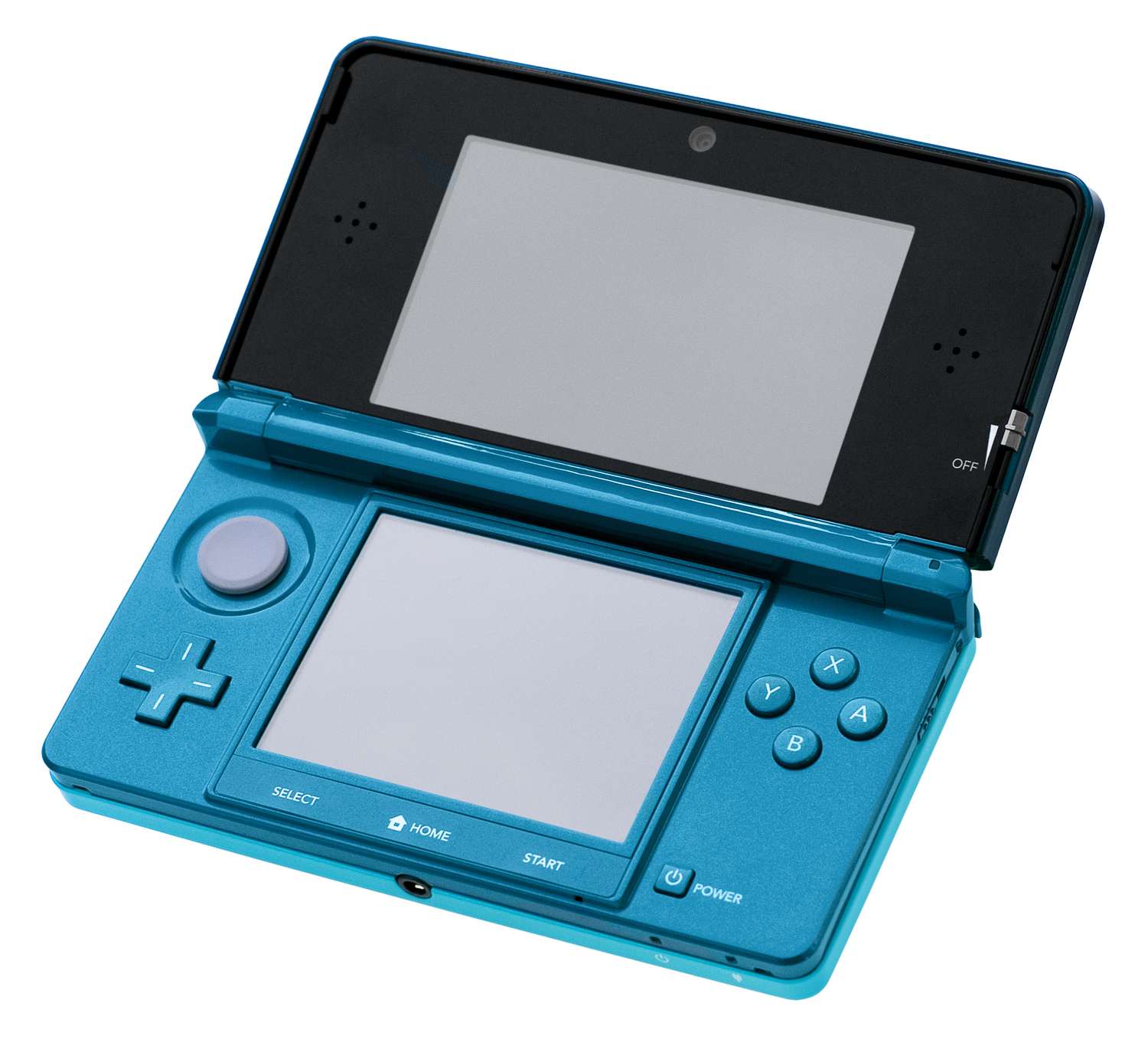
How To Delete Save Data On 3Ds

To delete save data on 3DS, use the official path through System Settings. This is the primary method for permanently erasing game progress for any downloaded software or application on...

How To Delete Save Data Pokemon Scarlet

To delete save data in Pokémon Scarlet, you must use the Nintendo Switch System Settings, as no in-game delete function is documented for this title. This is the only official...

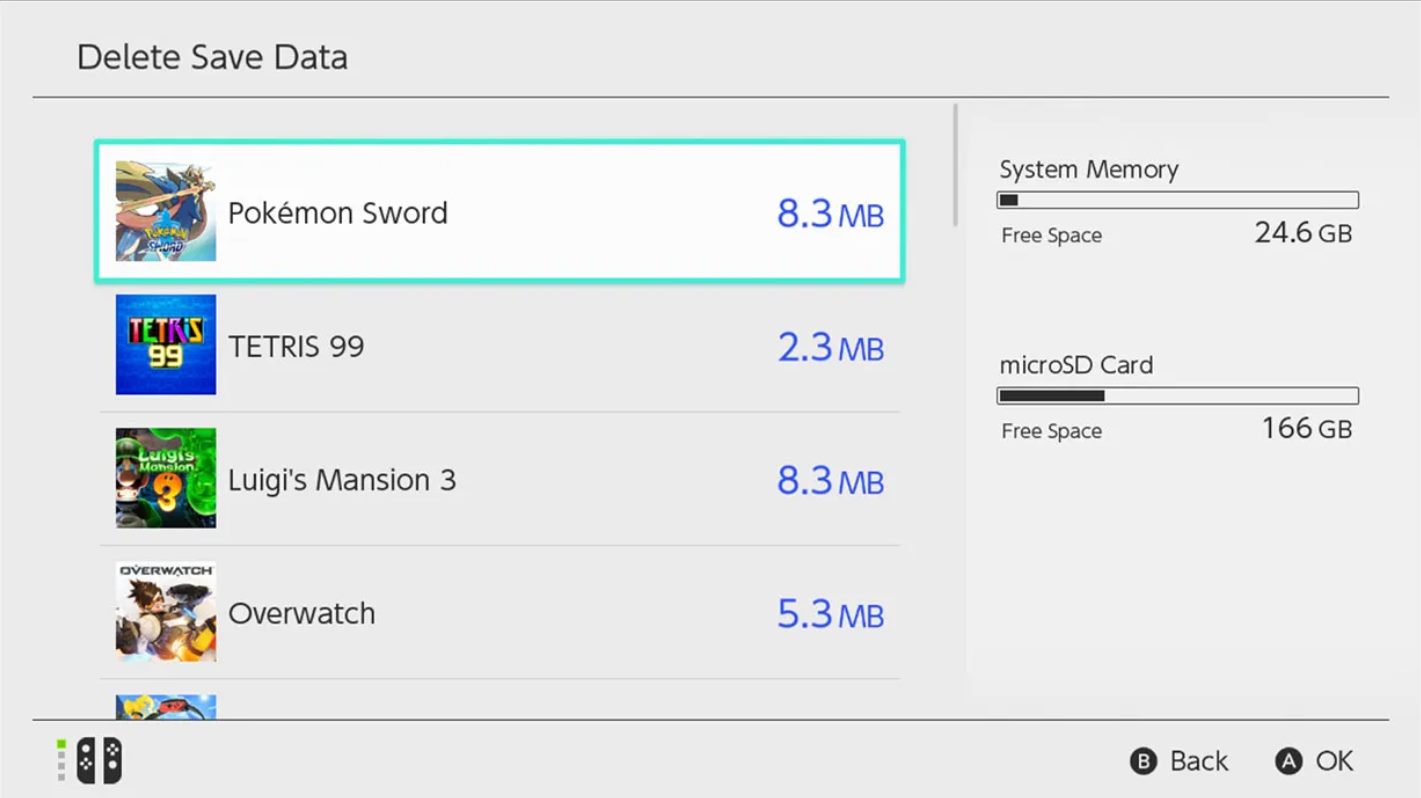
How To Delete Save Data Pokemon Sword

To delete save data Pokemon Sword, you must use your Nintendo Switch system settings because the game does not provide an in-game delete option. This is the only documented method...

How To Connect Headset To Macbook

To connect a headset to your MacBook, use Bluetooth from Apple menu > System Settings > Bluetooth, then select your headset and click Connect. This general headset setup works for...

How To Enable Wireless Communication On 3Ds

To enable wireless communication on 3DS, you need to connect your console to a Wi-Fi network through the System Settings. All Nintendo 3DS models have built-in wireless capabilities, so you...