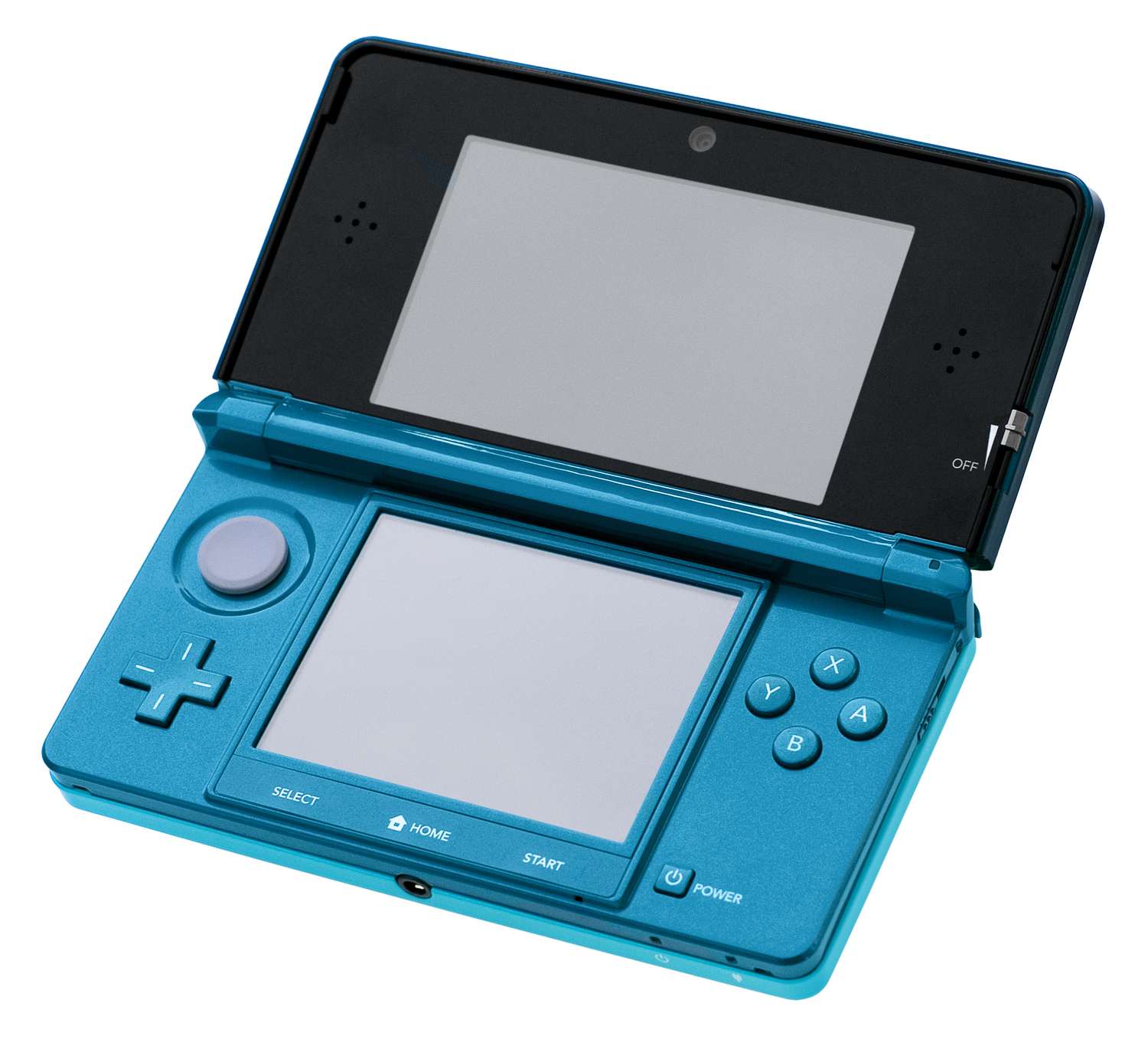
To delete save data on 3DS, use the official path through System Settings. This is the primary method for permanently erasing game progress for any downloaded software or application on your Nintendo 3DS family system.
How to delete save data on 3DS from System Settings
This is the official, step-by-step method for deleting save data for any game or application. It is the most reliable way to ensure all associated data is removed. Deleting save data is useful for resetting multiplayer progress or playing with a different set of friends.
- From the HOME Menu, tap System Settings, then tap Open.
- Tap Data Management.
- Tap Nintendo 3DS.
- Tap Software to view a list of your games and applications.
- Select the software you want to delete.
- Choose either Delete Software and Save Data or Create Save-Data Backup and Delete Software.
- If you choose to create a backup, you can use an existing folder or create a new one.
- Tap Delete again to confirm your choice.
If you want to start a game over from the beginning, this method removes all progress. It is also the correct way to remove save data before deleting downloaded software. If you need to clear a title's associated data when the game's own erase function is not available, use this system-level approach.
How to delete save data using a game's title screen
Some games include their own erase method at the title screen. This is a secondary, game-specific method documented by Nintendo. It is not universal, and you should check your game's manual or support page to see if it is supported. Some games may have additional options for deleting save data within the game's settings menu or manual.
Nintendo's documented example is for Animal Crossing: Happy Home Designer. For this title, press and hold the A + B + X + Y buttons simultaneously before the title menu appears. A prompt will appear asking if you want to delete the save data. Use the D-pad to highlight Delete and press the A button to confirm.
Warning: This button combination is not a universal method. No universal combination is documented in Nintendo's official support pages for all games. Always verify the specific method for your title before proceeding.
What happens to your save data when you delete a game
For downloaded software, deleting the game from the Nintendo eShop or through Data Management will also permanently delete its associated save data. This is true unless you create a save-data backup first using the Create Save-Data Backup and Delete Software option.
This does not apply to game cards. Save data for physical game cards is stored on the console itself and is not deleted when you remove the cartridge. To delete save data for a game card, you must use the System Settings method or the game's own erase function.
Important considerations before you delete save data
Deletion is permanent and irreversible. Before you proceed, review these official warnings from Nintendo.
Backups are for restoring to the same system. The save-data backup you create can only be restored when you redownload the software from the Nintendo eShop on the same Nintendo 3DS family system. A system format will invalidate and delete any save-data backups you have created. You can back up save data using the system's built-in backup feature or by transferring it to a separate storage device.
Deletion is permanent. If you delete downloaded software without creating a backup first, the associated save data is permanently lost. There is no way to recover it. Deleting save data removes all progress including unlocked levels, achievements, and in-game items. Deleting save data can sometimes resolve glitches or bugs that prevent game progression. In rare cases, deleting and reinstalling a game can resolve persistent problems when other troubleshooting fails.
If you plan to sell your console, you should delete all save data and perform a system format to protect your personal information. Deleting save data ensures personal progress and information are not accessible when selling or sharing the 3DS. If multiple players use the same console, inform them before deleting save data as it may affect shared progress or multiplayer data. If you want to transfer your game progress to another system, you need to use the system transfer feature, which moves all data including save data. This is different from how you would transfer save data from one switch to another, which is a separate process for a different console.
Frequently Asked Questions
How do I delete save data on my 3DS?
Go to System Settings > Data Management > Nintendo 3DS or Nintendo DSiWare, then select the game and choose Delete.
Can save data be recovered after deletion?
No, not without a backup. If you used the Create Save-Data Backup and Delete Software option, you can restore the backup when you redownload the software from the Nintendo eShop. If you chose Delete Software and Save Data or deleted the software without a backup, the save data is permanently lost.
Does deleting the game delete save data?
Yes, for downloaded software. Deleting a downloaded game or application from the Nintendo eShop or Data Management will also delete its associated save data unless you create a backup first. This does not apply to physical game cards.
Is there a universal button combo for cartridges?
No. Nintendo only documents a game-specific example for one title (Animal Crossing: Happy Home Designer using A+B+X+Y). No universal button combination for deleting save data on cartridges is documented in official sources.
Is it possible to transfer save data to another 3DS?
Yes, using the system transfer feature for save data, downloaded software, and settings.
Are supported devices limited?
Yes. These instructions apply to Nintendo 3DS family systems only. The process for other consoles, such as how to delete switch save data, is different and requires its own specific steps.
For the wider topic, see delete switch save data.