Articles that help you understand, connect, and fix the many devices and accessories that plug into your phone, computer, and console. This page is for anyone who has struggled with a cable that won't work, a controller that won't sync, or a power bank that seems confusing. Whether you are a casual user trying to charge your phone or a gamer setting up a joystick, these guides are built around real-world hardware problems.
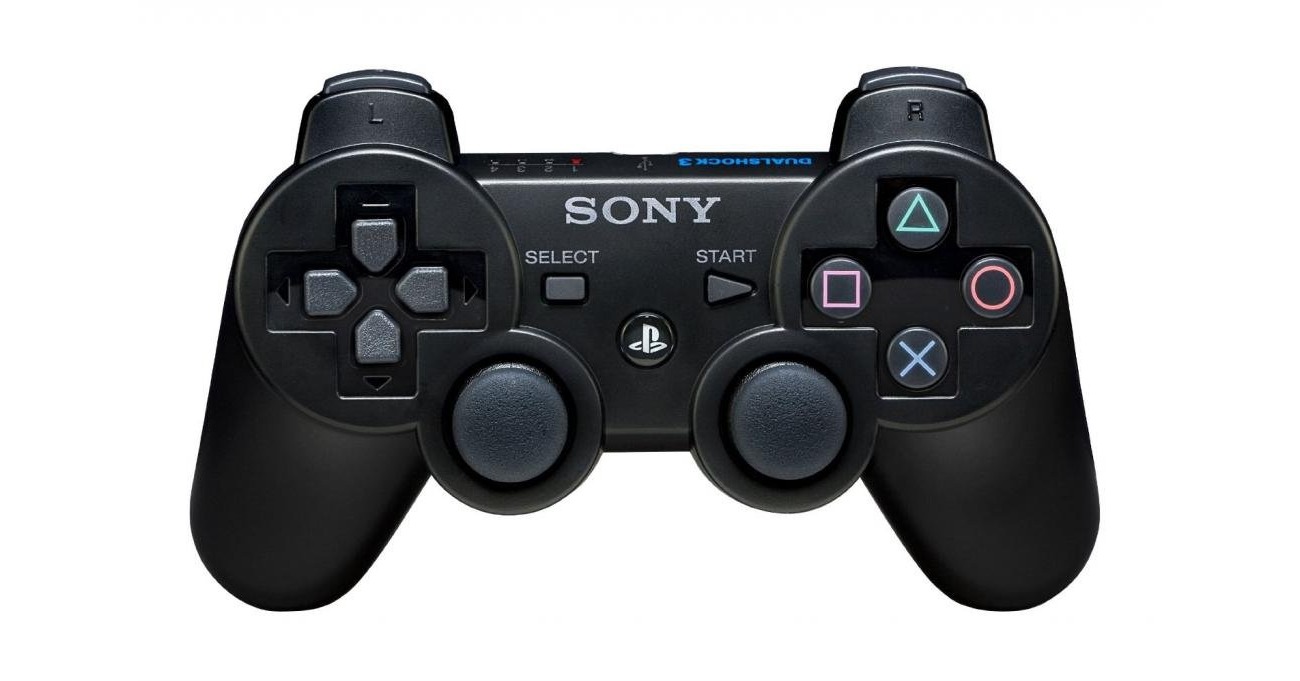
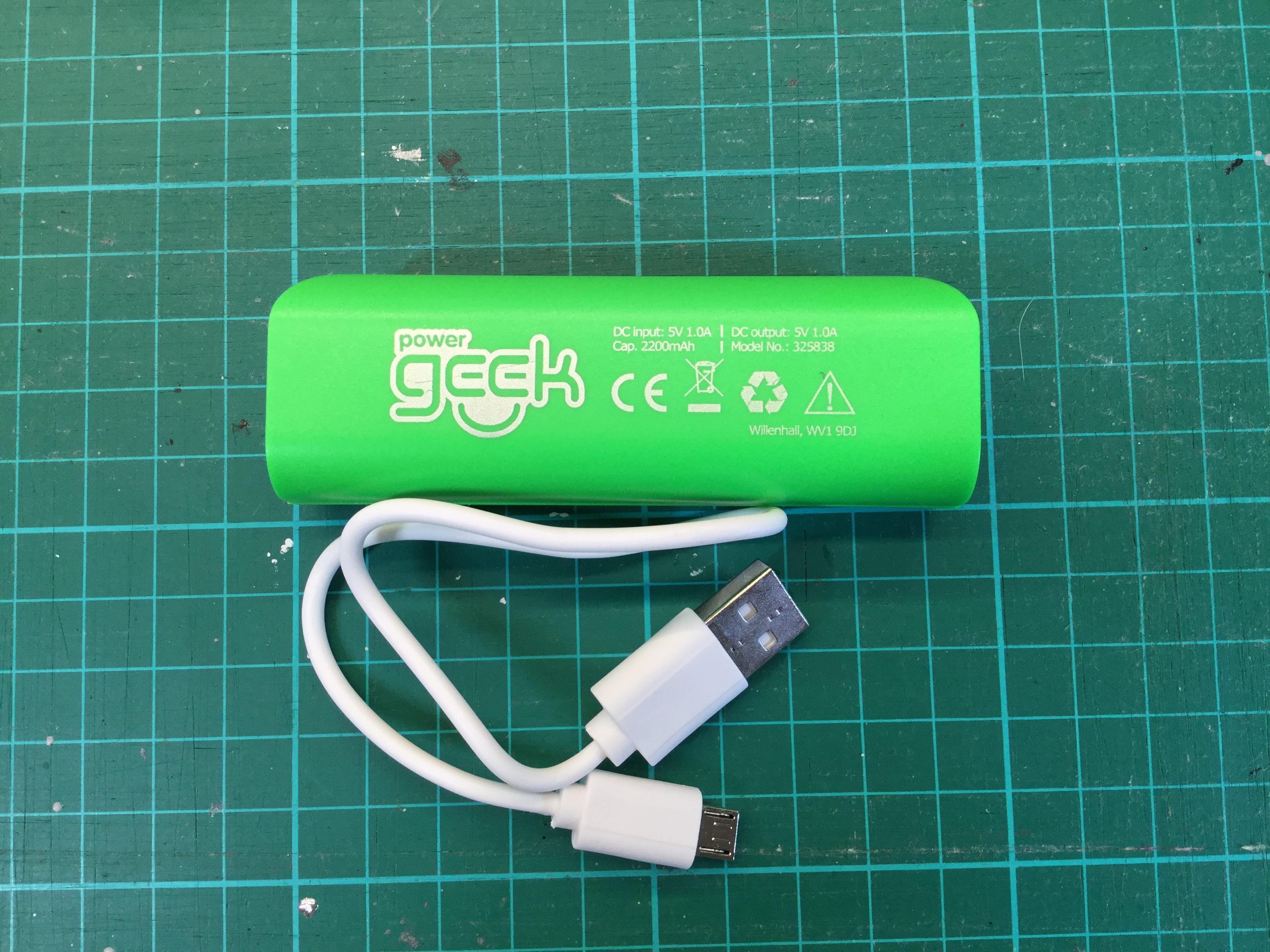
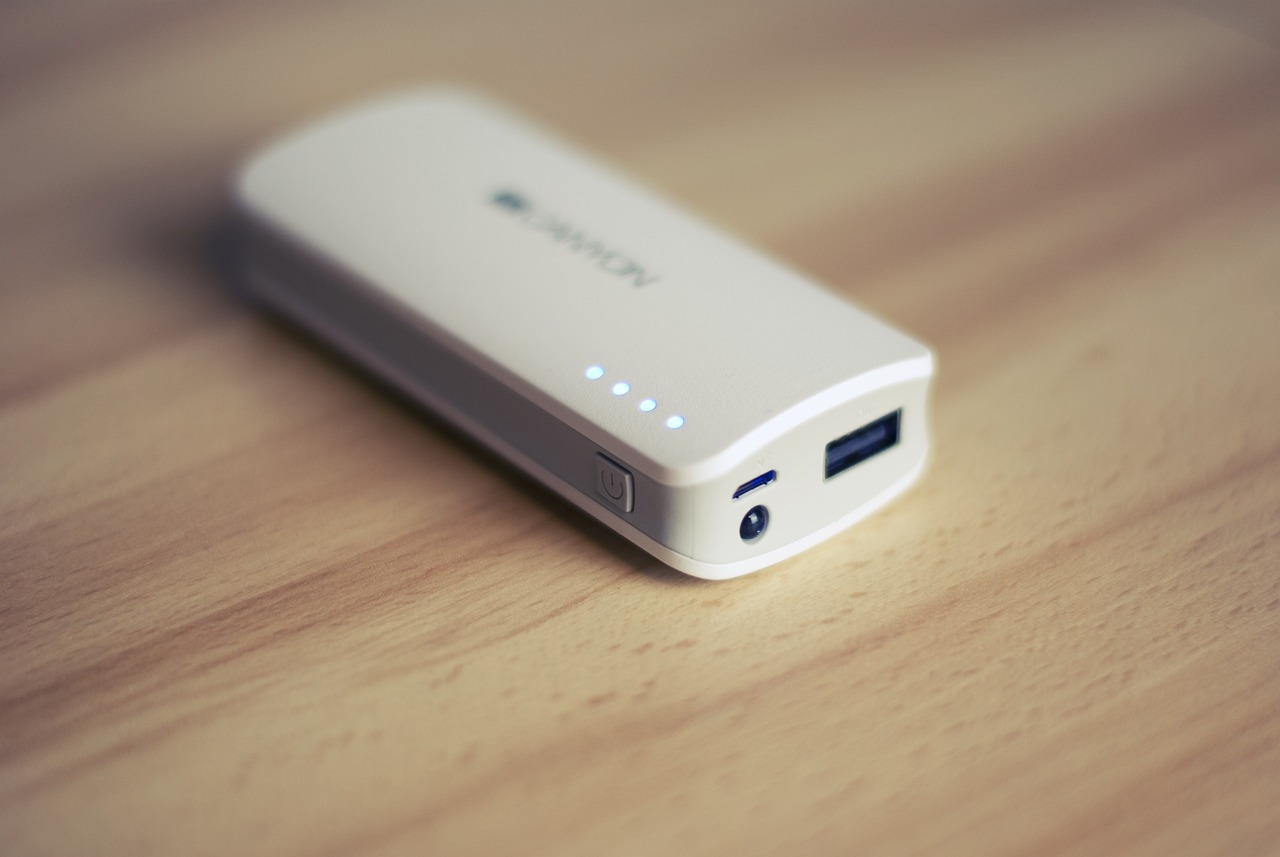
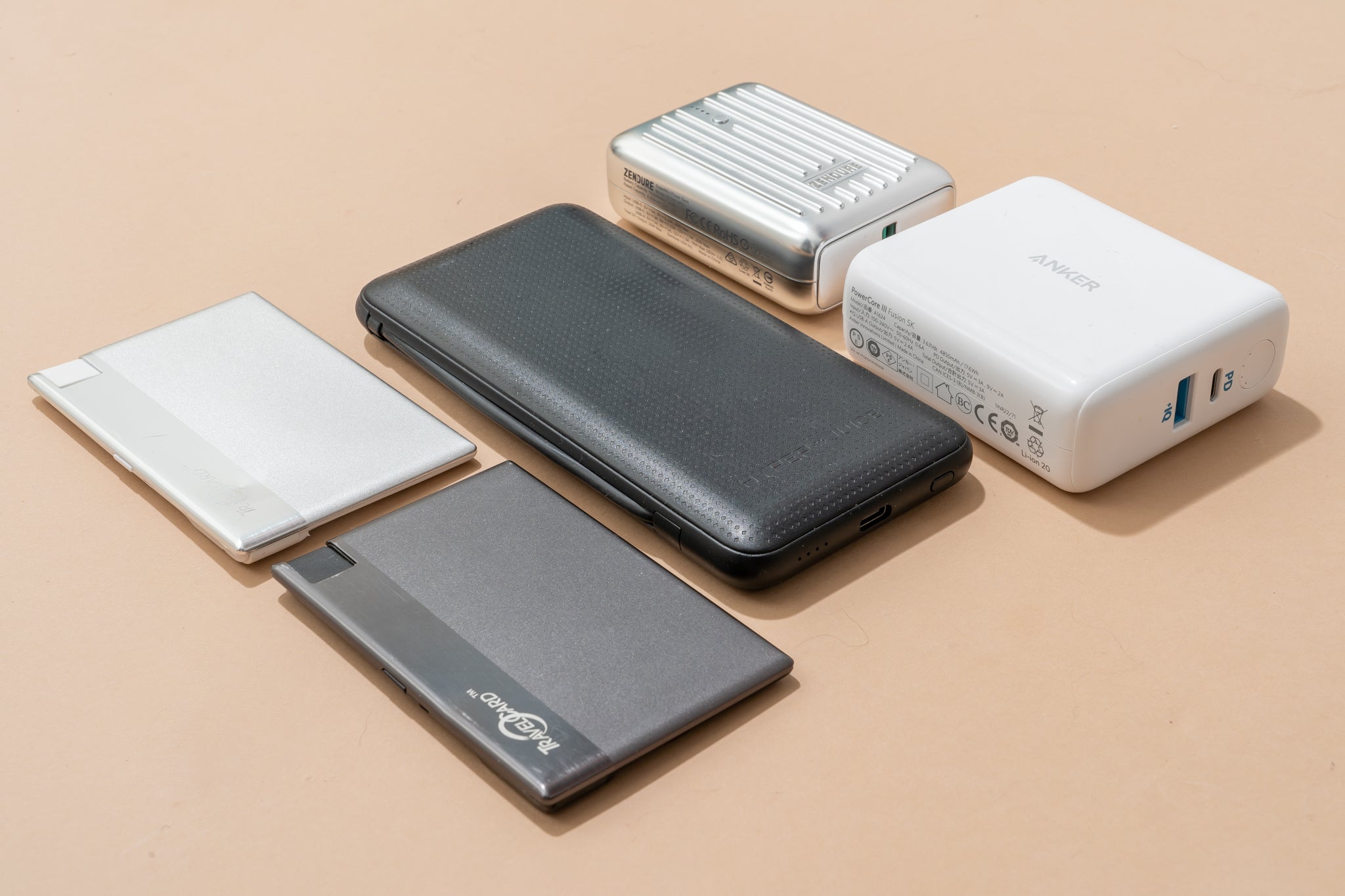
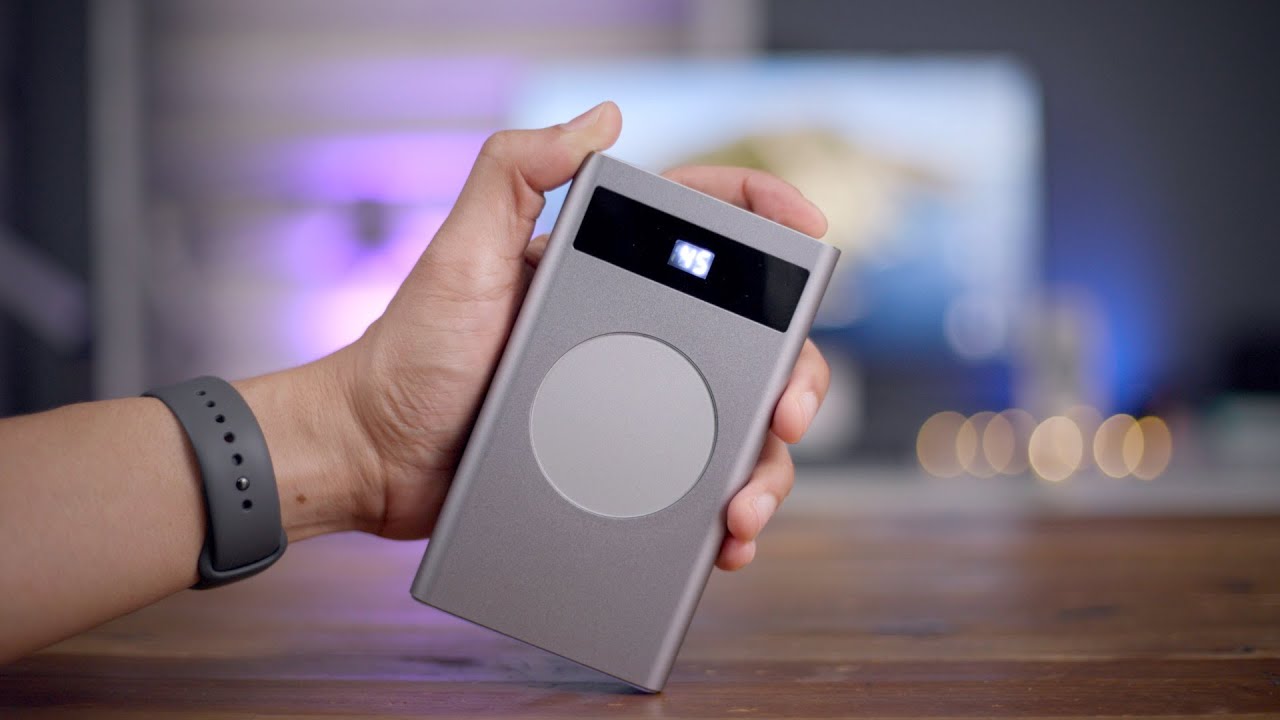
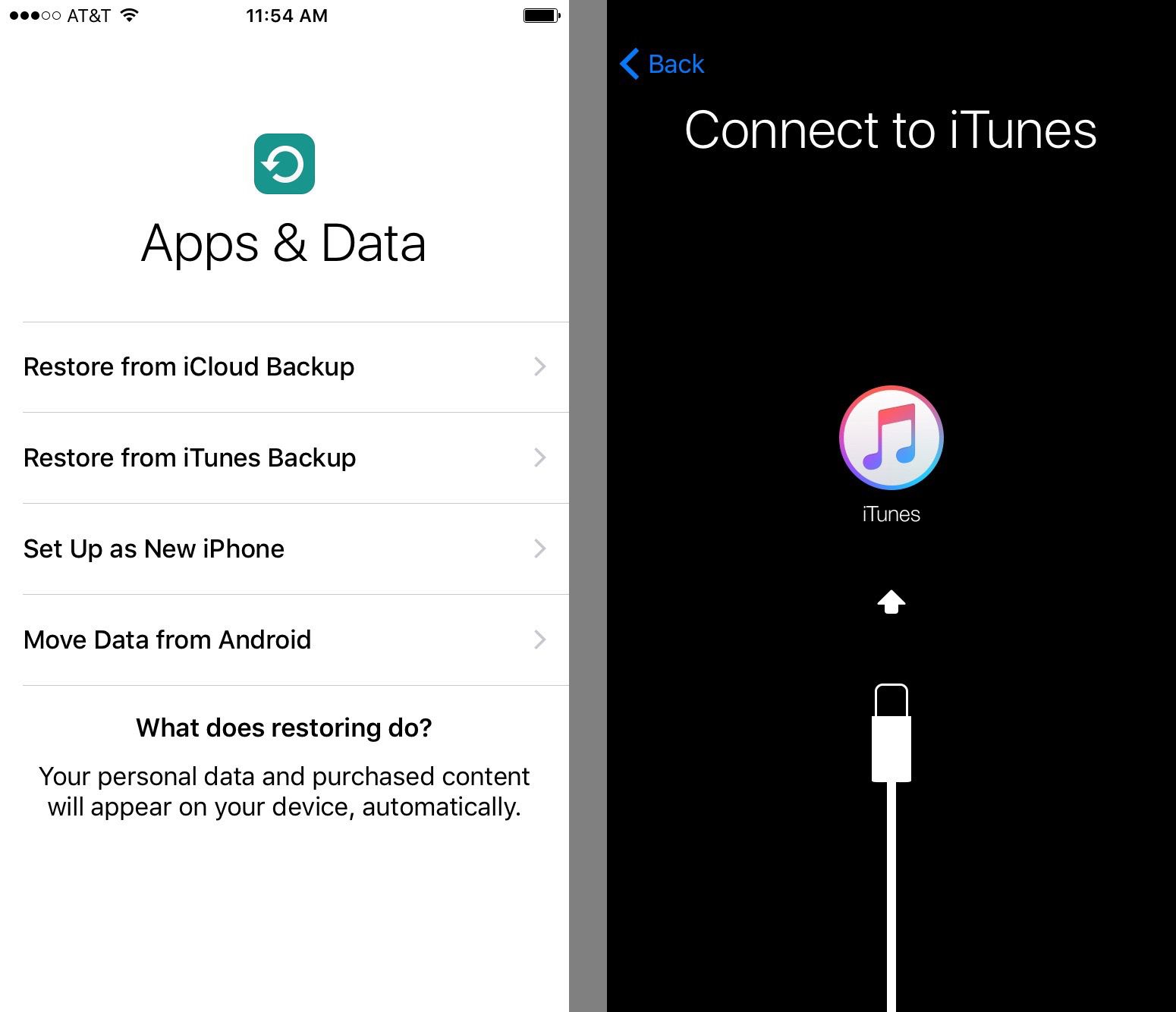
The articles here solve problems in three main areas. First, they tackle connection failures and setup issues, for example, learning what to do when USB is not recognized and won’t show up, or how to connect an iPhone to iTunes when nothing happens. Second, they cover power and charging, with practical explanations like how long a 10000mAh power bank will last and how to charge a power bank for the first time. Third, a large group of articles focuses on gamepad and joystick configuration across different platforms, including how to use a gamepad with Minecraft, how to disable a gamepad in Steam, and how to connect a PS3 joystick to a laptop.
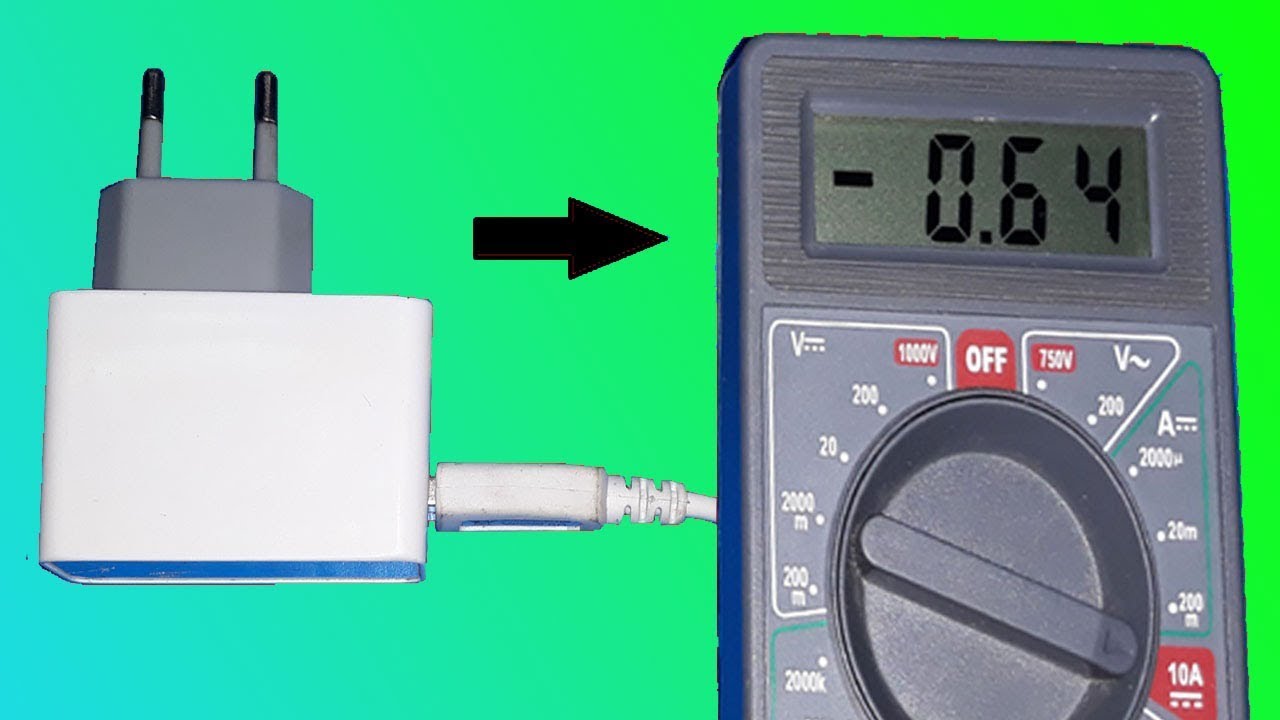
Other specific topics help you test your gear, like how to test a phone charger with a multimeter, or understand the physical hardware itself, such as what a PD connector is and what a USB dongle is and how it works. Each article is written to give you a clear, step-by-step action to take, so you can get your devices talking to each other or your battery working reliably again.