Start here: USB

All topics →

The USB tag on CellularNews collects articles that help you understand, connect, and fix the many devices and accessories that plug into your phone, computer, and console. This page is for anyone who has struggled with a cable that won't work, a controller that won't sync, or a power bank that seems confusing. Whether you are a casual user trying to charge your phone or a gamer setting up a joystick, these guides are built around real-world hardware problems.

The articles here solve problems in three main areas. First, they tackle connection failures and setup issues, for example, learning what to do when USB is not recognized and won’t show up, or how to connect an iPhone to iTunes when nothing happens. Second, they cover power and charging, with practical explanations like how long a 10000mAh power bank will last and how to charge a power bank for the first time. Third, a large group of articles focuses on gamepad and joystick configuration across different platforms, including how to use a gamepad with Minecraft, how to disable a gamepad in Steam, and how to connect a PS3 joystick to a laptop.

Other specific topics help you test your gear, like how to test a phone charger with a multimeter, or understand the physical hardware itself, such as what a PD connector is and what a USB dongle is and how it works. Each article is written to give you a clear, step-by-step action to take, so you can get your devices talking to each other or your battery working reliably again.
Power Bank Usage and Selection

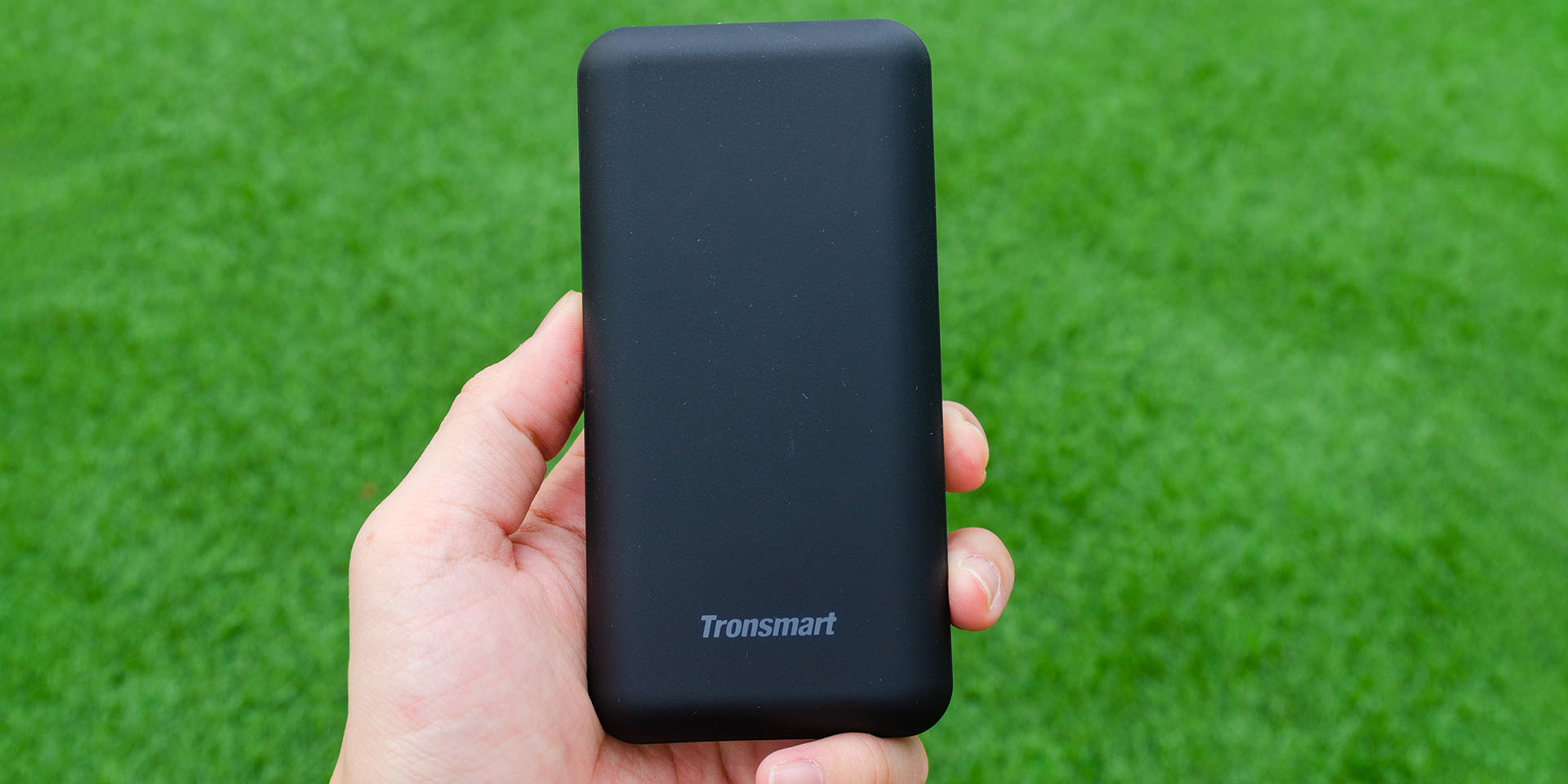
First, understand what a power bank is and how to use it Learning how to use a power bank starts with understanding the basics: a power bank is a portable...

General Headset Setup and Use

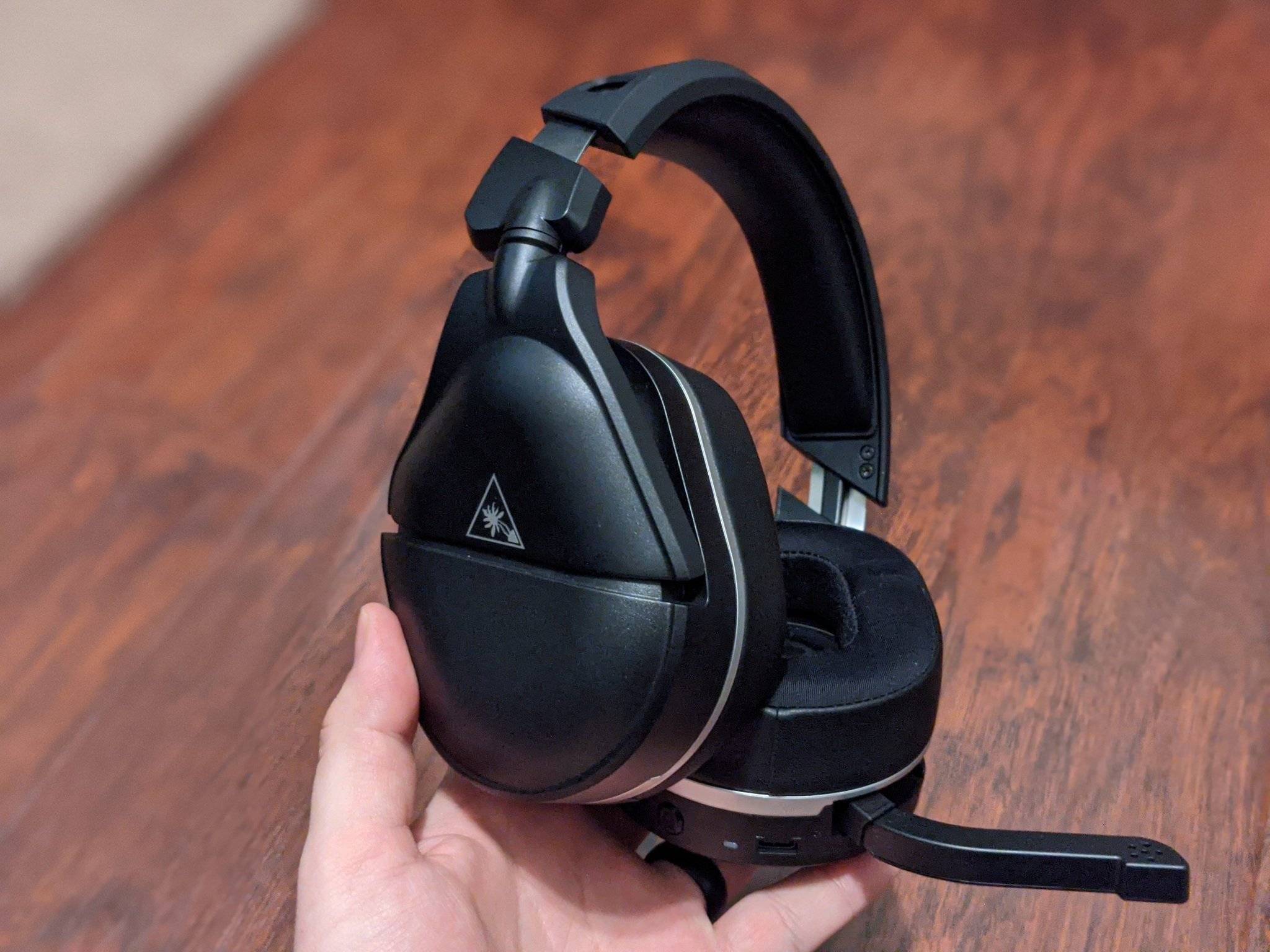
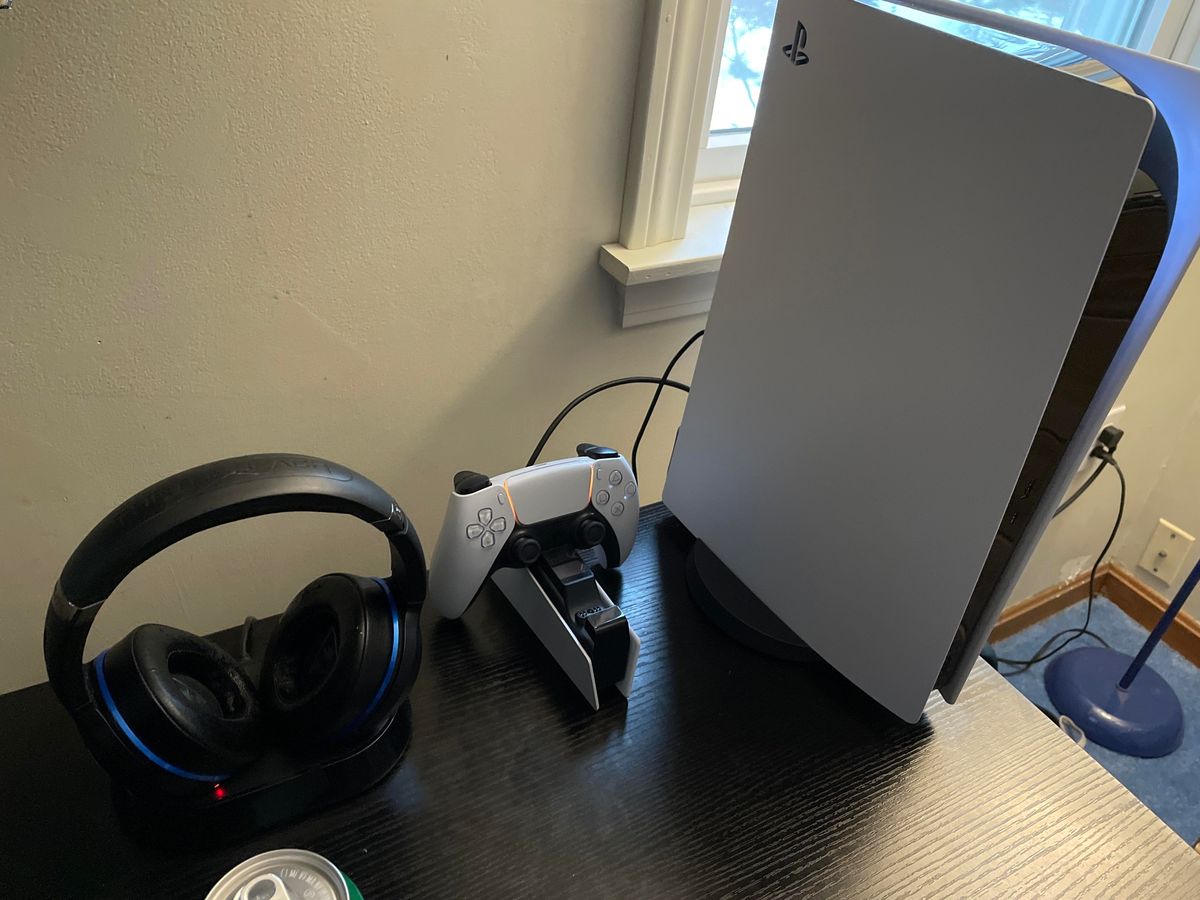
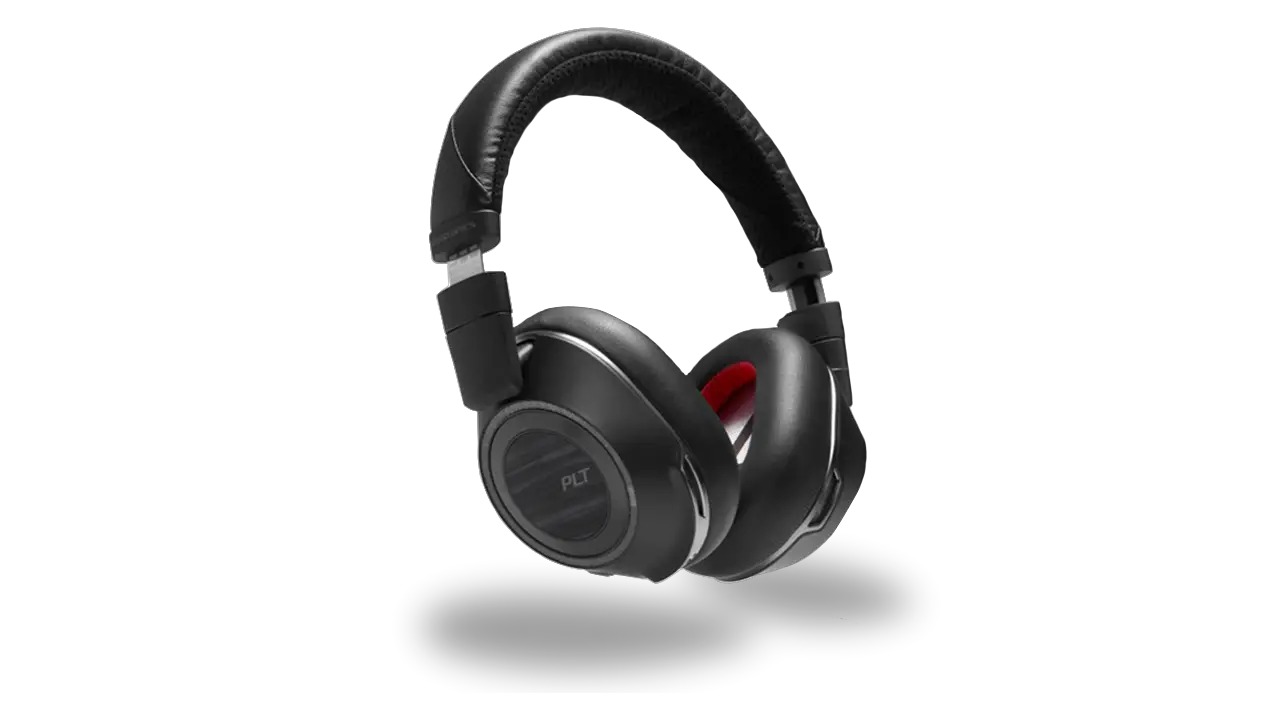
Identify your headset setup guide needs This headset setup guide starts with one rule: stop and identify exactly which headset you are holding before you do anything else. Look at...

How To Connect Phone To Acura

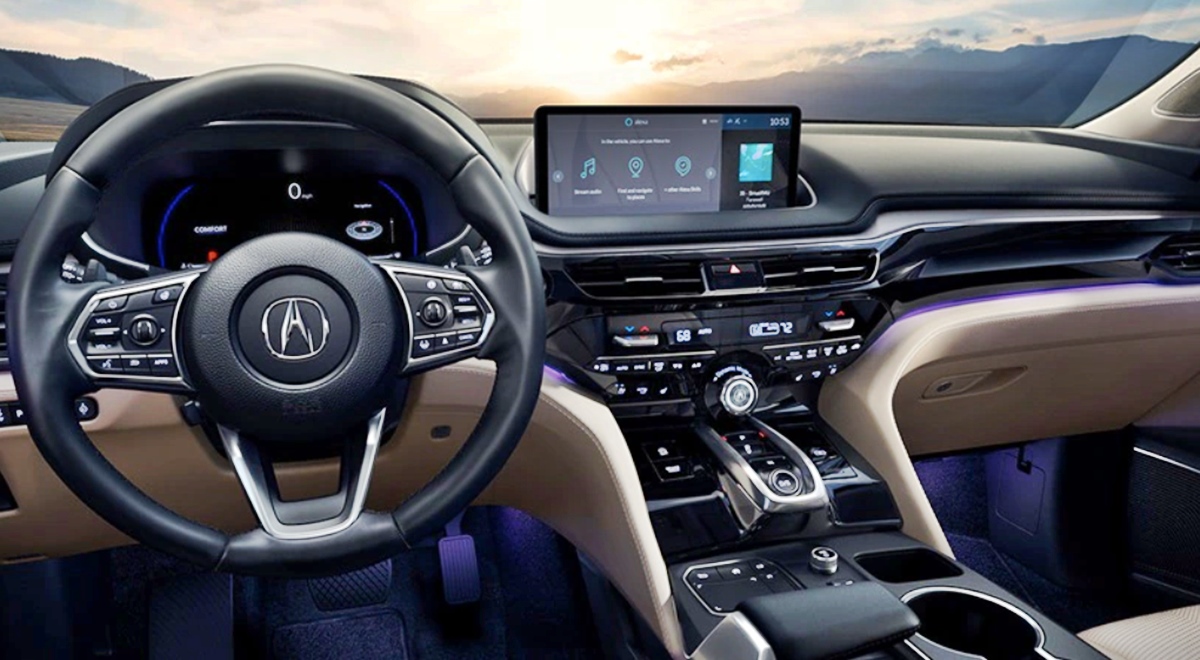
To connect your phone to your Acura, you can pair via Bluetooth for hands-free calling and audio streaming, or use a USB cable to activate Apple CarPlay or Android Auto...

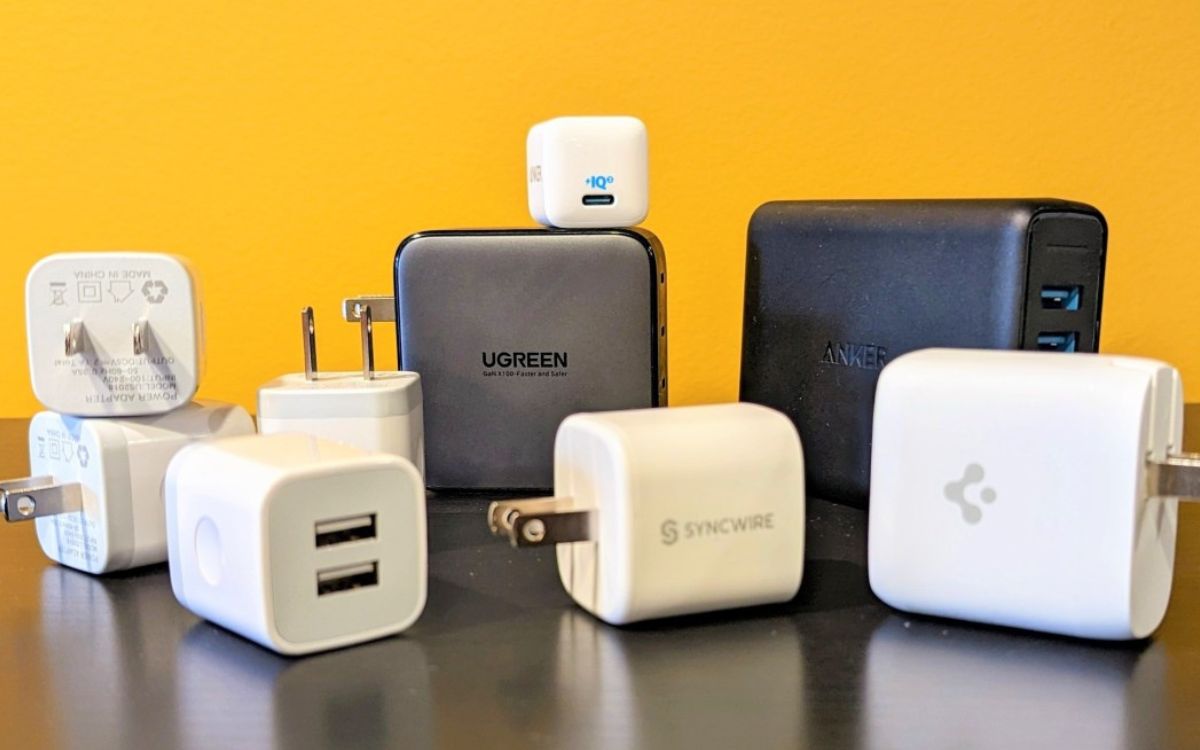
How Many Volts Does A USB Charger Have?

The standard USB charger voltage for any traditional USB port, including USB-A, USB-B, mini-USB, and micro-USB, is 5 volts (5V). This baseline voltage was established by the USB Implementers Forum...

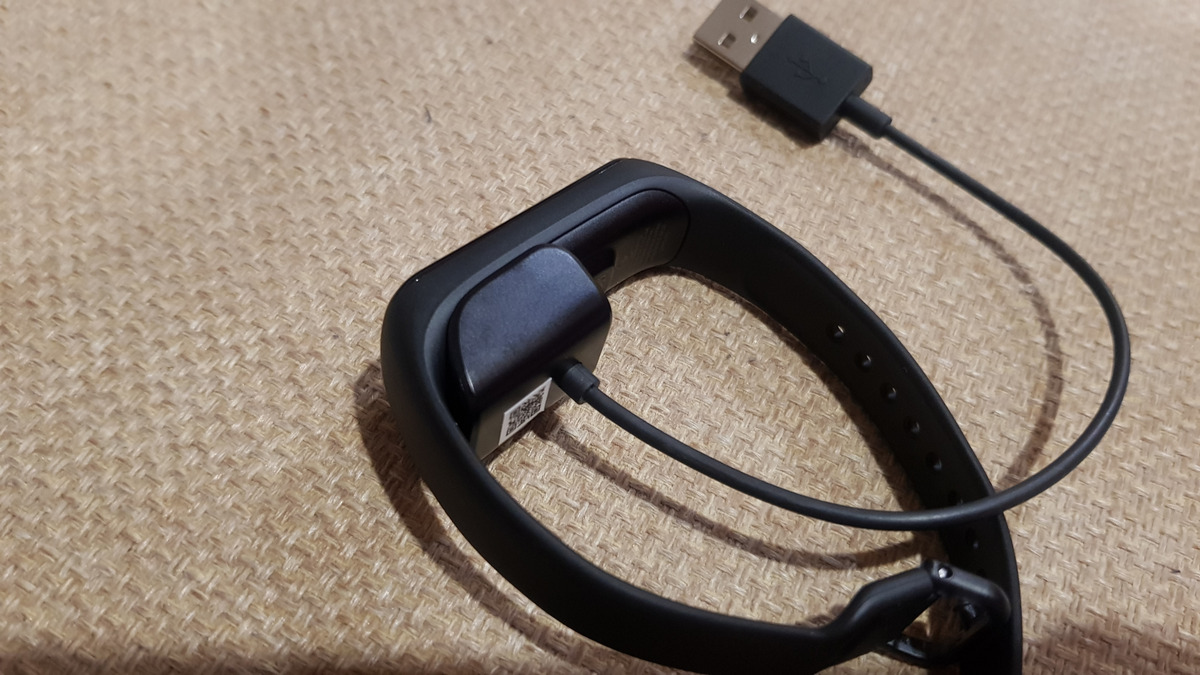
How Do You Charge Fitbit

To charge a Fitbit, connect its unique charging cable to a UL-certified USB power source, then attach the cable to your device. This is the universal process for how to...

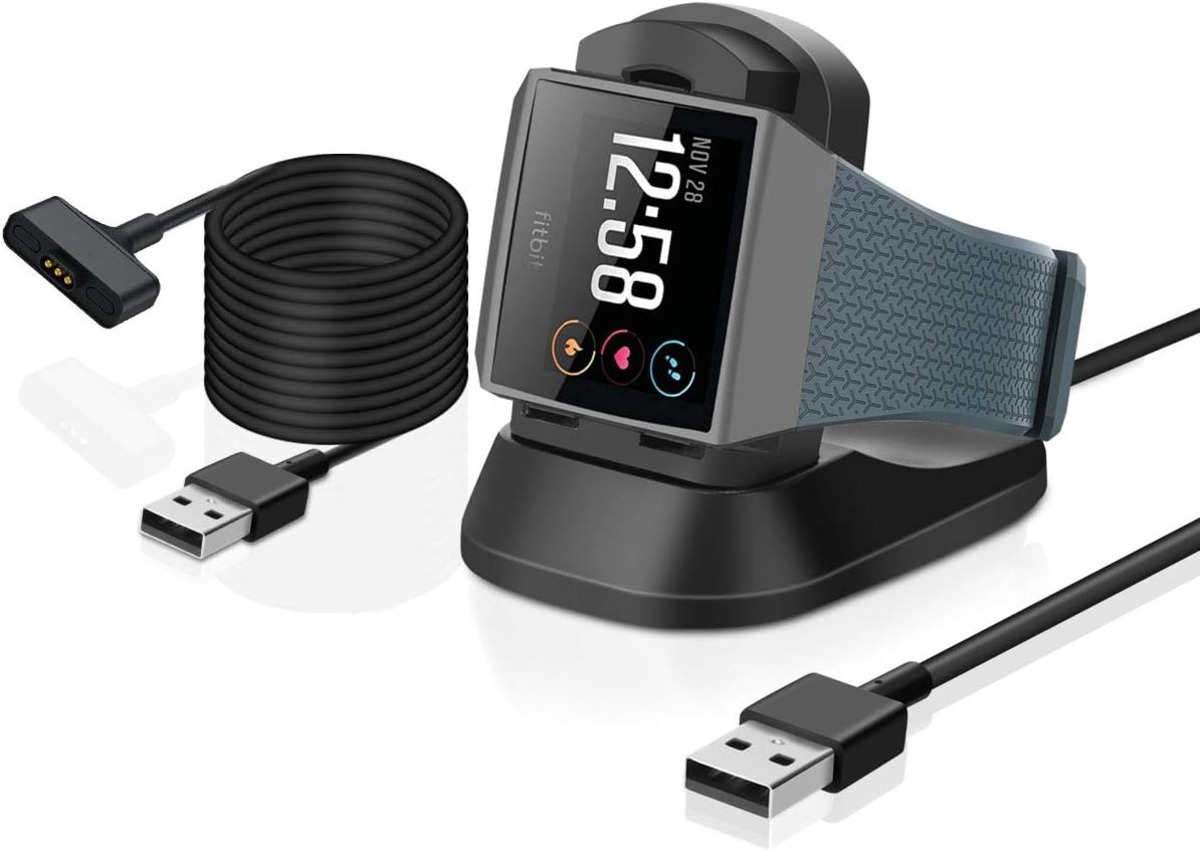
How To Charge Fitbit Ionic

To charge your Fitbit Ionic, plug the magnetic charging cable into a USB port on a computer, a UL-certified USB wall charger, or another safety-certified low-energy power source, then hold...

What Is USB Headset

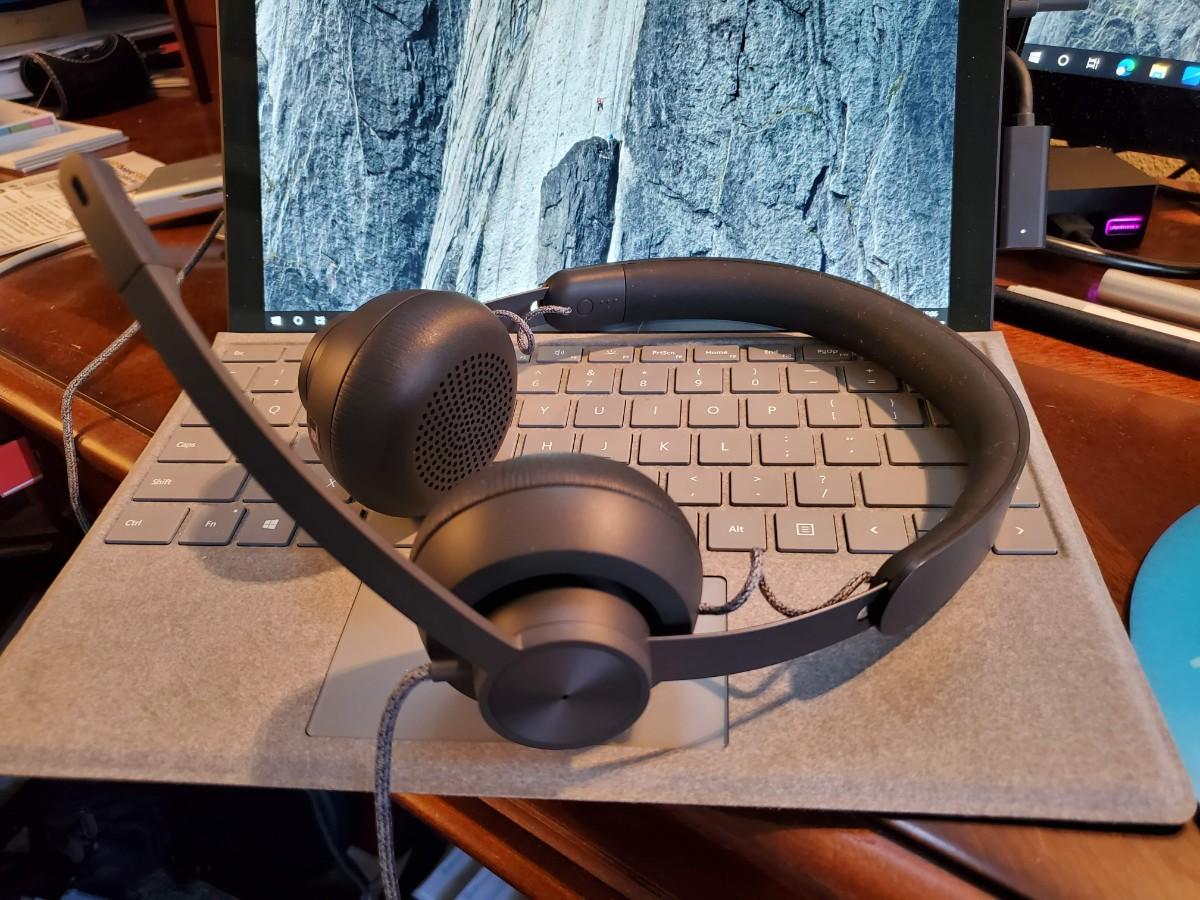
A USB headset is a wired audio device that carries digital audio over a USB connection, bypassing your device's internal sound card by combining headphones and a microphone into a...

How To Set Up Afterglow Headset

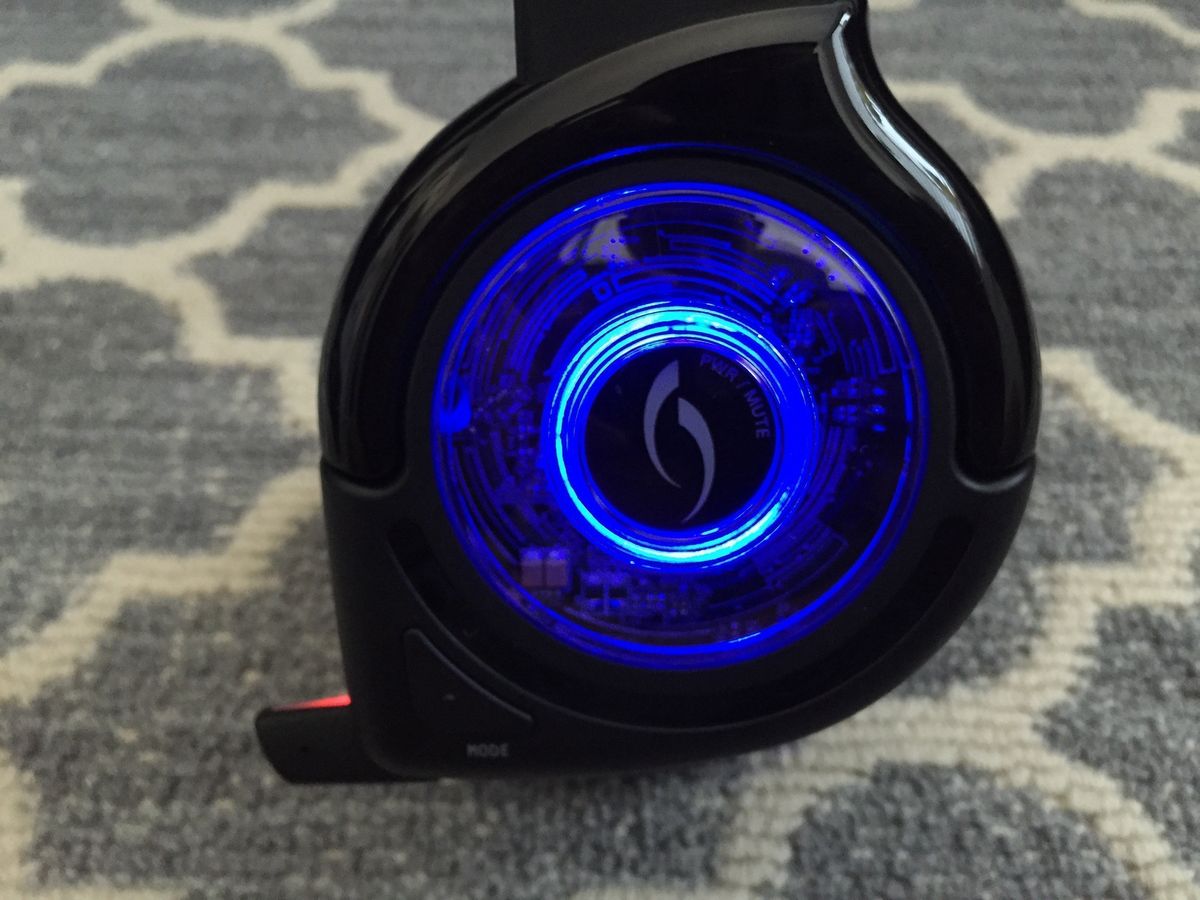
To set up an Afterglow headset, connect the USB transmitter to your device and select the headset in your audio settings. The exact steps depend on whether you are using...